-
-
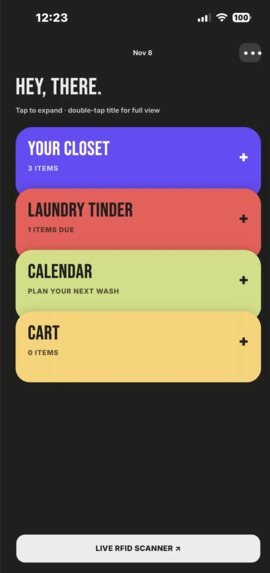
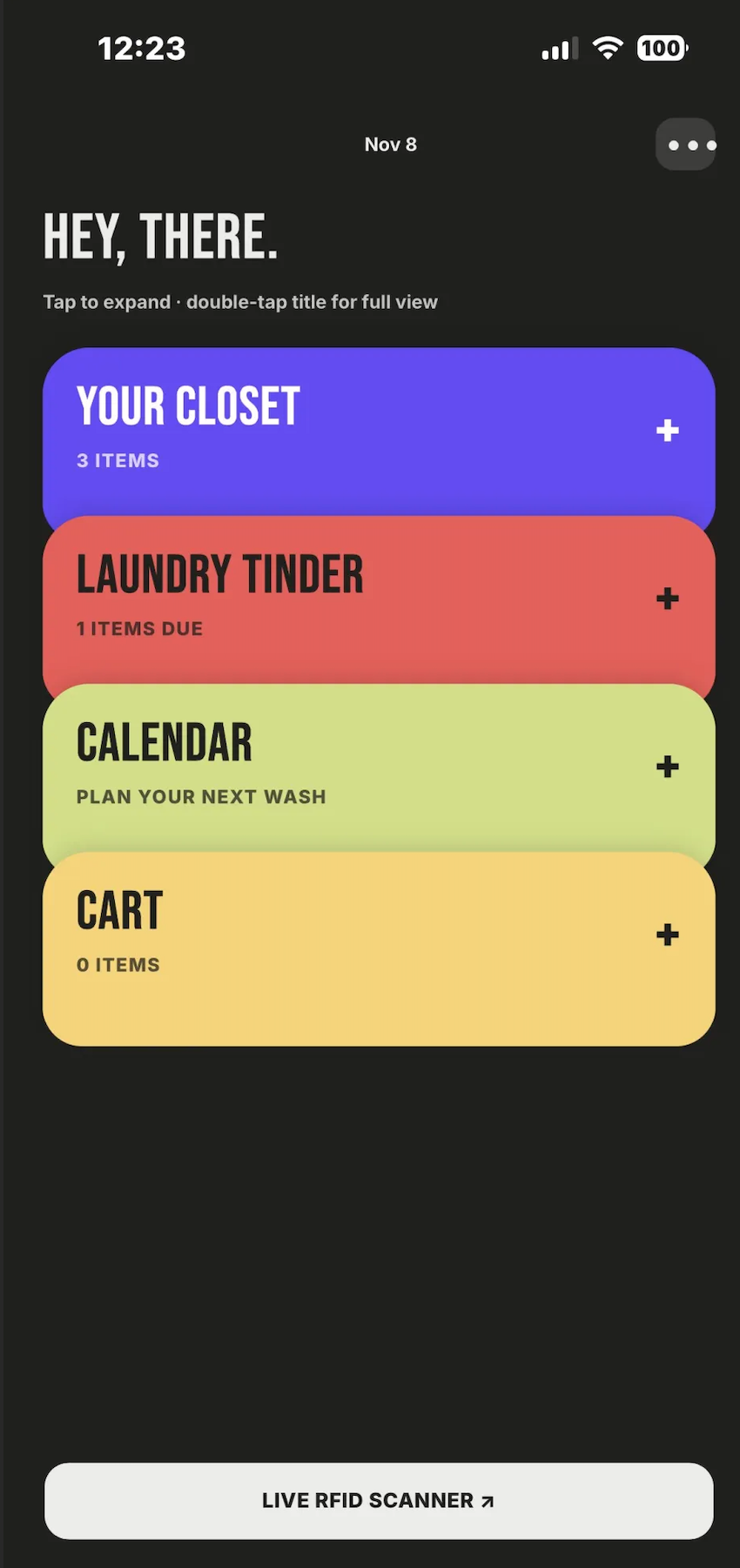
Home Page
-
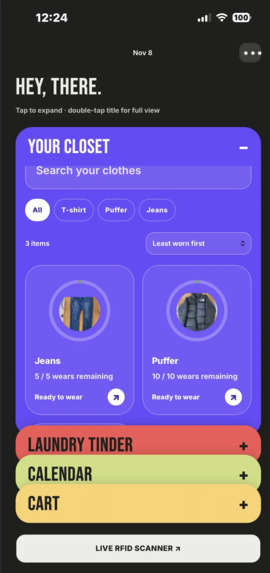
Closet
-
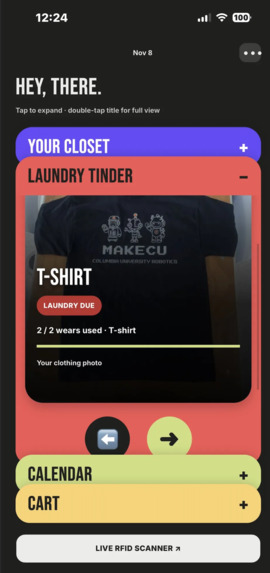
Laundry Tinder
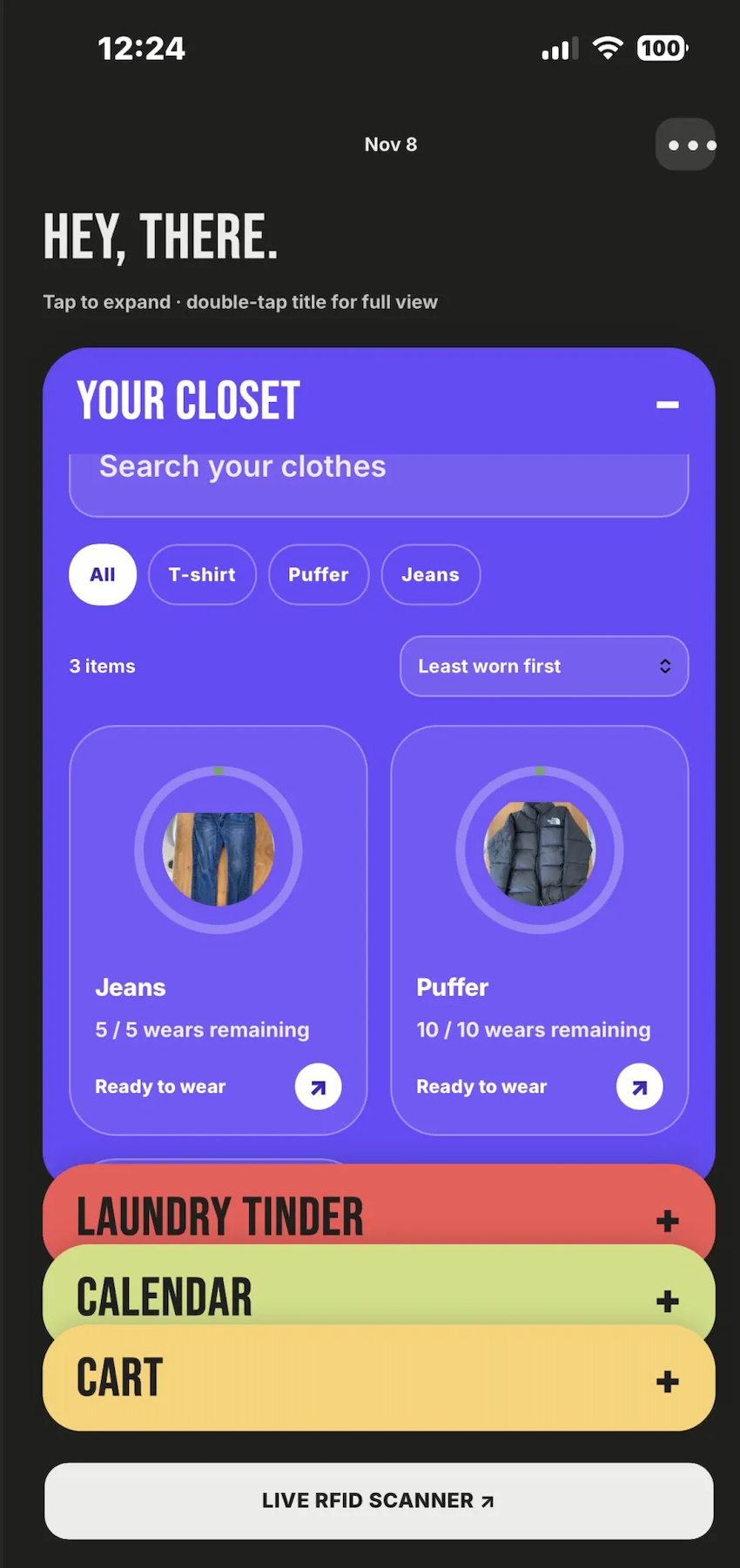
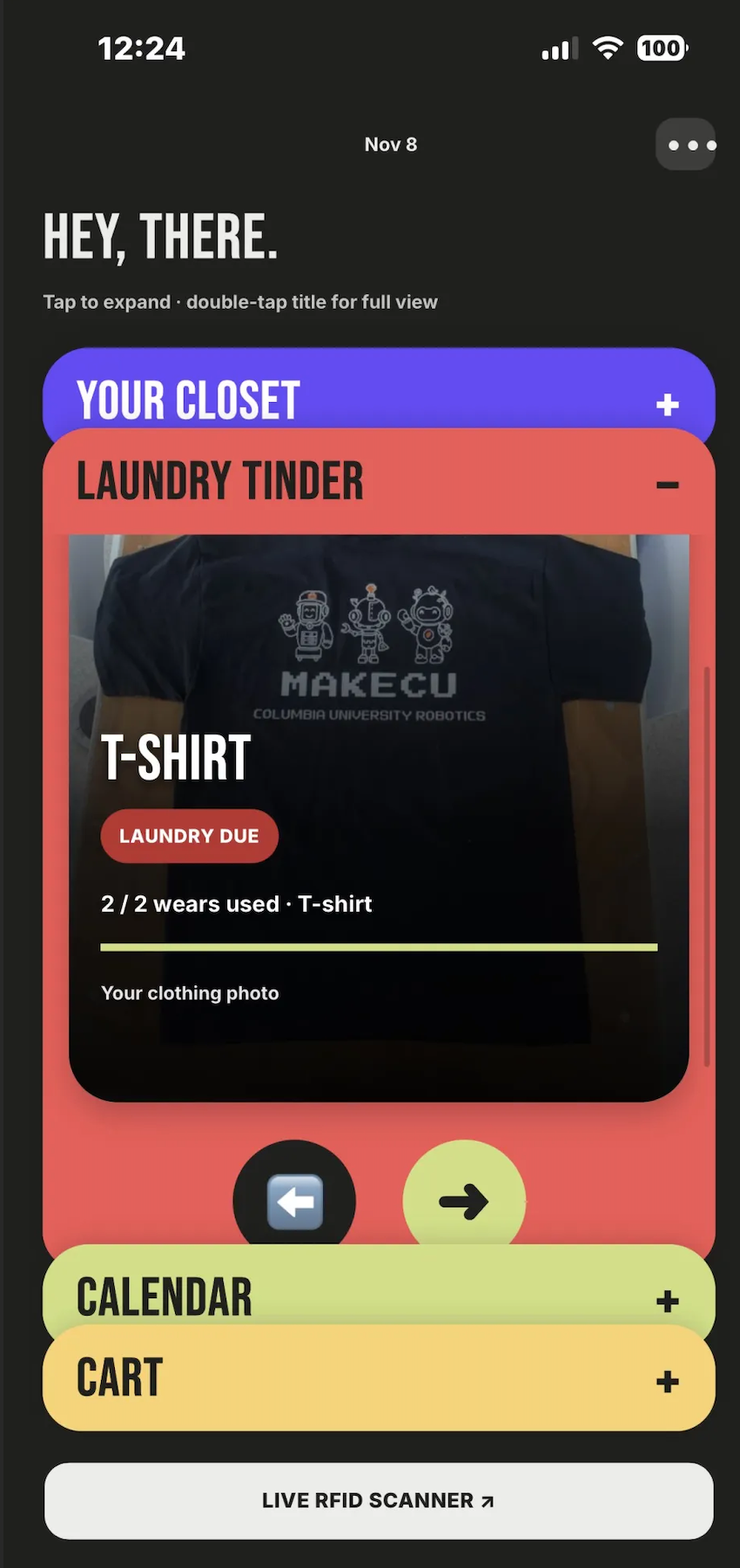
Inspiration: It started with that one smelly classmate. We’re all college students who’ve lived in dorms, and we’ve all sat next to someone in class and thought, “It’s time to wash that hoodie.” Then we realized how easy it is to lose track of ourselves. You throw on the same hoodie for a few early classes, hang it back up, and by Friday you can’t remember how many times you’ve worn it. So we asked ourselves, what if walking out of your dorm room was all it took to log what you wore?
What it does: To add an item, you upload a photo of the clothing. The app sends the photo to the Gemini API, which identifies the item’s color and clothing type to help fill in its profile. You then pair the item with an RFID sticker attached to the clothing and set a wear limit. You can choose your own limit or use the app’s suggestion for that type of clothing. When you walk out of your dorm room, a reader by the door scans your tagged clothes. If you wear the same hoodie to class, come back for lunch, and head out again, the app still counts it as one wear for the day. The app shows how many times you’ve worn each item since its last wash. When clothes are ready to wash, you can review them on Tinder-style cards. Swipe right to add an item to your laundry cart, or skip it and come back to it later. On laundry day, the doorway reader checks which items in your cart leave the room and come back, and the app helps you track your wash and dry cycles with timers.
How we built it: We used Notability to plan our project, map out its workflow, and organize how the hardware, backend, and app would work together. We started by connecting an RFID reader to an ESP32 so we could scan the tags attached to our clothes. Then we connected the ESP32 to Firebase to send the scan data. While we worked on the hardware, we designed the app’s features and interface, including how students would add clothes, check wear counts, and build a laundry cart. Once we had the design in place, we connected the app to Firebase and wrote the backend code so the app could use scan data to update wear counts. We developed FabriCUe for web and iOS and created a 3D model to hold the reader and ESP32 together as one unit by the dorm doorway.
Challenges we ran into: One of our biggest challenges was getting the RFID reader, Firebase, and the app to communicate reliably. The reader kept scanning the same tag while it was in range, sending too much data to Firebase and slowing down the system. We had to troubleshoot two connections separately: getting scans from the ESP32 into Firebase and getting the app to pull that data. The RFID library also gave us errors, so we wrote our own code to read data directly from the reader. Our version of macOS was incompatible with the version of Xcode we needed, which slowed down app development. We also ran into a tolerance issue in our 3D model that kept the parts from fitting together as intended.
Accomplishments that we’re proud of: One of our biggest accomplishments was getting a physical RFID reader to communicate with an app running on a phone. We’re proud that we used that connection to solve an everyday problem for students living in dorms. We also got the hardware to fit together by fixing the tolerance issue in our 3D model and got the reader working by writing our own code when the existing library failed.
What we learned:
- App design: We learned how to design an app around something students already do every day, like walking out of their dorm room.
- Software: We learned how to send and retrieve data through Firebase and how to build an iOS app in Xcode.
- Hardware: We learned how to write code for a reader with limited documentation and connect an ESP32 to a cloud service.
What’s next for FabriCUe: Our prototype uses Firebase’s free tier, but parts of the system still depend on a locally running server. We want to move the remaining backend processing to the cloud so the system can run without us keeping a local server online. As we expand, we also want to support more users and improve how we protect user data. FabriCUe currently works on web and iOS. Next, we want to build Android support so more students can use it on their phones. Our current doorway scanner is bulky, so we want to make the hardware and enclosure smaller and easier to place in a dorm room. We also plan to test different RFID tags and frequency options to improve the reliability of doorway scans.

