-
-
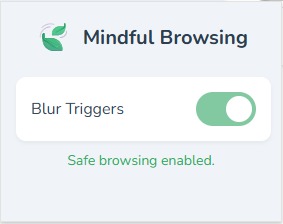
Extension UI
-
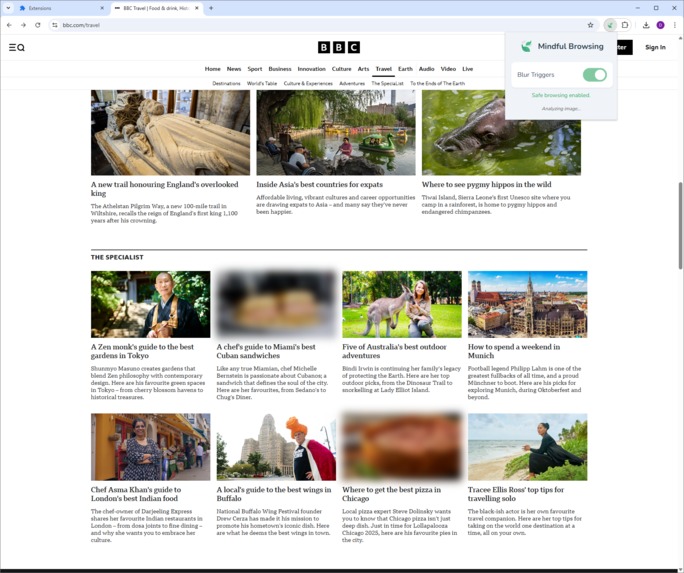
Extension in action
Inspiration
The idea for "Mindful Browsing" came from the Chrome AI 2025 competition. I was excited about the new on-device multimodal APIs and wanted to build something useful. My first idea was an NSFW filter, but that felt unoriginal. I started thinking about other types of content people might want to avoid for their well-being, and the struggles of people with eating disorders came to mind. I realized I could use a small VLM to automatically identify and hide triggering images, giving users more control over their online environment.
What it does
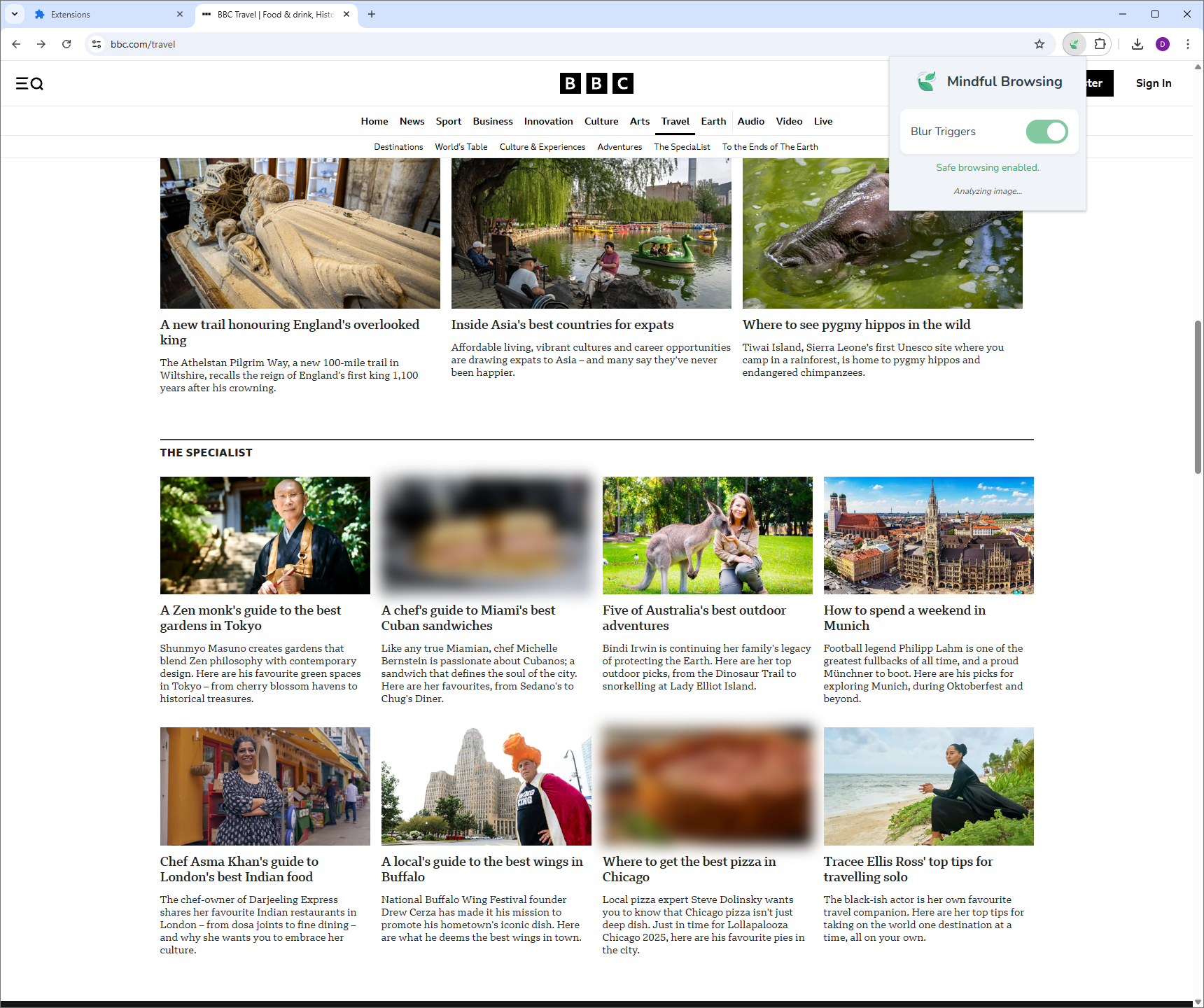
"Mindful Browsing" is a Chrome extension that helps create a safer online space for people recovering from eating disorders. It automatically blurs all images on a webpage when it first loads. Then, using Chrome's built-in Gemini Nano model, it analyzes each image directly on the user's computer, so no data is ever sent to a server. Images the AI classifies as "safe"—like landscapes or architecture—are automatically un-blurred. Images in triggering categories, such as prepared meals or weight loss ads, remain hidden. The user can easily turn the extension on or off through a simple popup.
How we built it
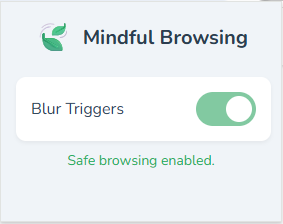
This was my first time building a Chrome extension with TypeScript, so I dove in and learned as I went. My background is mostly in Python and LLMs, so this was a new challenge. The project is a Manifest V3 extension built with TypeScript and Rollup.js. I started by using Copilot to get the core feature working: using the experimental Gemini Nano API to classify images into safe and unsafe categories. I had to feed the latest API docs directly to the AI assistant to get it to work correctly. Later, I used Gemini Code Assist to fix bugs and clean up the UI. The extension has three main parts: Content Script: Blurs images and sends them to the background for analysis. It uses a MutationObserver and IntersectionObserver to handle modern websites with lazy-loading. Background Script: Manages the on-device AI model, classifies images, and tells the content script which ones to un-blur. Popup: A simple UI for the user to toggle the extension on and off and see its status.
Challenges we ran into
I hit a few roadblocks along the way, mostly because the Gemini Nano API is so new. Experimental APIs: Setting up the development environment was a hassle. It required using Chrome Canary, enabling several feature flags, and getting an Origin Trial token just to get the on-device model to download and run. Prompt Engineering: My first prompts were too simple. The AI got much more accurate after I switched to a multi-category system with a "safe list" and a strict JSON output format. Image Detection: Modern websites that load images dynamically broke my initial script. I had to switch to a more robust system using two observers to catch all the images. Extension Bugs: I spent a lot of time debugging a "Receiving end does not exist" error until I figured out how to correctly target the message from the background script to the right tab.
Accomplishments that we're proud of
I'm proud that I built a tool that could actually help people. The privacy-first approach, using on-device AI, was really important to me, and I'm happy I was able to make that work. As someone new to TypeScript and Chrome extensions, I'm also just proud that I figured it all out and built a complete, working project. It handles modern web features like SPAs and lazy-loading, which was a tough but rewarding challenge.
What we learned
This project taught me a ton. I learned the ins and outs of building a modern Chrome extension with TypeScript, from the manifest file to asynchronous messaging between scripts. I also got a crash course in working with experimental, on-device AI. It showed me how important prompt engineering is for getting reliable results from a model. Most of all, I learned to be persistent when debugging, especially when the documentation is sparse and you're working with brand-new technology.
What's next for Mindful Browsing
I have a few ideas for where to take this next. I'd like to add more user control, allowing people to customize which categories they want to block. This could make it useful for a wider range of sensitivities beyond just eating disorders. I also want to look into analyzing video and GIFs.
Built With
- gemini
- languagemodel
- mutationobserver
- rollup.js
- typescript


Log in or sign up for Devpost to join the conversation.