-
-
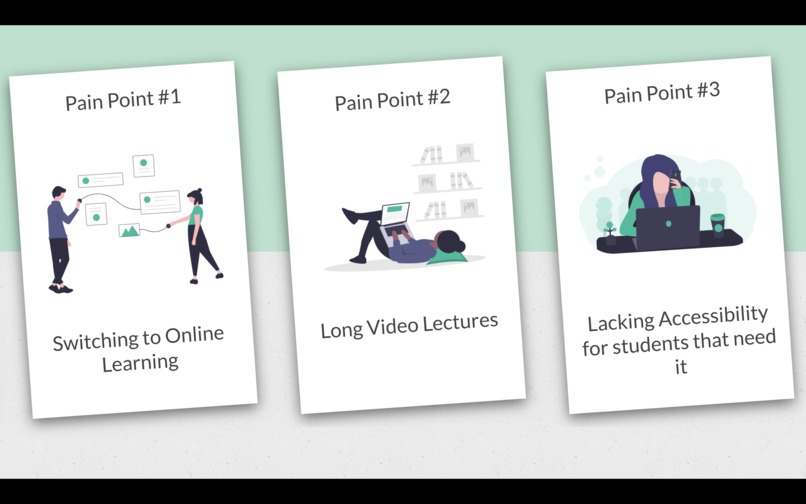
Pain Points
-
Web App Title
-
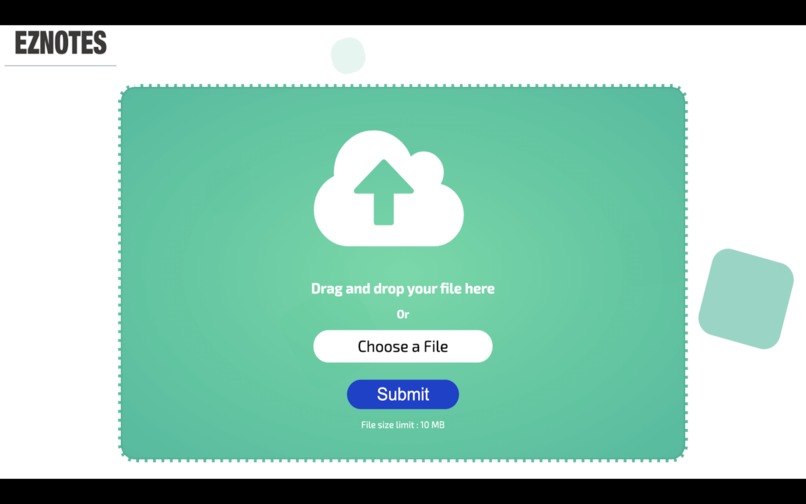
Upload Page
-
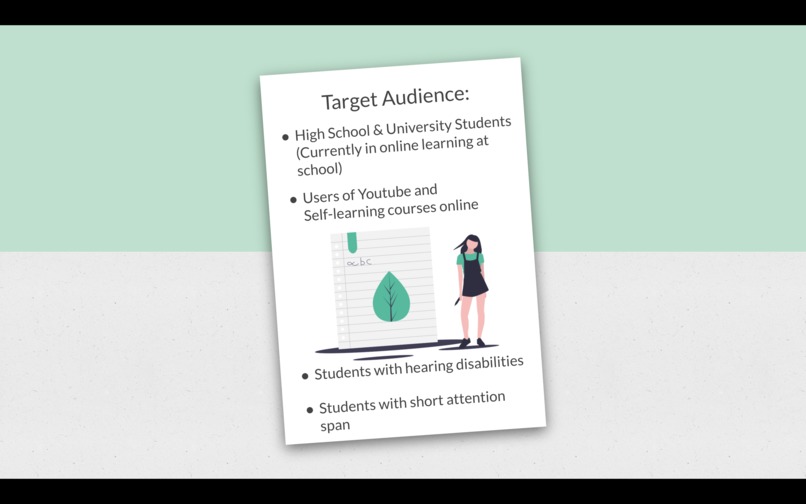
Target Audience
-
Demo
-
Video - Transcription & Summary
Inspiration
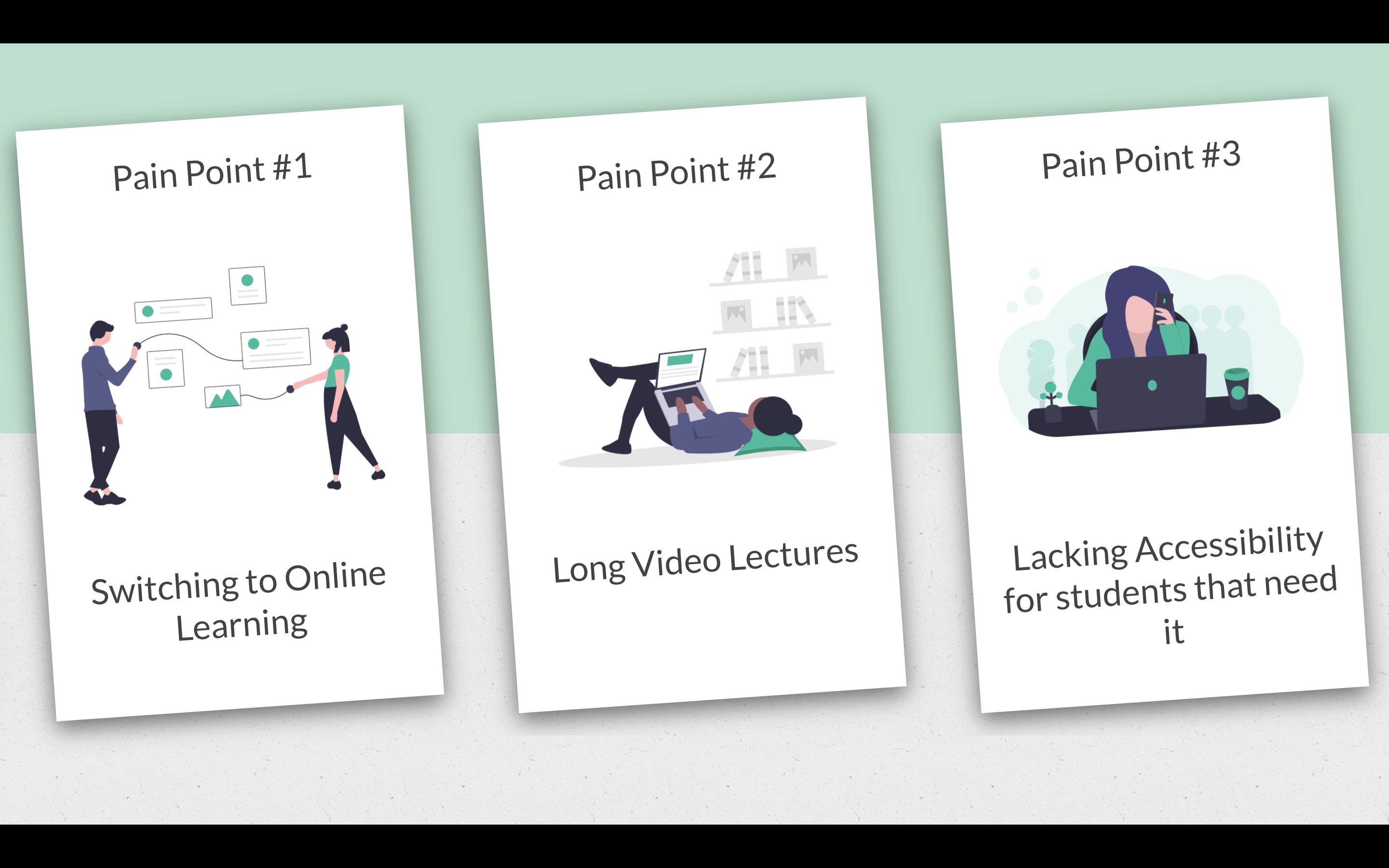
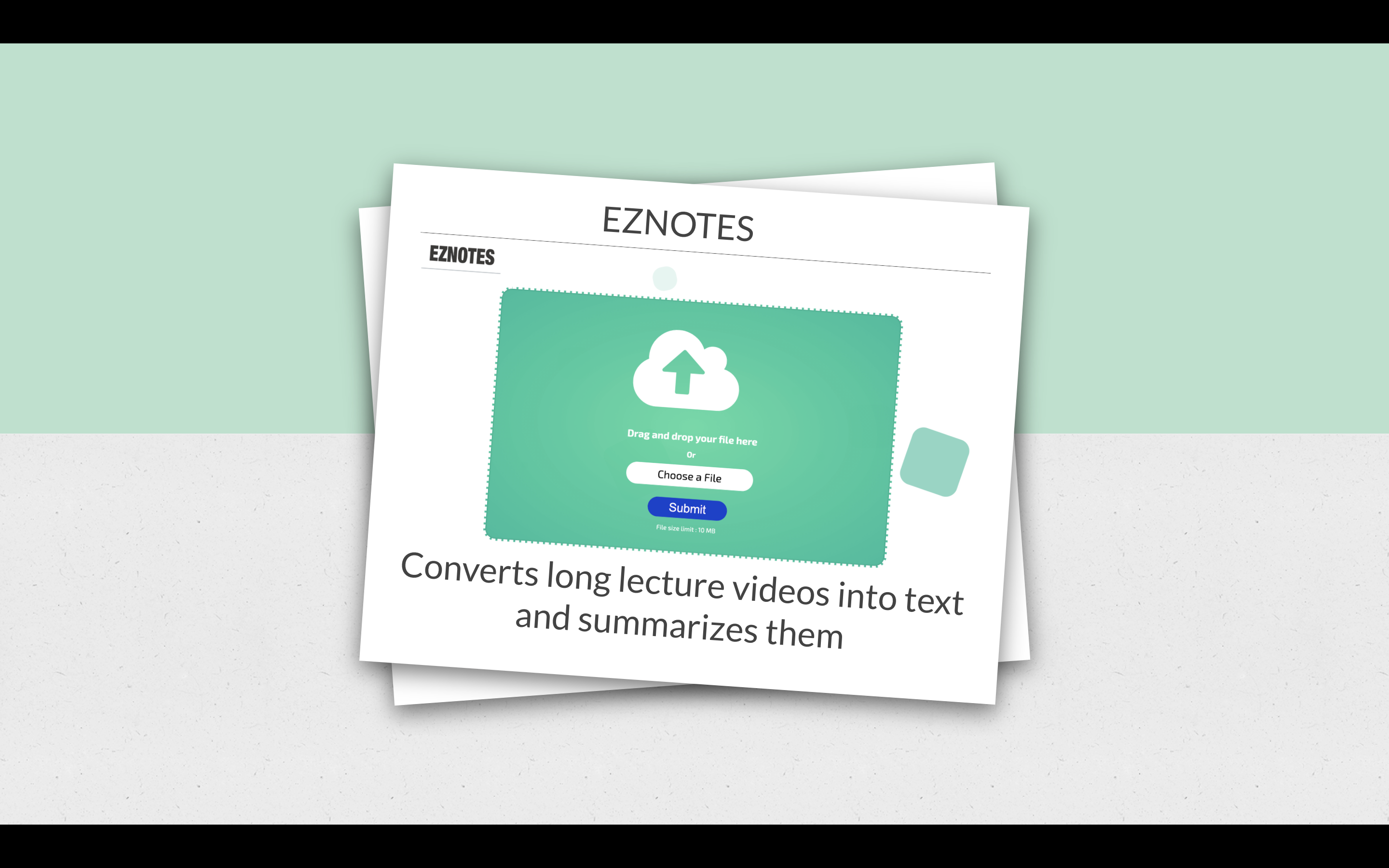
Due to COVID-19, millions of students around the world have been forced to quickly adapt to education online. To ease this transition, we wanted to help students by creating a web app that captures the full lecture transcription and also summarizes the lecture transcription. This would help make studying more efficient.
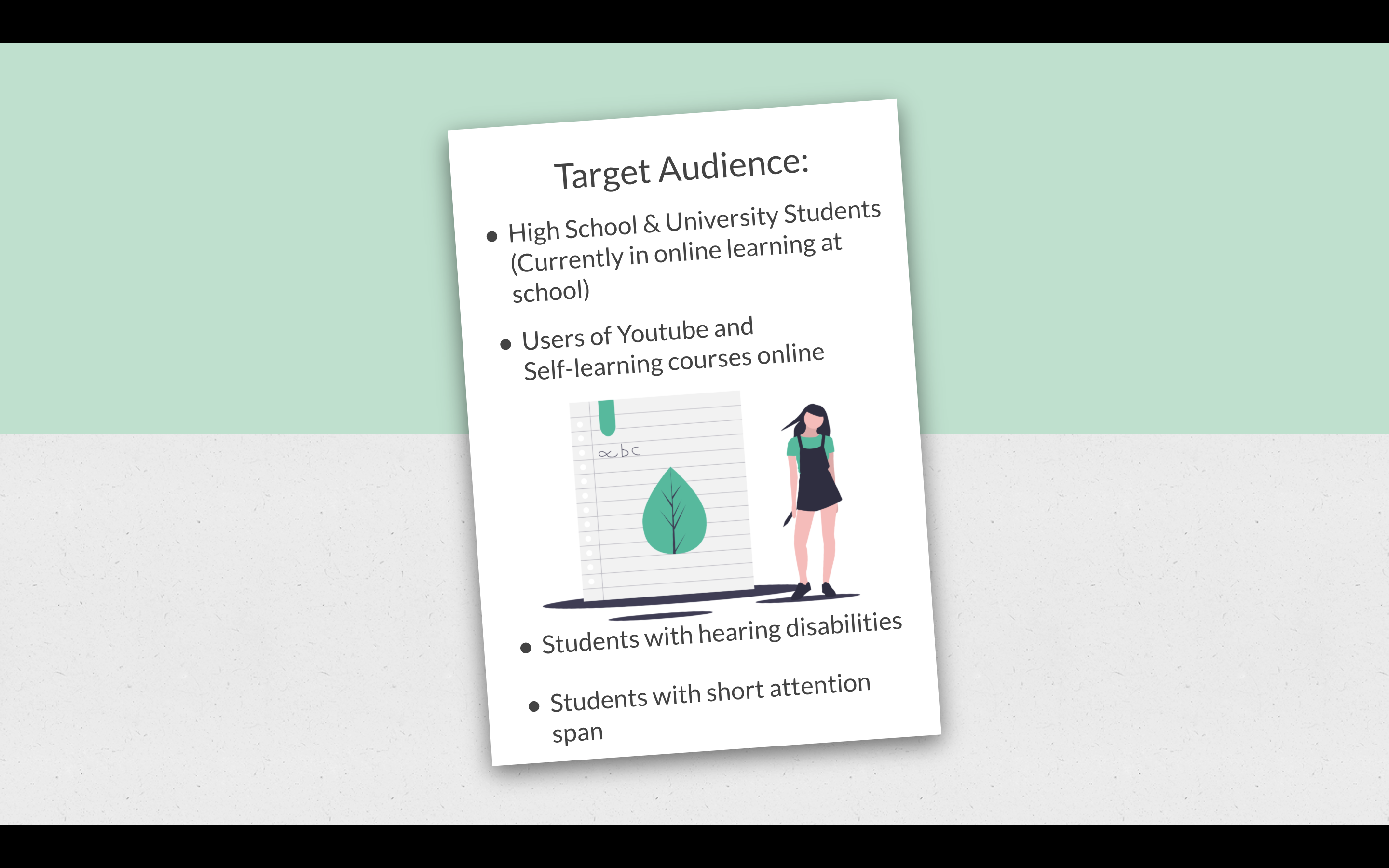
The main target audience for our app is any and all students who are currently going through online education. We also wanted to target students with hearing abilities who might not be able to comprehend the online lectures effectively. And lastly of course students with a short attention span.
What it does
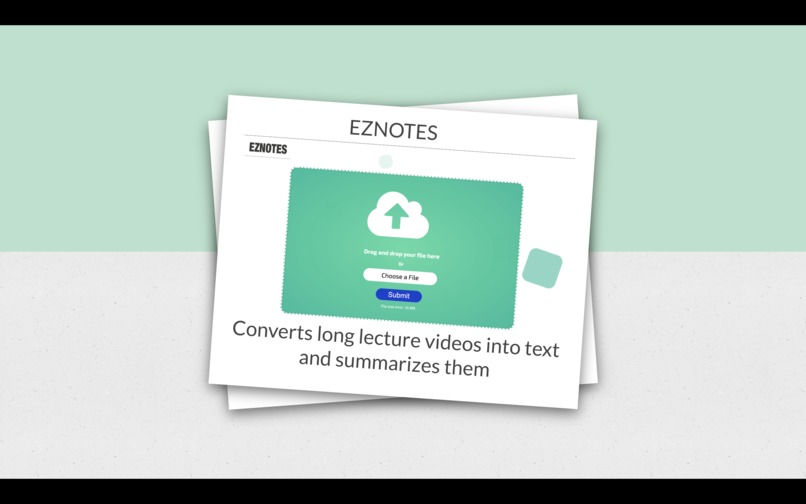
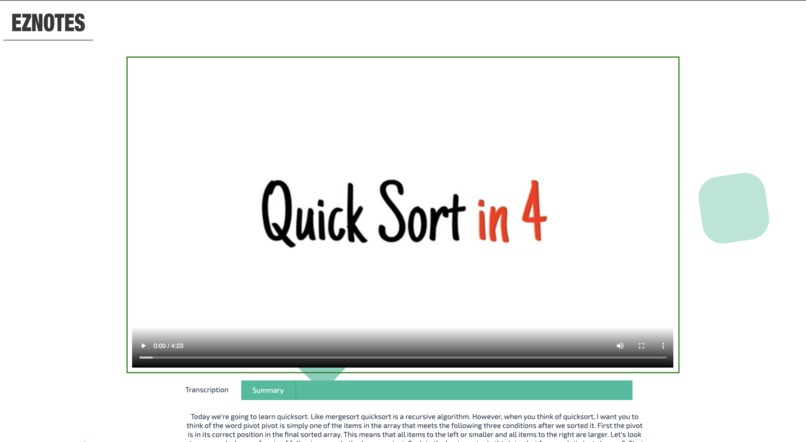
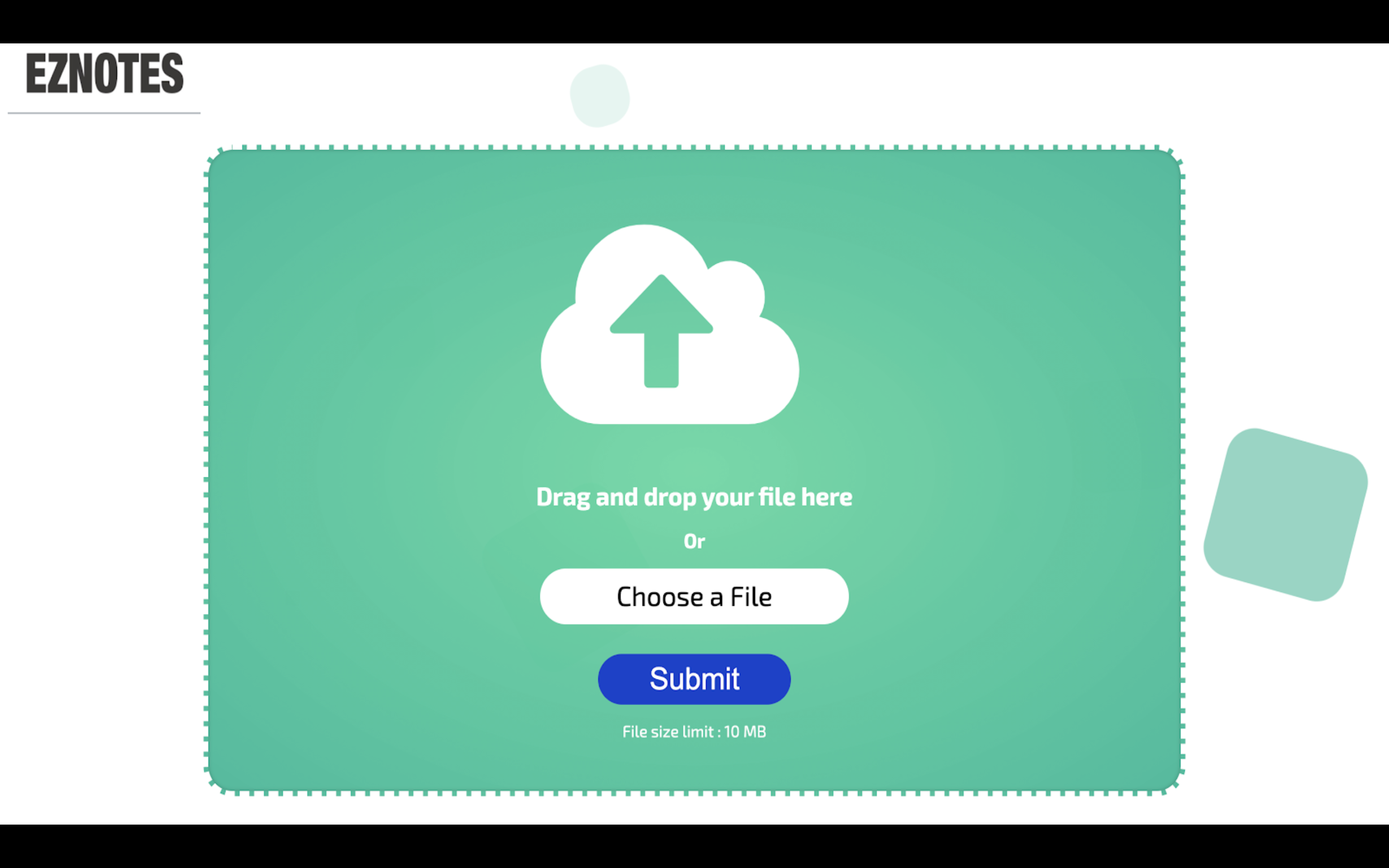
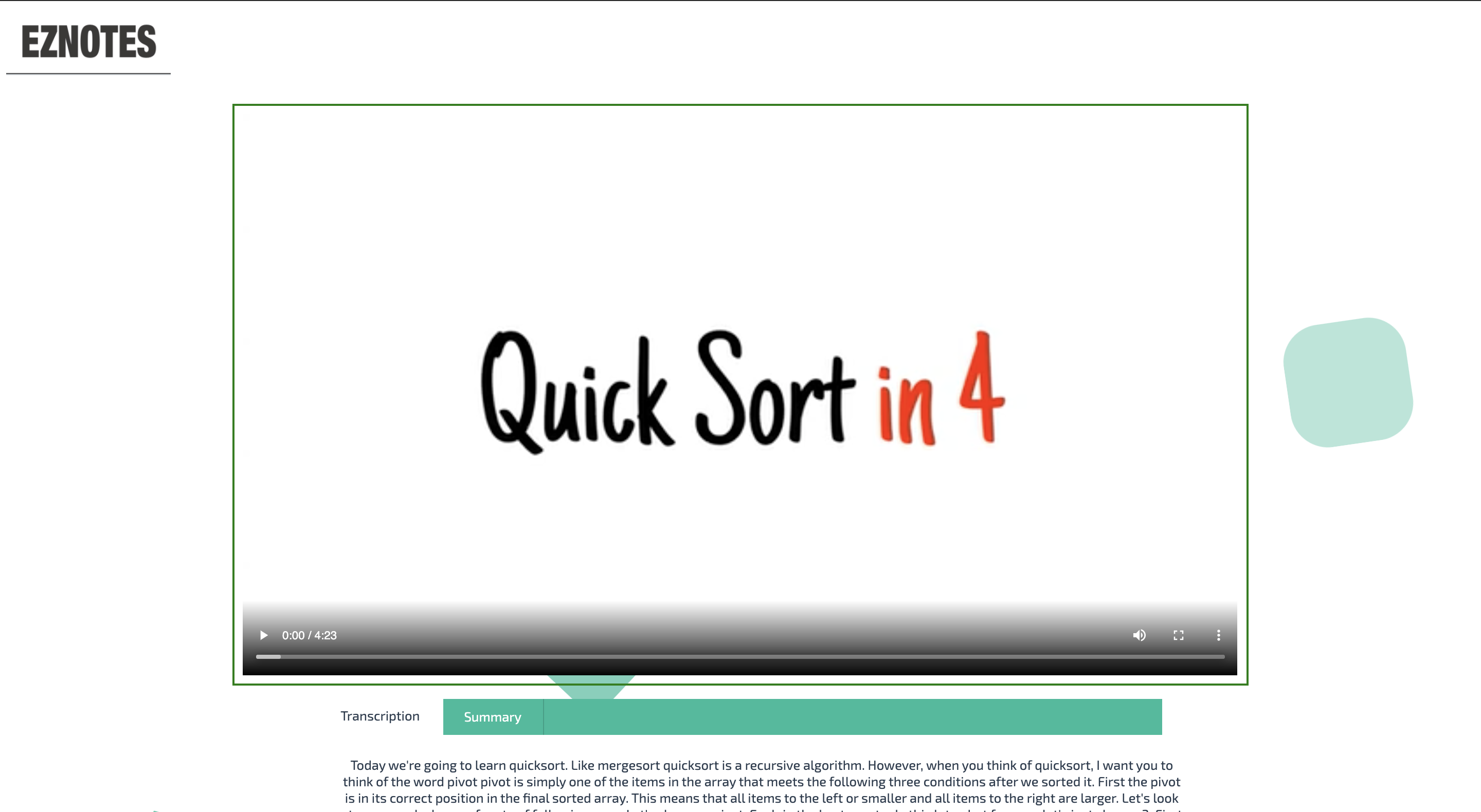
A web app that takes the lecture (MP4), converts it to audio (FLAC) and transcribes the audio captured in the FLAC file to text using the Google Speech to Text. It then uses a cutting-edge NLP ML model to summarize the transcript. The user will receive both a full-text transcript and a summarized version of the transcript.
How I built it
This project is a combination of a speech to text engine and a text summarizer.
In order to transcribe the audio, we chose to use the Google Speech to Text engine, as its very easily implementable and powerful. To make the process of transcription smoother, we first upload the audio to Google Cloud storage (based on the credentials). For the text summarizer component, we used a Python library called "NLTK", which is a Natural Language Toolkit.
At the moment, in order for others to use our application, they would be required to get their own set of credentials to access the Google Cloud functionality.
This application hosts an HTML/CSS website that takes a video in MP4 form and supplies it to the Python script using Flask. This file is then converted to FLAC audio file and uploaded to Google Cloud. Which is then transcribed using Google Speech to Text functionality, and the output is saved in a text file. The python script then continues and opens the text file and applies the NLTK summarizer model to it.
Both the full lecture transcription and the summarized version is then available for the user to read through and download.
Challenges I ran into
Transcribing a large audio file (larger than 1 min) was a challenge. Also, managing the cloud platform credential in a team of 3 was difficult.
Accomplishments that I'm proud of
We were successfully able to create a working project which can be used to improve the education quality of our end-users (after some more polishing). Also, as a team of 3, we were able to work with many moving parts like Google Cloud Storage, Google Speech to Text, NLTK, Front-end components.
What I learned
From a technical standpoint, we learned how to use Google Cloud APIs, Python Natural Language Process and creating a pipeline using Flask.
What's next for EzNotes
Currently, our application is a little slow when running, due to the fact that some files are large. This is why we chose a short file to demo. This is because we ran the NLTK model on the CPU. Running it using Cloud Compute would significantly speed up the runtime.
Due to lack of time, the entity of this web application is hosted locally. The next step would be to deploy our application. The python section would run on a Cloud Compute Server (like Google Cloud Compute).
At the moment, the length of the summarized text is hardcoded to a select # of lines (i.e. 1/4th of its original length). If the user can control the length of their desired summary, it would be a great feature to add.
Currently, while the transcription and summarizer run in the background, there is no way to tell the progress of the program as it runs for the end-user. So a simple and helpful feature would be a loading bar to show the progress of the program.
Built With
- flask
- google-cloud
- javascript
- natural-language-process
- nltk
- python
- speech-to-text

Log in or sign up for Devpost to join the conversation.