-
-
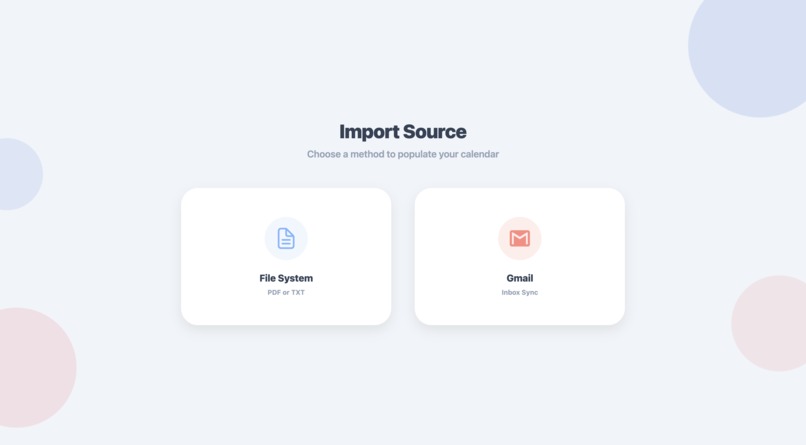
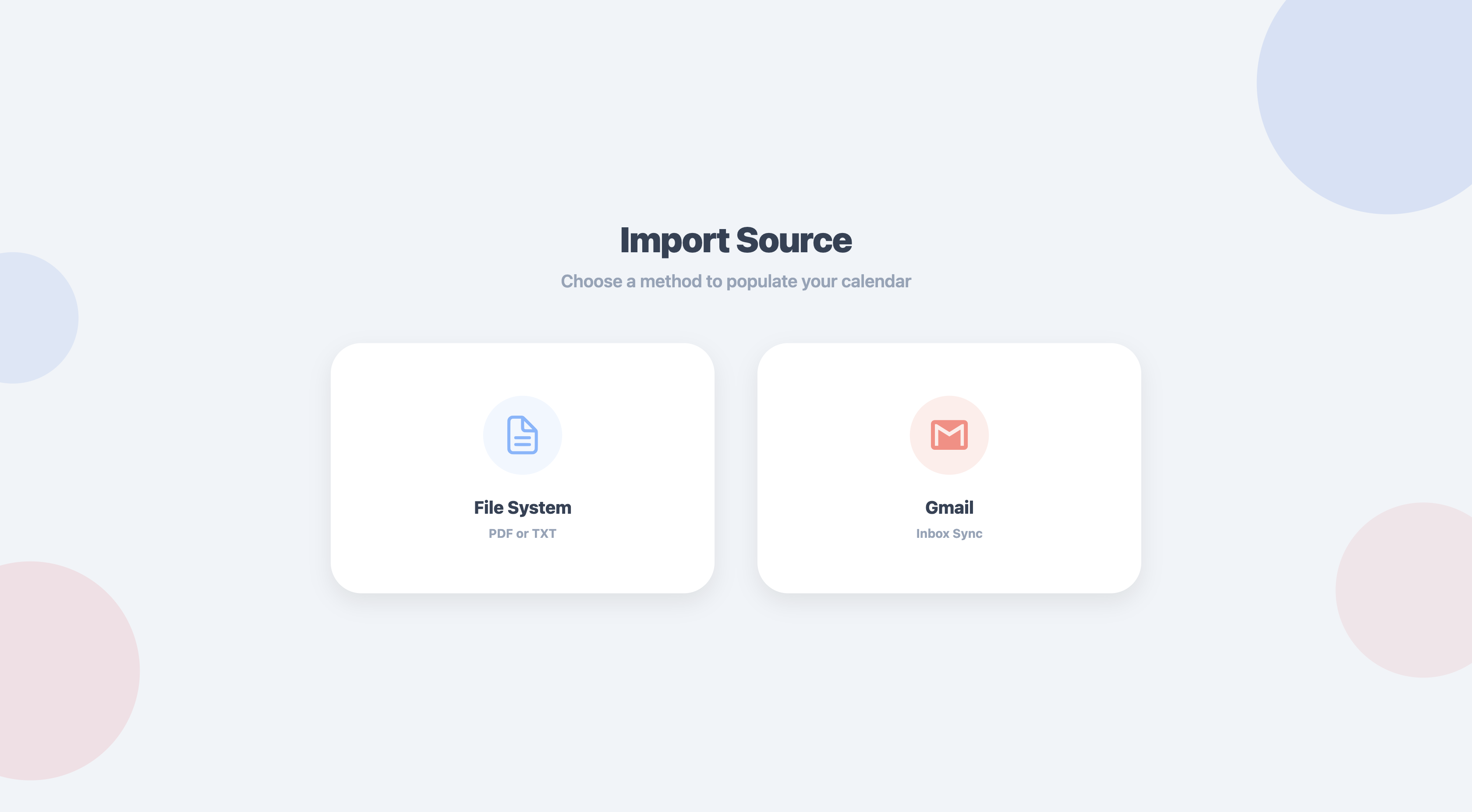
import source
-
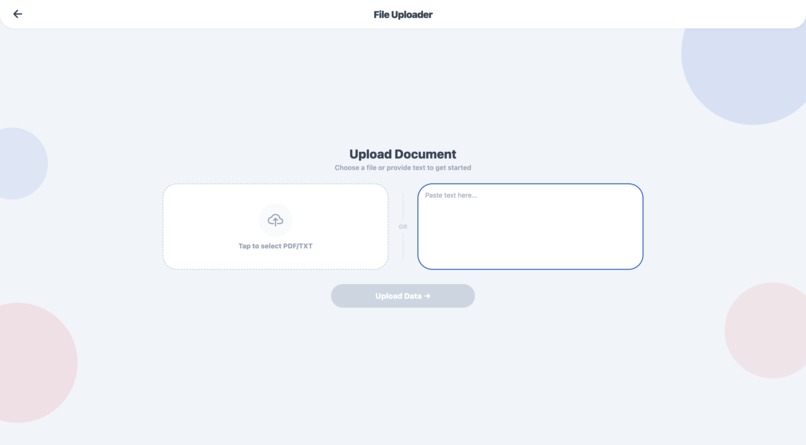
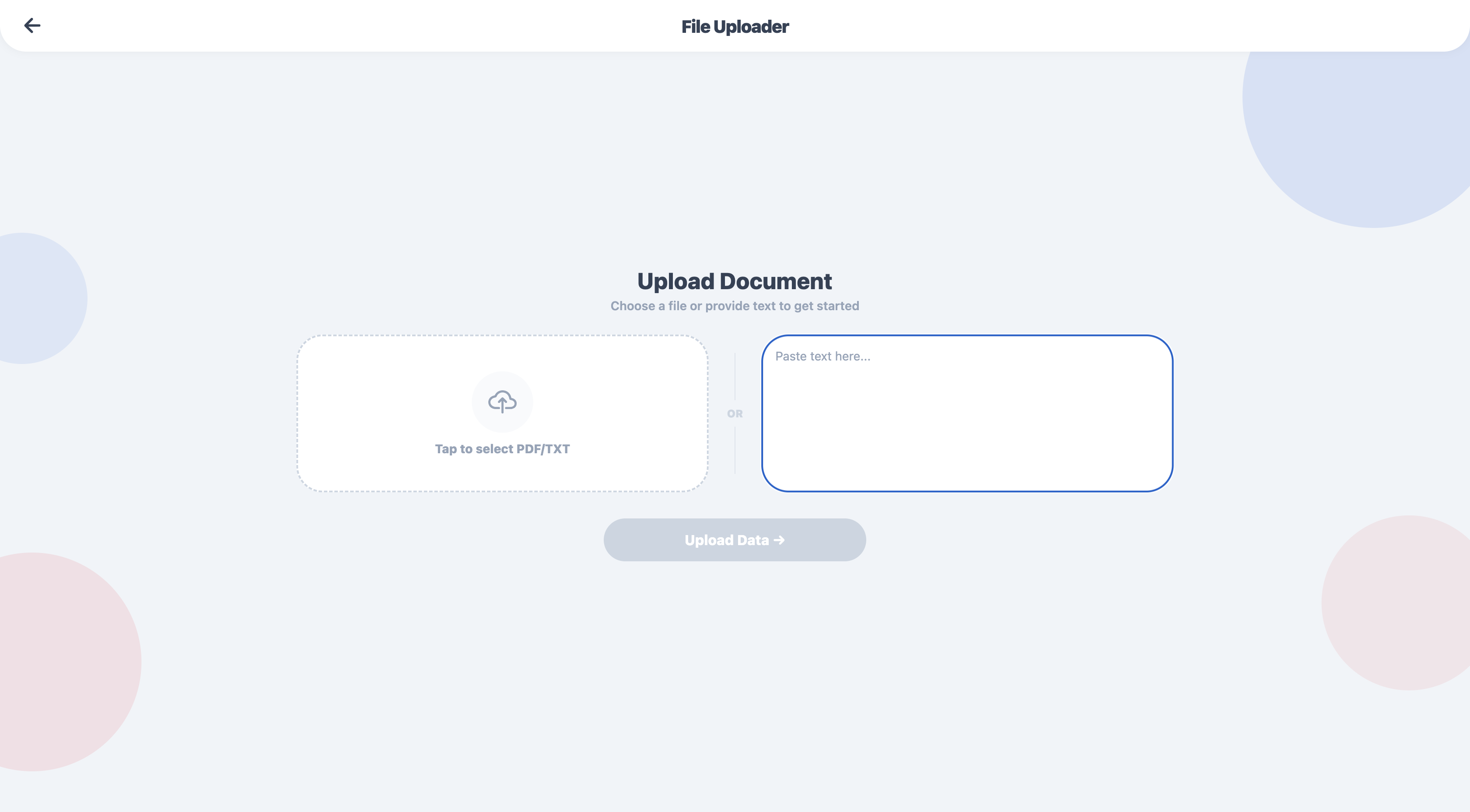
upload files or upload text
-
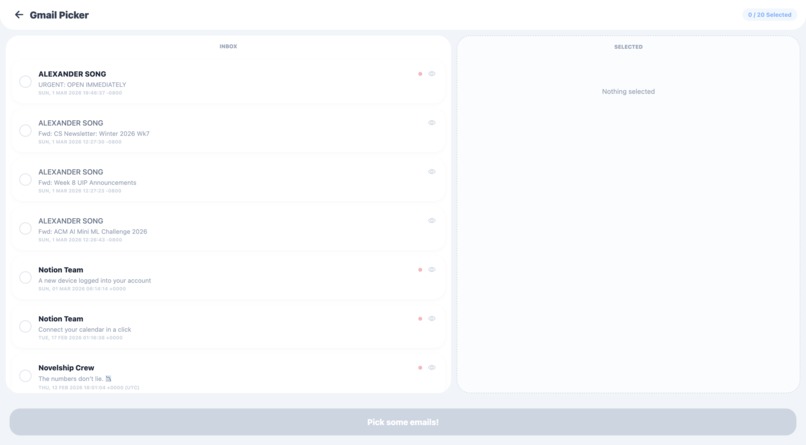
gmail picker
-
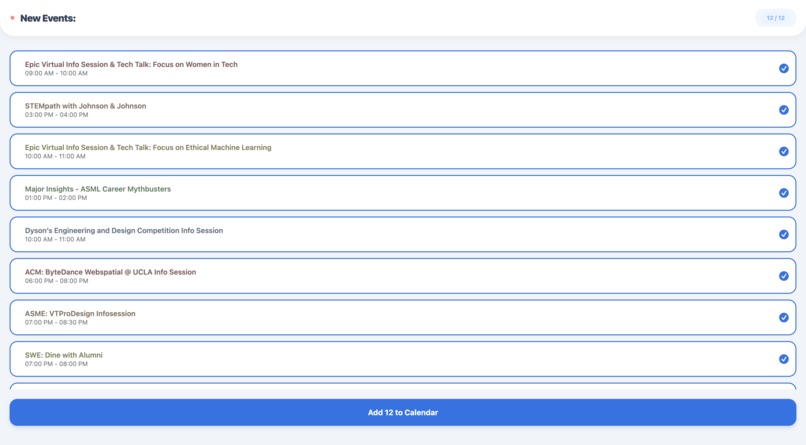
calendar events created from parsed data
-
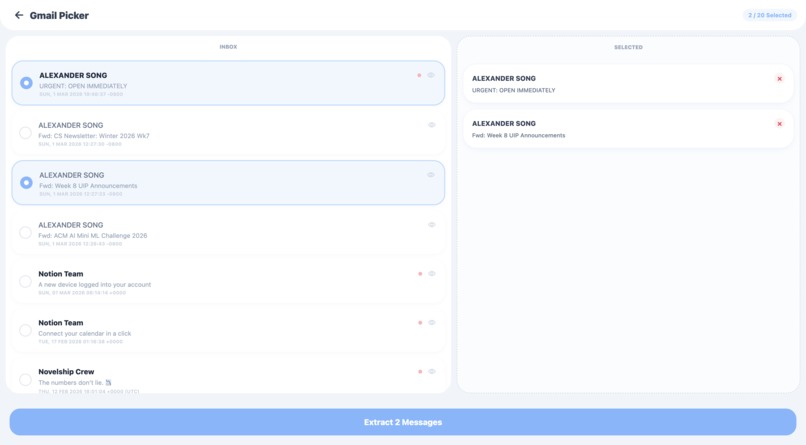
select emails to parse
-
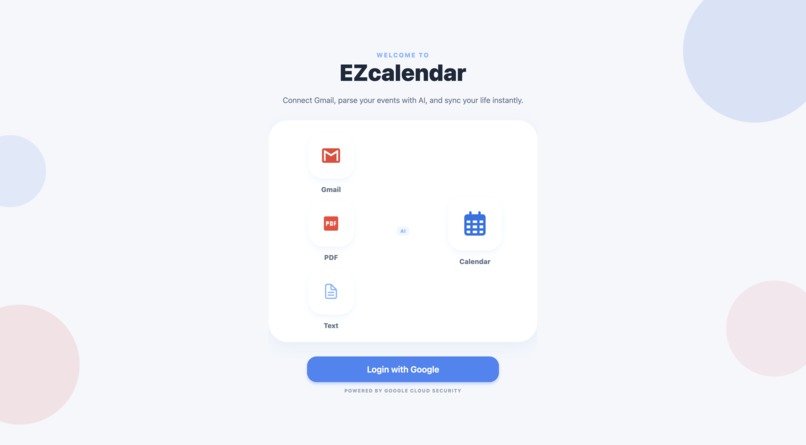
home screen
Inspiration
Surprisingly, the first anecdote is true, albeit exaggerated. Kenan did actually almost miss his philosophy 7 midterm because he forgot about it and it wasn’t in his calendar. He only didn’t make it because he just so happened to go to a philosophy lecture that day. Because of this, we wanted to streamline managing a calendar so that busy people like me won’t ever miss another thing.
What it does
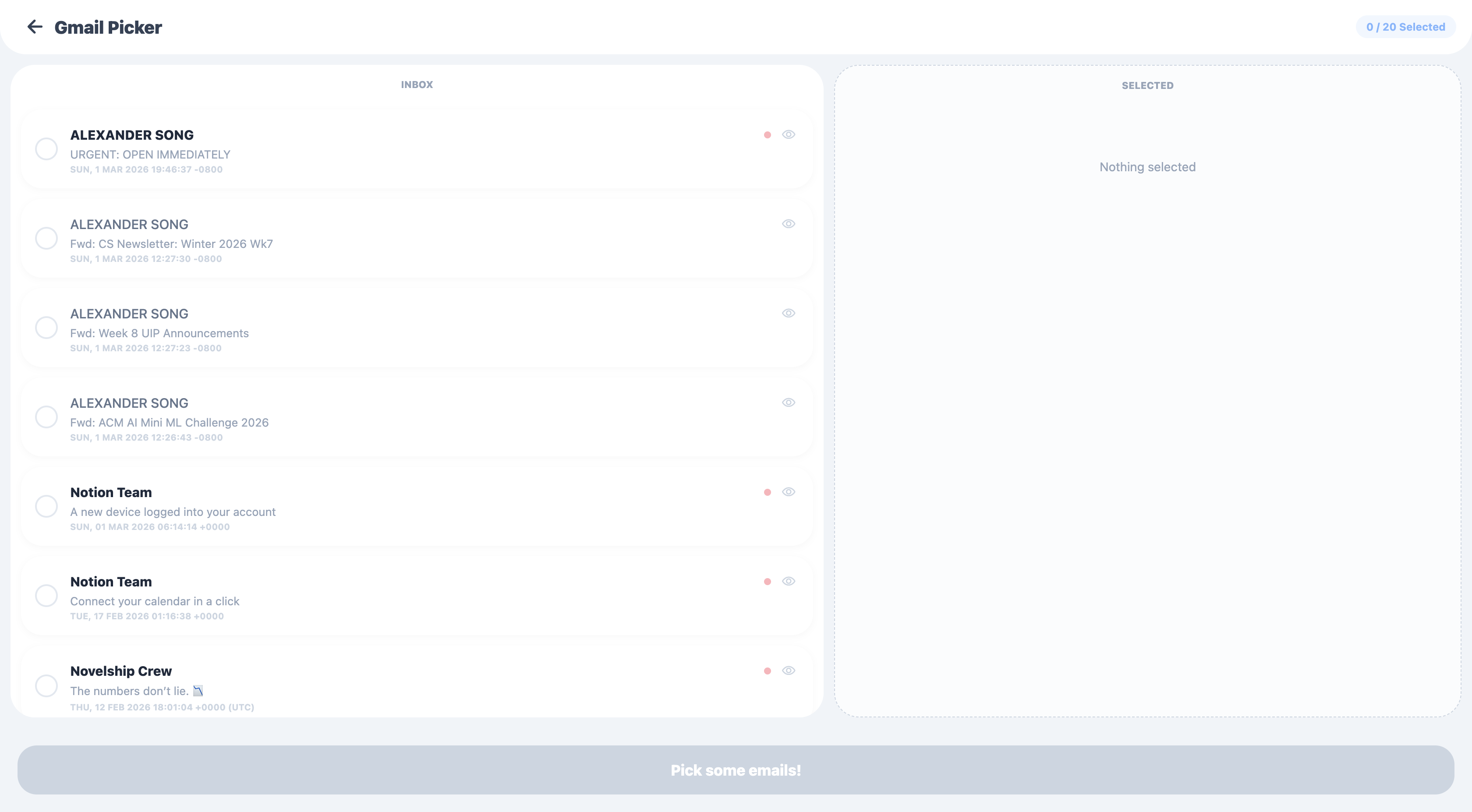
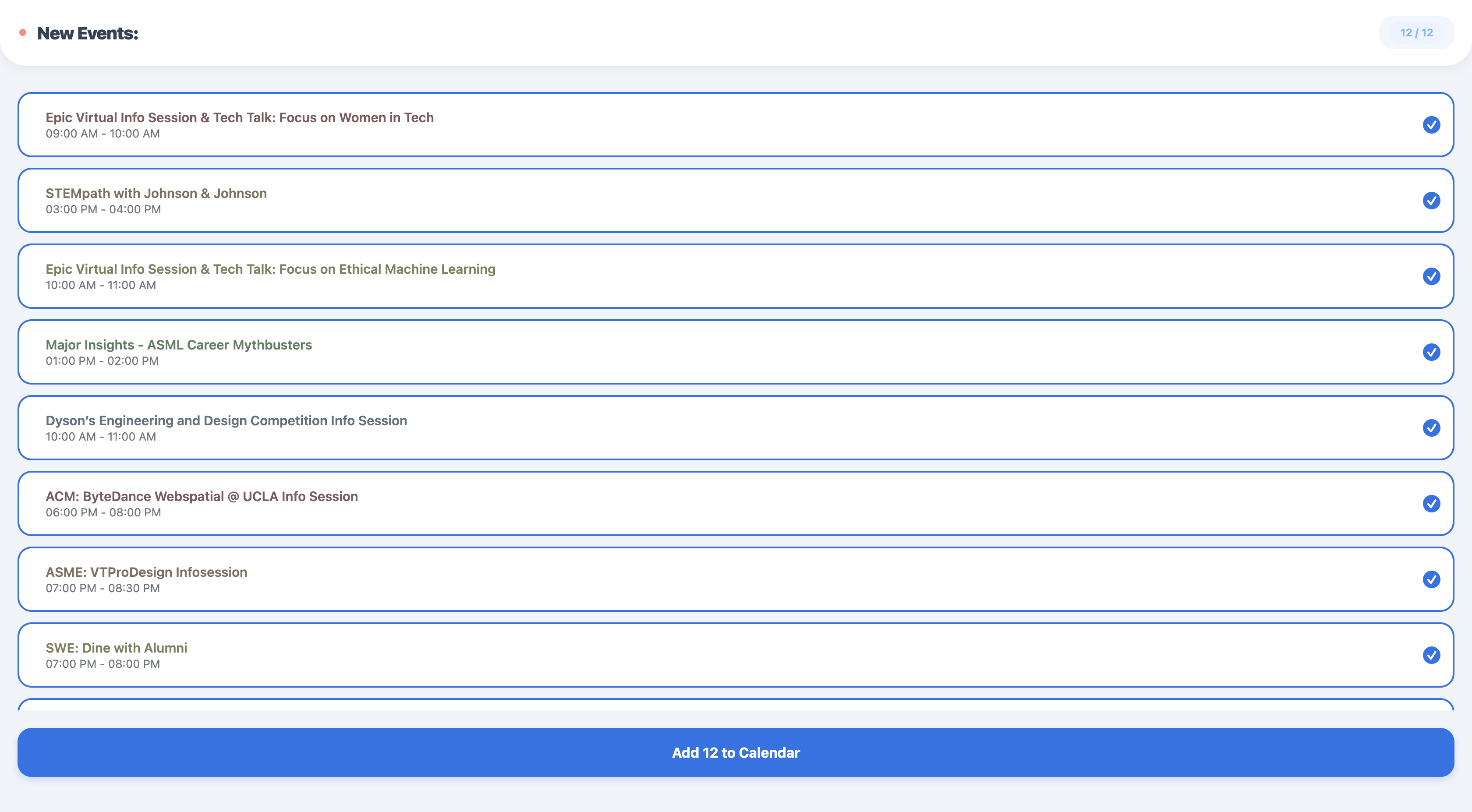
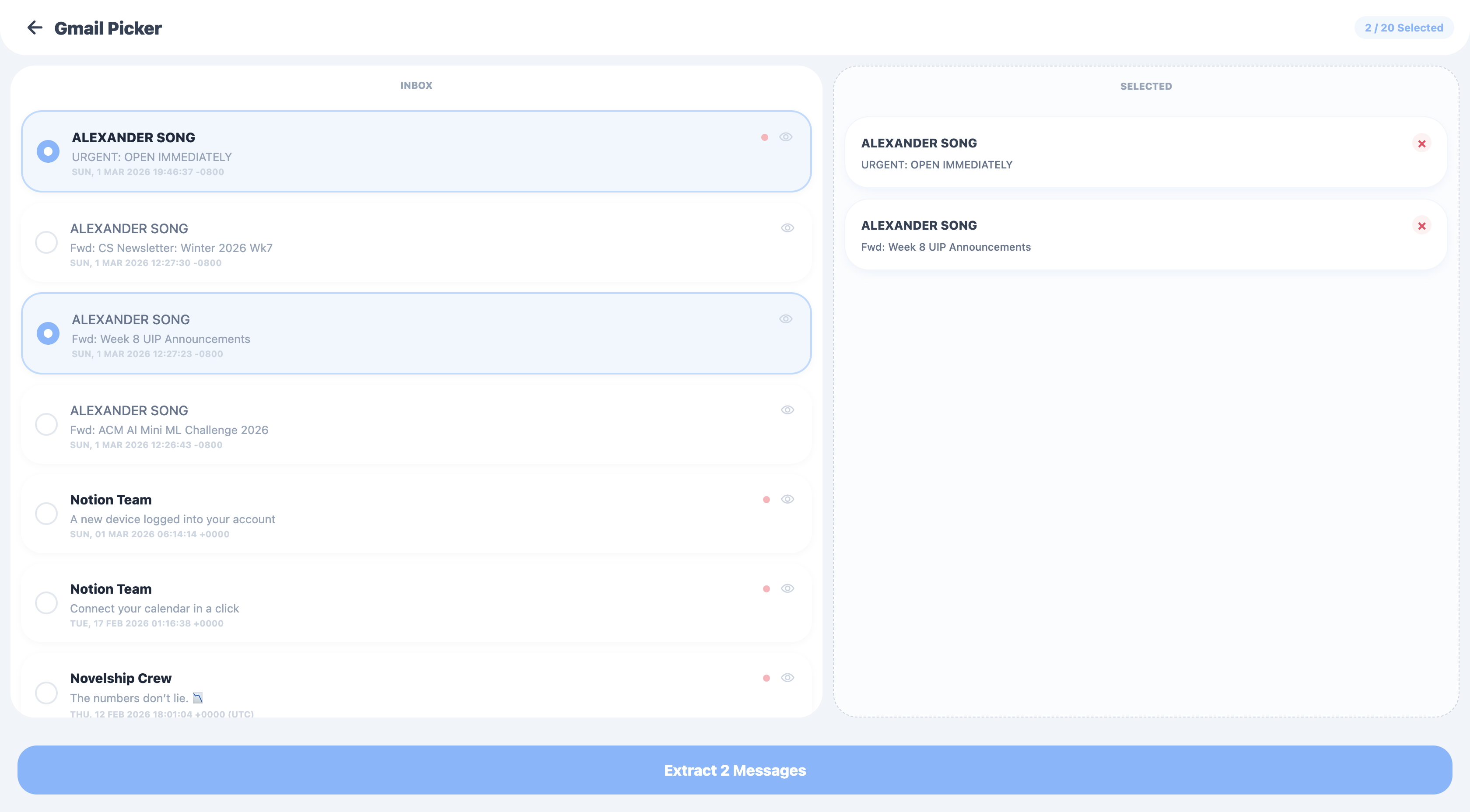
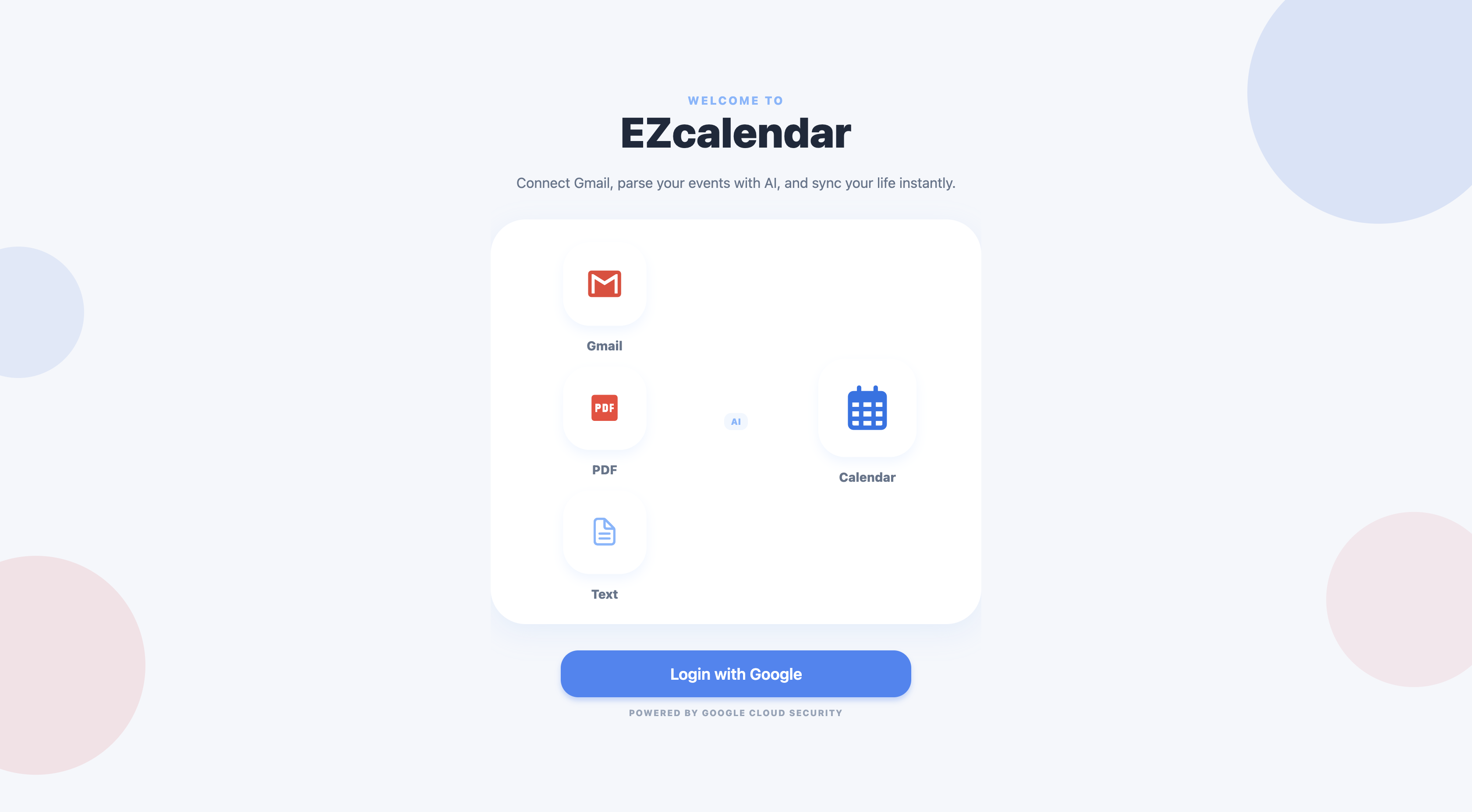
It takes a user google login, and prompts users to either upload a pdf or txt, or parse through their emails. If they select to upload, they will upload a file of their choice and this will be sent to an AI. If a user chooses to parse their emails, their more recent emails are loaded and they are able to preview the email and select which emails they want to parse. Afterward, the file or emails are processed by an AI to be analyzed for important dates. Finally the user gets a final pass to select the events they want to be added onto their calendar, and at last, the website automatically adds the selected events onto their google cloud.
How we built it
It’s a full stack App. The backend is Node.js and has an SQLite database, which stores basic user information and refresh tokens while managing all api calls to the Gemini API. On the client side, the frontend is built using React Native and Expo. The frontend communicates with the backend to retrieve temporary access tokens, which it then uses to fetch email data and write the finalized events directly to the Google Calendar right from the user's device.
Challenges we ran into
We ran into many merge conflicts when we were all working on project together, but we were able to resolve all of them. Many were merge conflicts or local problems but we braved through it/
Accomplishments that we're proud of
Being able to get the parsed information, emails, and files correctly onto our personal Google Calendars. It was really cool to see it all come together at the end and link together as one.
What we learned
How to use the command line and github desktop. But more importantly, we learned how to connect API’s, build an AI wrapper using prompt engineering, and effectively implement a way to swiftly add events to calendars.
What's next for EZCalendar
Uploading Images and possibly making it into an extension for more accessibility and convenience.

Log in or sign up for Devpost to join the conversation.