-
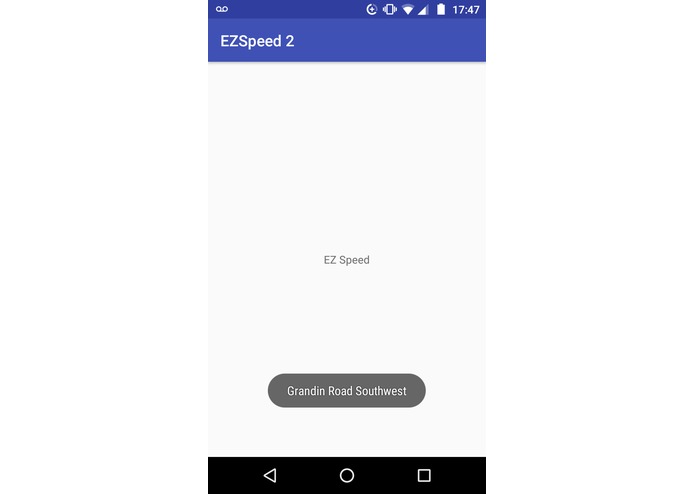
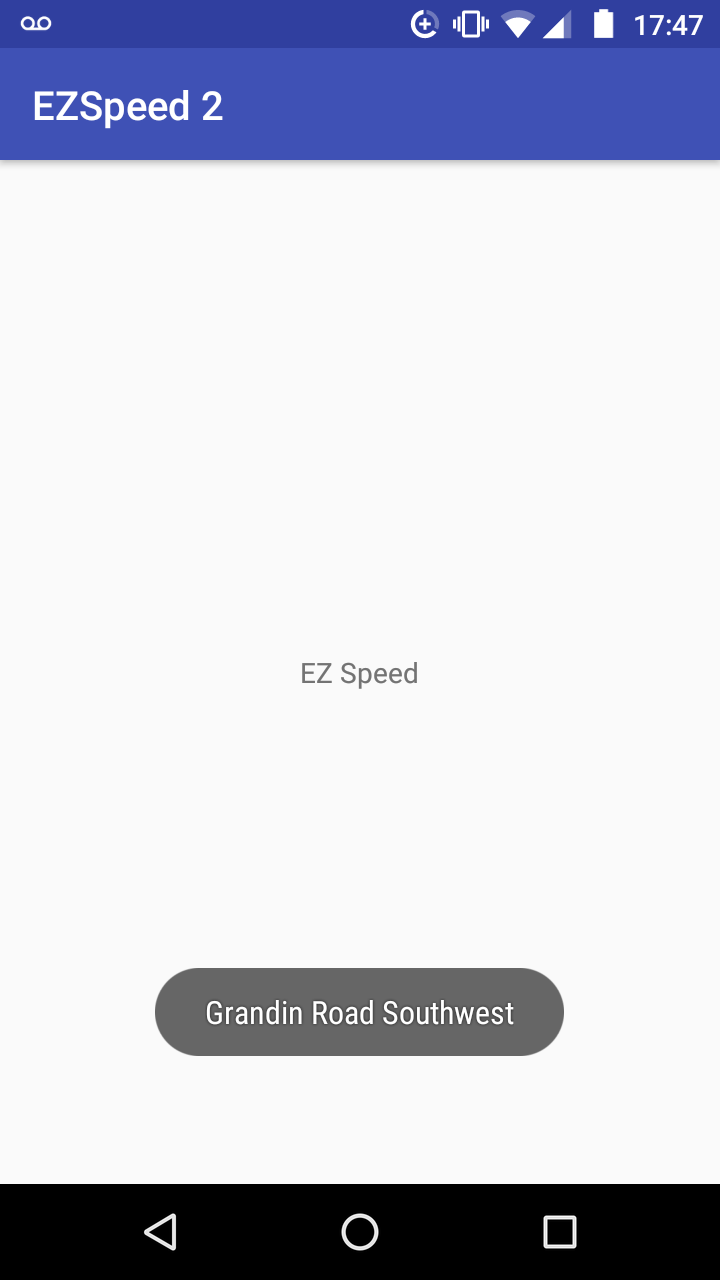
The UI for EZ Speed is purposefully sparse to discourage distracted driving
-
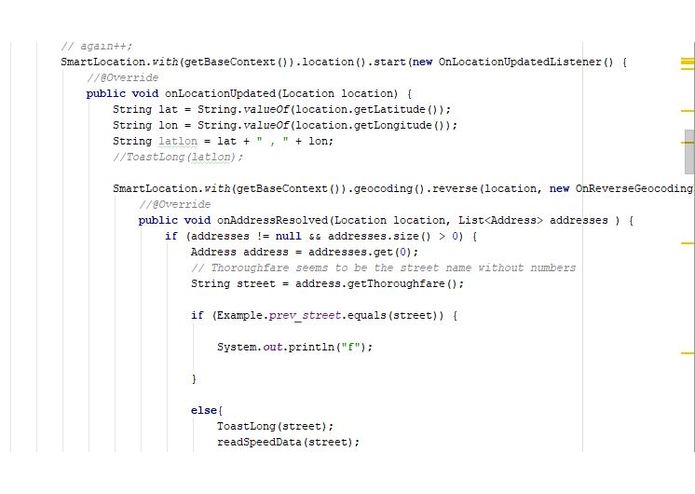
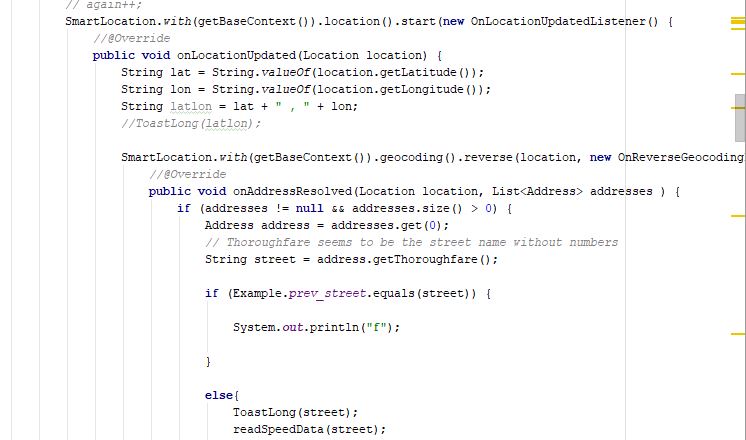
A screenshot of the main body of our code.
Inspiration
When driving on new roads, finding speed limit signs can be the least of a driver's worries. As a solution, GPS navigation apps often show the Speed Limit in the corner. A visual representation, however, requires drivers to take their eyes off the road.
What it does
EZ Speed audibly tells the driver the speed limit of the roads they're driving on so they don't have to take their eye's off the road.
How I built it
We used Android Studio to develop an app that uses the phones location services to pinpoint a user's location. That location is then reverse geocoded to find a street address, and therefore the street the driver is on.That street is then cross-referenced with the Speed Limits database from the SmarterRoads. That speed limit is finally fed into Google's text-to-speech engine to be announced to the user.
Challenges We ran into
A lack of prior knowledge and experience in developing Android apps, especially with gathering and manipulating location data as well as limited time.
Accomplishments that We're proud of
We successfully consolidate the four separate operations of our code into one functioning application.
What We learned
We learned how to develop an Android app using Android Studio. We also both improved our skills in java and learned the basics of xml.
What's next for EZ Speed
The data base we are currently using only includes VDOT-managed roads. Including roads from local municipalities will allow the app to have broader application. EZ Speed could also be expanded to give auditory data of other kinds to alert drivers of traffic, weather conditions, construction, and more


Log in or sign up for Devpost to join the conversation.