-
-
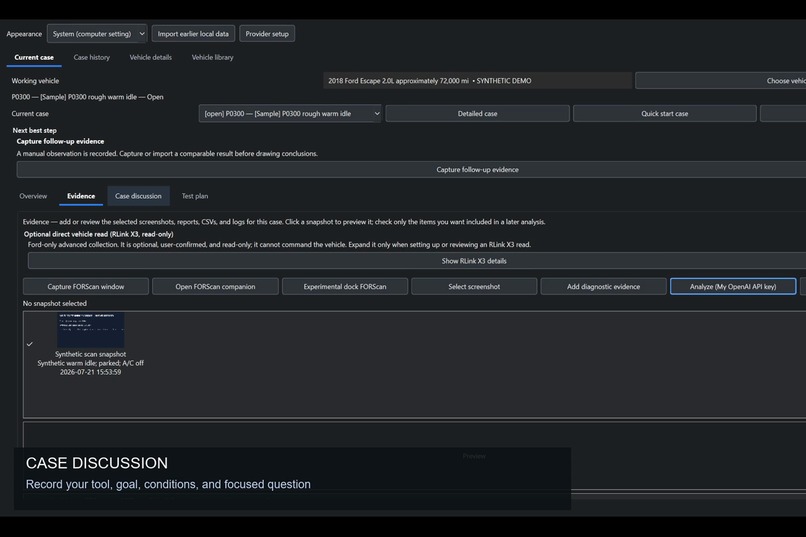
Case discussion records the tool, conditions, question, and what has already been tried.
-
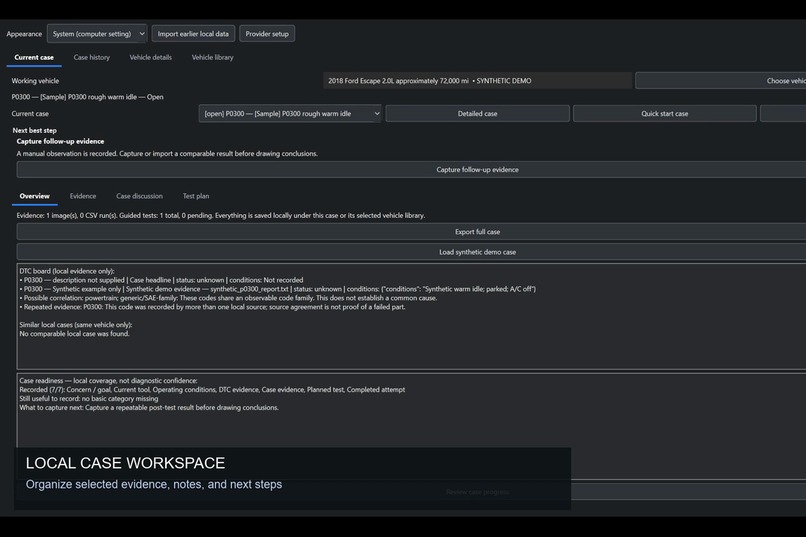
A case overview keeps the vehicle, diagnostic concern, evidence, and next follow-up in one workspace.
-
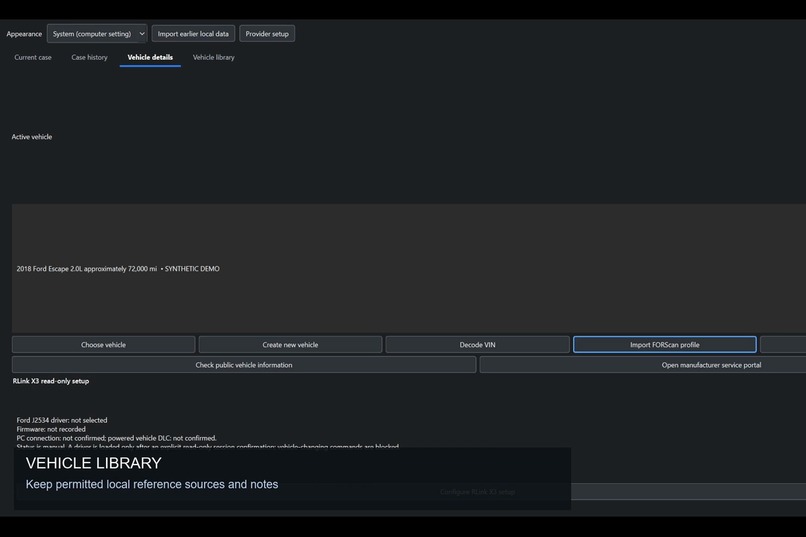
The vehicle library stores local reference notes and supporting information for future review.
-
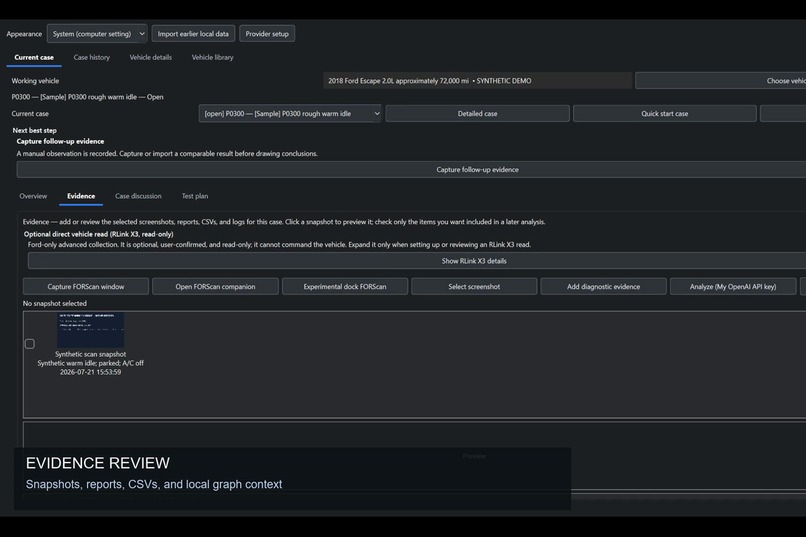
Owners select the screenshots, reports, and CSV evidence they want to review.
-
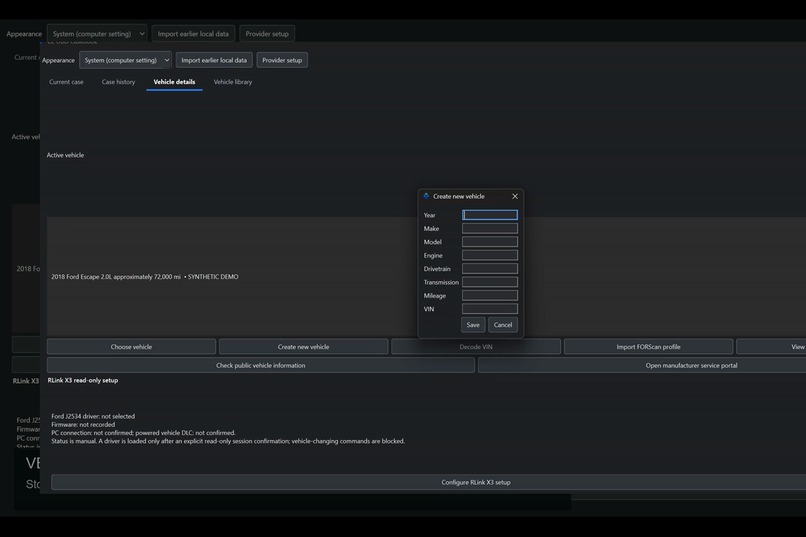
Create and manage a local vehicle profile without exposing private vehicle data.
-
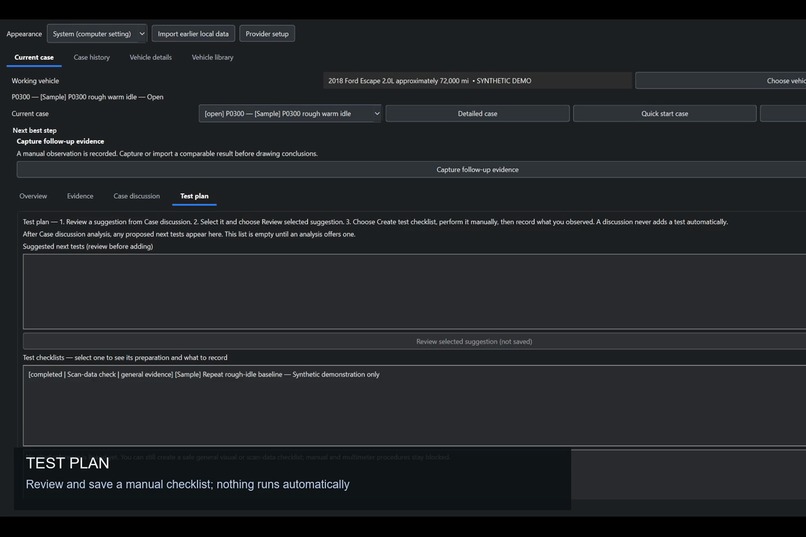
Suggested next steps require human review and an explicitly saved manual checklist.
-
EZ OBD Casebook: local diagnostic evidence, organized locally.
-
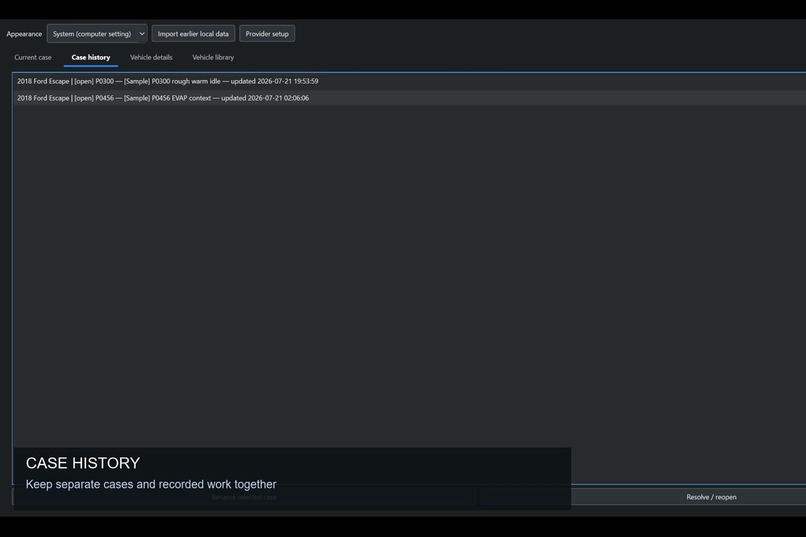
Case history keeps separate diagnostic work and outcomes organized locally.
-
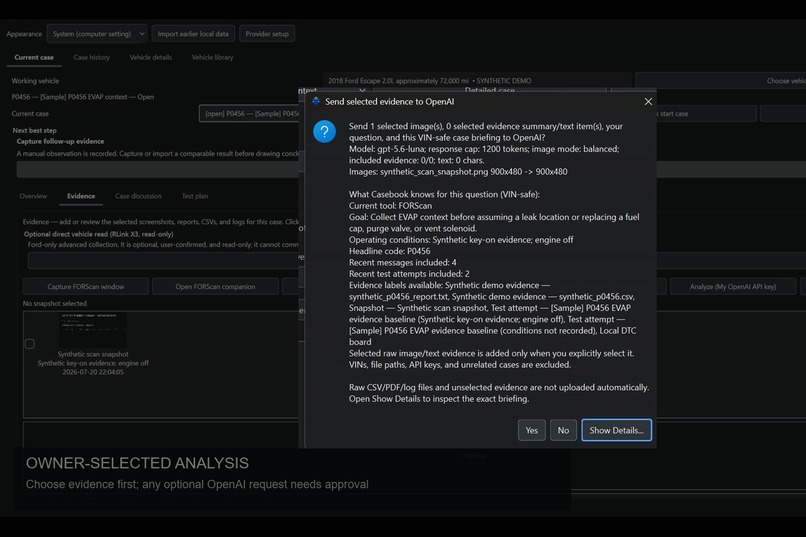
OpenAI analysis requires approval and shows GPT-5.6-luna, selected evidence, and privacy exclusions before sending.


Inspiration
DIY vehicle diagnosis can feel overwhelming. A scan tool may show a code, graph, or snapshot, but newer owners still have to decide what it means, what information is missing, and what safe check to do next.
I wanted a better way to keep that work organized instead of losing screenshots, notes, attempted tests, and follow-up questions across folders and messages.
What it does
EZ OBD Casebook is a local-first Windows workspace for DIY diagnostic cases.
It helps an owner:
- Keep selected scan-tool screenshots, reports, CSV files, notes, vehicle details, and case history together.
- Record the diagnostic tool used, goal, operating conditions, and what has already been tried.
- Ask an optional, focused GPT-5.6 question using only owner-selected evidence and a VIN-safe case briefing.
- Review cautious next evidence to collect instead of receiving an automatic parts verdict.
- Save a manual test checklist and record what happened for the next review.
Casebook works beside diagnostic software such as FORScan. It does not control scan tools, clear codes, run active tests, or make changes to a vehicle.
How I built it
I built EZ OBD Casebook as a Windows desktop application with Python, PySide6, SQLite, and local file storage.
The project separates the user interface, case storage, evidence handling, and analysis providers so that mock/offline analysis remains available while OpenAI analysis is optional. Personal OpenAI use requires the owner to explicitly approve the selected evidence before a request is sent.
I used Codex throughout the project for architecture, implementation, code review, testing, safety hardening, documentation, and Windows packaging. GPT-5.6 powers the optional approved analysis workflow shown in the demo.
Challenges I ran into
The biggest challenge was making AI assistance useful without making it overconfident or unsafe.
I had to make sure the app treats scan data as evidence, not proof that a part failed. The workflow keeps uncertainty visible, asks for missing context, and requires human review before a suggested next step becomes a saved manual checklist.
Privacy was another important challenge. Diagnostic captures can contain sensitive vehicle information, so Casebook keeps data local by default and excludes VINs, file paths, API keys, unrelated cases, and unselected raw files from the OpenAI briefing.
Finally, I focused on making the workflow understandable for someone who is still learning vehicle diagnostics. The goal is not to replace a technician or automate a repair. It is to help a DIY owner collect better evidence, ask a better question, and keep track of what to do next.

Log in or sign up for Devpost to join the conversation.