-
-
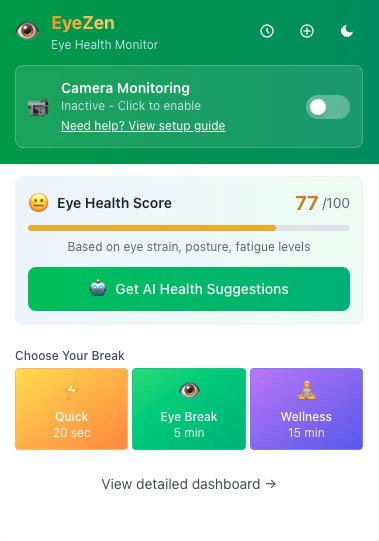
EyeZen - Extension
-
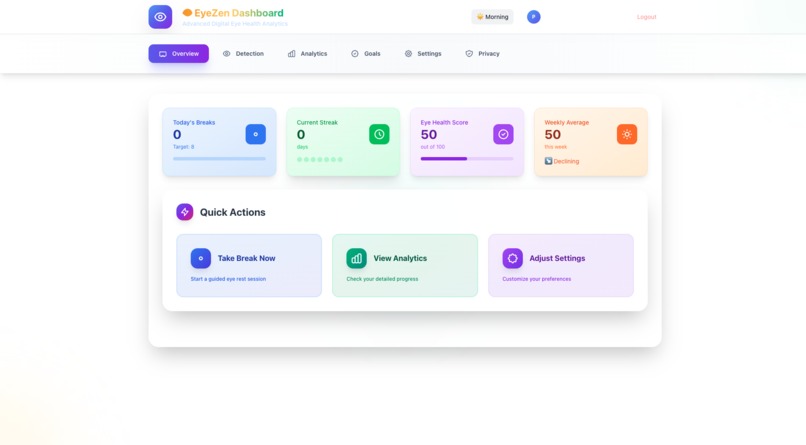
EyeZen - User Dashboard
-
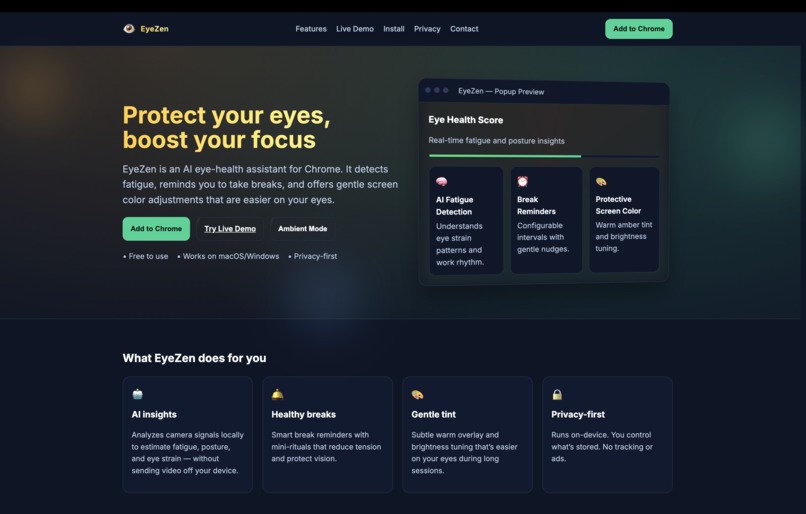
EyeZen - Website
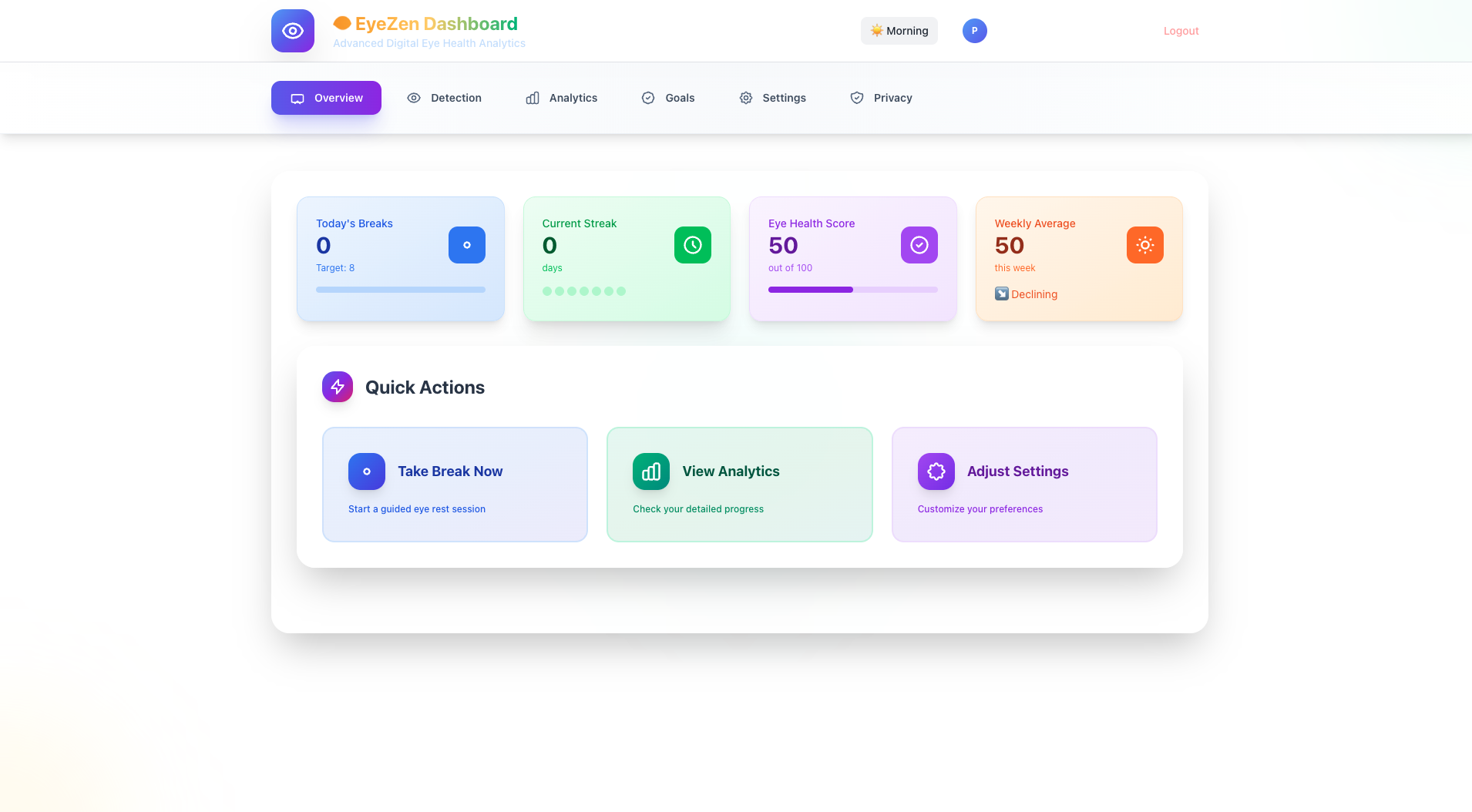
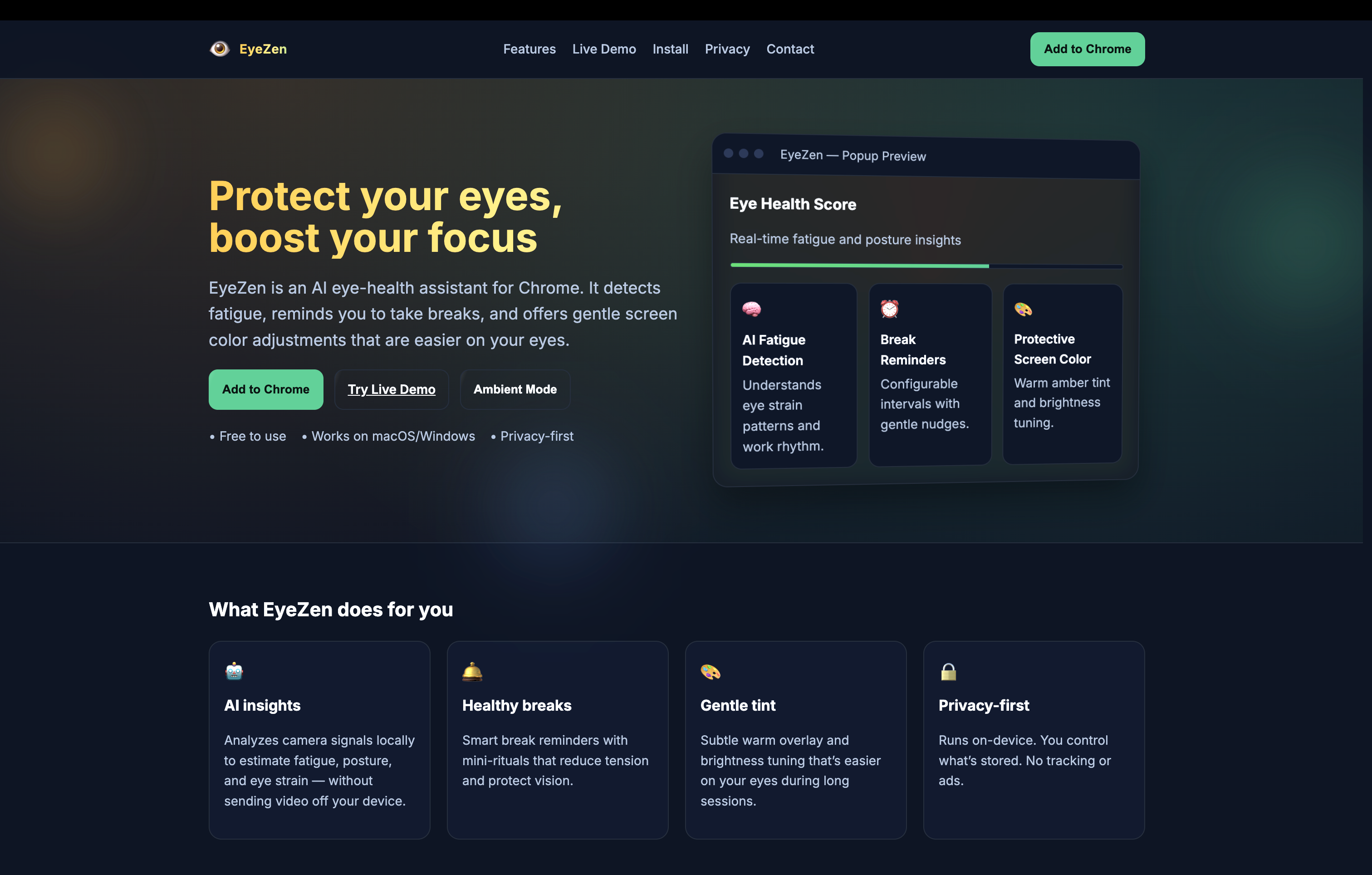
Inspiration
A friend once told me that after undergoing refractive surgery, there would be permanent limitations on physical activities.
As someone with high myopia, that struck me deeply — it reminded me how fragile our eyesight can be.
I wanted a way to know when my eyes are tired and how to rest them properly before damage occurs.
At the same time, in this new AI-driven era, people spend more time than ever staring at screens — building amazing things but forgetting self-care.
While others create AI to boost productivity, I wanted to build AI that takes care of the people behind the screens — starting with their eyes.
That’s how EyeZen was born — a privacy-first, AI-powered Chrome Extension for real eye wellness.
What it does
Through this project, I learned:
- How to integrate and use Chrome’s built-in AI APIs such as the Writer, Rewriter, Summarizer, and Prompt APIs.
How to design a real-time eye strain detection algorithm using MediaPipe Face Landmarker (WASM), computing metrics like the Eye Aspect Ratio (EAR) and PERCLOS (Percentage of Eye Closure):
Signals Measured
- EAR (Eye Aspect Ratio): Uses 6 landmarks per eye; lower EAR indicates eyelid closure.
- PERCLOS (Percent Eye Closure): Percentage of frames with EAR below a closure threshold, over a sliding window.
- Blink Rate: Blinks per minute computed from valid blink events in the last 60 seconds.
- Head Posture: Pitch/yaw/roll estimated from facial landmarks; classified into posture states.
Computer Vision Pipeline
- Runs in a dedicated worker at ~15 FPS with MediaPipe Face Landmarker (WASM).
- Extracts 6-point eye landmarks per eye and computes:
- Average EAR across both eyes.
- PERCLOS over the last 30 frames with closure threshold EAR < 0.2 .
- Blink detection via EAR threshold crossing with duration constraints:
- Threshold: EAR ≤ 0.2
- Valid duration: 100–400 ms
- Blink rate: blinks_in_window / elapsed_ms * 60000 .
- Head pose estimation (yaw, pitch, roll) from key facial landmarks; posture classification:
- Forward if |pitch| > 15° (pitch > 0 → forward)
- Tilted if |yaw| > 20° or |roll| > 15°
- Good otherwise.
How we built it
EyeZen combines computer vision, AI-powered coaching, and user wellness tracking into a single lightweight Chrome Extension.
Core Technologies
- Frontend/UI: React + TypeScript + TailwindCSS
- Extension Platform: Chrome Manifest V3
- State & Storage: Zustand/Context,
chrome.storage.local, IndexedDB - Computer Vision: MediaPipe (WASM) for EAR and PERCLOS fatigue detection
- AI APIs (Gemini Nano Built-in APIs):
- Writer/Rewriter API → generate and refine personalized break scripts
- Summarizer API → weekly eye wellness summaries
- Translator API → multilingual guidance and interface
- Prompt API (multimodal) → optional lighting and distance suggestions
- Writer/Rewriter API → generate and refine personalized break scripts
- Notifications/Timers: Chrome background service worker with
chrome.alarms - Audio Guidance: Web Speech API (
speechSynthesis) for spoken relaxation tips - Optional Cloud: Firebase for history sync, Gemini Cloud for extended summaries
Workflow Overview
- The CV Worker processes live frames locally and outputs fatigue metrics.
- When fatigue crosses a threshold, the extension triggers a break reminder.
- During breaks, the Writer API generates AI-guided relaxation text based on user’s eye score.
- The Summarizer API compiles weekly insights into a progress digest.
Challenges we ran into
Ensuring Privacy and Security
Detecting fatigue required real-time camera access, which raised privacy concerns.
I solved this by keeping all image processing on-device, never saving frames, and providing clear user consent prompts before activation.Handling Unstable Detection
When users moved or lighting changed, face detection sometimes failed.
I fixed this by freezing the fatigue score if detection failed and smoothing updates using posture-weighted averages.Build and Versioning Issues
I encountered mismatches when updating the popup interface due to package version incompatibility.
I resolved this by standardizing dependencies, cleaning the build pipeline, and re-configuringvite + crxjsfor consistent hot reloads.
Accomplishments that we're proud of
uilt a fully on-device AI wellness assistant that detects eye fatigue in real time without ever sending user data to the cloud.
Successfully integrated five Chrome built-in AI APIs — Writer, Rewriter, Summarizer, Translator, and Prompt — to create a seamless, multilingual, and adaptive experience.
Combined modern computer vision with Traditional Chinese Medicine to make screen breaks not just functional, but meaningful and restorative.
Designed a beautiful, intuitive Chrome Extension that runs privately, efficiently, and helps people take better care of their eyes while working with AI tools.
What we learned
How to design for privacy and performance in a real-time AI application running entirely in the browser.
How to leverage Chrome’s built-in AI APIs to deliver personalized, multimodal experiences without external servers.
The importance of human-centered AI design — not just building smart tools, but tools that genuinely care for users’ health and well-being.
That even small, thoughtful interventions — like a gentle reminder or short guided break — can make a big difference in daily life.
What's next for EyeZen
Expand EyeZen into a cross-platform wellness ecosystem with a PWA and mobile app companion.
Add voice-guided coaching and environment feedback (lighting, posture) using the Prompt API’s multimodal capabilities.
Introduce gamified wellness goals and community leaderboards to motivate consistent eye-care habits.
Partner with health professionals to validate EyeZen’s TCM-based routines and improve its scientific foundation.
Continue refining on-device performance so EyeZen remains the most private, accessible, and effective AI eye-care solution in the world.
Built With
- css3
- html5
- indexeddb
- javascript
- promptapi
- react
- summarizerapi
- typescript
- wasm
- webassembly


Log in or sign up for Devpost to join the conversation.