-
-
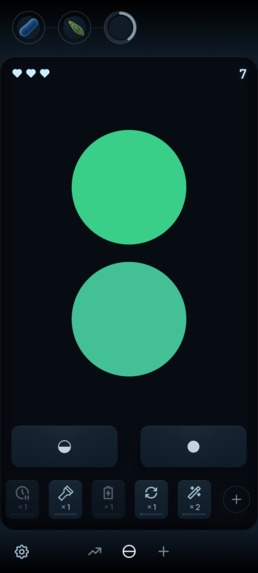
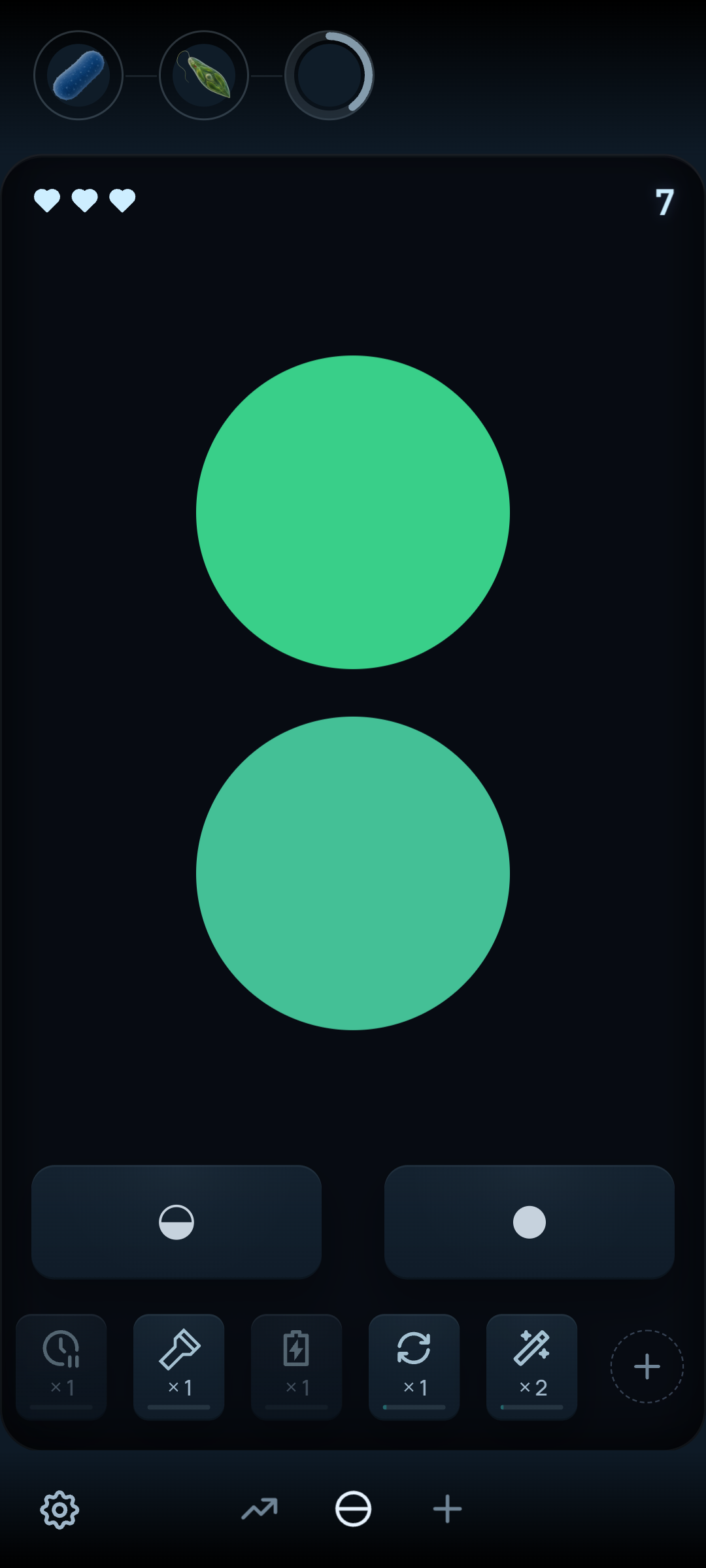
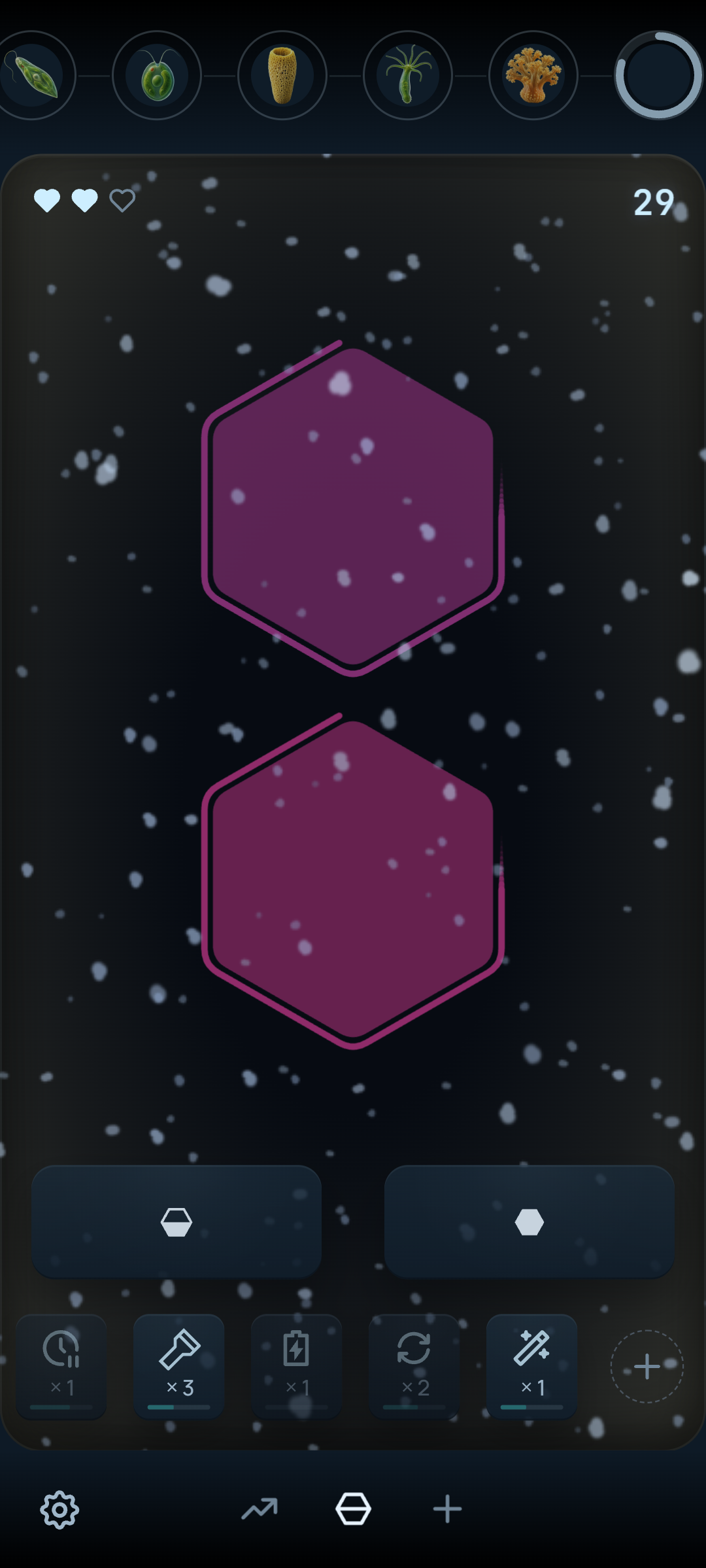
Start simple: compare two colors and choose same or different.
-
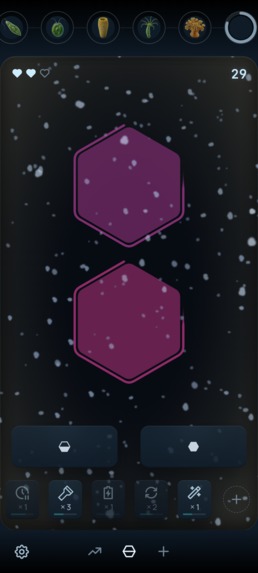
Visual modifiers make later levels much harder.
-
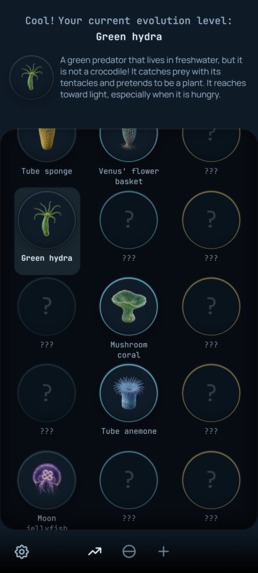
Each run reveals different animals and achievements.
-
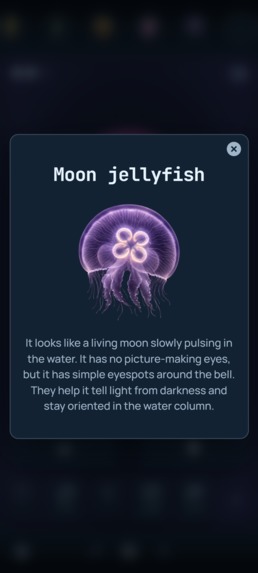
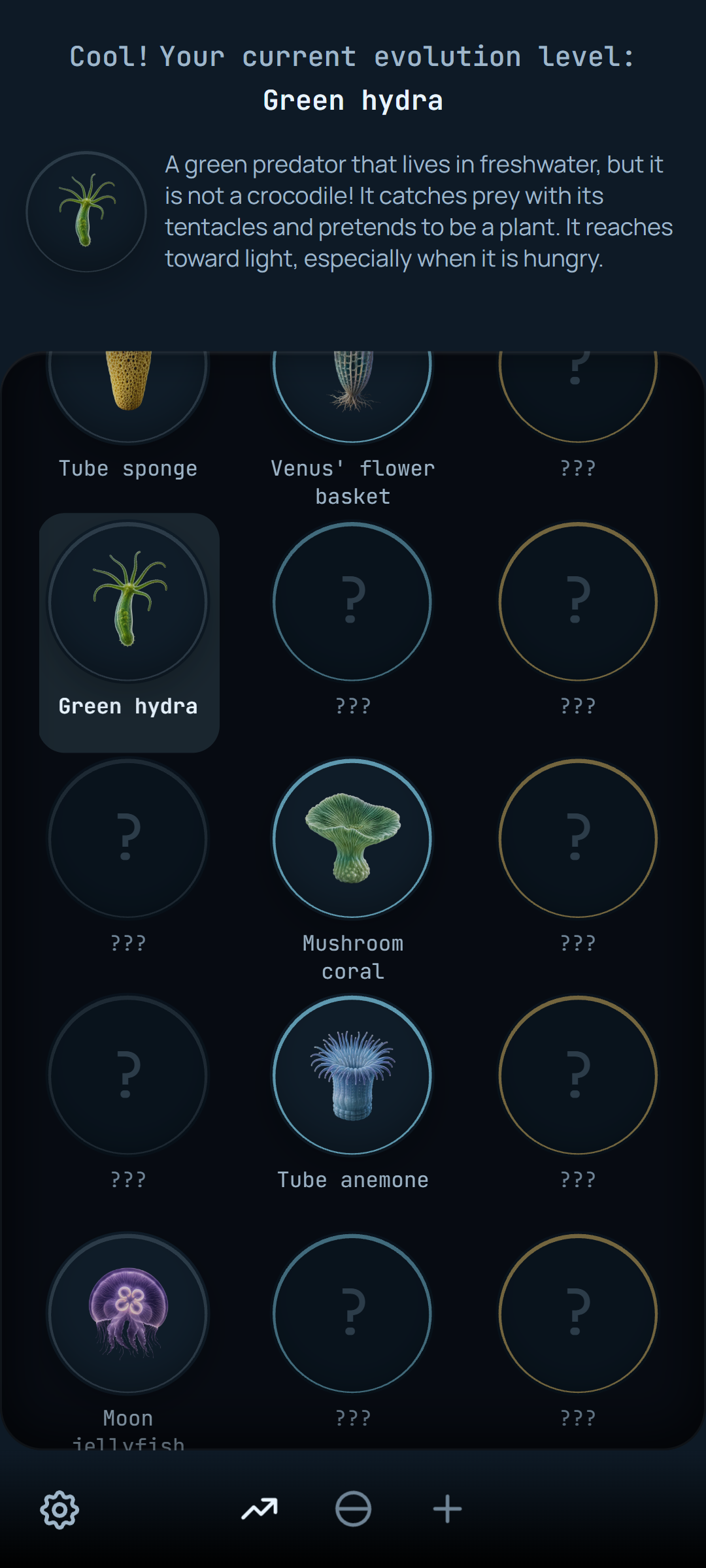
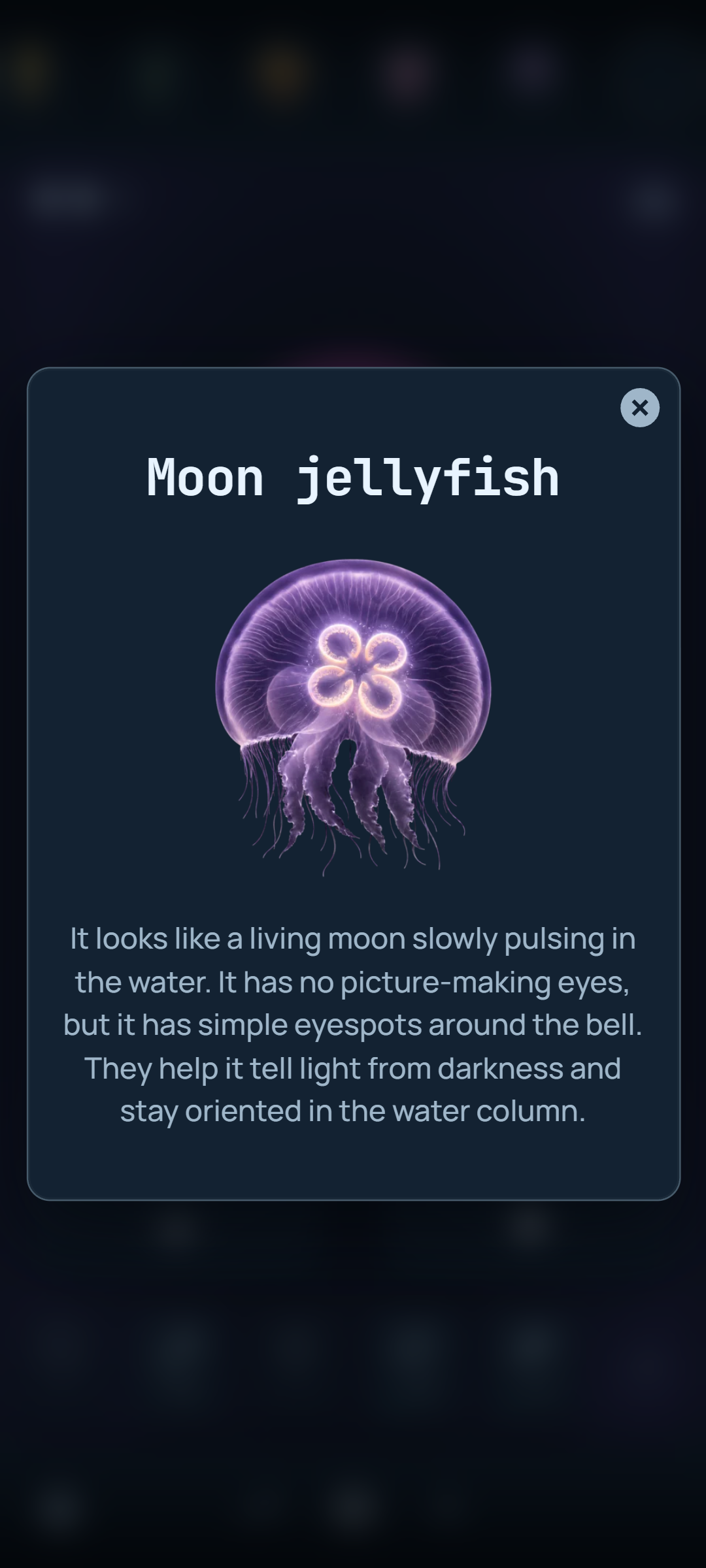
Unlock animals and build a persistent collection across runs.
-
App icon, 1024 x 1024
-
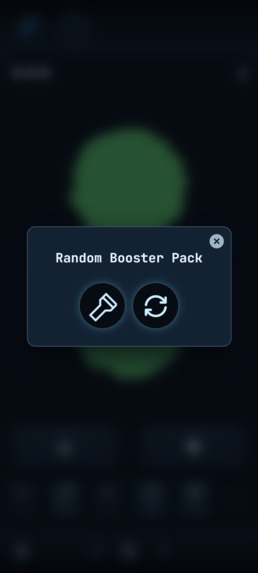
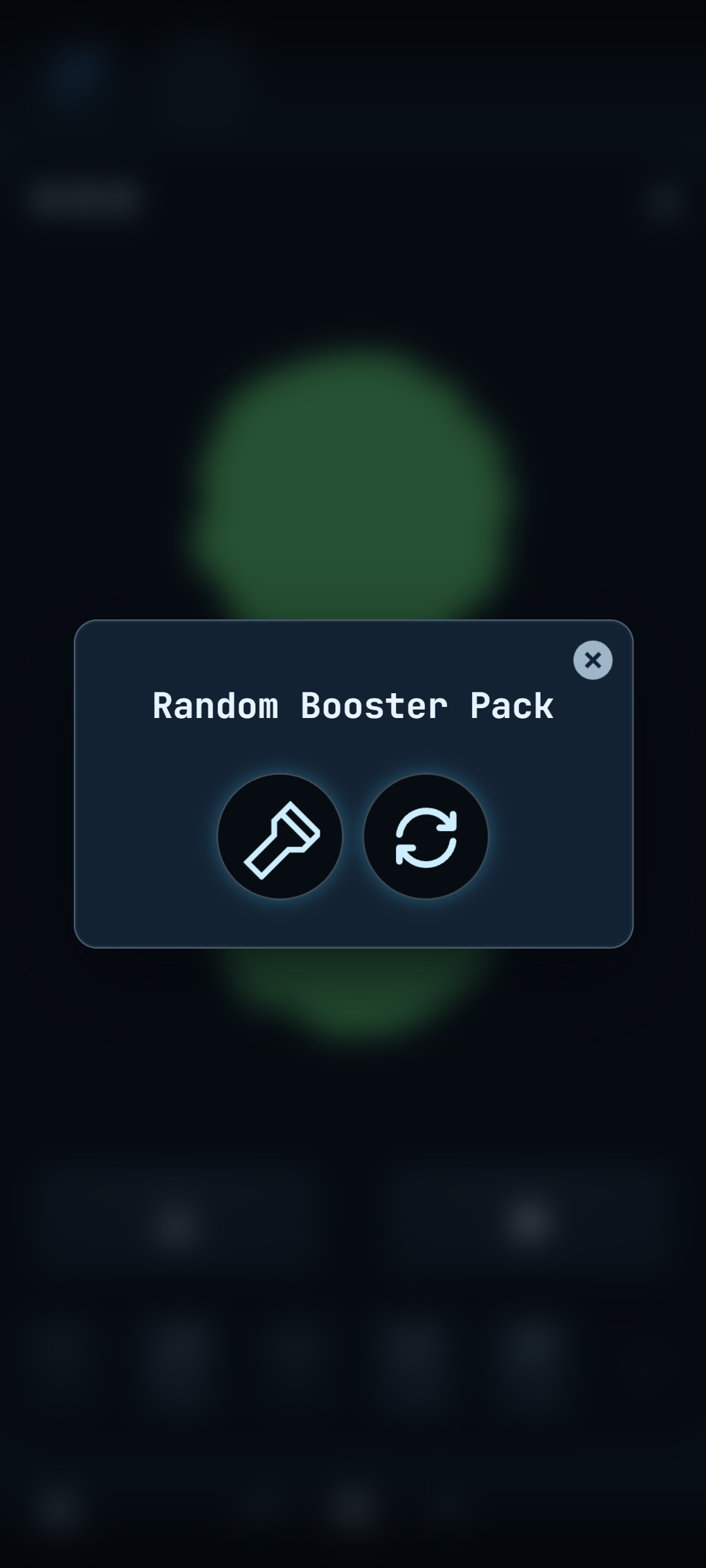
Random rewards can drop useful boosters during a run.
-
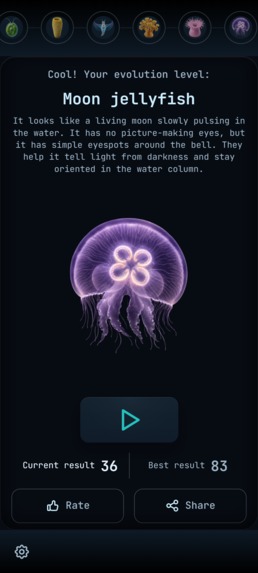
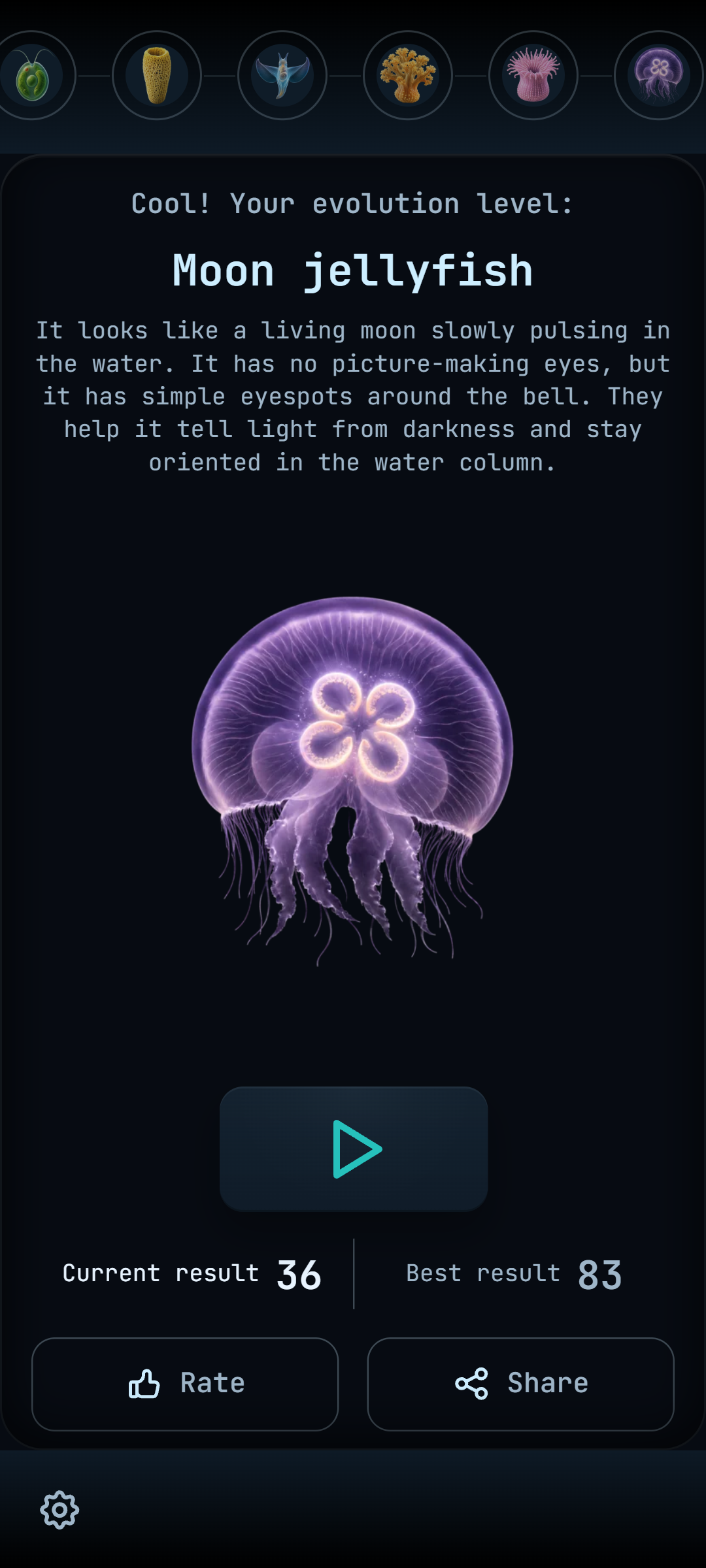
Finish the run and see how far your vision evolved.
Inspiration
Eyevolution started with a very simple idea: compare two colors and decide whether they are the same or different. The name Eyevolution comes from “eye” + “evolution”.
I wanted to see how far this tiny mechanic could go if the visual conditions kept changing. What begins as a clean color comparison gradually becomes more challenging through motion, fog, snow, glitches, unusual shapes, and combinations of effects.
The name is a play on eye + evolution. It reflects the core idea of the game: progressing through increasingly difficult visual challenges and seeing how far your perception can evolve.
What it does
Eyevolution is a fast visual perception game built around short rounds.
Players compare two colored shapes and choose whether they match. As they progress, the game introduces new visual modifiers and increasingly difficult combinations.
To make progression feel meaningful, I tied it to a collection of animal achievements. The player starts from a bacterium and moves through an evolution ladder, unlocking animals with increasingly advanced vision.
Each run creates its own achievement path, so different playthroughs reveal different animals. Previously unlocked achievements remain in the permanent collection, which gives repeated runs a different progression trail instead of simply resetting everything.
The game also includes boosters, daily and random rewards, an endless mode, and optional rewarded ads and purchases.
How I built it
I built Eyevolution solo using Vue 3, TypeScript, Vite, PixiJS, and Capacitor.
PixiJS handles real-time gameplay rendering and visual effects, while Capacitor packages the game for Android.
I also integrated RevenueCat for in-app purchases, AdMob for rewarded ads, Google UMP for consent, and PostHog for analytics.
Challenges I ran into
The main challenge was making the visual effects feel surprising without making the game unfair or unreadable.
Performance was another important challenge: fog, snow, glitches, movement, and layered rendering all had to stay smooth on real Android devices.
Closed testing also exposed UX issues that were difficult to see during development, especially around onboarding, level balance, and making the game’s navigation work correctly with Android safe areas.
Accomplishments that I’m proud of
I’m proud that a very simple two-button mechanic grew into a complete mobile game with progression, achievements, collections, boosters, rewards, monetization, analytics, localization, and 200 levels.
I’m also proud that the game went through real closed testing and improved based on player feedback rather than being shipped as a prototype.
What I learned
This was my first solo mobile game, so I learned much more than just gameplay development.
I worked through mobile performance, Android packaging, store requirements, in-app purchases, rewarded ads, consent flows, analytics, localization, closed testing, ASO, and release preparation.
The biggest lesson was that shipping a game is not just about the core mechanic. Progression, clarity, pacing, and polish matter just as much.
What’s next for Eyevolution
The first goal is to release Eyevolution on Android and learn from real players.
If the game finds an audience, I plan to expand it with new visual modifiers, more challenge types, and richer effects, and eventually bring it to iOS.
I’m also considering rebuilding the game in Godot in the future, which would give me more freedom to push the visual effects, animation, and overall presentation much further.
Built With
- android
- capacitor
- pixijs
- posthog
- revenuecat
- typescript
- vite
- vue


Log in or sign up for Devpost to join the conversation.