-
-
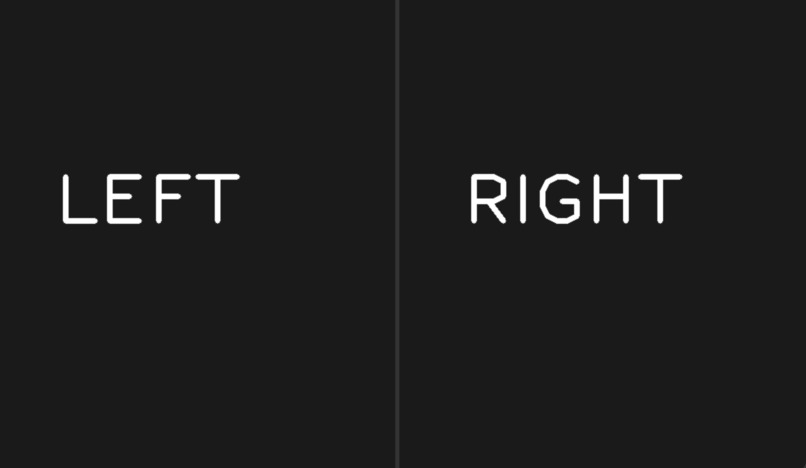
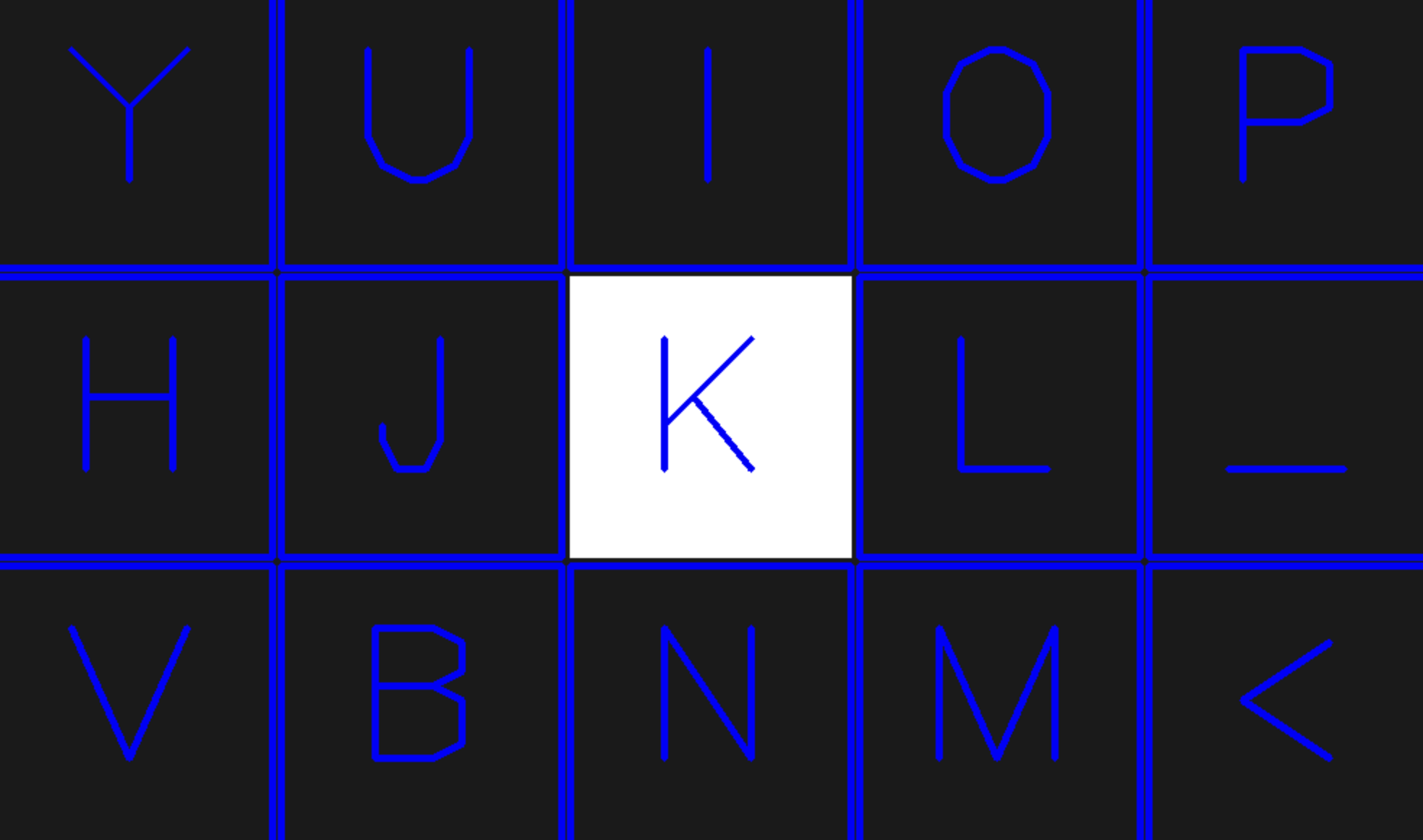
Left/Right Keyboard Choosing Screen
-
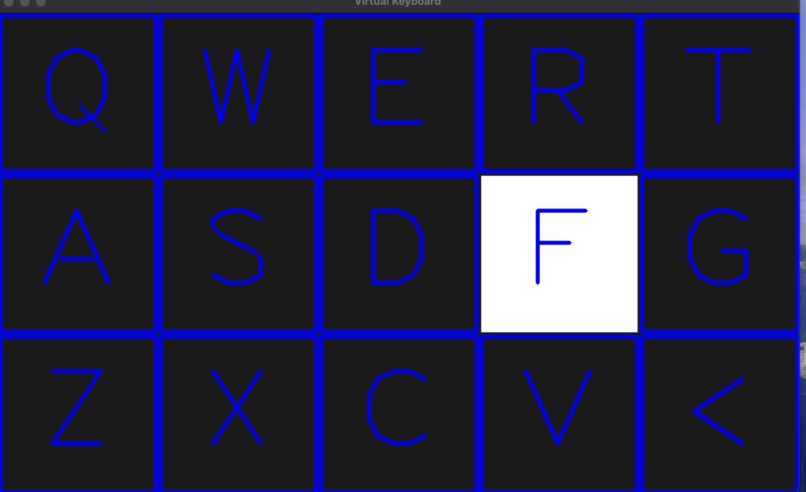
Left Keyboard
-
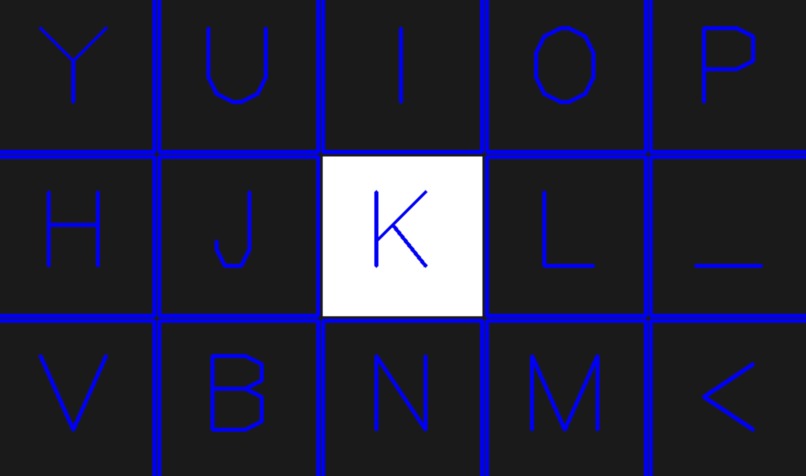
Right Keyboard
-
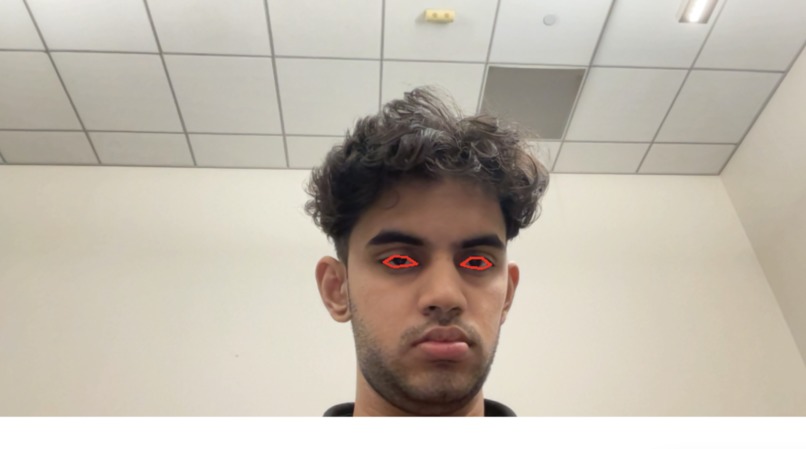
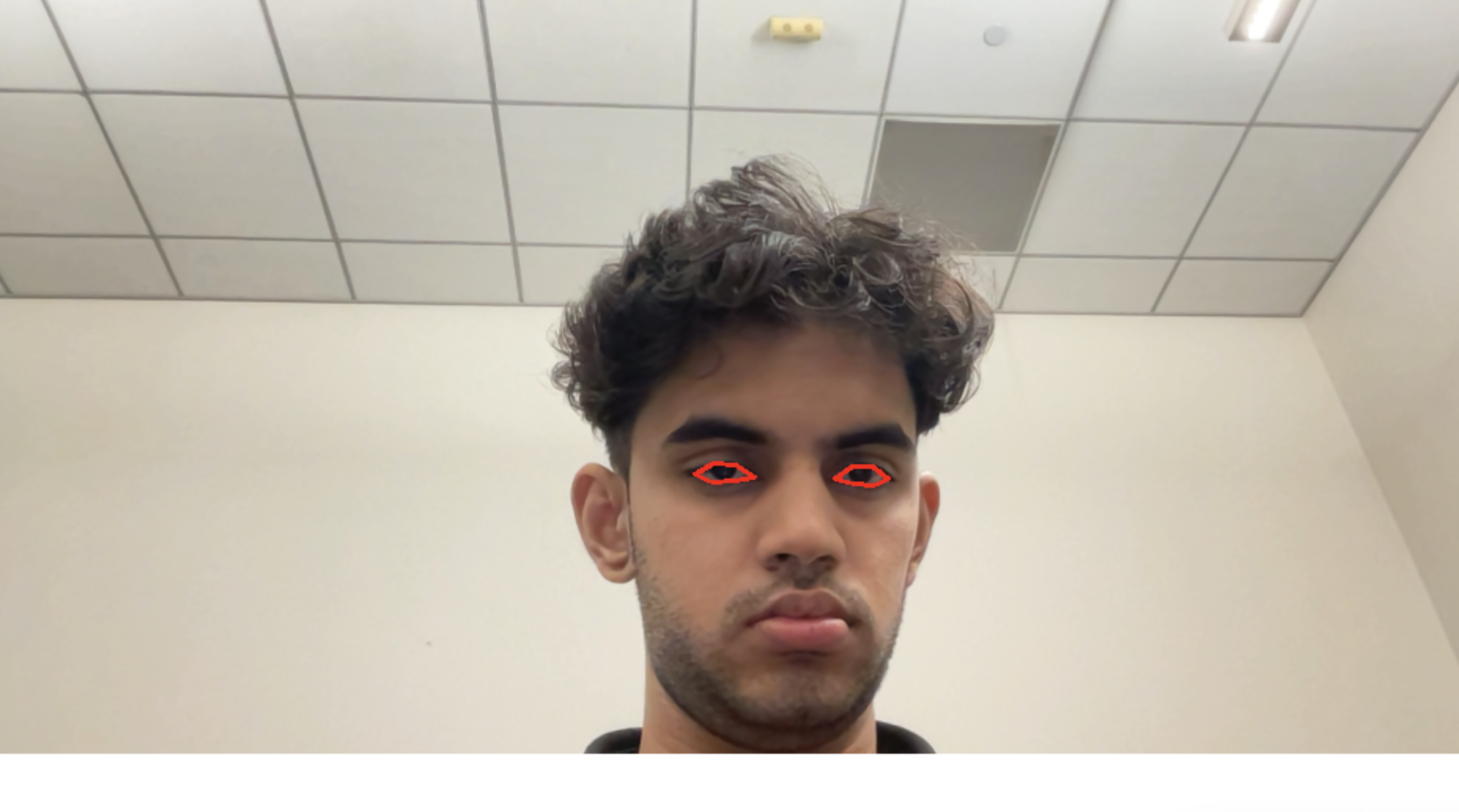
Camera Frame
-
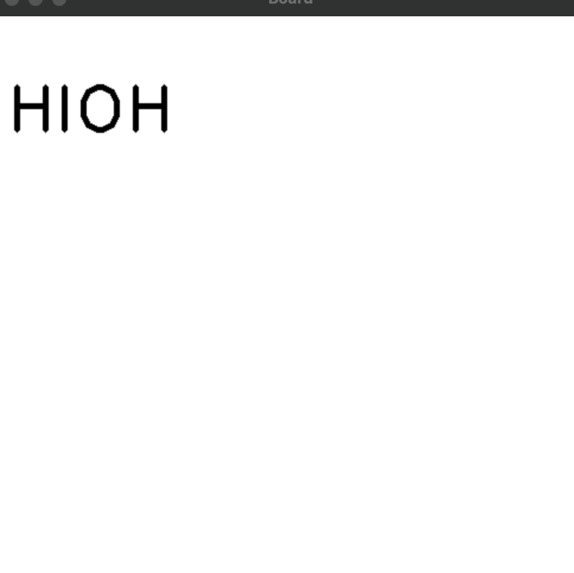
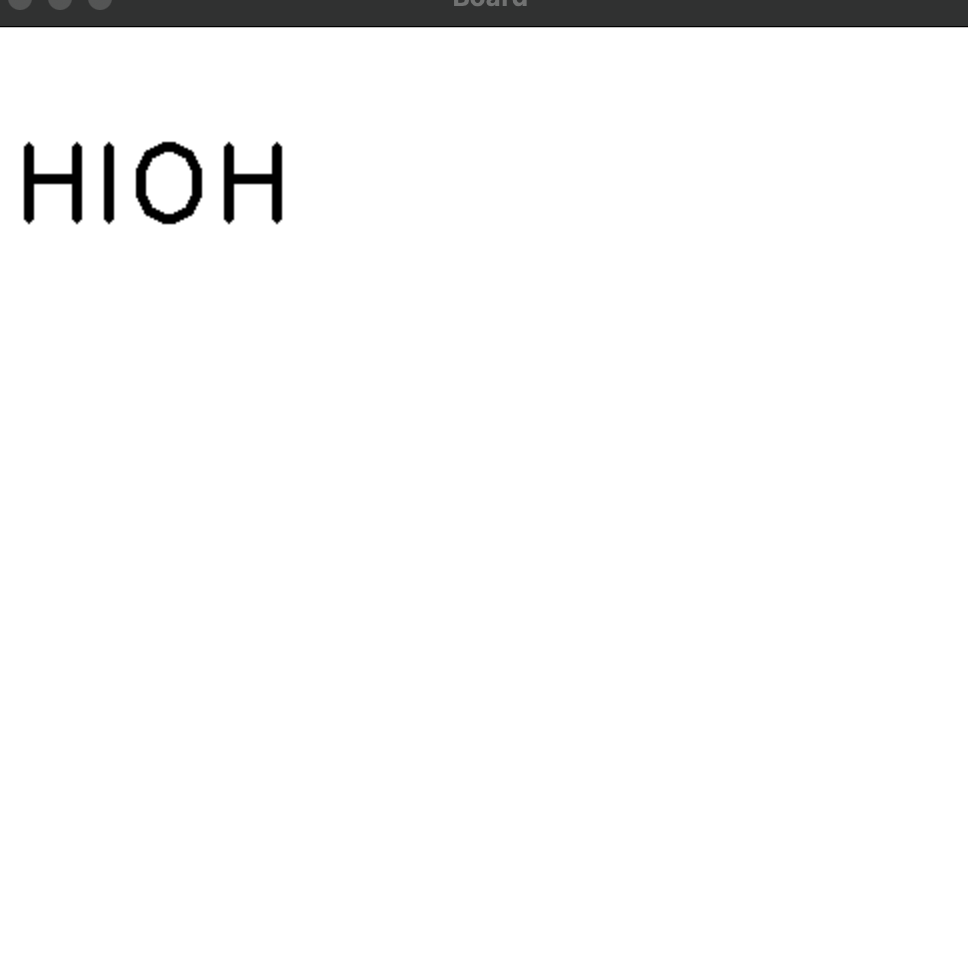
Text Board


Inspiration
Millions of people with motor impairments (ALS, stroke, spinal cord injuries, temporary paralysis) lose access to a keyboard or speaking, the primary way we all communicate. We wanted a zero-cost, camera-only tool that lets anyone type and speak using just eye movements and blinks, no special hardware required.
What it does
- Shows a large on-screen keyboard that auto-scans through keys.
- You look left/right to choose a key group, then blink to select a letter.
- Typed text appears on a “Board” area for easy reading.
- Audio feedback confirms selections using ElevenLabs TTS (e.g., says the letter or “left/right”).
- Works in real time with a standard webcam and runs fully on-device.
How we built it
- Python + OpenCV for the camera pipeline and UI rendering.
- dlib 68-point face landmarks to locate eye contours.
- Custom blink detection (horizontal/vertical eye aspect ratio) and gaze ratio (iris segmentation + thresholding) to infer left/center/right glances.
- A lightweight virtual keyboard rendered with OpenCV; timed scanning highlights the current key.
- ElevenLabs v2 SDK for text-to-speech confirmations with byte-stream caching to keep it snappy.
- Simple state machine for menus: select side → scan letters → blink to choose → speak/append to text.
Challenges we ran into
- SDK changes: ElevenLabs’ modern client no longer exposes
set_api_key/generate; we migrated toElevenLabs(...).text_to_speech.convertand fixed audio playback imports. - Blink false positives from lighting and camera angles; tuned thresholds and added frame windows to stabilize.
- macOS permissions for camera + Accessibility/Automation in later integrations.
- Performance tradeoffs between detection robustness and frame rate on laptops.
Accomplishments that we're proud of
- Fully hands-free typing + spoken feedback with only a webcam.
- Robust blink detection that survives normal head motion.
- Simple codebase that others can clone and run quickly.
- Clear README and calibration tips to make it usable beyond the demo.
What we learned
- Accessibility UX matters: bigger targets, consistent scan speed, audible confirmations, and forgiving thresholds dramatically reduce fatigue.
- Vision heuristics (EAR/gaze ratios) can be surprisingly effective when tuned with good lighting.
- Audio caching and short, distinct confirmations help maintain rhythm while typing by eye.
What's next for EyeTalk
- iMessage (macOS) integration: direct iMessage send with AppleScript.
- Quick phrases & word prediction to cut blinks per word.
- Calibration panel (per-user blink threshold, scan speed, contrast theme).
- Multilingual voices and offline fallbacks for limited connectivity.
Discord
- Username: gotenks_123


Log in or sign up for Devpost to join the conversation.