-
-
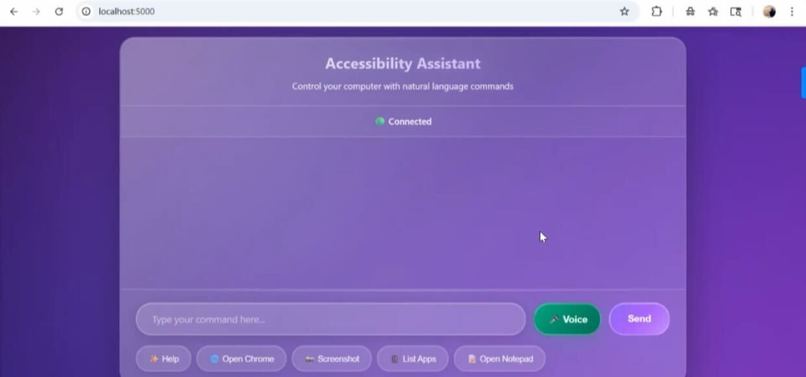
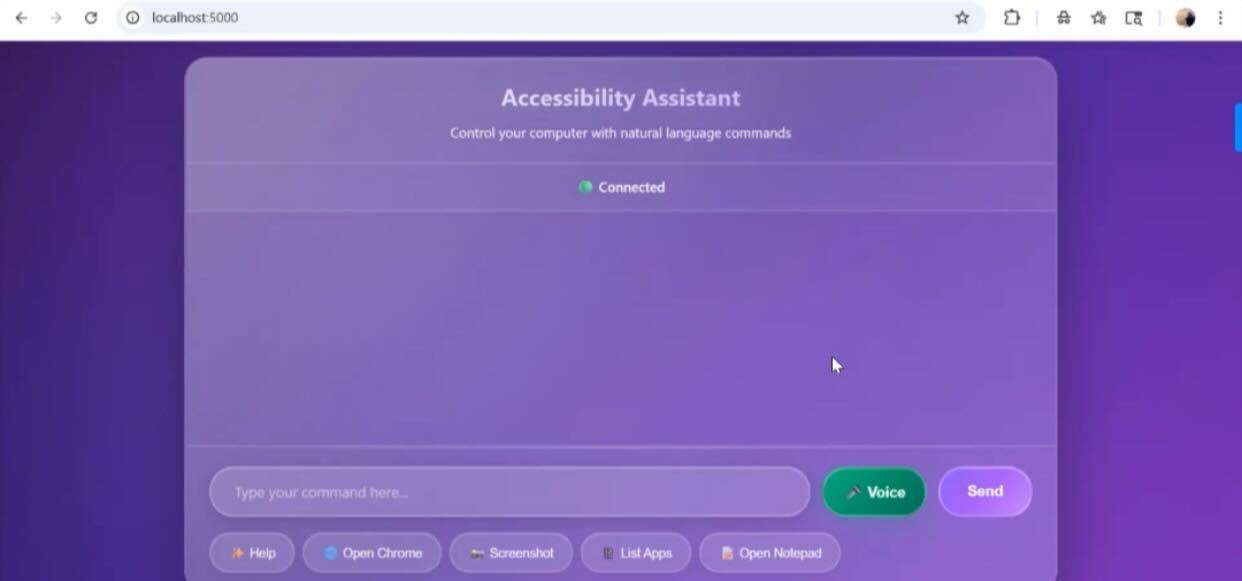
EyesOnAI- The frontend interface of the Application
-
-
-
Inspiration
A lot of people in our lives have visual impairment issues, our family members, friends, and some of our favorite teachers. We noticed that a lot of the time the accessibility tools that they use are time consuming and tedious to use and our plan was to leverage AI to fix these issues.
What it does
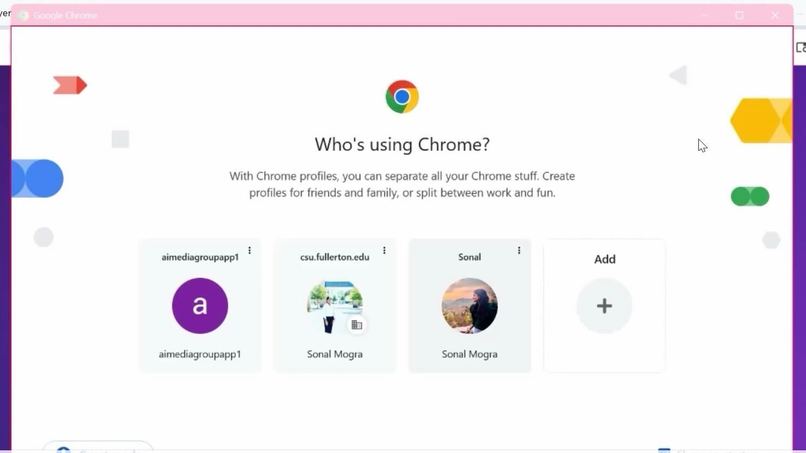
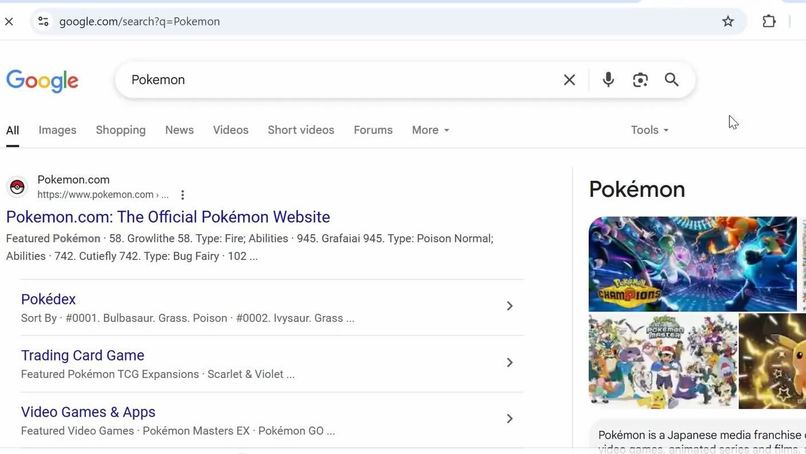
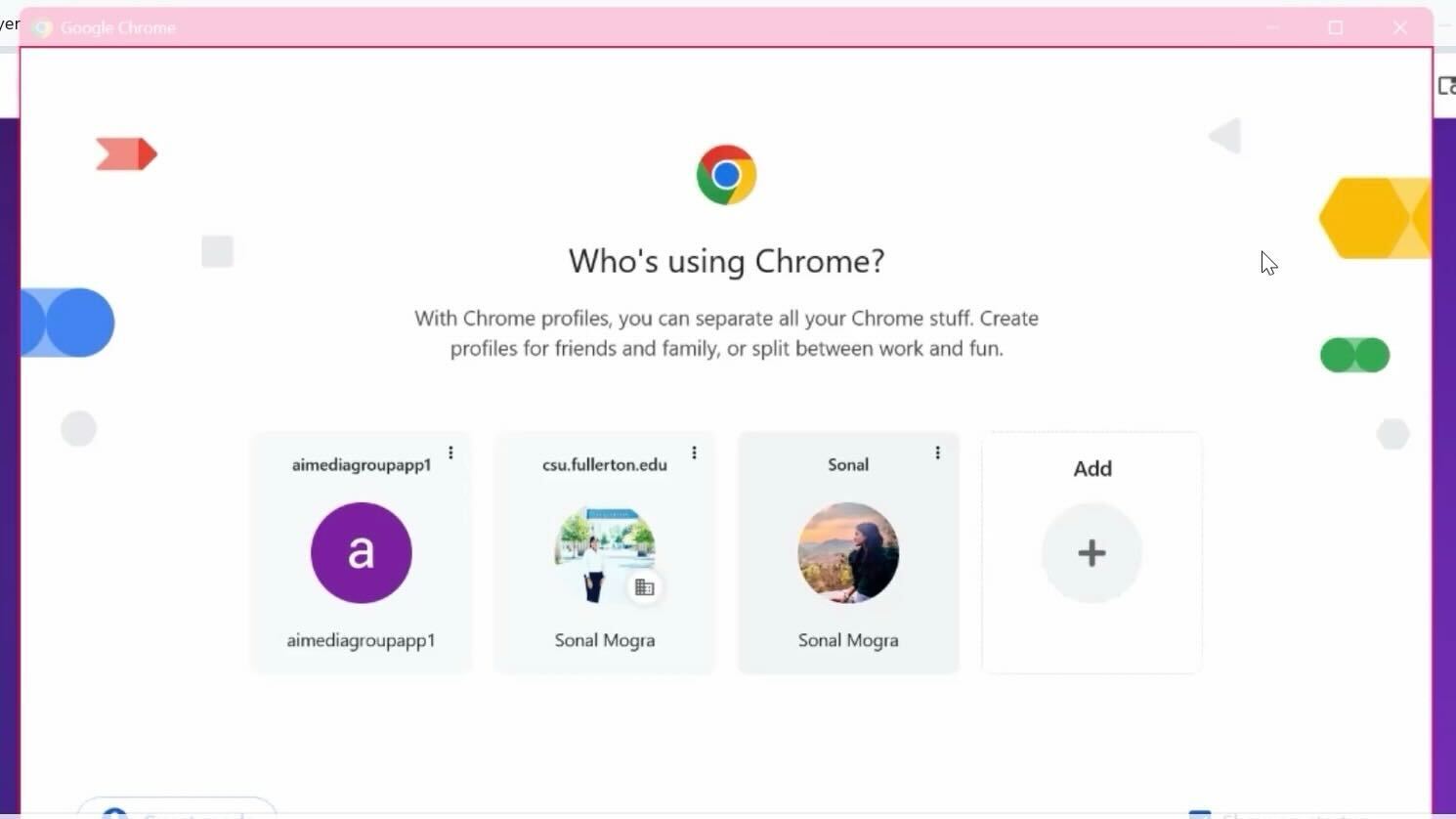
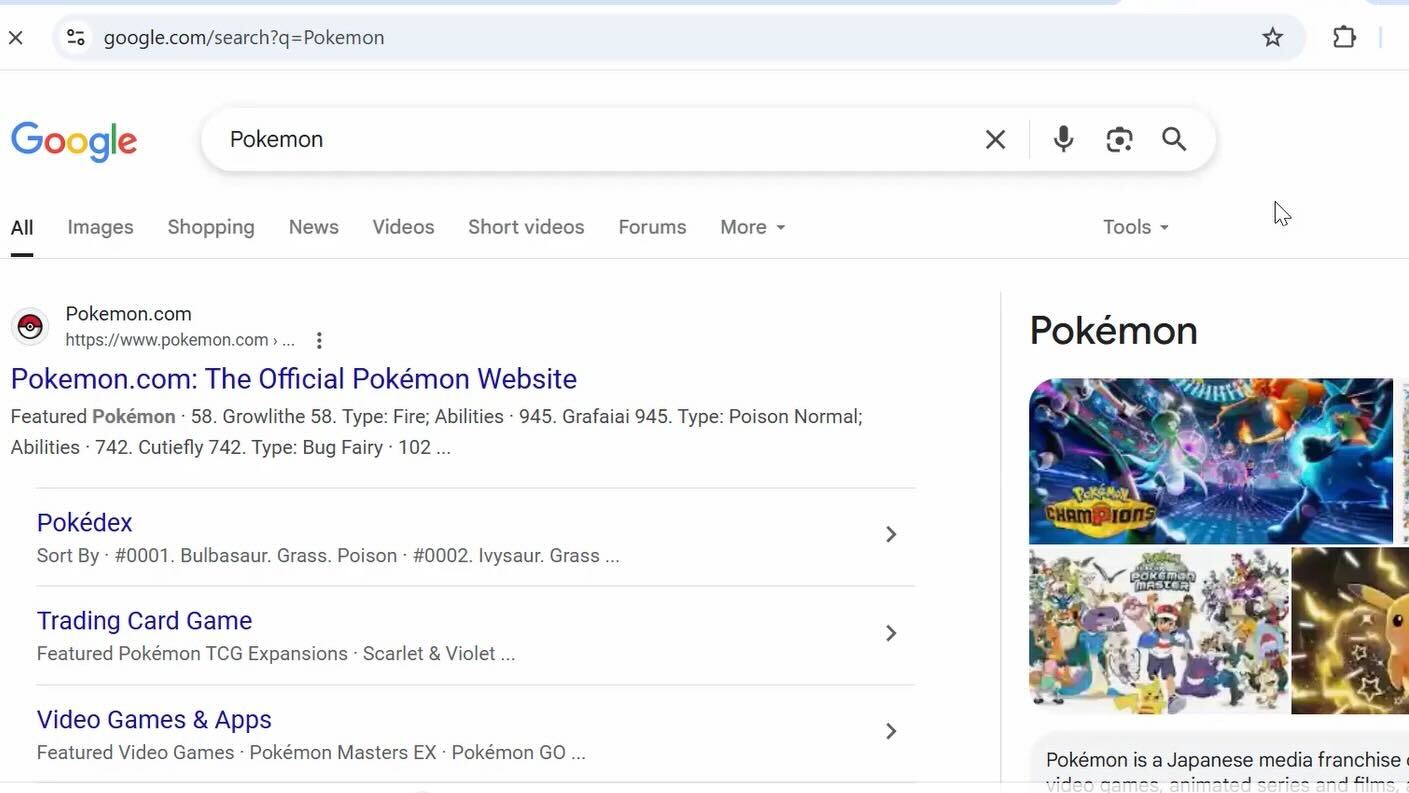
We created an AI Assistant that runs locally on a users machine and is able to control the operating system and different applications with voice commands. Our project also implements the functionality of other AI accessibility tools like OCR and TTS.
How we built it
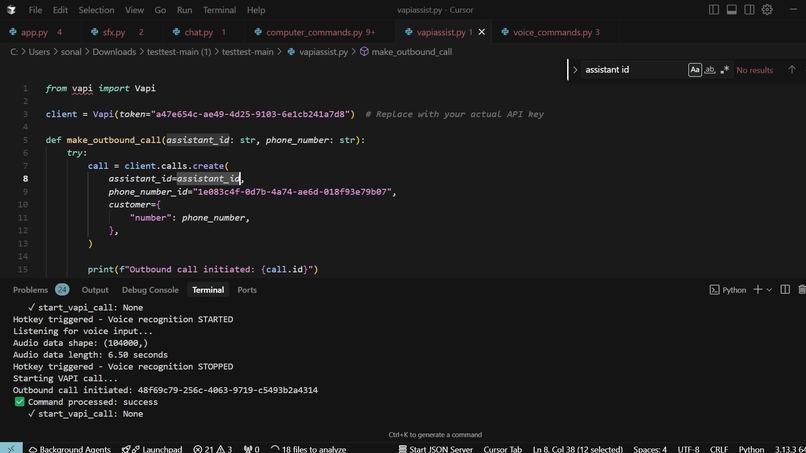
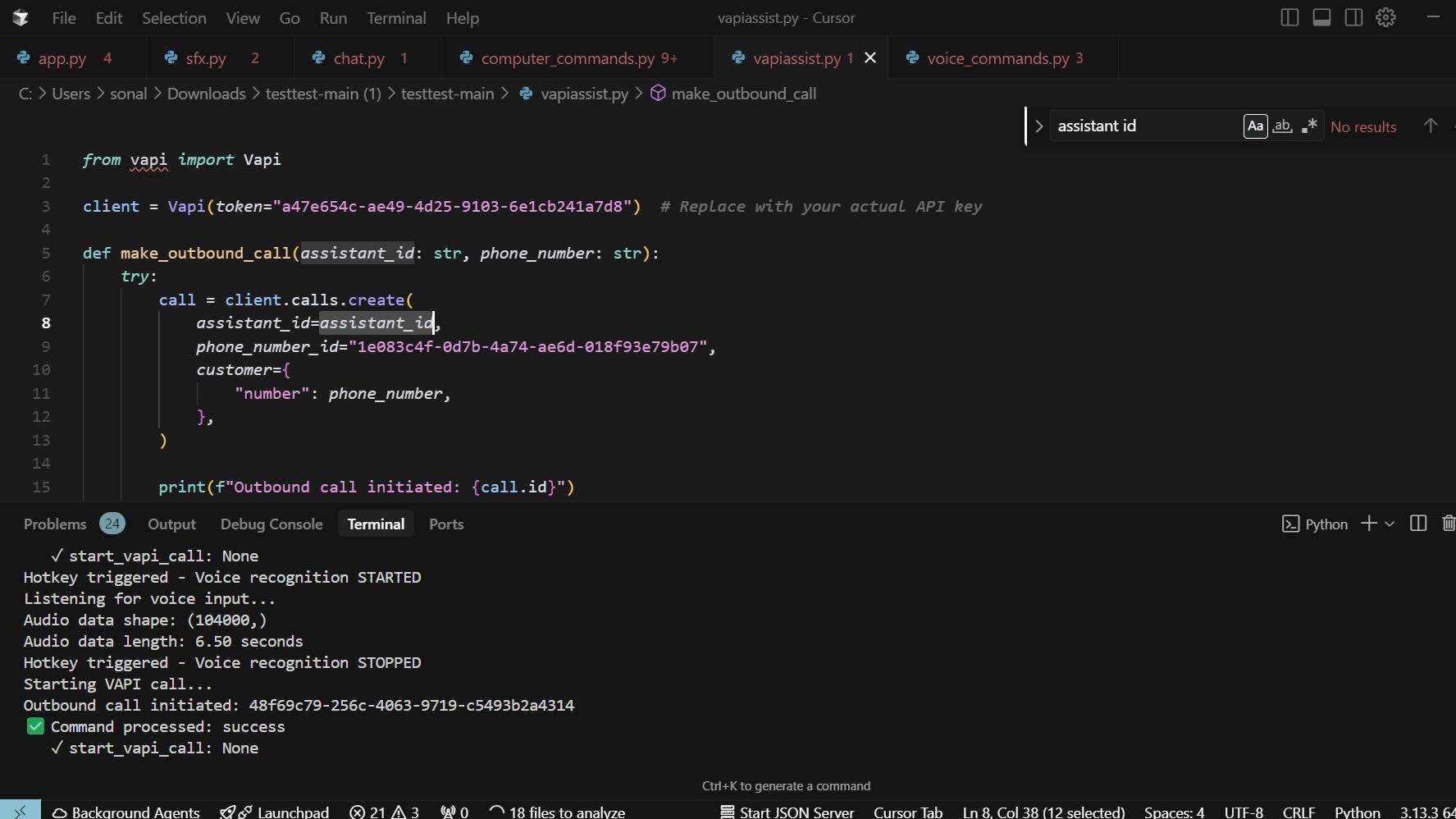
We actually didn't vibe code it! Our app runs locally on the computer while also running a local web server with Flask so its a little too unique for tools like Vercel. We used Python as our main language, Flask for our UI web server, LMNT for TTS, Google's Imagen 4 for OCR, Claude Anthropic 4 for our main LLM, VAPI for AI phone calls, and then we gave the LLMS access to system control scripts and some pretty overlays.
Challenges we ran into
We spent a lot of time setting up the various AI tools and connecting them together took some debugging. We were also creating software that has an unusual tech stack so we didn't have a template to go off of. We also maxed out API credits a couple times, and at one point we sent our private api keys to a public Github repo and broke our whole app!
Accomplishments that we're proud of
Honestly most of us are just proud we finished, when we initially came up with the idea it was like nothing we had ever built before and we weren't sure if we would be able to make a prototype in time. We are also proud of being about to create a unique AI tool that solves a problem that a lot of us have seen the people we love struggle with. I'm excited to share this project with my political science professor who is blind and also my other teammates' visually impaired uncle. We hope it can make their lives a little easier.
What we learned
We learned a lot about the new AI tools out there, we didn't know about groq and lmnts fast outputs. We learned about traditional AI models for edge detection for the restricted OCR. We learned about when to use general purpose AI vs when to use more specialized models. We met a lot of smart people and learned more about the industry. We learned how to create operating system control tools. Using selenium and other power control commands.
What's next for Eyes On AI
We want to give our tool more access to the computer. Right now we have a list of things we are able to control with the assistant but we want to enable them to control everything. An example would be using the OCR to find the exact pixel value of intractable things on the screen and be able to have better control of the system.


Log in or sign up for Devpost to join the conversation.