-
-
-
-
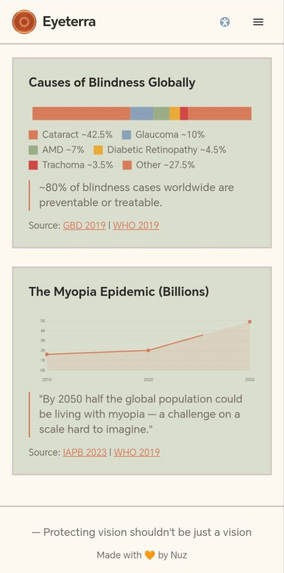
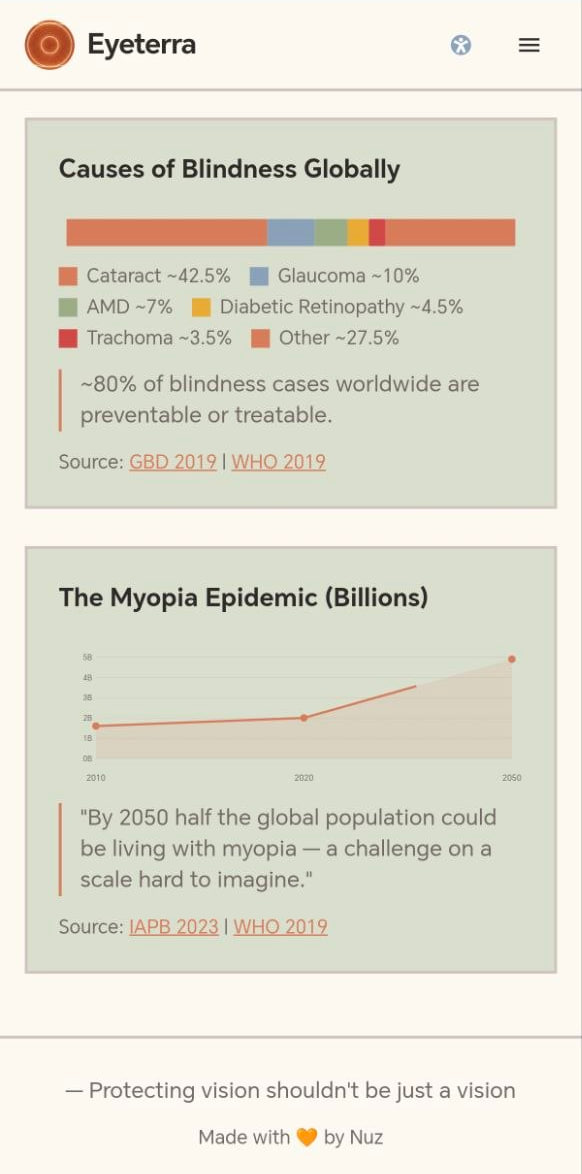
Happy to say Eyeterra's mobile-friendly!
-
Inspiration
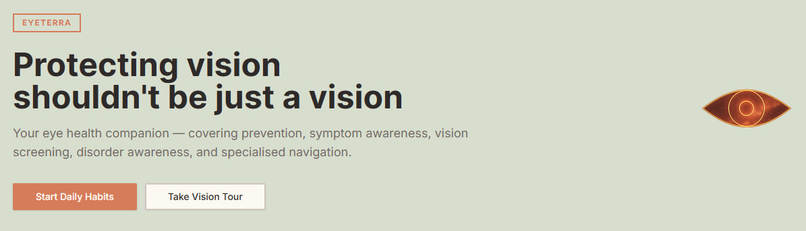
I built Eyeterra to protect the well-being of our eyes. It was inspired by my family's eyes and my own, some fairs I've been to, as well as news and the media.
What Eyeterra does
Track: Real World Problem — building a practical, accessible, and engaging solution to combat the global rise in digital eye strain, myopia, and vision neglect caused by increased screen time and lack of awareness.
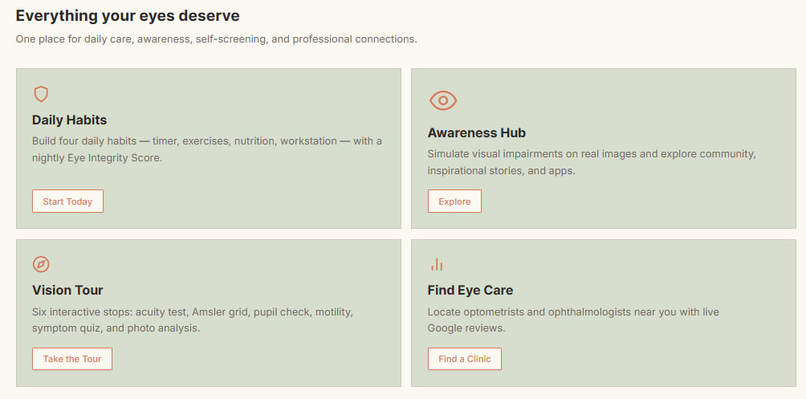
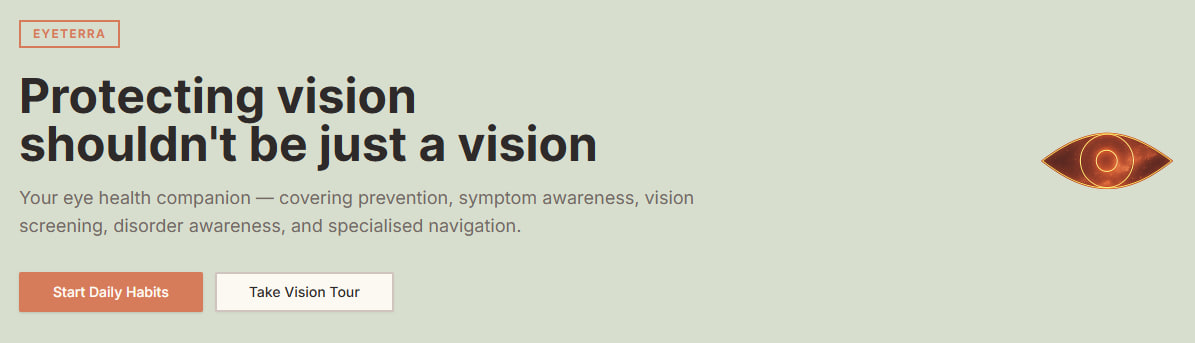
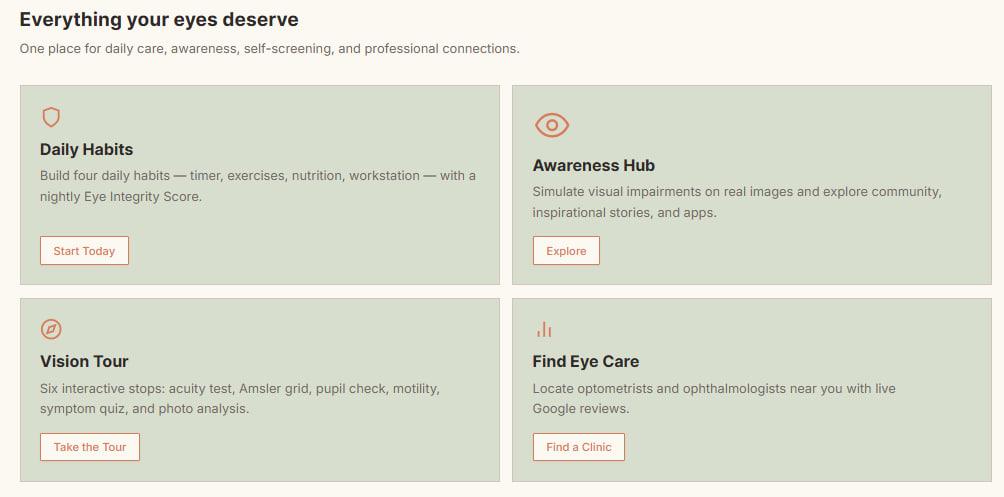
Eyeterra v1.0 covers four main features:
- A meter to build eye-conscious habits while tracking your daily Eye Integrity score
- An awareness zone where users can understand different eye conditions through experience, trends, and get to know other sources that inspired Eyeterra's ambition
- A 5-stop vision tour — how well do we understand our sight?
- A live map integration that marks optometrists and ophthalmology centres at any given location
Eyeterra aims for a privacy-first and accessibility-for-all setup, so progress is stored in localStorage. Supabase is used for the anonymous click tracking strictly for the hackathon-themed Easter egg: the Neonmap.
How I built Eyeterra
Day 1-2: Planning. I outlined Eyeterra's purpose, functionality, and theme. Then I wrote a documentation describing the desired style (I chose soft neobrutalism after a project I liked and teracotta for a sunny feel), what each feature does, and its layout.
Day 3: The skeleton. After sending the documentation to MeDo, the AI agent, I made sure that it had the design, main features and pages right for the foundation.
Day 4: Polishing. I spent the day using Eyeterra firsthand to identify bugs, review technicalities, and implement new ideas or variables that would improve user experience.
Challenges I ran into
With the power of the agent, the challenge was mainly about making sure that I managed to convey my ideas efficiently to MeDo, be credit-savvy, and make sure that no hallucinations or misunderstandings occurred between. At the beginning, I realised that the agent had greatly streamlined my documentation, so I had to break my file into smaller, more concise pieces of text in separate follow-up prompts.
Accomplishments I'm proud of
I appreciate that the design achieved a degree of warmth instead of being cool or overly clinical.
What's next for Eyeterra
Upcoming features in the list:
- Enhanced accessibility features (font size, seizure safety, colour blind filters)
- Screen readers and voice navigation
- Improved localStorage tracking (such as a 7-day Eye Integrity graph)
- Add an "in-depth" mode to Vision Tour that tests implicit symptoms
- Integrate AI features such as Groq or Gemini analysis for a specialised report card in Vision Tour
- And many more that will come through experiments, exposure, feedback, and tiny "aha!" moments
I plan to open-source Eyeterra on GitHub as a non-profit and FOSS website to encourage community interaction and to ensure that it remains helpful and relevant to all users. Additionally, I'm actively hearing out opinions from various users, so protecting our eyes will no longer be that tough. To anyone reading this, don't hesitate to tell me your thoughts, suggestions, or even your struggles with eye strain. Your voice helps us all see more clearly.
Thanks for reaching here, enjoy your day!
Built With
- chatgpt
- deepseek
- google-maps
- medo
- supabase

Log in or sign up for Devpost to join the conversation.