-
-
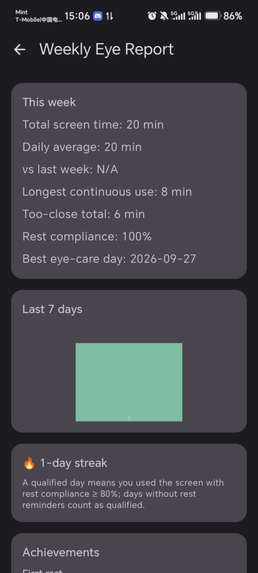
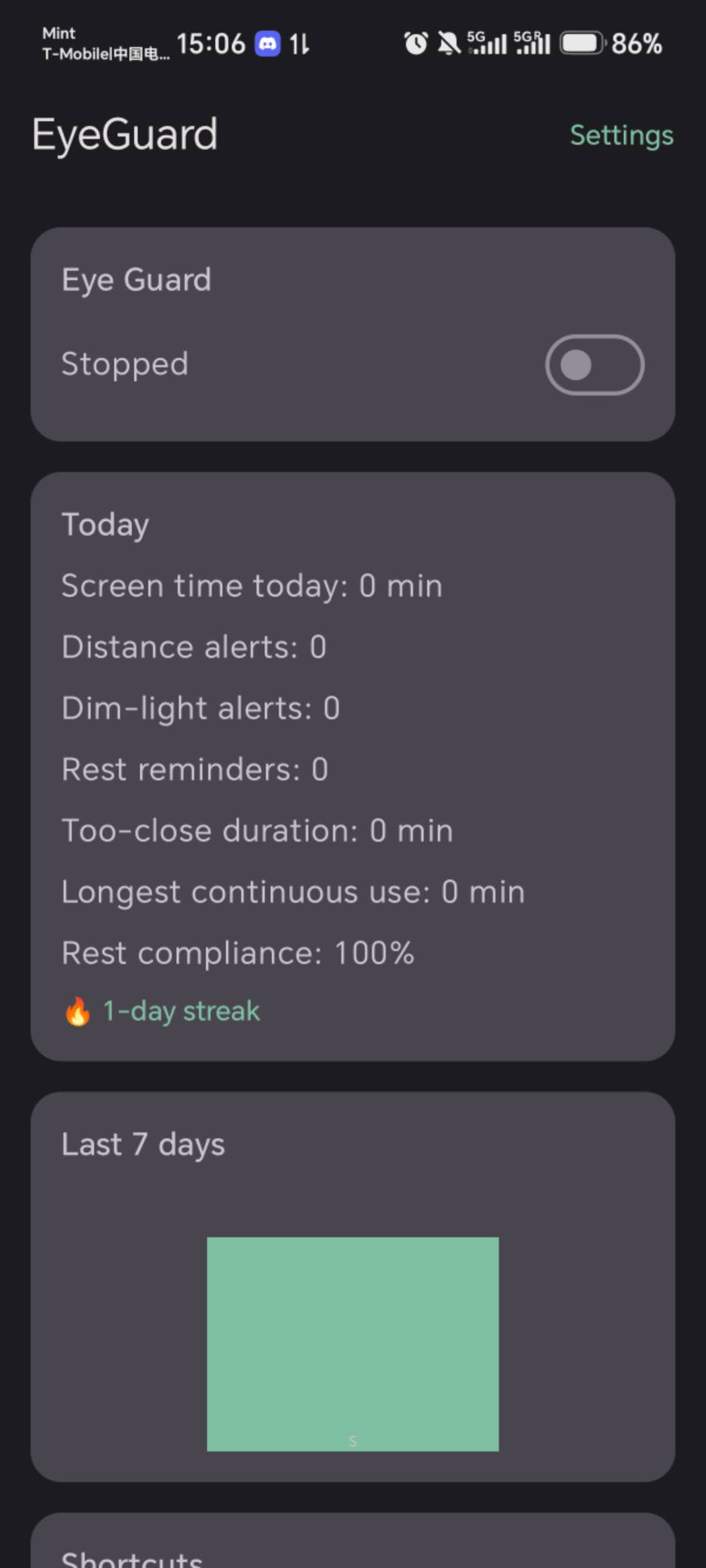
Weekly Eye Report — trends, streaks and achievements that keep eye care a habit
-
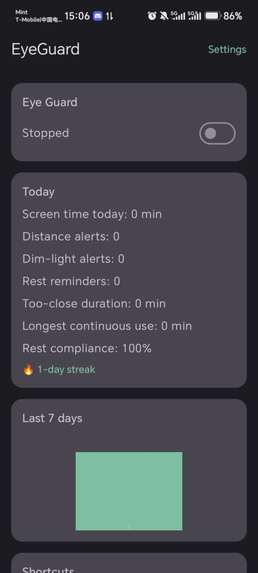
home page:Weekly Eye Report — trends, streaks and achievements that keep eye care a habit
-
my app's icon
Inspiration
I spend way too many hours on my phone — too close, too long, often in the dark. As a student I noticed my eyesight getting worse, and existing "eye care" apps were either just blue-light filters or manual timers that nobody sticks with. I wanted something that watches how you actually use your phone and intervenes at the right moment.
What it does
EyeGuard is an always-on eye-health guardian for Android:
- Distance detection — every 30 seconds it briefly opens the front camera for a single frame, measures face-to-screen distance with on-device ML Kit face detection, and warns instantly if you're too close. The camera is released immediately; nothing ever leaves the device.
- Ambient light monitoring — a low-power sensor listener warns when you're reading in the dark.
- 20-20-20 rule — tracks continuous screen time via screen on/off events and reminds you to look 6 meters away for 20 seconds.
- Smart eye comfort filter — a warm overlay that adapts to ambient light and night hours, toggleable from a Quick Settings tile.
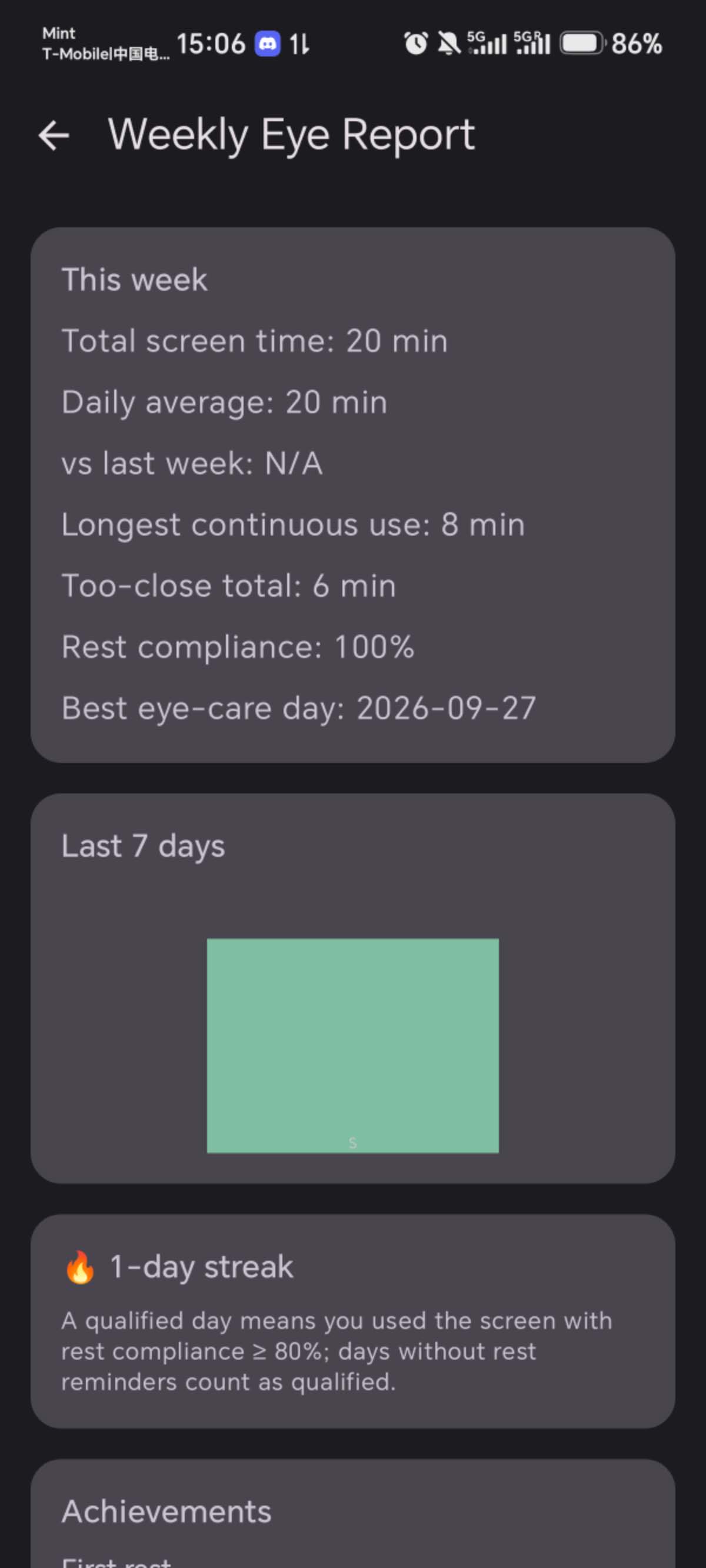
- Stats that motivate — daily screen time, too-close duration, longest continuous session, rest-compliance rate, weekly reports, streaks and achievements.
- Built for real-world Android — battery-whitelist and auto-launch guidance for Chinese ROMs, battery-aware adaptive sampling, and boot-resume notifications.
How I built it
Native Android with Kotlin and Jetpack Compose (Material 3). CameraX + ML Kit for single-frame distance sampling, Room for daily usage stats, DataStore for settings, Hilt for DI, and a foreground service with a camera|specialUse type for the monitoring loop. Monetization is built with RevenueCat: the Pro plan unlocks custom thresholds, the smart filter, 7-day history charts, weekly reports and do-not-disturb hours.
Challenges I ran into
- Chinese ROM background limits: foreground services get killed aggressively on MIUI/EMUI/Honor. I ended up combining a camera|specialUse FGS type with in-app guidance cards that deep-link users to battery whitelist and auto-launch settings.
- Notification quirks: re-using a notification ID silently "updates" instead of alerting — reminders now always use fresh IDs, with a direct vibrator fallback for ROMs that swallow notification vibration.
- Privacy-first camera usage: binding the camera for one frame per sample without a preview use case took some CameraX gymnastics, but it's what makes the feature battery- and privacy-friendly.
What I learned
Shipping a background-heavy health app is 20% features and 80% fighting the OS. I also learned how fast RevenueCat makes subscriptions: offerings, paywall logic and restore flows took less than a day to integrate.
What's next
Full-screen break overlays, sound alerts, and per-profile detection for shared devices.
Built With
- android
- camerax
- coroutines
- datastore
- health
- hilt
- jetpack-compose
- kotlin
- machine-learning
- material-3
- ml-kit
- revenuecat
- room


Log in or sign up for Devpost to join the conversation.