-
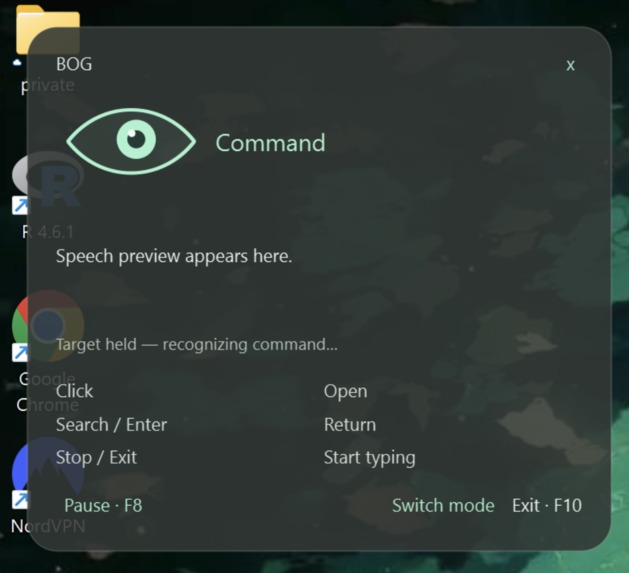
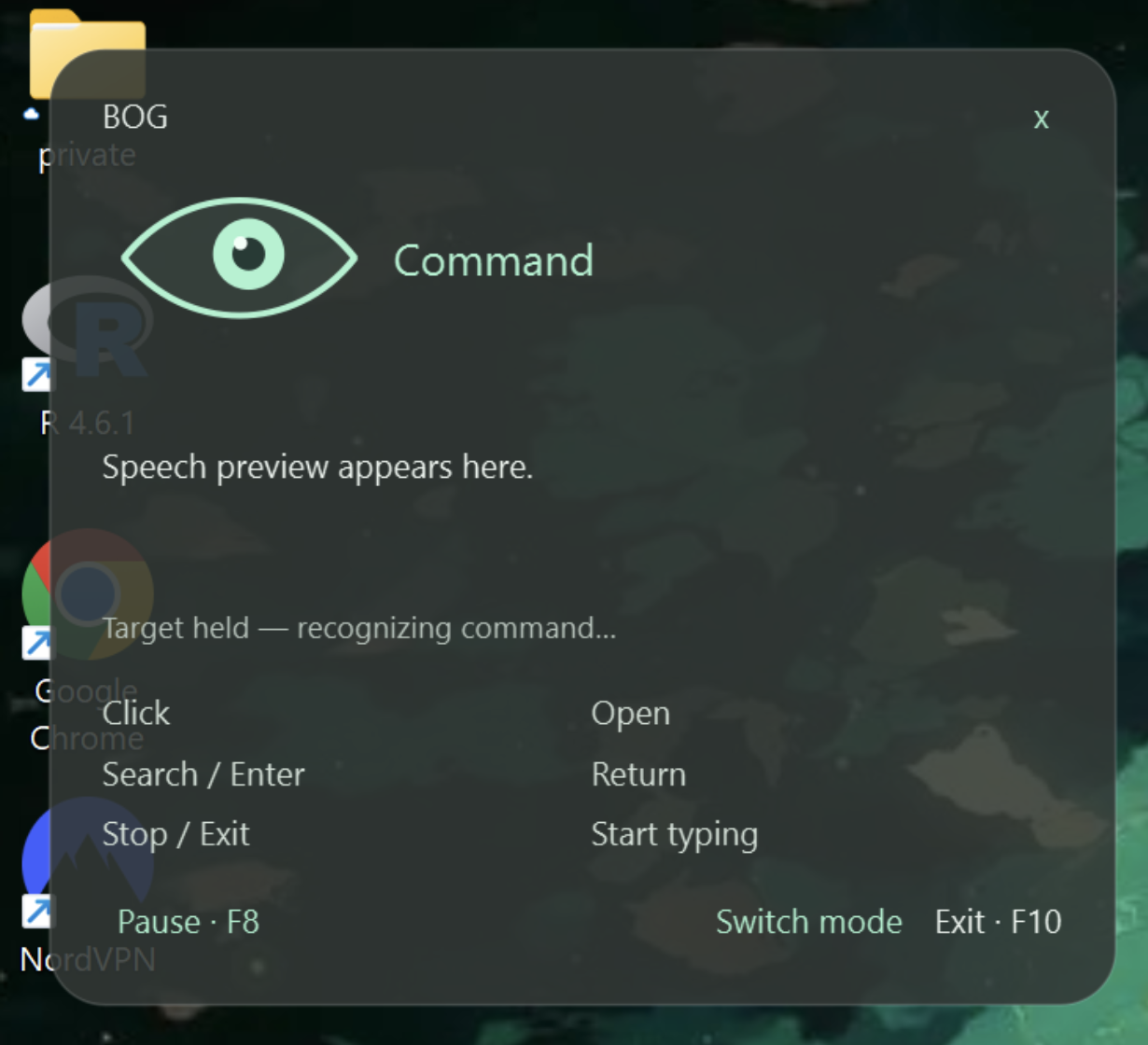
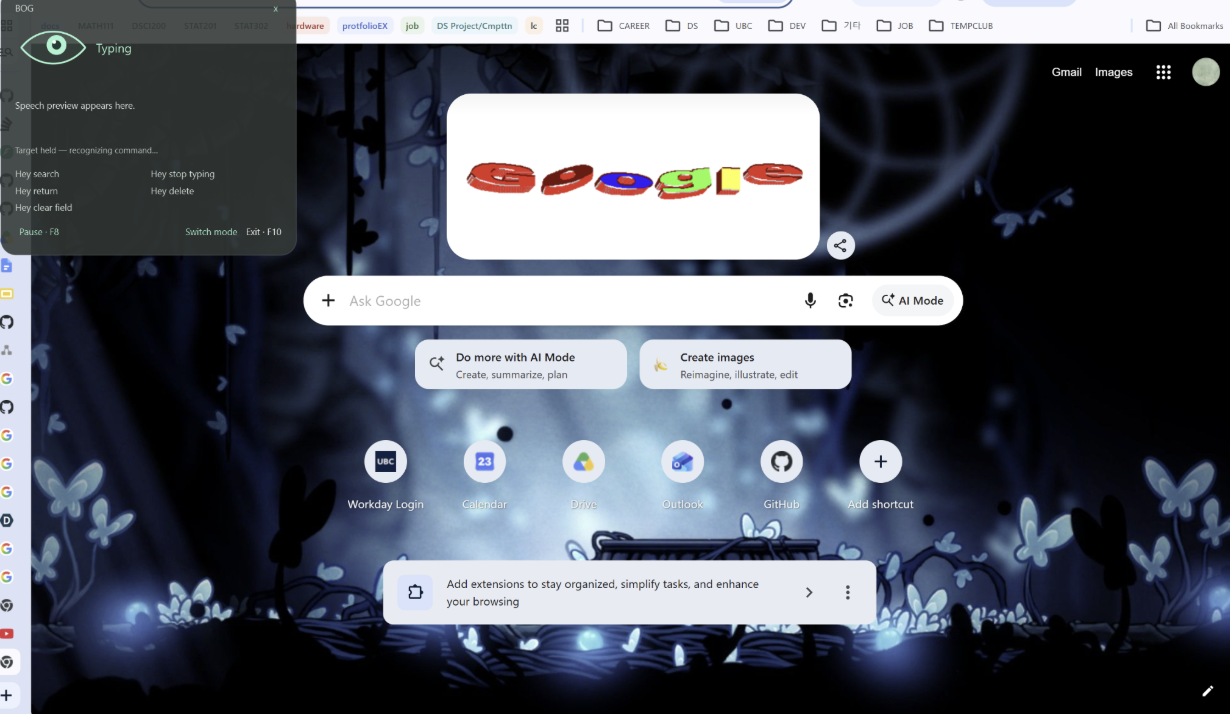
Program GUI
-
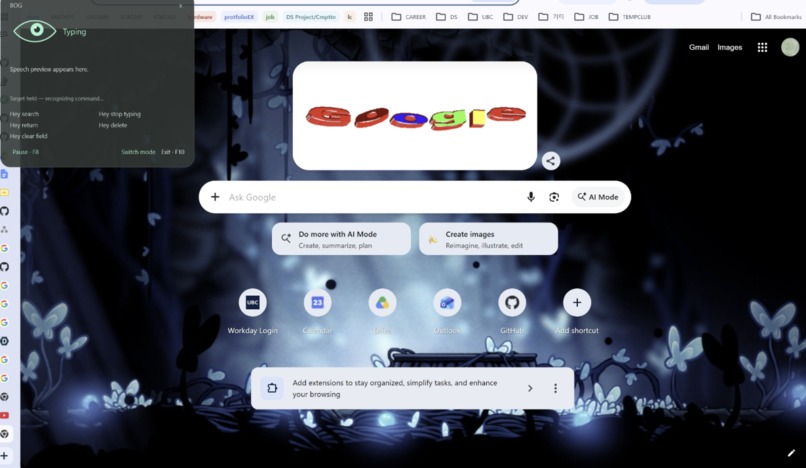
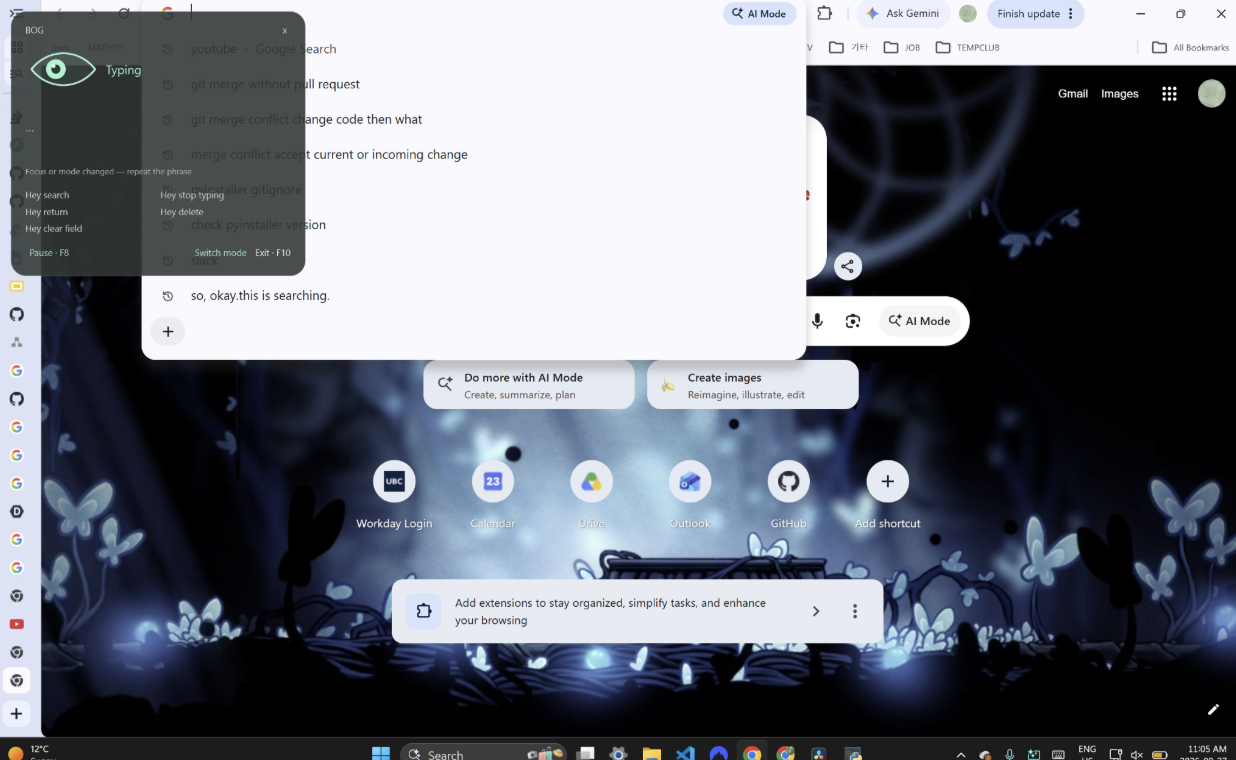
Program overlap on laptop screen
-
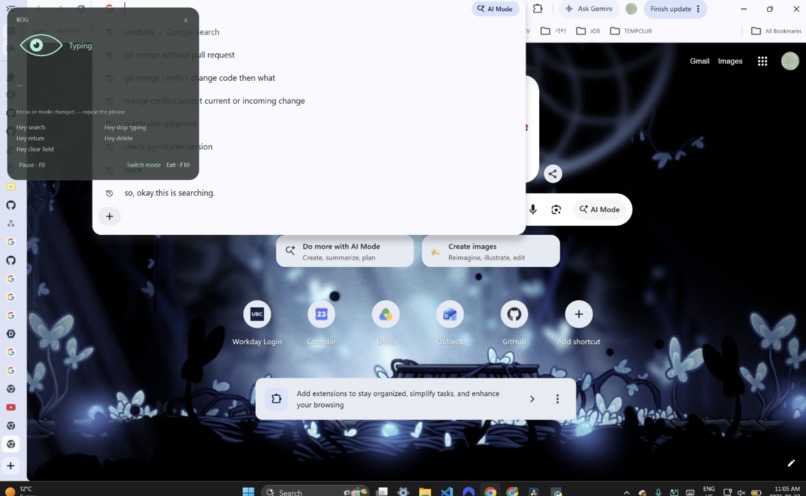
Speech-to-text transcribing
-

Eye tracking calibration

Inspiration
Hundreds of millions of people struggle with motor impairments, limiting them from the benefits of computers that are predominantly controlled by a user's hands. This results in these groups of people being excluded and restricted from the potential benefits of modern technology, hindering learning, work, and entertainment.
What it does
The app tracks the user's gaze on the screen and allows the user to control the computer's mouse pointer using their eyes. Users can perform mouse actions through voice commands and use speech-to-text to type out long strings of text.
How we built it
We combined eye-tracking, cursor control, voice-command recognition, and speech-to-text into a single application. The eye-tracking system estimates where the user is looking and translates that position into cursor movement, while voice recognition handles actions that would normally require clicking or typing.
We used open-source code and libraries to help with the functions of eye tracking and voice recognition. Eyetrax + OpenCV for eye tracking sounddevice for mic capture webrtcvad for voice filtering Whisper (base.en) for English transcription pyautogui for mouse controls
To further improve the product, we added a teaching mechanism that collects data and accepts lessons based on where the tracker assumes you were looking and where you were supposed to look. If the lesson or session is an outlier or lowers the accuracy, it will be rejected to continue maintaining the same accuracy level.
Challenges we ran into
Getting the eye tracker to be accurate Distinguishing between the user's command and background noise Accuracy in transcribing the user's speech
Accomplishments that we're proud of
We're proud that we got a program that successfully implements both the speech-to-text and eye-tracker functions, allowing for hands-free navigation.
What we learned
Don't wake up late for the hackathon
What's next for GazeBrowser
- More stable and accurate eye-tracking, allowing for many different head angles
- More accurate background noise filtering
- Allow for more advanced controls on the keyboard and mouse
- Allow the user to toggle certain modes on or off

Log in or sign up for Devpost to join the conversation.