-
-

Logo
-

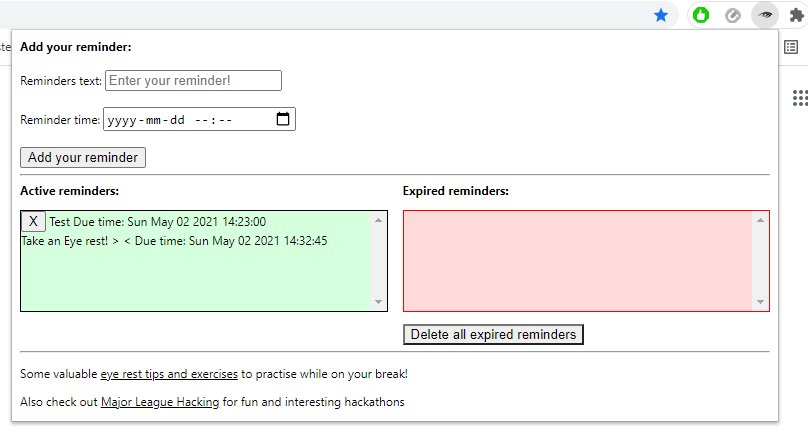
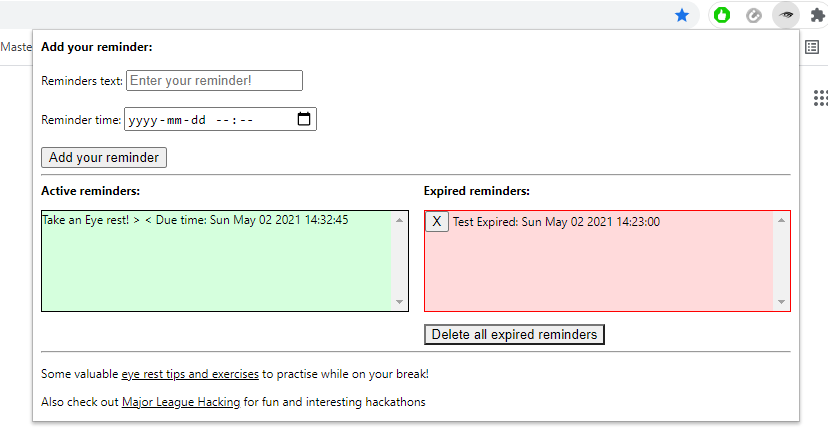
Extension when there is pending reminder
-
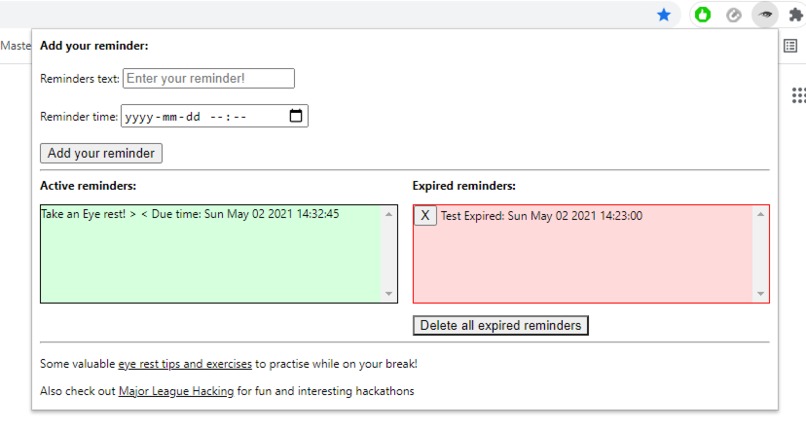
Extension when there are expired reminders
-
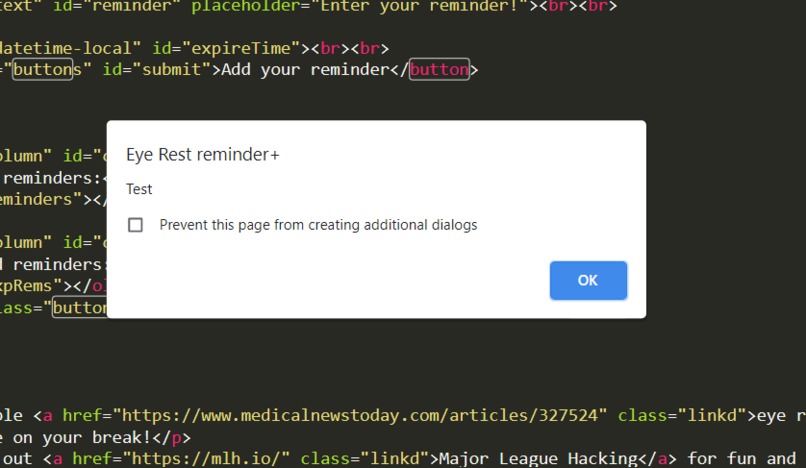
Reminders Chrome alert
-
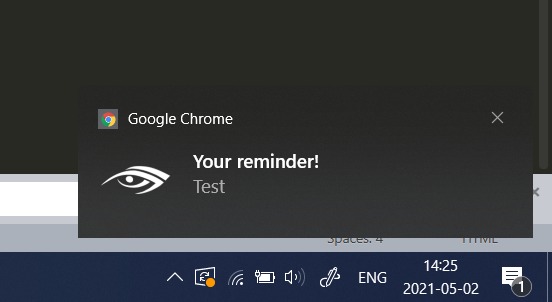
Reminders Chrome notification
-

Extension icon



Inspiration
Project was inspired by nowadays struggles of working in front of the screen day to day. This add-on is meant to tackle problems of dry eyes, headaches and/or deteriorating vision, as well as allows you to set custom reminders.
What it does
Basically, every 20 minutes it encourages you to rest your eyes, which is essential after this much time working/studying from home. You can also set your custom reminder messages and plan it at a wanted time. Reminder is showed both in Chrome browser as alert and as a general Chrome notification. In addition to that, there are also small features included: Reminder to rest your eyes resets 20 minutes immedietly after trigerring, you can never delete eye rest reminders and they are not stored in a nearby section of past reminders; All reminders are sorted in time order after added; You can always delete any reminder (except reminder to rest your eyes, this one never has delete button); All past reminders (except reminders to rest eyes) are saved and sorted in a nearby section of expired reminders immedietly after trigerring; You can also delete past reminders one-by-one or all together with a dedicated button.
How we built it
Project was built using Javascipt in backend and simple HTML and CSS in the frontend page. Coding was done mainly with Sublime-text and debbuging on Chrome.
Challenges we ran into
Had struggles creating project while pretty much learning a new language and this weekend certainly included a lot of debugging of "huh, what would this do" code.
Accomplishments that we're proud of
Few days before I haven't done anything with Javascript, so I think that was pretty fun. Also, this was my first hackathon.
What we learned
It was probably my first project with Javascript, so definently learned something new about this programming language and how to use it.
What's next for Eye Rest Reminder
There are cerntainly ideas about how to make it better already. First thing to start working on is user controlled options page to make it customizable by users needs and preferances.


Log in or sign up for Devpost to join the conversation.