-
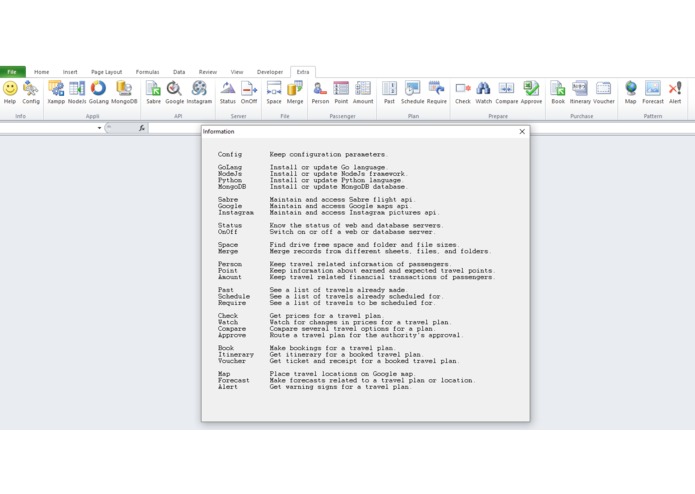
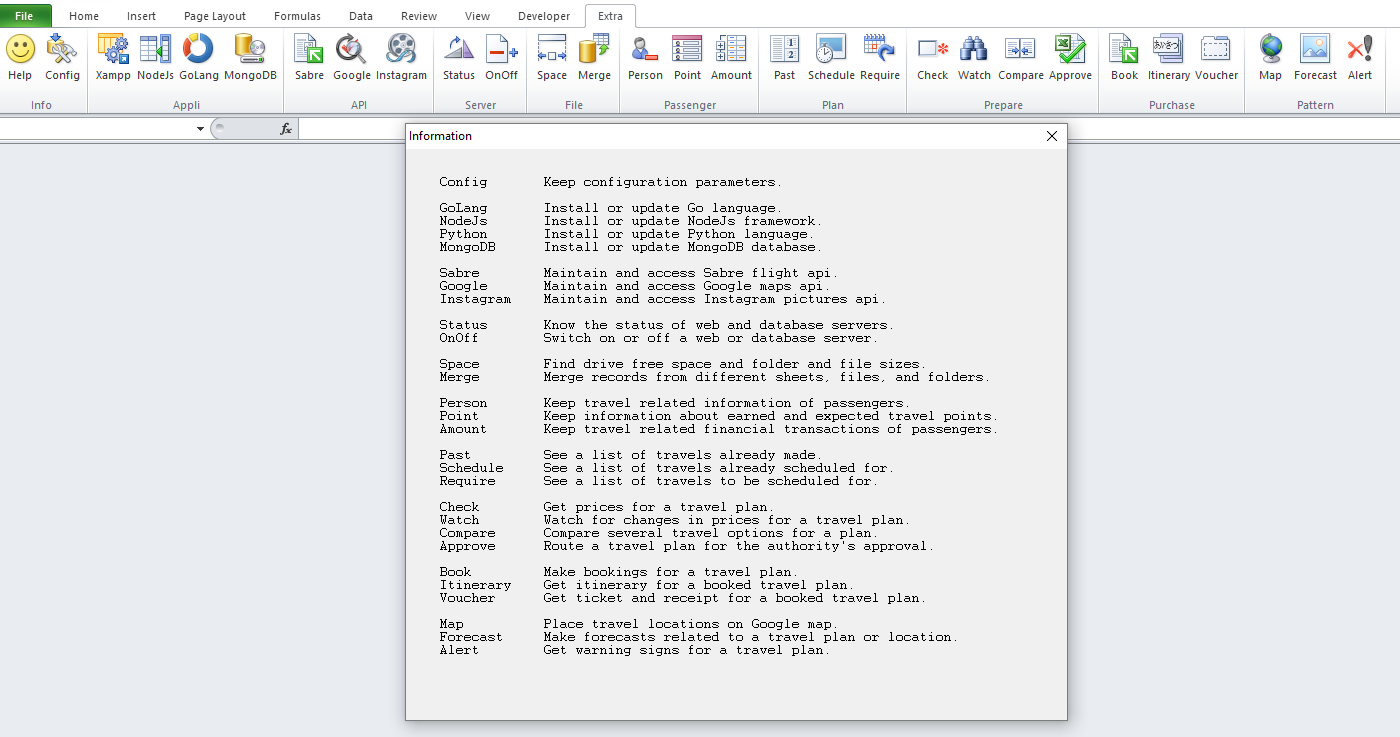
Extra's Info button provides a quick overview of what each button does.
-
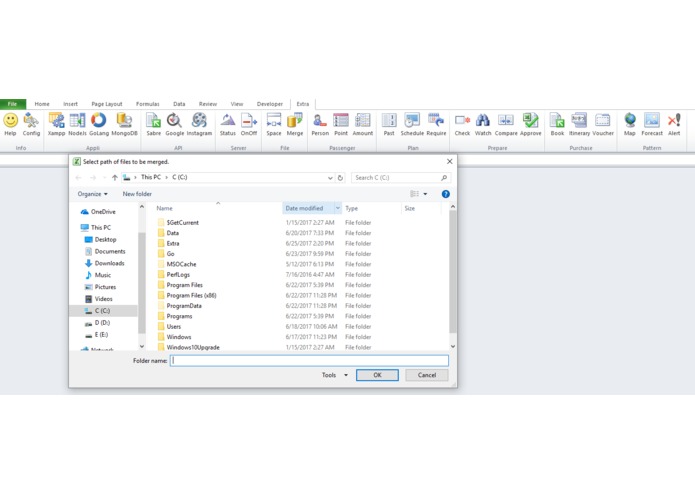
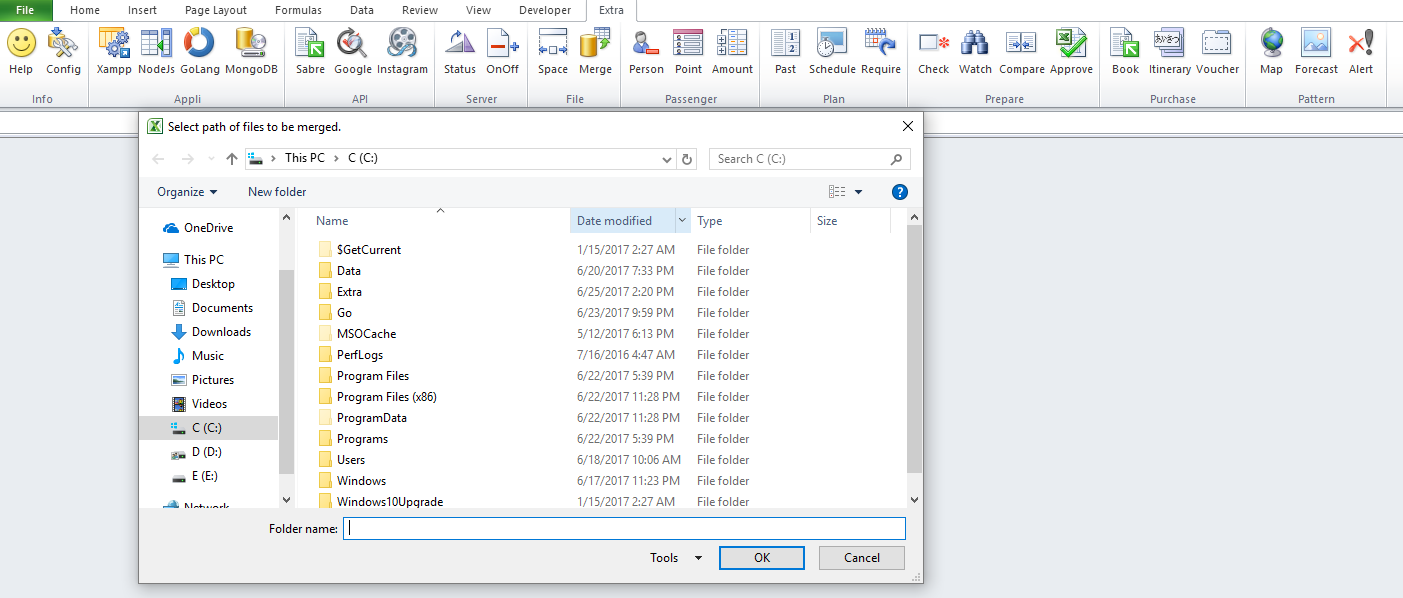
Extra's Merge Merge button can merge records from different worksheets, files, and folders.
-
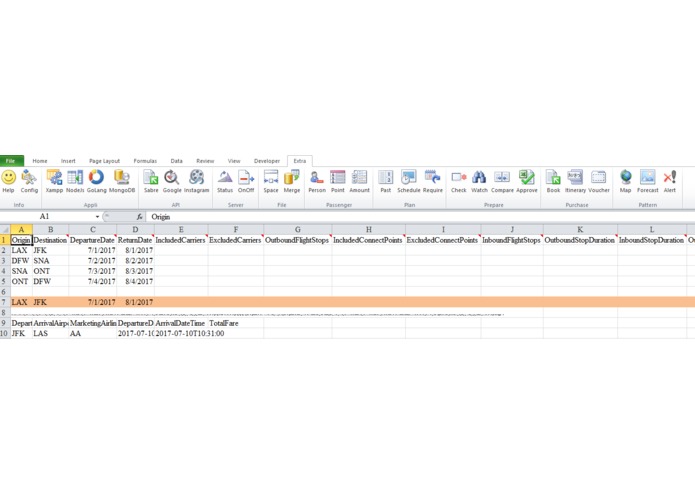
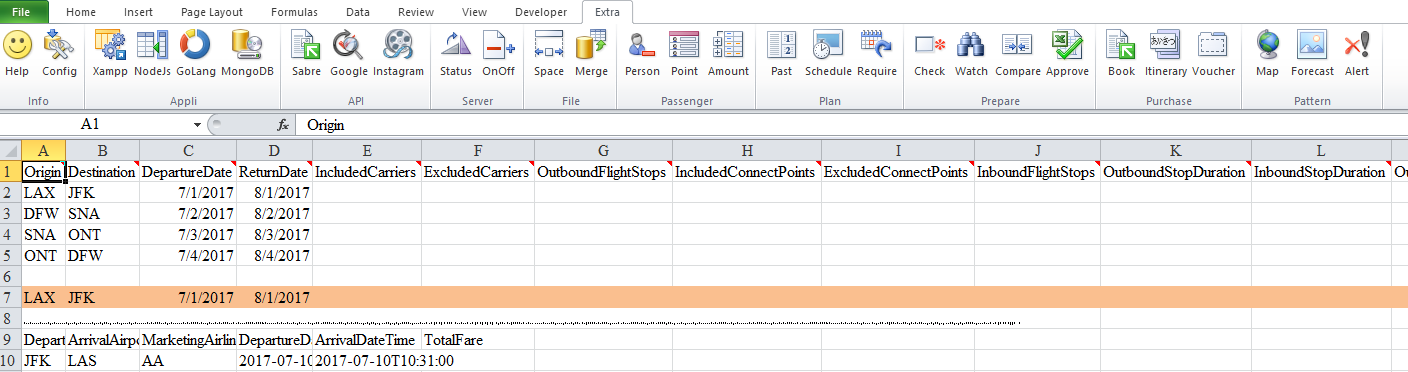
Extra's Check button can use Sabre API and fetch information of flights available for multiple travel plans listed on a spreadsheet.
-
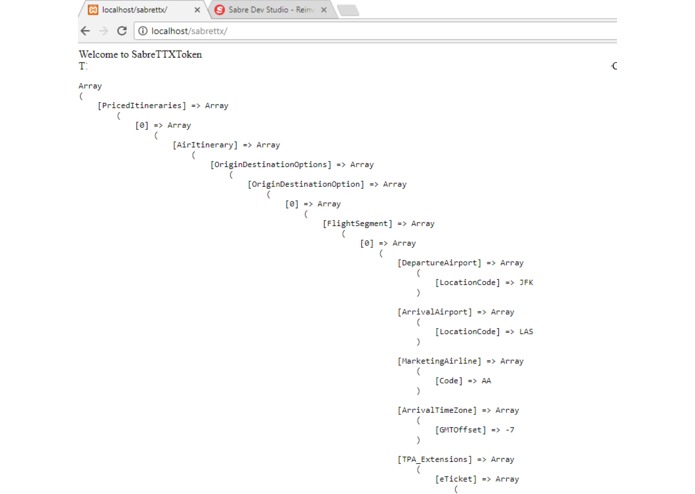
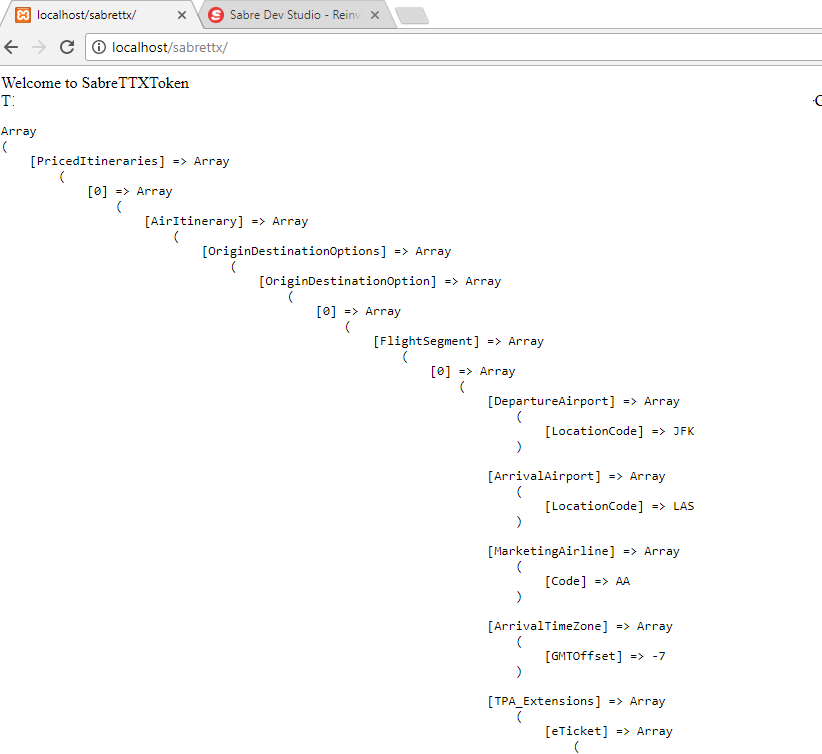
Extra's Check button leads to web outputs in Json format as shown here.
Inspiration
Microsoft Excel and xlam-file based Excel add-ons are now tending to offer data science, predictive analytics, and geographical information system capabilities.
For web servers, Google’s Go language is two-times better than NodeJs, which is two-times better than Python, which is two-times better than Php.
This advancement urged me to create an xlam-file based Excel add-on, which can enhance the capabilities of small travel agents.
What it does
Extra.xlam file offers Extra ribbonbar with several convenient features.
- Xampp, NodeJs, GoLang, and MongoDB buttons can download and install Xampp (Apache http server, MariaDB database, Php language interpreter, and Perl language interpreter), NodeJs web server framework, Go language & web server, and MongoDB database.
- Sabre, Google, and Instagram buttons can guide in Sabre, Google, and Instagram APIs.
- Status button can show the status of various servers. OnOff button can start or stop a server.
- Space button can show the sizes of drives, folders, and files. Merge button can merge records from different worksheets, files, and folders.
- Person, Point, and Amount buttons can prepare and open Excel files for records of passengers, travel points, and travel financials.
- Check button can make use of a Sabre API and fetch information of flights available for multiple travel plans listed on a spreadsheet. Watch and Compare buttons can monitor and compare travel options. Approve button can route a travel plan for authority’s approval.
- Book button can book a travel plan. Itinerary and Vouch buttons can get itineraries and vouchers for travel plans.
- Map button can show locations on Google map, Forecast and Alert buttons can give forecasts and alters related to upcoming travel plans.
How I built it
- Used the standard method for creating a custom UI for Excel.
- Added buttons and indicative icons.
- Added Visual Basic code.
- Used Sabre API and Json to Xls conversion for Check button.
Challenges I ran into
I dreamed up reaching the Mars, but could only reach the Moon.
Accomplishments that I'm proud of
The layout presented on the ribbonbar is quite user-friendly.
What I learned
I learned the use of Sabre APIs, and Json to Xls conversion.
What's next for Extra - Excel in & for Travel
I would like to finish the coding for all the buttons.

Log in or sign up for Devpost to join the conversation.