-
-
ExTr banner
-
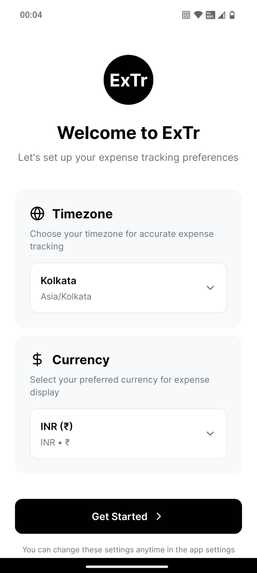
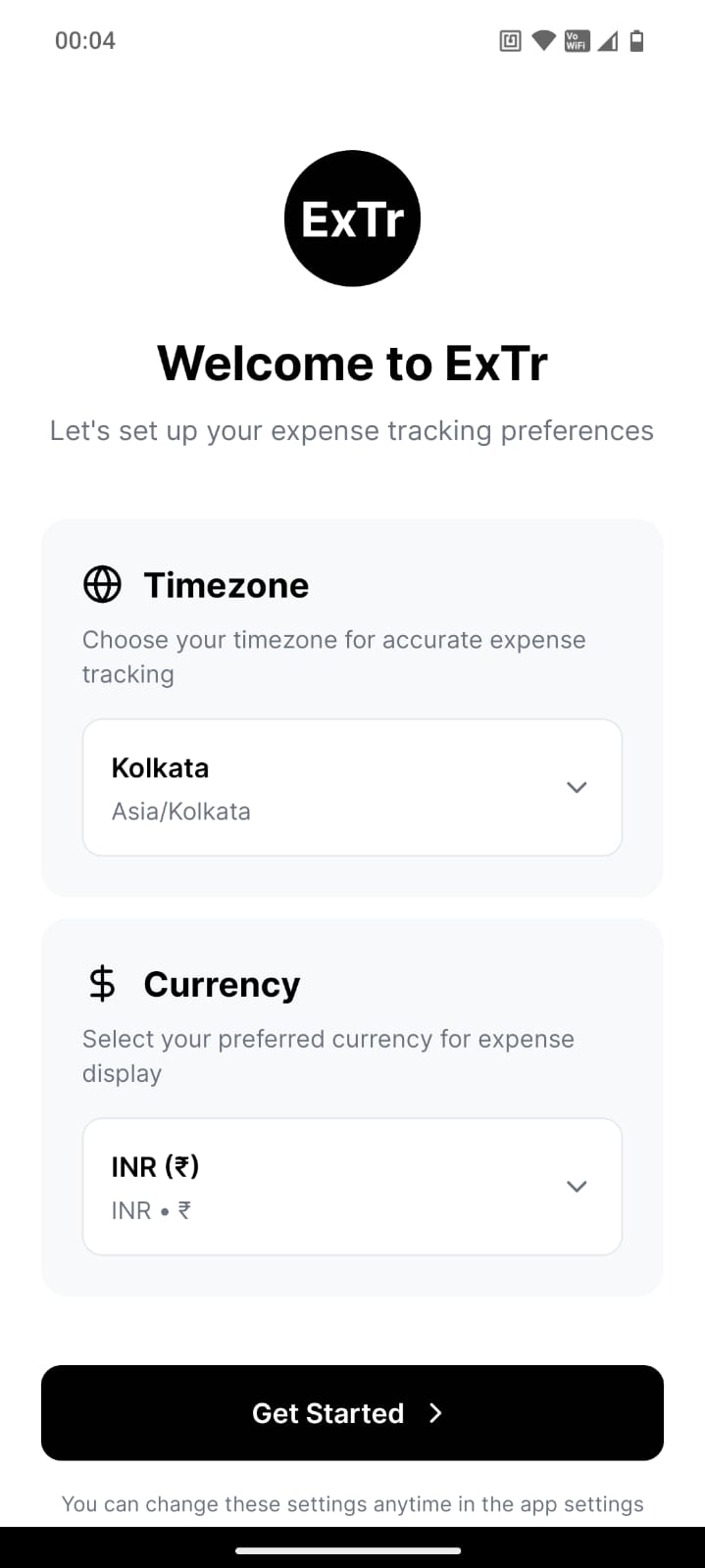
Select the timezone and currency while opening the app for the very first time. This can be changed later.
-
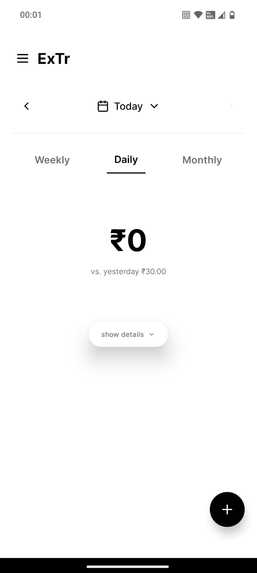
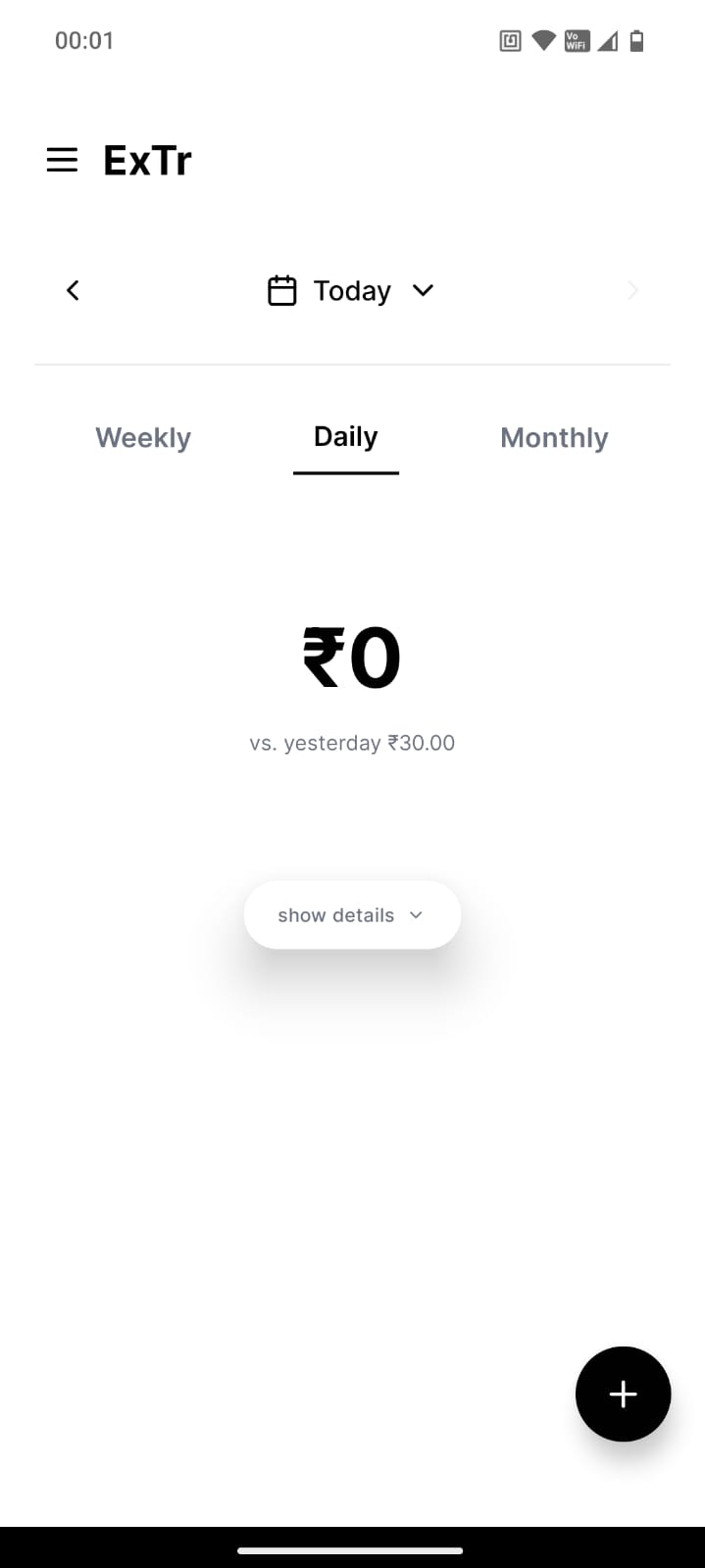
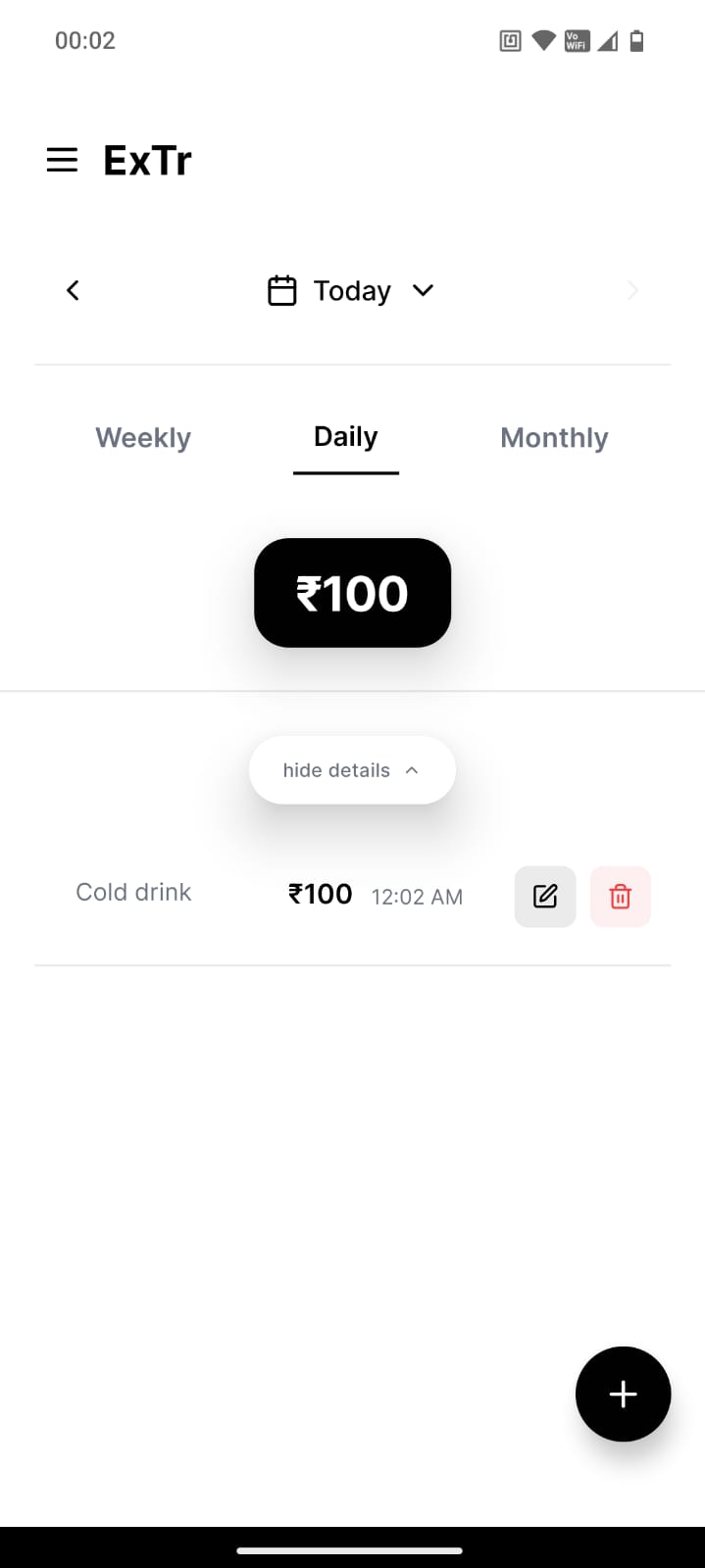
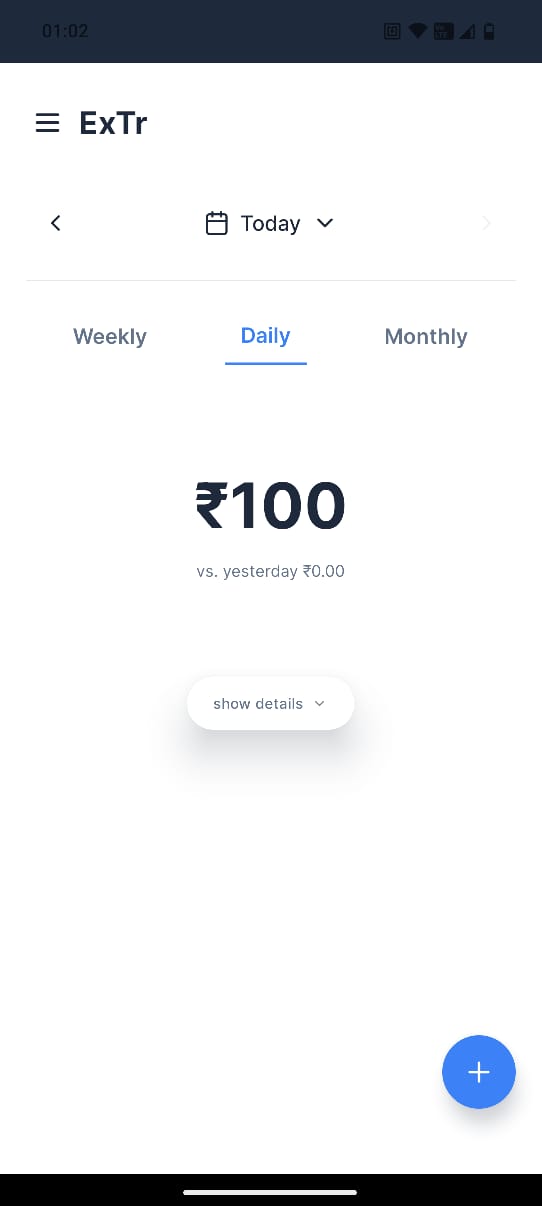
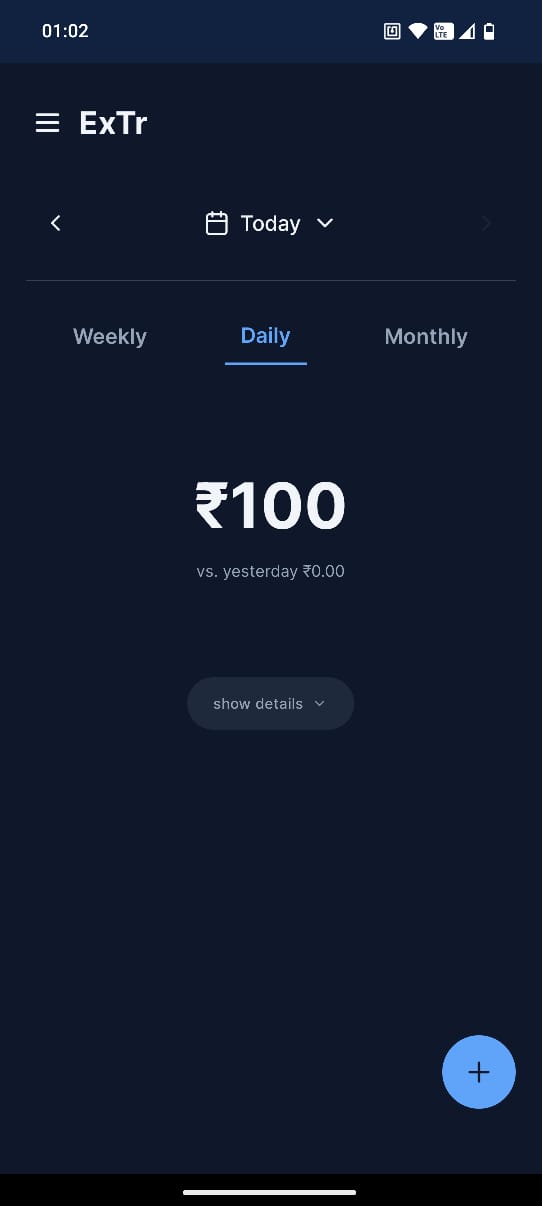
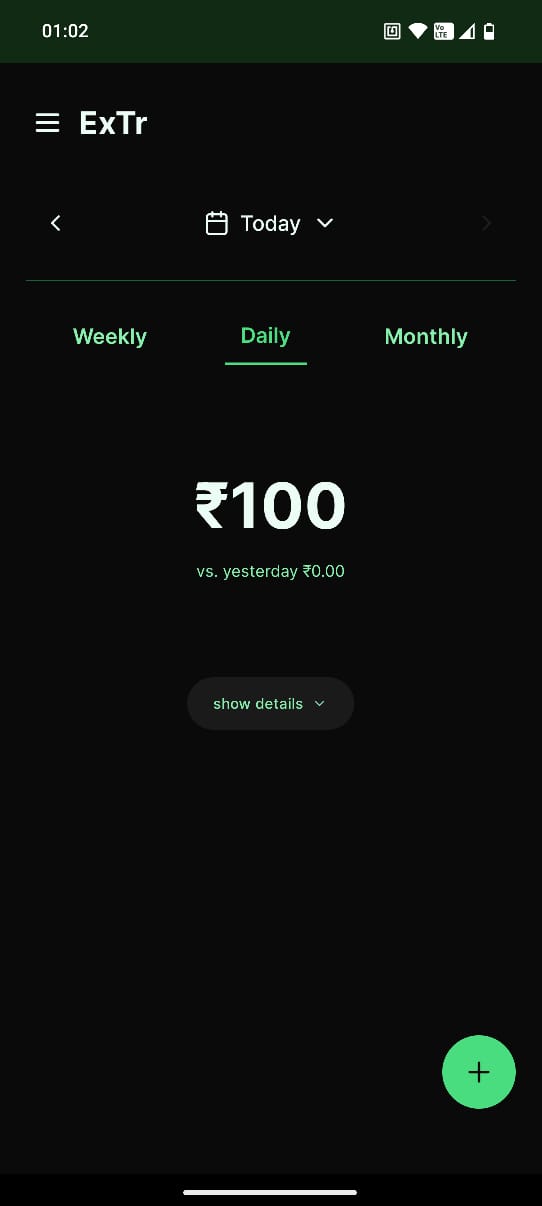
The home screen of the app showing the current day expense.
-
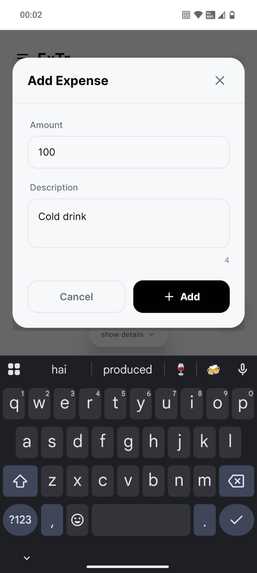
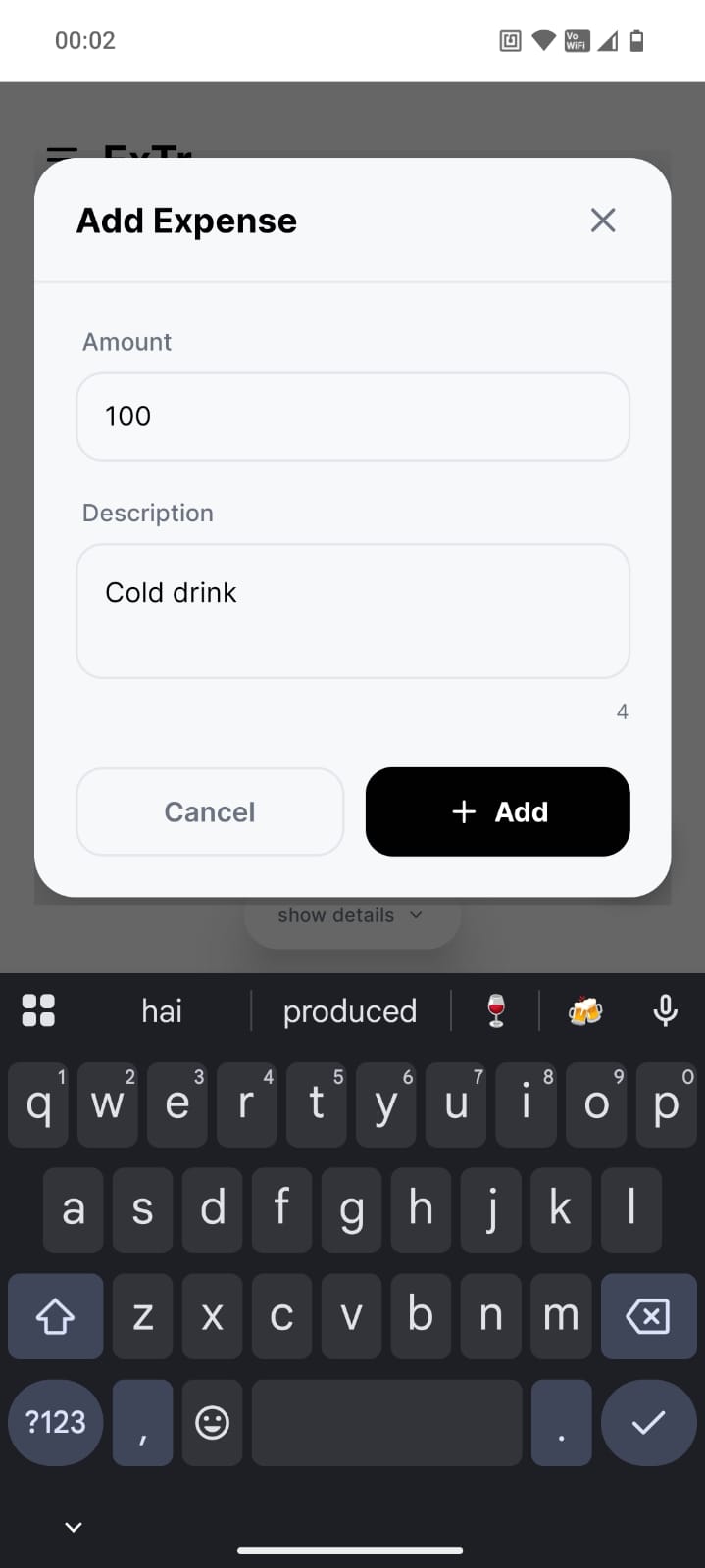
On clicking the + logo at the right bottom we can add expense to our list with the amount and description about object.
-
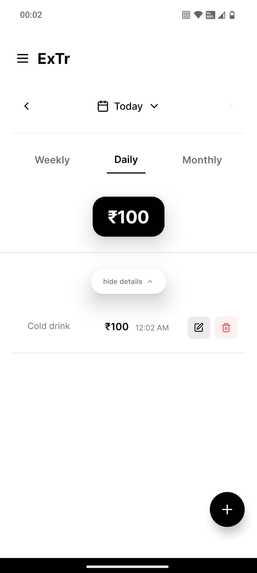
List of items are shown that are added throughout the day. The items and their amount can be edited.
-
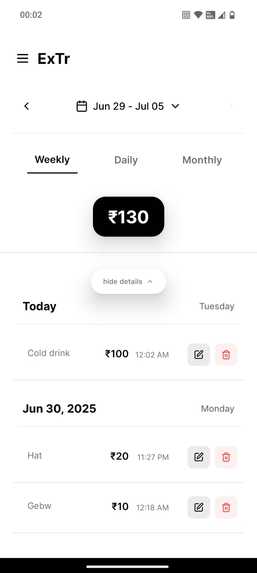
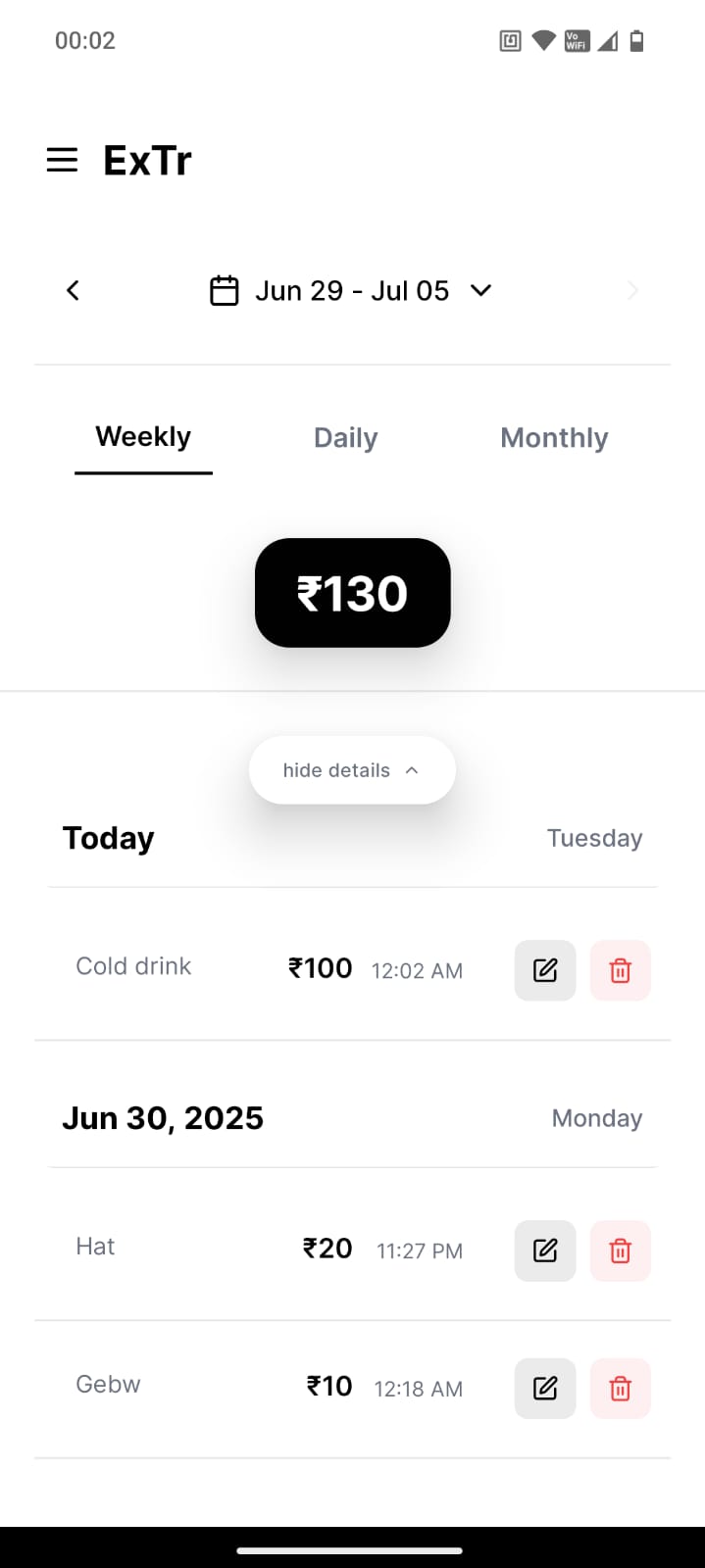
List of items/expenses within the current week. week can be selected using calendar.
-
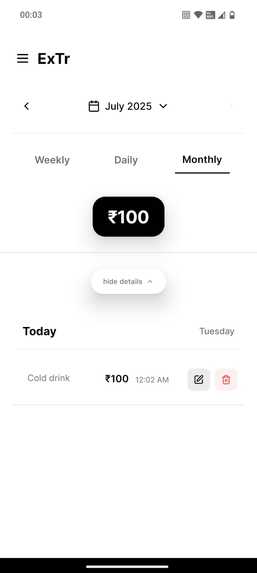
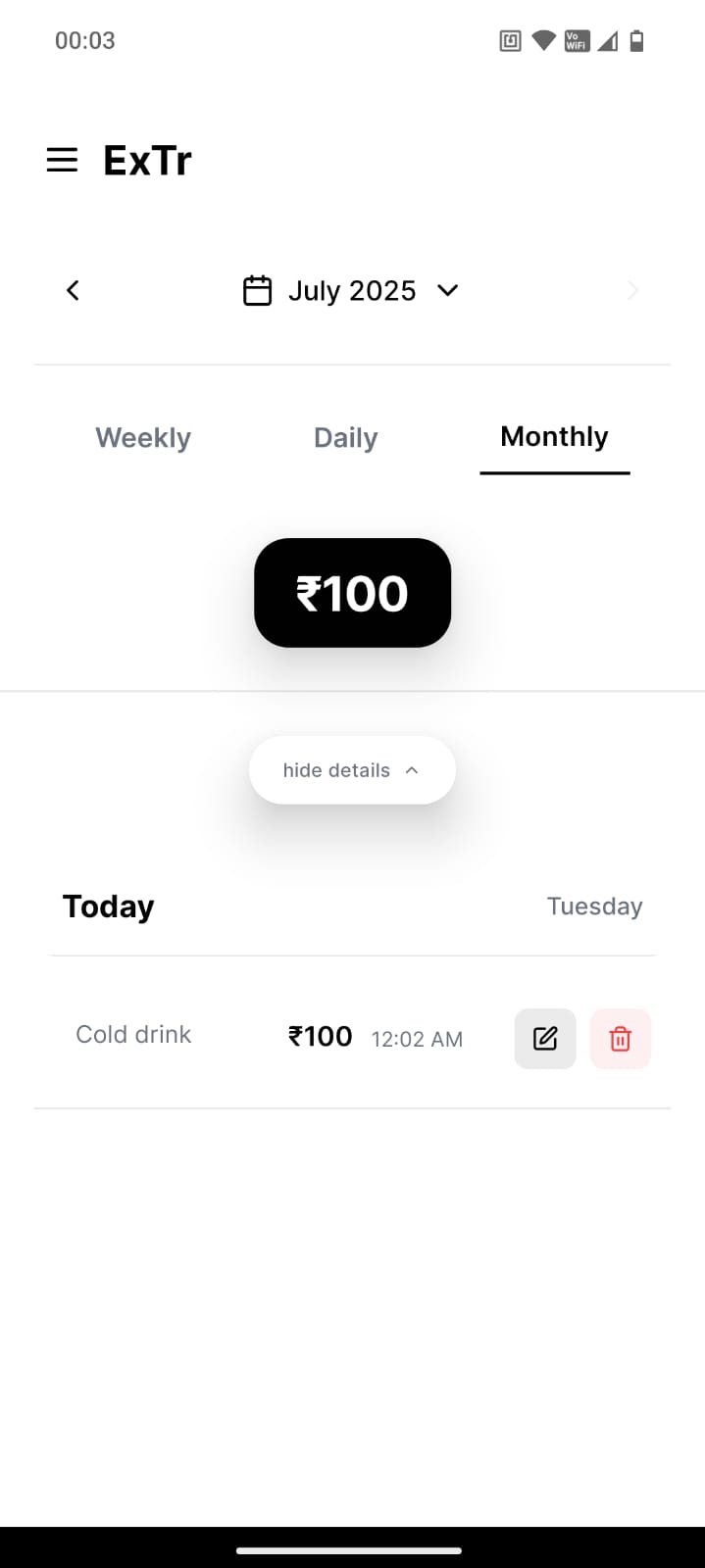
List of items/expenses within the current month. Month can be selected using calendar.
-
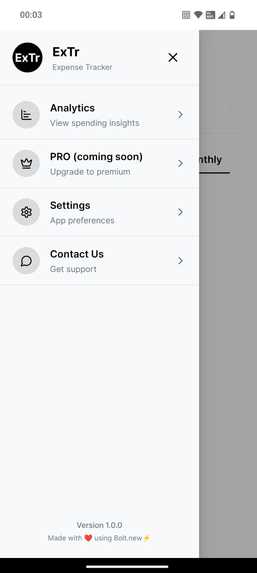
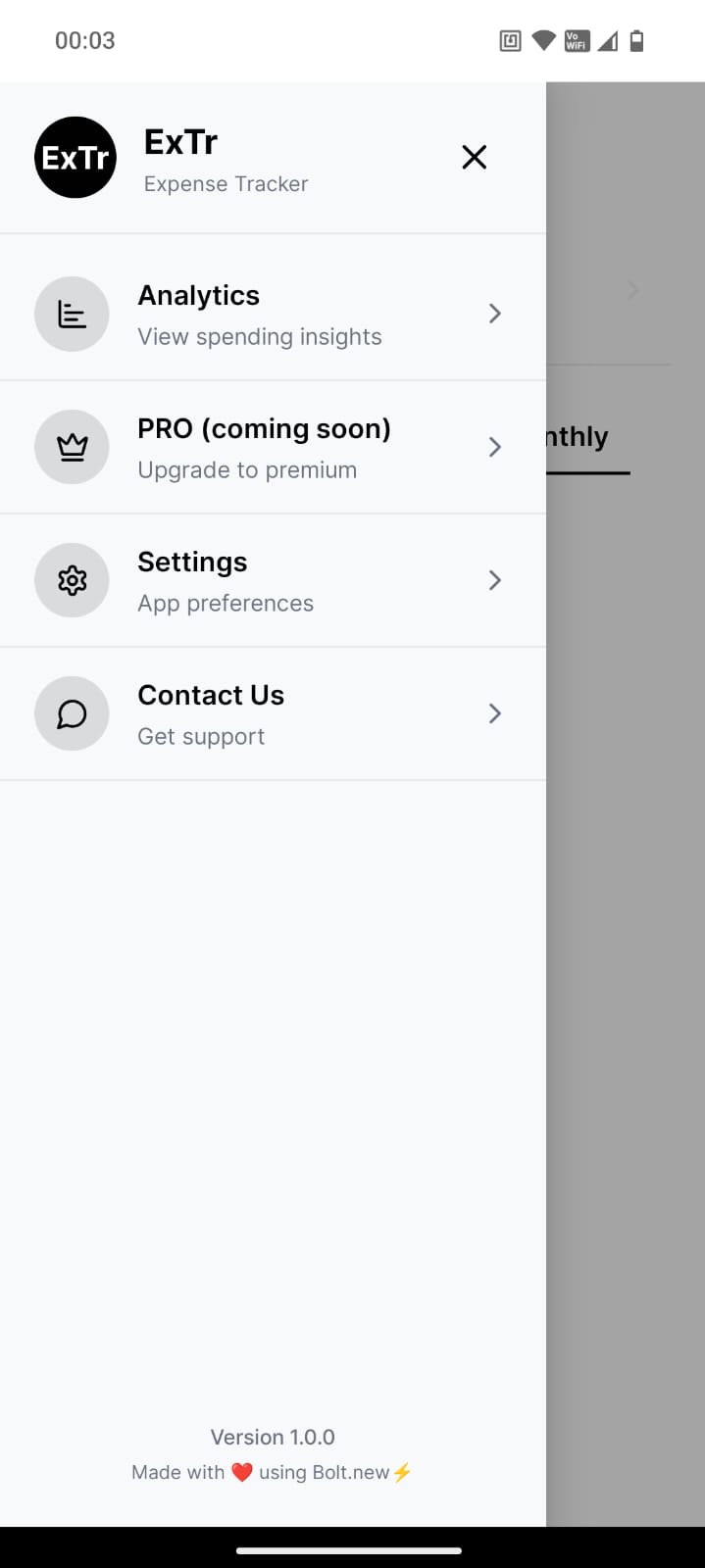
A sidebar for easy access to analytics, settings, support and pro(coming soon).
-
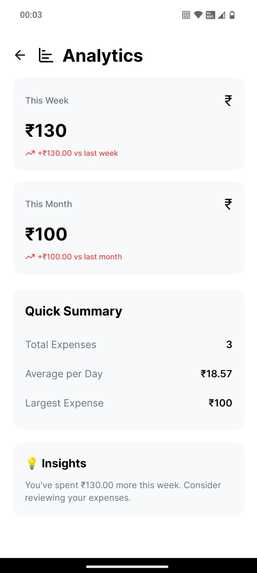
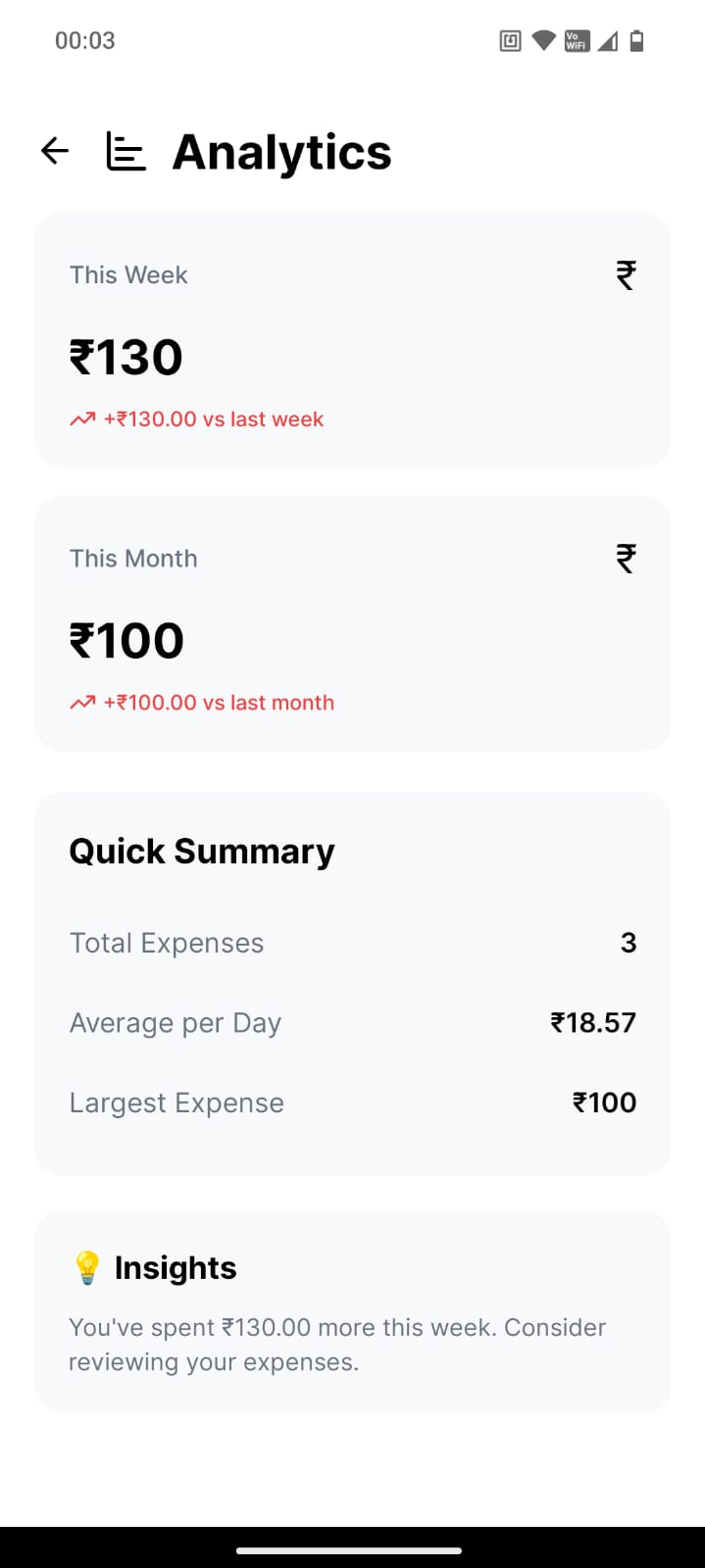
Analytics page for analyzing expenses.
-
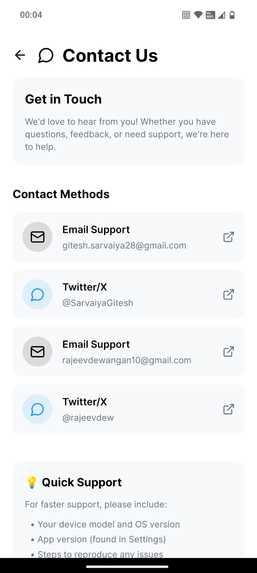
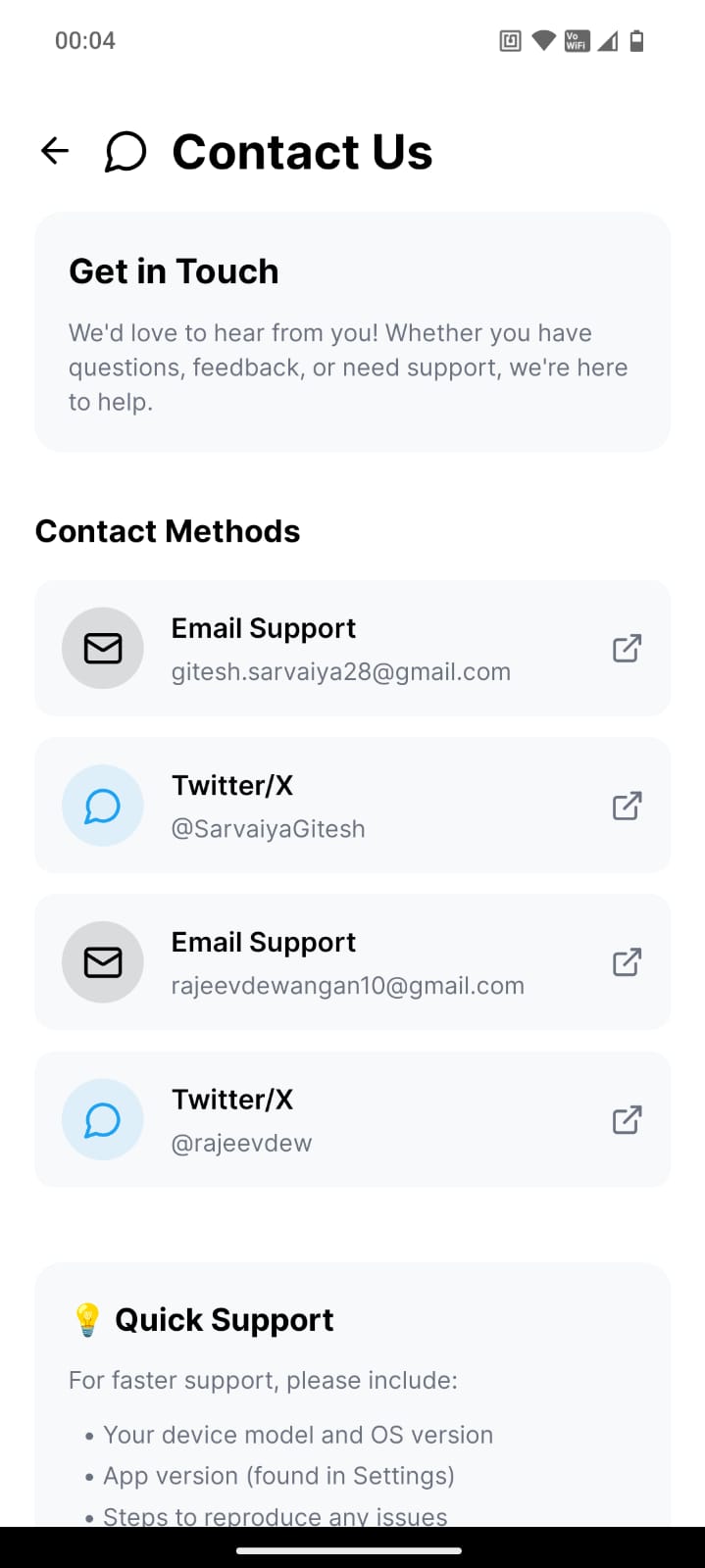
Contact Us page for help and reaching out for suggestions.
-
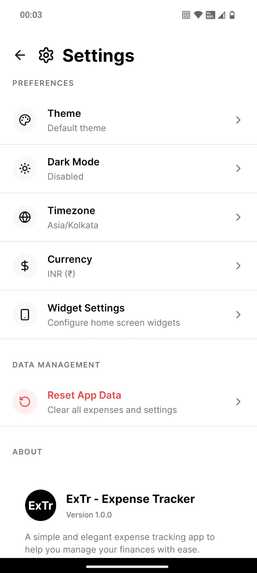
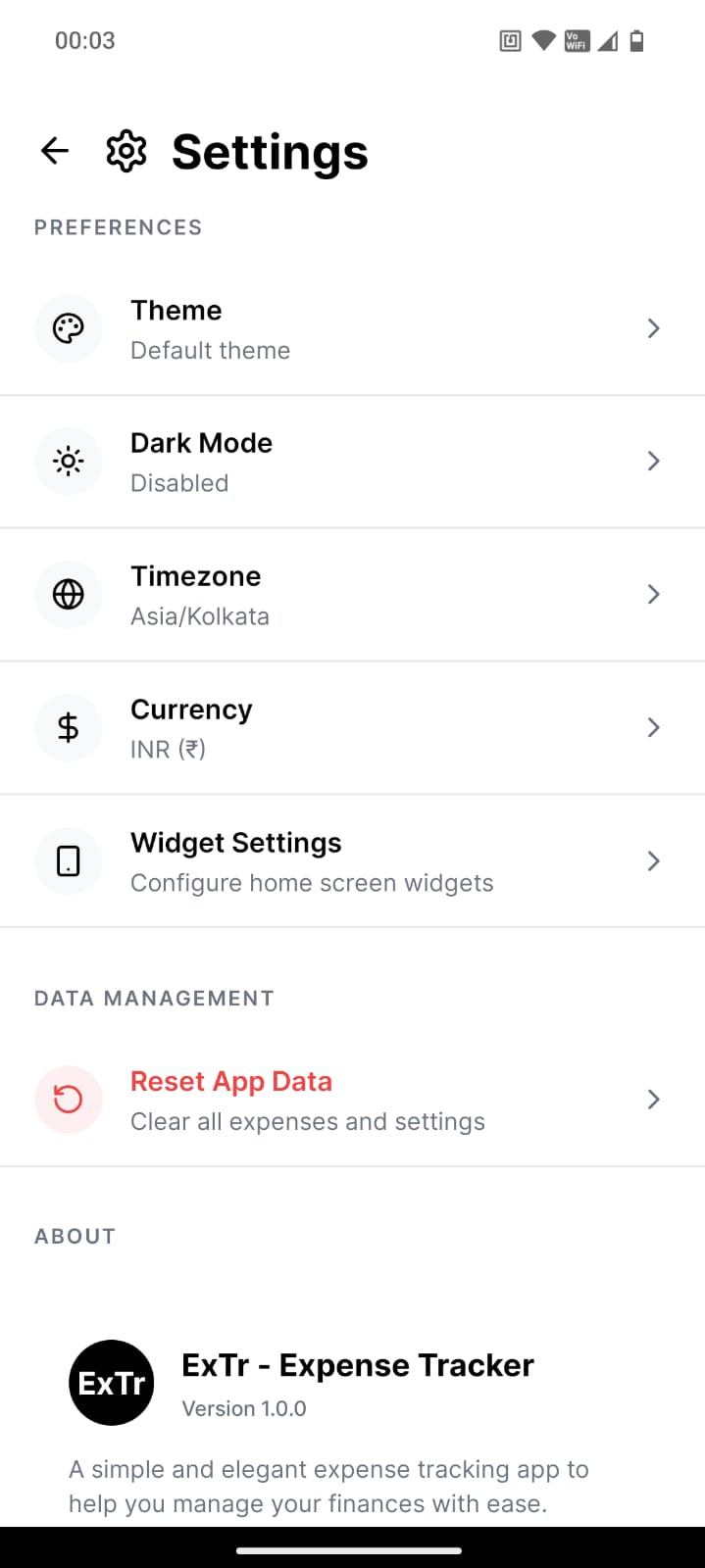
Settings page for selecting Theme, Mode, Timezone, Currency, Widget settings(coming soon), and to Reset App Data.
-
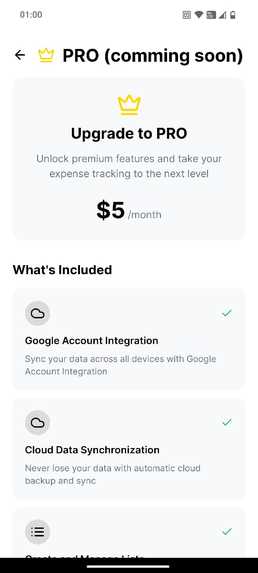
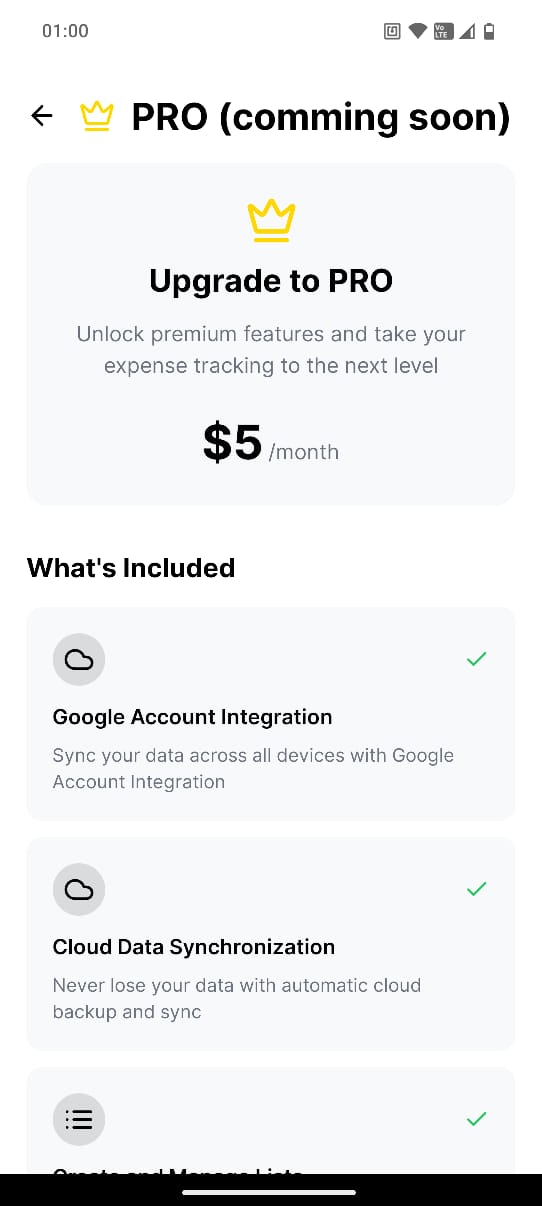
Pro Page to access pro subscription (coming soon).
-
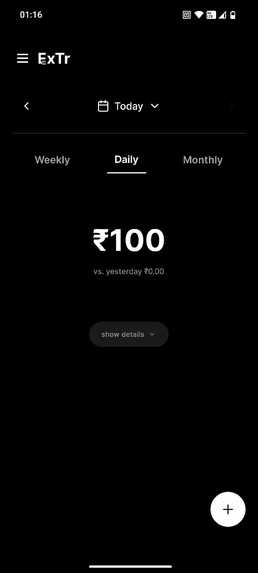
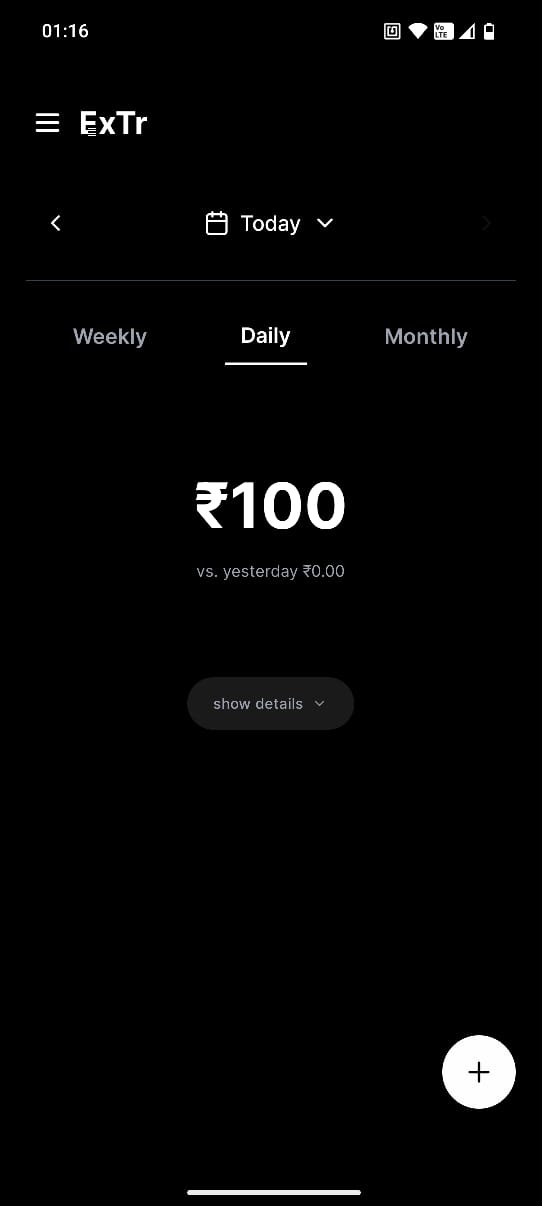
Dark mode
-
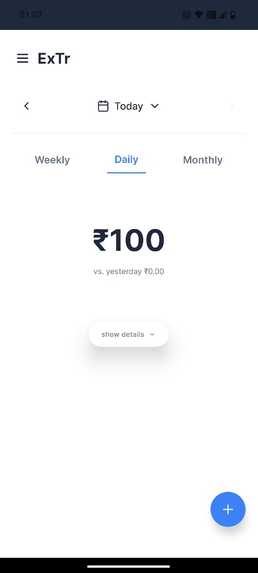
Sapphire theme
-
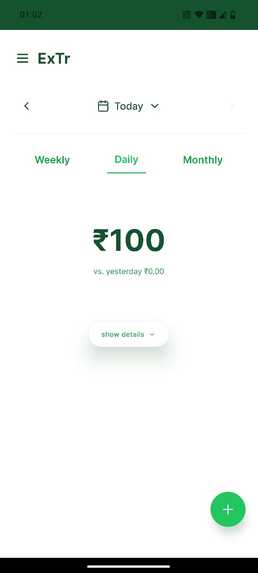
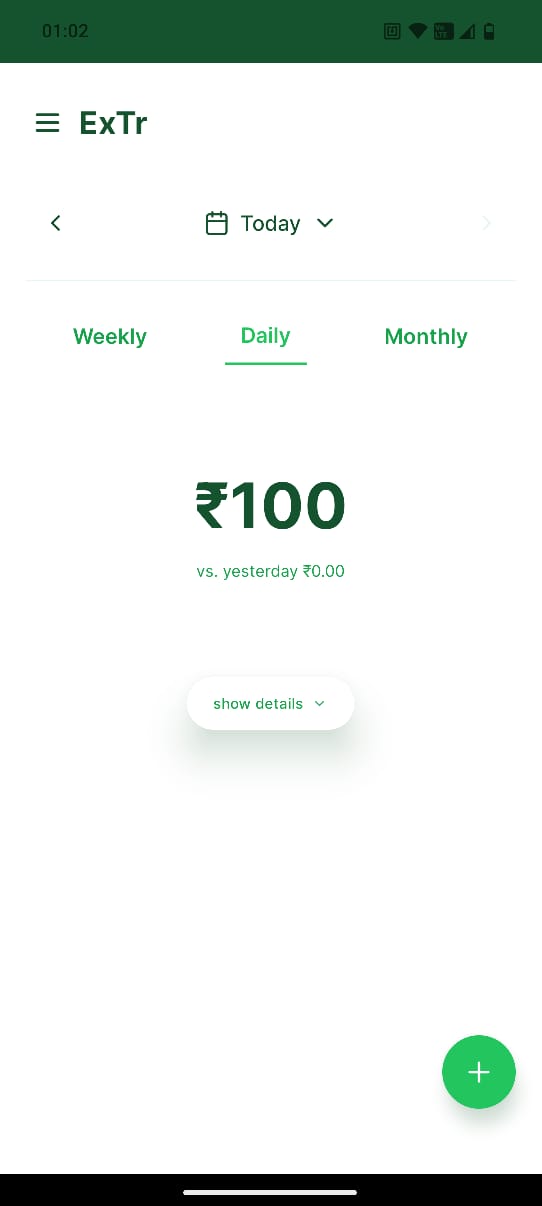
Emerald theme
-
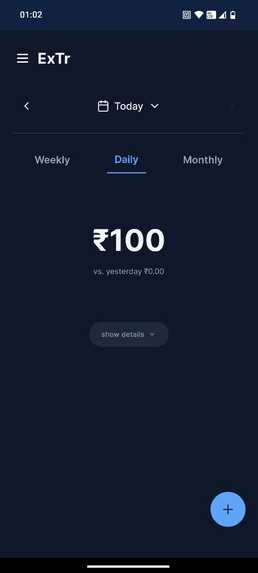
Sapphire theme in dark mode
-
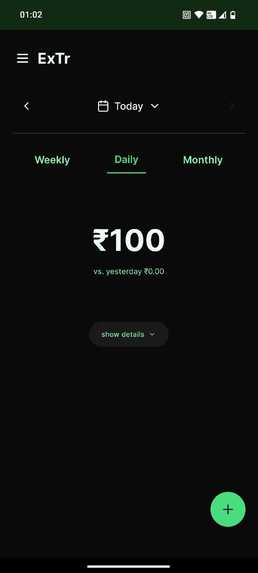
Emerald theme in dark mode
ExTr - A Minimalist Expense Tracking App
Inspiration
We were inspired by a viral tweet about an expense tracking app that focused on daily, weekly, and monthly expense summaries. The tweet received a lot of engagement, which clearly showed that people are actively looking for a simple, minimalistic way to manage their daily spending. This helped us realize the real need for a clean and focused personal finance tool and that’s how ExTr was born.
What it does
ExTr is a minimalist expense tracking app that helps users log and monitor their expenses on a daily, weekly, and monthly basis. Users can enter the item name and amount, and the app automatically categorizes and sums them up by day, week, and month.
Features include:
- Viewing a running list of all added expenses
- Jumping to a specific date to review past expenses
- Switching between themes and fonts for personalization
Our focus was on making a functional app with only the most essential features for everyday users.
How we built it
We built ExTr using React Native and Expo for cross-platform development. The UI is clean and responsive, leveraging modern design principles to keep things minimal yet intuitive. We used local state management and date utilities to organize expense data into day/week/month categories efficiently.
Challenges we ran into
- Designing the user interface to be truly minimalist while still retaining essential functionality
- Managing date-based filtering and grouping without over-complicating the logic
- Ensuring performance and responsiveness when viewing or jumping to specific dates
- Balancing features vs simplicity resisting the urge to overbuild
Accomplishments that we're proud of
- Built a fully working MVP with real-time expense tracking in a minimalist interface
- Smooth functionality to filter and jump to any date
- Stayed true to the principle of "less is more"
- Implemented a theming system to enhance user experience
What we learned
- User-focused design: It's important to deeply consider what users actually need, not just what we can build
- React Native + Expo is powerful for quick, cross-platform development
- Simplicity is hard it takes thoughtful decisions to keep a product minimal
What's next for ExTr
- Add user accounts and authentication for personalized and cloud-based tracking
- Implement analytics and charts to help users understand their spending habits
- Introduce a subscription-based model for syncing, backups, and insights
- Explore AI suggestions for budgeting and expense optimization
- Publish ExTr on app stores with a privacy-first and minimalist approach
Built With
- bolt.new
- expo.io
- react-native


Log in or sign up for Devpost to join the conversation.