-
-
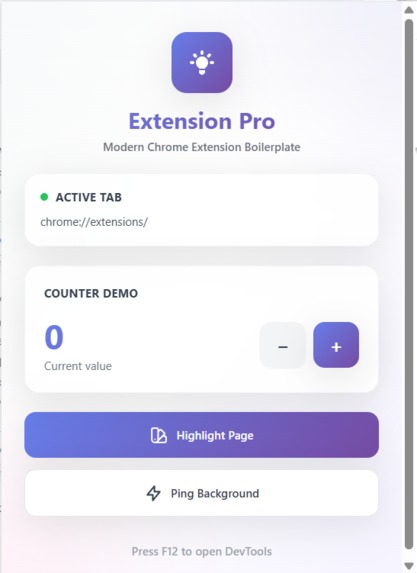
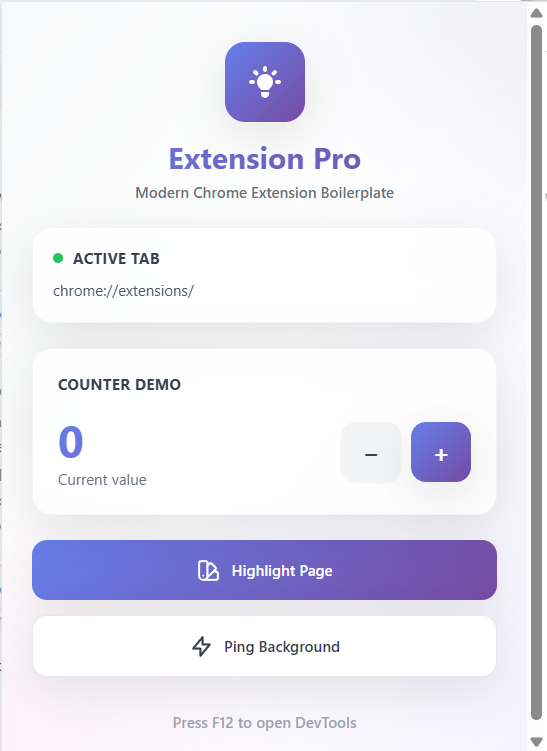
Extension Bro
-
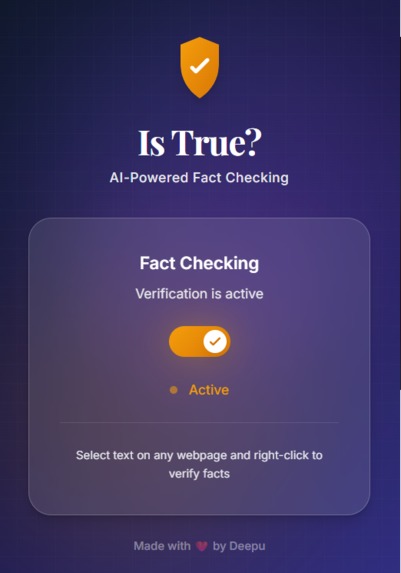
Is true extension
-
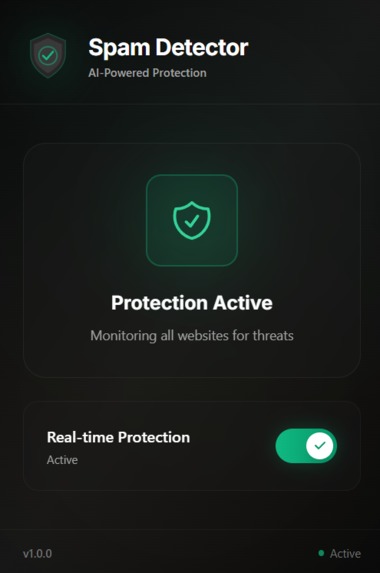
Spam detector extension
-
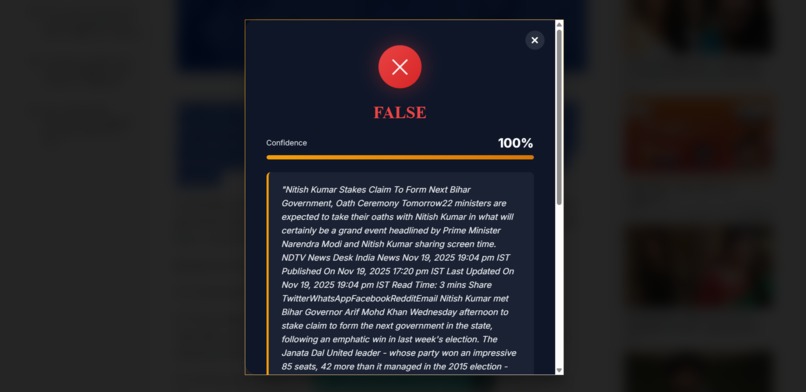
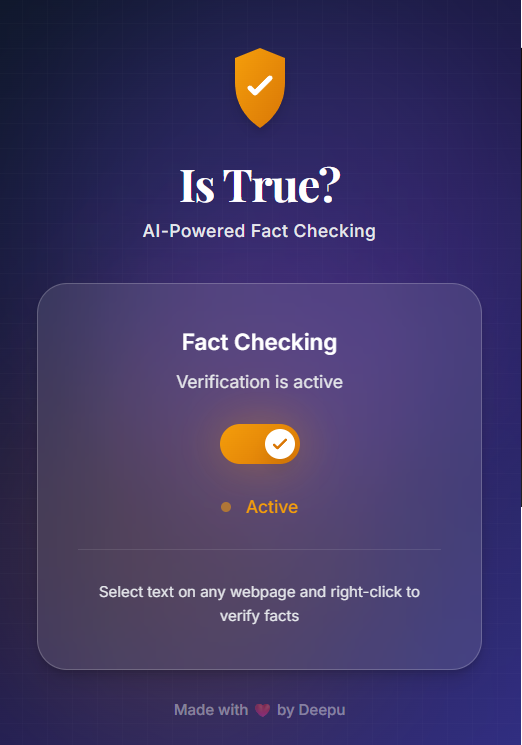
Is true extension working
-
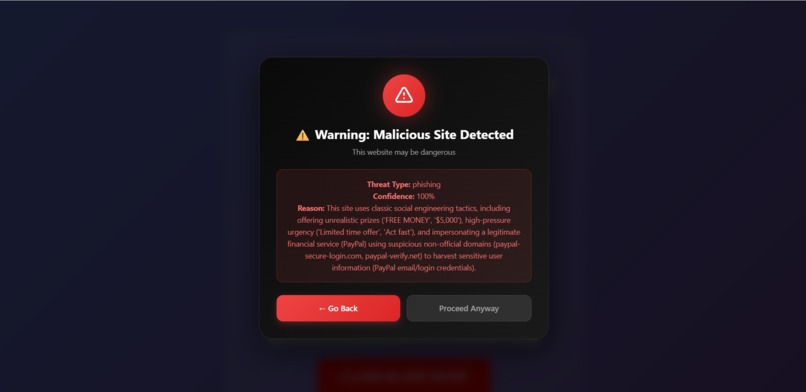
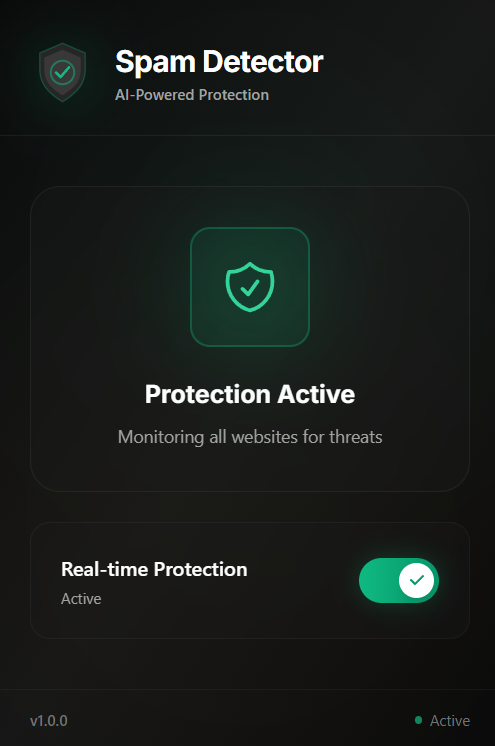
Spam detector extension working


🎃 Inspiration
This project started as part of the Kiroween Hackathon, where speed of development and clean engineering patterns matter. I’ve built Chrome extensions before, and every time I had the same frustrating experience:
- Setting up React + Vite inside Manifest V3
- Wiring service workers, content scripts, messaging
- Managing build pipelines, icons, permissions, and file copying
- And every project I built repeated the same boilerplate
I wanted a template that didn’t just “work,” but looked premium, felt modern, and followed real production-level engineering practices.
That’s how Extension Bro — Skeleton Crew was born — a polished, luxury extension boilerplate with AI-ready examples and a CLI generator to go from idea → extension in minutes.
🏗️ How I Built It
The project is built as a combination of:
1. A Full Chrome Extension Template (Skeleton Crew)
- React 18 for popup UI
- Vite for blazing-fast HMR
- TypeScript for full type safety
- Tailwind CSS + custom design tokens
- A luxury theme using:
- Royal → Indigo → Purple gradients
- Glass morphism
- Gold accents
- Smooth animations with cubic-bezier easing
Architecturally, the template includes:
src/
├── popup/          # React UI
├── content/        # Scripts injected into pages
├── background/     # Service worker
├── shared/         # Utils, message passing, storage helpers
└── types/          # Centralized TypeScript types
2. A CLI Generator (generate-bro.js)
This allows anyone to run:
node generate-bro.js
…and instantly scaffold a full extension with:
- Name replaced everywhere
- Folder created
- Dependencies installed
- Build scripts ready
- Icons auto-generated
- No lock files or build artifacts
3. Two Production-Ready Example Extensions
These were built to demonstrate real-world use cases:
- 🛡️ Spam Detector: Real-time website scanning using background scripts and DOM monitoring.
- ✔️ Is True? — AI Fact Checker: AI-powered verification using Google Gemini (@google/genai).
🔥 Challenges I Faced (and Overcame)
1. Configuring Vite + React in Manifest V3
Chrome extensions don’t naturally play well with modern build tools. The biggest hurdles were:
- Ensuring the service worker is correctly recognized when bundled.
- Getting Vite to output isolated JS files for popup, content, and background.
- Preventing React’s HMR from interfering with Chrome’s extension reload logic.
- Managing cross-origin isolation issues.
Solution: eventually, I created a custom Vite config that handles multiple entry points, correct rollup outputs, manifest copying, and a fast development workflow.
2. Chrome Storage & Message Passing
Working with chrome.storage.sync and chrome.storage.local involved subtle issues:
- Serialization boundaries
- Async patterns
- Background ↔ popup ↔ content communication
- Avoiding message race conditions
- Handling storage updates in real-time React UI
Solution: To solve this, I built:
- A Storage Helper (
storage.ts) - A Message Passing System (
messaging.ts)
These abstract away messy Chrome APIs into clean TypeScript functions.
3. AI Integration with @google/genai
This required:
- Securely storing API keys
- Preventing exposure in build output
- Handling fetch requests in service worker environments
- Managing large text prompts and streaming outputs
The fact-checker extension needed:
- Confidence scoring
- Verdict classification
- Error handling for rate limits & model failures
This was one of the most challenging parts technically.
4. Maintaining Luxury UI + Performance
Chrome extension popups have insanely small rendering windows. Animations, gradients, glass effects, and shadow layers had to be optimized using:
-
backdrop-filter - Layered shadow tokens
- GPU-accelerated transforms
- 300–500ms smooth cubic transitions
Balancing beauty + performance was surprisingly complicated.
🧠 What I Learned
- Deep understanding of Manifest V3 and its limitations.
- Best practices for Vite multi-entry build setups.
- Proper architecture patterns for Chrome extensions.
- How to design a reusable message bus across extension contexts.
- Production-grade React performance tuning inside tiny popup windows.
- Secure ways to integrate AI models inside browser extensions.
- Writing tools that “feel native” like real SaaS products.
Mathematically, I optimized build output sizes using ideas like:
$$ \text{Bundle Size Optimized} = \frac{\text{Original Size}}{\text{Tree-Shake Efficiency}} \times (\text{Dead Code Elimination}) $$
🔮 Future Plans
This project is only the foundation — here are the bigger goals:
1. Multi-language Support
Add templates for:
- Vue
- Svelte
- Solid
- Vanilla TS
- React Native Web (experimental)
2. Drag-and-Drop Chrome Extension Builder
My biggest long-term vision: A UI builder where users drag components → and Extension Bro + Generative AI automatically creates a Chrome extension in the backend.
Essentially a "Webflow for Chrome extensions," powered by:
- My template
- My generator
- AI prompt-to-code pipelines
This can democratize extension development for everyone.
3. Live Reload for Content Scripts
Popup HMR is done, but content scripts still require reload. I want real-time editing like a browser dev tool.
4. One-click Publish to Chrome Web Store
With automated packaging & validation.
🙌 Conclusion
Extension Bro — Skeleton Crew is my attempt to bring a polished, luxury, production-ready development experience to Chrome extensions. It reduces setup time from days → minutes, gives developers modern tooling, and includes real AI examples to show what's possible.
I’m excited to continue growing this project — into a builder, a platform, and a creative tool that empowers developers everywhere.

Log in or sign up for Devpost to join the conversation.