-
-
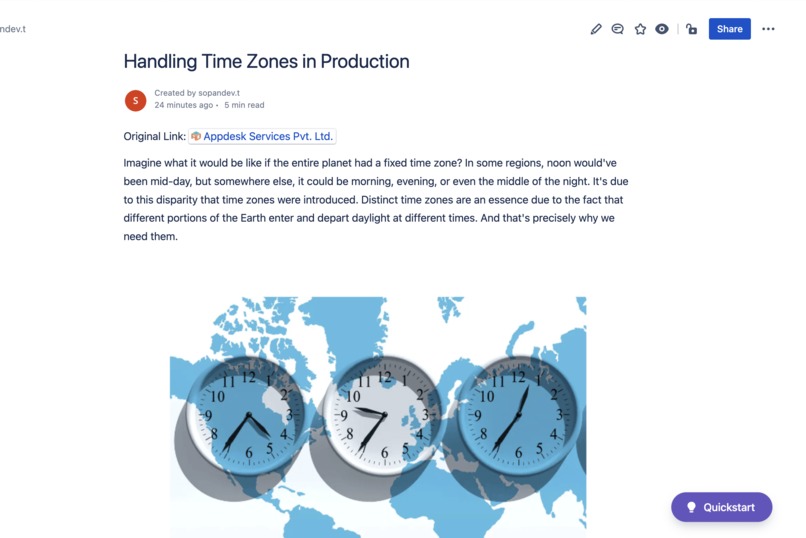
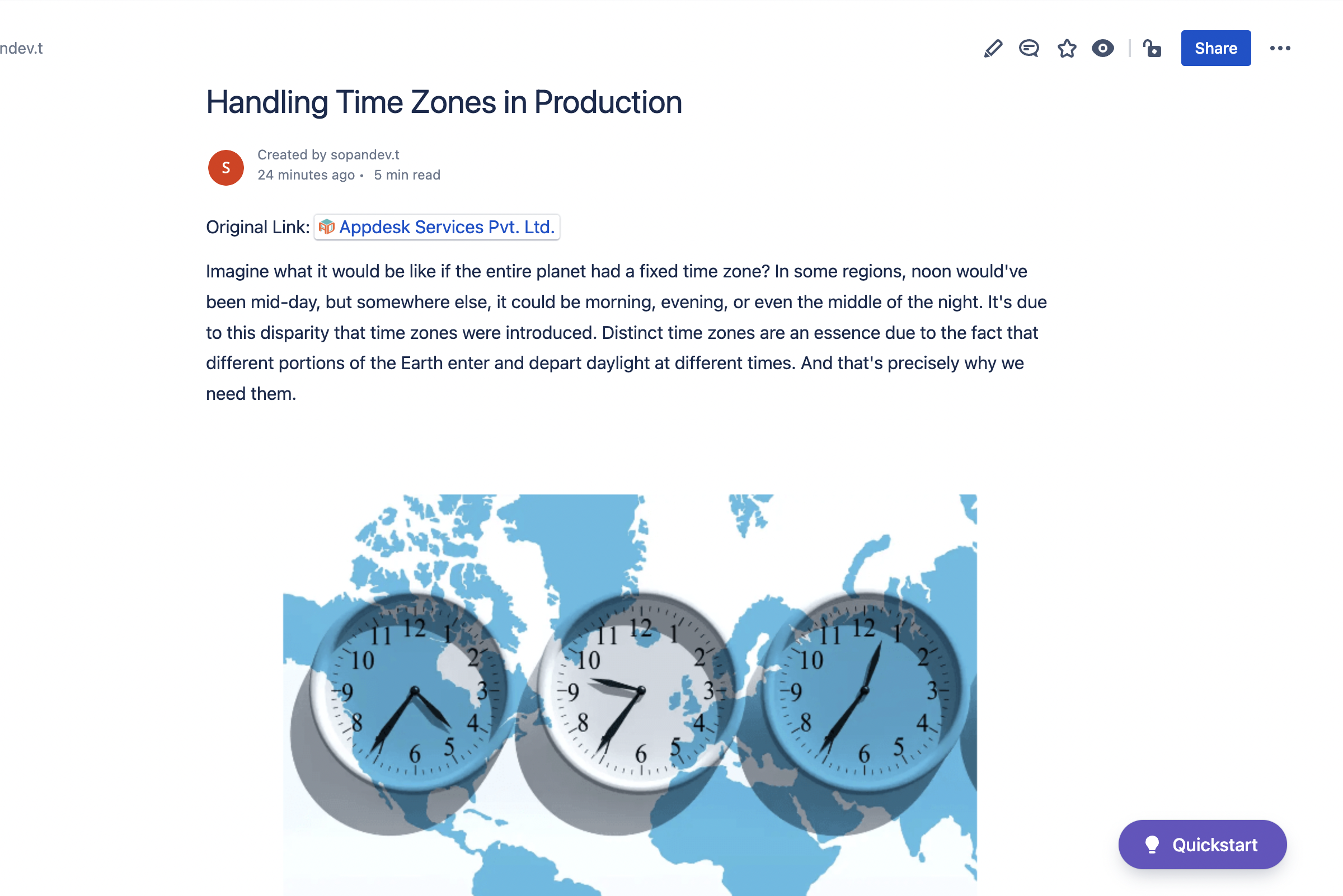
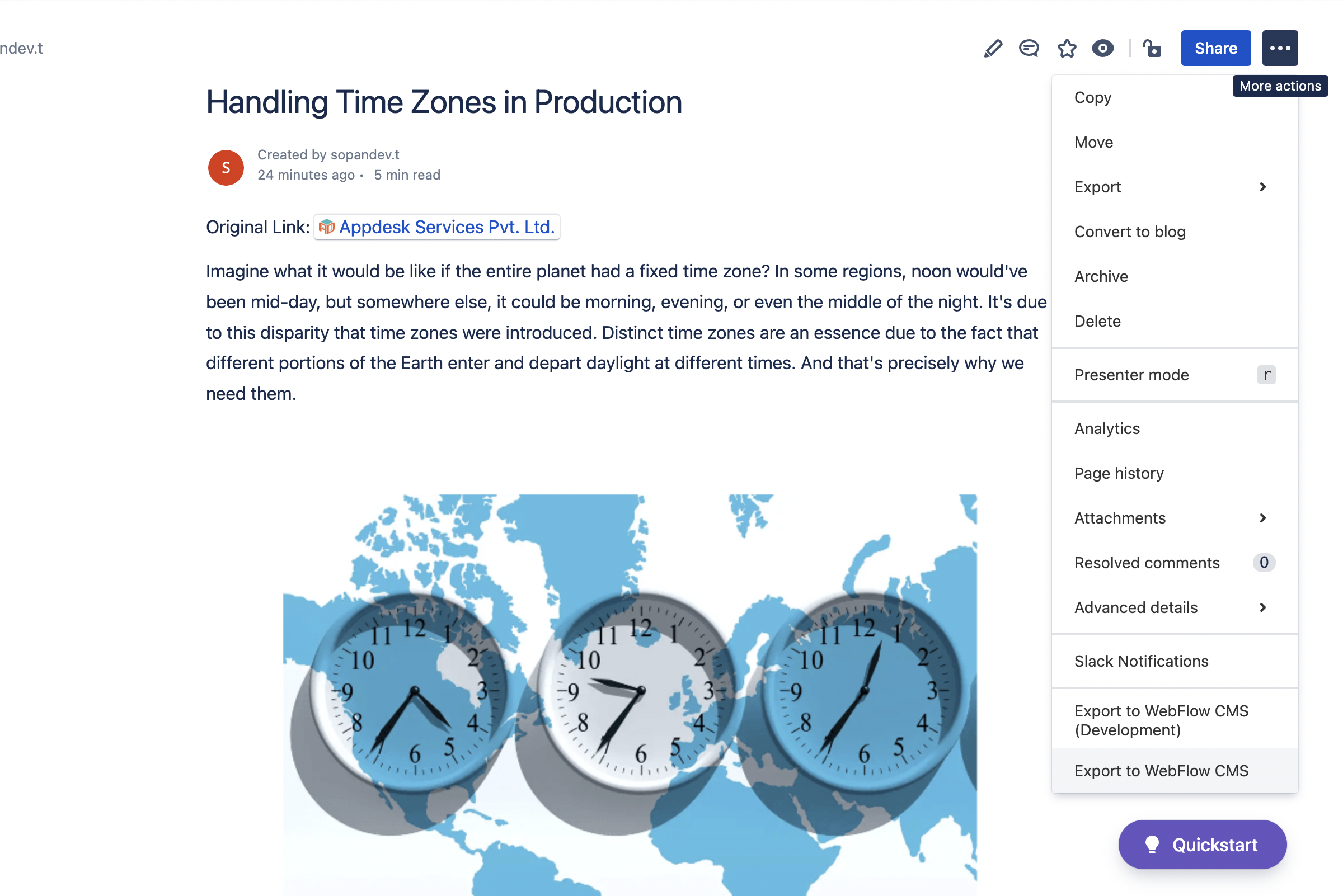
A confluence page that contains a blog article
-
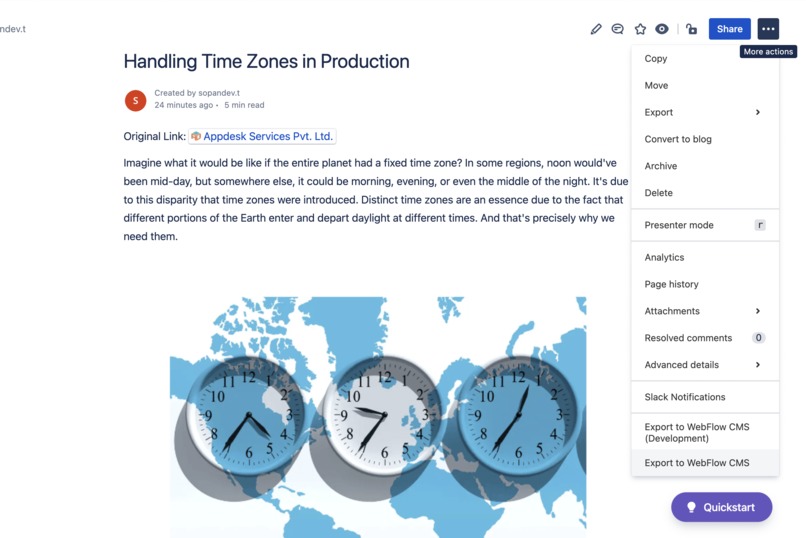
Actions menu item containing "Export to WebFlow CMS" button
-
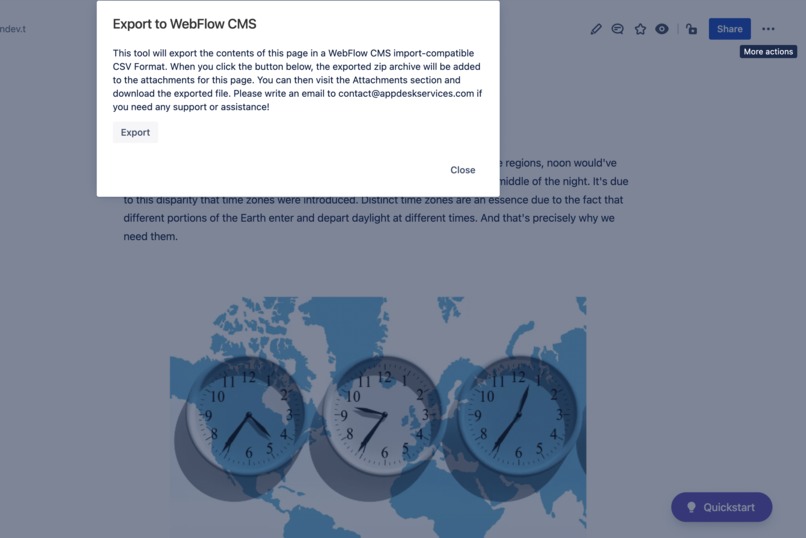
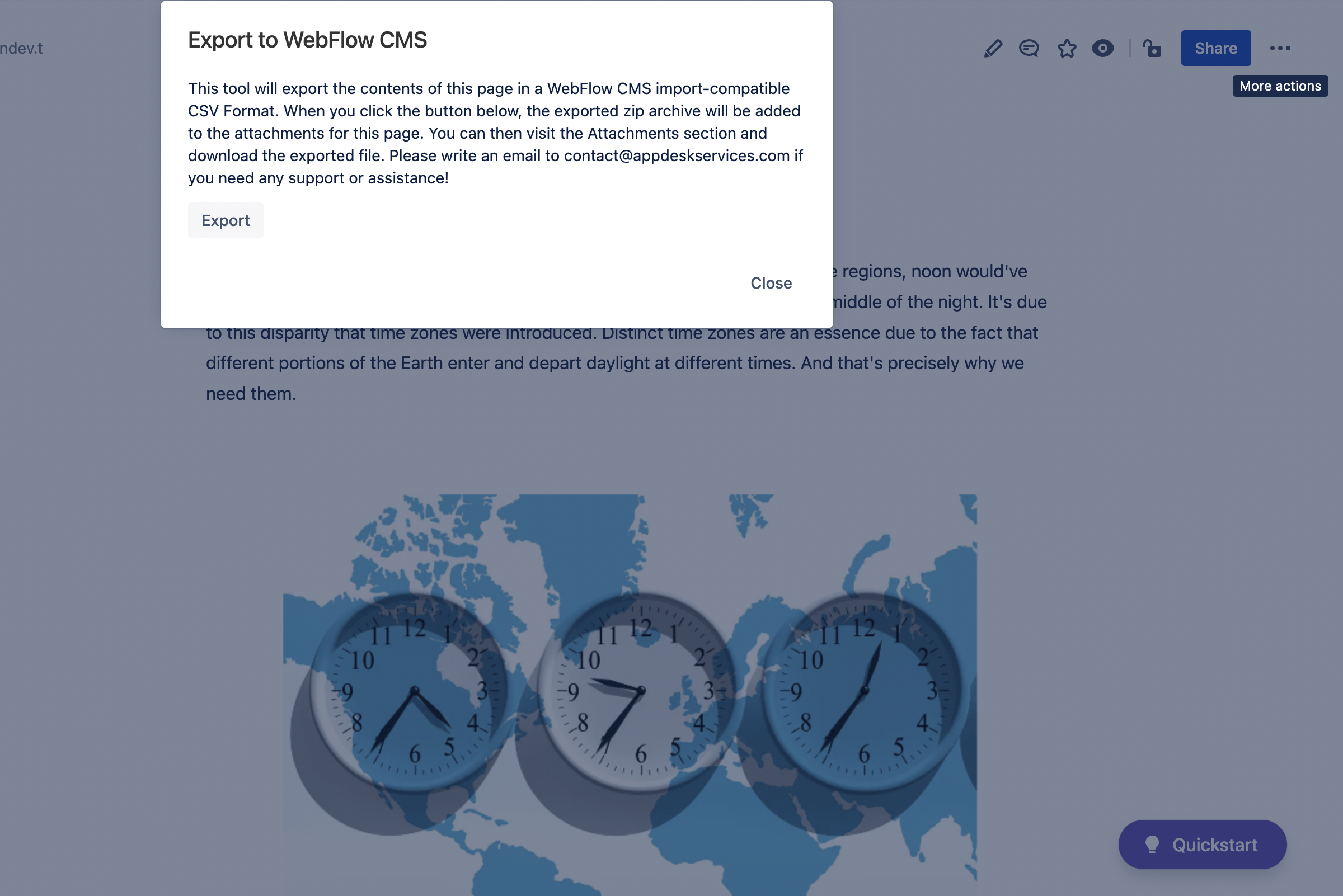
Modal with "Export" CTA
-
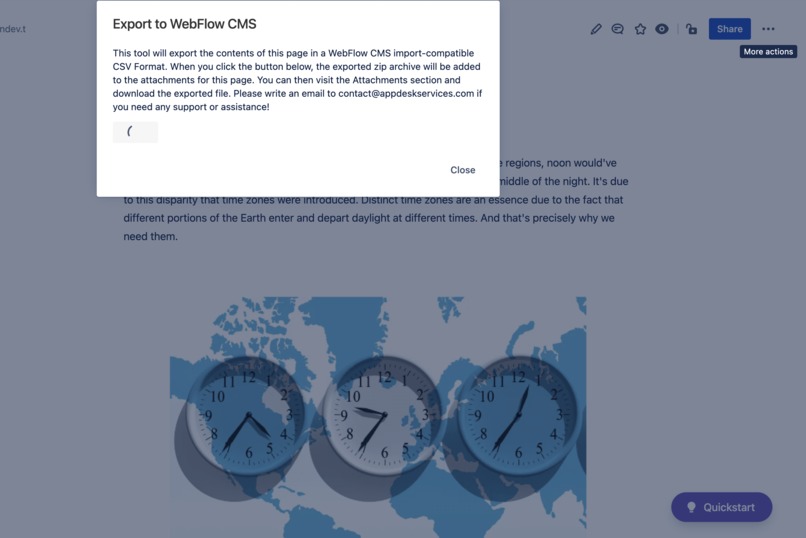
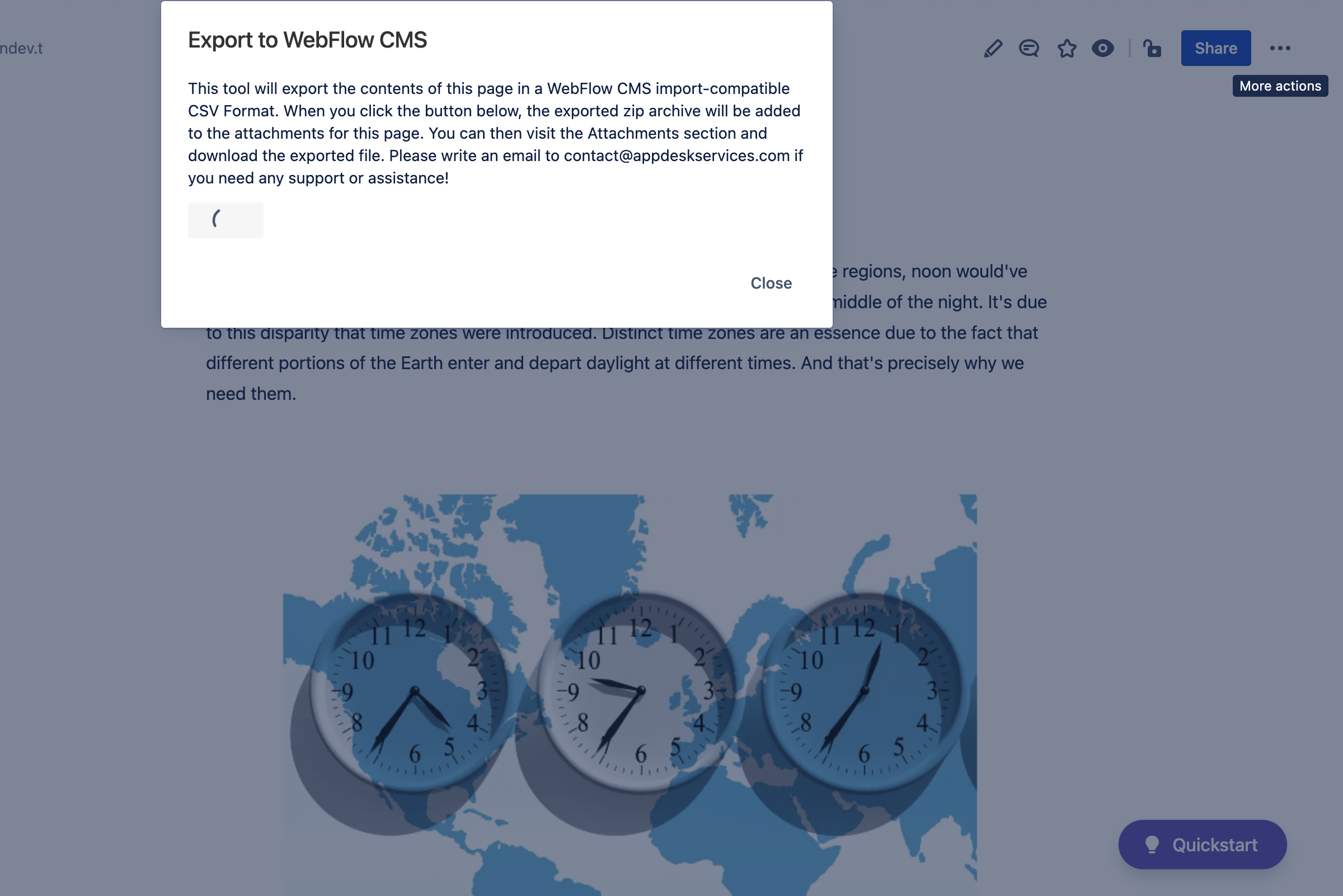
Export in progress
-
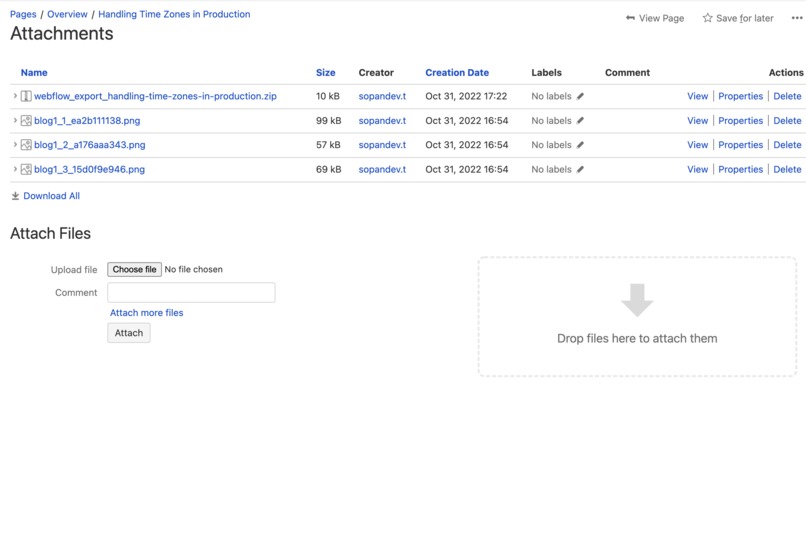
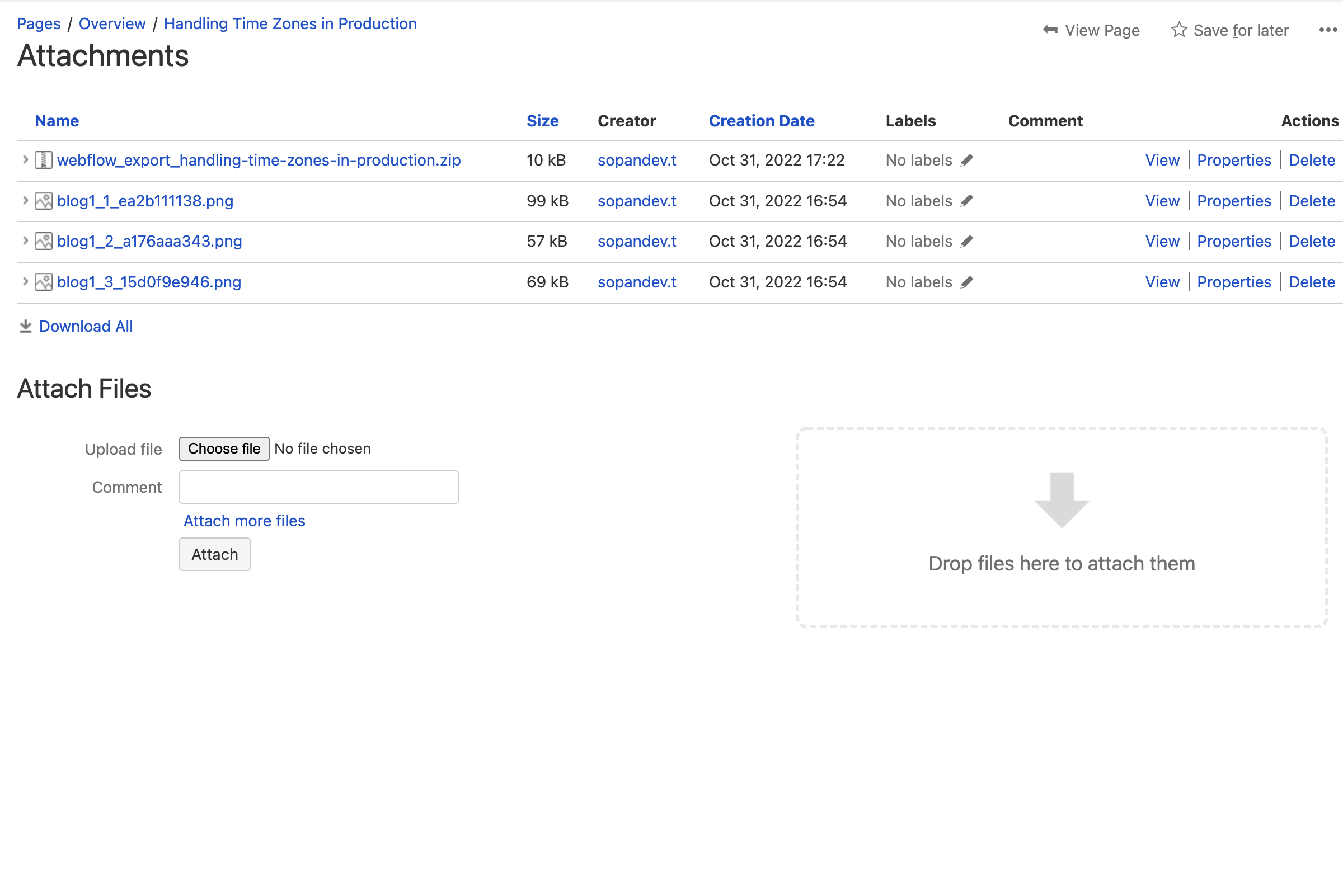
Exported file in the attachments section of the page
-
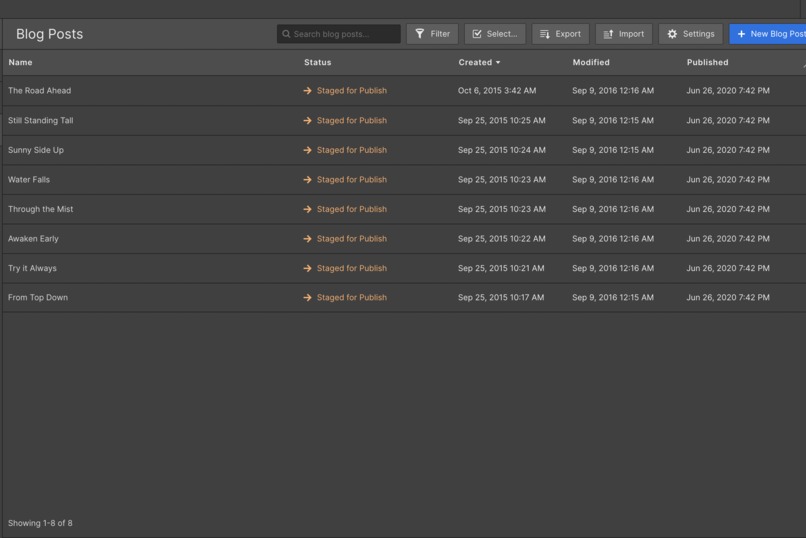
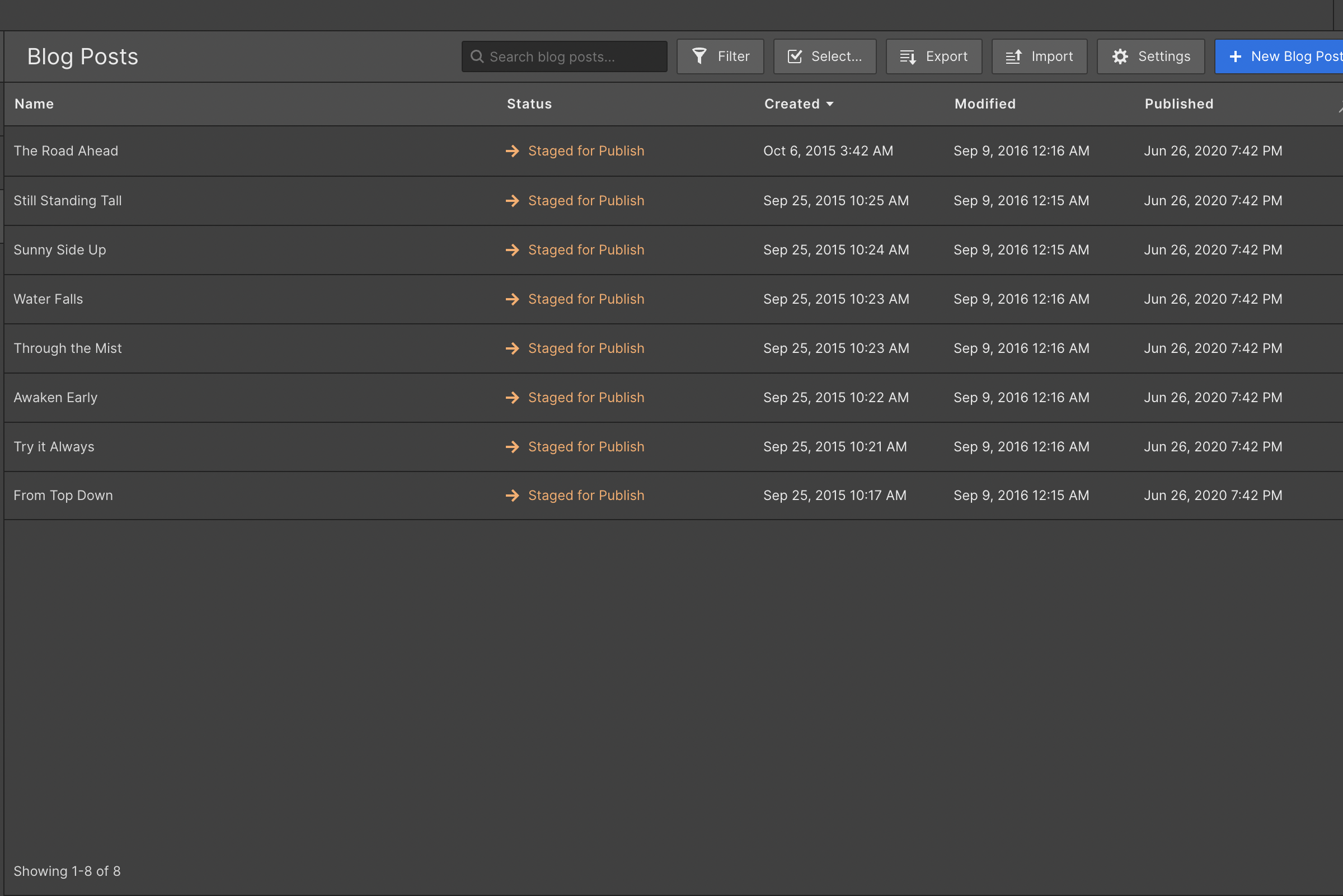
WebFlow Blogs Dashboard
-
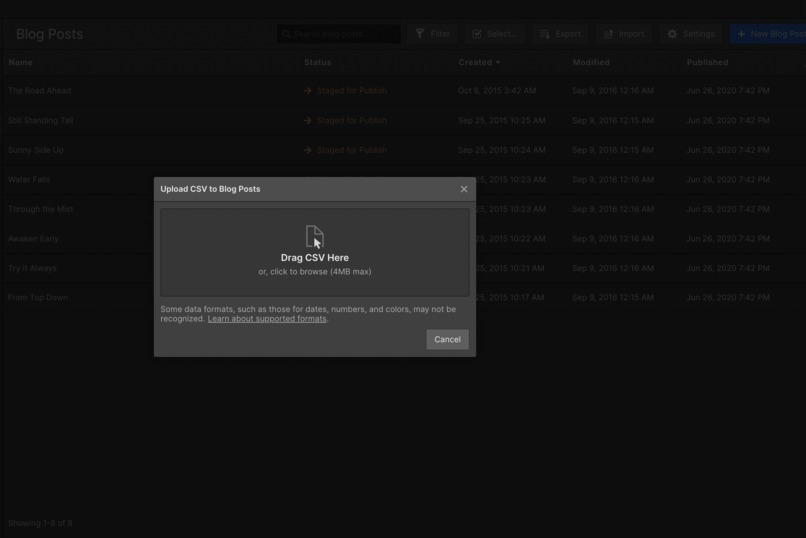
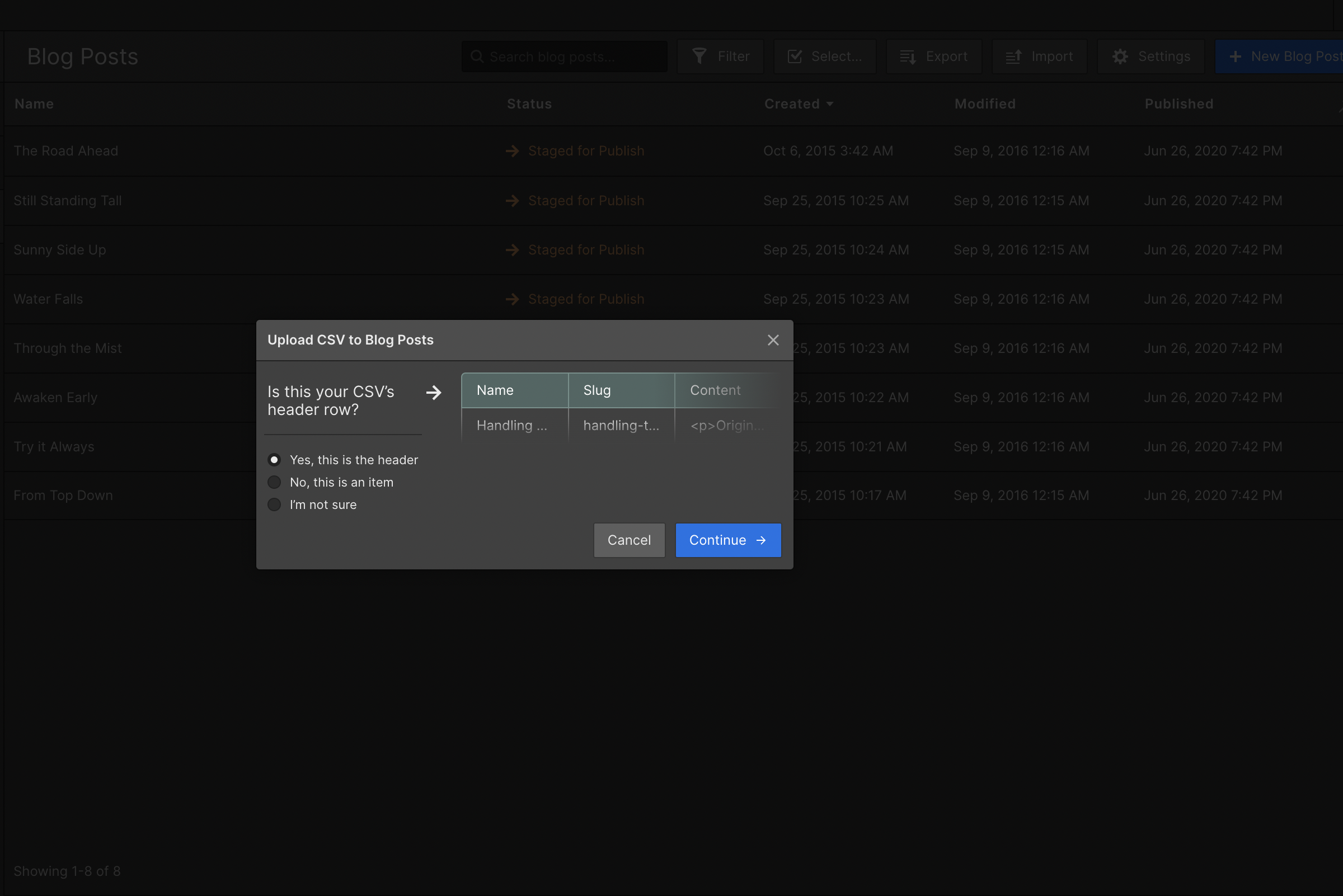
Import Blog using CSV
-
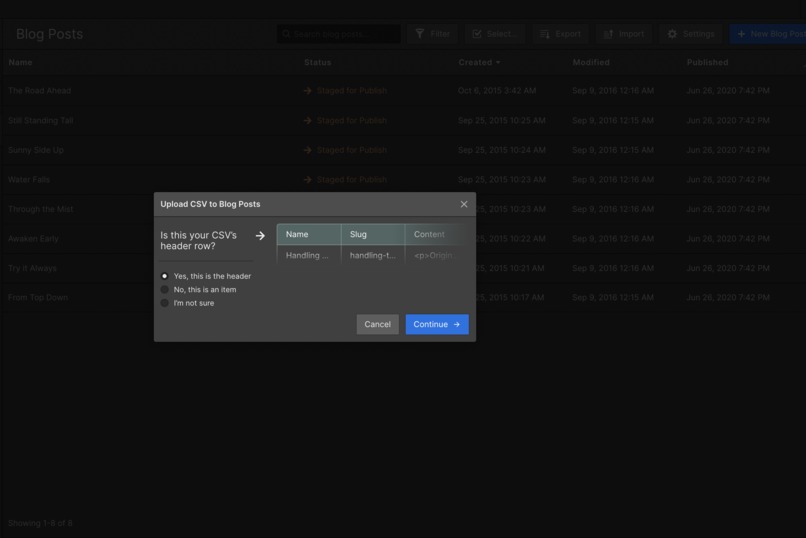
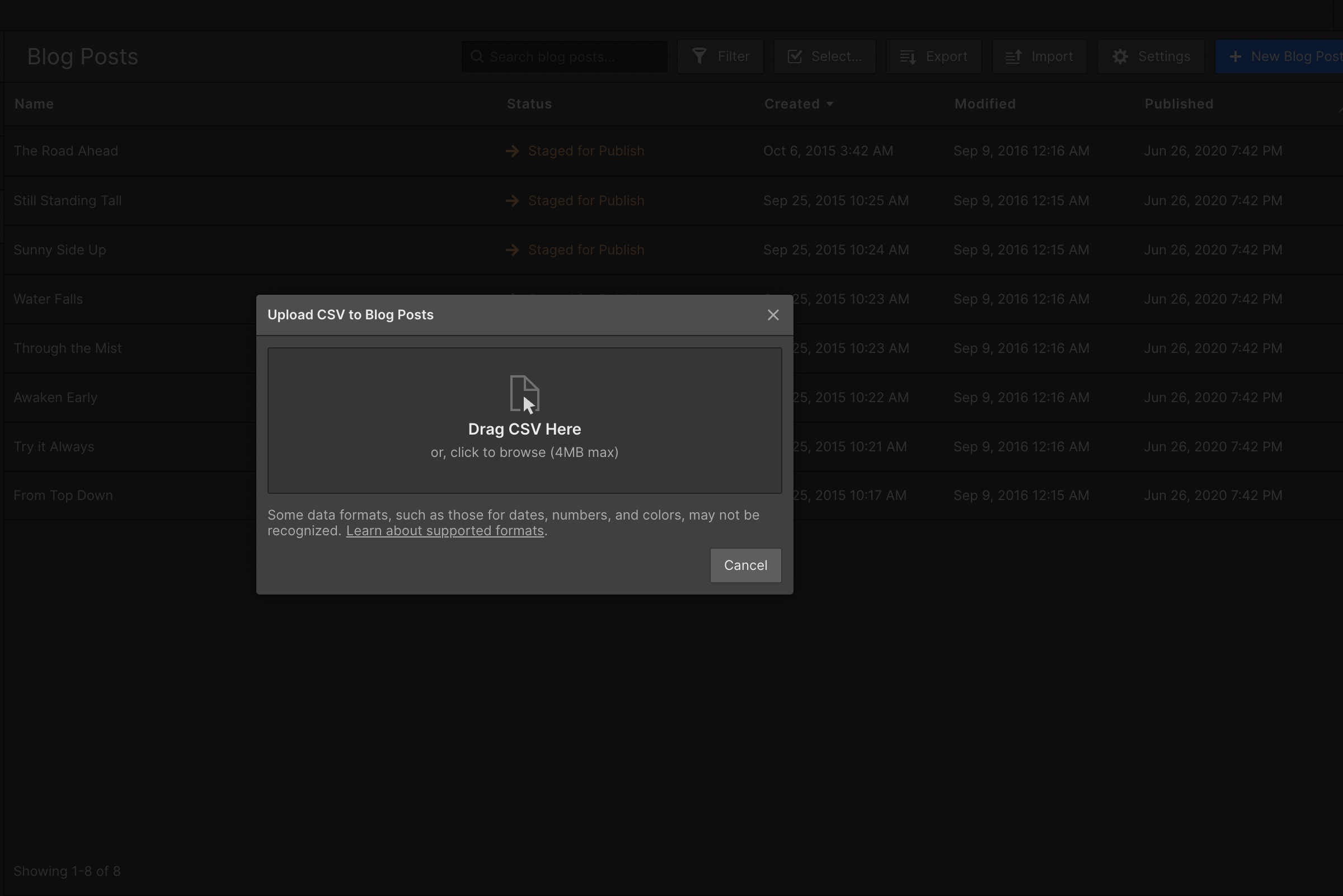
Upload CSV exported by the app
-
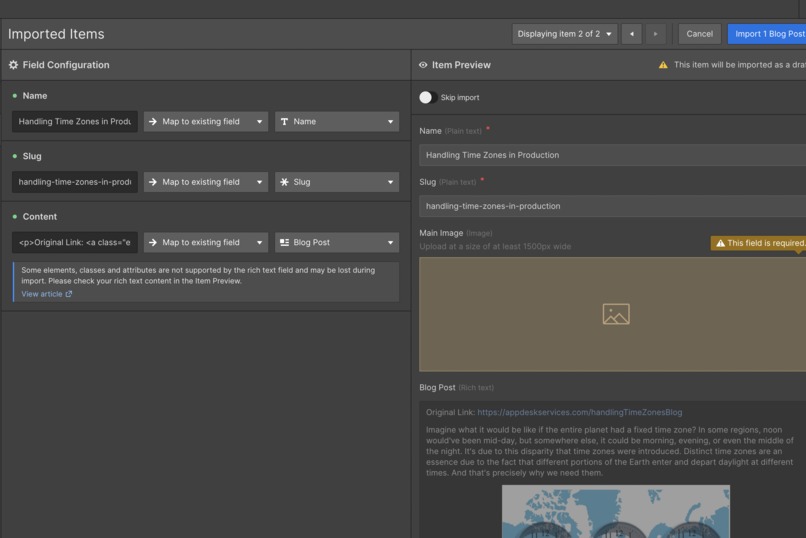
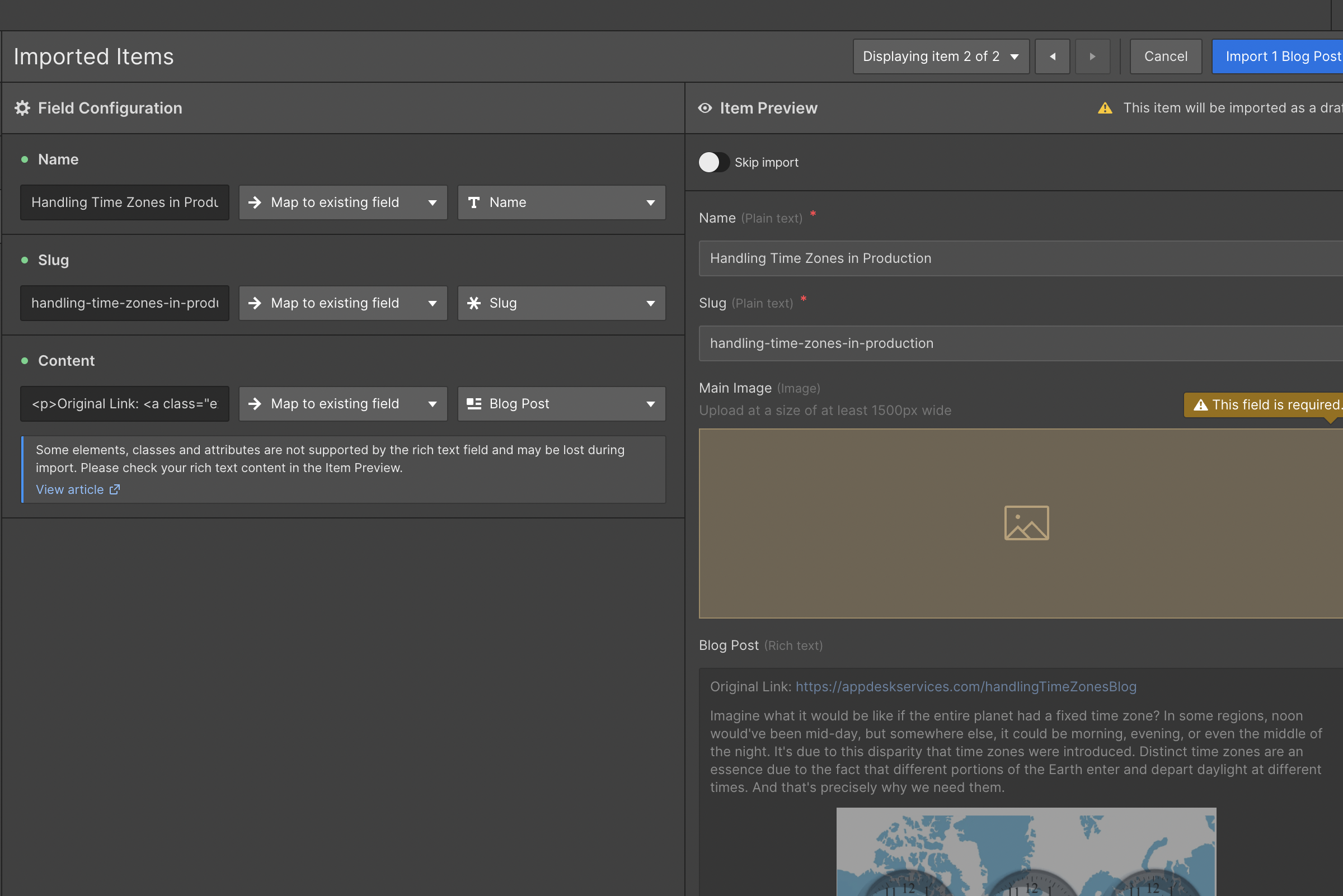
Header to Blog Post Field Mapping
-
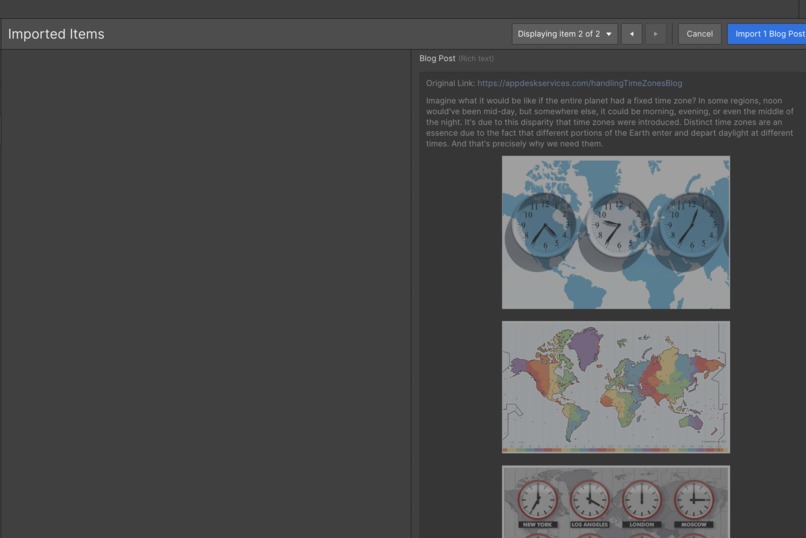
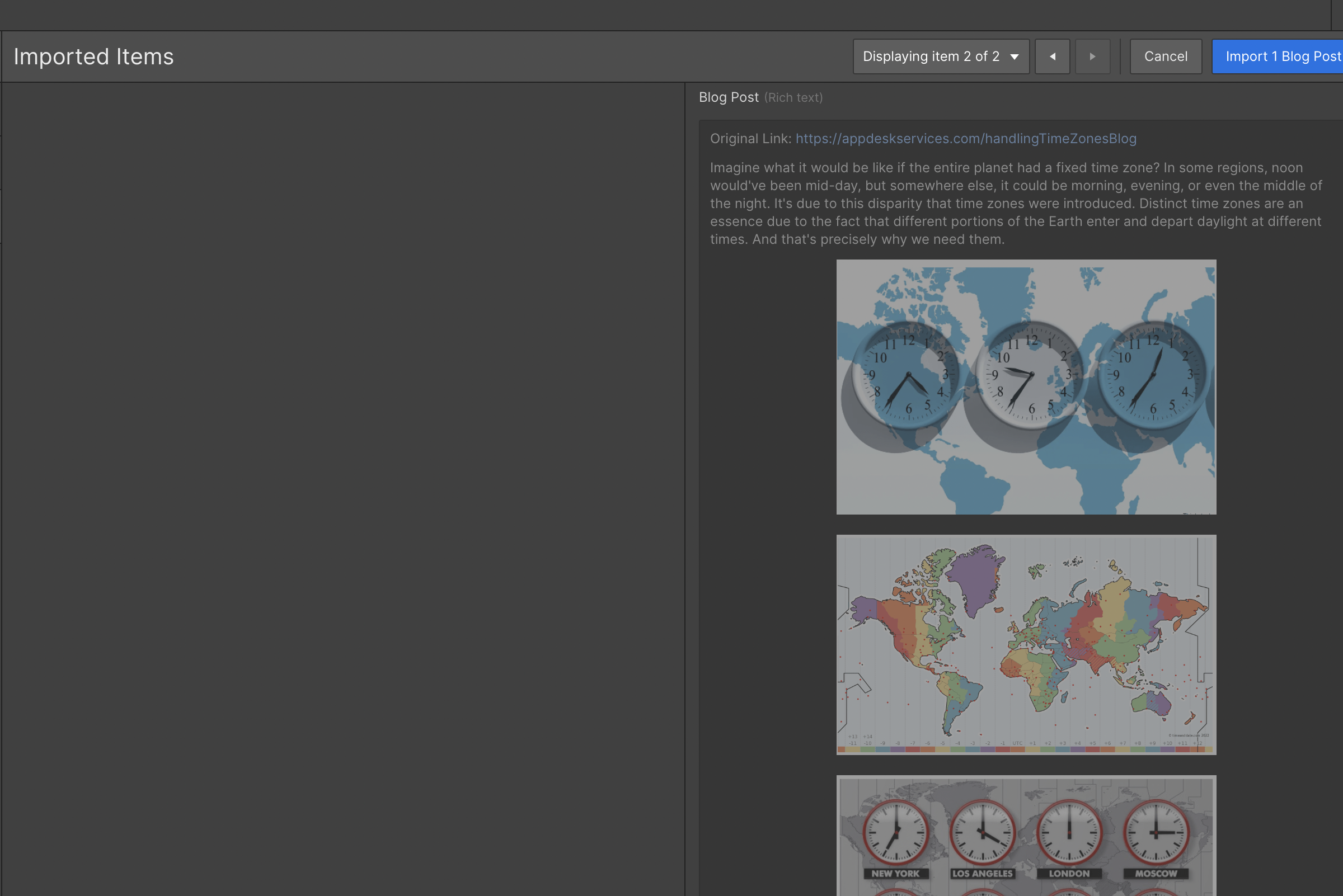
Rich Text Content from the Confluence page, including images
-
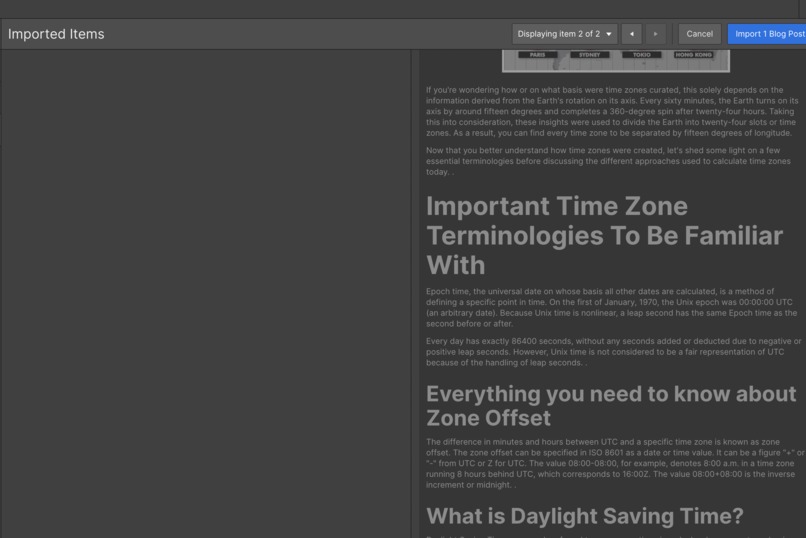
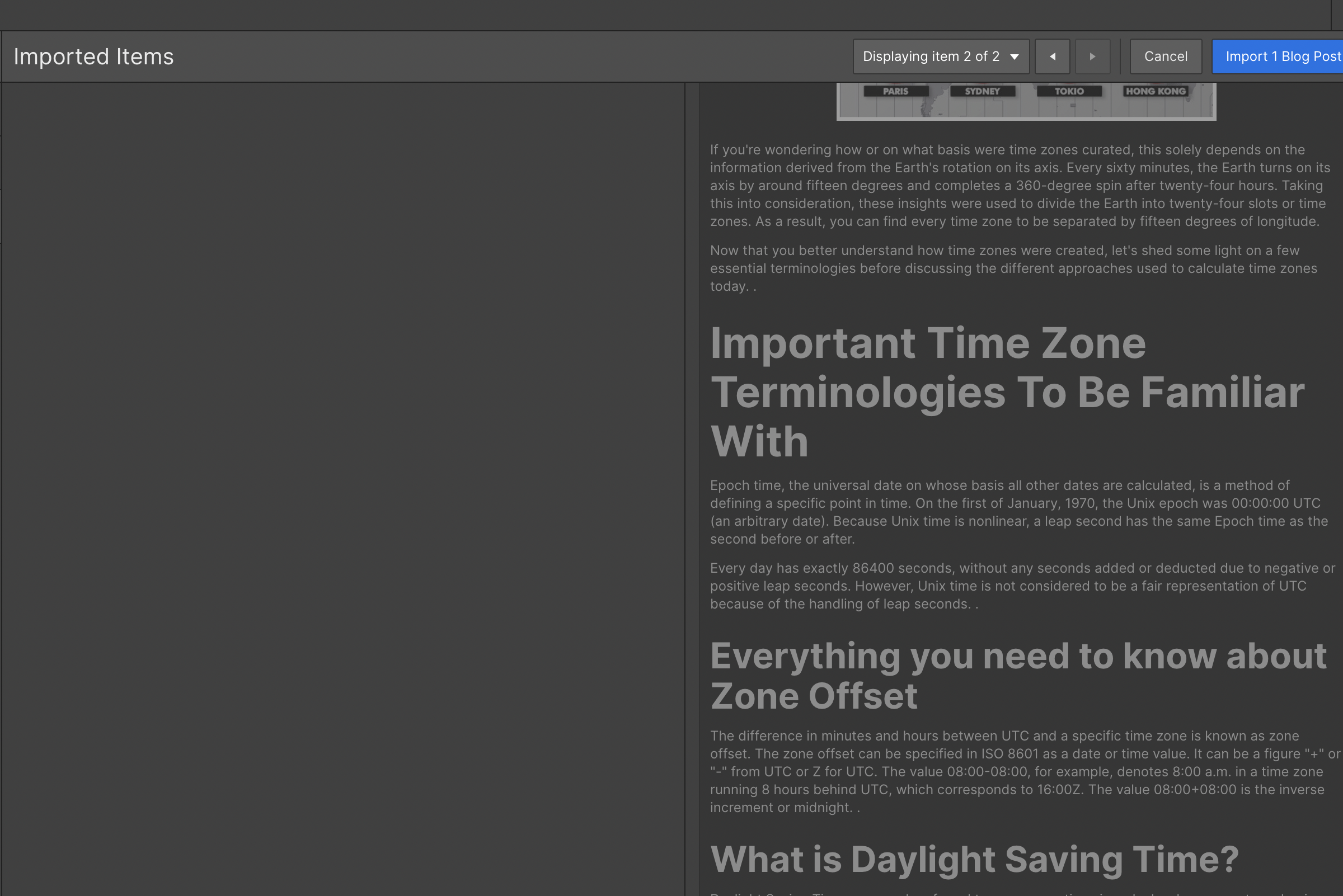
Rich Text Content from the Confluence page, including formatting
Inspiration
A client using WebFlow for their marketing website was facing trouble importing content from Confluence Pages as WebFlow Blogs, along with the images and formatting. As a lead engineer, I offered to create a Confluence App to ease the process of this data migration. I had only recently read about the Atlassian Forge SDK, and since I was quite comfortable using Node.JS, I built this utility and deployed it to the client's Atlassian Website within a week.
What it does
The application is extremely easy to use. It helps the user export a Confluence Page in a WebFlow import-compatible CSV format. The CSV can be imported directly inside the WebFlow Dashboard, along with all images and formatting
How we built it
- Went through the documentation for Atlassian Forge and bootstrapped the application using the tutorials and guides mentioned therein
- Integrated the relevant Atlassian APIs to fetch the content and attachment data for the page being exported
- Created a small passthrough utility to upload the images onto a dedicated S3 bucket and replaced the protected Atlassian URLs in the HTML content with the S3 Public URLs
- Created a CSV in a WebFlow import-compatible format, bundled it into a .zip archive, and uploaded it as an attachment to the page which is being exported
Challenges we ran into
- To get the binary attachment data and upload it onto our own S3 bucket within the application
- To find a library for creating .zip files that is compatible with the Forge Development Environment
Accomplishments that we're proud of
- Solving a real-world problem statement by employing an innovative approach
- Creating our team's first Confluence App and understanding the Forge SDK
- Streamlining processes and making things easier for our client and their marketing team
What we learned
- How to build applications for Atlassian products using the Forge SDK
- The unique architecture and design of the Forge Development Environment
What's next for Export to WebFlow
- Me and my team expect to launch this application to the Atlassian Marketplace within the calendar year

Log in or sign up for Devpost to join the conversation.