-
-
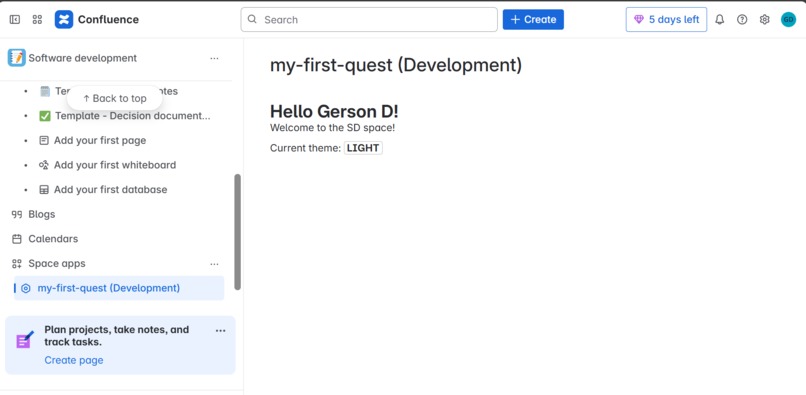
Confluence app
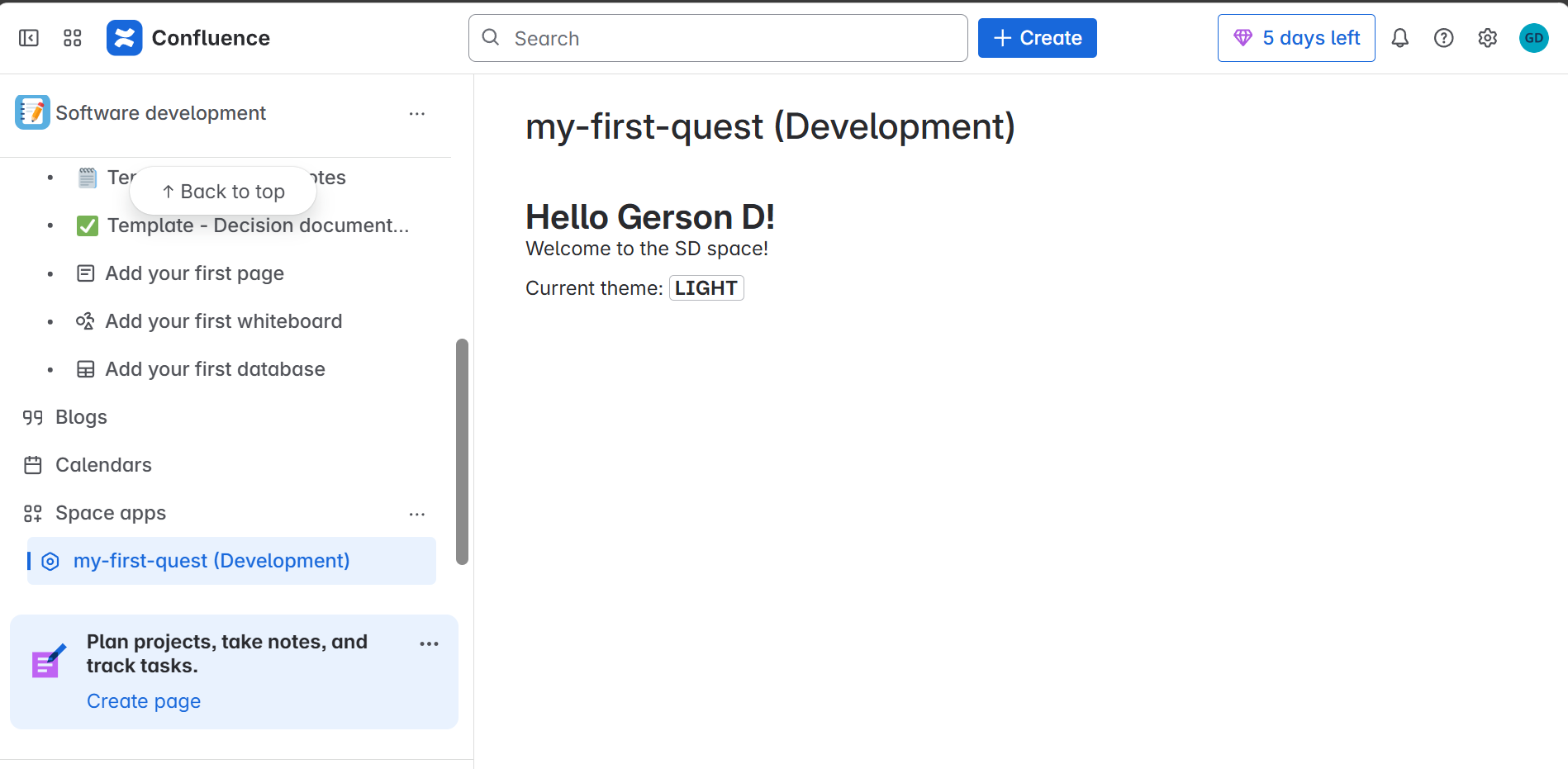
Screenshot of my completed app

Inspiration
To develop my skills on the Forge platform. I wanted to create a dynamic, context-aware tool that adapts to each user.
What it does
The Hello World App is designed to show the basics of building a Forge app.
- Displaying dynamic content based on the logged-in user (e.g., greeting the user by name instead of a generic "world").
- Accessing and using contextual information from the environment it's running in (like page or space details).
- Providing a customizable module that integrates with Confluence or Jira's UI.
- Allowing for continuous deployment and troubleshooting.
Essentially, it's a starter app that demonstrates how to build, personalize, and manage Forge apps within the Atlassian ecosystem.
How I built it
GitHub Codespaces to develop directly in the cloud. Atlassian forge platform
Challenges I ran into
- Log in with an Atlassian API token: Since GitHub Codespaces is a cloud-based development environment due to which I was not able to read credentials from local keychain. To solve this, I created environment variables to store FORGE_EMAIL and FORGE_API_TOKEN.
Accomplishments
- Building a Confluence app
- Explored the UI Kit documentation
What I learned
- I learned how to use the Forge CLI to create a new app from a template and customize it by adding a module.
- I explored how to access application context data from both the front end and back end to enrich the app’s behavior.
- I personalized the app by fetching and displaying the current user's name using the Confluence API.
What's next for Exploring Confluence app building
Now that I've mastered the basics of Forge, I'm ready to move to the Apprentice level, where I'll learn about authentication, bridge APIs, and front-end development.


Log in or sign up for Devpost to join the conversation.