-
-
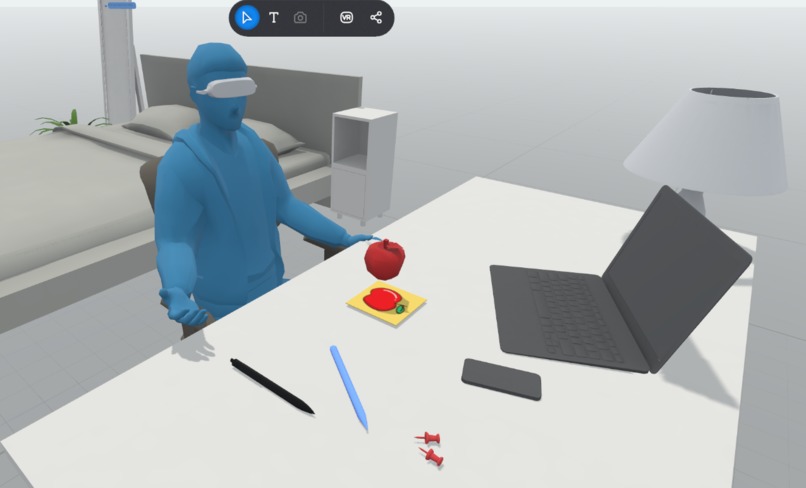
Preview of ExploreXR through ShapesXR
-
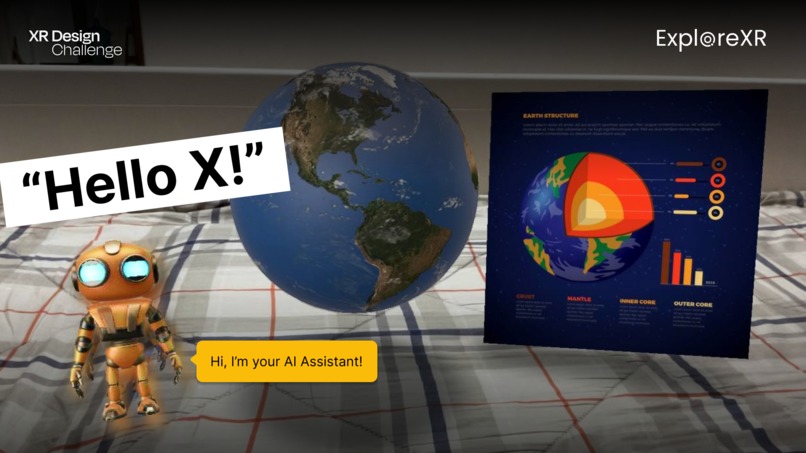
Preview of ExploreXR through Adobe Aero
Background
ExploreXR creates unlimited access to engaging, hands-on learning tools, enabling users to explore and learn anytime, anywhere. This application is created to address the growing demand for immersive and engaging educational tools.
What it
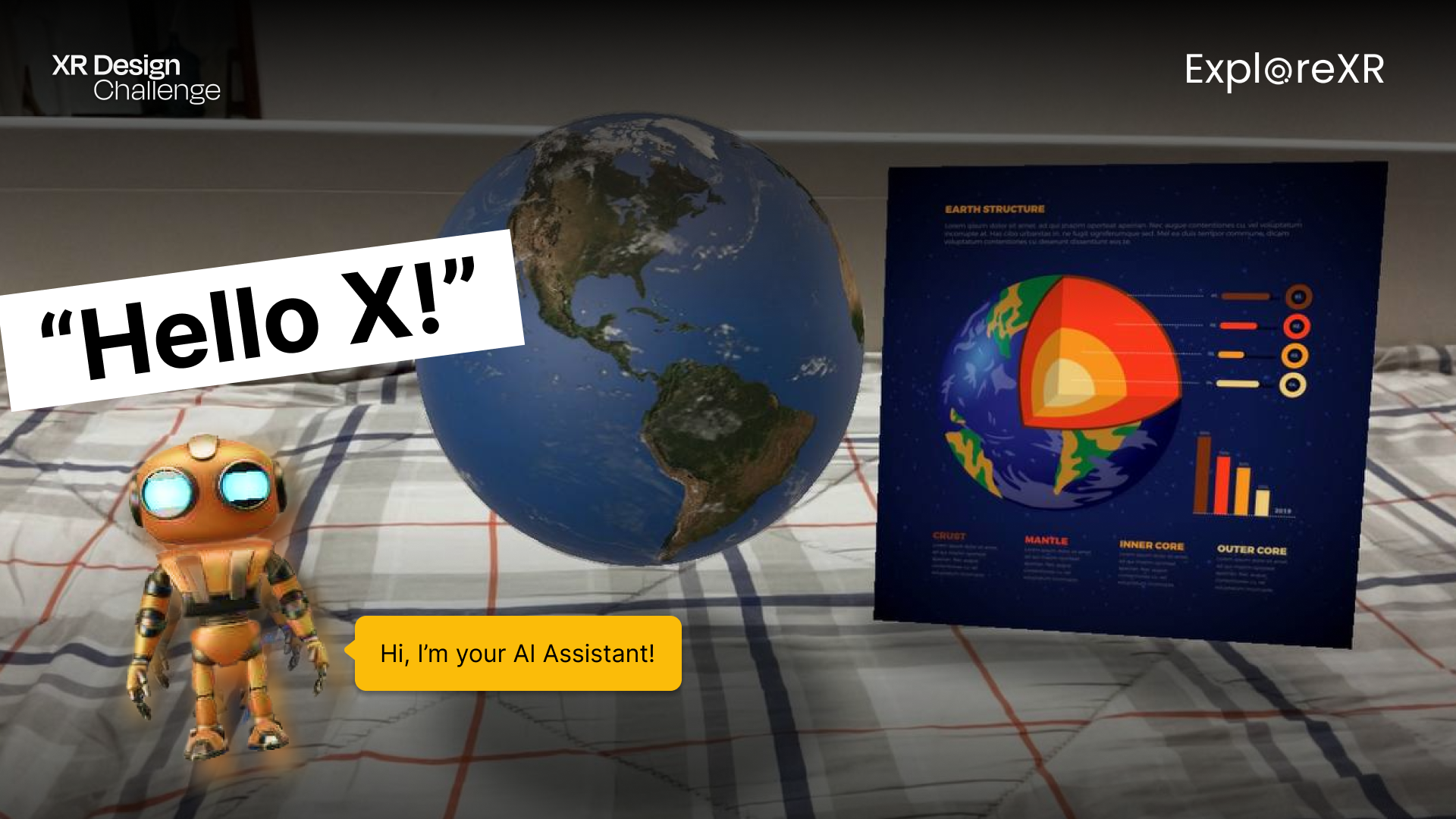
ExploreXR: Educational AI Assistant is an AI-powered immersive learning platform that combines interactive holographic objects and voice command functionality. This application allows users, especially students, to explore educational concepts visually and interactively in a virtual environment, enhancing their understanding through hands-on and engaging experiences.
How we built it
The project was built using:
- Adobe Aero: To create and simulate interactive holographic elements that users can explore without requiring additional hardware.
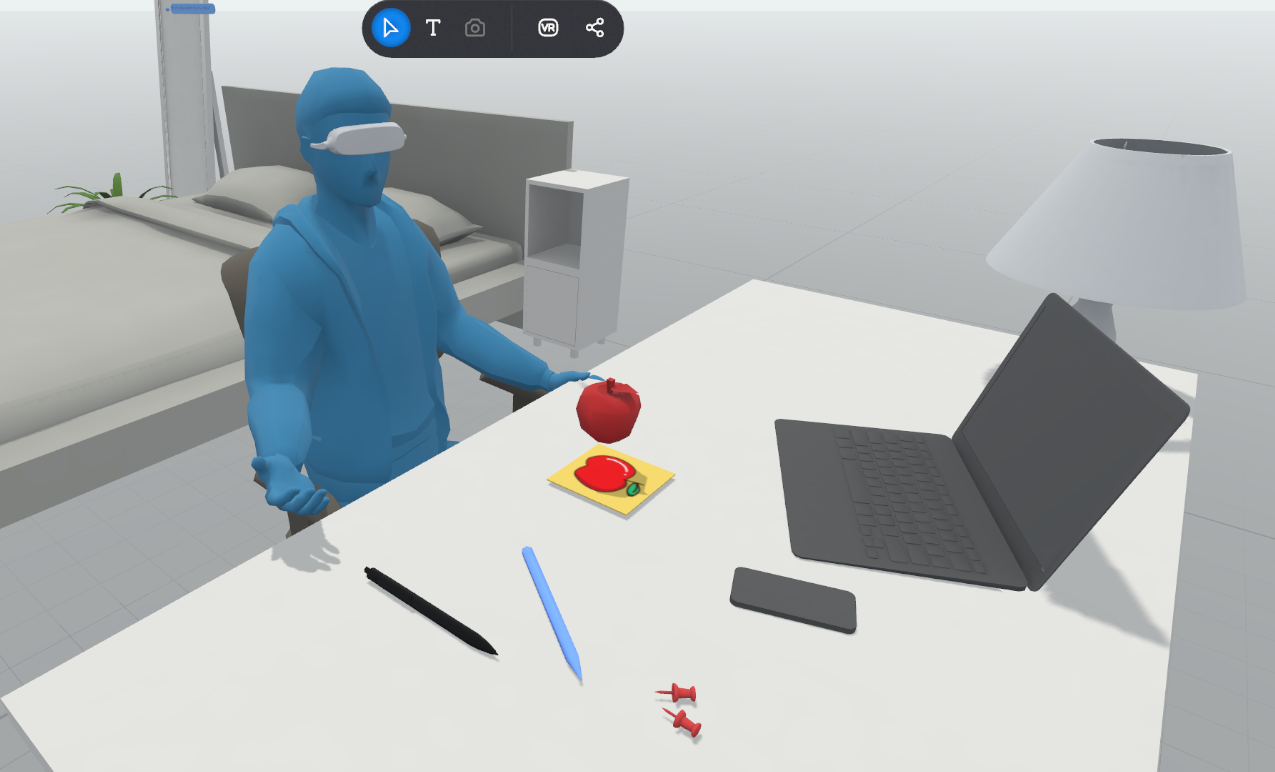
- ShapesXR: To design the immersive learning experience and visualize the user journey in a virtual environment. These tools allowed for the creation of a prototype that showcases how an AI Assistant can interact with users and enhance their learning experience.
Challenges we ran into
- Limitation of hardware: Limited access to AR/VR headsets made it challenging to test and simulate real-time immersive interactions.
- Technical difficulties in AI implementation: Integrating advanced AI features, such as personalized responses and real-time feedback, presented technical challenges during the prototyping phase.
- Limitations of ShapesXR features: ShapesXR provided excellent visualization tools, but its features were limited for creating fully functional interactive prototypes.
Accomplishments that we're proud of
- Successfully designed an immersive learning prototype that visually demonstrates the potential of AI-powered education.
- Developed engaging holographic content that allows students to interact with and learn about Earth in a way that feels fun and natural.
- Created a seamless user experience using accessible tools like Adobe Aero, making the project feasible for future development.
What we learned
- The importance of aligning user personas with the design and functionality of the platform.
- How to leverage accessible tools like Adobe Aero and Procreate to simulate AR/VR experiences without advanced hardware.
- Insights into creating voice-interactive educational tools that simplify complex topics for young learners.
What's next for ExploreXR: Educational AI Assistant
- Expanded Content Library: Adding more educational topics, such as the solar system, human anatomy, and historical landmarks.
- Hardware Integration: Testing and deploying the platform with VR/AR headsets for enhanced immersion.
- Collaboration Opportunities: Partnering with educational institutions and content creators to scale ExploreXR as a versatile tool for learning.
- Improved AI Capabilities: Developing the AI Assistant to provide real-time personalized feedback and adaptive learning paths for users.
Built With
- adobeaero
- shapesxr


Log in or sign up for Devpost to join the conversation.