Explore-It Blog
Overview
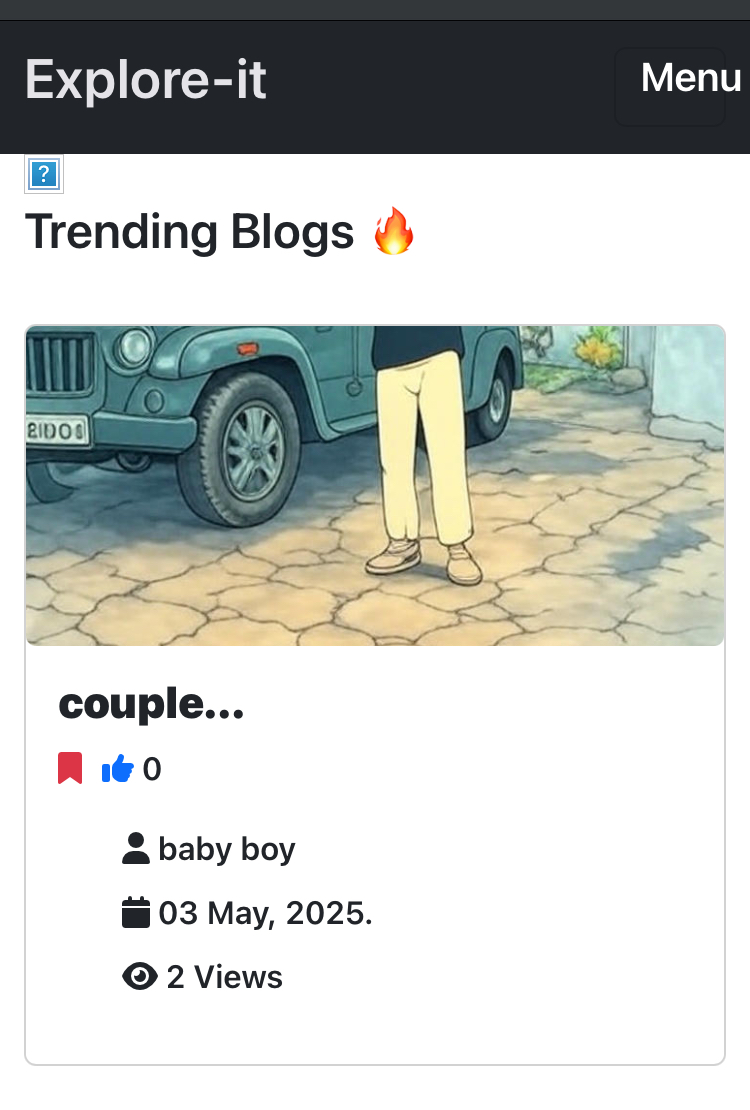
Explore-It Blog is a full-stack web application designed to provide a platform for sharing and discovering engaging content. Built with a robust Django backend and a dynamic React frontend, it offers a seamless user experience for both content creators and readers.
Purpose
The primary purpose of Explore-It Blog is to create a community-driven platform where users can:
- Share Knowledge: Authors can create and publish articles, guides, and stories.
- Discover Content: Readers can explore a variety of topics, discover new perspectives, and engage with content they find interesting.
- Interact: Users can interact with posts through comments, bookmarks, and other interactive features.
Key Features
User Roles
- Regular Users:
- Browse and read posts.
- Comment on posts.
- Bookmark posts.
- View their profile.
- Authors (Post Creators):
- All features of regular users.
- Create, edit, and delete their posts.
- Manage their post.
- Admin
- All features of regular and author user
- Manage users, posts, categories, bookmarks, comments, notifications, etc.
Post Management
- Creation: Authors can create rich content with text, images, and other media.
- Editing: Authors can modify their posts to correct errors or update information.
- Deletion: Authors can remove their posts.
- Categorization: Posts can be assigned to categories for easy browsing.
- Tagging: Posts can be tagged with keywords for improved searchability.
Interaction Features
- Commenting: Users can leave comments on posts to share their thoughts and engage in discussions.
- Bookmarking: Users can bookmark posts to save them for later reading.
- Notification: when users comment or bookmark post they will be notified.
Image Handling
- Cloudinary: All images are stored and served via Cloudinary, ensuring efficient delivery and scalability.
API Documentation
- drf-yasg: The backend API is documented using drf-yasg, allowing for interactive exploration and easy integration.
Technologies Used
Backend (Django)
- Django: A high-level Python web framework.
- Django REST Framework: A powerful toolkit for building Web APIs.
- drf-yasg: For generating API documentation.
- Cloudinary: For cloud-based image storage and delivery.
- Sqlite3: as development database.
- Other Libraries all libraries listed in
backend/requirements.txt.
Frontend (React)
- React: A JavaScript library for building user interfaces.
- Axios: For making HTTP requests to the backend API.
- Other Libraries all libraries listed in
frontend/package.json.
Development Setup
Backend (Django)
- Set up a Virtual Environment:
- Before starting, it's crucial to set up a virtual environment. This isolates project dependencies and prevents conflicts.
- Create a virtual environment:
python3 -m venv venv(orpython -m venv venvon Windows). - Activate the virtual environment:
- On macOS/Linux:
source venv/bin/activate - On Windows:
venv\Scripts\activate
- On macOS/Linux:
- Navigate to the
backenddirectory. - Install requirements:
pip install -r requirements.txt - Create and apply migrations:
-
python manage.py makemigrations -
python manage.py migrate
-
- Start the development server:
python manage.py runserver
Frontend (React)
- Navigate to the
frontenddirectory. - Install dependencies:
yarn installornpm install - Start the development server:
yarn devornpm run dev
Deployment
Frontend (React)
- Vercel: The frontend is deployed on Vercel for its ease of use, performance, and automatic deployments.
- create an account in vercel.
- connect your git repository.
- setup you build configuration.
- set environment variables.
- deploy.
Backend (Django)
- Render: The backend is deployed on Render, taking advantage of its robust environment for running Python web applications.
- Create an account in Render.
- connect your git repository.
- create a new web service
- choose you backend git repository.
- configure build command and start command.
- set environment variables.
- deploy.
Conclusion
Explore-It Blog is a comprehensive blogging platform designed to connect content creators and readers. With its rich feature set, robust backend, and dynamic frontend, it provides an engaging and user-friendly experience. The use of modern tools and technologies like Cloudinary, drf-yasg, Vercel, and Render ensures a scalable, efficient, and well-documented application.

Log in or sign up for Devpost to join the conversation.