-
-
AI Teaching Assistant Logo
-
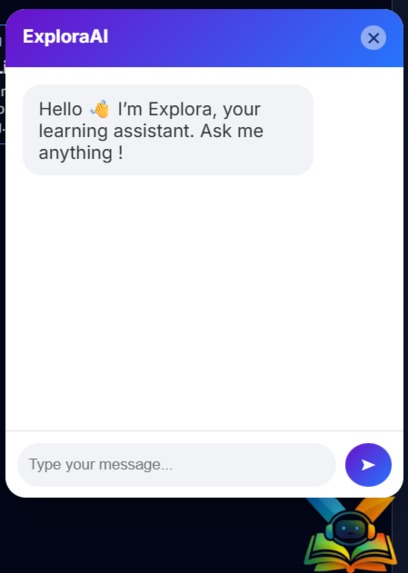
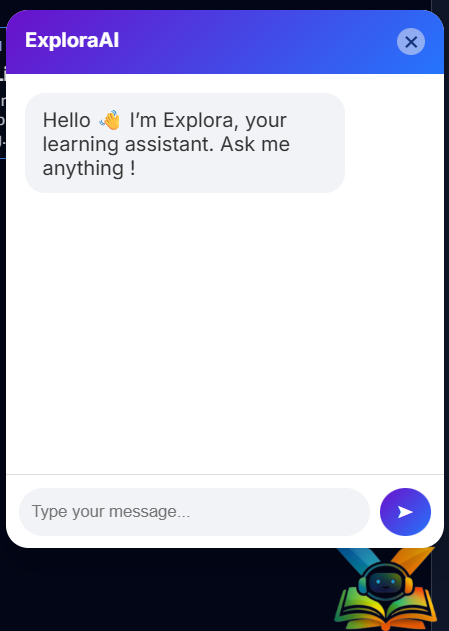
Inbox Interface of AI Assistant
-
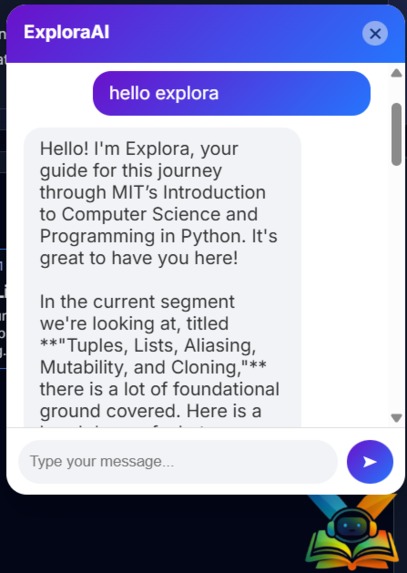
Inference
-
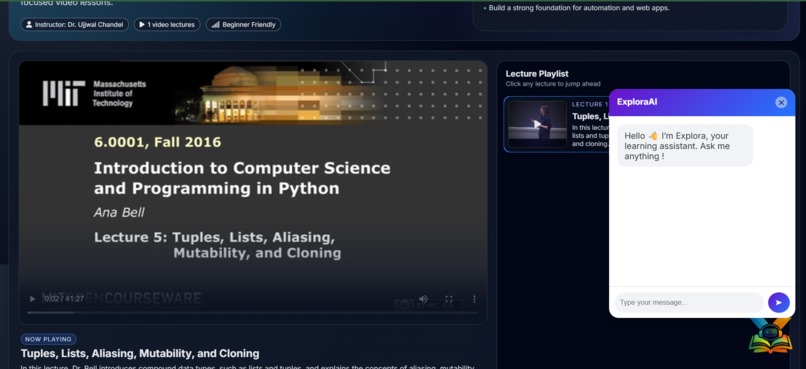
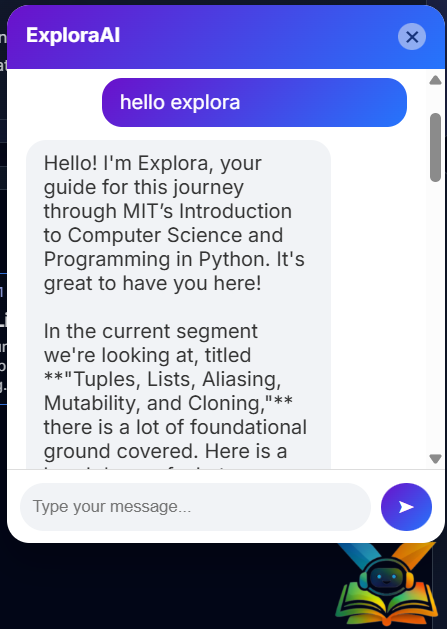
AI Assistant interface
-
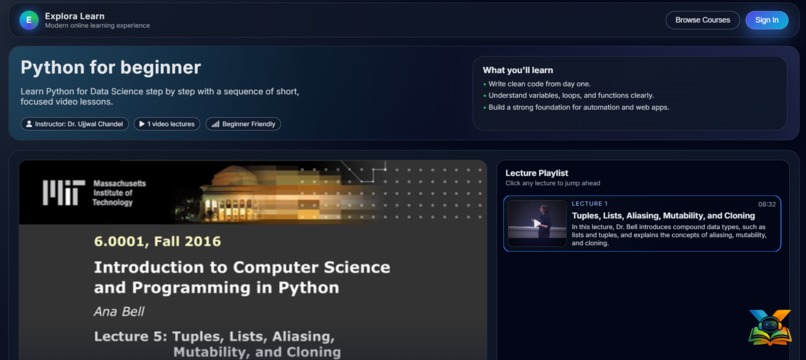
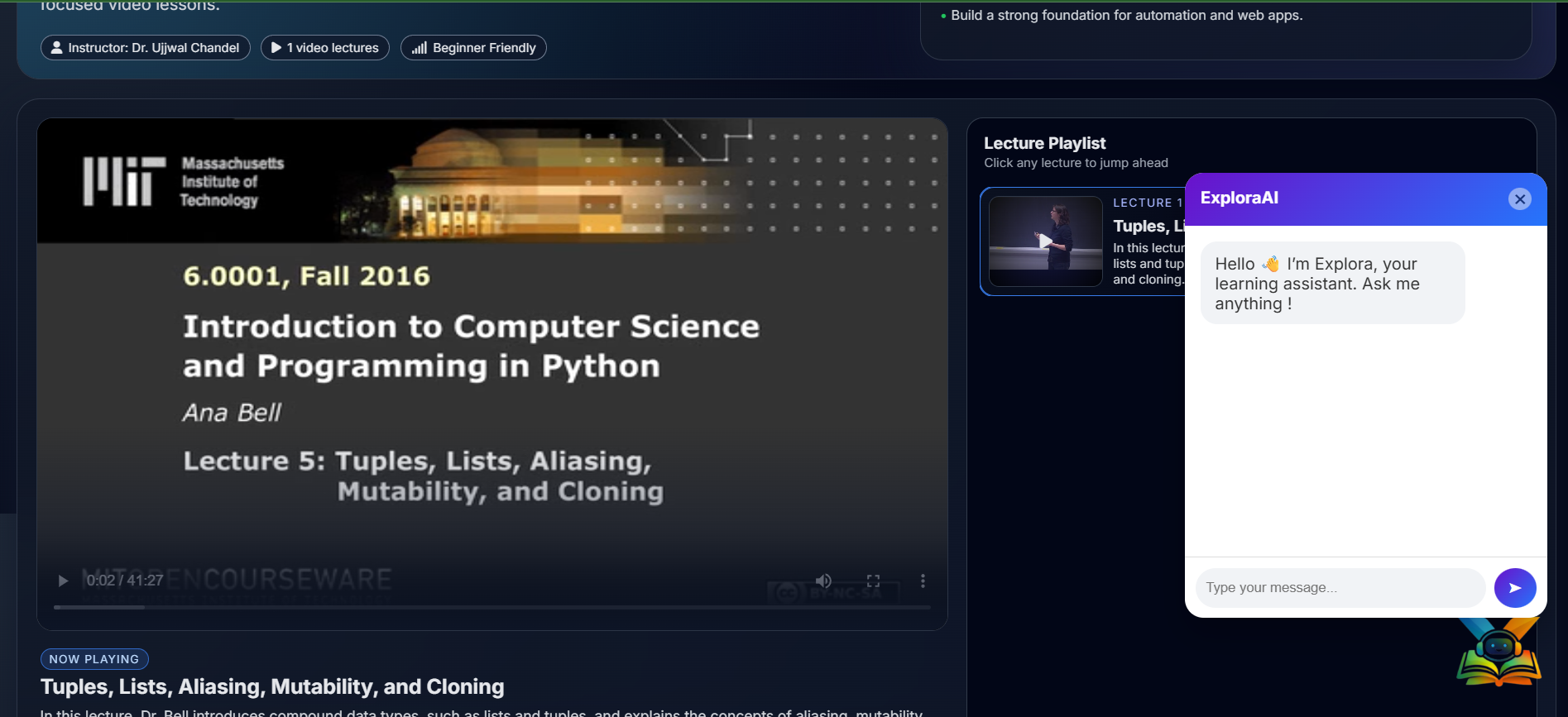
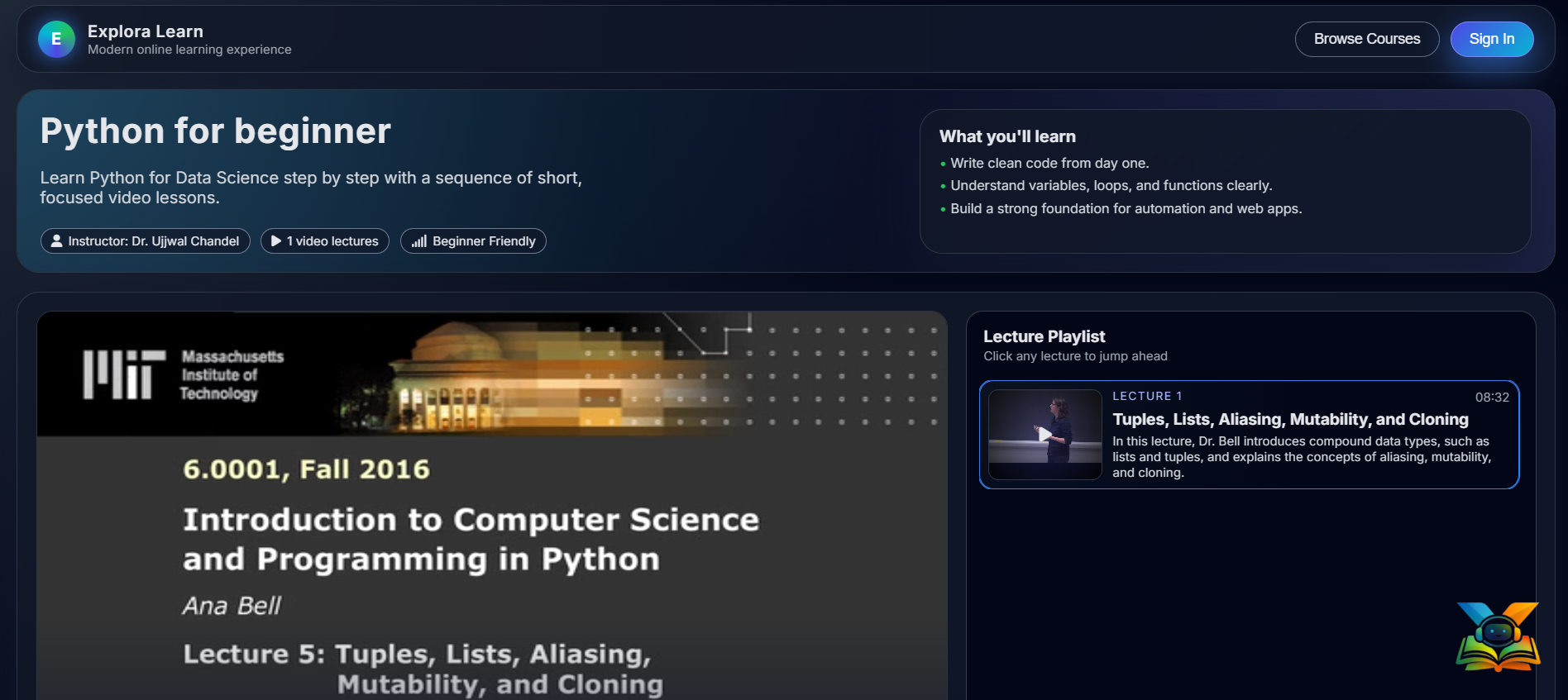
Sample Course Website UI
Inspiration
The problem started while I was learning from courses that used pre-recorded video lectures. There was no one to ask when I had doubts, and because of that, I often couldn’t move forward. If a topic wasn’t explained clearly, there was nobody to explain it again in a simpler, more effective way. As a slow learner, I need more examples to properly understand a concept. Every time I got stuck, I had to rely on Google searches, which made the learning process tiring and time-consuming. Revising a particular topic or subtopic from previous lectures was also difficult, it took a lot of time to find the correct video and the exact timestamp where the topic was explained. This made my learning even slower. Sometimes, I just wanted a quick overview or summary of a lecture, but there was no one to provide it. There were also moments when the teacher’s teaching style confused me instead of helping me understand the topic better. That’s when the idea came to me, why not build an assistant that could solve these problems and make learning easier and faster, not just for me, but for others facing the same challenges? Since large language models already exist, I realized they could help me build something like this. With that motivation, I started developing an AI-based learning assistant and began applying my skills and exploring the technologies and dependencies required to turn this idea into reality.
What it does
The learning assistant is designed to make the learning process easier, faster, and more effective for students. It allows learners to ask any question related to a specific course through an interactive chat-based interface, just like having a personal tutor available at any time. The AI assistant understands the entire course content and can clearly explain any topic taught in the lectures. If a learner wants to revise or focus on a specific concept, the assistant provides the exact video timestamp, allowing them to jump directly to the relevant part of the lecture without wasting time searching. For better understanding, especially for slow learners, the assistant explains concepts in a simpler way using multiple examples and alternative explanations. If the course includes programming, the assistant can also write and explain code taught in the lectures, helping learners understand both theory and implementation.
In addition, the assistant can generate concise summaries and overviews of complete lectures, making revision quicker and more efficient. It can also explain entire lectures step by step, clarify confusing teaching styles, and convert complex explanations into easy-to-understand language. The assistant further supports students by generating structured content for note-making, helping them organize their learning and revise effectively. Overall, it acts as a smart, personalized learning companion that reduces confusion, saves time, and makes the learning journey smoother and more enjoyable for students.
How We Built It
Step 1: Extracting Audio from Video Lectures
We started by extracting audio from the pre-recorded course videos, since audio is the core source of information in lecture-based learning. Using a Python script along with FFmpeg, we converted all video lectures into MP3 audio files and stored them in an audios folder for further processing.
Step 2: Converting Audio into Text
Once the audio was ready, we converted it into text using OpenAI Whisper (large-v2). This model helped us accurately transcribe long and technical lectures, ensuring that the spoken content was correctly captured in written form.
Step 3: Breaking Content into Chunks with Timestamps
Instead of working with long blocks of text, we broke the transcriptions into smaller, meaningful chunks. Whisper already provides text in segmented chunks along with their start and end timestamps, which later allows our system to map answers directly back to the exact moment in the video.
Step 4: Converting Text into Vectors
To make the lecture content searchable in a smart way, we converted each text chunk into a vector using the bge-m3 embedding model. This step transforms human language into numerical representations that capture the semantic meaning of the content.
Step 5: Converting User Queries into Vectors
When a learner asks a question, we convert the user’s query into a vector using the same bge-m3 model. This ensures that both the lecture content and the user’s question are represented in the same semantic space for accurate matching.
Step 6: Retrieving the Most Relevant Content (RAG)
To find the most relevant lecture content, we calculate the cosine similarity between the user’s query vector and all stored chunk vectors. Based on this similarity, we select the top 10 most relevant chunks, which serve as context for answering the question. This forms the core of our Retrieval-Augmented Generation (RAG) setup.
Step 7: Generating Answers Using Gemini 3
The selected chunks, along with the user’s question, are then combined into a well-structured prompt. This prompt is passed to the Gemini 3 Large Language Model, which generates accurate, context-aware responses by deeply understanding both the lecture content and the learner’s intent.
Step 8: Deploying the System
Finally, we deployed the complete system using Flask. We created a demo web application that includes a sample course with video lectures and an interactive chatbot interface. This allows users to ask questions, receive explanations, get summaries, and jump directly to the exact video timestamps they need.
Challenges we ran into
One of the key challenges we faced was the high computational requirement of large models such as Whisper (large-v2) and the bge-m3 embedding model. These models demand significant GPU memory and compute power, which made running them on local systems inefficient, slow, and sometimes unstable.
To address this, we explored platforms offering temporary access to GPU/LPU resources through free trials. However, configuring the project on these platforms introduced additional complexity, including environment setup, dependency management, and compatibility issues. Since this setup was a one-time effort, we eventually resolved it by leveraging Google Colab, which provided a stable GPU environment. This allowed us to efficiently complete compute-heavy preprocessing tasks and focus on optimizing the RAG pipeline and overall system performance.
Accomplishments that we're proud of
We’re proud of building a fully functional end-to-end AI learning assistant that solves real problems faced by students using pre-recorded courses. Successfully implementing a Retrieval-Augmented Generation (RAG) pipeline with accurate timestamp-based navigation was a major milestone for us.
Despite computational limitations, we efficiently integrated large-scale models for speech-to-text, embeddings, and response generation, and deployed a working demo with an interactive chatbot interface. Most importantly, we transformed a personal learning challenge into a practical, scalable solution that makes learning faster, clearer, and more student-centric.
What we learned
Through this project, we learned how to design and build a complete AI-powered RAG system, starting from raw lecture videos to delivering accurate, context-aware responses. We gained hands-on experience working with OpenAI Whisper, bge-m3 embeddings, and Gemini 3, while understanding the real-world challenges of running large models under limited computational resources.
We also learned how to explore and leverage tools like FFmpeg, Google Colab, and GPU-based cloud environments to overcome performance bottlenecks, manage dependencies, and optimize our end-to-end pipeline. Most importantly, this project taught us how to turn a personal learning problem into a scalable, user-focused AI solution through continuous experimentation and iteration.
What’s Next for ExploraAI: RAG-Based AI Teaching Assistant
Moving forward, we plan to make ExploraAI even more accessible and user-friendly by integrating a voice-based interaction system. This will allow learners to ask questions using voice commands, making the chatbot more natural and convenient to use, especially during hands-free learning or revision.
We also aim to introduce a smart note-generation feature that can create structured notes for a specific topic or an entire lecture video. These notes will be generated in PDF format, enabling students to directly download, store, and revise them offline.
Additionally, we plan to add a course-restricted query toggle, giving users the option to limit the assistant strictly to course-related questions. This will help maintain focus, reduce distractions, and ensure that responses remain highly relevant to the selected course content.
Together, these enhancements will further strengthen ExploraAI as a focused, interactive, and student-centric teaching assistant.


Log in or sign up for Devpost to join the conversation.