🧠 Explainify
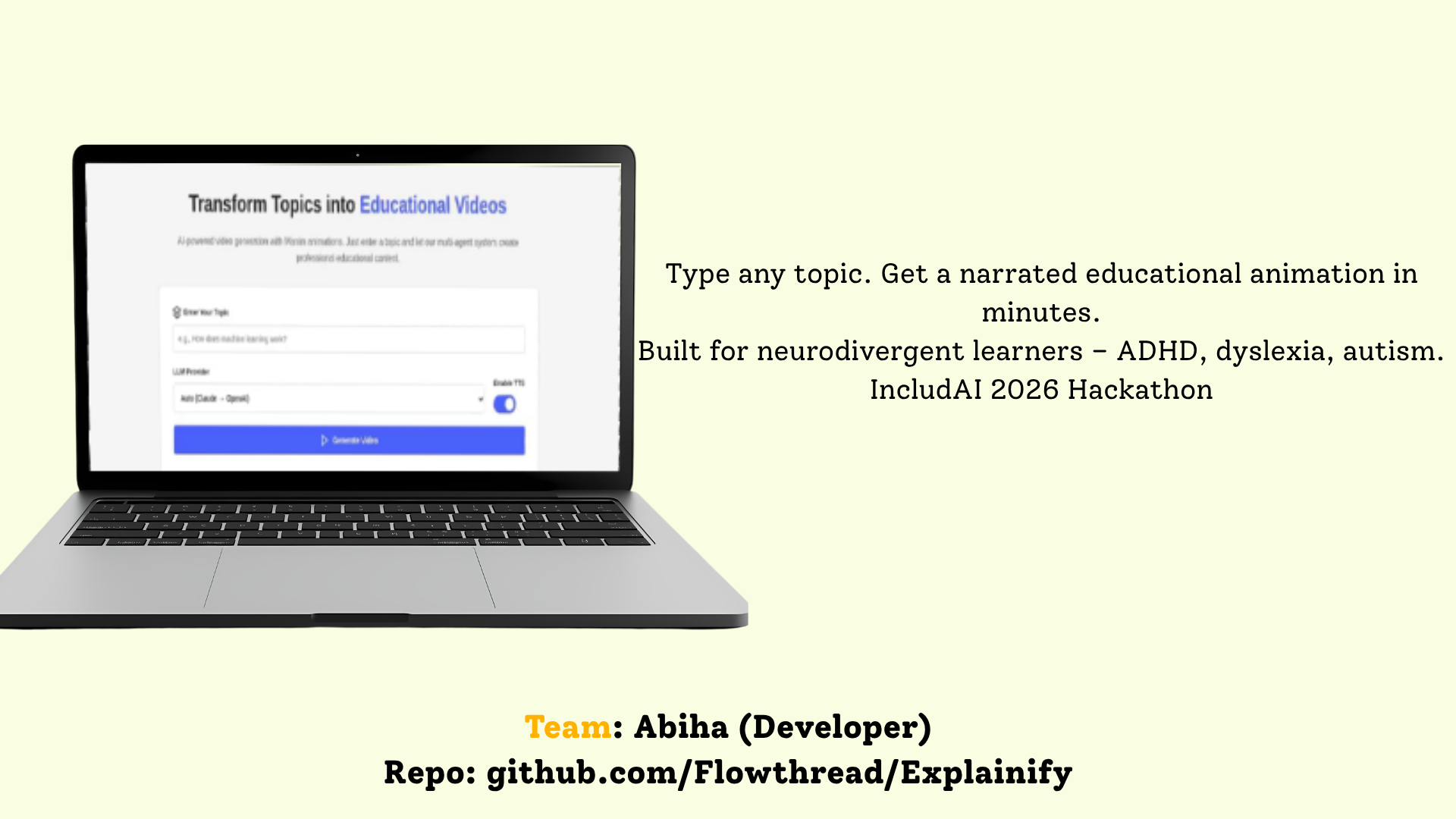
Type any topic. Get a narrated, animated explanation — built for neurodivergent minds.
An AI-powered educational video generator that turns a single sentence into a fully narrated, animated, comprehension-checked lesson.







🏆 The Inspiration
Not everyone learns the same way.
For neurodivergent learners — ADHD, dyslexia, autism — the dominant form of educational content is actively hostile. Walls of text. Static diagrams. One-size-fits-all explanations that assume a single mental model. The result is cognitive overload: the information is technically there, but the brain can't absorb it.
Meanwhile, the content that does work for these learners — short, visual, narrated animations that break concepts into digestible scenes — is expensive and slow to produce. A single 60-second Manim explainer can take a skilled animator a full day. Teachers don't have that time. Students don't have that budget.
We asked a question:
What if any learner could type a topic and instantly get a custom animated, narrated explanation — one that adapts when they don't understand?
Explainify is our answer: an autonomous multi-agent pipeline that generates professional educational videos from a single prompt, with an adaptive re-framing loop designed for the neurodivergent brain.
❌ The Problem
| Barrier | Impact on Neurodivergent Learners |
|---|---|
| 📜 Text-heavy content | Cognitive overload — too much text at once overwhelms working memory |
| 🧊 Abstract, static concepts | Hard to visualize; no motion to show process or change over time |
| 🗣️ One-size-fits-all explanations | If the first explanation doesn't click, there's no second chance |
| 💰 Custom animations are expensive | A single 60s Manim video = a skilled animator's full day of work |
| ⏳ Production is slow | Educational animation can't keep up with curriculum or curiosity |
| 🔇 No audio-visual sync | When narration and visuals drift apart, comprehension collapses |
The deepest problem is the last row of that table's spirit: existing tools generate a video, but they don't check whether the learner actually understood it — and they can't try a different way if they didn't.
✅ The Solution
Explainify transforms any topic into a narrated, animated, adaptive lesson in minutes.
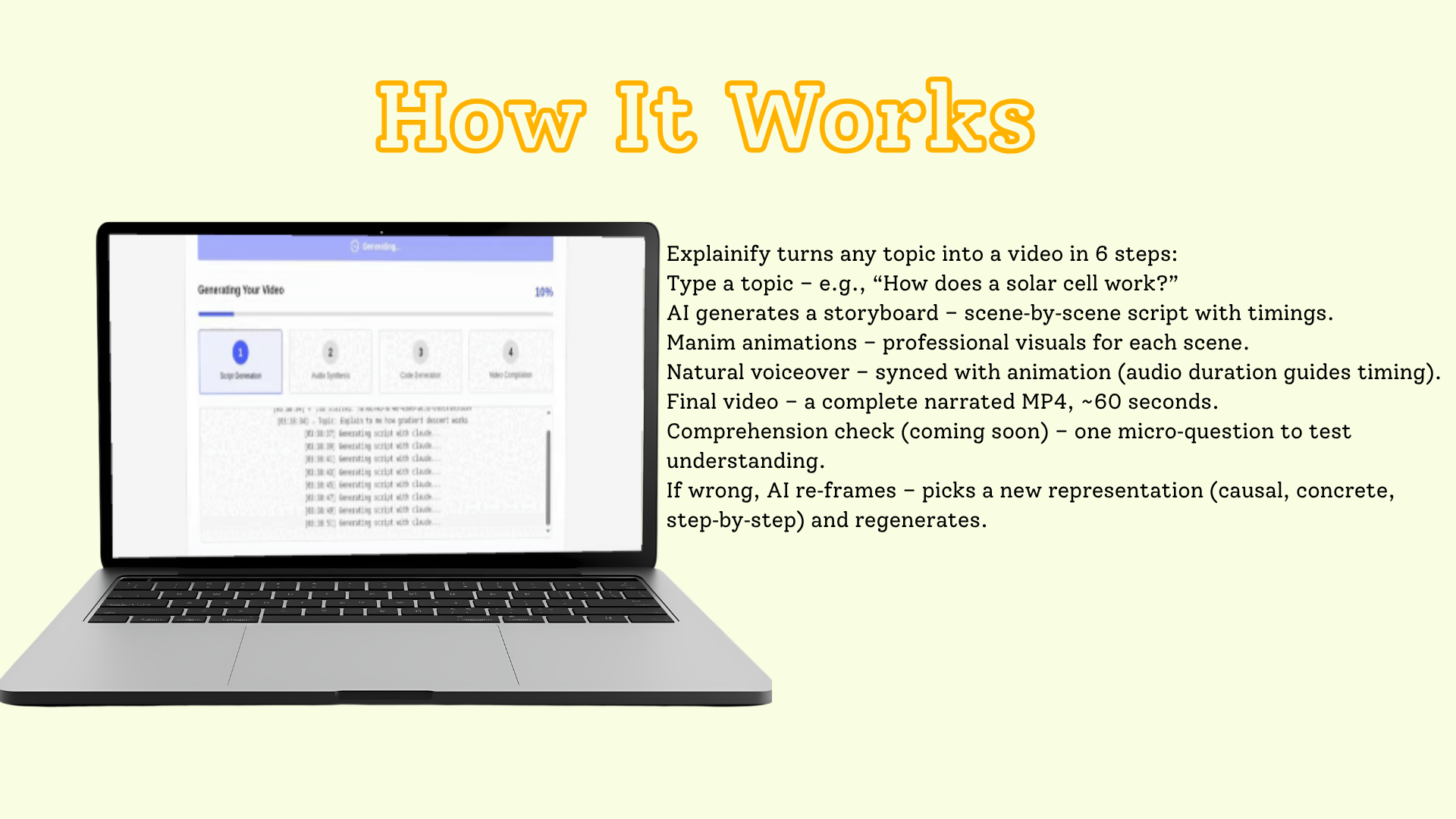
Type "How does a solar cell work?" and watch a multi-agent pipeline:
- Generate a scene-by-scene storyboard with narration
- Synthesize natural voiceover for each scene (TTS)
- Write Manim animation code for each scene — timed to match the audio duration
- Auto-repair any animation code that fails to compile
- Compile & merge everything into a final narrated MP4
- (Roadmap) Ask a comprehension micro-question
- (Roadmap) If the learner is wrong, re-frame with a new representation strategy and regenerate
Before vs. After
| Before | After (Explainify) |
|---|---|
| Static text + diagrams | Animated, narrated, scene-by-scene video |
| One explanation, take it or leave it | Adaptive re-framing until it clicks |
| ~1 day of animator work per video | ~Minutes, fully automated |
| Cognitive overload | Low cognitive load: visual-first, audio-optional |
| Same language barrier | Auto-matches the language of the topic |
✨ Key Features
| Feature | Description |
|---|---|
| 🎬 Auto-storyboard | AI breaks any topic into 6–8 logical scenes with narration + animation descriptions |
| 🎙️ TTS narration | Natural voiceover per scene, then concatenated into one synced audio track |
| 🎨 Manim animations | Professional mathematical & scientific visualizations — the same engine behind 3Blue1Brown |
| ⏱️ Audio-visual sync | TTS audio duration is fed back into the animation prompt so visuals are timed to the narration |
| 🔧 Code repair loop (REPL) | Generated Manim code that fails to compile is auto-fixed by the LLM — up to 3 retries per scene |
| 🤖 Multi-LLM with fallback | Claude first (priority), OpenAI as automatic fallback — never dead on a single provider outage |
| 🌐 Language-matched output | If you type the topic in Spanish, the entire video is in Spanish |
| ✅ Comprehension check (roadmap) | One micro-question after each video verifies real understanding |
| 🔁 Re-frame loop (roadmap) | On a wrong answer, AI picks a new representation (causal diagram, concrete analogy, step-by-step) and re-renders |
| 🧠 Neurodivergent-friendly | Low cognitive load, visual-first, audio-optional, short scenes (6–8s each) |
🧠 The Adaptive Re-frame Loop — Our Unique Differentiator
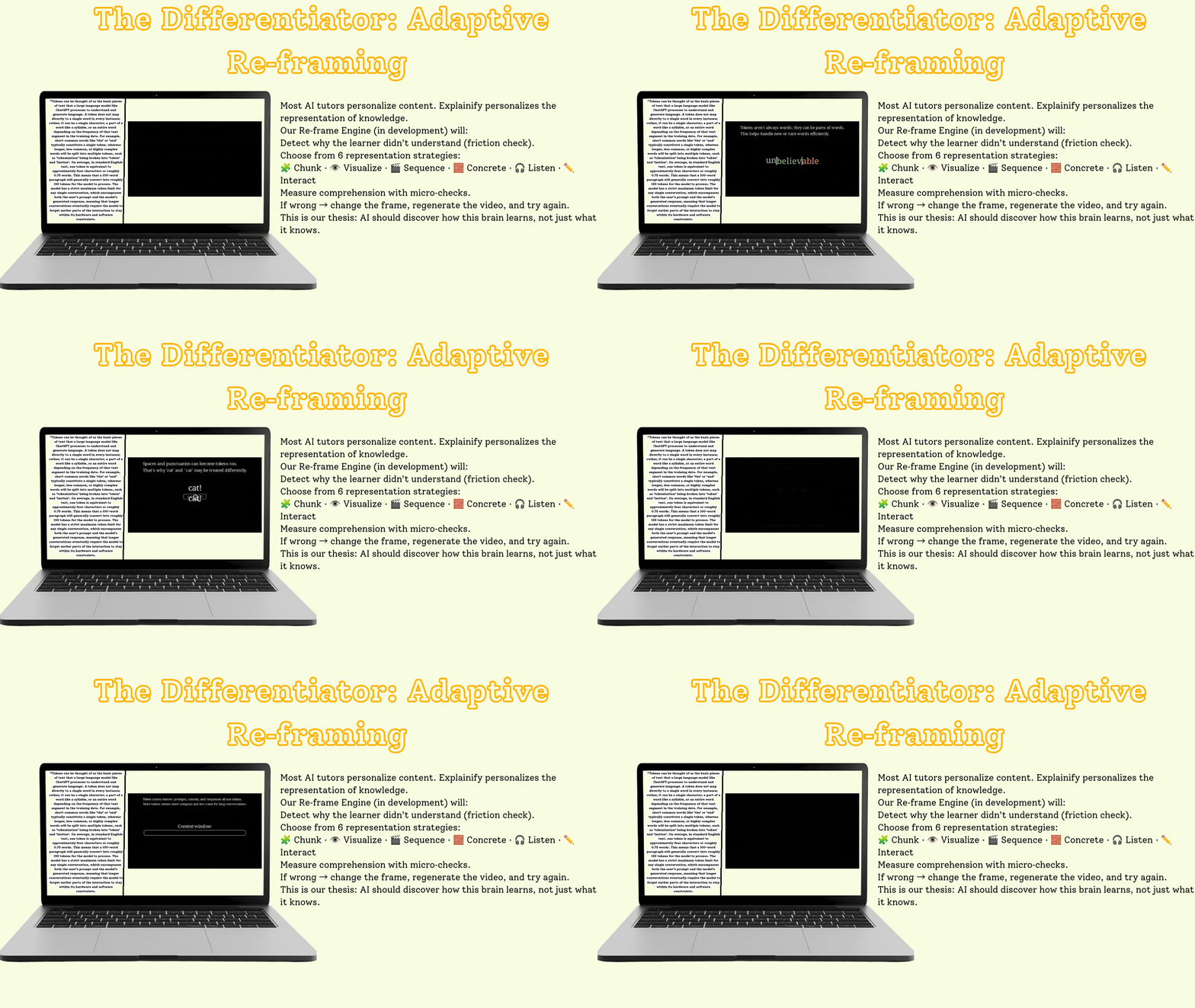
Most AI video tools are generate-and-done. Explainify's North Star is different: it discovers how the learner understands, and changes the representation until it clicks.
            ┌──────────────────────────────────────────┐
            │            Learner watches video          │
            └────────────────────┬─────────────────────┘
                                 │
                                 ▼
                  ┌──────────────────────────┐
                  │  Comprehension micro-Q   │
                  └─────────────┬────────────┘
                                │
                   ┌────────────┴────────────┐
                   │                         │
                ✅ Correct                ❌ Wrong
                   │                         │
                   ▼                         ▼
            Lesson complete        ┌──────────────────┐
                                  │ Pick NEW strategy │
                                  │ • Causal diagram  │
                                  │ • Concrete analogy│
                                  │ • Step-by-step    │
                                  └────────┬─────────┘
                                           │
                                           ▼
                                  Re-generate video
                                  with new representation
                                           │
                                           ▼
                                     (loop until ✅)
This is the feature that makes Explainify an accessibility tool, not just a content generator. Different neurodivergent profiles grasp different representations — a learner with dyslexia may need a concrete analogy where a learner with autism may need a precise causal diagram. The re-frame loop serves both, automatically.
🏗️ How It Works — The Multi-Agent Pipeline
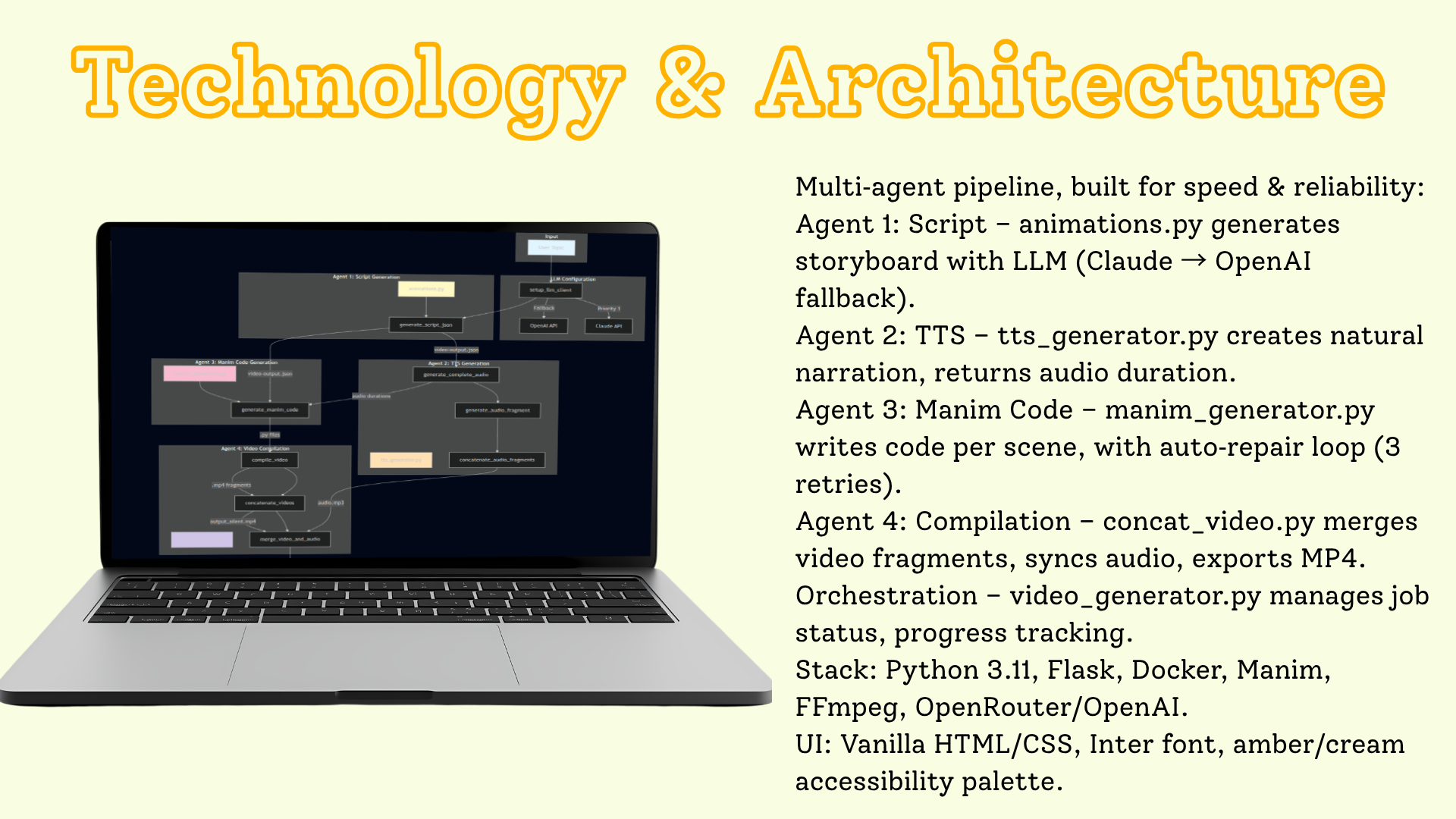
Explainify orchestrates four specialized agents, each with a single responsibility:
┌─────────────────────────────────────────────────────────────────┐
│                    EXPLAINIFY PIPELINE                          │
└─────────────────────────────────────────────────────────────────┘

   ┌──────────┐
   │  Topic   │   "How do machines learn to recognize MNIST digits?"
   └────┬─────┘
        │
        ▼
┌────────────────────────────────────────────────────────────────┐
│  LLM CONFIG (setup_llm_client)                                 │
│  Auto mode → Claude (priority 1) ──fallback──► OpenAI          │
└───────────────────────────────┬────────────────────────────────┘
                                │
        ┌───────────────────────┼───────────────────────┐
        ▼                       ▼                       ▼
┌──────────────────┐  ┌──────────────────┐  ┌──────────────────┐
│  AGENT 1         │  │  AGENT 2         │  │  AGENT 3         │
│  Script Gen      │  │  TTS             │  │  Manim Code Gen  │
│  (animations.py) │  │  (tts_generator) │  │  (manim_gen)     │
│                  │  │                  │  │                  │
│  6–8 scene       │  │  Per-scene       │  │  Per-scene       │
│  storyboard →    │  │  audio fragment  │  │  Manim .py code  │
│  video-output    │  │  → durations     │  │  (JSON)          │
│      .json       │  │                  │  │                  │
└────────┬─────────┘  └────────┬─────────┘  └────────┬─────────┘
         │                     │                      │
         │          audio durations ──────► (fed into Manim prompt
         │           (scene → secs)        so animation = audio length)
         │                     │                      │
         │                     │                      ▼
         │                     │           ┌──────────────────────┐
         │                     │           │  REPL REPAIR LOOP    │
         │                     │           │  compile → error?    │
         │                     │           │  → LLM fixes code    │
         │                     │           │  → retry (×3)        │
         │                     │           └──────────┬───────────┘
         │                     │                      │
         │                     │                      ▼
         │                     │           ┌──────────────────────┐
         │                     │           │  AGENT 4             │
         │                     │           │  Video Compilation   │
         │                     │           │  (concat_video.py)   │
         │                     │           │                      │
         │                     │           │  .py → .mp4 fragments│
         │                     │           │  concatenate videos  │
         │                     └──────────►│  merge video + audio │
         │                                 └──────────┬───────────┘
         │                                            │
         ▼                                            ▼
                              ┌──────────────────────────────┐
                              │   Final narrated MP4 video   │
                              │   (scene-synced, ≤60s)       │
                              └──────────────────────────────┘
Agent 1 — Script / Storyboard Generation (animations.py)
Takes the topic and produces a JSON storyboard: 6–8 scenes, each with narration text (2–3 sentences) and a detailed animation description (not code — a human-readable description of what to visualize). Enforces a ≤60-second total cap. Matches the topic's language automatically.
Agent 2 — TTS Narration (tts_generator.py)
Generates a voiceover fragment per scene using OpenAI TTS (tts-1, voice alloy), measures each fragment's duration with ffprobe, then concatenates all fragments into one synced audio.mp3. The per-scene durations are the critical bridge — they're passed to Agent 3.
Agent 3 — Manim Code Generation (manim_generator.py)
For each scene, generates executable Manim Community Edition Python code. Crucially, the prompt includes:
- The audio duration for that scene → the animation is instructed to last exactly that long
- Previous scene context → visual & narrative continuity across scenes
- Strict guardrails → only basic colors, no
self.camera.frame,FadeOutbefore new text,Paragraphfor long text, etc.
The REPL Repair Loop
Generated code doesn't always compile. So for each scene, Explainify:
- Writes the code to a
.pyfile - Runs Manim to render it
- If it errors → sends the error message + code back to the LLM
- Gets fixed code → re-renders
- Repeats up to 3 times
This is the difference between "AI that writes code" and "AI that ships working video." Most generated Manim code needs at least one fix; the repair loop makes Explainify reliable, not just clever.
Agent 4 — Video Compilation (concat_video.py)
Renders each scene's .py to a silent .mp4, concatenates all scene videos, then merges the final video with the concatenated audio track → one narrated MP4.
🤖 Multi-LLM — Claude + OpenAI with Auto-Fallback
Explainify never dies on a single provider outage. The setup_llm_client function implements a clean priority cascade:
| Mode | Behavior |
|---|---|
| Auto (default) | Claude first → falls back to OpenAI if Claude unavailable |
| Claude | Force Claude (if key present) |
| OpenAI | Force OpenAI (also required for TTS regardless) |
Default models: claude-sonnet-4-5 and gpt-4.1. Configurable via .env. Every LLM call has exponential-backoff retries (1s → 2s → 4s) for transient failures.
🛠️ Tech Stack
| Layer | Technology |
|---|---|
| Backend / API | Flask 3 + Flask-CORS (job queue, progress polling) |
| Animation engine | Manim Community Edition (the engine behind 3Blue1Brown) |
| Video processing | FFmpeg + ffprobe (render, concat, merge, duration probe) |
| LLM (reasoning + code) | Anthropic Claude (claude-sonnet-4-5) + OpenAI (gpt-4.1) |
| TTS | OpenAI tts-1 (voice: alloy) |
| Job orchestration | Python threading + in-memory job store with progress % |
| Frontend | Vanilla HTML + CSS + JS (topic input, live progress, video player) |
| Package manager | uv (fast, modern Python) |
| Deployment | Docker + docker-compose (Manim + LaTeX + FFmpeg bundled) |
| Language | Python ≥ 3.11 |
API Endpoints
| Method | Route | Purpose |
|---|---|---|
POST |
/api/generate |
Start a video generation job → returns job_id |
GET |
/api/progress/<job_id> |
Poll job status & progress % |
GET |
/media/<filename> |
Serve generated video files |
GET |
/api/health |
Health check |
📁 Project Structure
Explainify/
├── src/
│   ├── main.py                # Flask API server (routes, job endpoints)
│   ├── video_generator.py     # Job orchestration + LLM client setup
│   ├── animations.py          # Agent 1: storyboard → JSON
│   ├── tts_generator.py       # Agent 2: per-scene TTS + concat
│   ├── manim_generator.py     # Agent 3: Manim code gen + REPL repair loop
│   ├── concat_video.py        # Agent 4: render, concat, merge A/V
│   └── frontend/              # Web UI (index.html, app.js, style.css)
├── public/                    # Logo + demo GIFs/MP4s
├── Dockerfile                 # Python 3.11 + Manim + LaTeX + FFmpeg
├── docker-compose.yml
├── pyproject.toml             # uv-managed deps
├── .env.example
└── README.md
🎬 Real Output
Explainify has generated real educational videos, including a full explainer for "How do machines learn to recognize MNIST dataset numbers?" — storyboard → Manim animation → narration → final MP4, fully automated.
The pipeline enforces:
- 6–8 scenes per video
- ~6–8 seconds per scene
- ≤60 seconds total
- Audio-visual sync (animation duration = narration duration)
- Language match (topic language = output language)
🎯 What Makes Explainify Different
| Generic AI Video Tools | Explainify | |
|---|---|---|
| Target audience | General marketers | Neurodivergent learners (ADHD, dyslexia, autism) |
| Animation quality | Stock footage / slideshow | Real Manim mathematical animations |
| Audio-visual sync | Often drifting | Duration-locked (TTS length → animation length) |
| Reliability | Pray the code works | REPL repair loop auto-fixes compile errors |
| LLM resilience | Single provider | Claude + OpenAI auto-fallback |
| Adaptivity | None | Comprehension check + re-frame loop |
| Purpose | Content creation | Accessibility & education |
🌍 Real-World Impact
| Metric | Traditional Animation | With Explainify |
|---|---|---|
| Time per 60s explainer | ~1 day (skilled animator) | ~Minutes (automated) |
| Cost per video | $100s–$1000s | API cents |
| Adaptivity for learner | None | Re-frame until understood |
| Accessibility built-in | Rare | Core design principle |
| Language reach | Per-animator | Auto-matches any topic language |
Who it's for: Students who learn differently, teachers who can't afford animation, self-learners, special-education programs, and any curious mind that wants a concept explained visually instead of described textually.
🗺️ Roadmap
- ✅ Auto-storyboard + Manim + TTS + A/V merge — shipped
- ✅ Multi-LLM fallback + REPL repair loop — shipped
- 🔜 Comprehension micro-questions — post-video understanding check
- 🔜 Adaptive re-frame loop — regenerate with a new representation on wrong answers
- 🔜 Learner profile memory — remember which representation strategies work for each user
- 🔜 Multi-language voice selection — match voice to topic language
- 🔜 Classroom mode — batch-generate a full lesson set from a syllabus
📚 Documentation & Links
- 📦 Source: github.com/Flowthread/Explainify
- 🐛 Issues: github.com/Flowthread/Explainify/issues
- 🐳 Run it:
docker compose up→ http://localhost:5000
🧑💻 Built For
Explainify was created to make learning accessible through visual and auditory content — because understanding shouldn't depend on how your brain is wired.
**Type a topic. Watch it click.** *Explainify — adaptive animated explanations for every mind.*


Log in or sign up for Devpost to join the conversation.