-
-
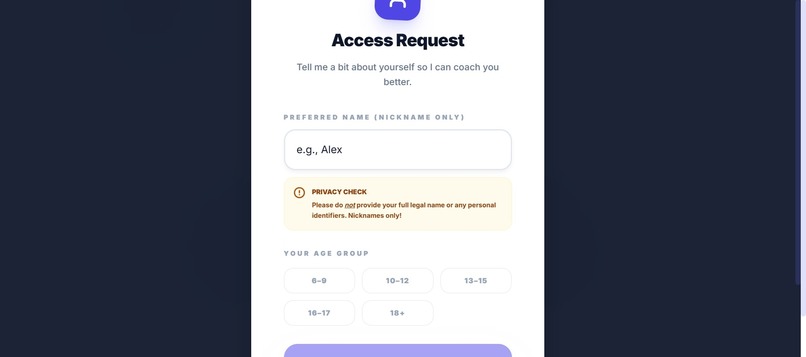
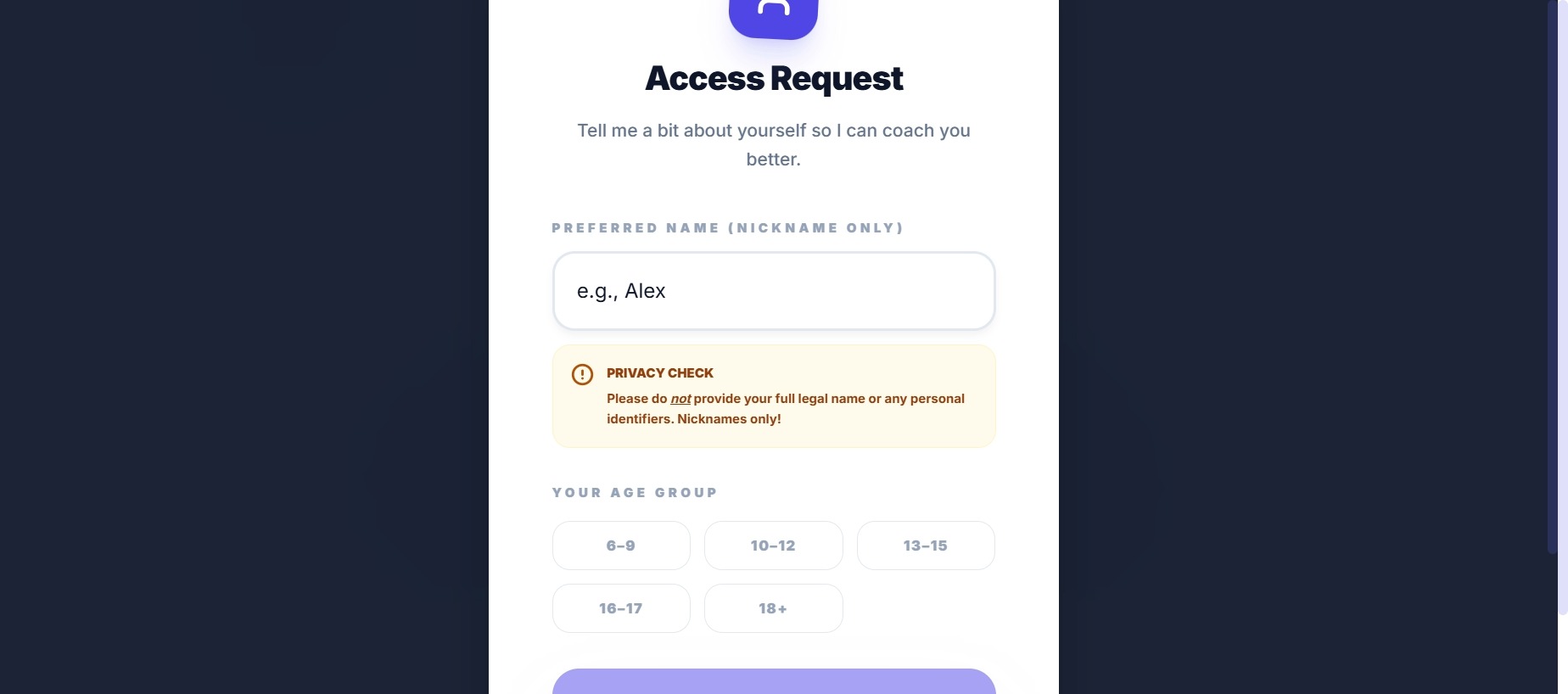
Initial access request
-
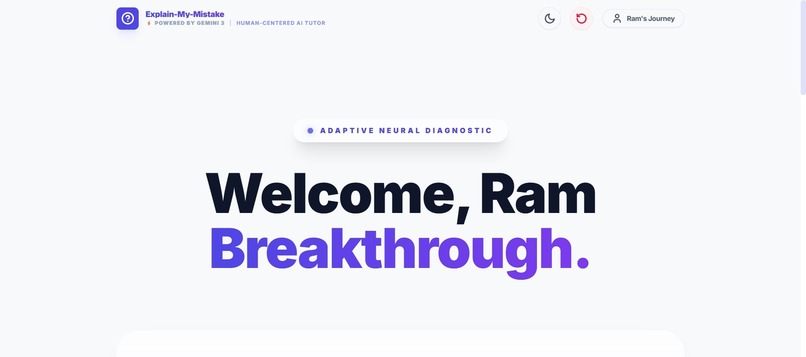
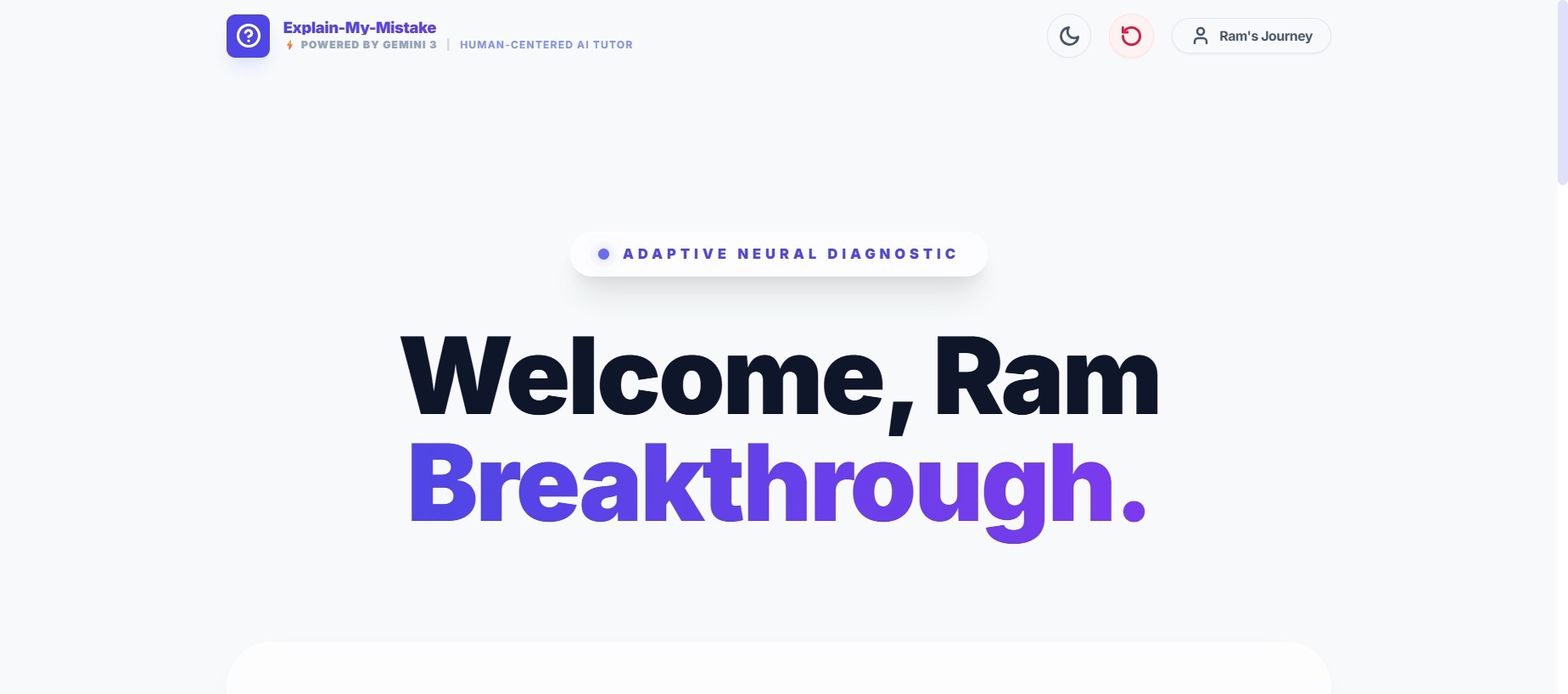
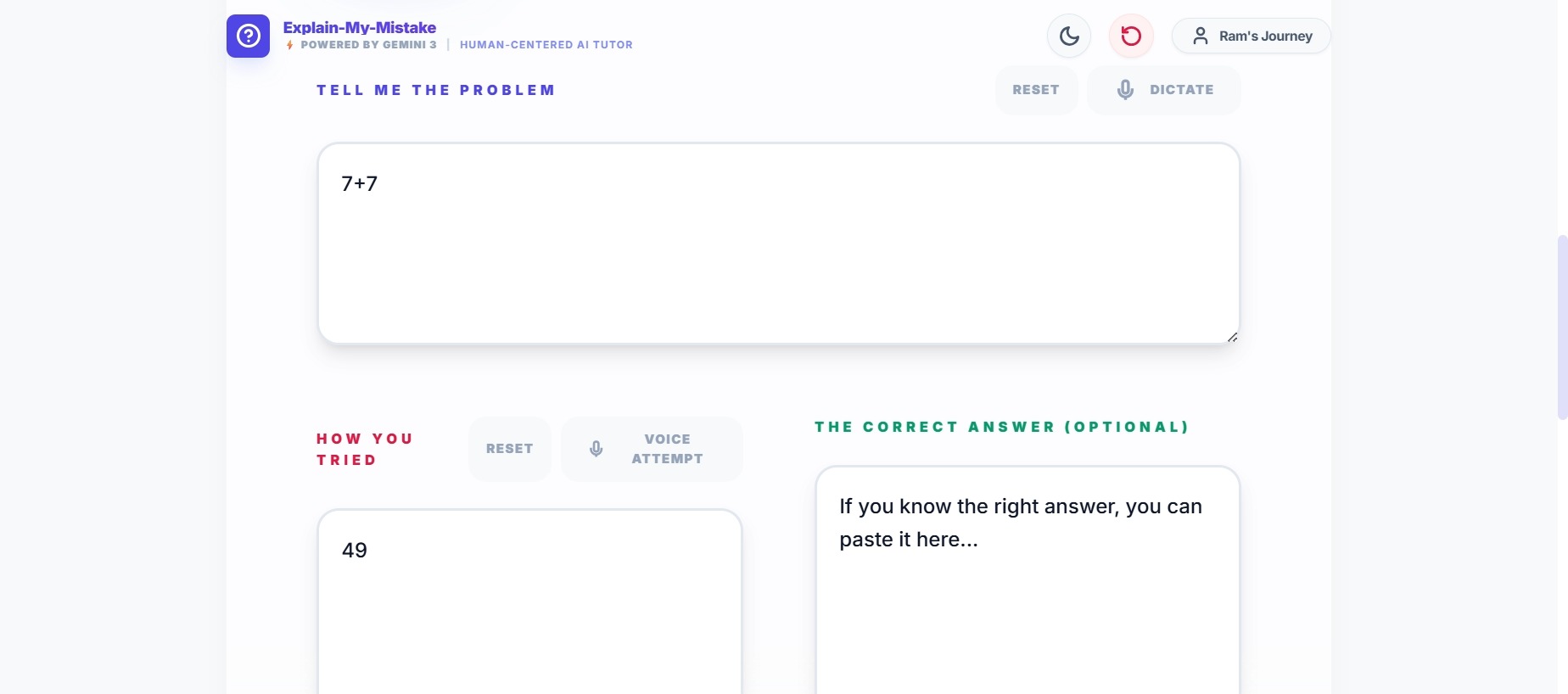
Human-centered AI tutor powered by Gemini 3 that diagnoses learning mistakes.
-
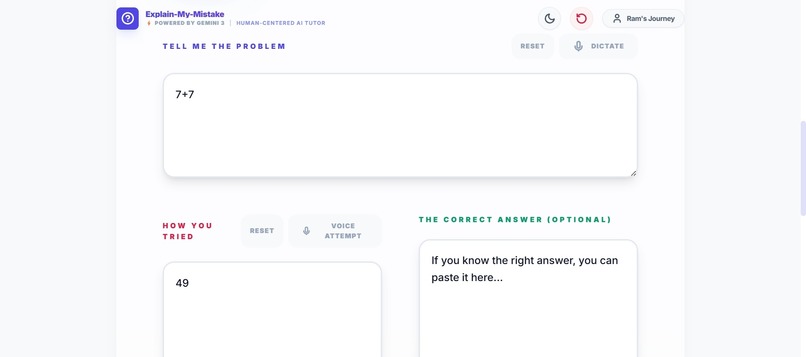
Explaining the problems and the solutions in our own way
-
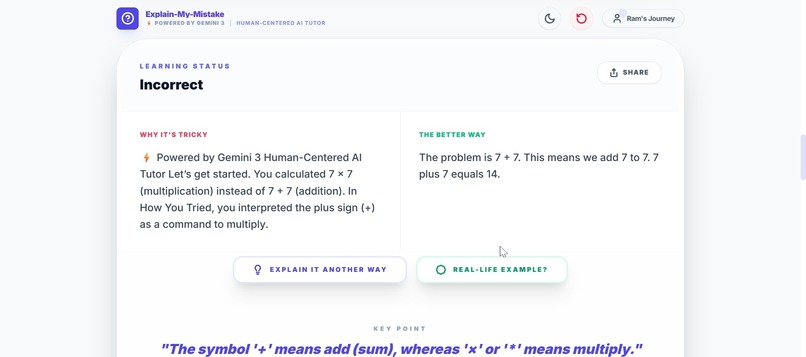
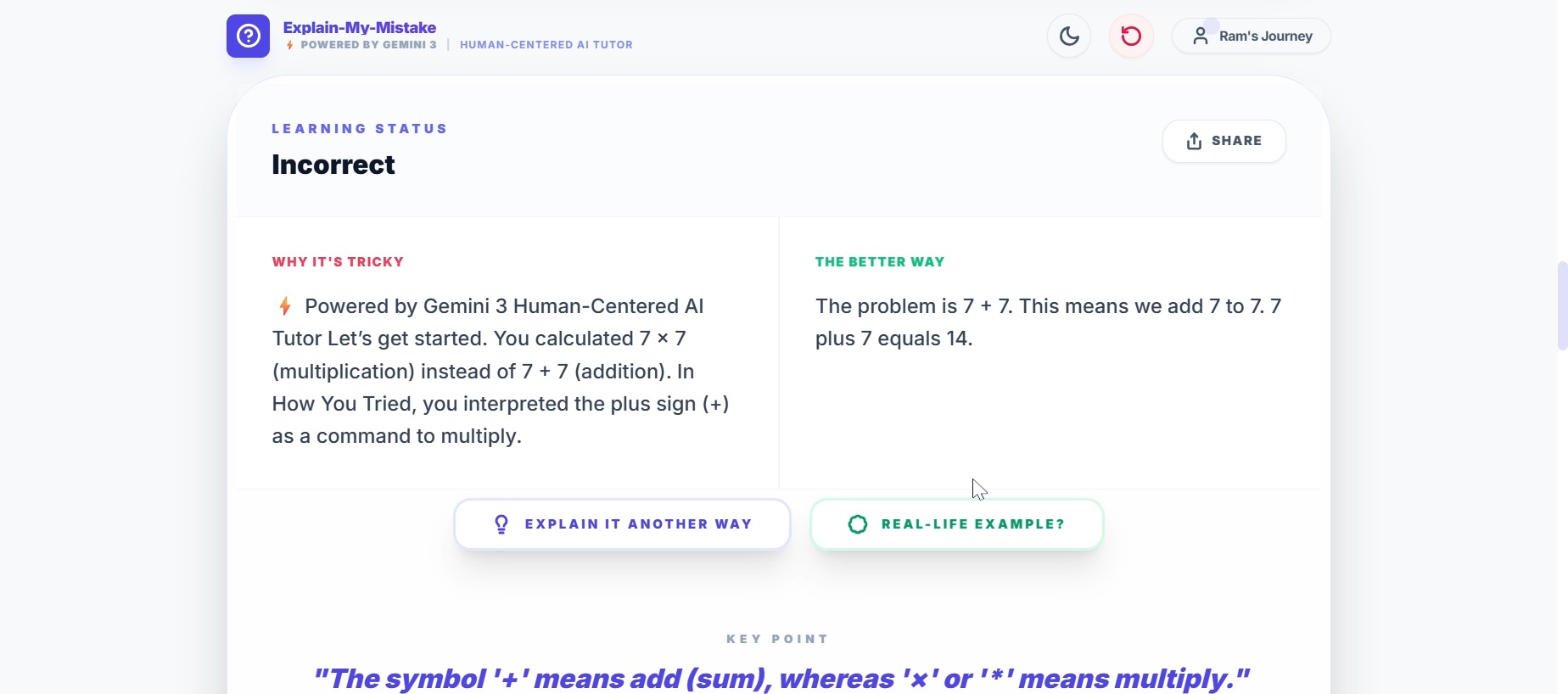
Gemini 3 identifies the root misconception instead of just giving the correct answer. Practice question dynamically generated based on topic
-
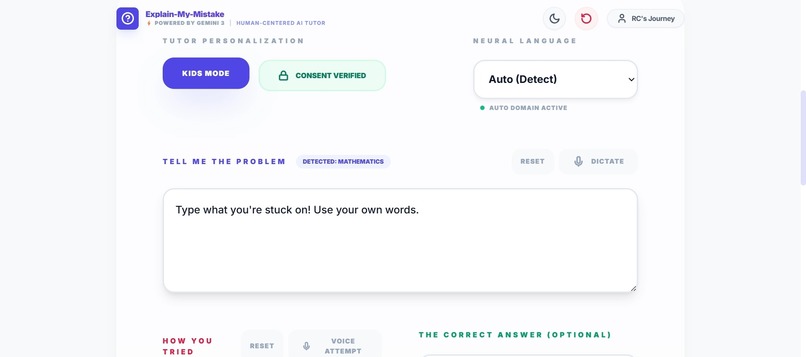
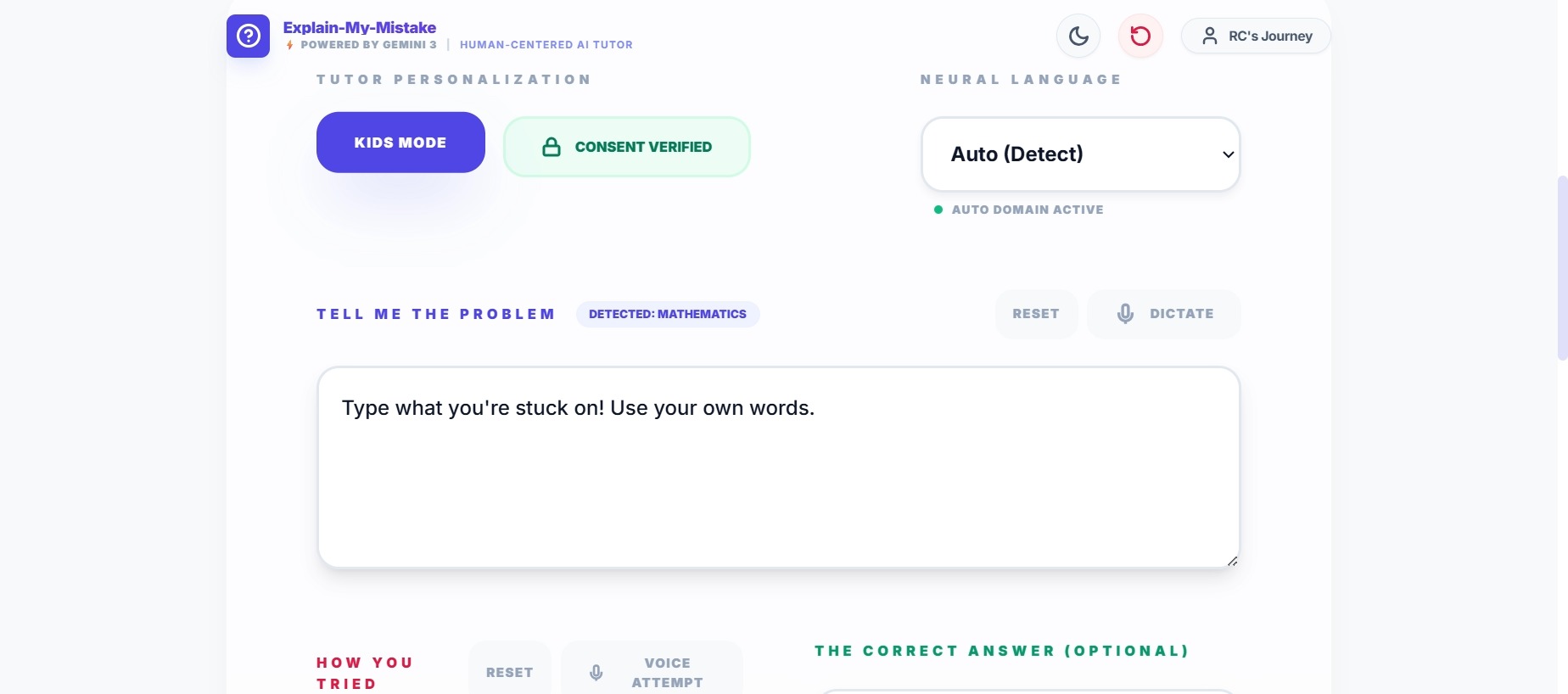
Kids Mode with age-appropriate language and parental consent awareness.
-
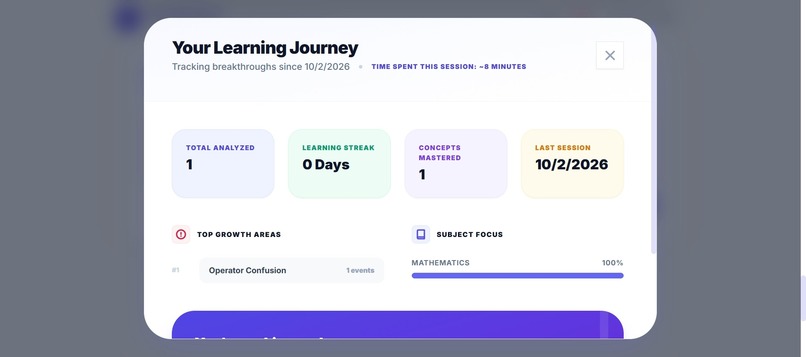
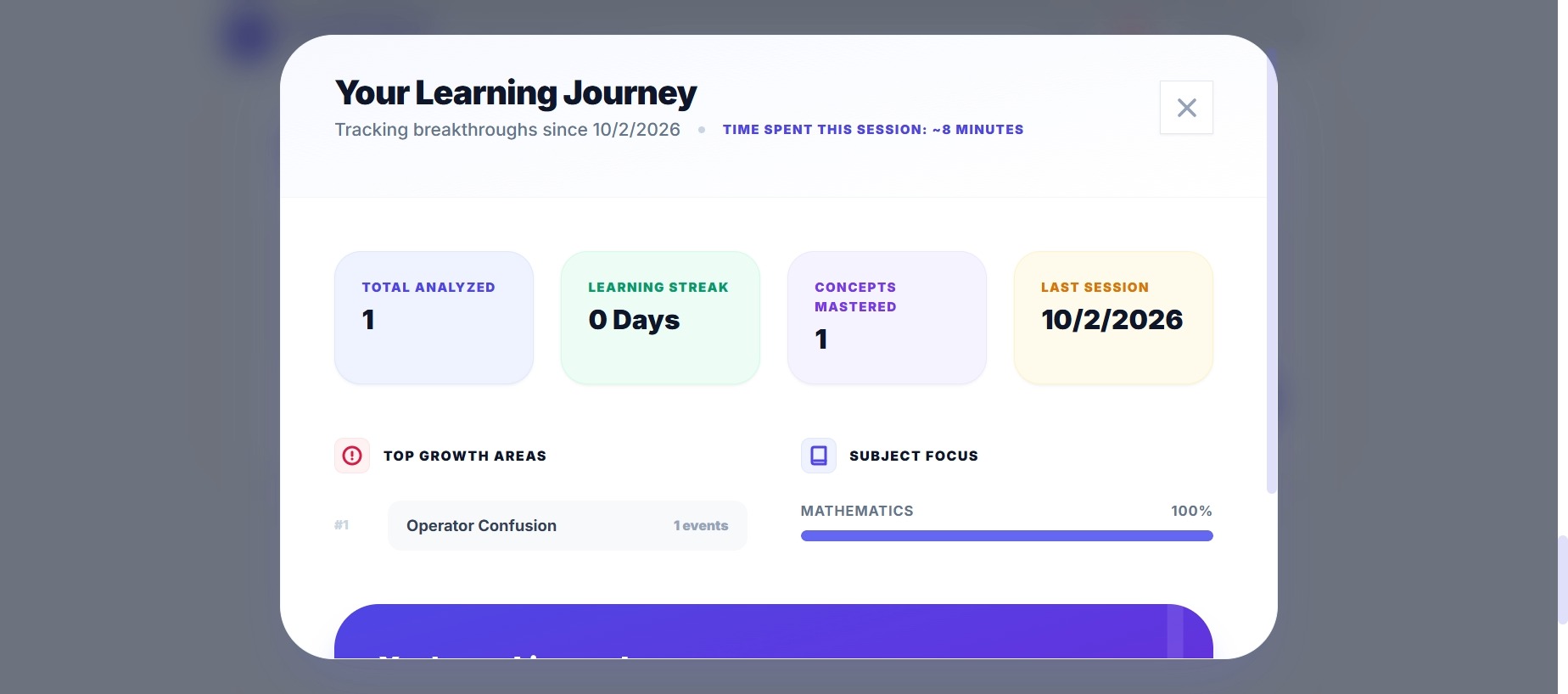
Learning Snapshot summarizes progress and key concepts after practice.
Inspiration
Most learning tools focus on giving the right answer.
But in real classrooms, the most common student frustration is:
“I don’t understand **why* my answer is wrong.”*
This gap becomes even more visible for younger learners, multilingual students, and learners who rely on voice or accessibility-first experiences.
The inspiration for Explain My Mistake came from observing how human teachers work: they diagnose misunderstandings, adapt explanations, and ask the right next question. I wanted to explore whether Gemini 3 could enable that same kind of human-centered, adaptive tutoring experience.
🧠 What I Learned
Through this project, I learned that:
- Effective AI tutoring is less about answers and more about reasoning and diagnosis
- Adaptive follow-up questioning creates much deeper understanding than static explanations
- Accessibility, safety, and age-awareness are not add-ons — they must be designed from the start
- Gemini 3 excels when used as a thinking partner, not just a text generator
I also learned how to design meaningful AI behavior within the constraints of AI Studio, using prompt architecture instead of traditional UI controls.
How I Built the Project
The project was built using Google AI Studio with the Gemini 3 Pro model.
Core workflow:
- The learner provides the Problem Context and How They Tried
- Gemini 3 analyzes the reasoning process to detect the underlying misconception
- The tutor explains the mistake, highlights a Key Insight, and adapts its teaching style
- Gemini 3 generates targeted practice questions based on the detected misconception
- A Learning Snapshot summarizes progress and understanding
Key Gemini 3 capabilities used:
- Deep reasoning over incorrect logic
- Automatic subject domain detection (math, science, writing, general learning)
- Adaptive follow-up question generation
- Mode-aware teaching (Kids Mode vs Standard Mode)
- Multilingual and audio-first interaction support
- Safety and parental consent enforcement
For example, if a learner confuses multiplication with addition, Gemini 3 identifies the misconception and explains: [ 7 \times 8 = 8 + 8 + 8 + 8 + 8 + 8 + 8 ] instead of simply stating the correct answer.
🚧 Challenges I Faced
One of the biggest challenges was designing rich interaction without custom UI controls. AI Studio does not allow buttons, checkboxes, or real-time state tracking, so features like:
- parental consent gating
- session resets
- practice answering
- time tracking
had to be implemented through clear conversational logic and prompt design.
Another challenge was preventing the model from defaulting to “coding mode” when users typed short, plain-language inputs—especially on mobile. This was solved by adding automatic segment detection with a safe fallback to “General” learning.
Balancing simplicity for kids with depth for older learners also required careful prompt tuning to avoid over-simplification or cognitive overload.
🌍 Impact & Vision
Explain My Mistake demonstrates how Gemini 3 can power:
- mistake-driven learning
- adaptive pedagogy
- inclusive, accessible education
- responsible AI design for children
The project shows that AI tutoring can move beyond answers toward understanding, helping learners turn “oops” moments into real “aha!” breakthroughs.
Built with ❤️ using Gemini 3 via Google AI Studio.
Built With
- adaptive-questioning
- ai-applied-sentiment-analysis
- gemini3-pro
- google-ai-studio
- google-cloud-run
- google-web-speech-api
- html
- javascript
- multilingual-understanding
- restful-api-integration
- session-flow

Log in or sign up for Devpost to join the conversation.