-
-
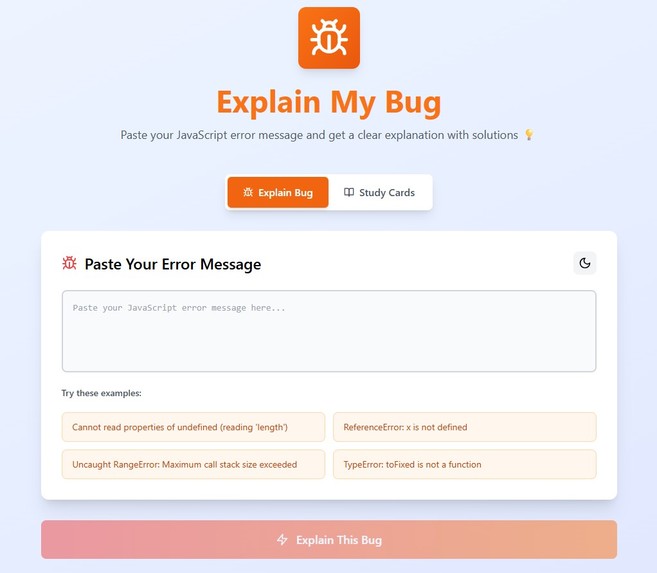
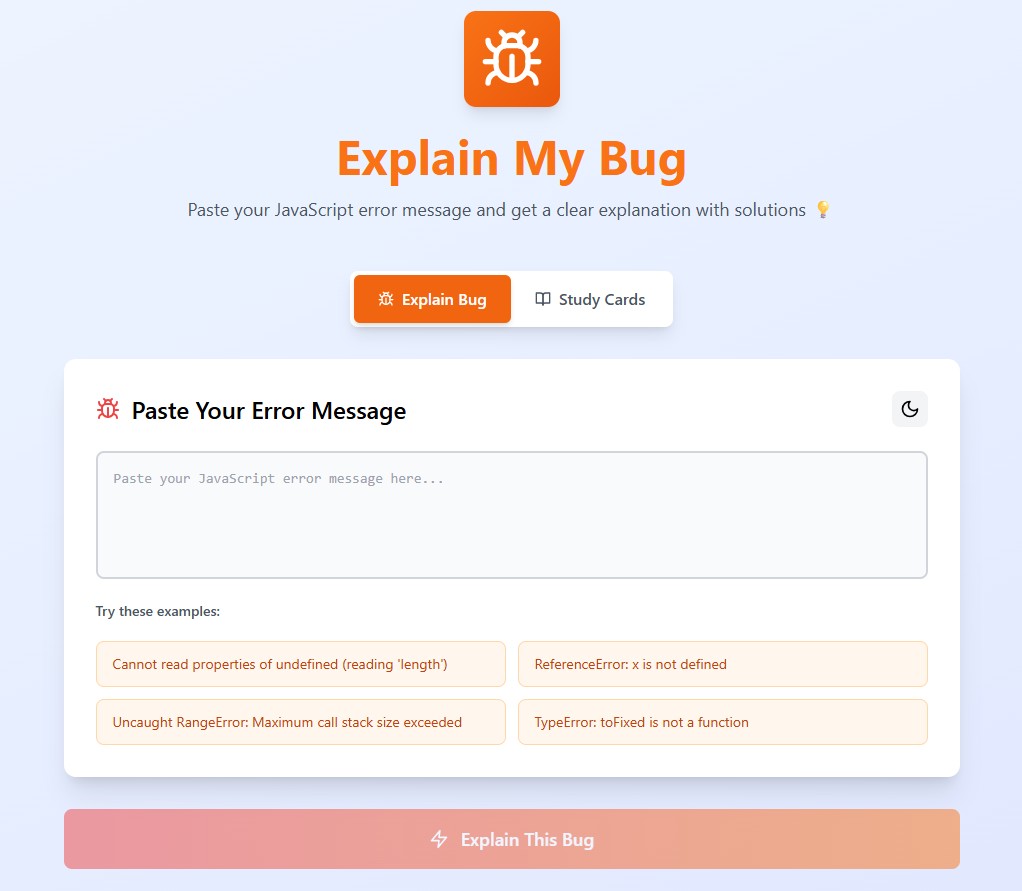
Explain my bug homepage light mode
-
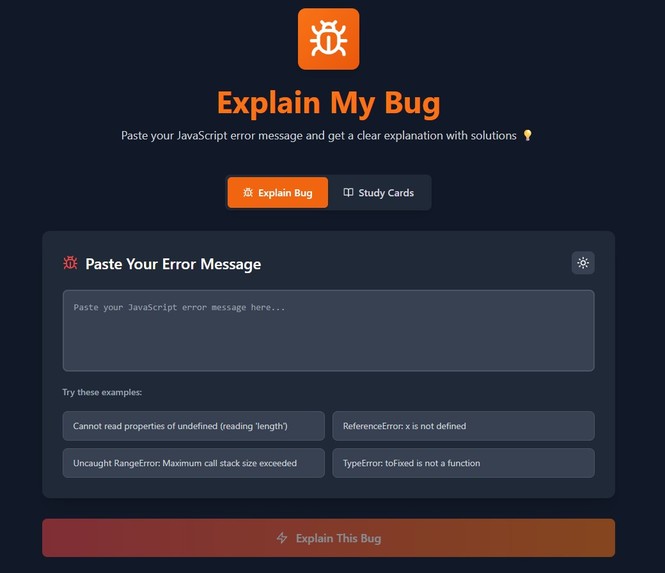
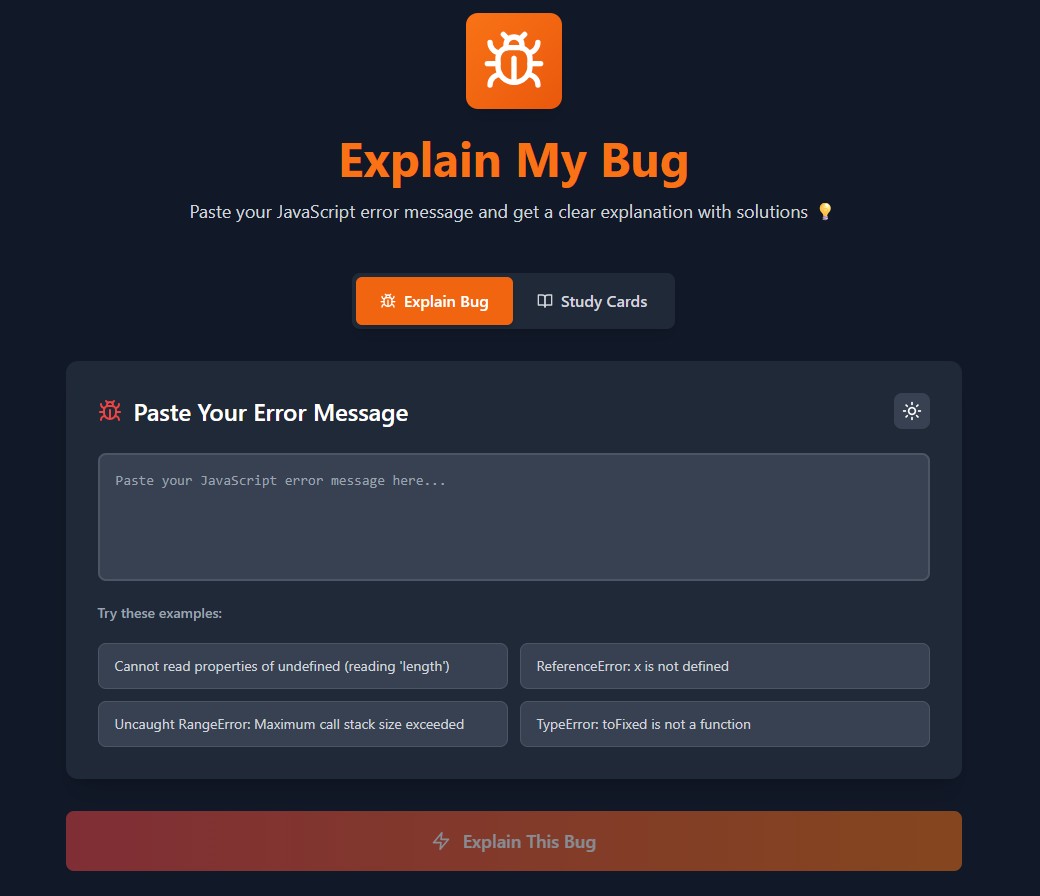
Explain my bug homepage dark mode
-
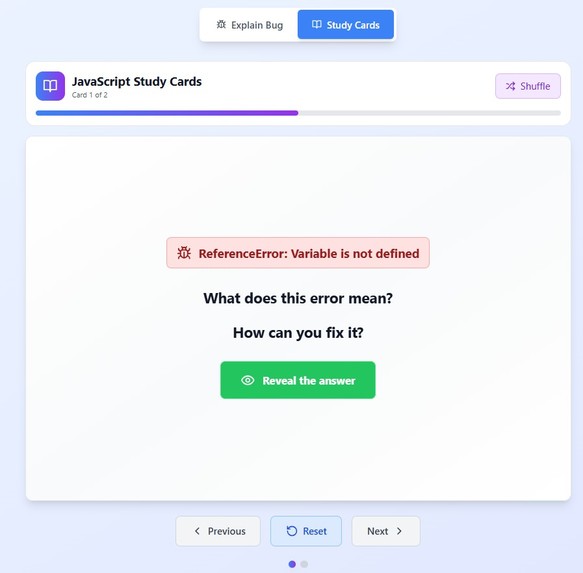
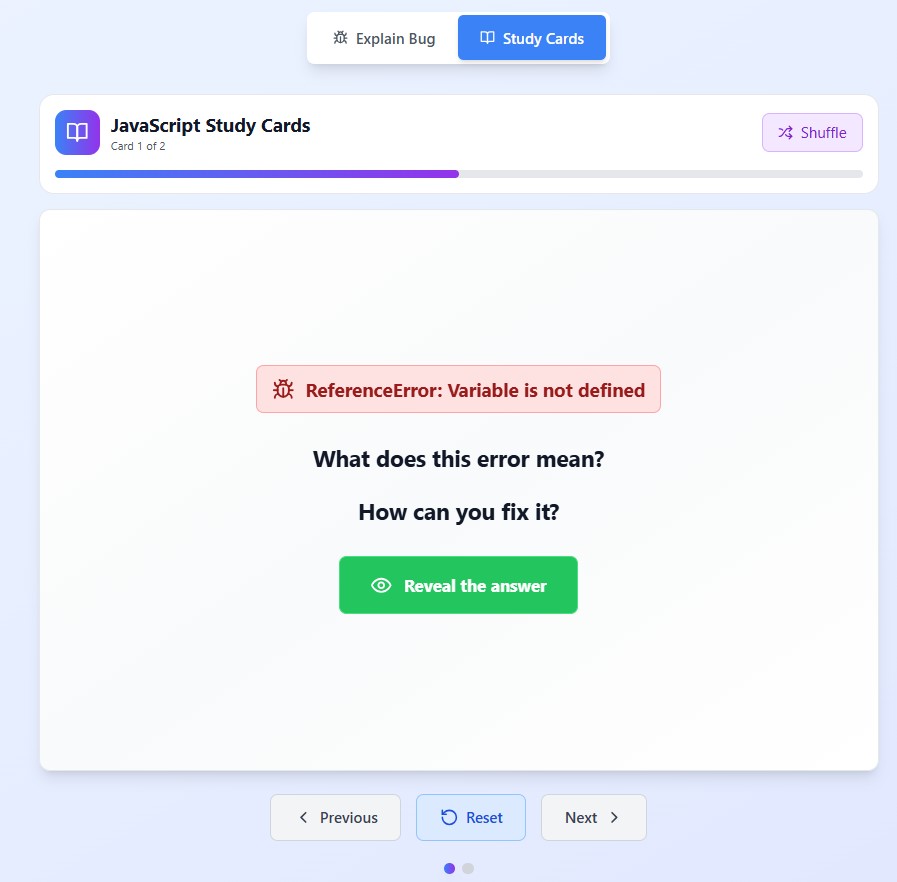
Study mode light mode
-
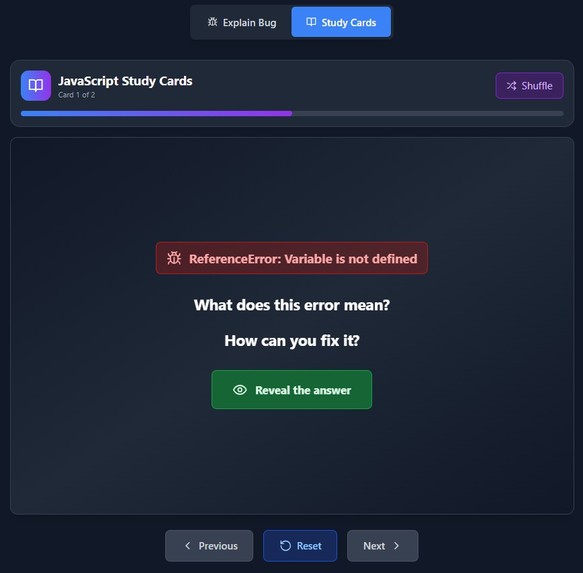
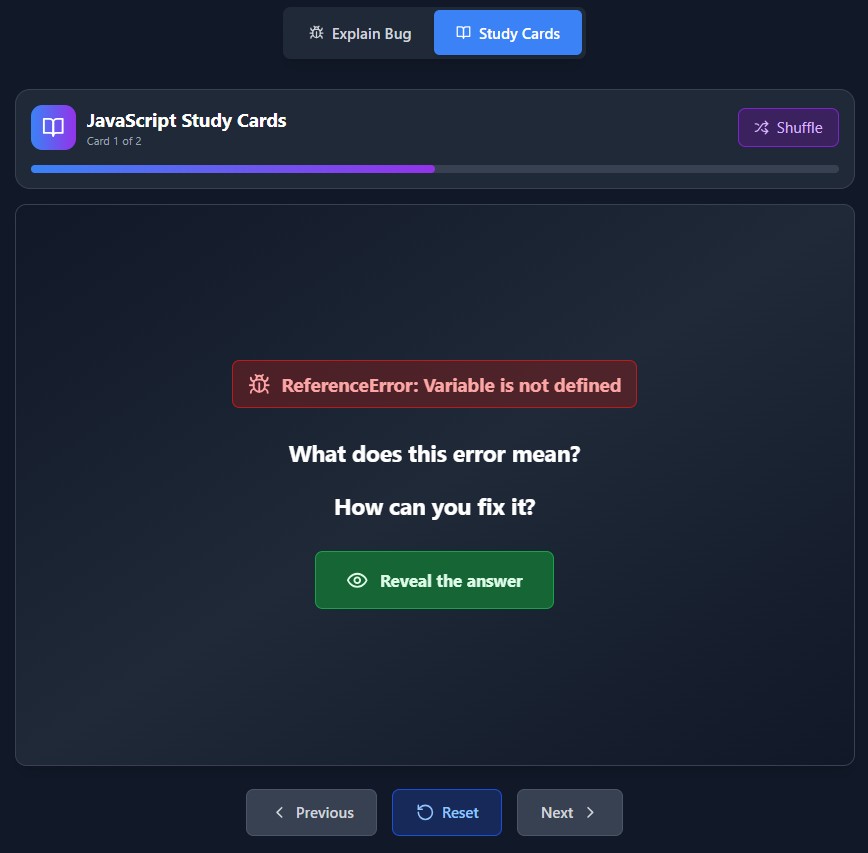
Study mode dark mode
Inspiration
As an SEO specialist learning full-stack development, I constantly ran into cryptic JavaScript errors that slowed me down. I wanted a tool that explains the error like a mentor would.
Explain My Bug was born from that frustration and built to help others like me: students, junior devs, or anyone staring at their console wondering "What does this even mean?"
What it does
Explain My Bug is a JavaScript error explanation and learning app built for developers, especially beginners and students.
It has two core modes:
- Explain Mode: Paste any JavaScript error and get a plain-English explanation, root cause, fix instructions, and real code examples.
- Study Cards Mode: Learn common JS errors using active recall with interactive flashcards. Your progress is saved locally to revisit and reinforce learning. No sign-up. No distractions.
How I built it
- Bolt.new: Enabled fast prototyping and instant deployment throughout the hackathon.
- React 18 + TypeScript: For a scalable, type-safe frontend architecture.
- Vite: Provided blazing-fast builds and a smooth development experience.
- Tailwind CSS + Lucide Icons: Gave the app a polished, mobile-first UI with consistent styling.
- Custom CSS 3D Flip Cards: Created smooth, hardware-accelerated flashcard animations.
- localStorage: Used to persist user learning progress and analyzed errors across sessions.
Challenges I ran into
- Mobile-first UI: Solving layout issues like code overflow, small buttons, and touch UX.
- Readable code blocks: Maintaining formatting and scroll behavior on all screens.
- Smooth UX: Designing intuitive mode transitions, badge positioning, and visual feedback loops.
Accomplishments that I'm proud of
- Dual-mode experience: Learn instantly (Explain Mode) or long-term (Study Cards).
- Responsive, accessible design: Mobile-first, touch-friendly, and dark-mode ready.
- Educational impact: Clear, jargon-free explanations with real-world examples and MDN links.
What I've learned
- How to build and ship an end-to-end MVP from scratch using Bolt.new
- How to translate a pain point (frustrating JS errors) into a useful tool
- Improved prompt engineering and fast iteration cycles using AI
What's next for Explain My Bug
- User feedback loop: Analyze how users engage with the app and refine accordingly
- Multi-language support: Add Python, TypeScript, and HTML/CSS error support
- Voice Teacher: Use ElevenLabs to speak explanations out loud
- Gamification: Add features to increase flashcard retention and engagement
Built With
- bolt
- react
- tailwind
- vite

Log in or sign up for Devpost to join the conversation.