-
-
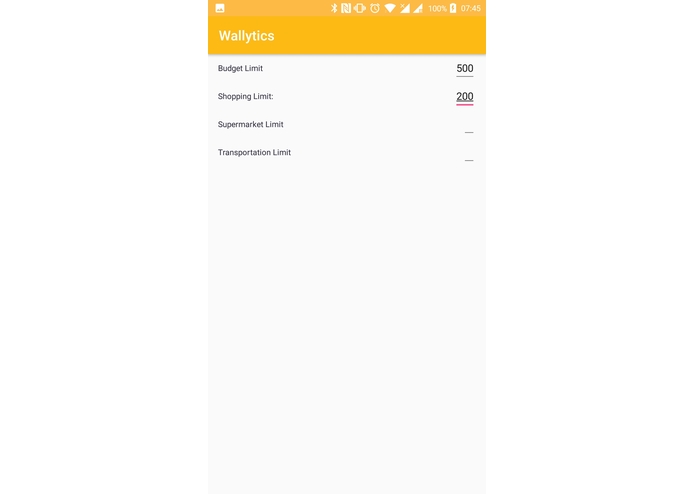
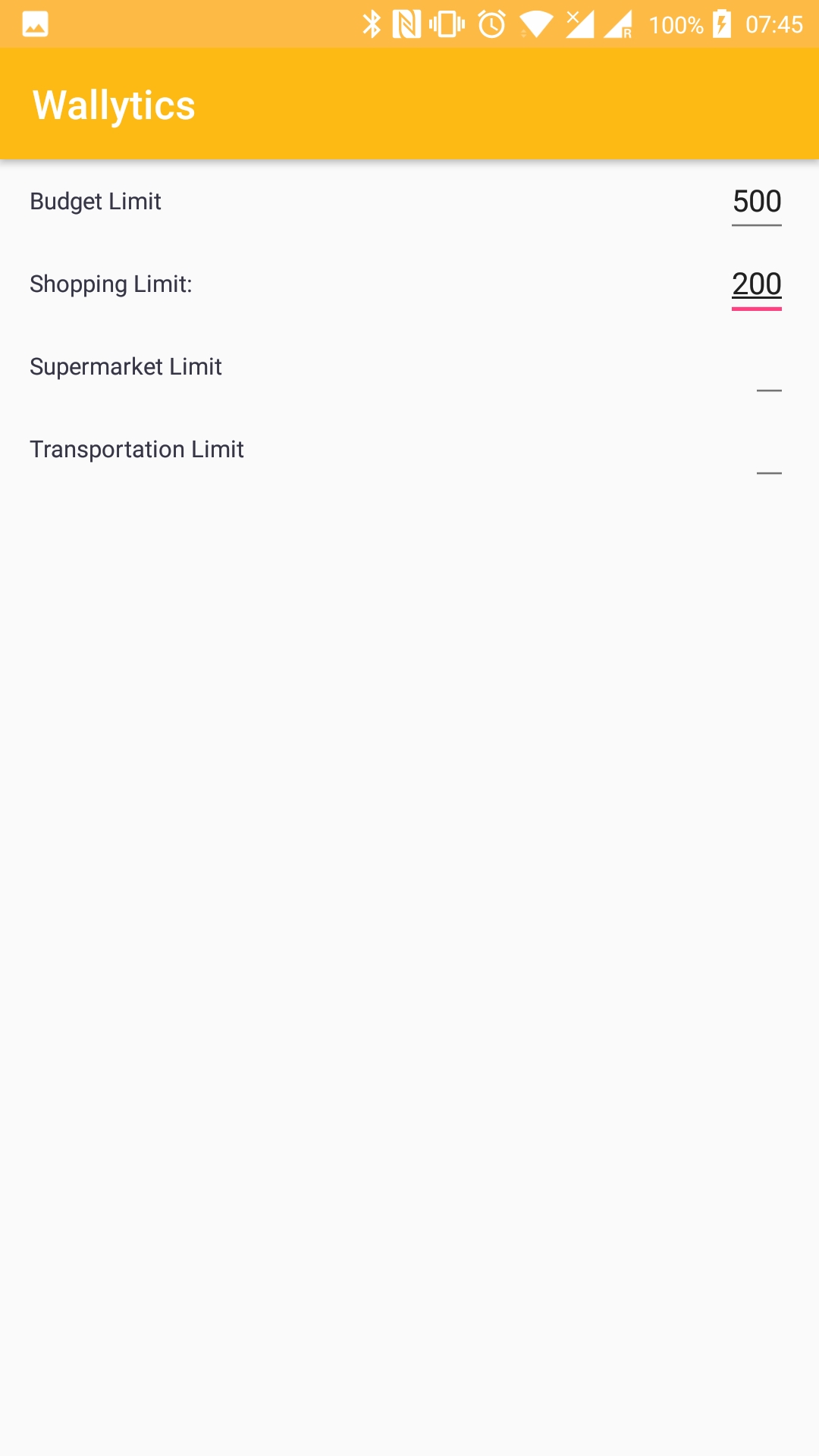
Budget Allocation Input
-
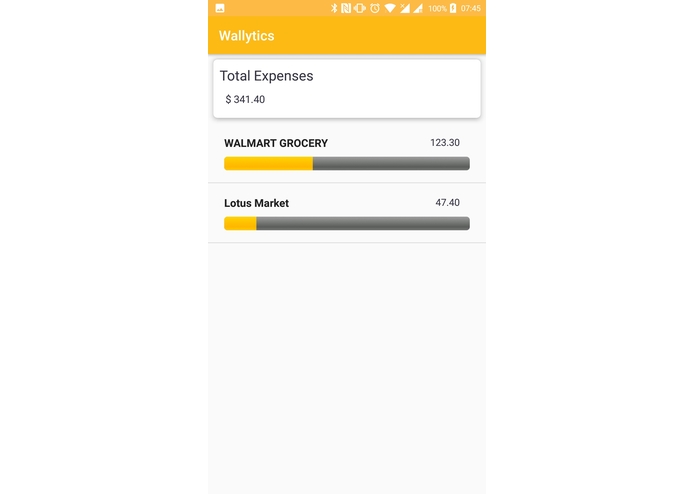
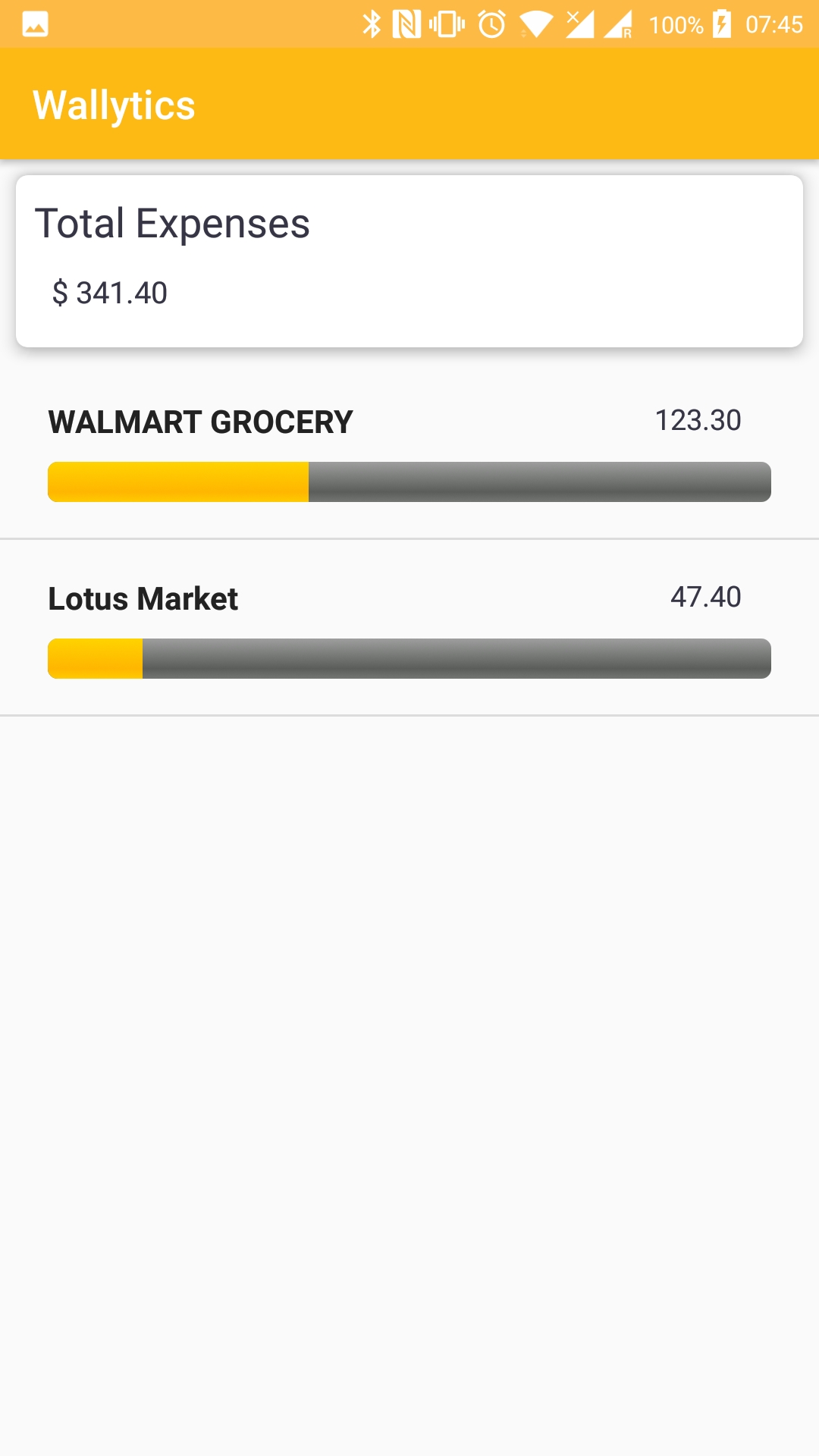
Sub Category Expenses
-
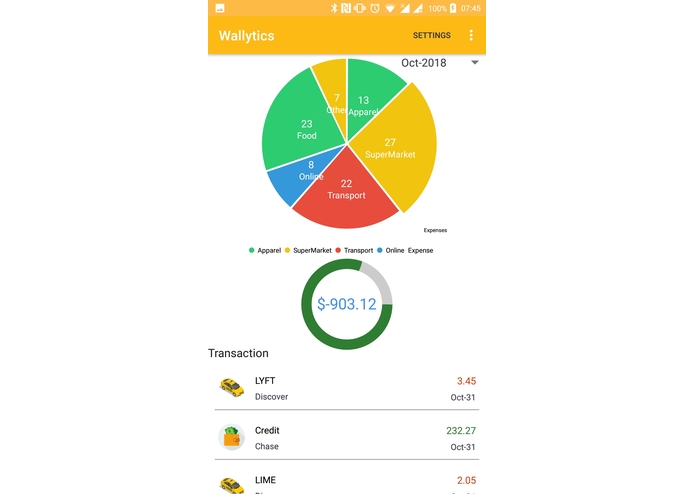
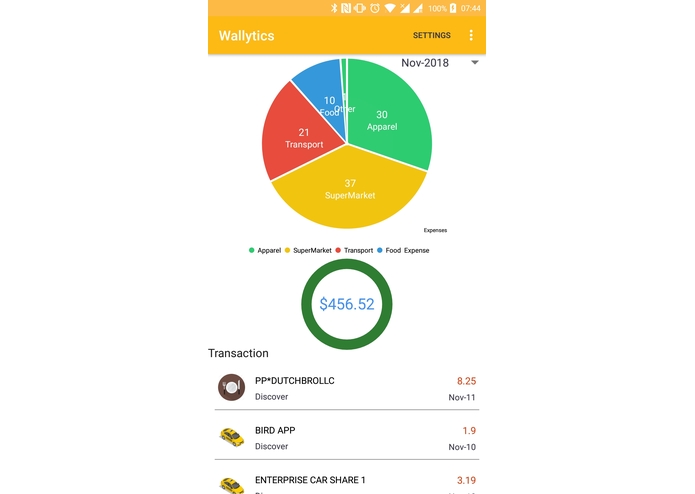
Category wise Expenses With Chart
-
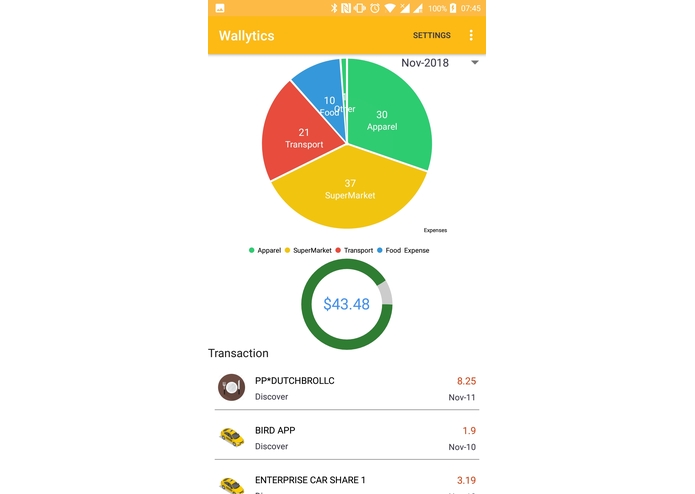
Budget Alert progress bar
-
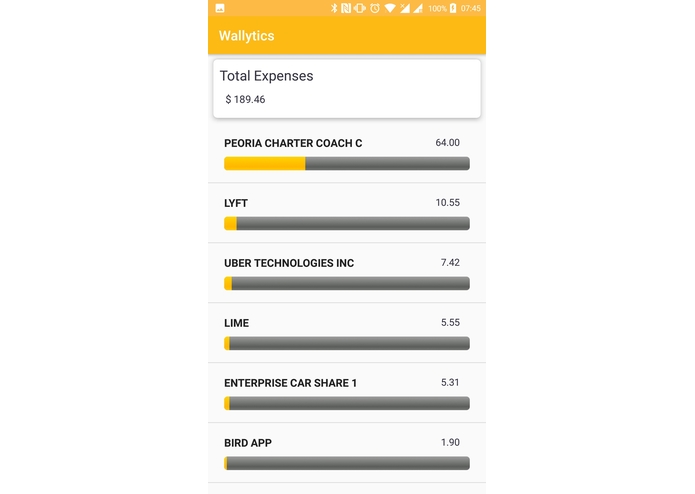
Sub category expenses
-
Inspiration
We do make a lot of transactions every day. However its difficult to keep track of all the expenses that we are accounted for manually. Since we spend money on different categories like restaurants, supermarkets, transport etc, it becomes a hassle to identify how much proportion of our income gets spent on those various categories. We also tend to make microtransactions which when performed repeatedly gets accumulated and is equivalent to a macro transaction. The user is oblivious to the above-said fact and thus could save money if he/she is informed about the same and is also able to plan/organize their expenses/budget allocation frugally overall/for each category based on their spending habit. A part of this inspiration came from using lime bikes. As we finish each ride, around 2-3$ is spent every ride, which seems to be a smal amount. However, these small numbers add up really fast, and sometimes we end up spending hundreds!.
What it does
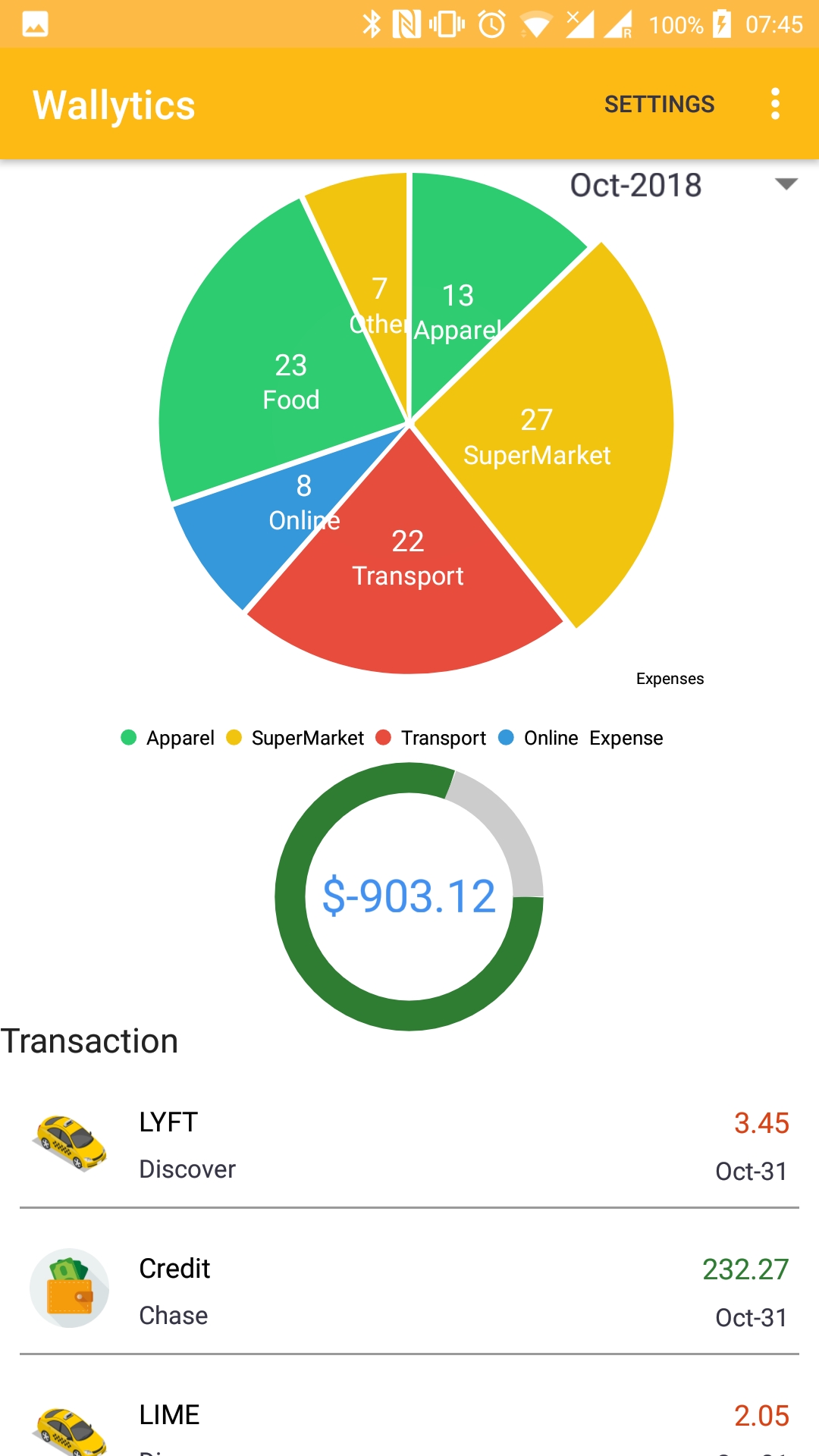
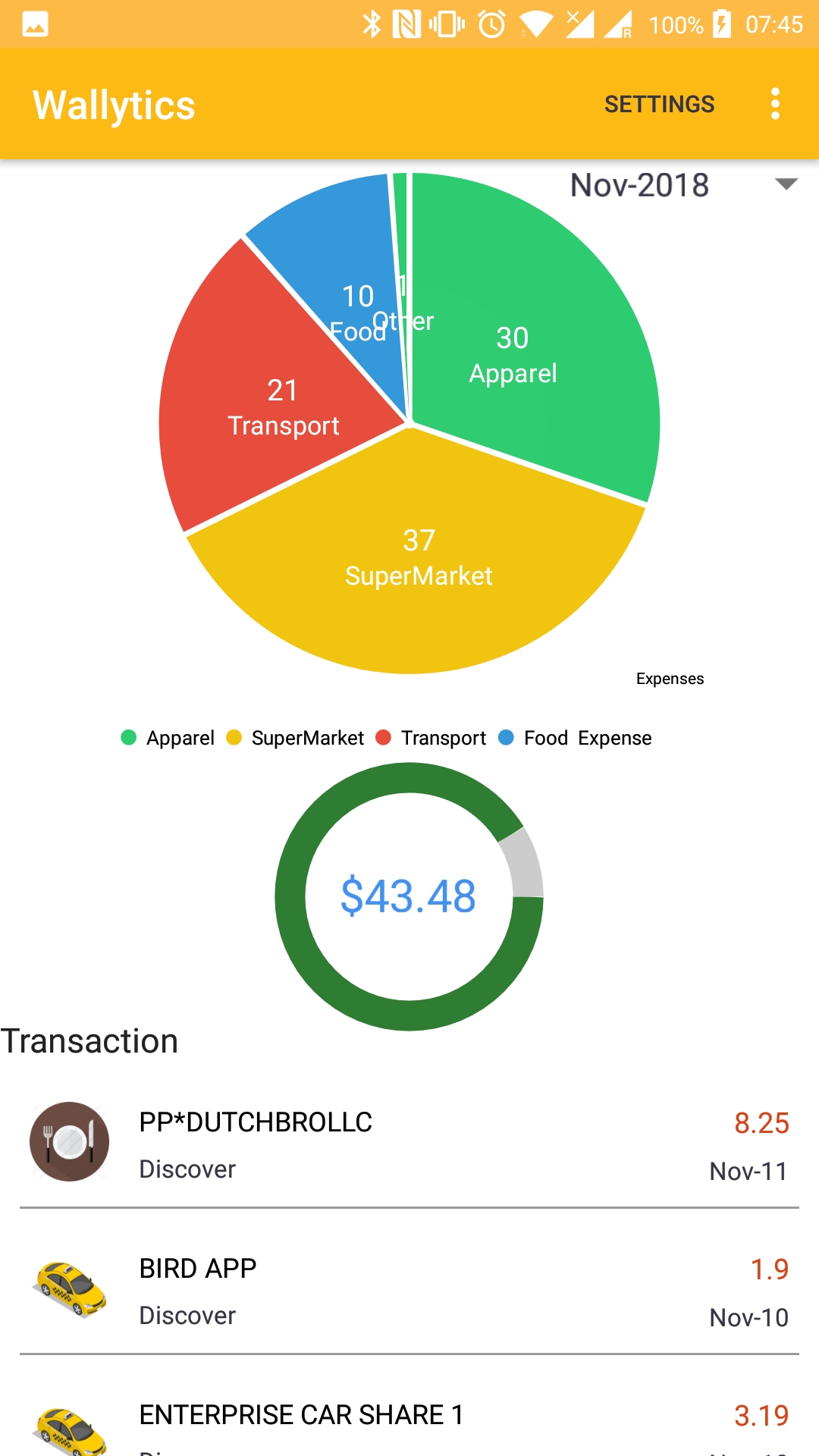
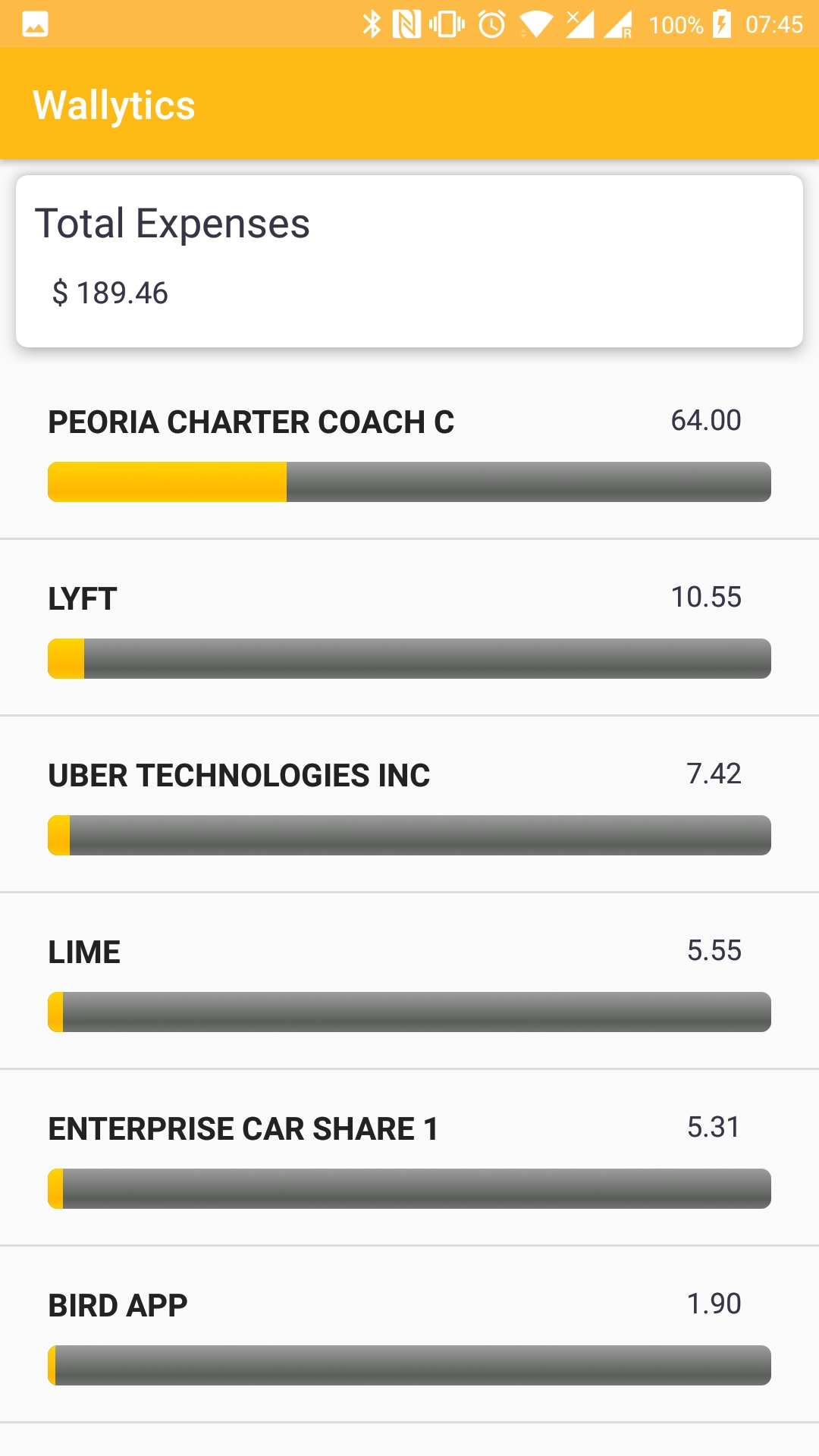
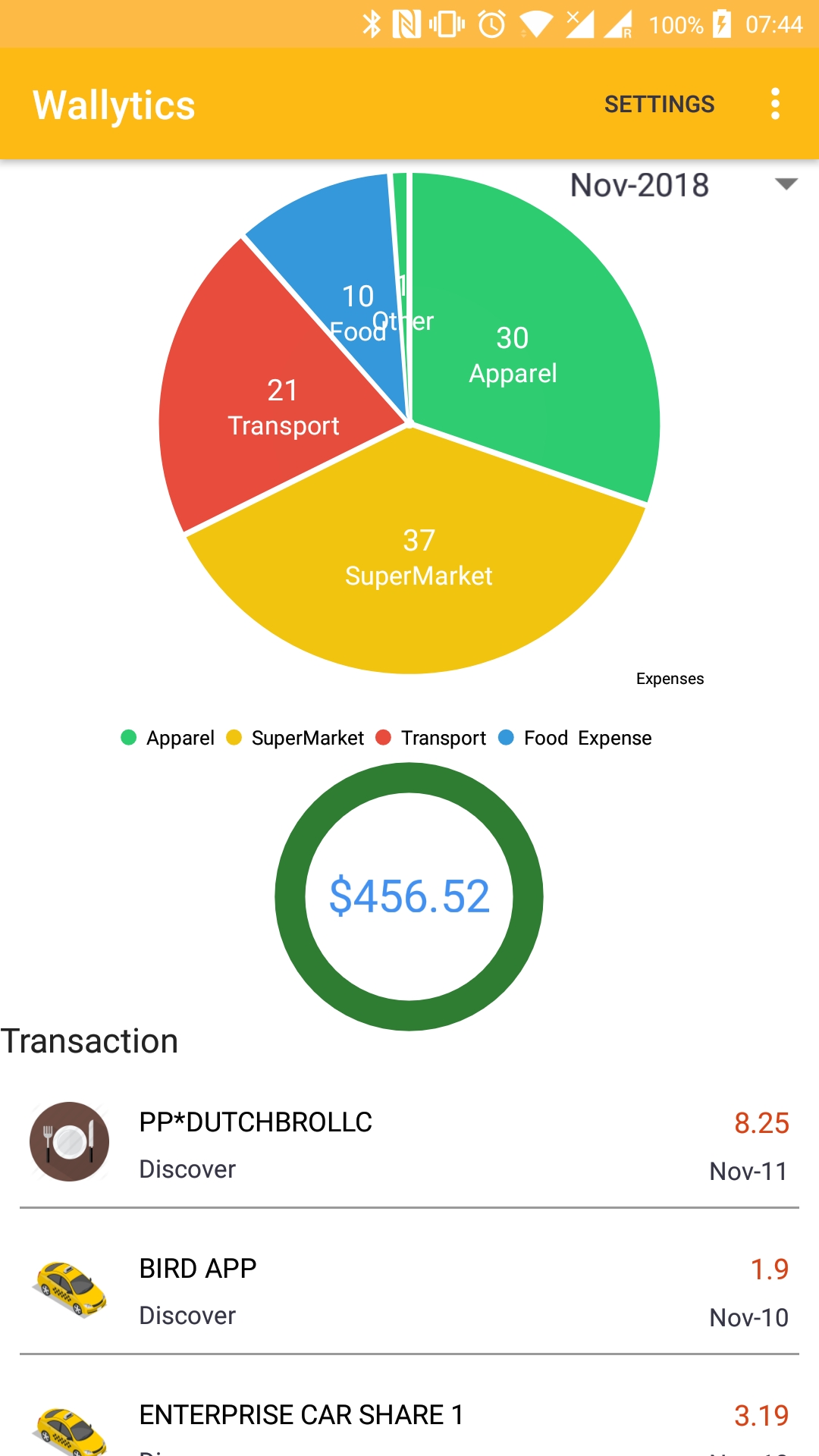
The app is designed to monitor and display all the expenses that a user is involved in. The user can provide his overall budget as well as a budget for each transaction category per month. Based on this, our app computes and alerts the user if the expense exceeds the allocated budget. The app also deals with the complexities of transaction types - credit and debit associated with each transaction. Charts are also projected in the app based on the transactions associated with each category. This visually appeals to the user and he/she is able to clearly view how his expenses are being divided across the categories. The users are also able to keep track of their expenses per category on a monthly basis. If the user clicks on the category(displayed on the chart), he/she can clearly see all the transactions made within that category
How we built it
The app is built to fetch the expense data from the SMS messages received by the user. Thus, we require neither bank credentials from the user nor access/authorization to the Bank APIs. After fetching the expenses, we classify each transaction and allocate the transaction to its associated category. We also map each transaction with its transaction type-debit/credit so as to compute the expenses correctly. Following that, the charts get generated based on the above classification and get displayed within the app which makes things easier for the user to visualize his spendings. When the spendings exceed a certain budget, an event is triggered to alert the user of his/her activities so that the user can be proactive in their future spendings.
Challenges we ran into
We had to categorize the business where the transactions occurred. Google Places was the only API that even came close to what we wanted, but it was too complicated to Use. An ML model has to be written to do this categorization. But to keep up our promise of "no network access needed", everything has to be done on the device. So that, was a huge challenge given the limited number of data, and we ended up skipping it. Another challenge we ran into was parsing the SMSes, Each bank and card provider sends SMSes in a different way, and we had to write RegExes to match them properly.
Accomplishments that we're proud of
This app is designed to be simple and avoids all the complexities related with storing the user credentials and getting authorization from the banks to access their APIs. The user does not have to be afraid at any time that there's a probability that his information/credentials might get leaked as cyber attacks are very prevalent. This app primarily makes the user aware of where he/she can limit their spendings and properly allocate money for each category. This can make the user save money across the months which when summed up leads to huge savings.
What we learned
We learned the proper way to use regular expressions, how ML can help categorization, how to quickly write working prototypes!
What's next for ExpenseTracker
Actually, code up the ML model that does categorization, and do everything on the device. This is going to be a huge challenge given the very limited amount of data.


Log in or sign up for Devpost to join the conversation.