Inspiration
Our inspiration for the Expense Tracker came from observing the widespread struggle many people face in managing their personal finances. Despite the abundance of financial apps, we noticed that many still lacked the simplicity and visual appeal needed to encourage regular use. We wanted to create a tool that would make expense tracking useful, engaging, and easy to understand.
What it does
The Expense Tracker is a web application that allows users to:
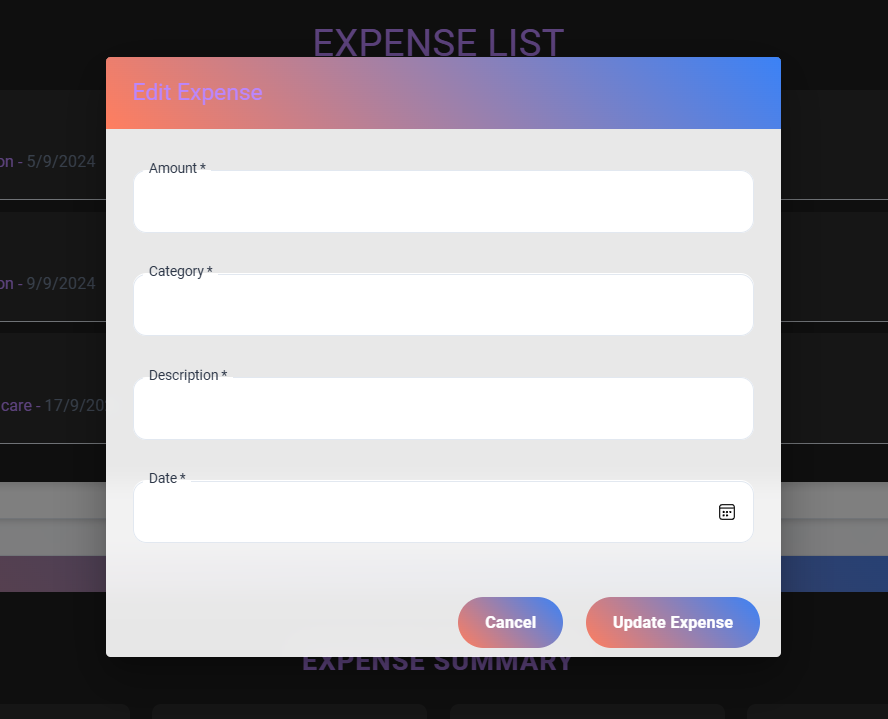
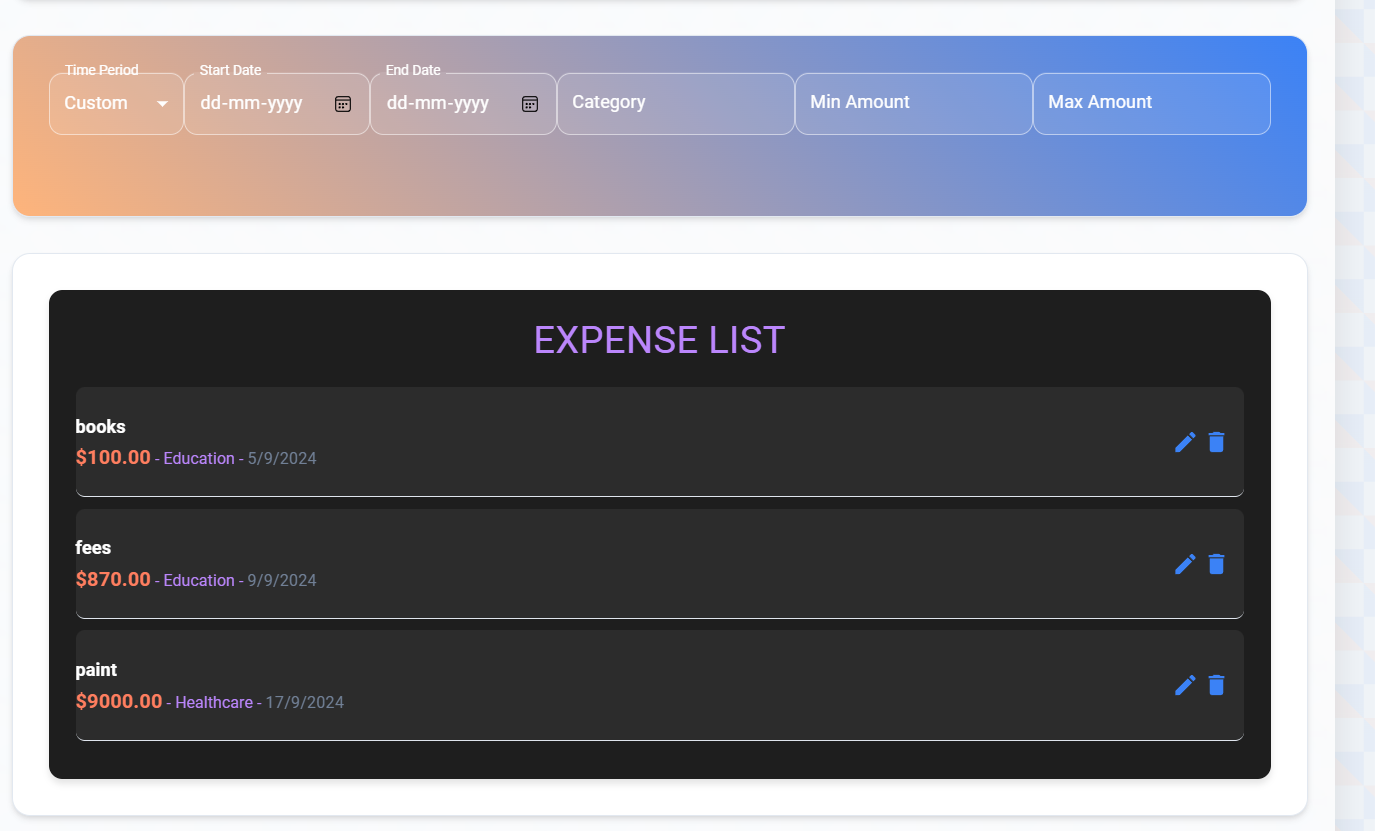
Add, edit, and delete expenses with details like amount, category, and date View a comprehensive list of all expenses Filter expenses by category See a real-time summary of total expenses and key financial statistics Visualize spending patterns through an interactive chart Access the application seamlessly on both desktop and mobile devices
We built the Expense Tracker using:
React.js for the frontend framework Material-UI for a sleek and responsive design Chart.js (or Recharts) for data visualization CSS3 for custom styling and animations Git for version control GitHub for collaborative development and hosting
Challenges we ran into
Some of the challenges we faced included:
Ensuring the application remained performant even with a large number of expenses Designing an intuitive user interface that worked well on both desktop and mobile Implementing real-time updates for the expense summary and chart Managing state effectively across different components Ensuring data consistency and validation across the application
We're particularly proud of:
Creating a visually appealing and user-friendly interface Implementing a responsive design that works seamlessly across devices Developing an intuitive expense entry system that encourages regular use Creating insightful data visualizations that help users understand their spending habits Building a robust filtering system for easy expense categorization and analysis
Through this project, we learned:
Advanced React concepts including hooks and context API Best practices in UI/UX design for financial applications Techniques for optimizing performance in web applications The importance of user feedback in the development process
What's next for Expense Tracker:
Implement user authentication for personalized experiences Add budget setting features with alerts for overspending Integrate with bank APIs for automatic expense tracking Develop more advanced reporting and forecasting features Create a mobile app version for iOS and Android Implement data export functionality for further analysis in spreadsheet software Add multi-currency support for international users
Built With
- css
- javascript
- material-ui
- react

Log in or sign up for Devpost to join the conversation.