Expense Tracker
Inspiration
The inspiration behind this project came from my interest in financial technology and personal finance management. I wanted to create a simple application that could help users organize their expenses, monitor their spending habits, and better understand where their money goes. As someone interested in fintech, I thought building an expense tracker would be a practical way to improve both my programming skills and my understanding of financial applications.
What It Does
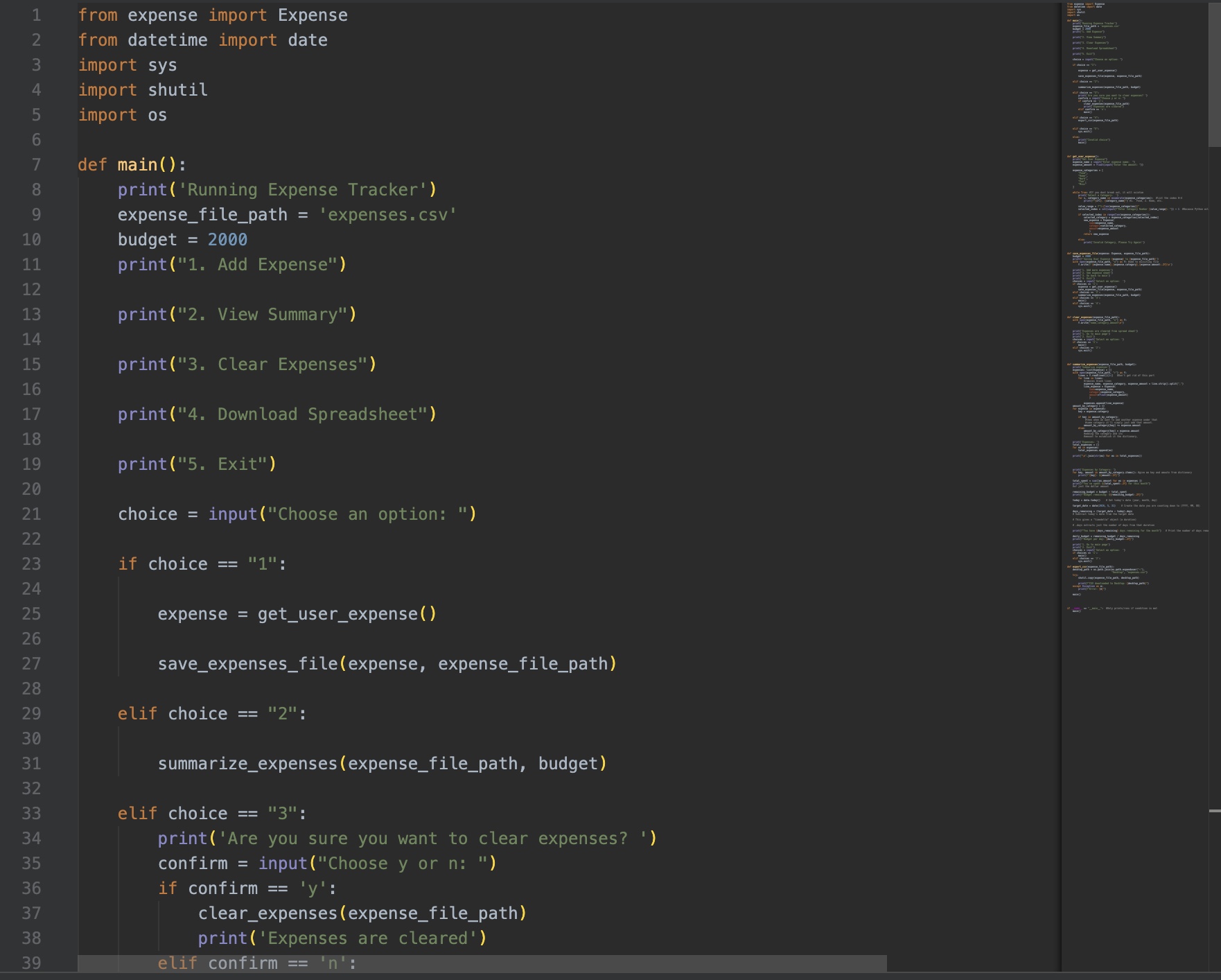
This project is a terminal-based expense tracker that allows users to manage their expenses through a menu selection system. Users can:
- Add expenses
- View an expense summary
- Clear all expenses
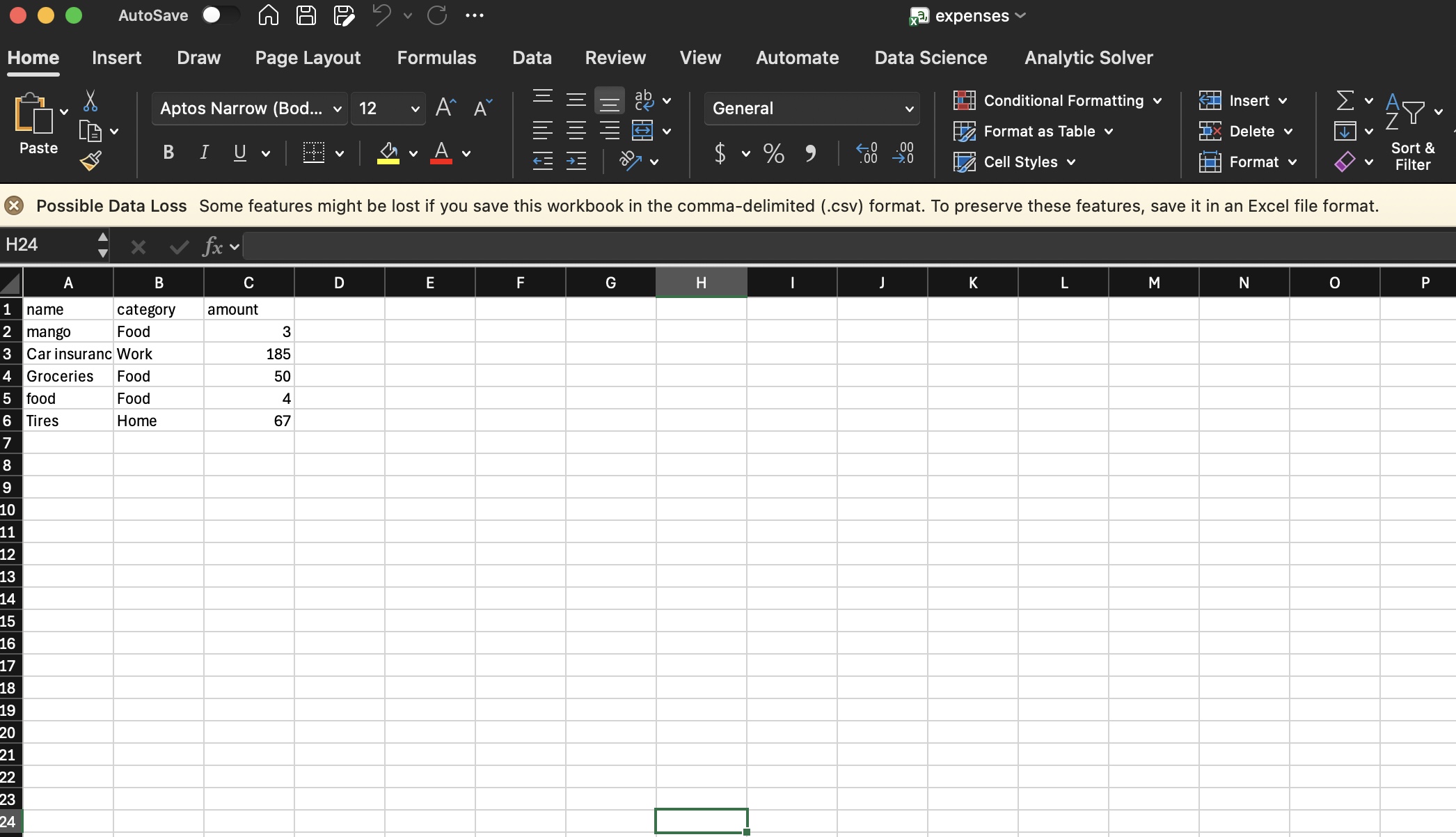
- Download a spreadsheet of expenses
- Exit the application
The program is designed to provide a simple and organized way to track spending directly from the terminal.
This allows users to quickly calculate how much money has been spent over time.
How I Built It
I built this project using Python and focused on creating a menu-driven terminal application. I used functions to organize each feature of the program, such as adding expenses, viewing summaries, clearing data, and exporting spreadsheets.
I also worked with:
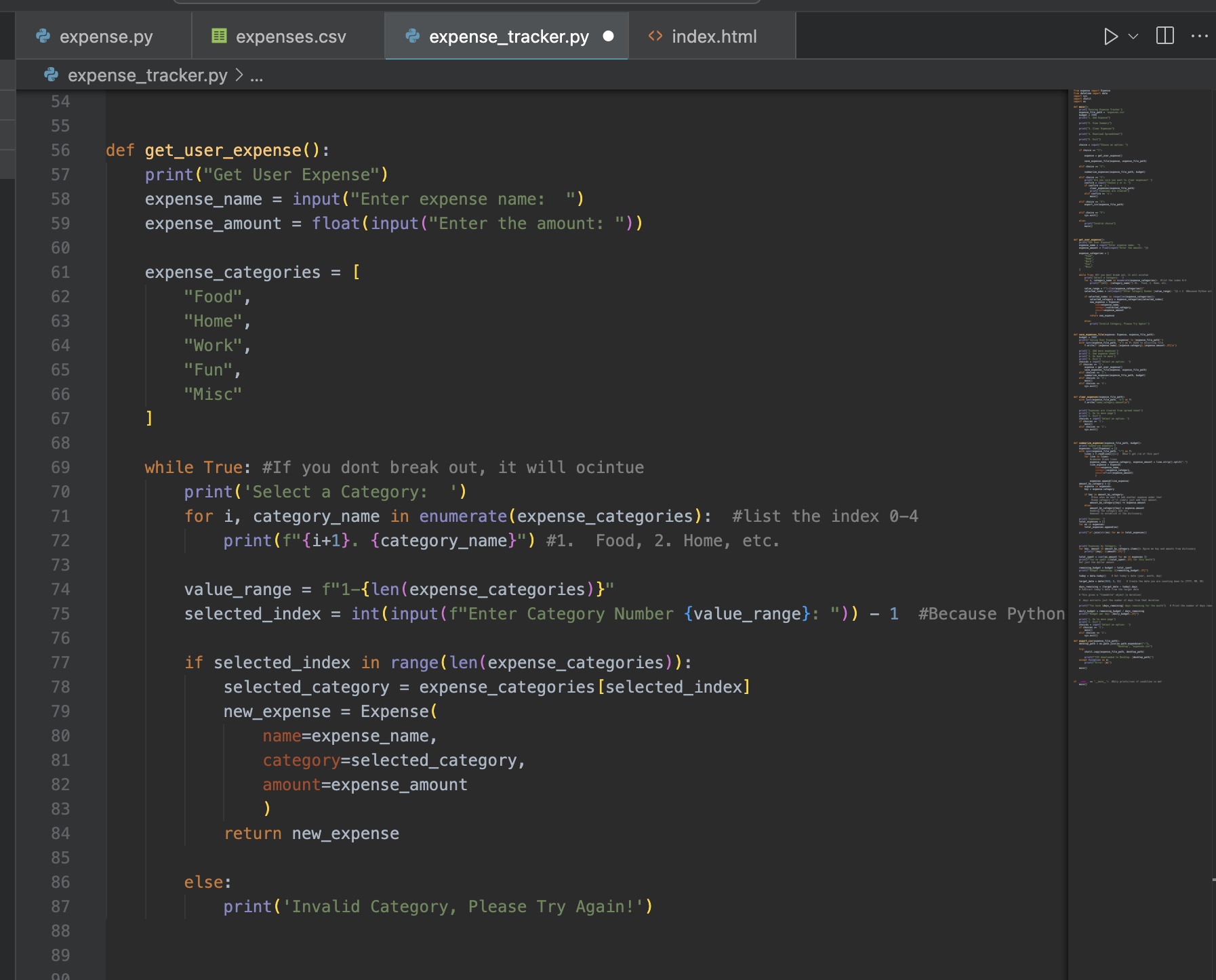
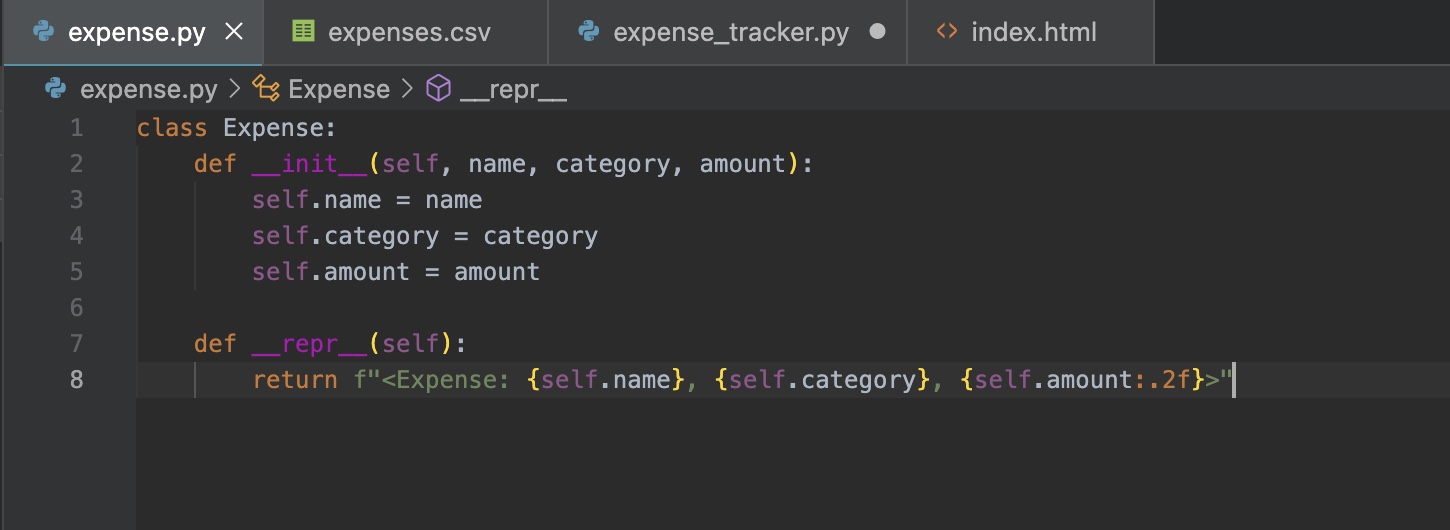
- Lists and dictionaries for storing expense information
- Functions for organizing program logic
- Loops and conditional statements for menu navigation
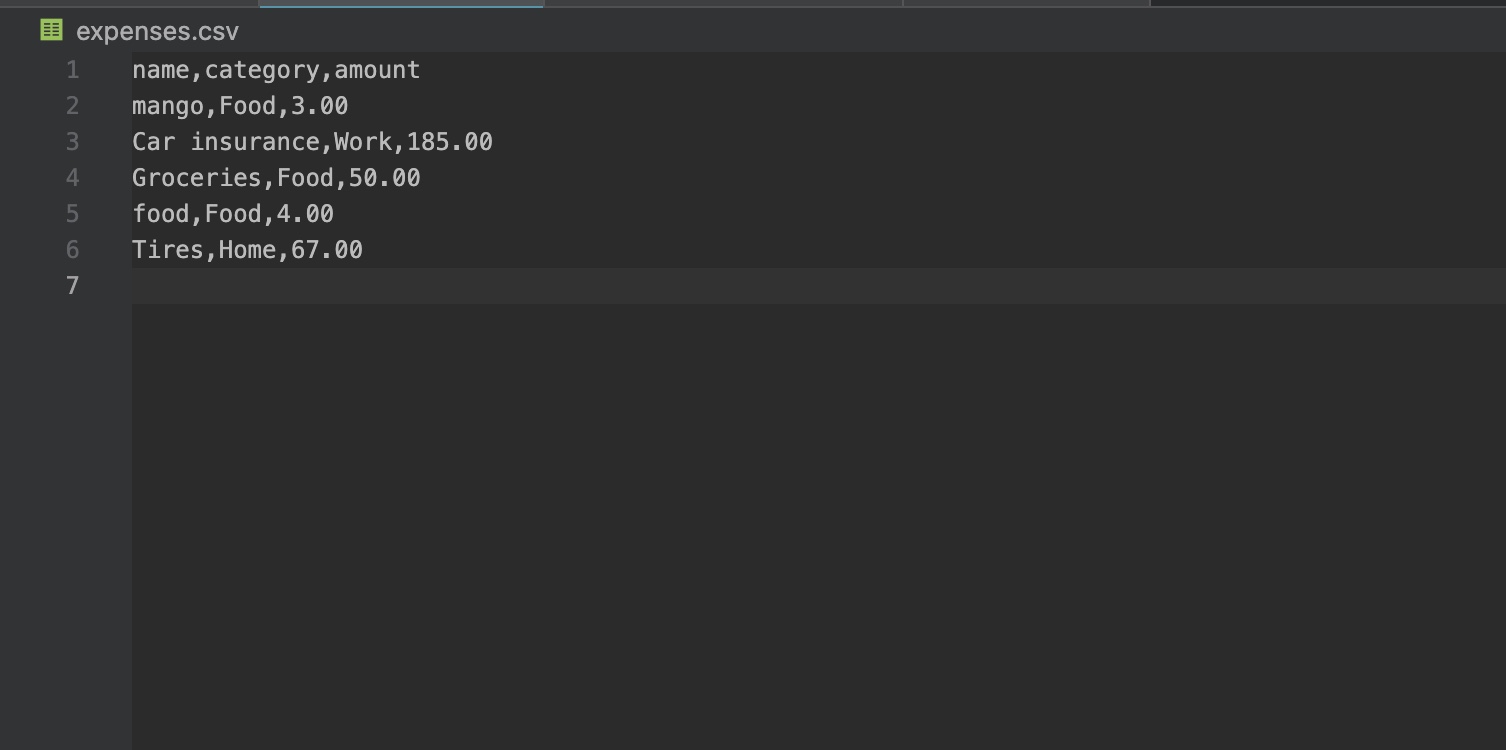
- File handling to export expense data into a spreadsheet format
The project helped me better understand how to structure a larger program and separate features into reusable functions.
Challenges I Faced
One of the biggest challenges was organizing the program flow and making sure each menu option worked correctly. Since I am still learning development, debugging issues and handling user input errors took time and patience.
Another challenge was implementing the spreadsheet download feature and understanding how file handling works in Python. I also learned the importance of keeping code organized as projects become larger and more complex.
What I Learned
Through this project, I gained experience with:
- Python functions
- Data organization
- Terminal-based interfaces
- File handling and exporting data
- Problem-solving and debugging
Most importantly, I learned that building projects is one of the best ways to improve programming skills. Even though the application is simple, it gave me hands-on experience with software development and helped strengthen my confidence as a developer.
Future Improvements
In the future, I would like to expand this project by adding:
- A graphical user interface (GUI)
- Data visualizations and spending charts
- Budget goal tracking
- Categories for expenses
- User authentication
- Cloud database storage
My long-term goal is to continue developing projects in the financial technology space and eventually build more advanced budgeting and banking applications.
Built With
- os
- python
- shutil
- sys
- vscode

Log in or sign up for Devpost to join the conversation.