-
-
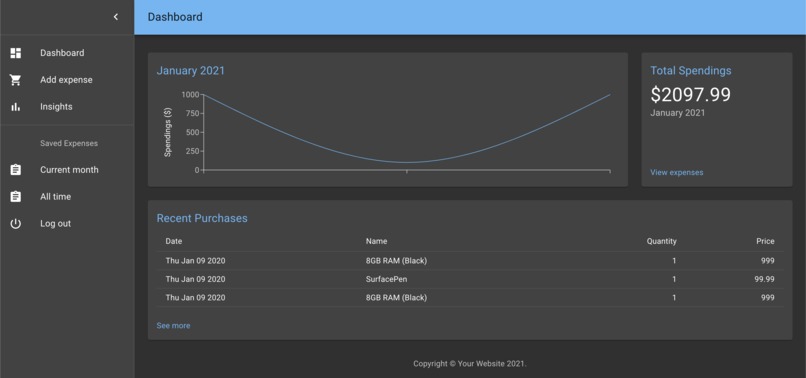
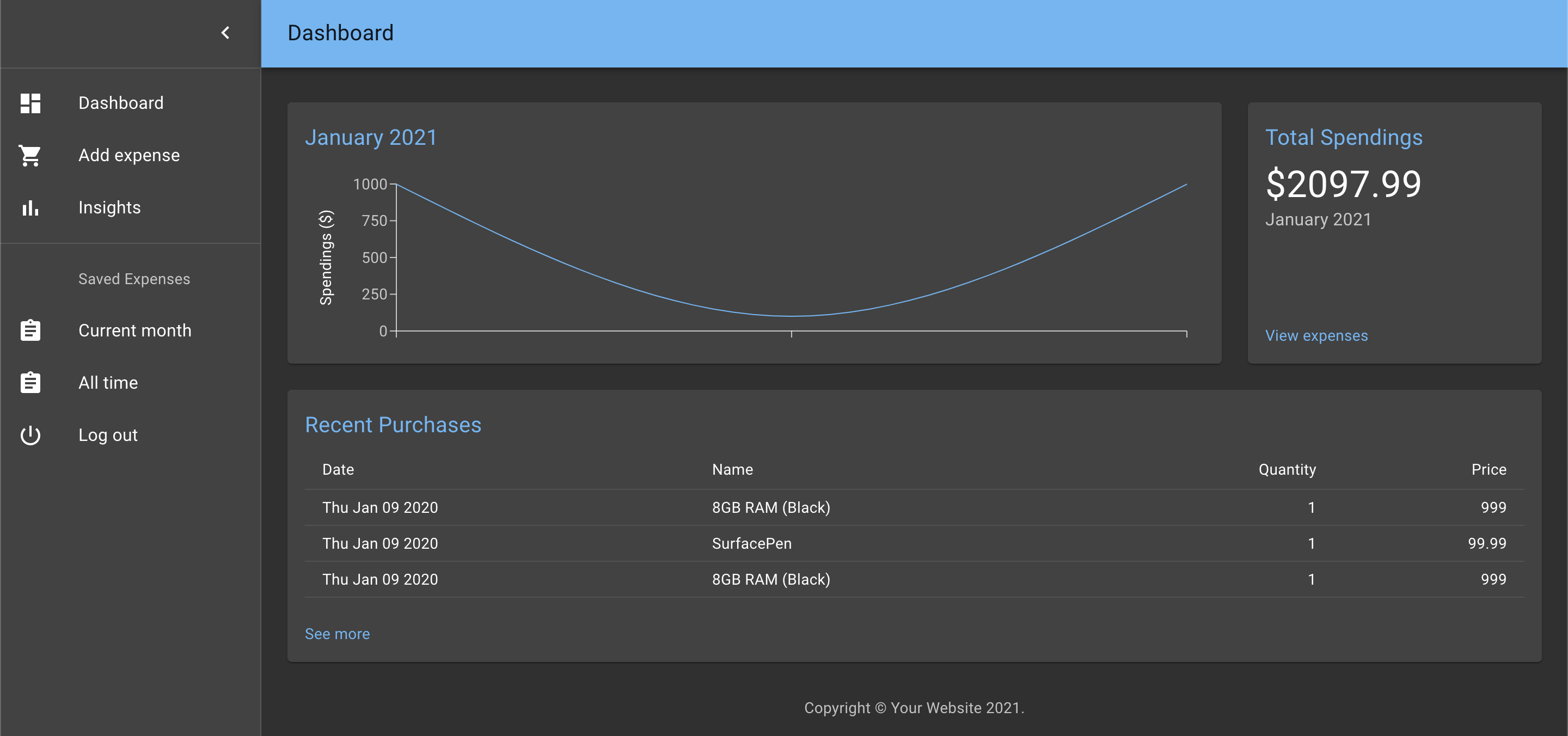
The user dashboard view on our application
Inspiration
One of our group members mentioned that he has an elderly grandparent that has trouble with technology; we aimed to find a solution to this problem. Although our target demographic started our small, we soon realized that this was a solution that could vastly improve the budgeting experience for people of all demographics. Manually entering each item on a long receipt is undoubtedly tedious, and it's a big reason why many people are unable to consistently track their expenses. We hope that through our solution, we can remove the barrier to managing finances and empower people to be in control of their own money and financial wealth.
What it does
Our solution is simple: after making a purchase, users will go into our web application and upload a photo of their receipt from their local machine. Our application automatically detects various fields from the receipt, such as item names, vendor, date, and price, and stores this expense on their account so that it can be easily tracked in the future. No need for any manual entry of items at all!
How we built it
Given the time constraints, the first step was to find a pre-trained image recognition model that could extract information we need from arbitrary receipts. After much research, we settled on Microsoft Azure's FormRecognizer. Once we had that, we made a Kanban-esque board of tasks, outlining the incremental steps that needed to be completed. We assigned the tasks to members based on preference, and got to work! We used github to streamline our collaboration and postgresql to host our local database server. On the back-end, we used python (flask), and react for the front-end.
Challenges we ran into
A big challenge for us was finding a way to stream the image upload from the front end to the back end. We decided in our initial design that it would be cleanest if we never store actual photos of the receipt into the database, but instead analyze the receipt and save the result from the image recognition model into the database. It took a lot of digging on stack overflow to overcome this issue. Another big challenge was deploying our application to Heroku. We're not used to to the deployment process and we were met with many roadblocks along the way.
Accomplishments that we're proud of
Given the time constraints, we're proud of finishing our minimum viable product (MVP) on time. In 24h, we took a nonexistent application and made an MVP that was deployed on Heroku. We feel that we've created something in 24h that shows the value of our solution and provides a meaningful demo. We've learned a lot through this process and that is a point of pride for us as well.
What we learned
We learned a lot about the lifecycle of developing a web app. From brainstorming, planning, task assignment, coding, and deployment, it was very rewarding to be able to experience all of this in such a short time frame. We learned how to use technologies such as react and the Microsoft Azure FormRecognizer API, as well as learning how to collaborate efficiently with our group members. Even putting together this document was a learning experience!
What's next for Expense Me
There were a few features that we had in mind, but weren't able to implement for the purposes of this MVP demo. For example, we had hoped to leverage another ML library to be able to automatically group expenses into categories when uploading a receipt. Also, we had hoped to provide insights


Log in or sign up for Devpost to join the conversation.