Software fatigue is real. Exo requires no installation, just plug and play.
Why Exospace?
7% of working-age adults have severe dexterity difficulties that impact their ability to use their computer. Exospace provides an easier way for this minority group to seamlessly use their devices without requiring an installation.
Exospace plugs into any device over USB-C. Nothing is installed on the target, so it works on library computers, a friend's laptop and your phone! Just plug it in and tell Exo what you'd like it to do. Built-in voice control tools exist, but they require setup on new devices and work at a fraction of the speed.
How does it work?
Hardware
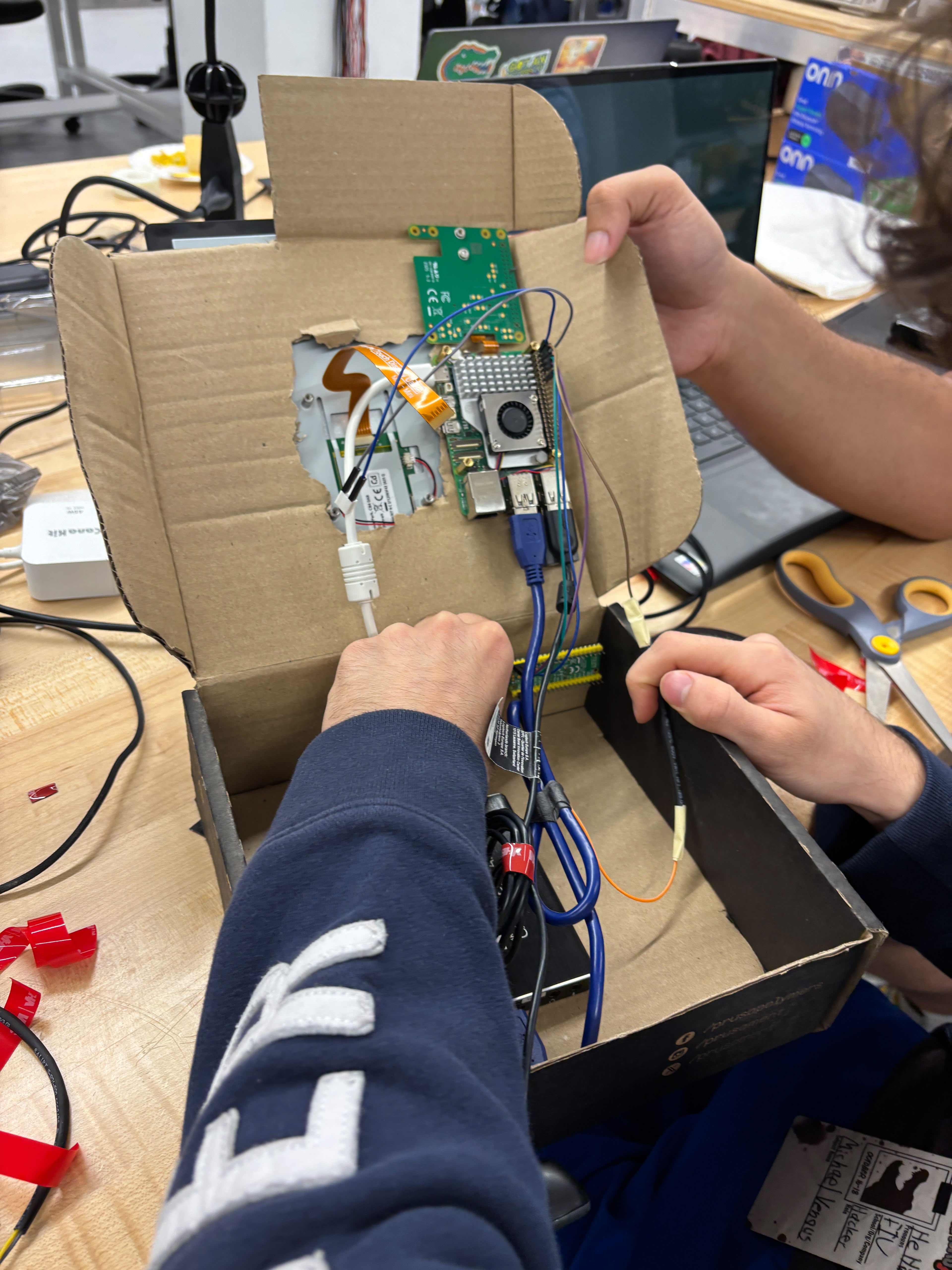
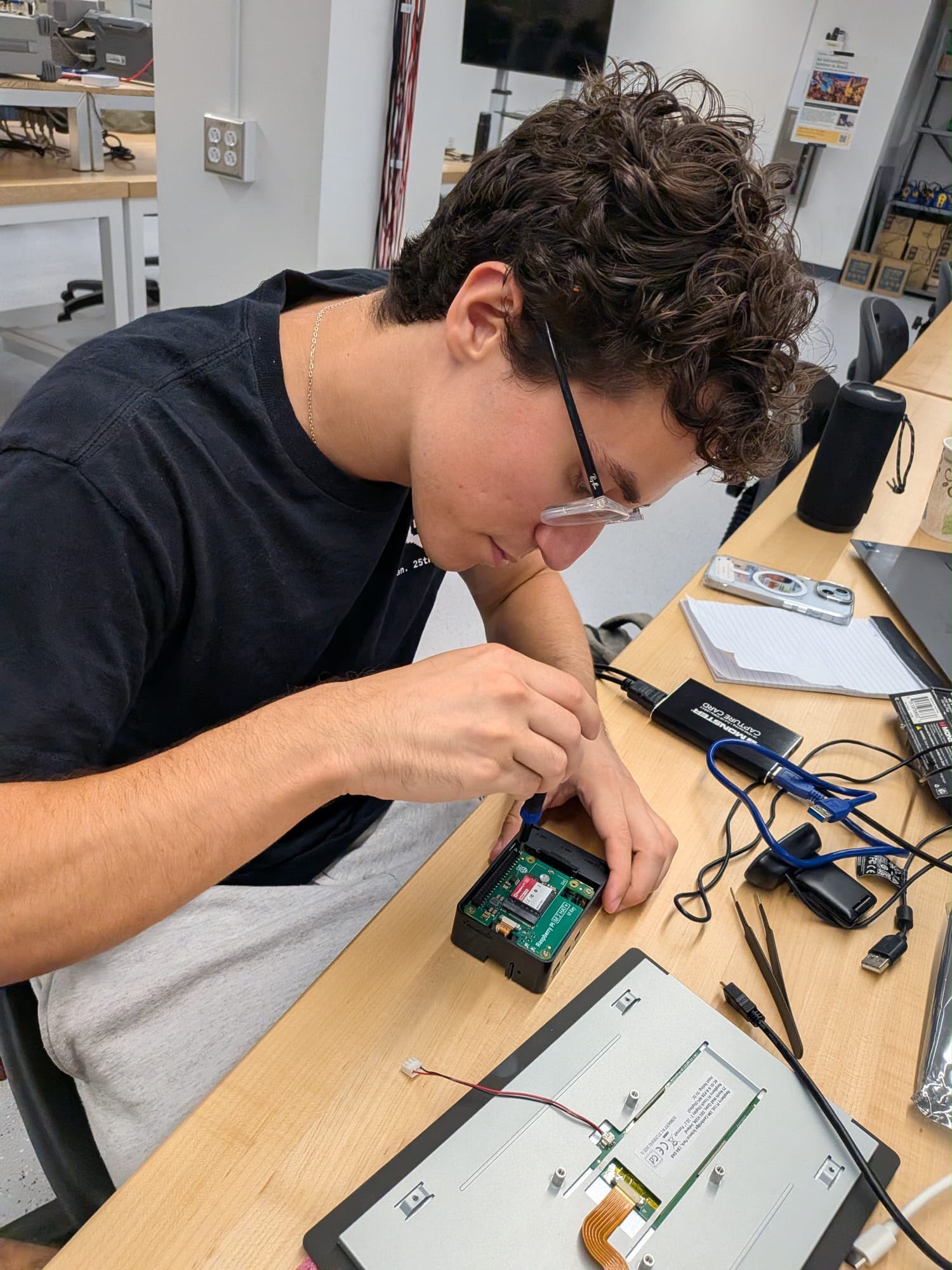
- Raspberry Pi 5 (8 GB, NVMe SSD) as the brain
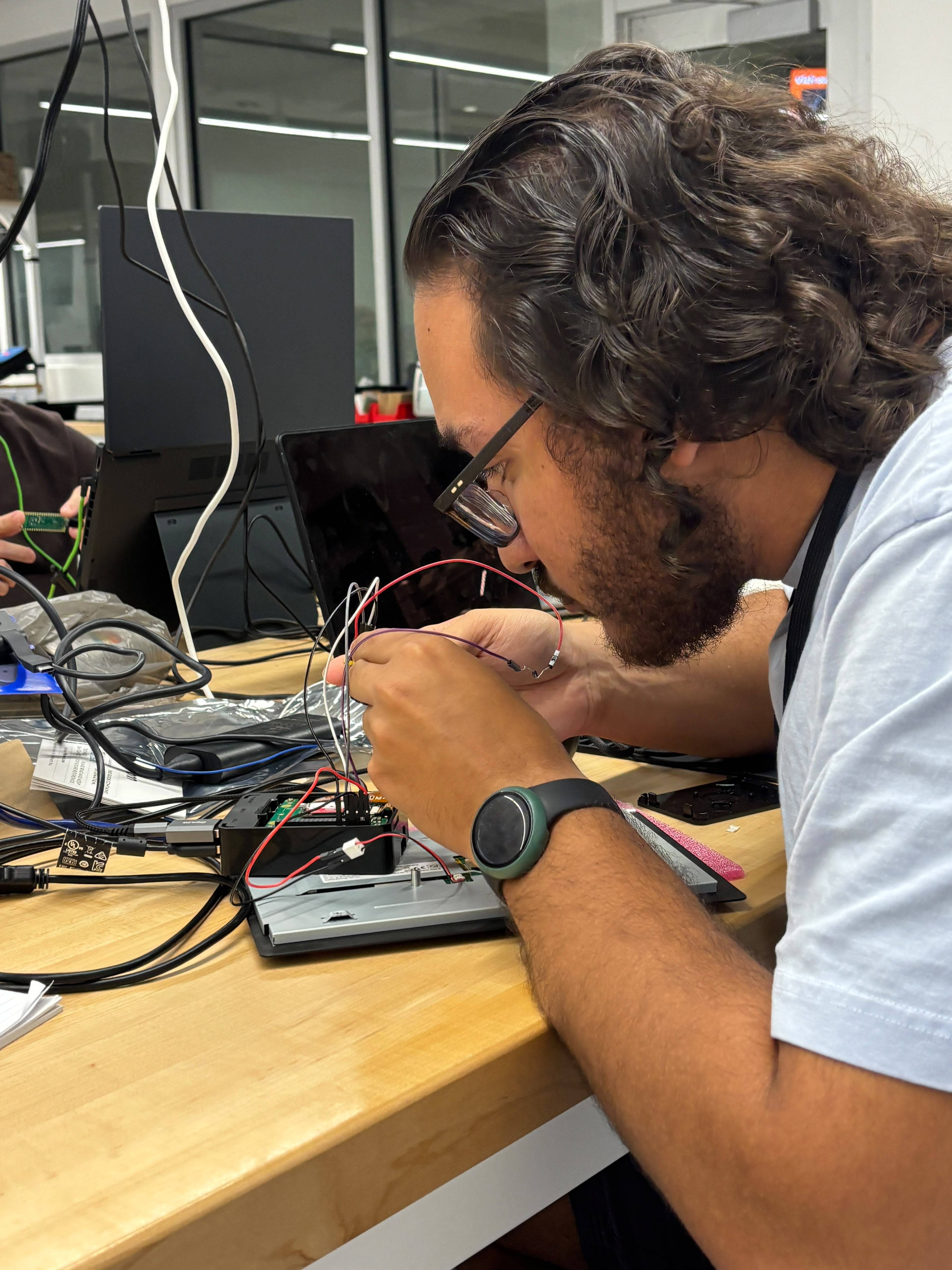
- Raspberry Pi Pico 2 controls the computer based off communication with the Pi.
- A HDMI capture card gives the Pi the target's screen.
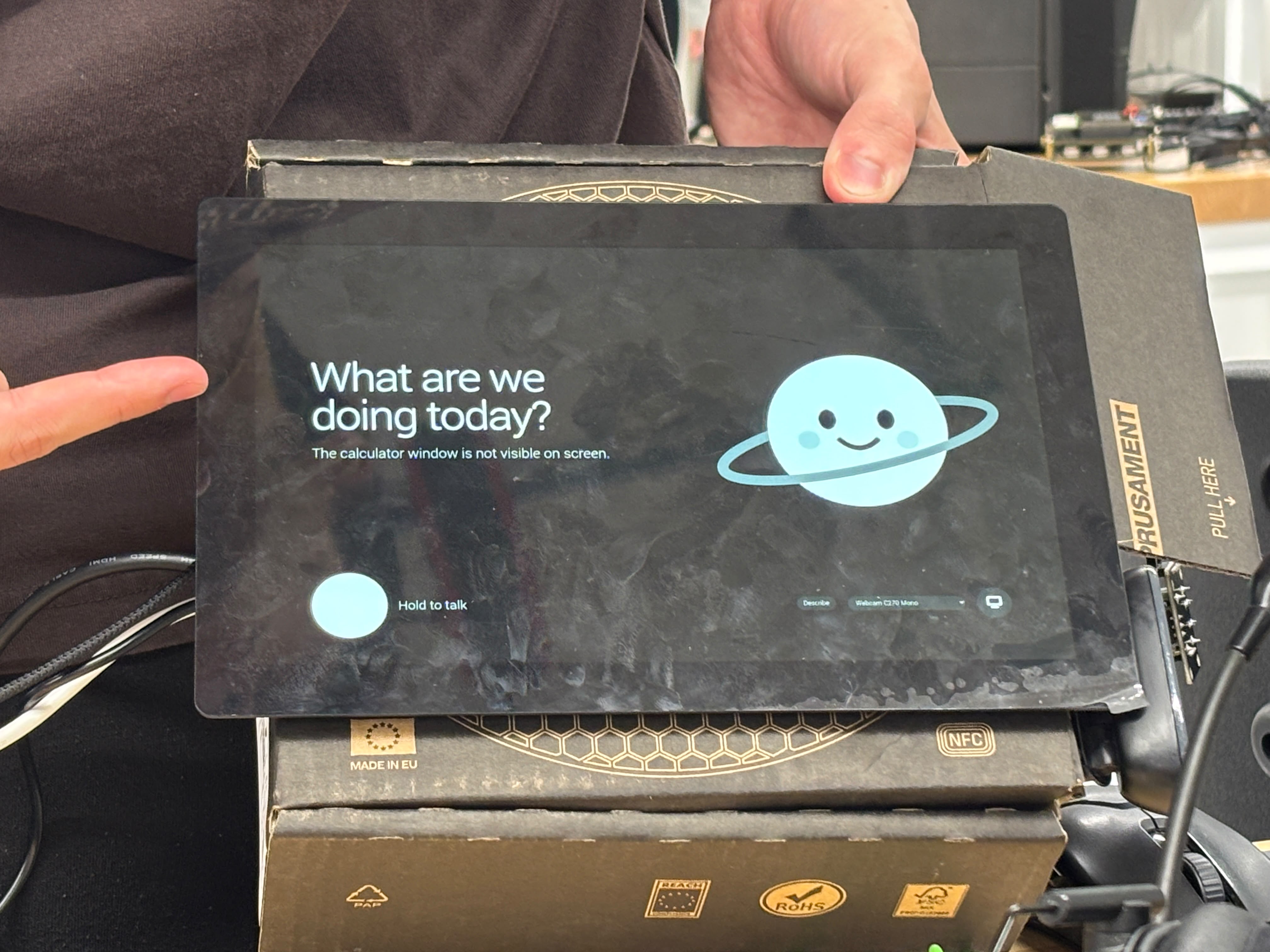
- A Raspberry Pi Touch Display 2
- A USB webcam mic
- A USB speaker
- An accessible push-to-talk thumbstick button wired to the Pi's GPIO
Software
Every request goes to Jev 1.14 (TypeSafe's vision model) and Gemini 3.8 Flash at the same time. In one call, Jev decides "act now", "plan" or "no action", locates the target, picks click, double-click or right-click, and flags irreversible requests. A confident Jev action wins and Flash's plan is discarded; otherwise Flash's plan, already running, executes stage by stage with Jev checking each stage on a fresh screenshot.
- Knowing when it's done: one Jev call judges the goal against the steps actually executed plus the screen. That catches skipped steps and searches that were typed but never submitted.
- One writer: a single controller is the only path to the keyboard and mouse, with one cancel path for unplugging, barge-in and failed checks.
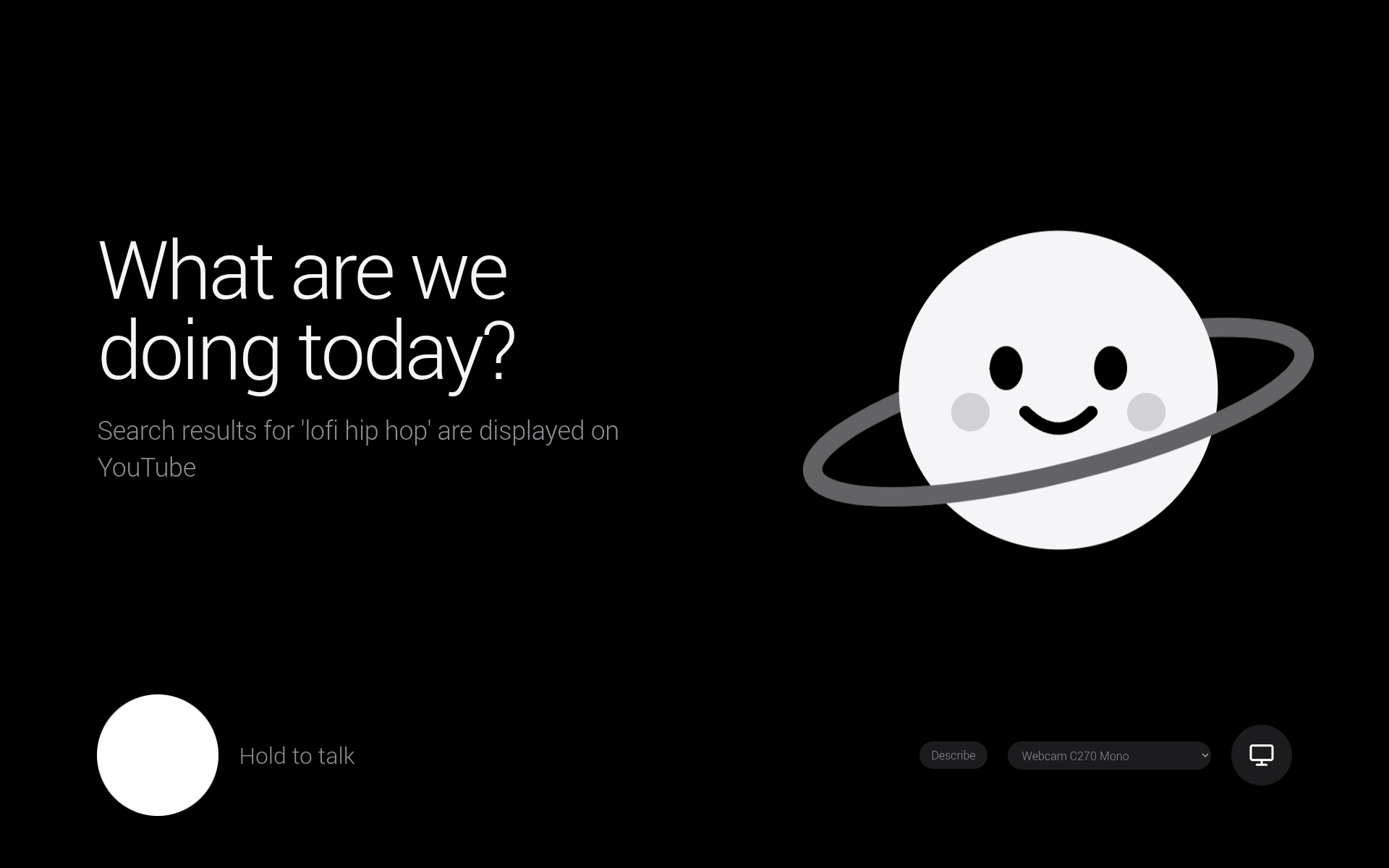
- Voice layer: Deepgram transcribes server-side, each pause becomes a request, and the agent's questions and results are spoken back. The push-to-talk button, the on-screen orb and the Space bar all work the same way, so a single accessibility switch can drive it.
Challenges we ran into
- We spent a lot of time planning the division of responsibility between Jev and Gemini. Overall, we came to an agreement that was successful, but it was one of the more challenging decisions we made.
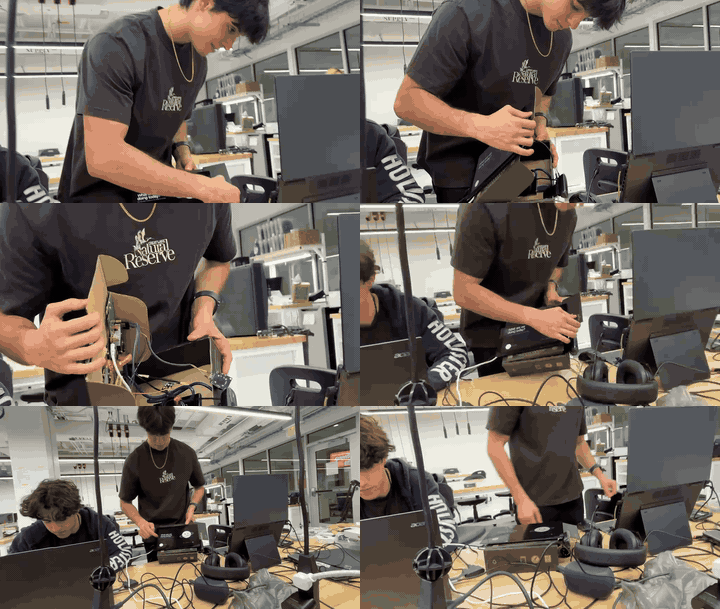
- Since it was a lot of our first time working with hardware, there were a lot of first times, but we found plenty of support in the Swamphacks community, and we all got to use a heat gun for the first time!
Accomplishments we're proud of
- Ended up with a device that can allow users to control any of their devices through voice with installations regardless of system architecture.
- Our model pipeline answers with a median elapsed time of 0.56 s in the best case and with a median elapsed time of 3.5 s in the worst case, and 125 of 173 real requests were handled by Jev alone, with no language-model call.
What we learned
- Vision models that answer narrow, structured questions make better gatekeepers than general LLMs: faster, and more conservative about acting. The LLM is best kept as the planner for the cases that truly need one.
- HARDware is definitely HARD... BUT FUN!
What's next
Hands-free continuous listening on top of the commit gate we already built; per-user preferences; a printed enclosure; and testing with real assistive-tech users.
Credits and AI disclosure
- APIs and models: TypeSafe Jev 1.14 (vision decisions), Google Gemini 3.8 Flash and Gemini Live (planning and screen descriptions), Deepgram Nova-3 (speech to text).
- Open source: CircuitPython and Adafruit HID, Google GenAI SDK, OpenCV, NumPy, httpx, pyserial, websockets, python-dotenv, Playwright.
- AI tools: we used AI coding assistants to help write and review code and documentation. The architecture, hardware build and benchmarks are our own, and every claim above is backed by numbers in
bench/.
Built With
- circuitpython
- css
- deepgram
- gemini
- html
- javascript
- jev
- linux
- opencv
- playwright
- python
- raspberry-pi
- raspberry-pi-pico
- typesafe
- websockets


Log in or sign up for Devpost to join the conversation.