Inspiration
Not everyone needs the same kind of focus. Some people just need a quieter phone. Some need distracting apps taken away for 25 minutes. And some of us need our phone to look us in the face and say: “No. You said you were working.” That's why I built EXORA. There are already great distraction blockers. There are Pomodoro timers. There are minimalist launchers. There are screen-time trackers. So building another version of any one of those didn't interest me. The problem I kept coming back to was that distraction isn't the same for everyone and it isn't even the same for the same person every day. On a normal Tuesday, I might only need my phone to become quieter. Before a deadline, that probably isn't enough. And when I'm seriously procrastinating, I already know what I'll do: I'll disable the thing that's supposed to stop me. So I started thinking: What if focus protection had an intensity dial? Instead of one rigid blocking system, EXORA could let you decide: How difficult should distraction be today? That became the foundation of EXORA.
What it does
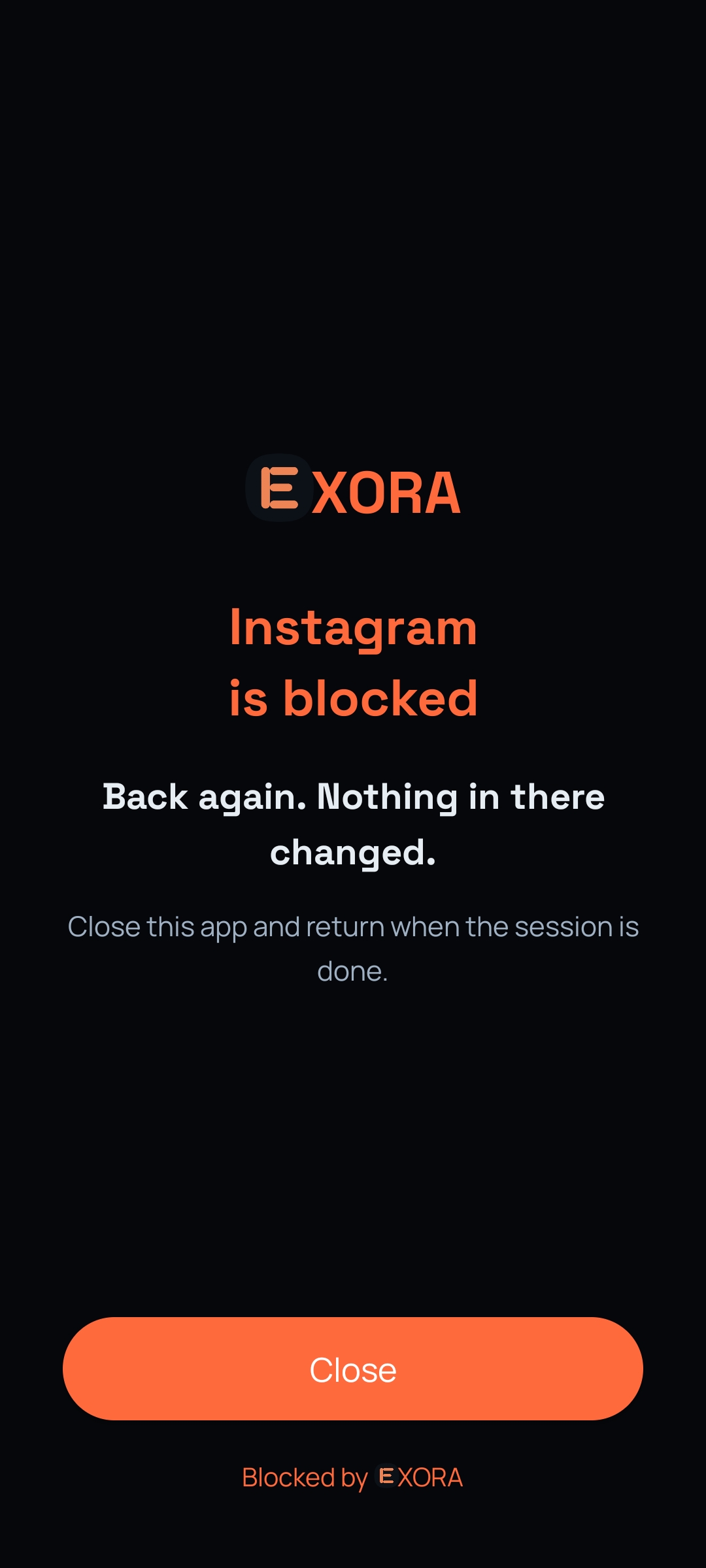
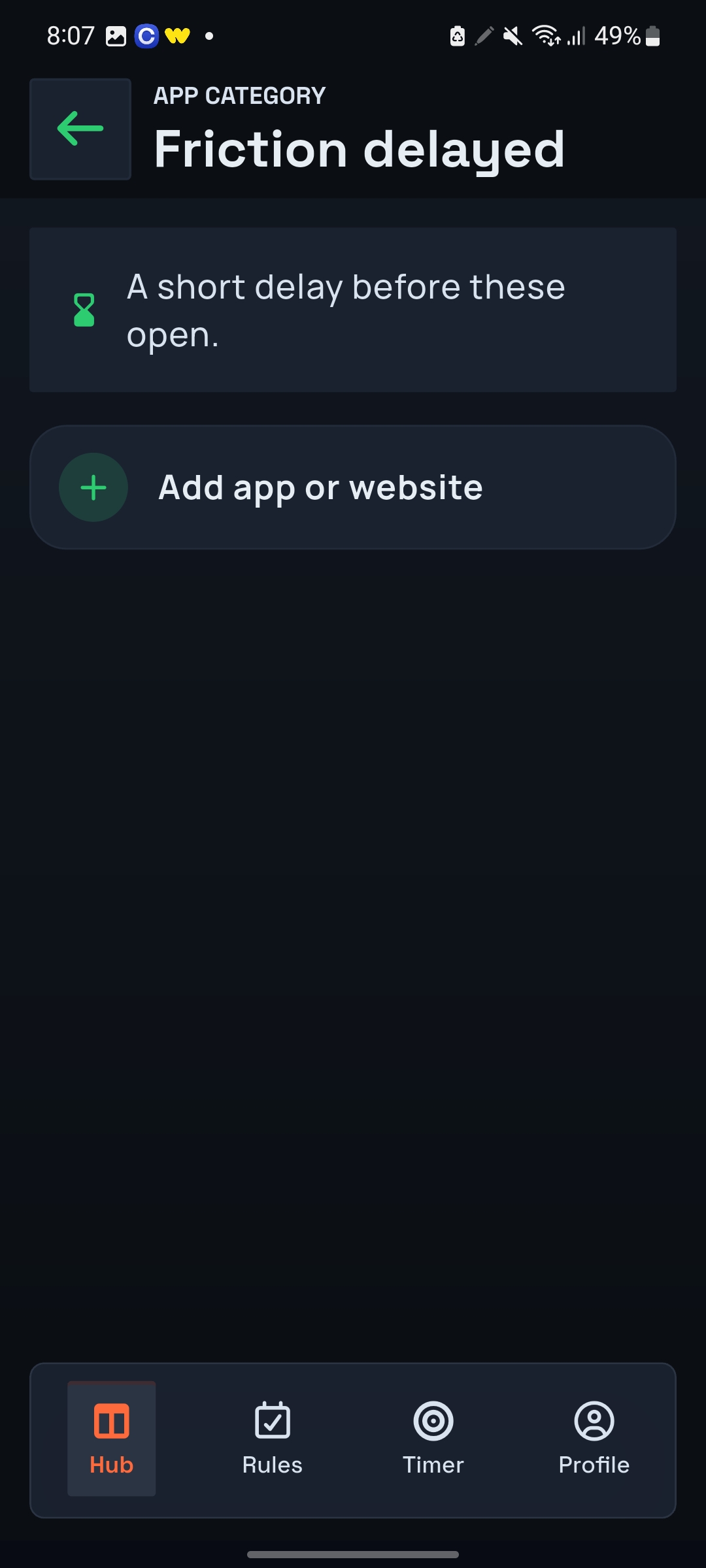
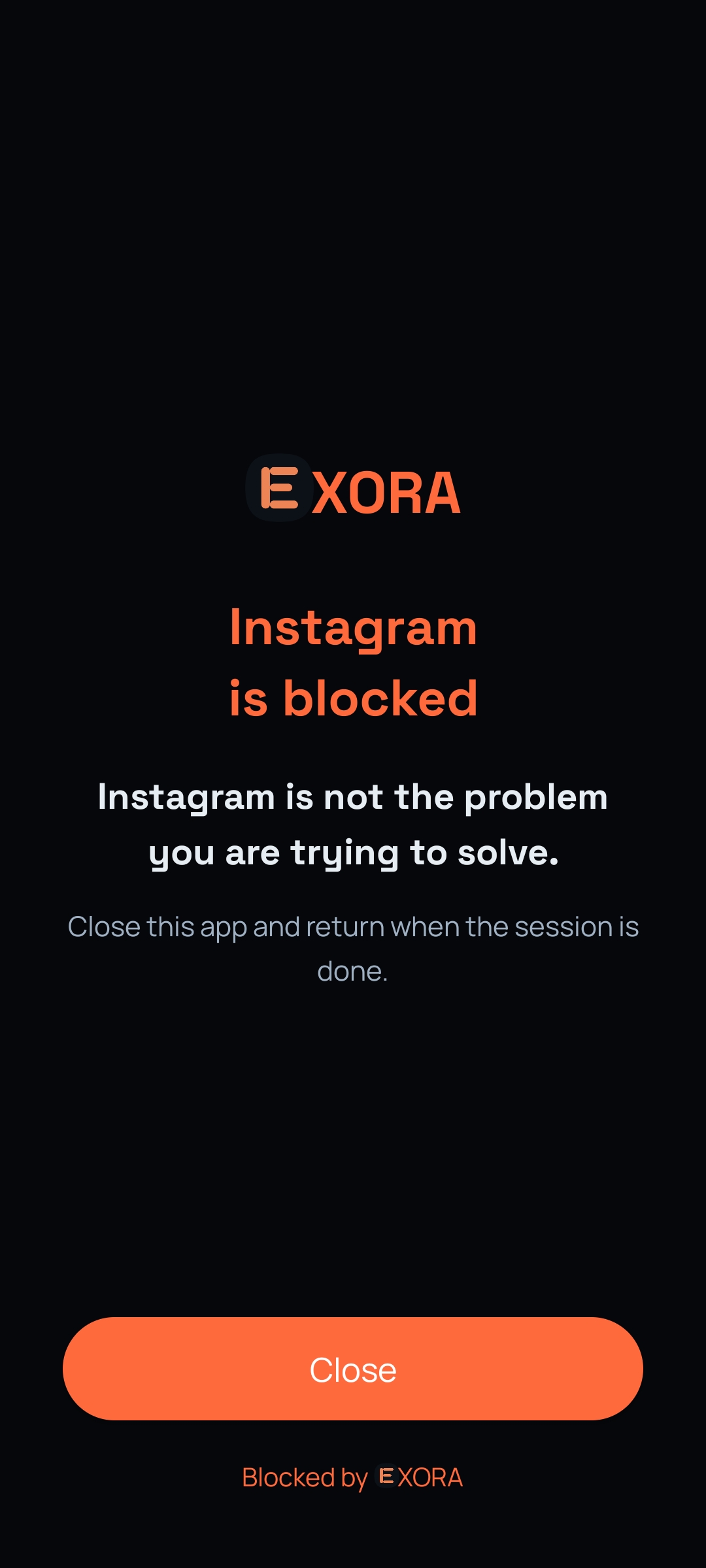
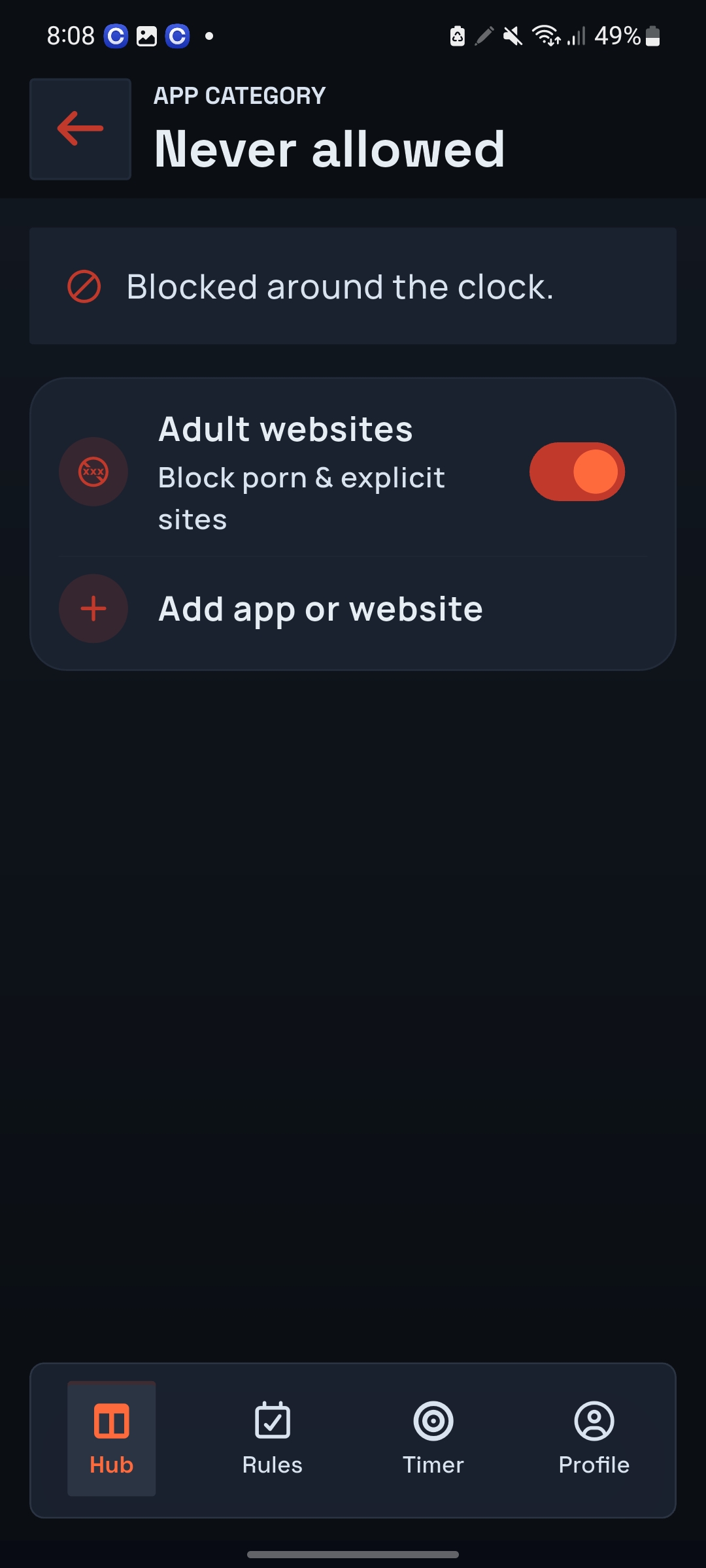
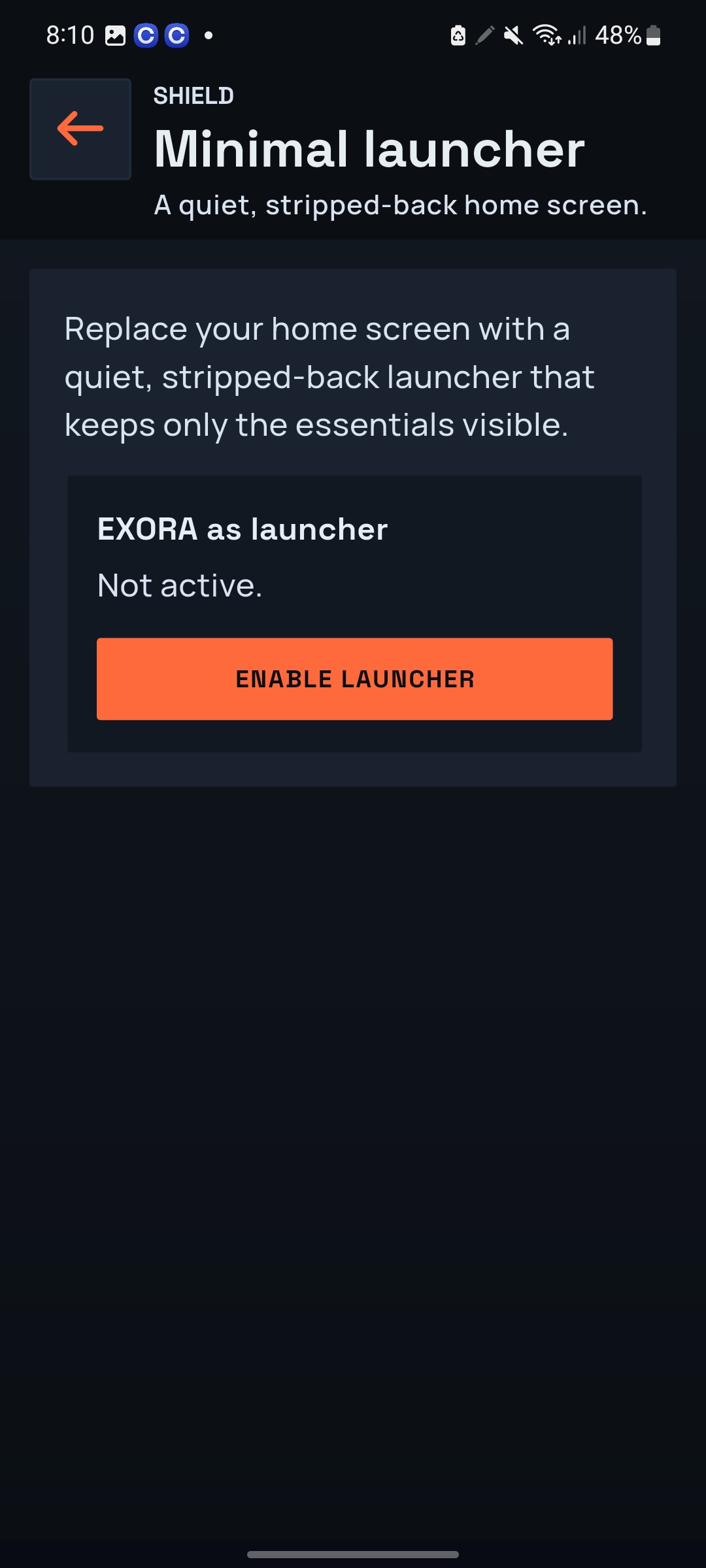
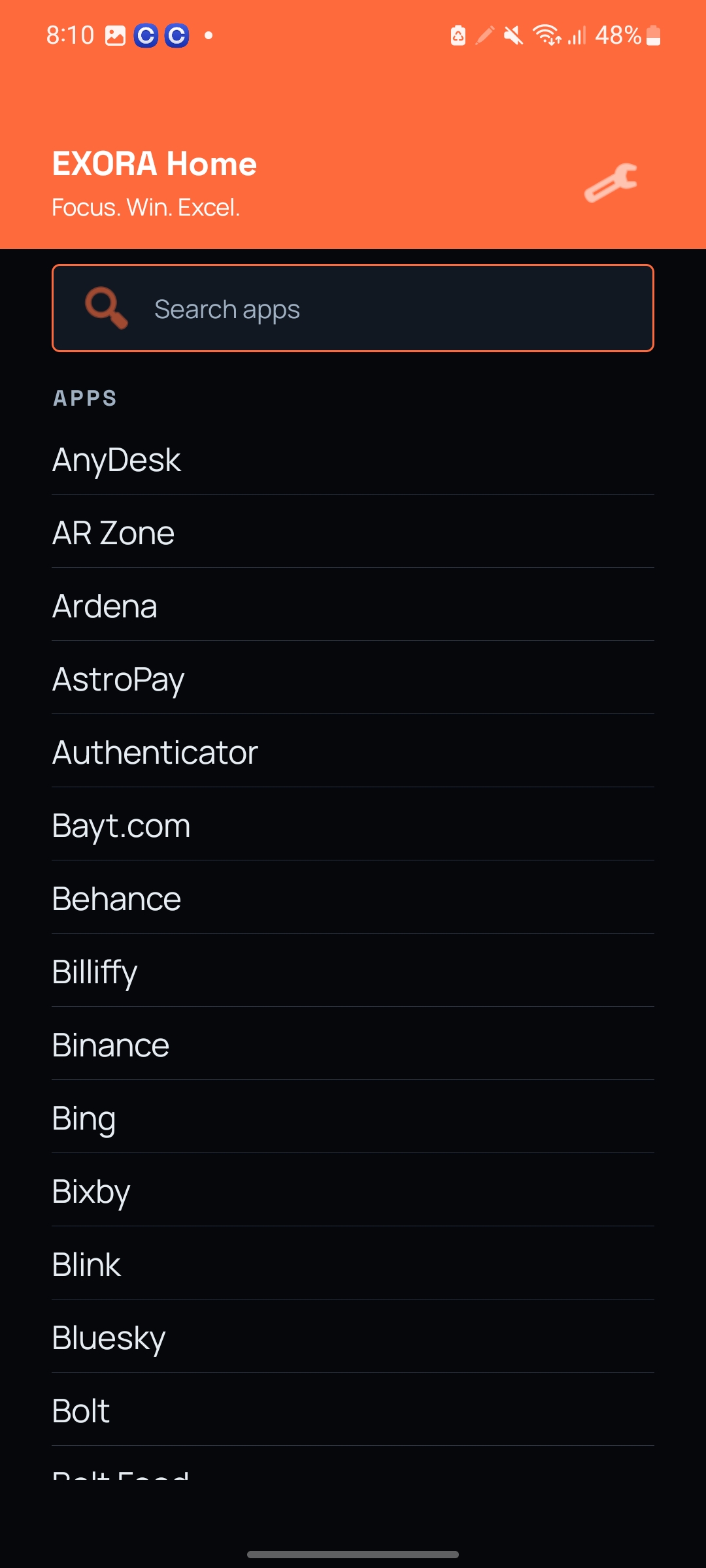
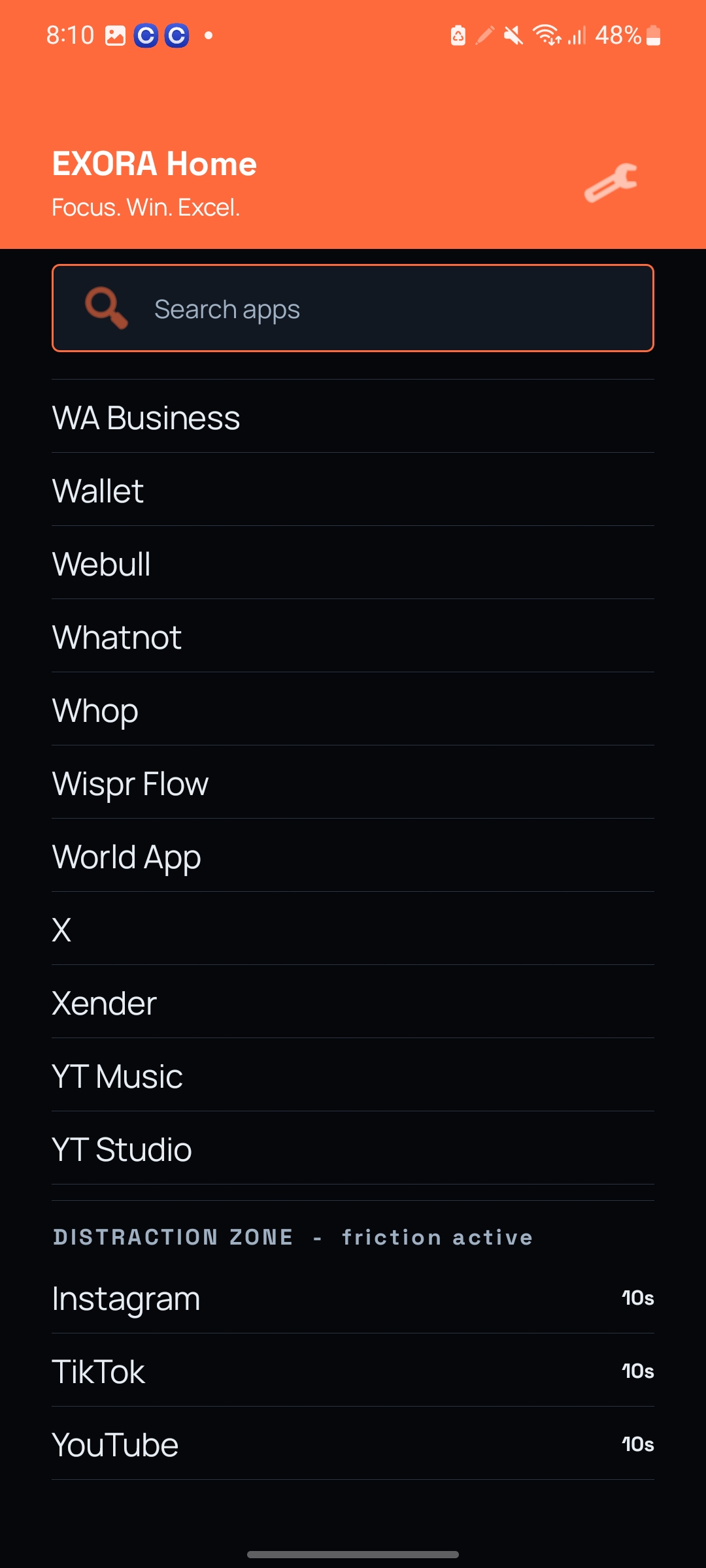
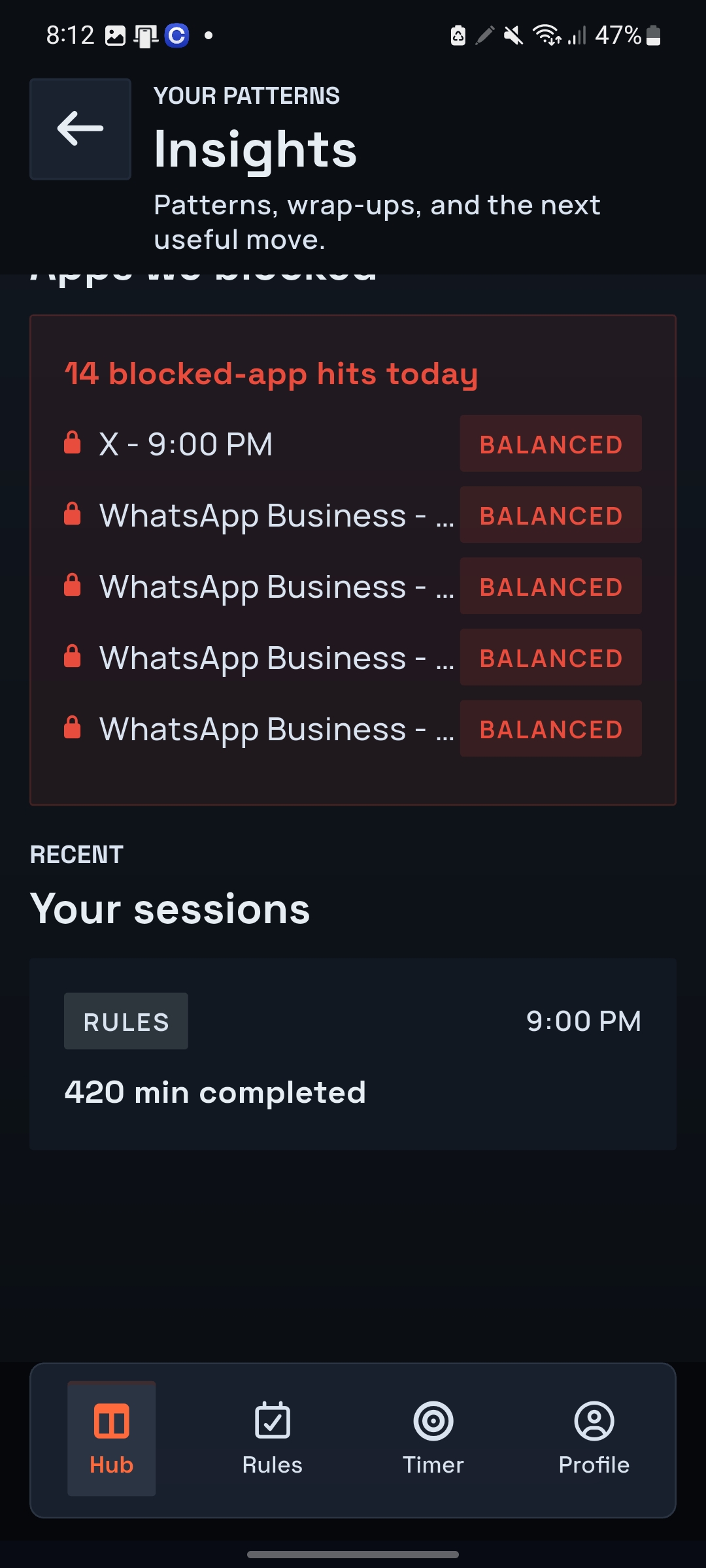
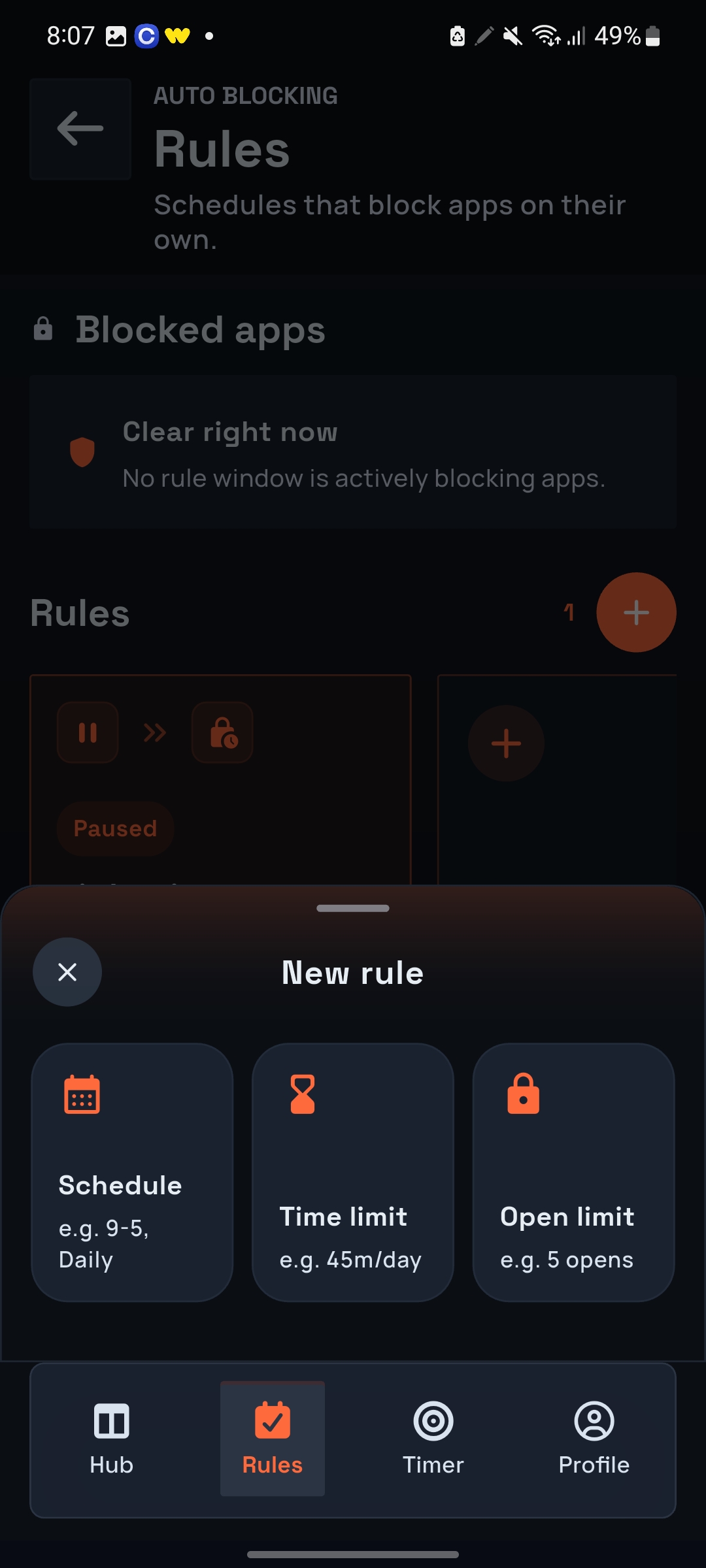
EXORA doesn't have one answer to distraction. It has layers. First, choose how your environment changes. There are three session protection options: Minimalist EXORA transforms the phone into a quieter environment. Instead of opening your phone and immediately seeing every app competing for attention, you get a deliberately reduced launcher. Nothing dramatic. Just less temptation. Blocking Keep your normal phone, but choose the apps that shouldn't be available while you're focusing. Try opening one during the session and EXORA puts the focus shield between you and the distraction. Both This is my favourite part. Why choose between reducing temptation and blocking it? EXORA can activate the minimalist environment and blocking together. Your environment becomes quieter, while the distractions you've explicitly identified are protected behind another layer. So protection isn't simply: BLOCKED / NOT BLOCKED. It's configurable. Exora Focus. Then choose how hard EXORA should fight you. This became one of the more unusual parts of the project. Because sometimes the biggest loophole in a focus app is... the person who installed it. So EXORA has four discipline modes. Gentle “You got distracted. Come back.” Light friction. Supportive nudges. Easier breaks. Useful when you're trying to build the habit rather than punish yourself. Balanced “You said this mattered. Give it another few minutes.” More resistance, but still reasonable enough for everyday use. Strict Now EXORA stops being quite so polite. Blocking is fully active. Getting a break requires a harder challenge, and abandoning a focus block becomes a deliberate action rather than an effortless tap. Beast This is the: “I know exactly what I'm going to try, so don't let me get away with it.” mode. The strongest challenges. The fewest easy exits. And EXORA's block-screen responses become increasingly brutal when you repeatedly try opening something you already decided to block. The important idea isn't that Beast is better. It's that Tuesday might need Gentle. Launch day might need Beast. EXORA lets the user decide. Exora Focus But sessions weren't enough. I realized something else while building it. Distraction doesn't politely wait until you've started a Pomodoro. So EXORA's protection started expanding outside sessions. Friction instead of blocking Some applications aren't bad enough to ban. They're just too easy to open. So EXORA can put them in a Friction-delayed category. You can still open them. But not instantly. That tiny interruption creates a moment to ask: “Did I actually mean to open this?” Never means never Other apps or websites can go into Never-allowed. Those aren't tied to a Pomodoro. They're blocked around the clock, and changing the list is protected behind the device's own biometric/PIN authentication. Exora Focus And there are Always-allowed apps for things that should never accidentally disappear behind your protection. The goal isn't to make the phone unusable. It's to make the boundaries intentional. Automatic Rules Then I wanted EXORA to solve another problem: Having to choose focus every single morning. If I already know that Monday–Friday from 9 AM–1 PM is deep-work time, why should I configure blocking every Monday at 8:59? I shouldn't. So EXORA has automatic rules. You can essentially tell it: Deep Work Monday → Friday 9:00 AM → 1:00 PM Social media + video + games And leave. EXORA enforces the window on its own clock, including while the main app is closed. Rules can also enforce daily usage limits or caps on how many times an app can be opened. Exora Focus The decision happens once.The system remembers it when motivation doesn't.
How we built it
The interesting technical challenge was that these features couldn't exist as isolated buttons. They needed to behave like one protection system. A focus session therefore carries several pieces of state: What am I working on? How long am I working? What Pomodoro rhythm should run? What protection should activate? How aggressively should EXORA enforce it? From there, EXORA coordinates the timer, launcher state, app protection and discipline behavior. On Android, blocking uses Accessibility foreground/window events to determine when a selected application has been opened and display EXORA's protection shield. EXORA explains this use before the permission is enabled. Exora Focus The minimalist launcher attacks the problem differently. Instead of waiting for you to become distracted and then stopping you, it reduces what is competing for your attention in the first place. That's why combining the two became important: Minimalist reduces temptation. Blocking catches the temptation you still act on. Discipline determines how difficult it is to negotiate your way out. Those three ideas form EXORA's protection model.
Challenges we ran into
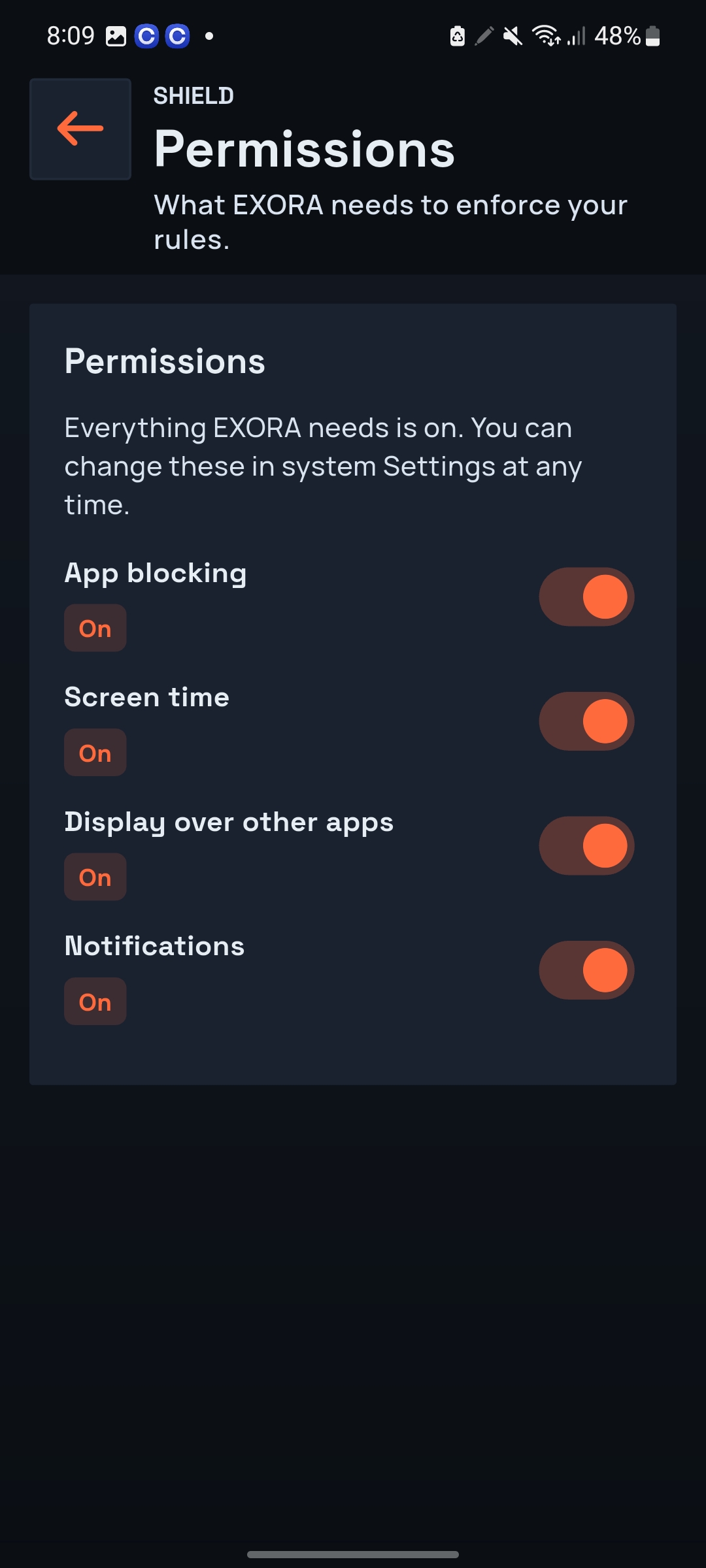
Building EXORA meant working with parts of Android that are intentionally difficult to access. The biggest challenge was app blocking. EXORA uses Android Accessibility to detect when a distracting app is opened and respond with the blocking screen. Because Accessibility is heavily regulated on Google Play, the first version was rejected during review. Removing Accessibility would have made approval easier, but it would also have removed one of EXORA's core ideas. The challenge became keeping real blocking while making the implementation compliant. I had to rework the permission flow, make the disclosure clearer, explain exactly why EXORA needs Accessibility, and ensure users explicitly understand and enable the feature themselves. After working through those requirements, I was able to make EXORA compliant without sacrificing the blocking system. Then I ran into a completely different problem: Google Play merchant verification. On Day 39 of Shipaton with RevenueCat, my developer account was still being flagged for an unverified merchant payment method, even though my apps were registered. The frustrating part wasn't simply the verification requirement — it was figuring out exactly which part of the account needed attention when the warning itself wasn't specific enough. So while I was building focus sessions, Minimalist + Blocking, intensity modes, automatic rules and the rest of EXORA, I was also navigating Accessibility policy, app rejection, merchant verification and the publishing process. There were moments when the product worked perfectly on my device... but I still couldn't ship it. That became one of the biggest challenges of building EXORA: not just making an ambitious focus system work, but getting every part of it through the rules required to put it in people's hands.
Accomplishments that we're proud of
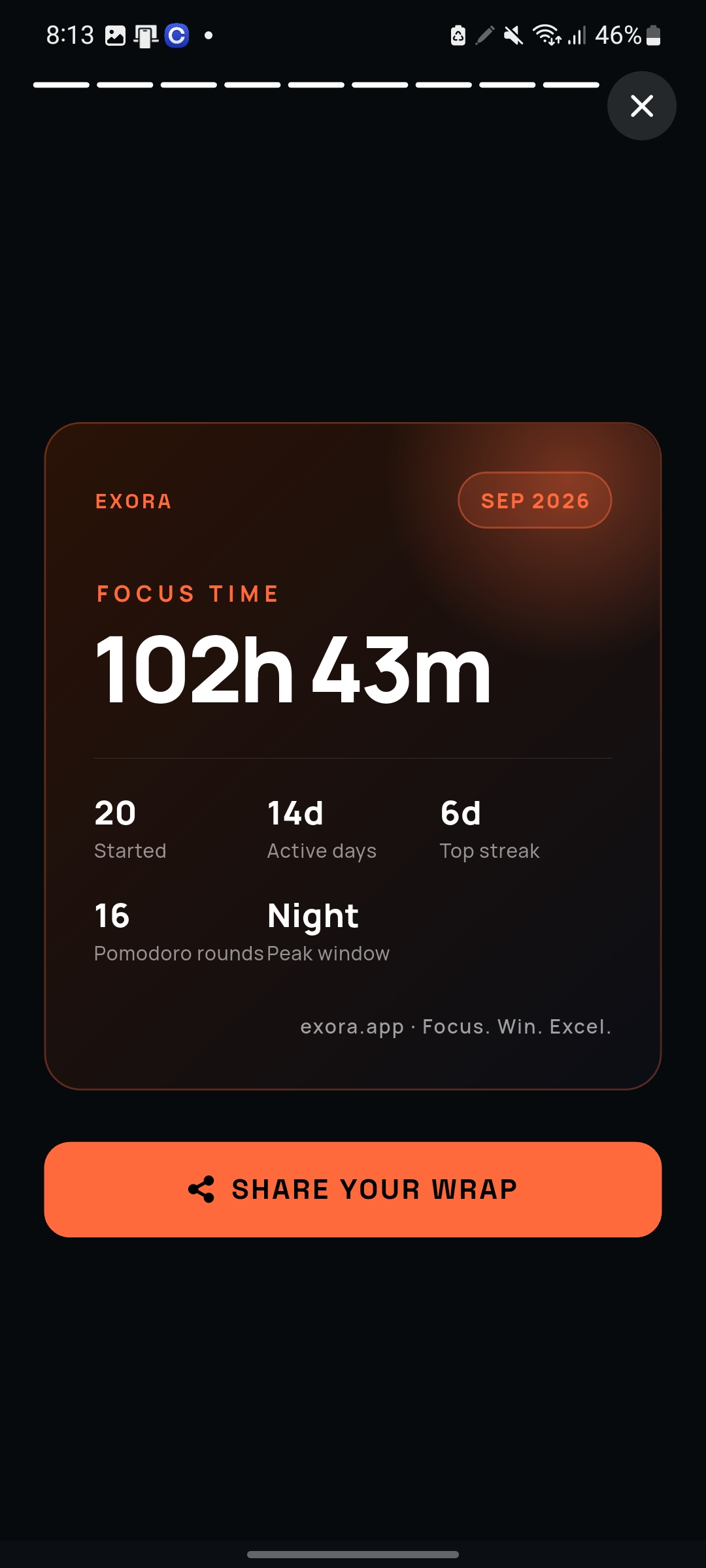
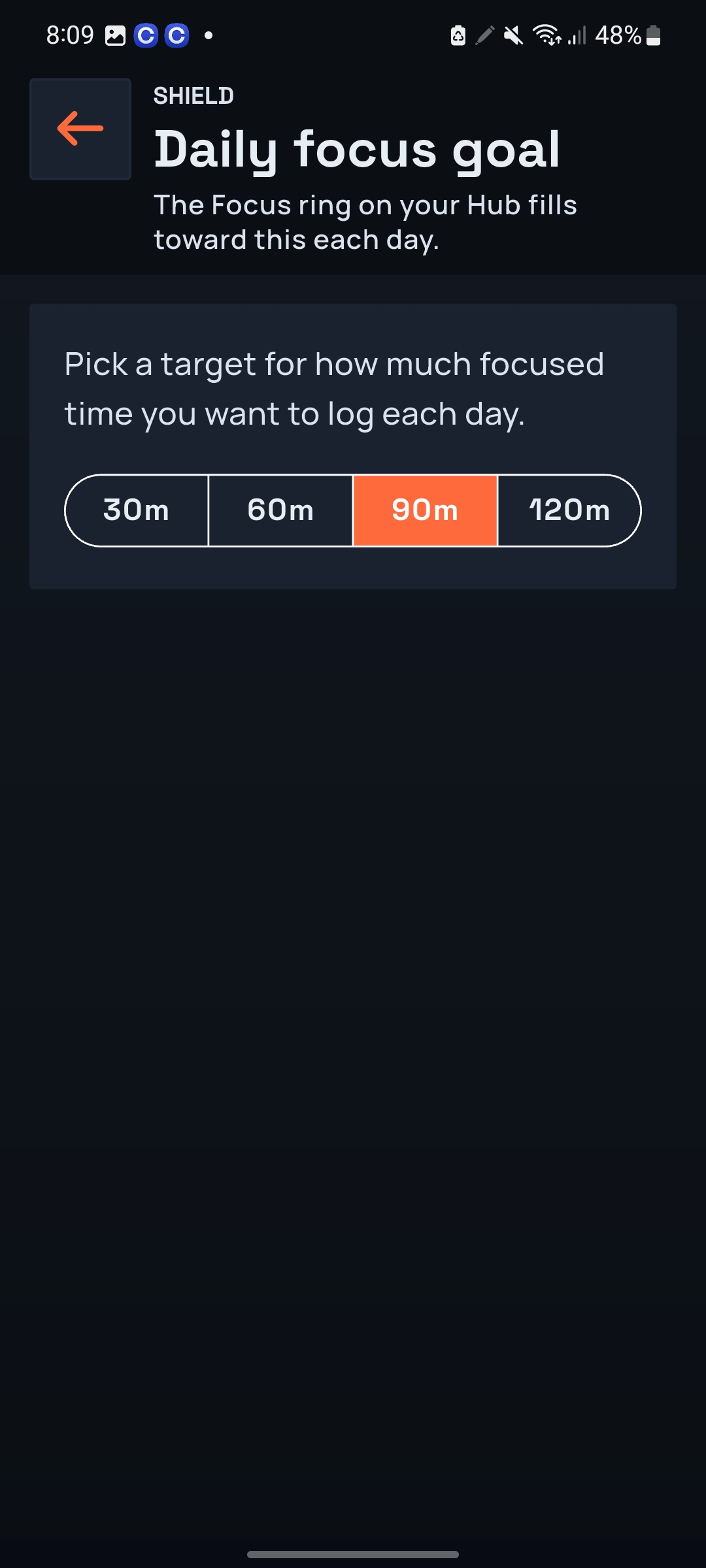
I'm proud that EXORA isn't dependent on one trick. If Minimalist doesn't work for you: Block. If blocking feels excessive: Add friction. If you want both: Combine them. If today doesn't require much pressure: Gentle. If today absolutely cannot be wasted: Strict or Beast. If the distraction should never be available: Never-allowed. If the same problem happens every morning: Automate it. If you're focusing with other people: Create a Focus Pool. And when the work is finished: Focus Wrap turns the effort into something you can actually see. That interconnected system is what I'm most proud of. EXORA currently combines Pomodoro automation, Minimalist/Blocking/Both protection, four discipline intensities, automatic rules, scheduled sessions, app and website categories, friction delays, Focus Pools, Focus Wrap, streaks, XP and other accountability tools. Exora Focus
What we learned
The biggest lesson was surprisingly simple: Blocking isn't the product. The real product is friction and good friction is contextual. You shouldn't need Beast Mode every day. Some days, simply switching to a minimalist environment and removing tempting apps from sight is enough. Other times, you need a few seconds of friction before an app opens. You might need an automatic rule that protects the same hours every morning. You might need an app completely unavailable during a focus session. And sometimes you need EXORA to make quitting deliberately uncomfortable. Building EXORA made me realize that people don't need the same level of protection and even the same person may need different levels on different days. That's why EXORA evolved toward Minimalist, Blocking, combining both, automatic rules, friction delays, and different intensity modes. I also learned that powerful protection comes with responsibility. Building Android blocking meant thinking seriously about permissions, privacy, transparency, reliability, and giving the user control over exactly how far EXORA can go. That changed how I think about focus software. The question isn't: “How do we stop people from using distracting apps?” It's: “How much friction does this person need, in this moment, to protect the decision they already made?” A timer measures the time you intended to focus. EXORA is becoming a system for protecting that intention.
What's next for EXORA FOCUS
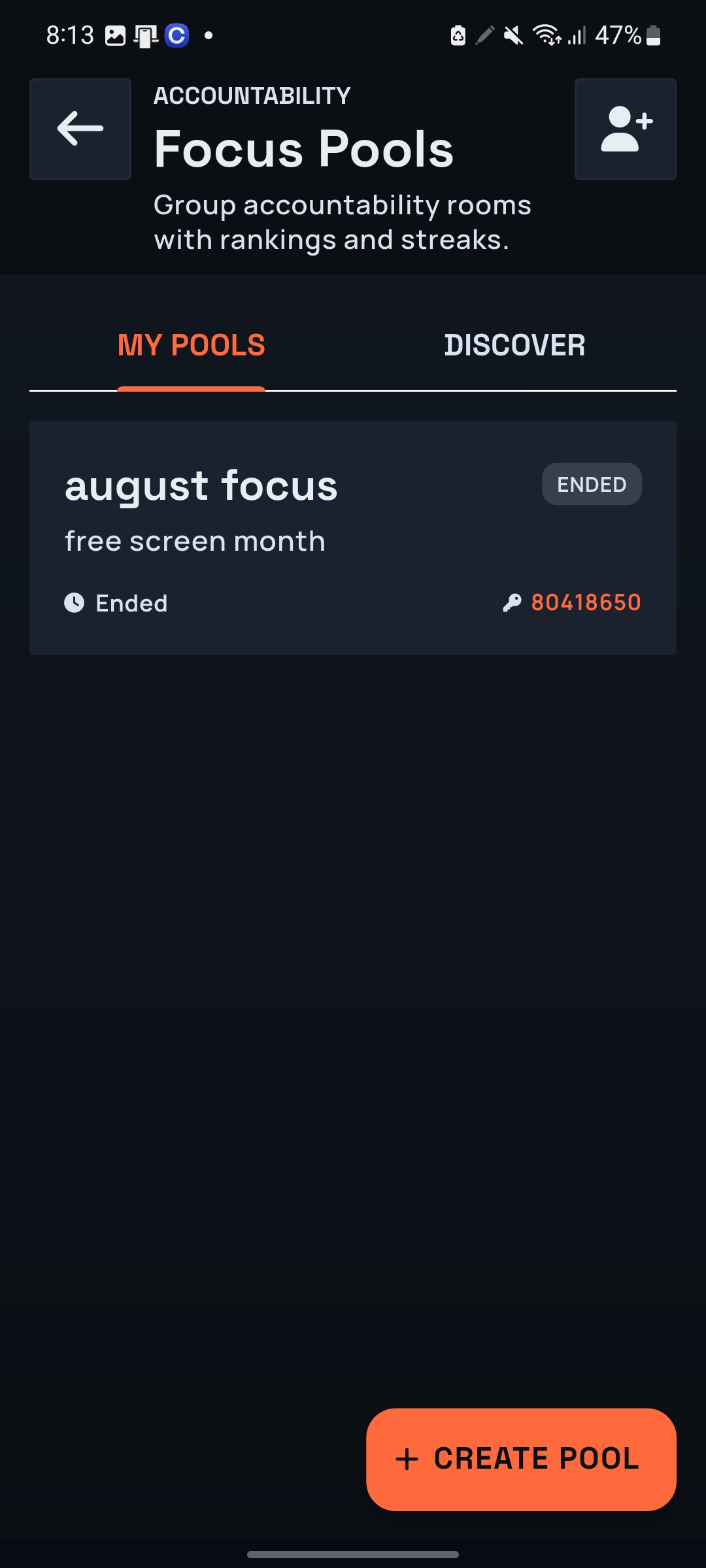
I want to take this idea beyond one person and one phone. EXORA already has Focus Pools, where people can create goal rooms, focus independently and have completed sessions contribute toward visible shared progress. But there's a much bigger version of the same idea. Imagine a library. A classroom. An exam. A hackathon. A company running two hours of uninterrupted deep work. EXORA's Managed Mode is moving the protection model toward those environments: enroll Android, IOS and Windows devices using a QR code or code, define a shared policy and discipline level, and have enrolled devices enforce it. That's where I think EXORA gets interesting. Not: Another app that blocks Instagram. But a focus system where protection can adapt: from a five-second friction delay... to a minimalist phone... to app blocking... to both... to Beast Mode... to an entire room following the same focus policy. The user chooses how far EXORA goes. Then EXORA's job is simple:


Log in or sign up for Devpost to join the conversation.