-
-
-

Echo show simulator
-
Echo show simulator
-
Echo spot simulator
-
-
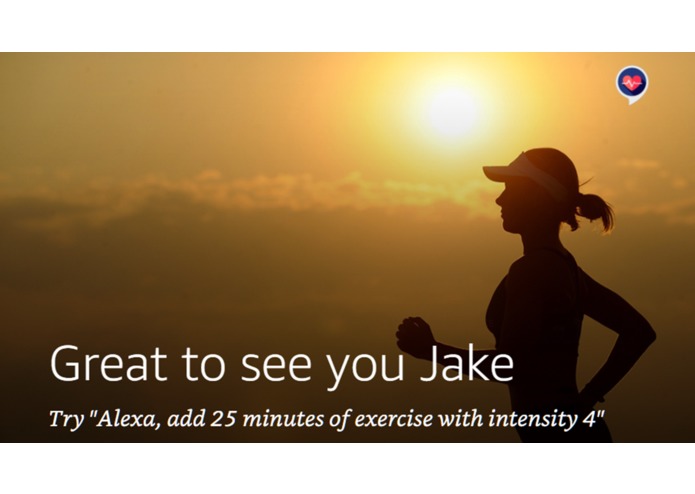
Echo show simulator

Inspiration
I have always been keen to find new ways to integrate Alexa in to my day-to-day life. This inspired me to think about what I do on a daily(ish) basis that could be improved with the help of Alexa. One reoccurring theme throughout this brainstorming stage was exercise. Exercise and health is something that I know is not just relevant to myself. The rise in obesity in the UK and US makes headline news almost weekly and so has opened the door to developers hoping to combat this epidemic. I want to get involved.
Currently, there are three methods in which someone can log their exercise:
- Use a fitness wearable (expensive)
- Strap a smartphone to your arm (cumbersome)
- Manually enter data into a smartphone app (tedious)
Like many, I am not a fitness fanatic, so I tend not to be fussed about tracking macros etc., but often, I’d like to know whether I’m getting in enough exercise. This is where Exercise Tracker comes in.
What it does
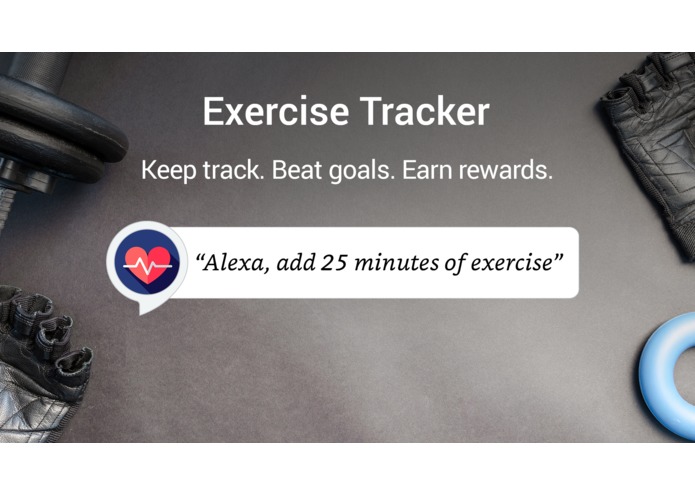
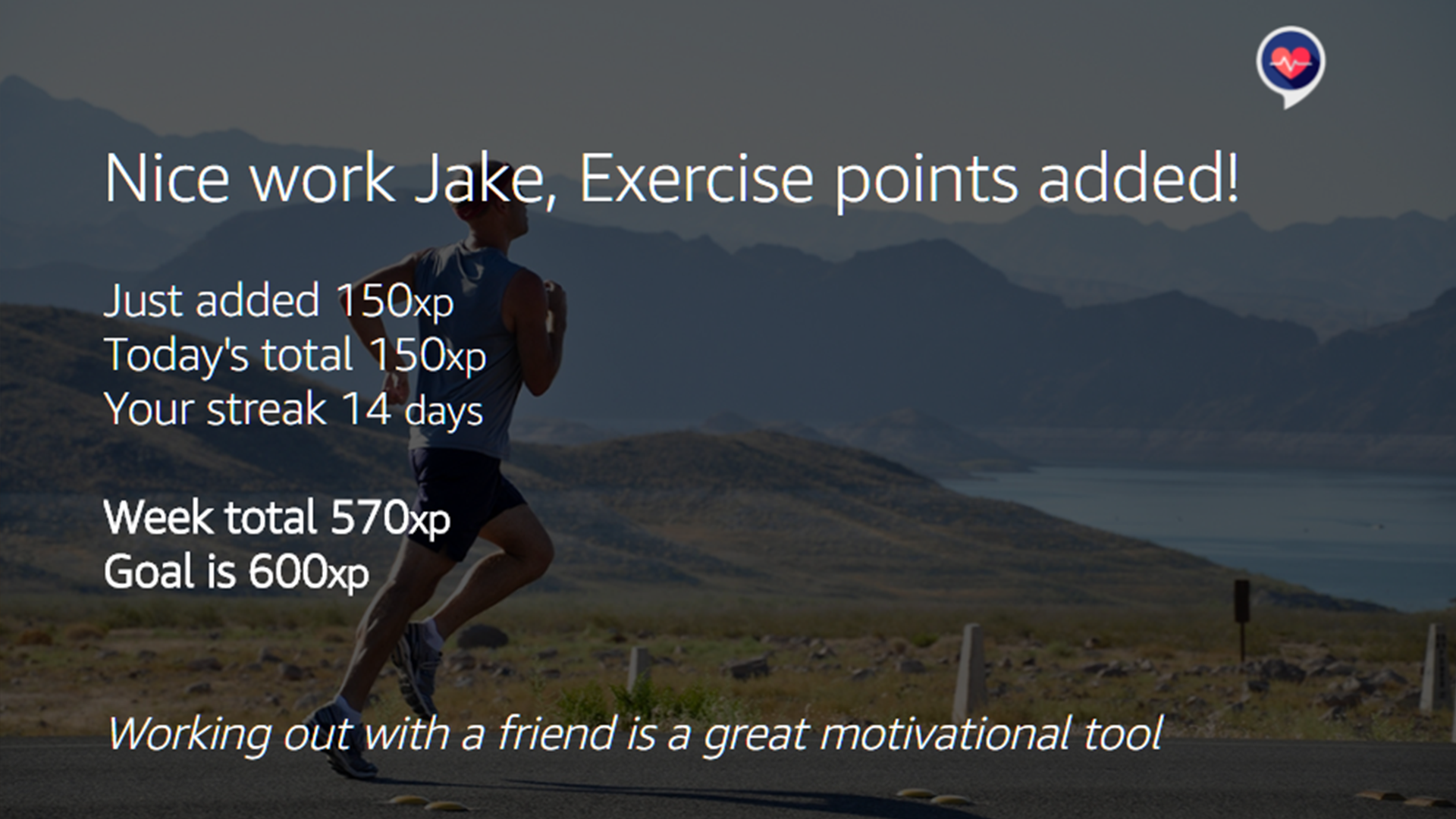
Exercise Tracker allows users to monitor daily exercise with ease. Using exercise points (xp), Alexa condenses exercise intensity (marked on a scale of 1-10)* and duration (hours/minutes), into one single unit to represent users physical exertion from a given exercise. The users’ role is simple within this process-
e.g. “Alexa, tell Exercise Tracker I went on a 30-minute run with intensity 6”.
With this information, Alexa will update the users exercise log and respond with one of 100+ different responses-
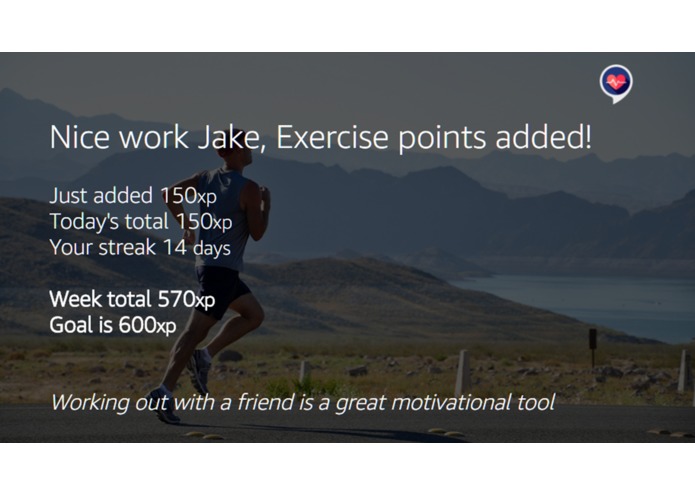
e.g. “WOW, great work! You’re just 30xp away from this week’s goal”.
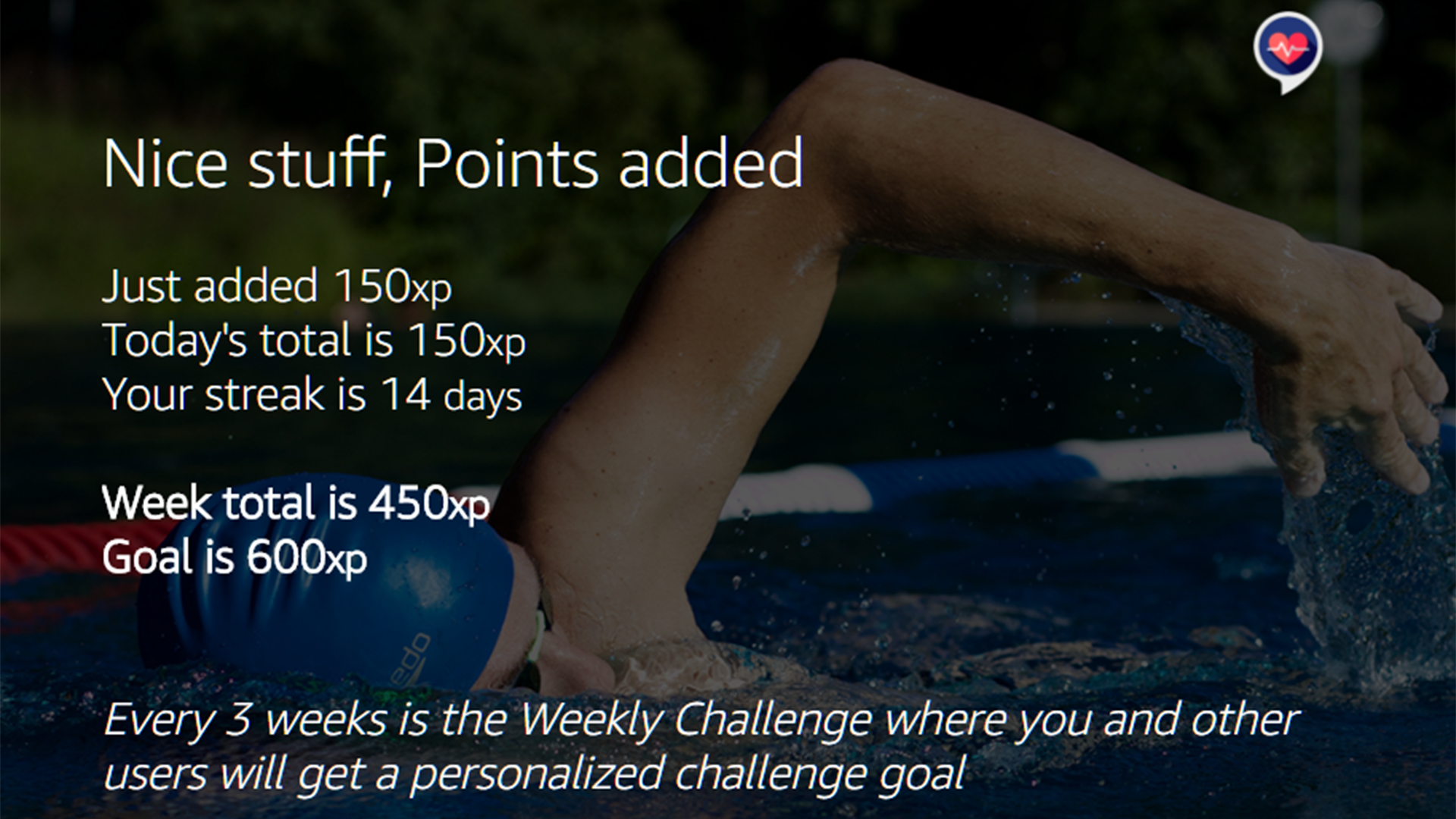
Feedback is given in relation to a pre-set weekly goal giving the user a wider view of their weekly activity. Every user starts with a goal of 600xp, although this can be adjusted at any point.
Once every three weeks, users will see a “Challenge Goal” in their progress report. This increases the weekly exercise points goal by 10%, aiming to encourage users to push themselves that little bit more.
Users can earn extra privileges based on progress and consistency. Such privileges include the ability to add a nickname for bespoke speech responses and titles.
Primary intents allow users to add exercise or check progress, whilst secondary intents are used to either update their goal or nickname.
*See “The Science” below for more information about the points system.
How I Built it
An algorithm is in place to calculate how many points each exercise is worth. This also handles a variety of database operations. Once the database operations are carried out, variables are used to fill one of 100+ possible responses.
e.g. “Awesome work! Only 124 more points needed to hit this weeks goal!”
Upon starting my latest Alexa venture, my coding knowledge was limited to say the least. I have previous Arduino, CSS and HTML background experience and was keen to add Node.js to my expanding skill set. I started by creating a basic dream journal skill. The Dream Journal had very simple database operations that were in line with what I wanted to achieve but I wanted more. Once that worked, it was a case of changing the context of the skill and building out the necessary features. The Alexa code examples and Developer Twitch live streams were invaluable resources throughout the development of the Exercise Tracker.
All skill features were developed using AWS Services Lambda, S3 and DynamoDB.
What I Learned
The process of learning a new coding language and understanding the Alexa platform from a developer’s perspective has been a very steep learning curve. My earlier Dream Journal skill was my first experience with Node.js. I am pleased that I chose to start with a more basic skill as I was able to familiarise myself with the platform without going out of my depth too soon. The success of the Dream Journal gave me the confidence to embark on another Alexa Skill- the Exercise Tracker. Here I was able to try my hand at developing new features, including varied responses, display directives and advanced database operations.
I made use of the Alexa Node.js guide as well as the Alexa Developer code examples to teach myself the ways of Alexa developing. With this information, I was able to tackle the skill bit by bit. Starting with the basic functionality and slowly adding extras such as random responses and display directives to make the skill as engaging as possible.
However, as with every project, there were a few hiccups along the way. Node.js asynchronous coding caught me out a few times, contributing to most of the issues I faced throughout skill development. At times it was a case of trial and error to overcome these issues, but such problems contributed to my greater understanding of the platform.
There are a number of skills I can take away from developing the Exercise Tracker, from understanding Alexa at a deeper level, to teaching myself a new coding language.
The Science
The Borg Rating of Perceived Exertion (RPE) is a way of measuring intensity of physical activity. Perceived exertion refers to how hard an individual feels they are working on a given task, based on physical sensation. Often, this is a product of heart rate, respiration, sweating and muscle fatigue. Although a subjective measure, RPE provides a good estimate of the actual heart rate during physical activity (Borg, 1998).
By combining the perceived exertion of exercise in addition to duration, Exercise Tracker is able to accurately assign any workout an exercise points value. This value will make a clear distinction between a 30-minute-high-intensity (e.g. intensity 8) run and a 30-minute walk (e.g. intensity 3). It is important to note that due to the subjectivity of the RPE system, Exercise Tracker is able to obtain a measure of the relative intensity of an individual’s workout (i.e. what might be 210xp for me, might equate to 120xp for an elite runner). As Exercise Tracker is only looking to track exercise of the user alone, rather than comparing across users, this subjectivity is not an issue. Additionally, the use of RPE means Exercise Tracker is useful for all levels of fitness, from coach potato to elite performer.
The default goal of 600xp per week is based on research suggesting the average person should engage in a minimum of 150 minutes of moderate physical exercise per week. Users are able to alter this goal to fit their personal targets.
Users are encouraged to share their progress and tips on social media using #Alexaexercise.
More information on the above content can be found at the following links:
PerceivedExertion.pdf
NHS
Health.gov
Canadian Activity Guidelines
Keeping it Fresh
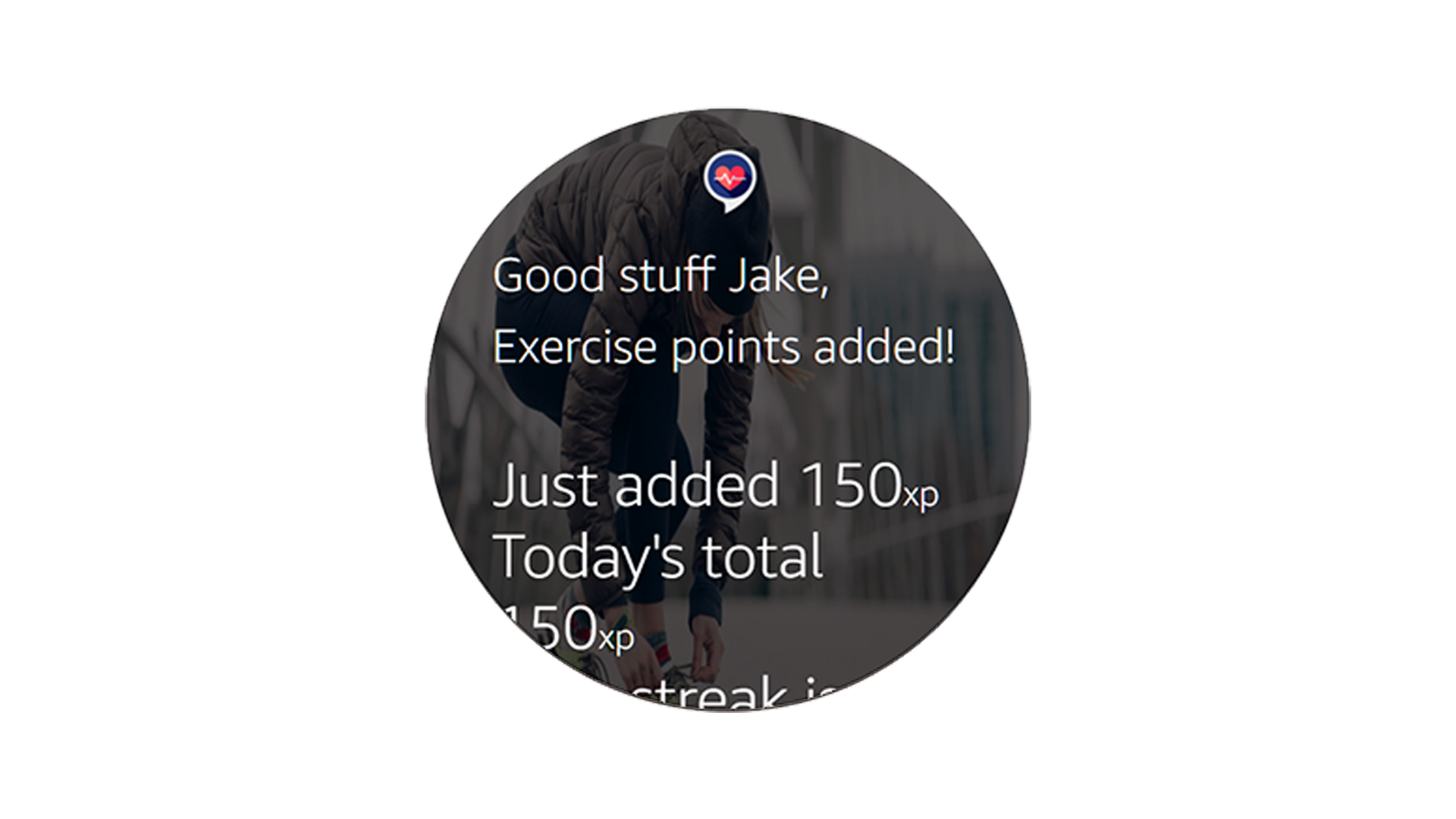
With every interaction, users will hear one of 100+ different responses based on the spoken intent. This is dependent on whether they are adding exercise, nearing their goal or achieving their weekly target. These responses have the ability to become more complex as users who consistently add exercise are given the option to unlock the nickname privilege. Additionally, titles, card text and backgrounds are varied with every interaction. This provides users with both visually and auditorily diverse responses that use speech cons and the ASK Library to make to the skill as engaging as possible.
Welcome Response Examples
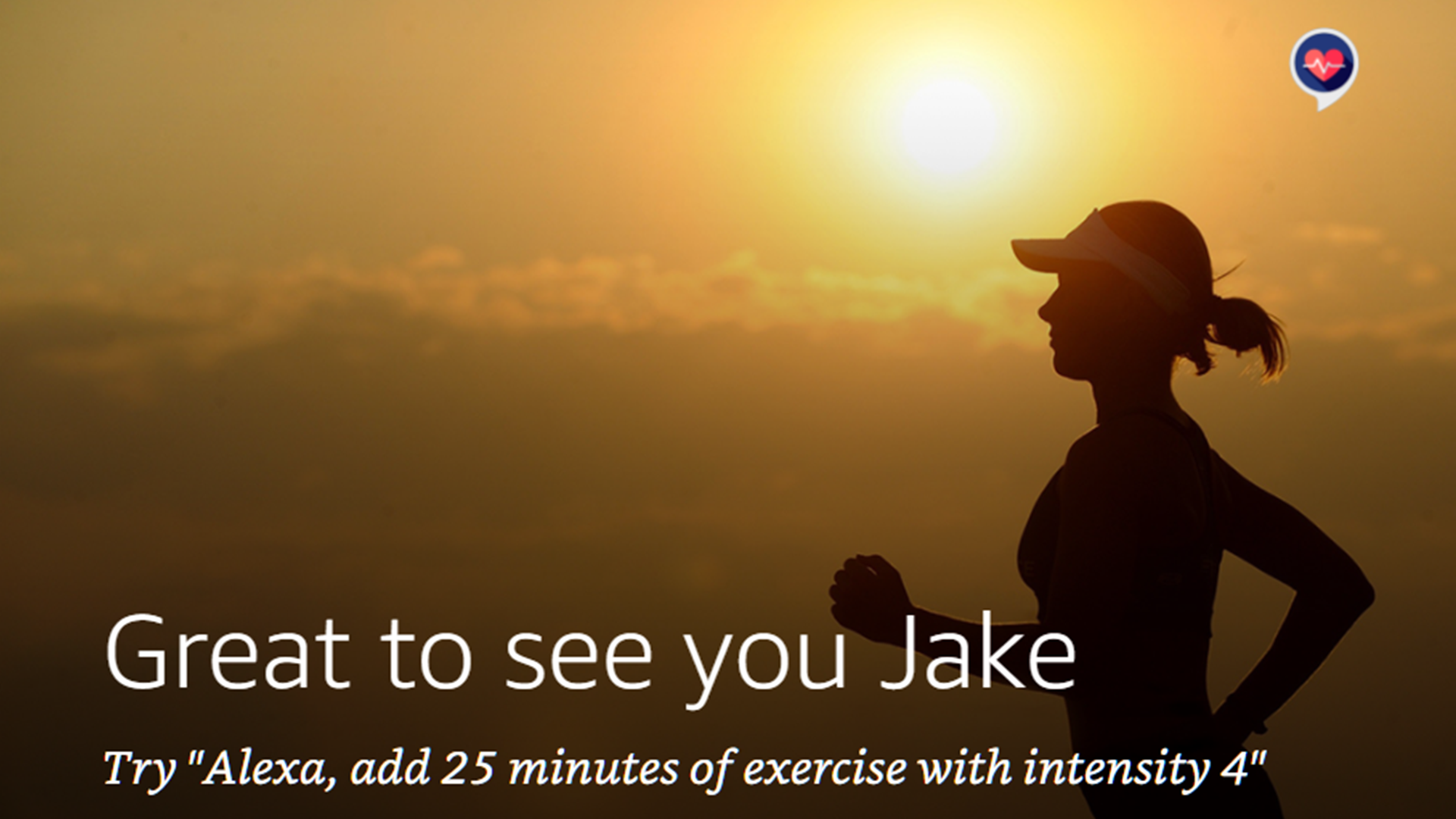
“Welcome Back!”
“Look who's back, Back again!”
“Good to see you again!”
Exercise Added Response Examples
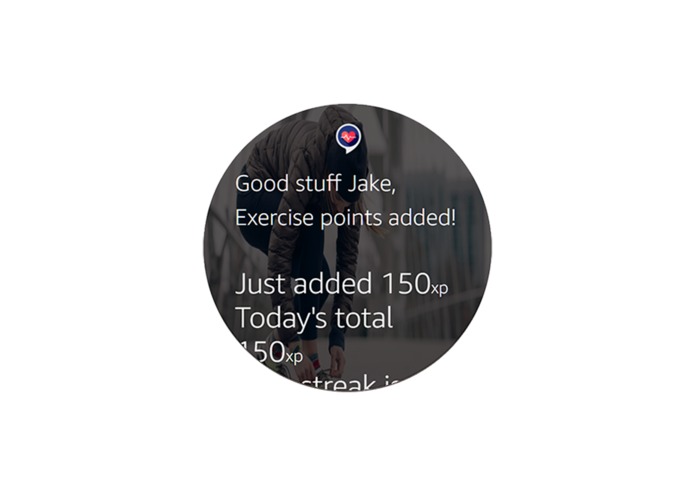
“120 points added to today's total, keep going!”
“(Trumpet Sound) Woohoo! You just reached this weeks goal! ”
“Great work, you just need another 60 points to reach this weeks goal”
“Impressive work Jake, keep it up and you will hit your goal no problem”
What’s next for Exercise Tracker?
In the near future, I hope to integrate Alexa “Voice User Profiles” which will allow multiple household members to individually track exercise from the same Alexa device.
Likewise, I aim to develop features that allow for user notifications. Specifically, I hope to integrate a progress report into the morning flash briefing feature of Alexa.
I hope to continue to develop new responses for the skill to ensure users do not hear the same response twice. New features and challenges will be developed in line with user feedback and general skill evaluation.
Social Media
Instagram : @exercisetracker
Built With
- amazon-web-services
- dyanmodb
- lambda
- node.js
- s3


Log in or sign up for Devpost to join the conversation.