-
-
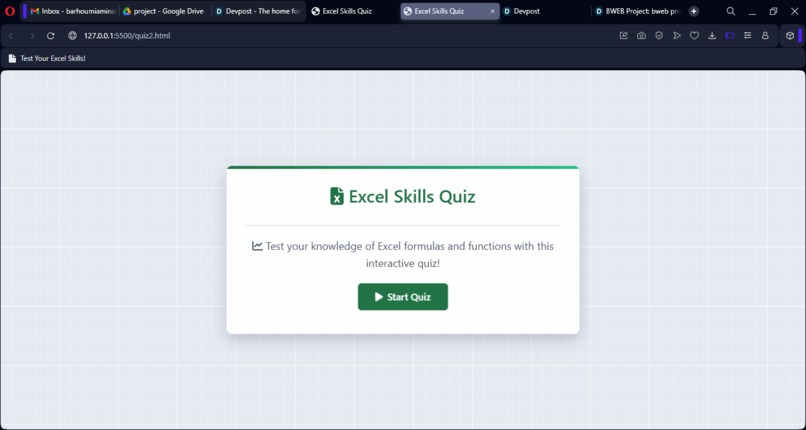
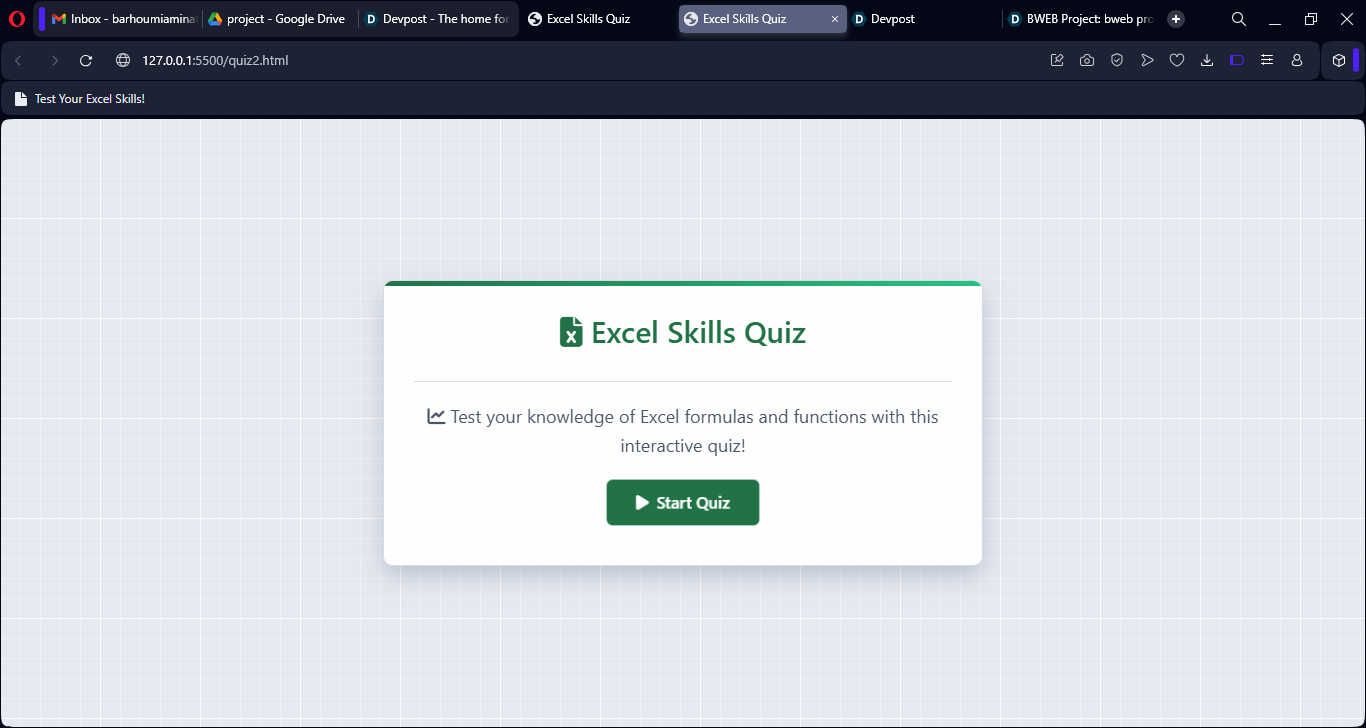
Home Page Excel Skills Quiz
-
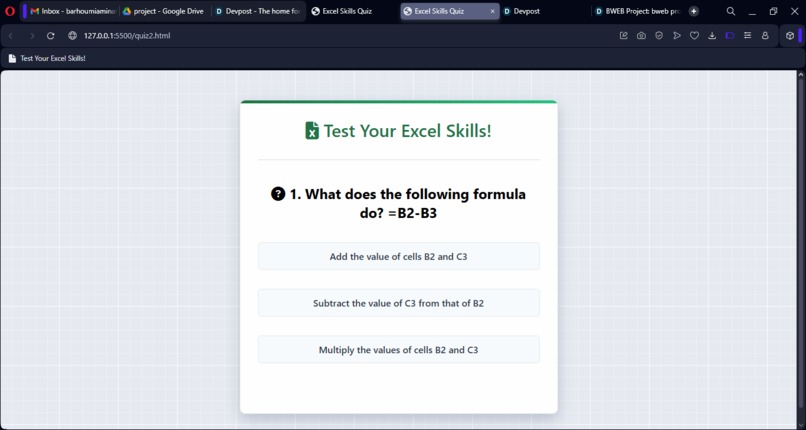
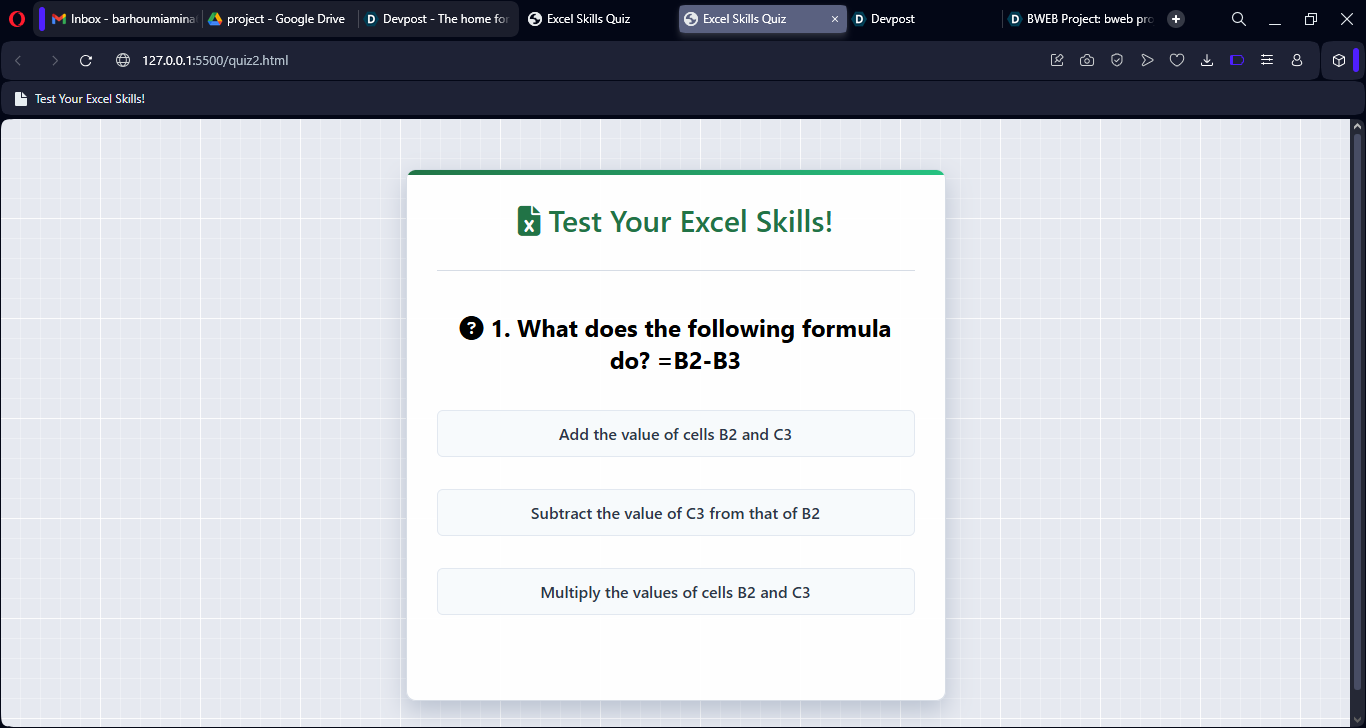
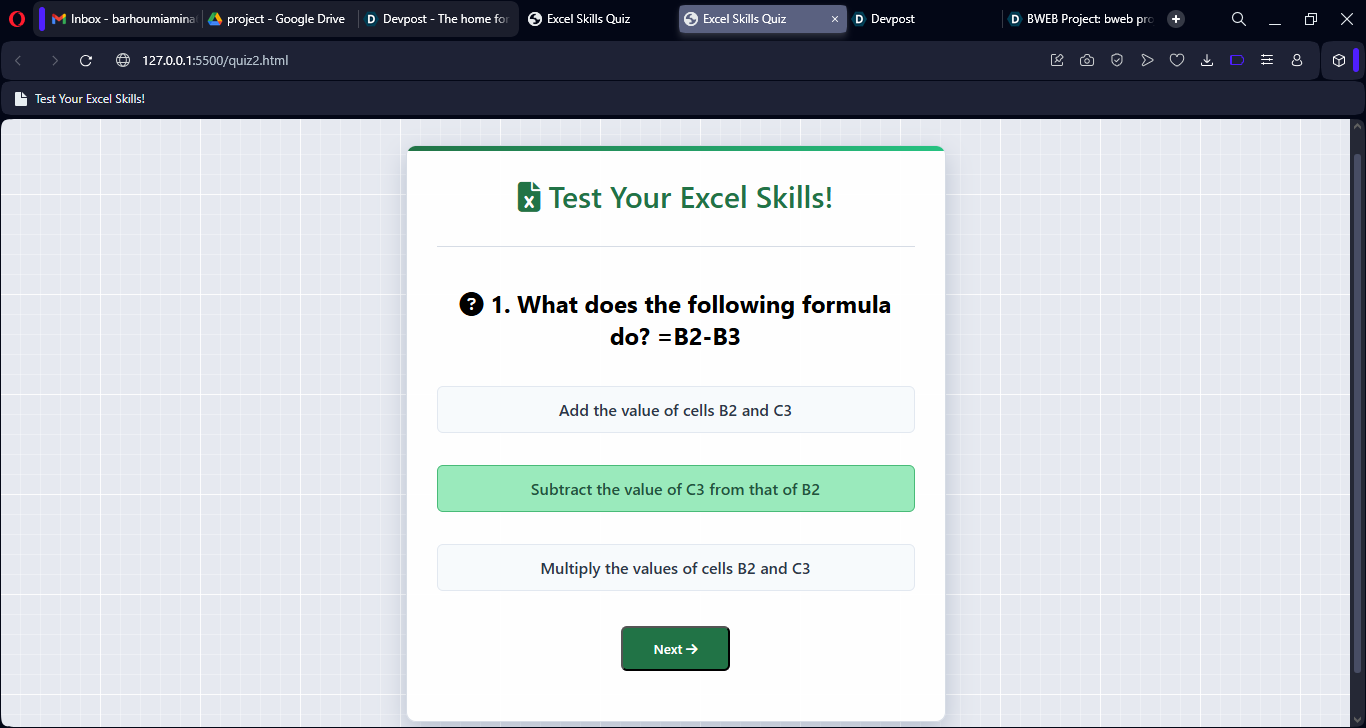
1st question page
-
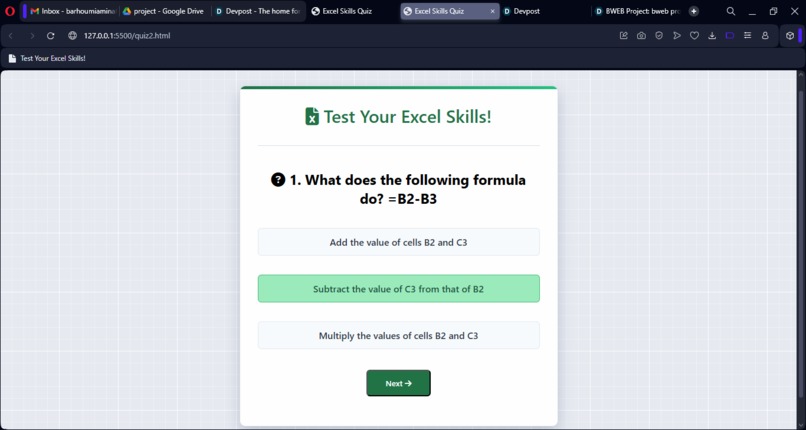
Right answer 1st question
-
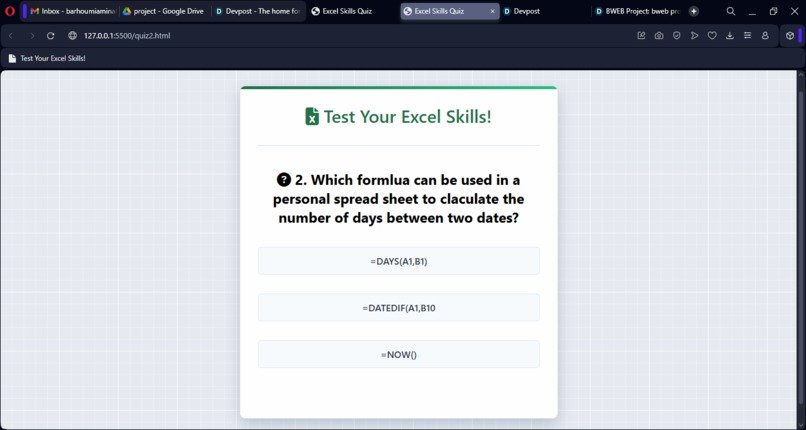
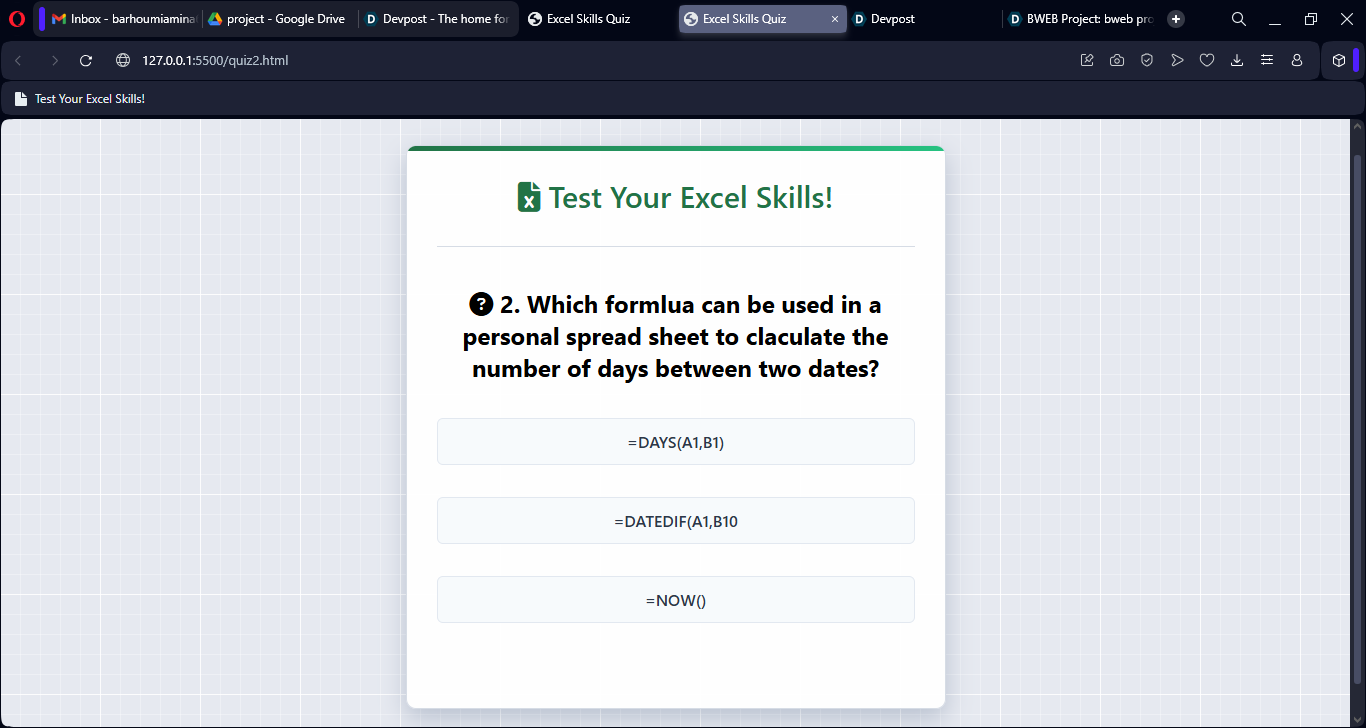
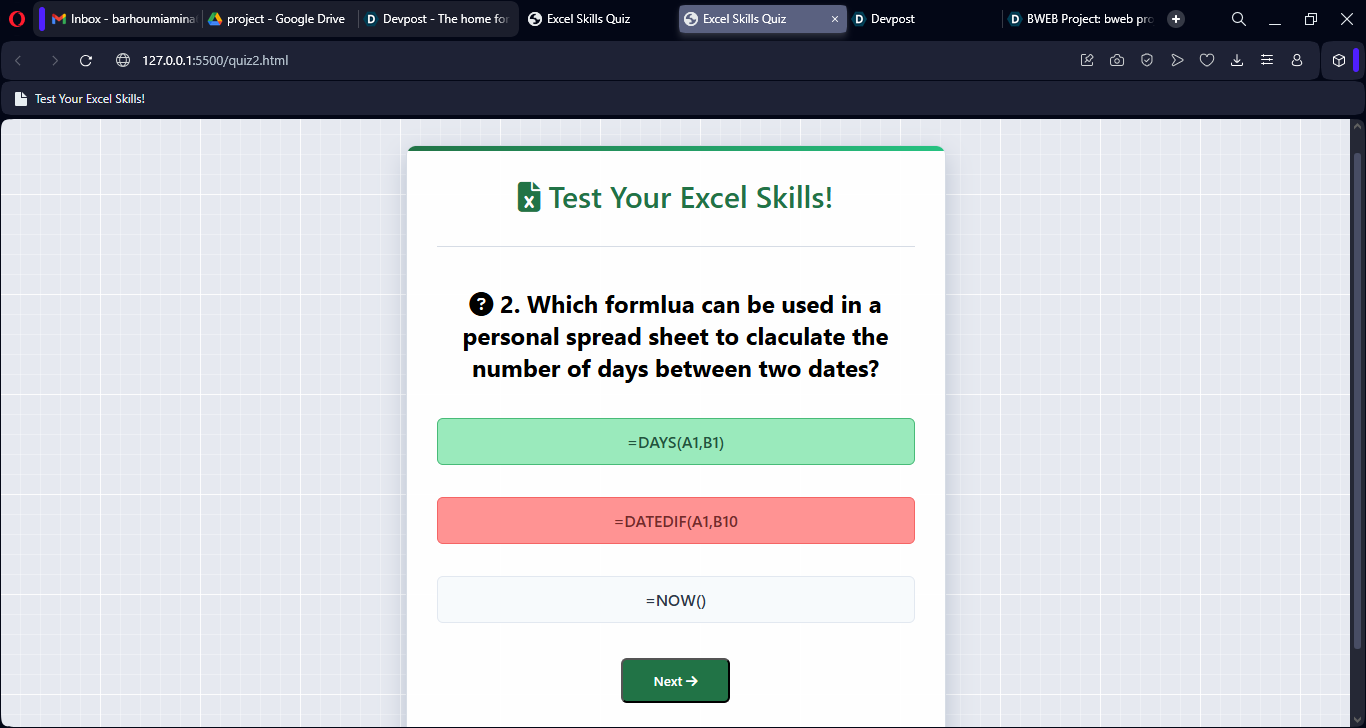
2nd question page
-
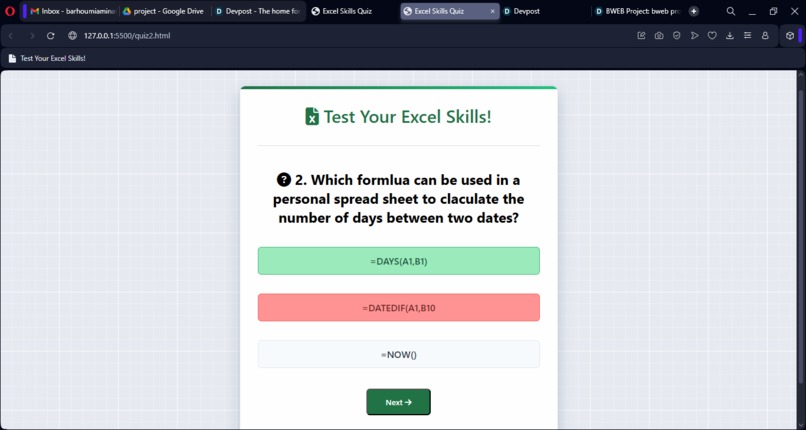
Wrong answer 2nd question
-
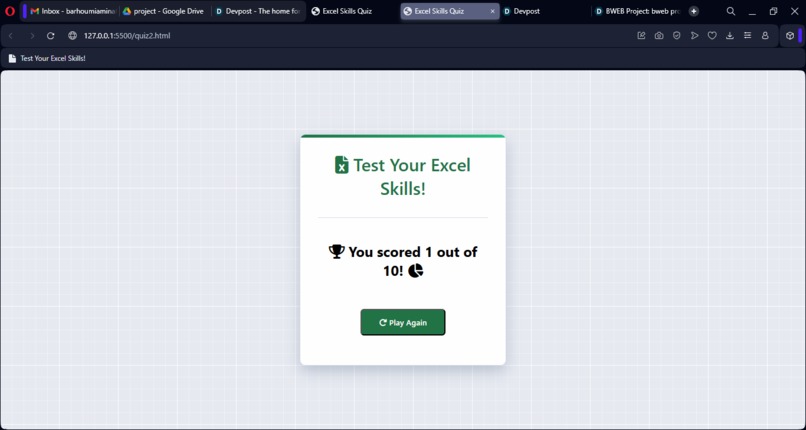
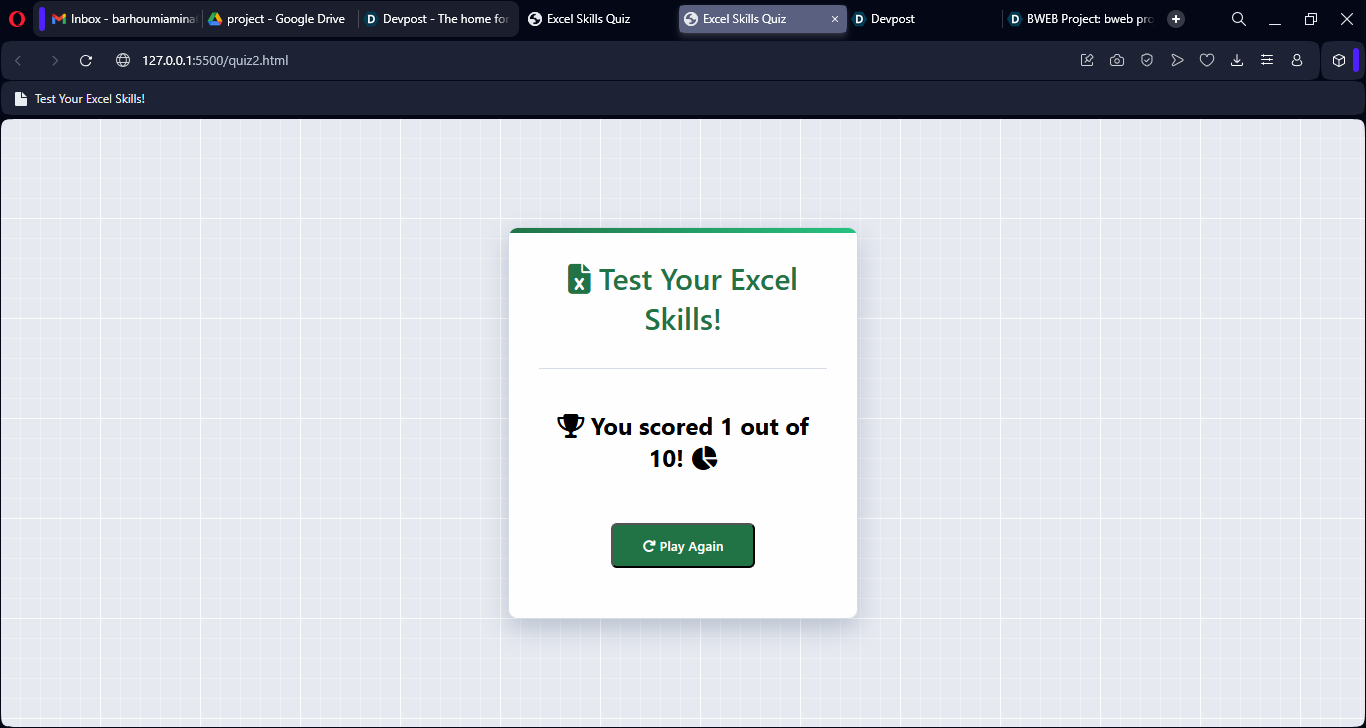
Results page Excel Skills Quiz
Project Story
About the project
A simple quiz website to test Excel knowledge, built with HTML/CSS/JS, our goal was to learn web development using different tools.
Inspiration
Excel is an important tool for data analysis, and to create a strong connection between our two projects, we first explained key Excel formulas in our PowerPoint presentation, then reinforced that knowledge through this interactive quiz., by pairing the teaching tool (PowerPoint) with its practical follow-up (web quiz), while challenging ourselves to build our first web project.
What it does
- Presents multiple-choice questions about Excel formulas and shortcuts.
- Tracks scores in real-time.
- Provides immediate feedback on correct/incorrect answers.
- Works seamlessly on both desktop and mobile devices.
How we built it
- HTML: Structured the quiz layout.
- CSS: Styled the interface with a clean, distraction-free design
- JavaScript: Implemented the quiz logic, scoring, questions, and transitions.
// Example of our quiz logic
function handleNextButton() {
        currentQuestionIndex++;
        if (currentQuestionIndex < questions.length) {
            showQuestion();
        } else {
            showScore();
        }
    }

## Challenges we ran into
1.First-time hurdles:
_No prior experience with HTML/CSS/JavaScript.
_Struggled with DOM manipulation basics.
2.Debugging nightmares:
_Quiz wouldn't start (forgot to call startQuiz()).
_Answers weren't registering (misspelled answer as anwer).
_Silent failures with no error messages.
3.CSS struggles:
Alignment issues with buttons and questions.

## Accomplishments that we're proud of
_Created a fully functional quiz from zero knowledge.
_Implemented a scoring system that works flawlessly.
_Designed an intuitive, mobile-friendly interface.
_Persisted through countless debugging sessions.

## What we learned
_The importance of careful variable naming.
_How to effectively use browser developer tools.
_Basic DOM manipulation techniques.
_CSS Flexbox fundamentals.
_That persistence pays off in debugging.
_Learning comes through building.

## What's next for Excel Skills Quiz.
_Add more question categories (charts, pivot tables, etc.).
_Implement a timer for speed challenges.
_Include progress tracking between sessions.
-Add difficulty levels (beginner/intermediate/advanced).
-Create an Excel-themed UI design.


Log in or sign up for Devpost to join the conversation.