Inspiration
We noticed that working with Excel and CSV files often means spending hours fixing messy data — removing duplicates, correcting formatting, finding invalid values, and handling missing information. We wanted to make this process faster and accessible to everyone without requiring Excel expertise or coding skills.
What it does
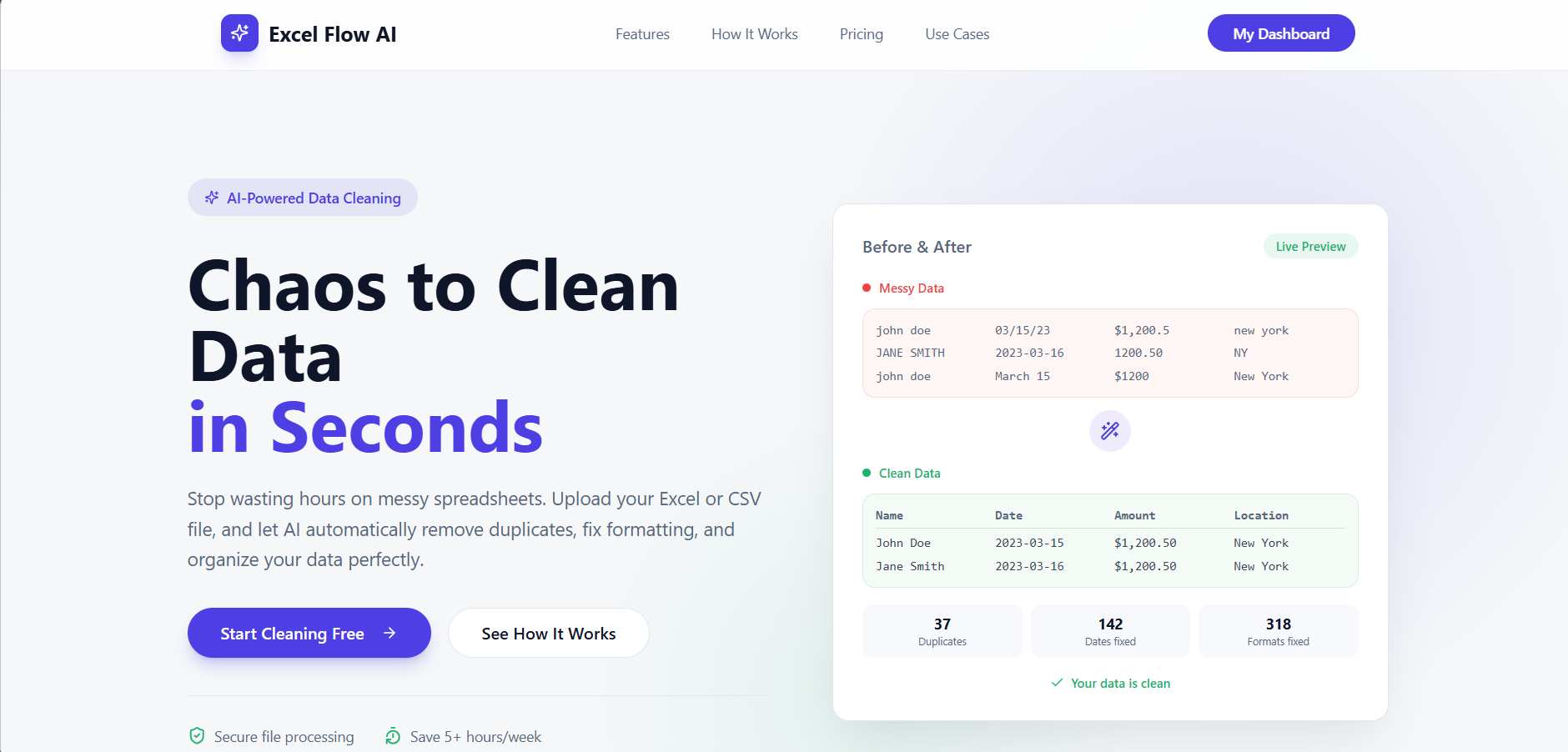
Excel Flow AI uses AI to automatically clean and analyze messy spreadsheets.
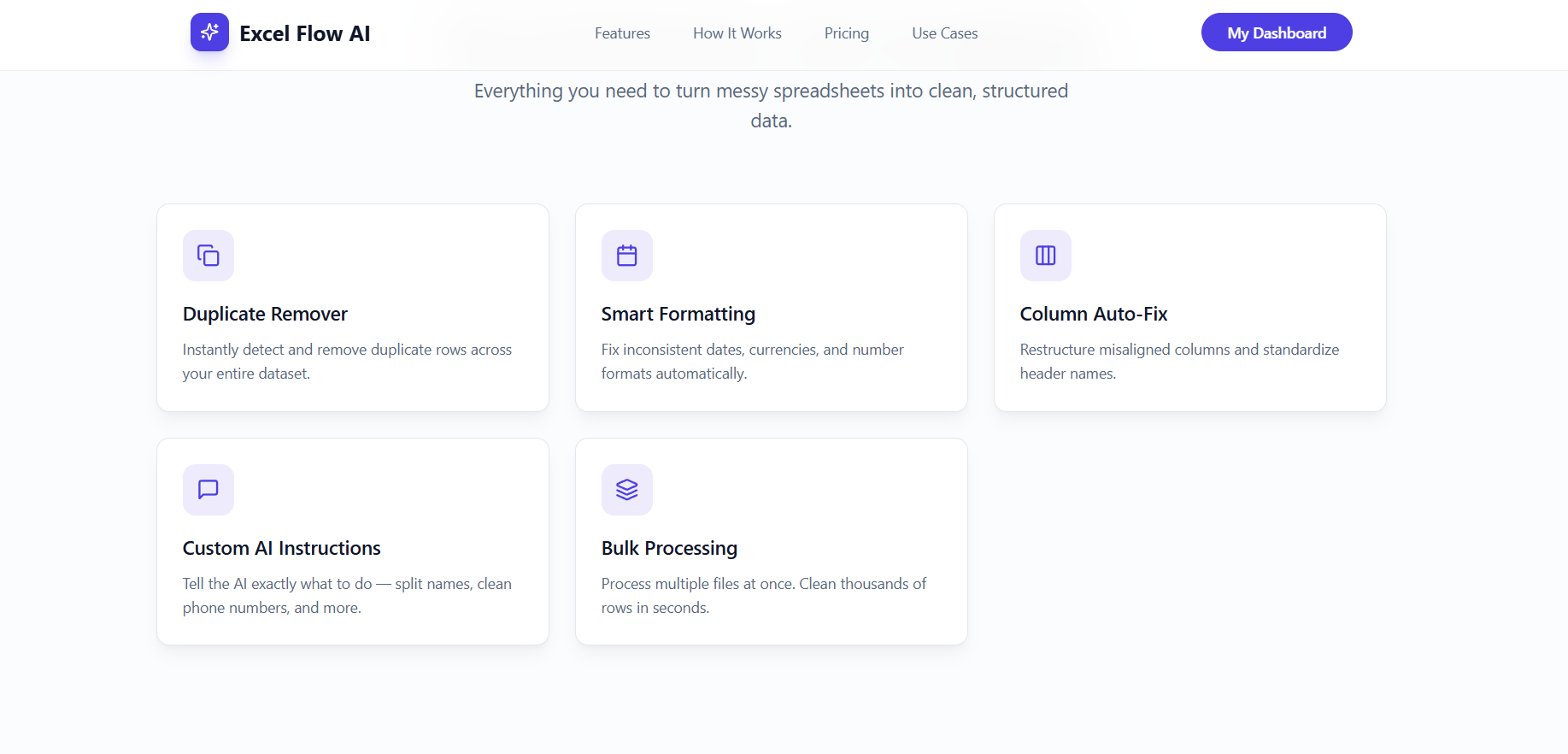
It can:
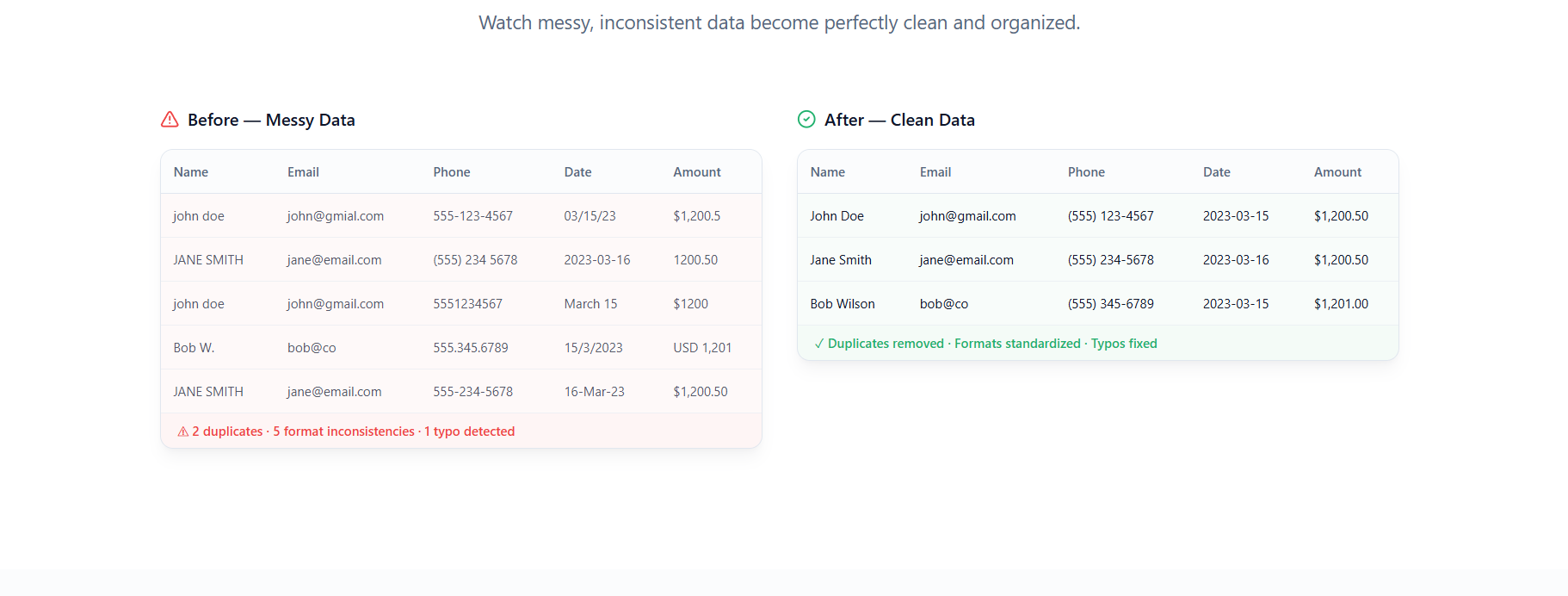
- Remove exact duplicates
- Standardize formatting, dates, and text
- Detect invalid emails and phone numbers
- Identify missing and suspicious values
- Detect ambiguous data instead of blindly guessing
- Show what was changed and why
- Generate a clean, ready-to-use file
Our key principle is: “When uncertain, flag it — don’t guess.”
How we built it
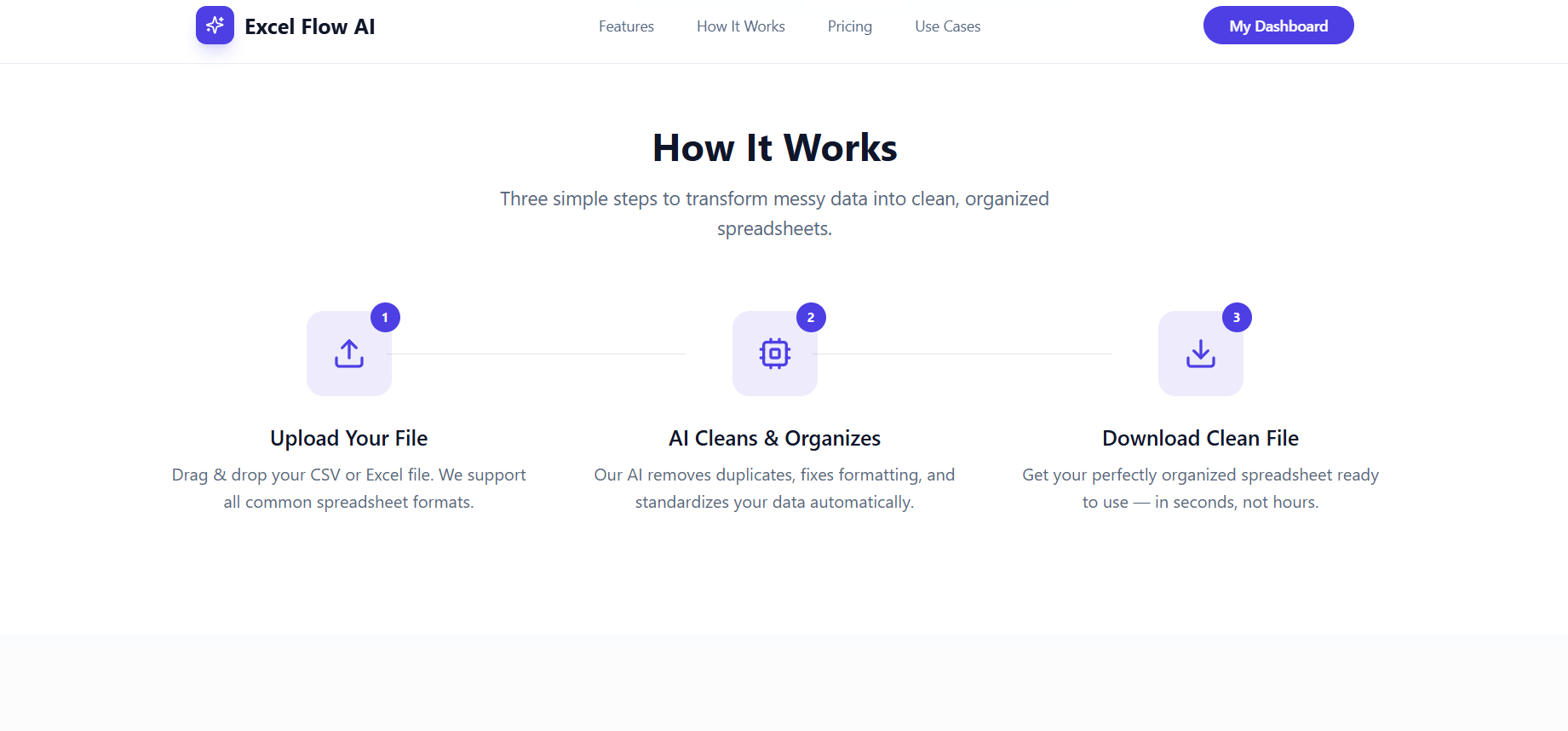
We built the platform using Lovable for the web application and AI-powered data processing. Users upload an Excel or CSV file, the system analyzes its structure and data quality, applies high-confidence cleaning rules, and generates a cleaned dataset along with a change log and issue report.
We focused heavily on preserving data integrity so that the AI doesn't accidentally modify or invent important information.
Challenges we ran into
One of our biggest challenges was making the AI clean data without accidentally changing its meaning.
For example, phone numbers can be incorrectly converted into scientific notation, dates can be ambiguous, and values like 9.500 can have multiple interpretations. We had to design the system to recognize uncertainty and flag it instead of guessing.
Handling duplicates and missing data without corrupting the original dataset was another major challenge.
Accomplishments that we're proud of
We're proud of building a working AI-powered data-cleaning platform that can take genuinely messy spreadsheets and turn them into structured datasets in seconds.
We're especially proud of our data-preservation approach, where the AI prioritizes accuracy over aggressive cleaning.
We also implemented change tracking and issue detection so users can understand exactly what happened to their data.
What we learned
We learned that AI data cleaning isn't just about making data look cleaner.
The hardest part is knowing when NOT to change something.
We learned about data validation, duplicate detection, type inference, handling ambiguous values, and designing AI systems that keep humans in control of important decisions.
What's next for Excel Flow AI
Next, we want to add:
- Advanced data-quality scoring
- More file formats and larger datasets
- Smarter duplicate detection
- AI-powered data transformation
- Custom cleaning rules
- Automated data profiling
- Database integrations
- API access for developers
- One-click Excel/CSV → analysis-ready datasets
Our long-term goal is to make Excel Flow AI the simplest way to turn messy raw data into trustworthy, usable data.
Built With
- ai
- lovable


Log in or sign up for Devpost to join the conversation.