-
-
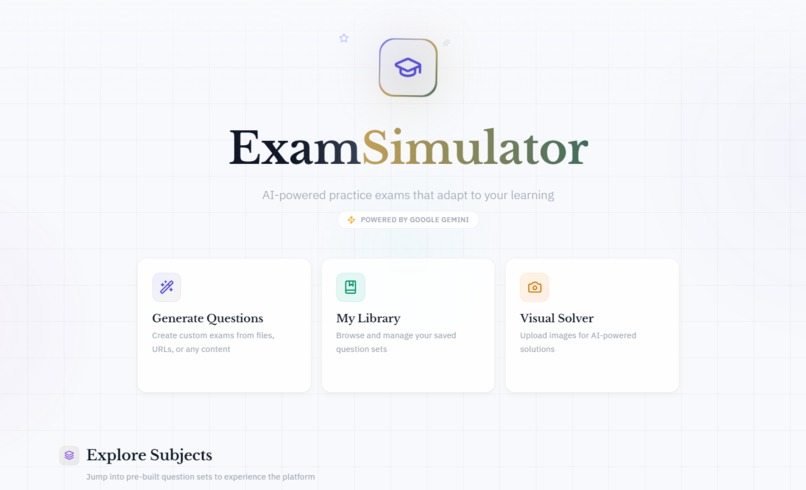
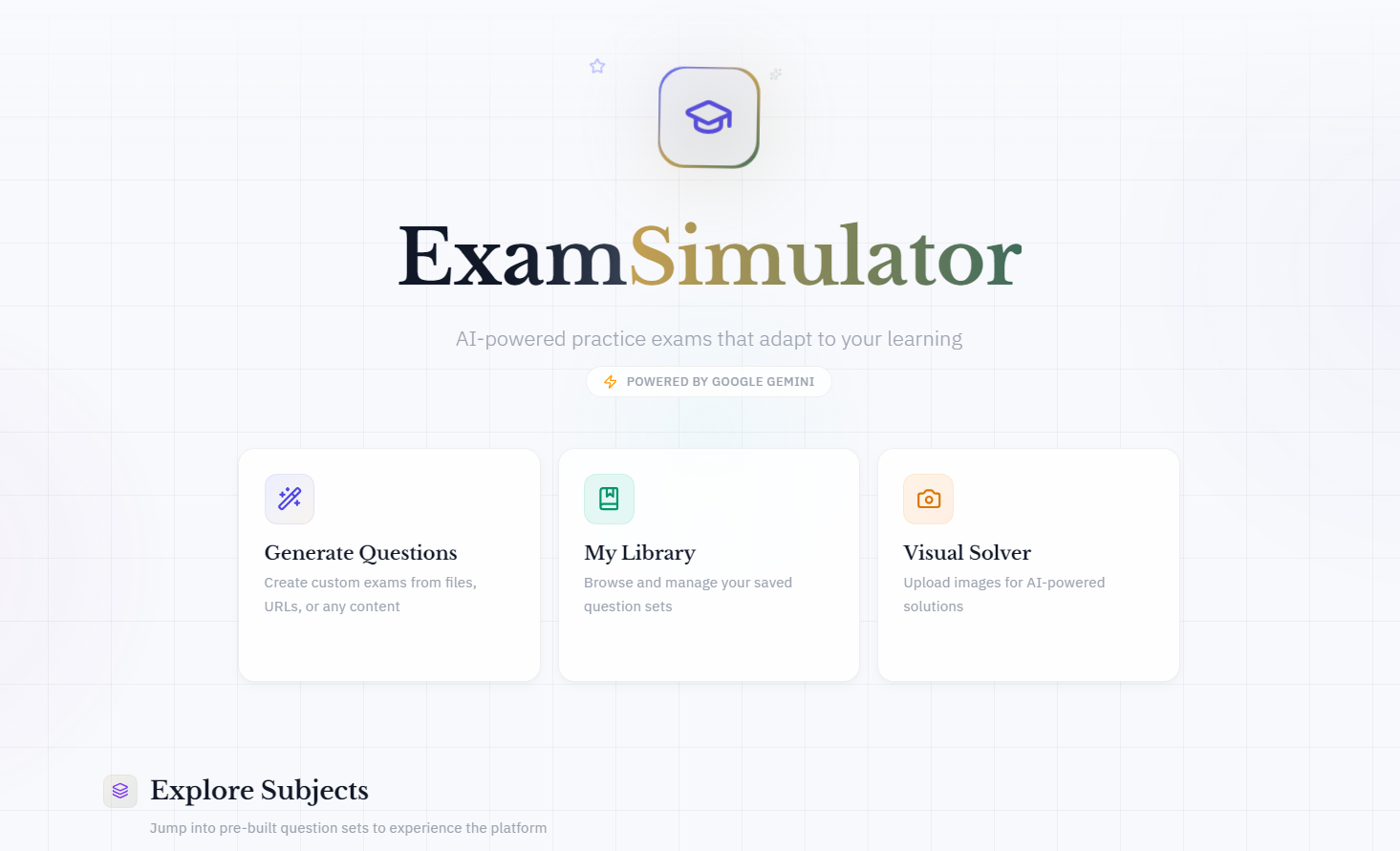
Exam simulator homepage
Inspiration
The inspiration for ExamSimulator came from a personal necessity. I needed a way to practice for professional certifications, but I found that existing tools were broken. They were binary: you either got the answer "Right" or "Wrong."
If I got a question wrong, standard apps would just show me the correct answer. They didn't explain why I was confused, and they certainly didn't help me fix the underlying gap in my knowledge. I realized that testing without teaching is just measuring failure.
I wanted to build a platform that wasn't just an exam engine, but a Cognitive Companion. With the release of Gemini 3, I saw the opportunity to replace static "Feedback" with dynamic "Reasoning"—creating a system that understands the student, not just the subject.
What it does
ExamSimulator is an AI-powered adaptive learning platform that transforms any content into a personalized educational experience. It goes beyond simple quizzes by acting as a real-time tutor that diagnoses learning gaps.
- Instant Exam Generation: Users can paste a URL, upload a PDF, or describe a topic (e.g., "Oracle OCI Architecture" or "High School Physics"), and the system generates structured exams with varying difficulty levels.
- The Cognitive Companion (Powered by Deep Think): When a student answers incorrectly, the system doesn't just correct them. It activates Gemini 3 Pro’s Deep Think mode to analyze the user's specific error. It determines if the mistake was a calculation error, a conceptual misunderstanding, or a recall failure.
- Visible Reasoning: We make the AI's "thinking" visible to the student, showing them the diagnostic process so they can understand their own cognitive blind spots.
- Dynamic Learning Plans: Based on the diagnosis, it generates a micro-learning module on the fly. This isn't pre-written content; it's custom-generated explanations, Socratic questions, and mnemonics tailored to that specific student's gap.
- Visual Solver: Students can upload photos of handwritten work or textbook diagrams. The system uses Gemini 3 Vision to analyze the image and Code Execution to plot graphs or visualize the solution (e.g., generating a Matplotlib chart to explain Ohm's Law).
How we built it
I built ExamSimulator as a Next.js application hosted on Vercel for now, orchestrating a suite of Gemini 3 capabilities via the Google AI Studio API.
- Deep Think Diagnostics: We utilized the
thinking_configparameter set toHIGHfor my Cognitive Companion. This allows the model to traverse multiple hypotheses about why a student failed before selecting the most probable diagnosis. - Structured Output & JSON Schemas: To ensure our frontend could render quizzes and learning plans interactively, I relied heavily on Gemini's Structured Output capabilities. I defined strict JSON schemas for questions, distractors (wrong answers), and diagnostic reports.
- Code Execution for Visuals: I integrated the Code Execution tool to move beyond text. If a student struggles with a math or physics concept, the model writes and executes Python code to generate visual graphs and data plots dynamically, making abstract concepts concrete.
- Search Grounding: To prevent hallucinations in educational content, I enabled Google Search Grounding. Every explanation and fact presented to the student is verified against real-world sources, providing citations for trust.
Challenges we ran into
- Latency vs. Depth: Using Gemini 3 Pro with
thinking_level="HIGH"produces incredible insights but takes time. I had to design the UI to make this "thinking time" engaging, showing the user that the AI is "analyzing their logic" rather than just lagging. - Prompting for Pedagogy: It was challenging to stop the AI from simply giving the answer. I had to iterate extensively on our system instructions to force a "Socratic" approach—guiding the user with hints and questions rather than solving the problem for them.
- Visual Consistency: Getting the Code Execution tool to generate graphs that looked good within UI theme required fine-tuning the Python plotting libraries within the prompt context.
Accomplishments that we're proud of
- Making Thinking Visible: I am most proud of the "Cognitive Companion" interface. Seeing the AI breakdown: "85% probability the student confused linear vs. logarithmic complexity" feels like magic and genuinely helps the learner.
- True Multimodality: I successfully combined text generation, vision analysis (for image uploads), and code execution (for graph generation) into a single, seamless student experience.
- Pedagogical Integrity: I built a tool that actually teaches. It detects the root cause of a mistake, not just the symptom.
What we learned
- Reasoning is the Killer Feature: The ability of Gemini 3 to "think" before speaking is a game-changer for EdTech. It allows the AI to act like a senior professor rather than a search engine.
- Structured Data is Key: For building functional apps (not just chatbots), the reliability of Gemini's JSON schema adherence was critical. It allowed me to build a robust UI around dynamic AI content.
What's next for ExamSimulator - Adaptive Learning with Cognitive Diagnostics
- The "Real-Time Teacher" Mode: We plan to integrate the Gemini Live API to allow voice-based tutoring. Imagine discussing a complex concept with the AI while drawing on a shared whiteboard.
- Long-Term Memory: Implementing a "Knowledge Graph" for each user that persists across sessions, so the AI remembers that you struggled with "Quadratic Equations" three weeks ago and brings it up for review.
- Gamified Spaced Repetition: Using the diagnostic data to schedule reviews at optimal intervals to ensure long-term retention.
Built With
- css
- nextjs
- python
- typescript

Log in or sign up for Devpost to join the conversation.