-
-
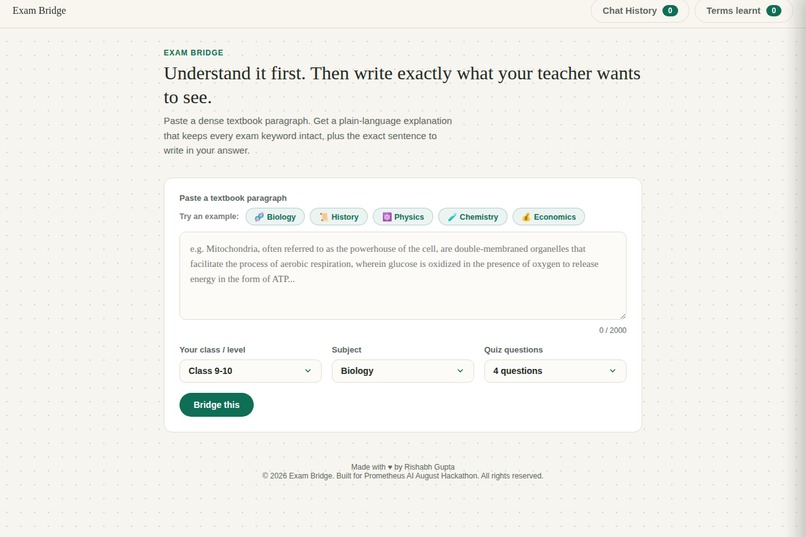
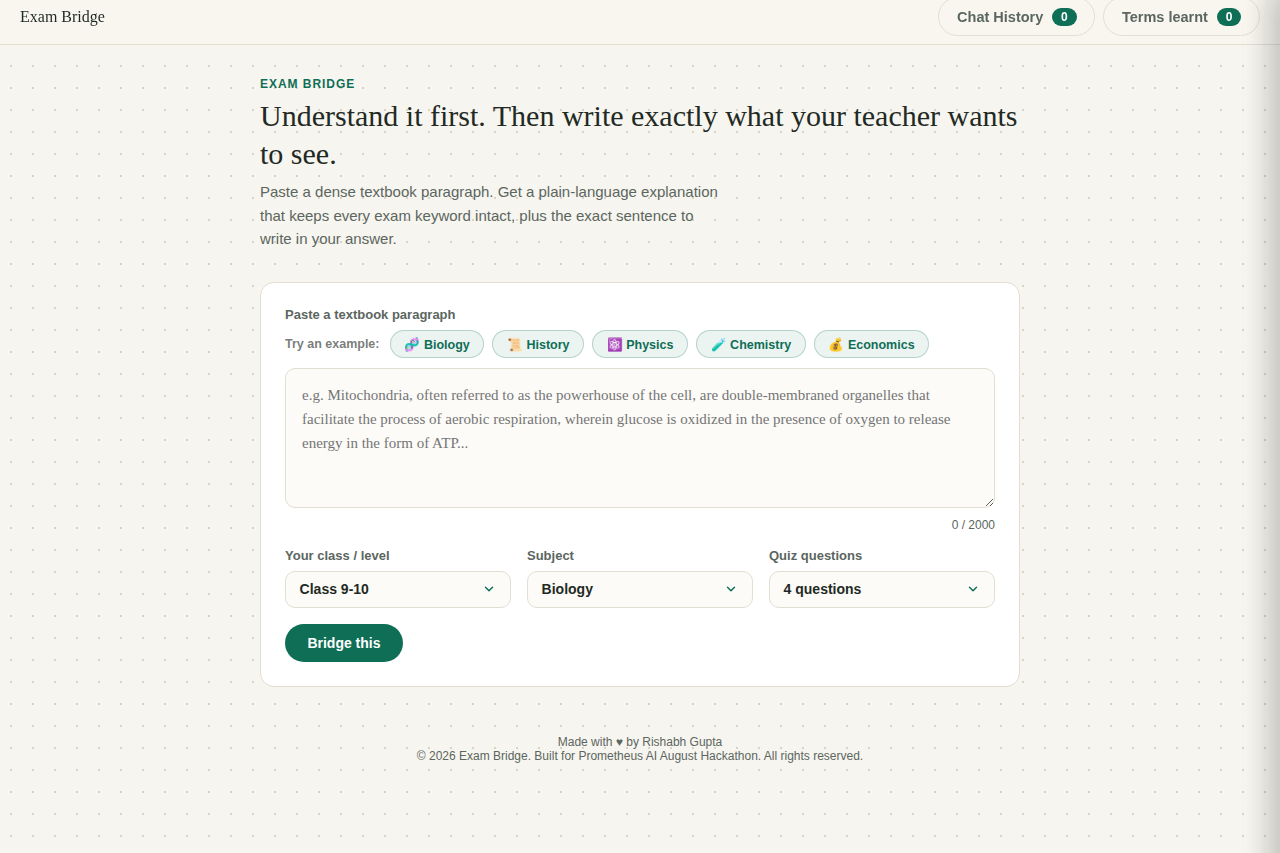
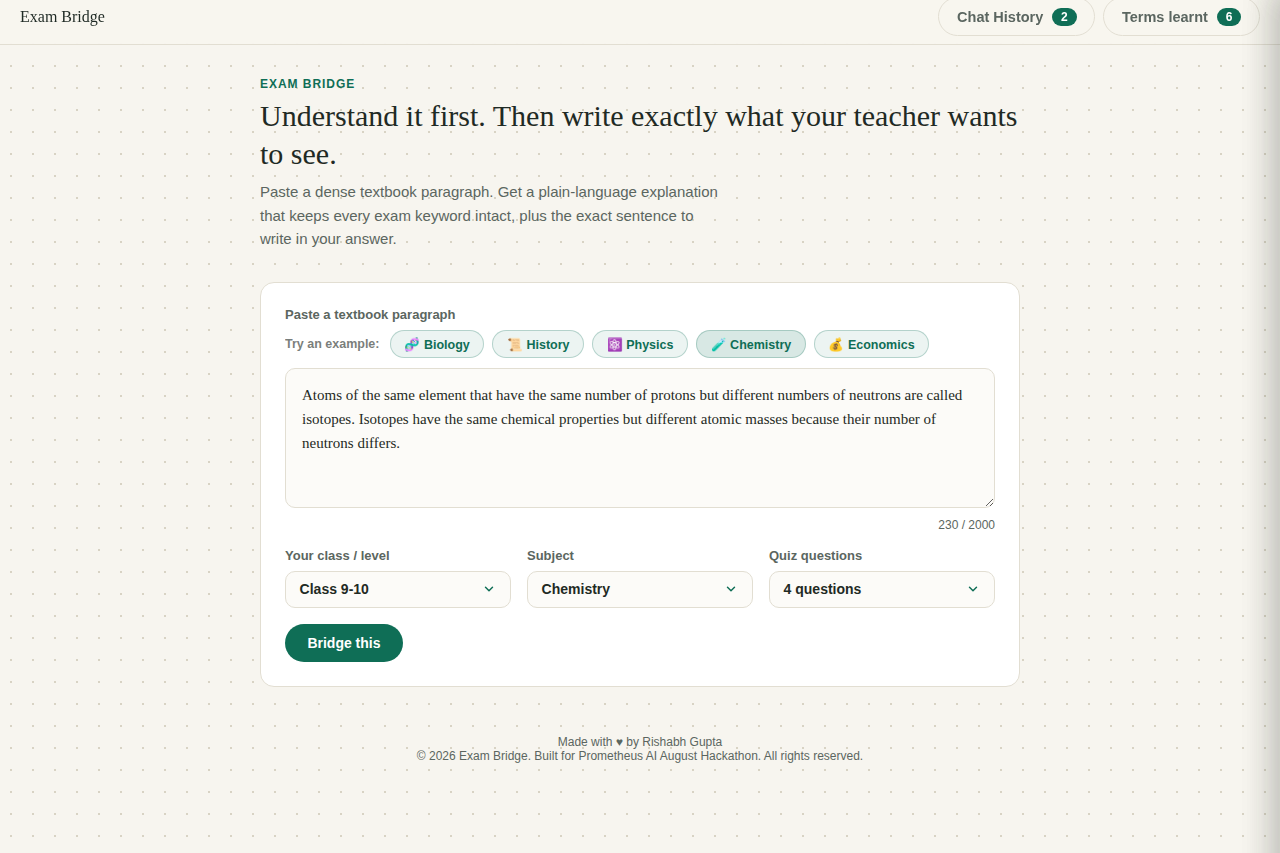
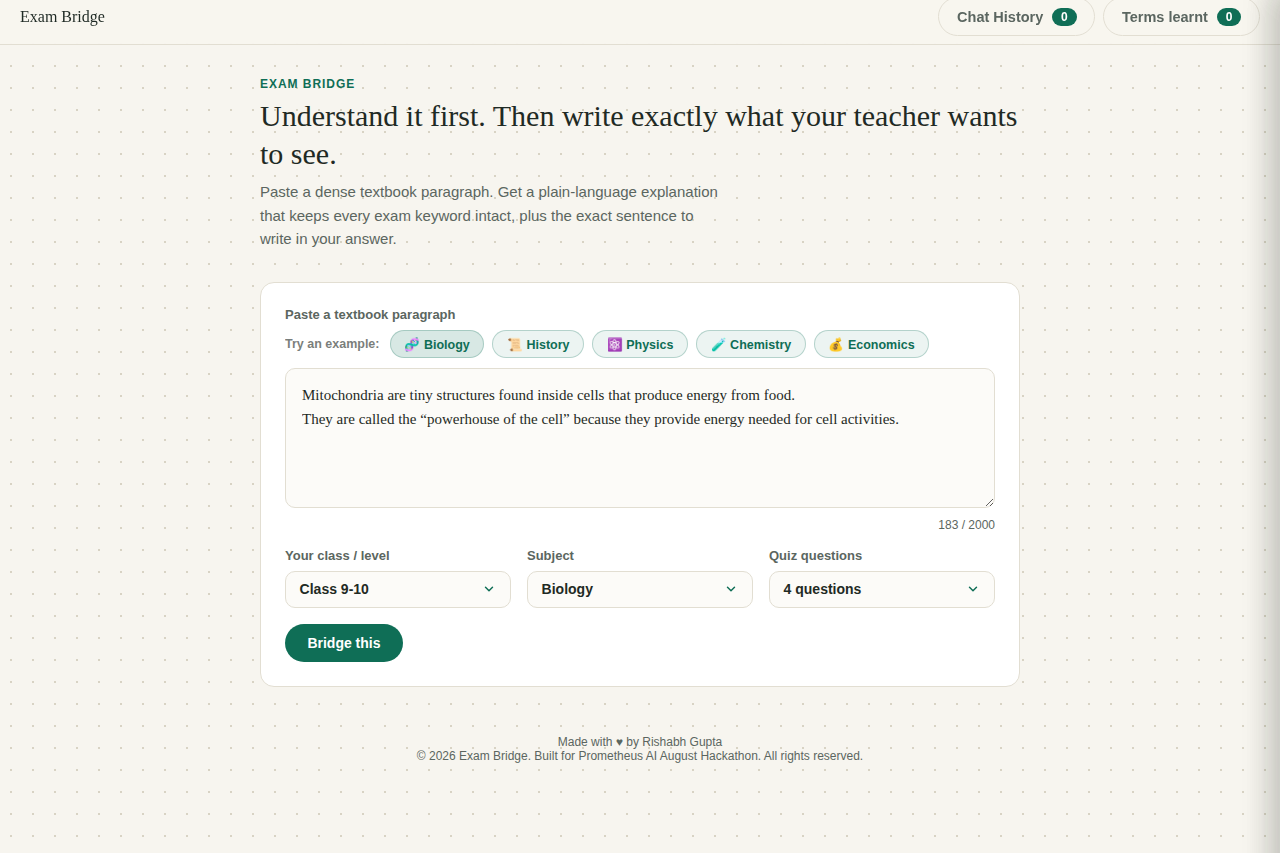
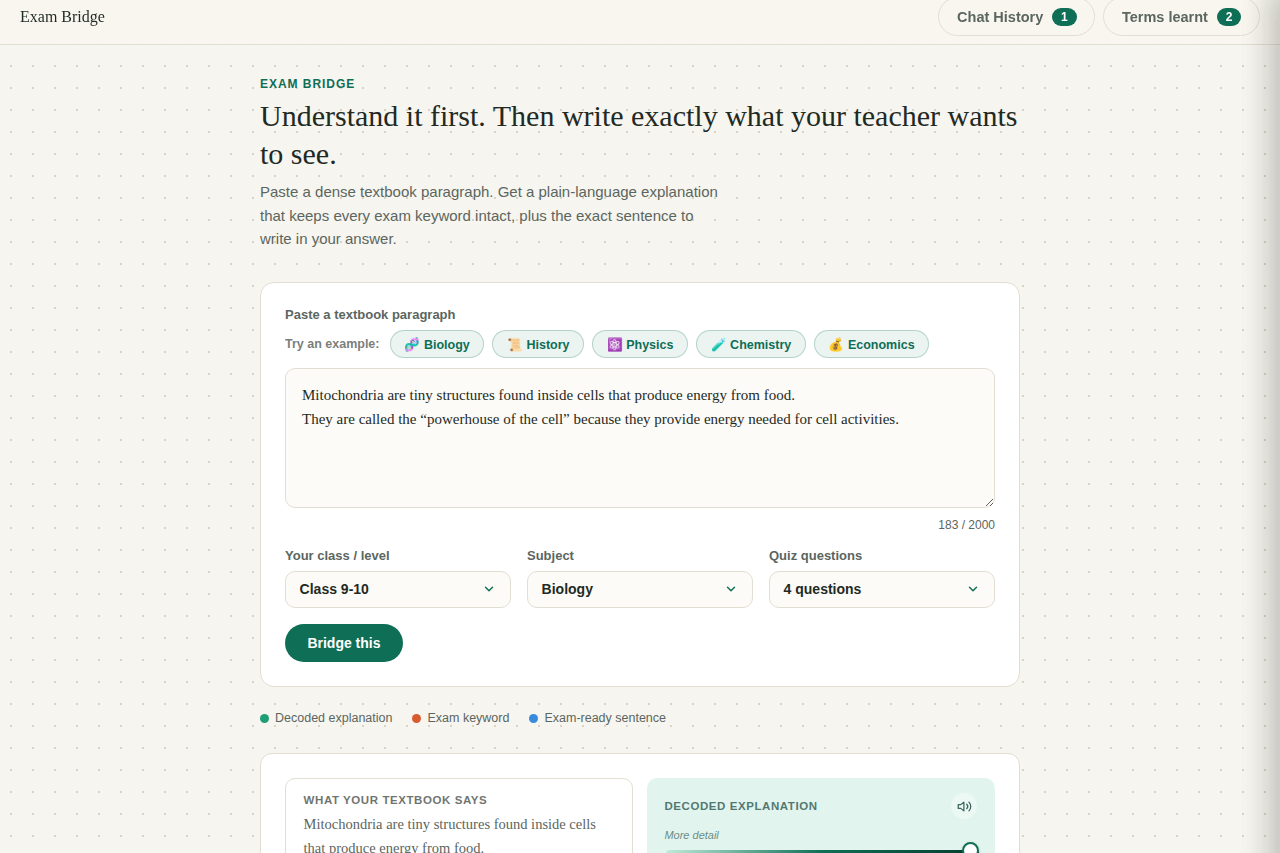
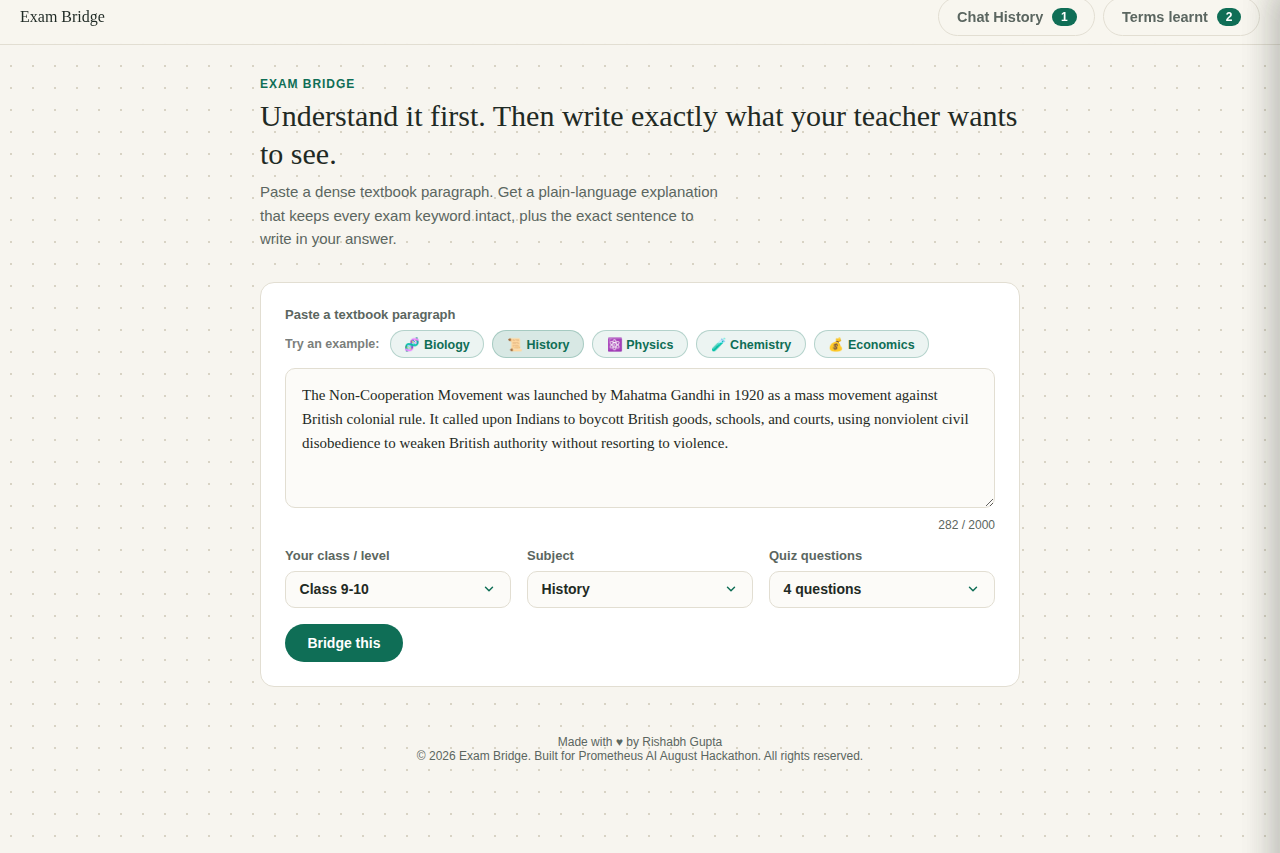
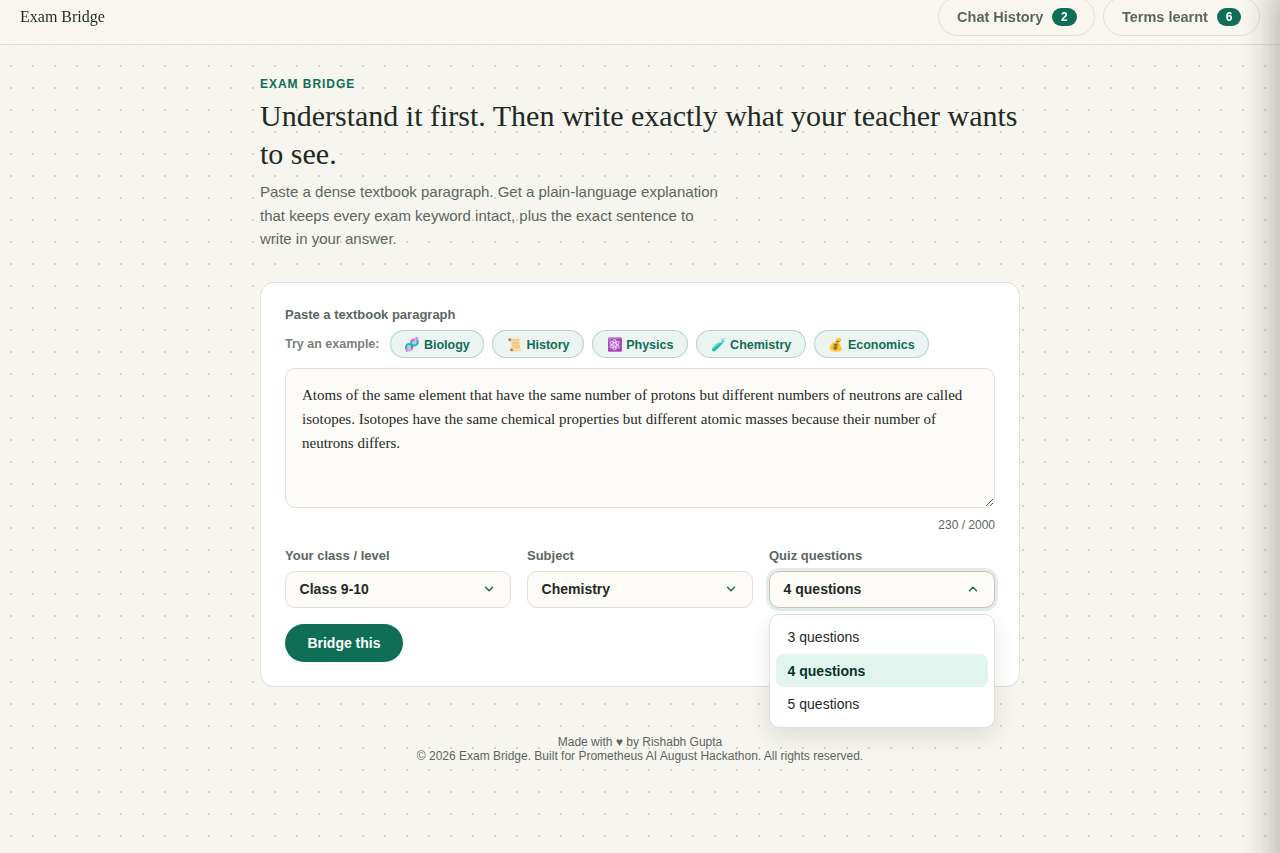
Paste a dense textbook paragraph and pick your class, subject, and quiz length, or try one of five built-in subject examples.
-
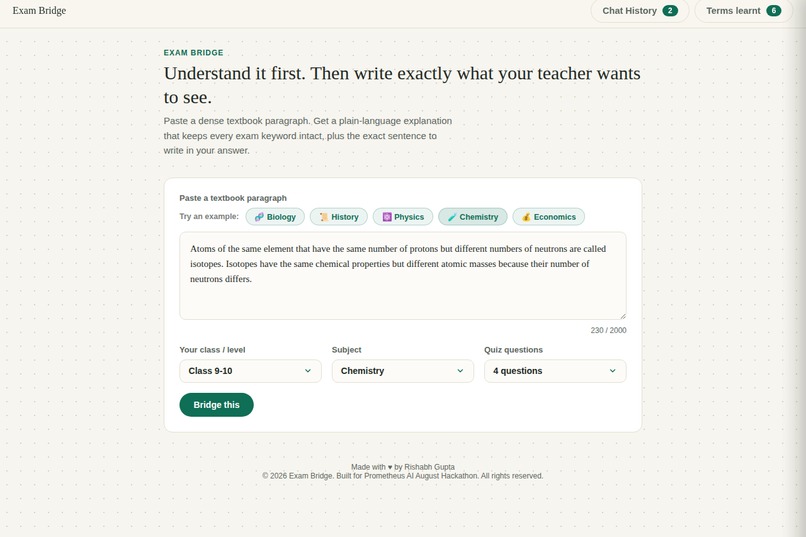
Five ready-made examples span different subjects, so judges can test the full range instantly.
-
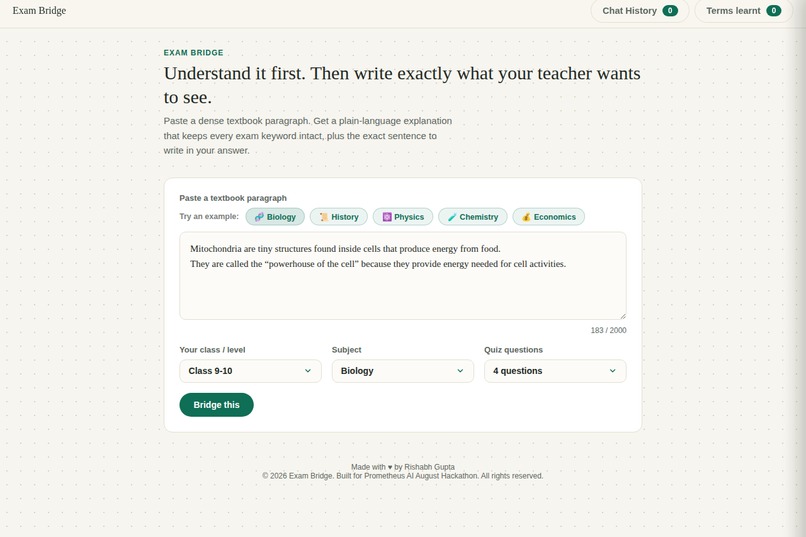
One click loads a real paragraph, no typing needed, so anyone can try the tool instantly with zero setup.
-
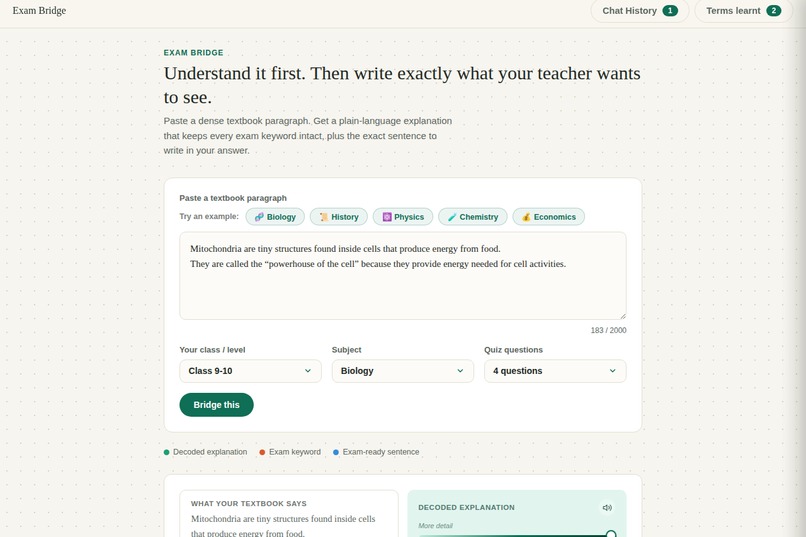
Built-in text-to-speech reads any explanation or exam sentence aloud for dyslexic and ADHD learners.
-
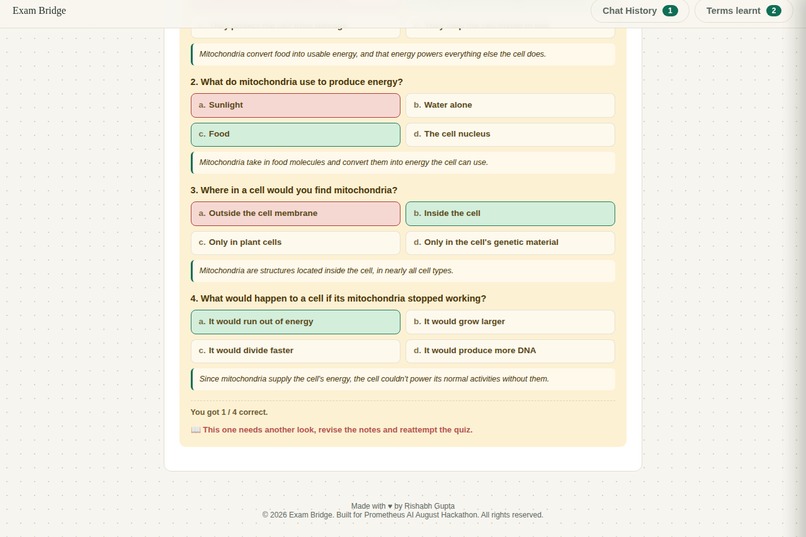
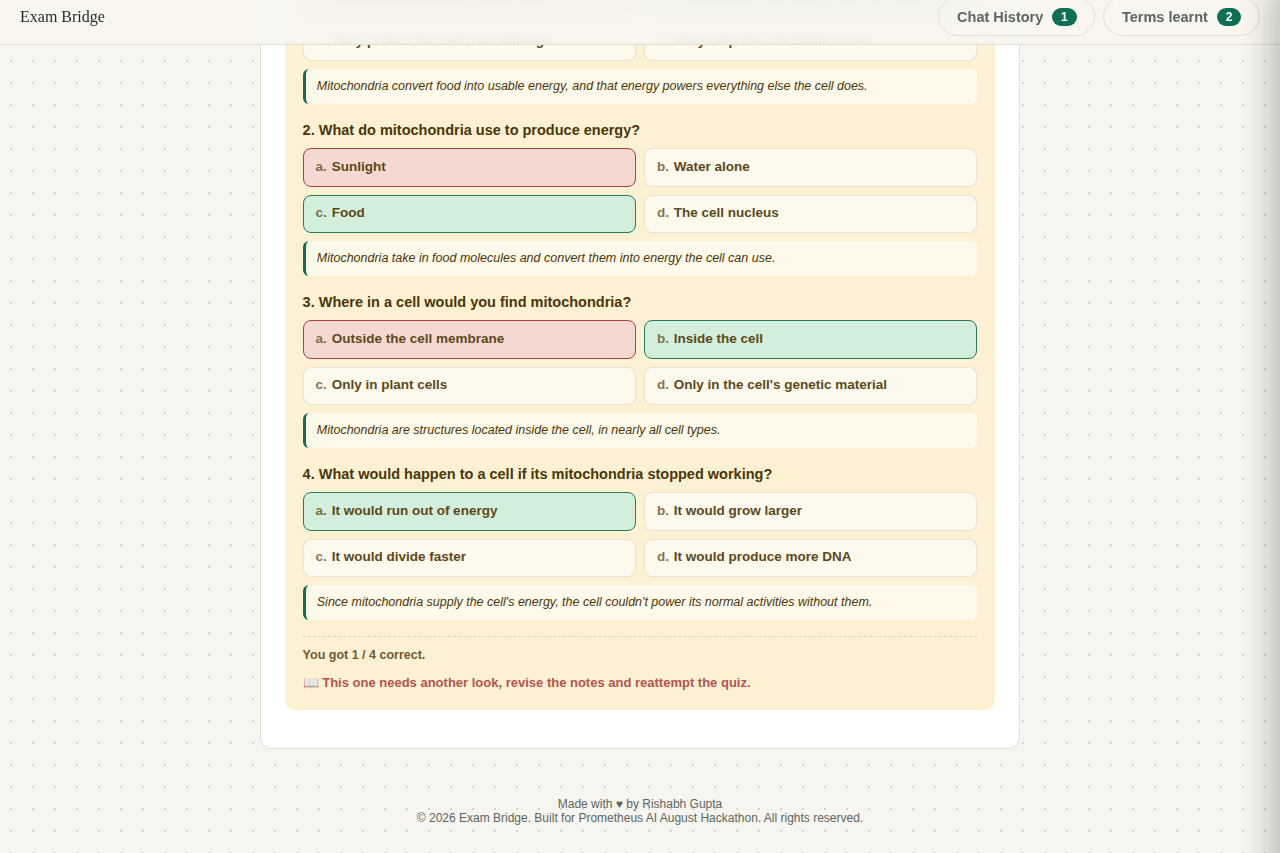
A local, zero-API performance message sums up the score and what to revisit next.
-
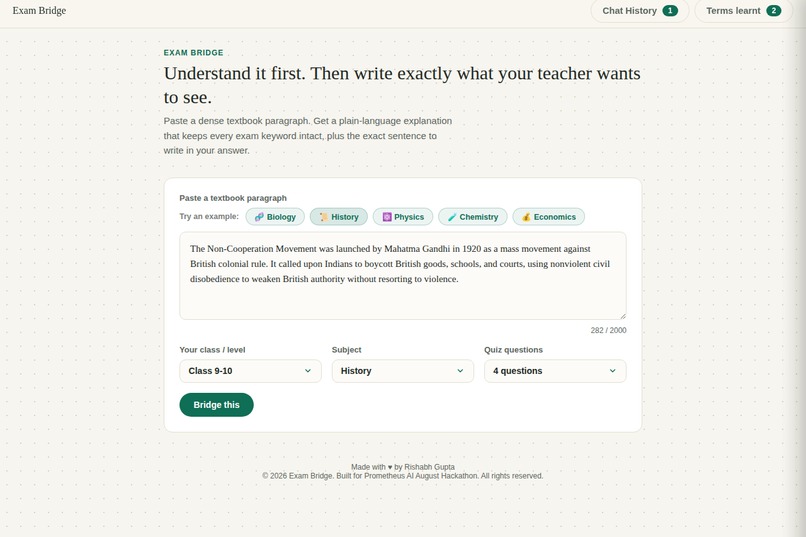
Not just Biology: the same pipeline works across History, Physics, Chemistry, and Economics.
-
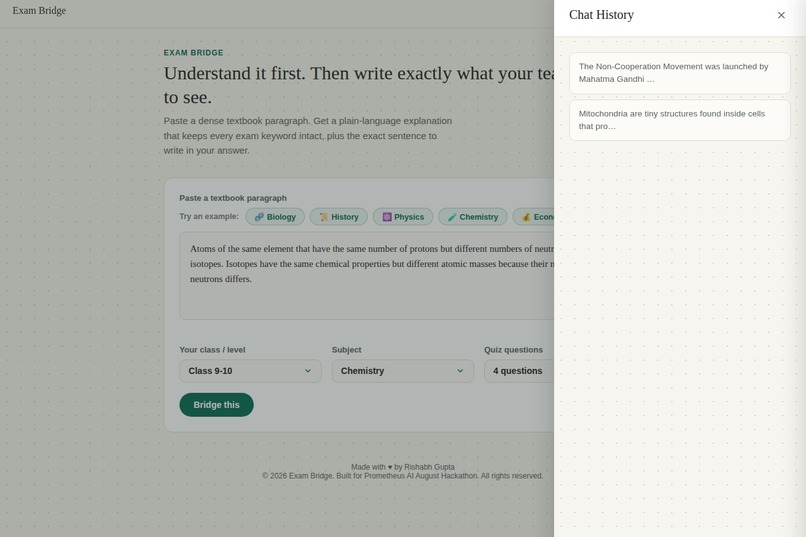
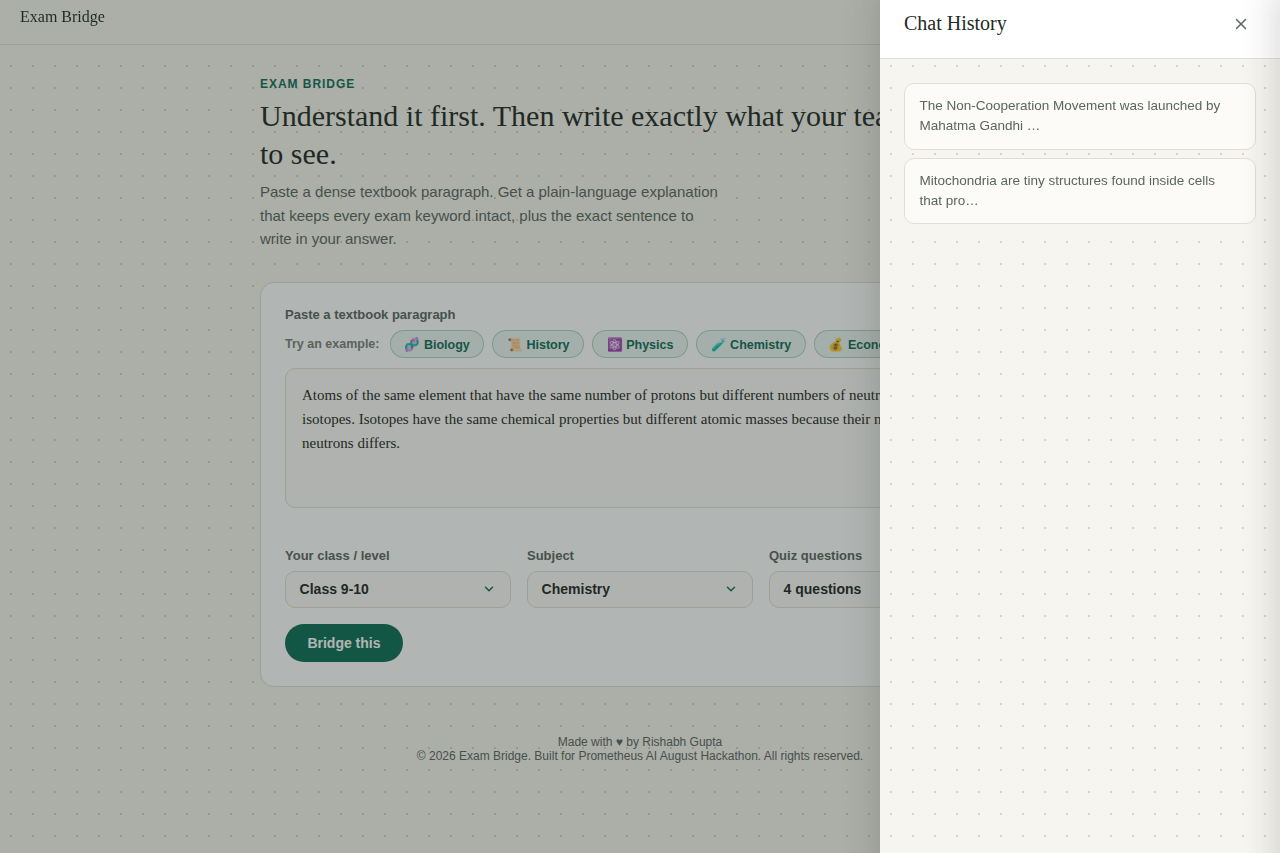
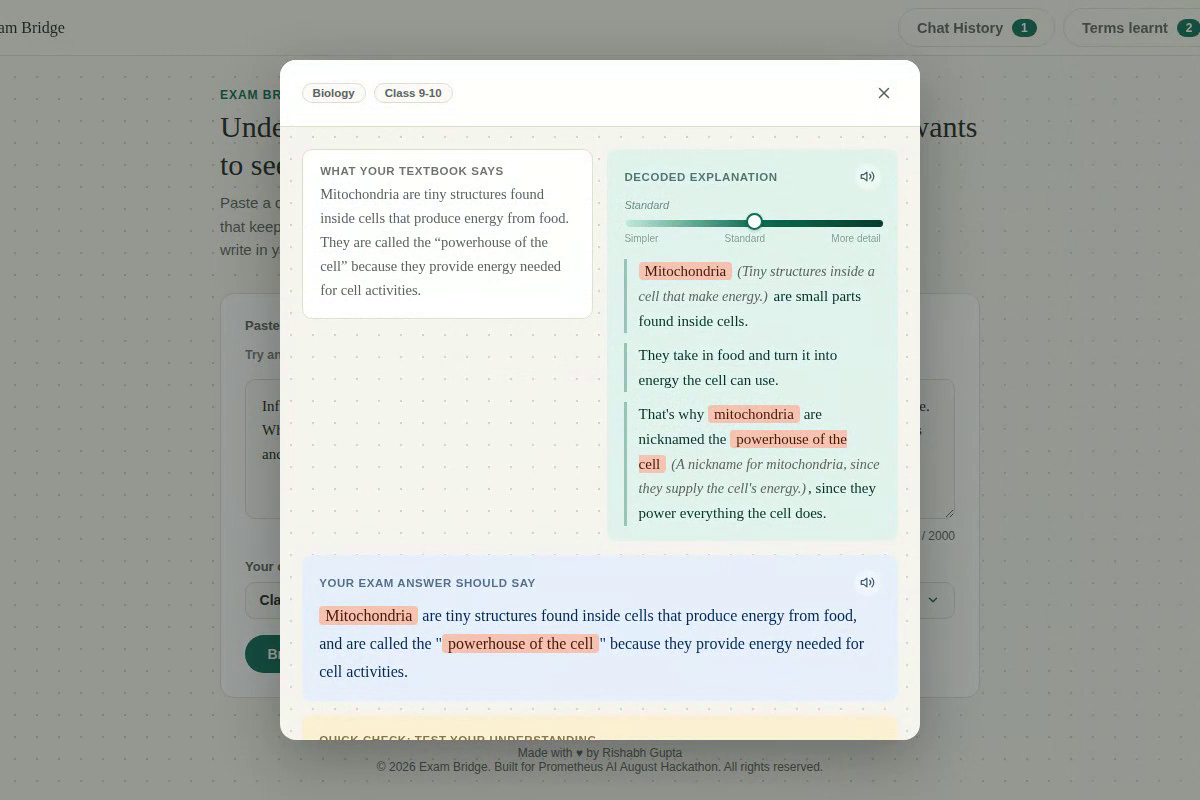
Every paragraph run this session is saved to Chat History, viewable in full detail anytime.
-
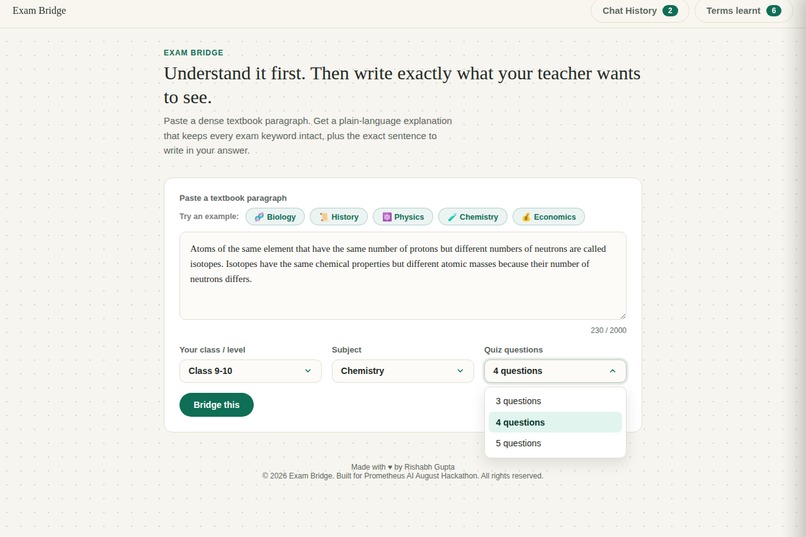
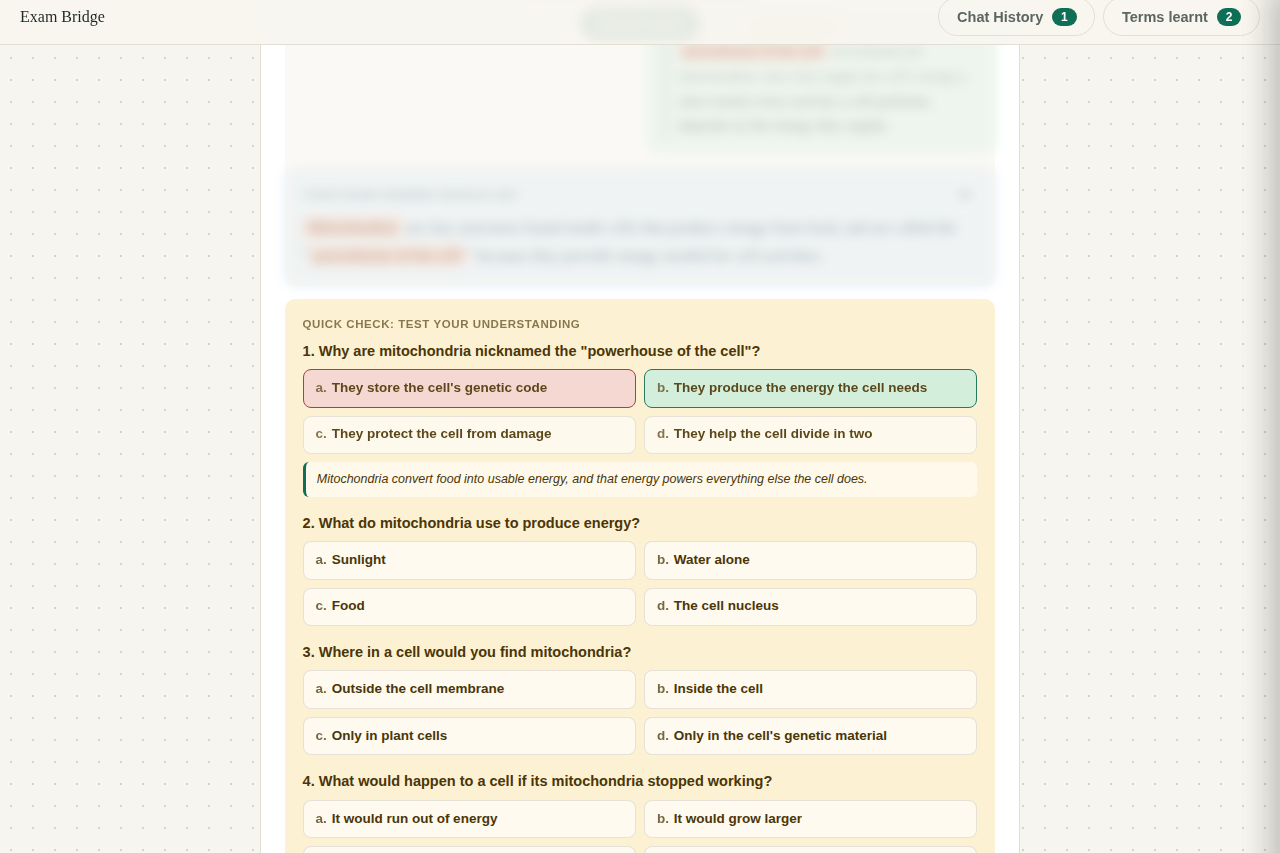
Students choose 3, 4, or 5 quiz questions, and the AI schema enforces that exact count.
-
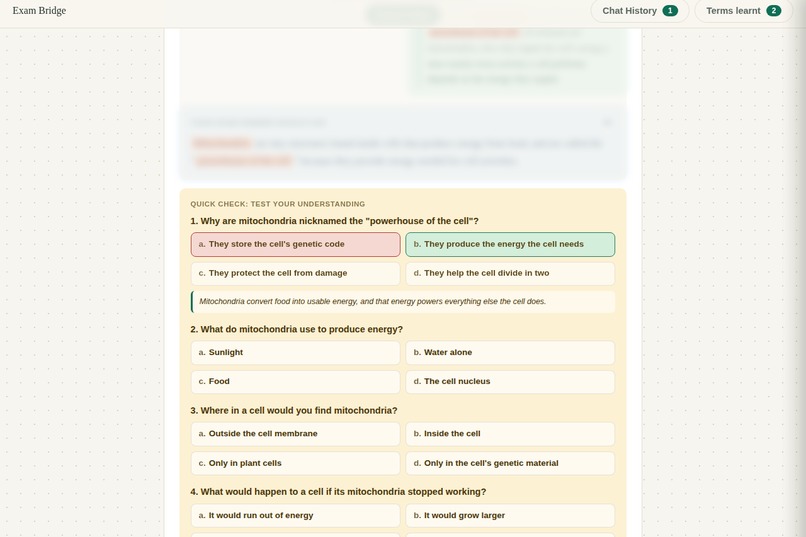
Right or wrong, a short explanation teaches the reasoning behind the correct answer immediately.
-
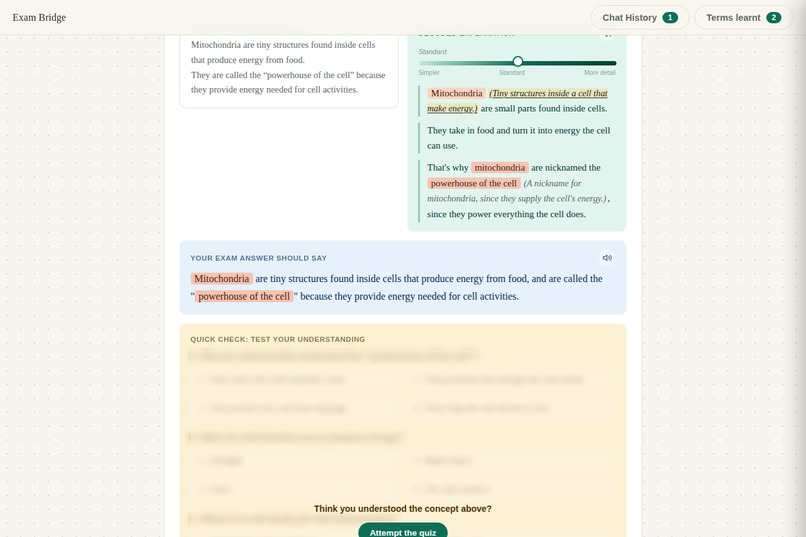
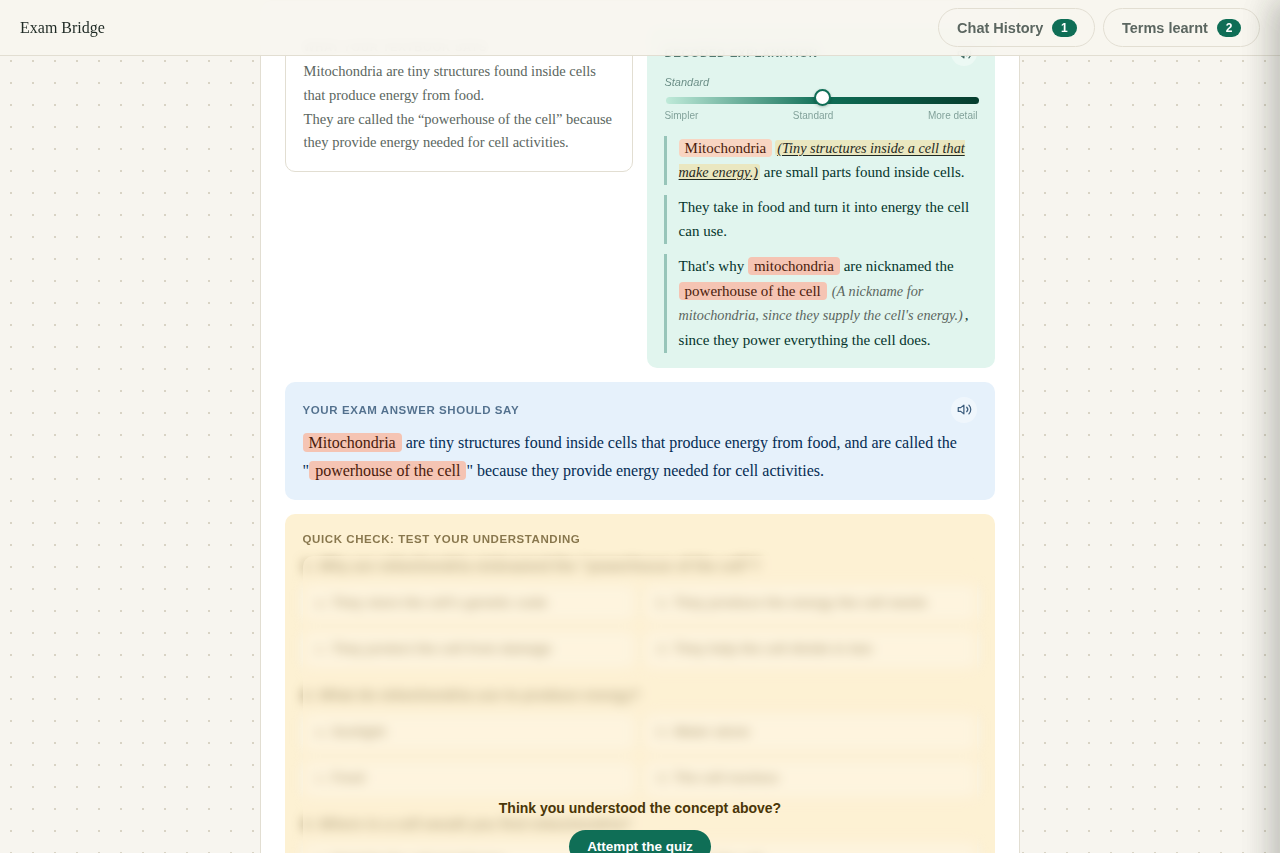
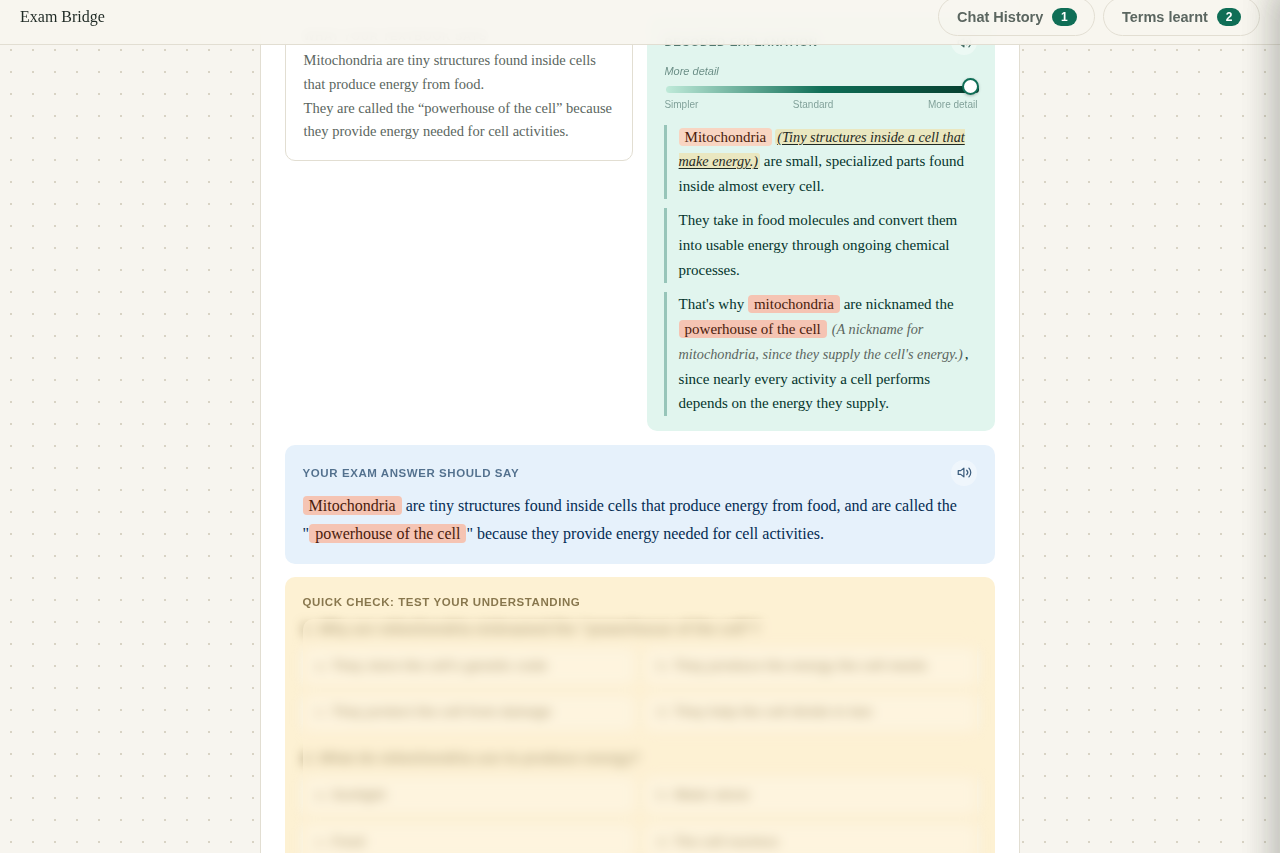
Every exam keyword is highlighted, with its plain meaning shown inline the first time it appears.
-
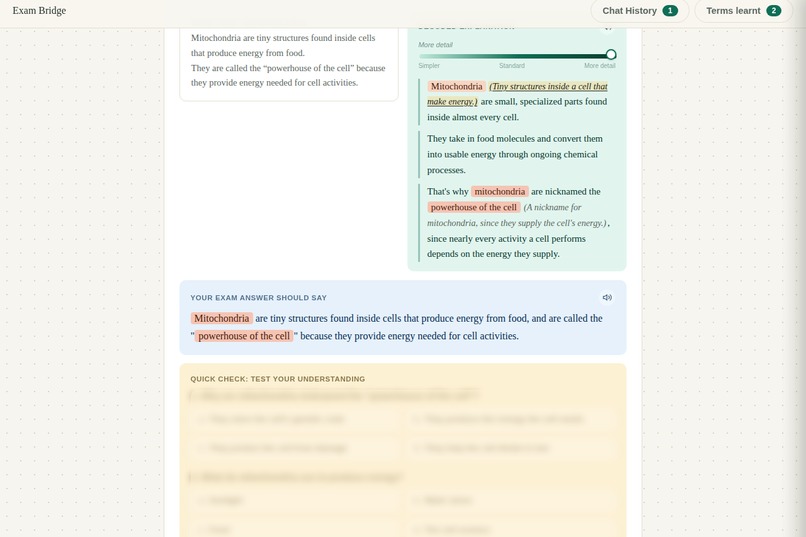
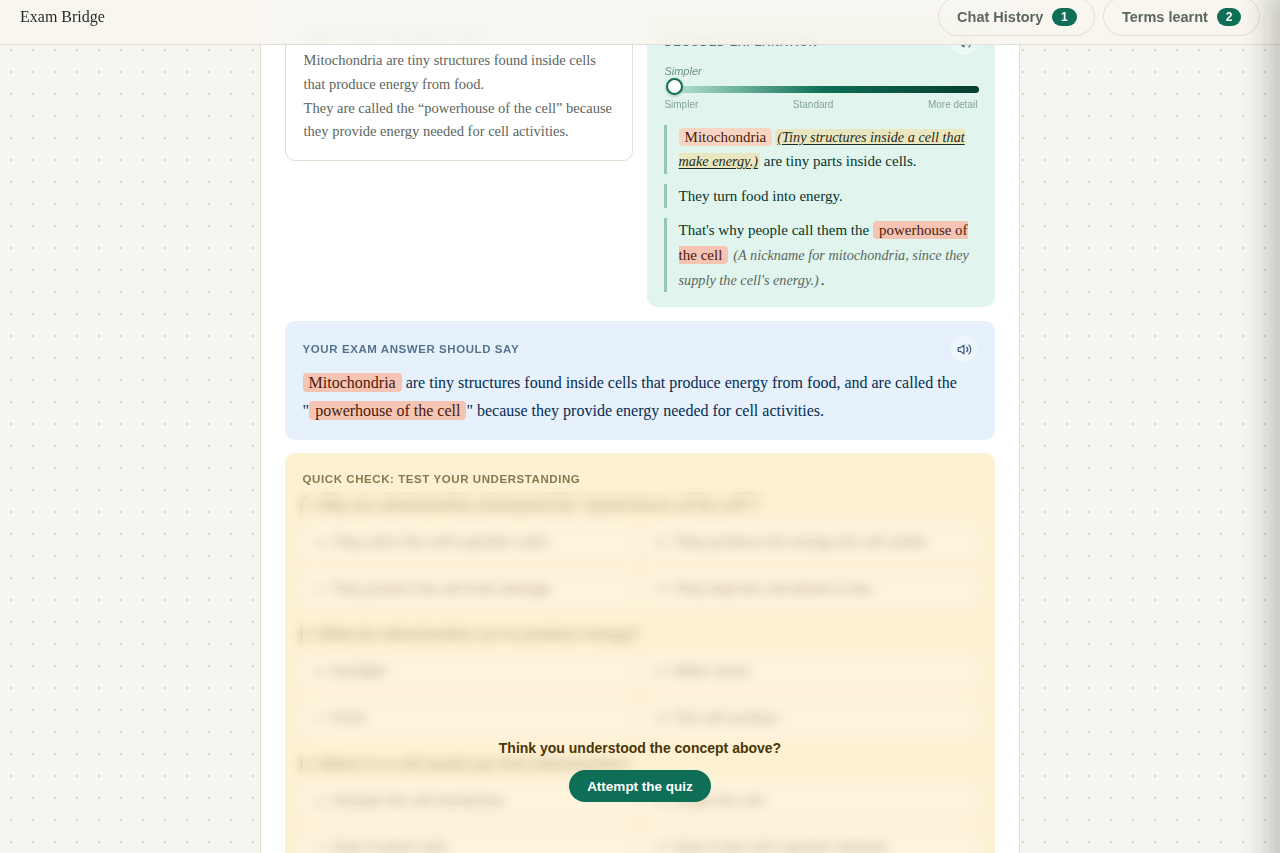
The exact sentence to write on the exam, using the textbook own phrasing, so no required keyword is lost.
-
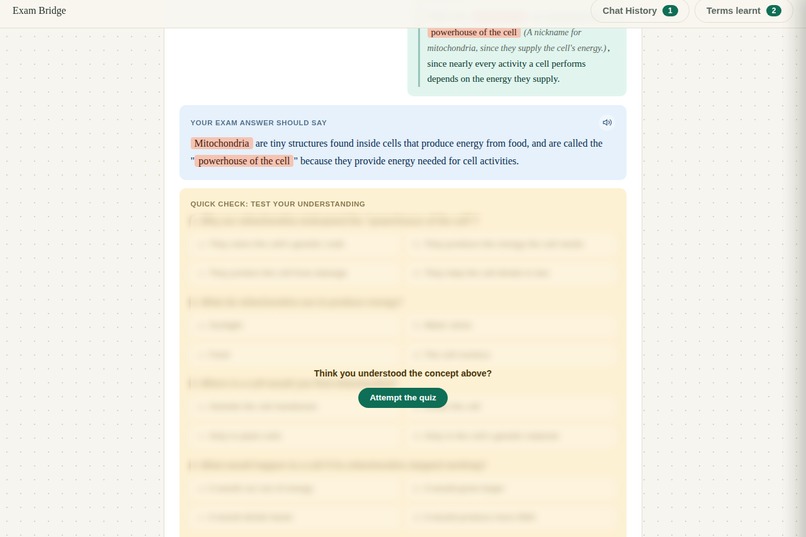
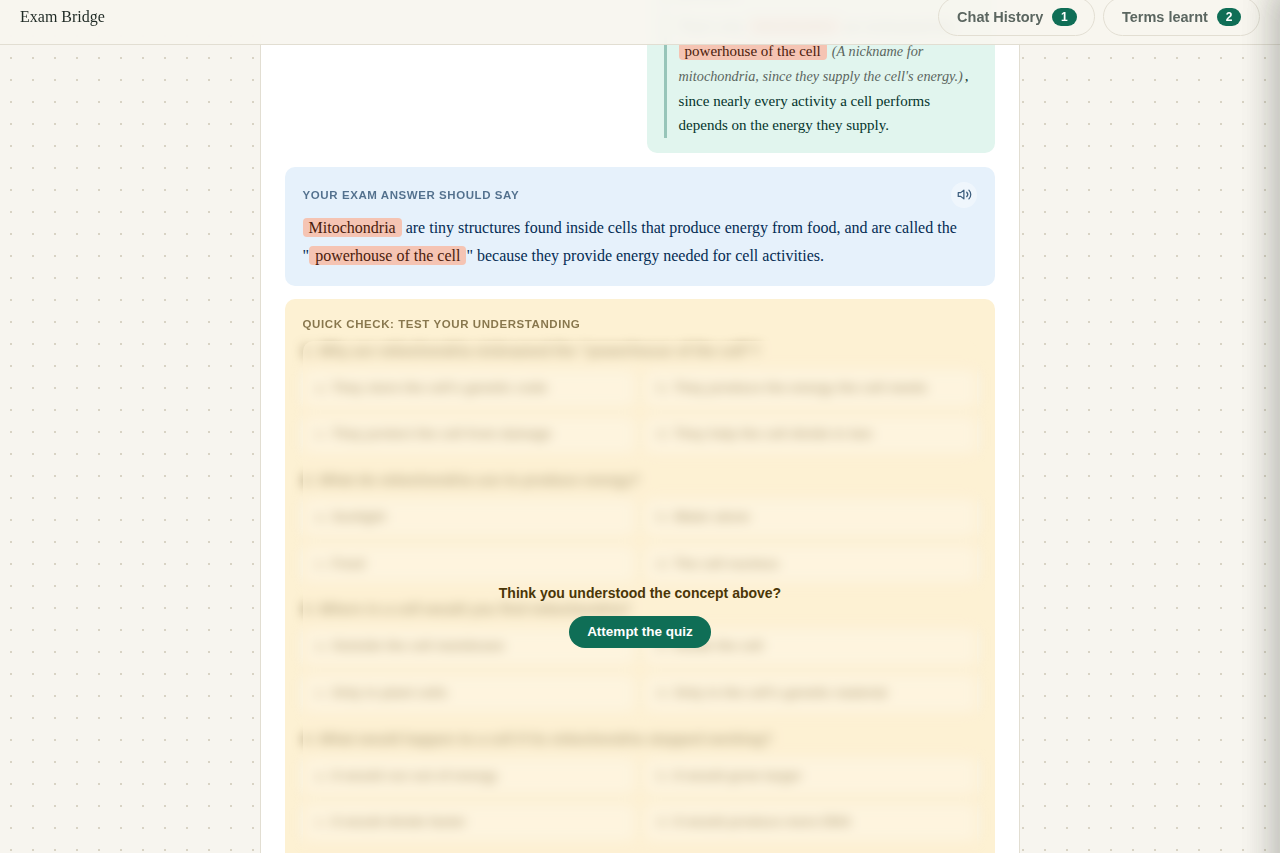
A self-test quiz stays blurred until you commit to answering, so it tests real recall, not re-reading.
-
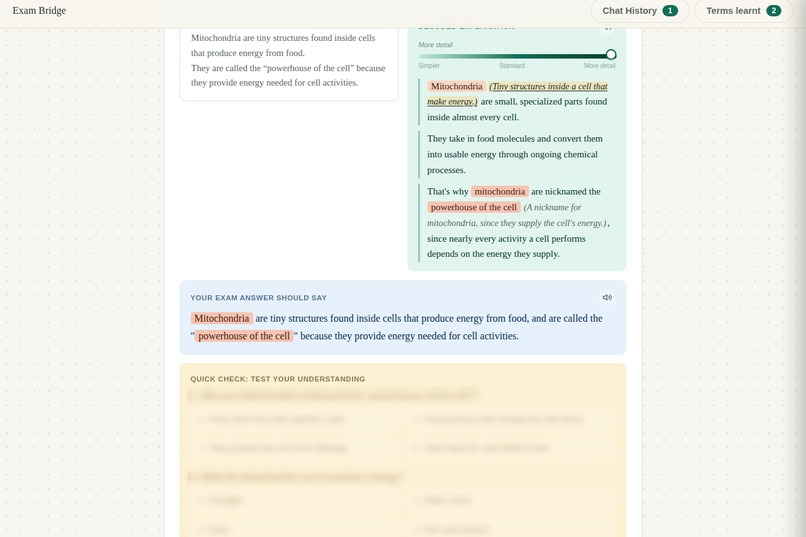
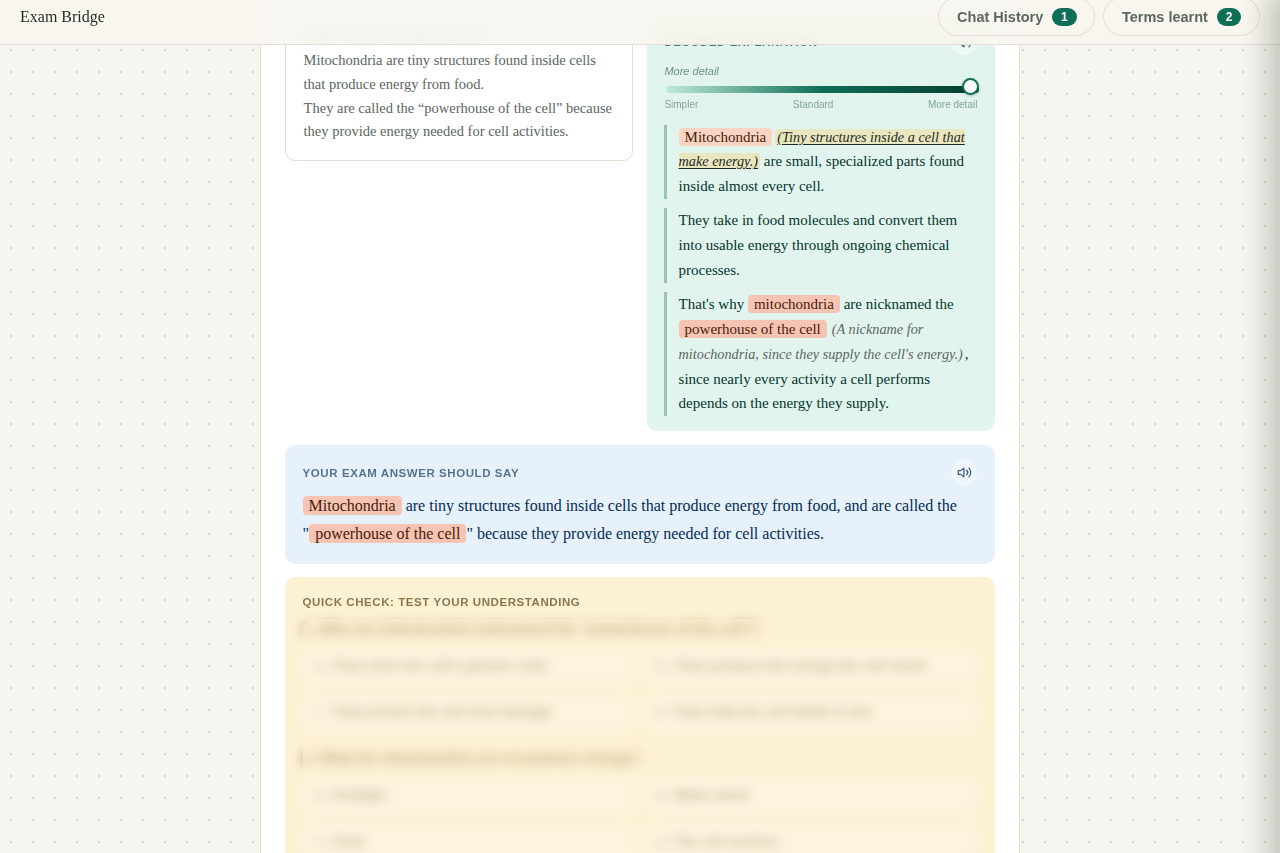
Drag the same slider toward More Detail for a deeper explanation, still keeping every exam keyword intact.
-
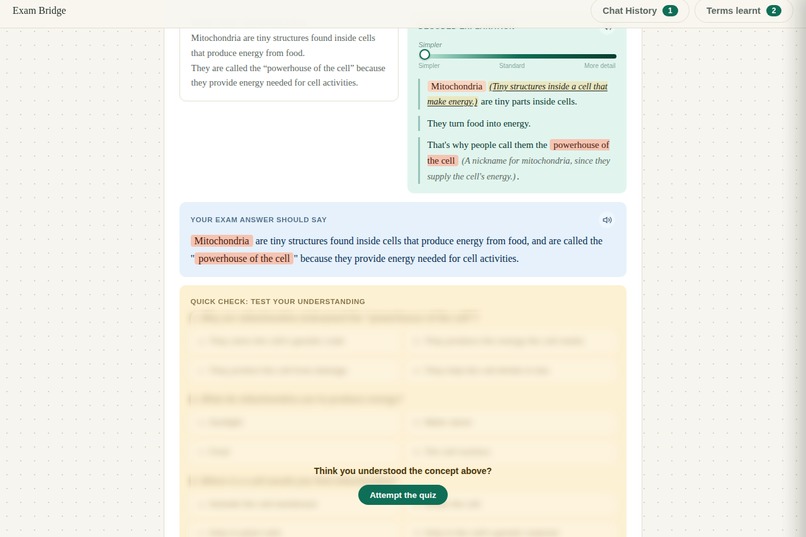
A reading-level slider lets students dial the explanation simpler or more detailed, generated in one AI call.
-
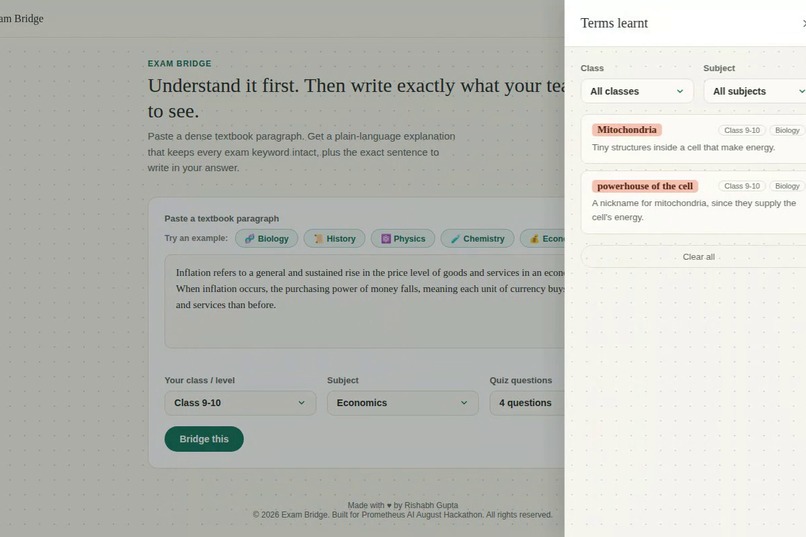
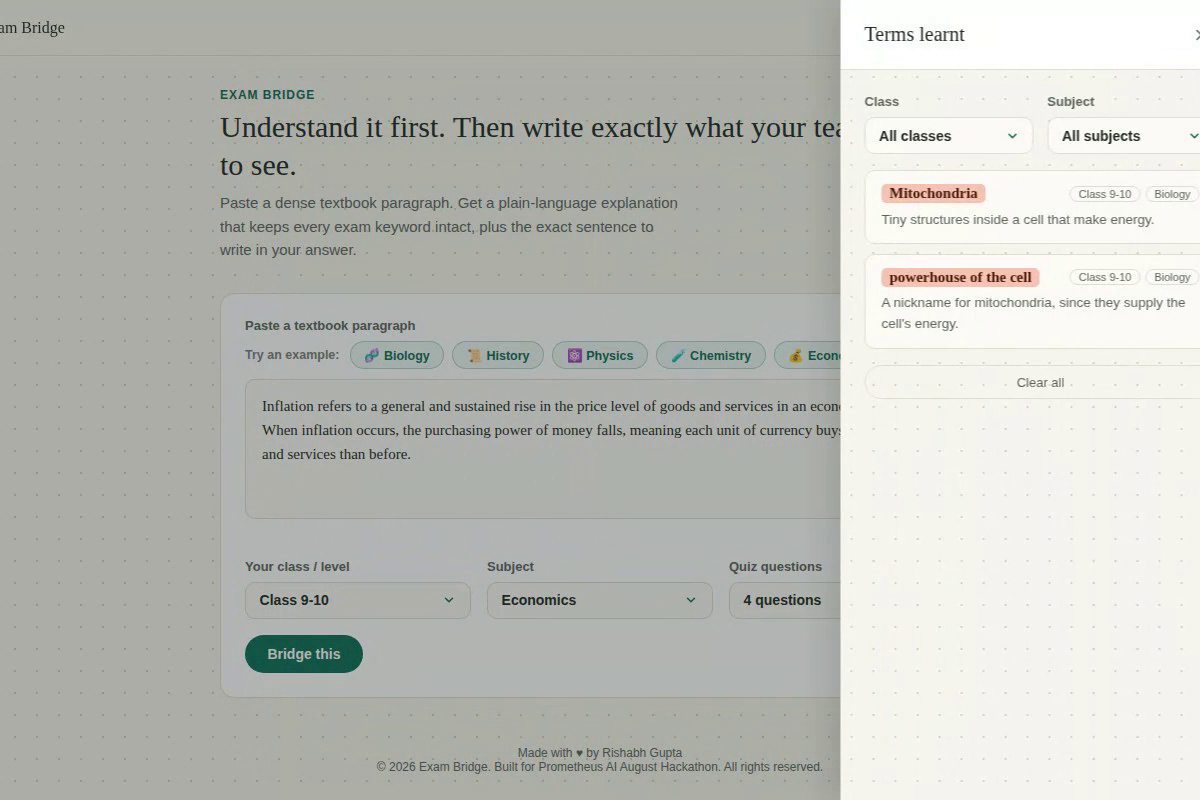
Terms Learnt collects every memorable keyword into a filterable glossary, organized by class and subject.
-
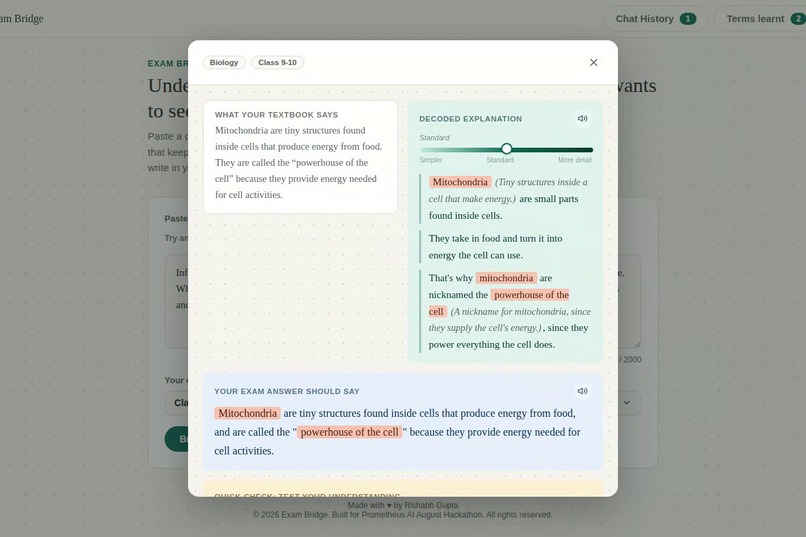
Clicking a Chat History entry opens the full detail popup, with the complete explanation and exam sentence preserved.
Inspiration
The idea started with a simple observation: a student with dyslexia or ADHD can often understand a concept perfectly well once it's explained in plain language, but gets lost in the dense, jargon heavy prose of a standard textbook before the concept even registers. Simplifying the text seems like the obvious fix, until you run into the second half of the problem: Indian school exams are graded on exact keyword phrasing. A student who writes a simplified answer that drops a required term like "aerobic respiration" loses marks, even if they clearly understood the material better than a classmate who memorized the phrase without understanding it. We wanted to build something that didn't force a choice between the two.
What it does
Exam Bridge takes a dense textbook paragraph and returns everything a student needs in one pass:
A plain language explanation at three adjustable depths (Simpler, Standard, More detail), all generated together in a single AI call, with every exam required term still present and explained the first time it appears The exact exam ready sentence to write, using the textbook's own phrasing, with every required keyword intact Hover tooltips on every highlighted keyword showing its meaning A self testing comprehension quiz (3 to 5 questions, student's choice) that blurs the notes while it's being attempted, so the student is actually recalling the concept instead of re reading it, then reveals a short explanation of why each answer is correct Read aloud playback for every explanation and exam sentence A persistent glossary of the genuinely hard to remember terms, plus a session history of every paragraph run Support across six subjects (Biology, Physics, Chemistry, History, Geography, Economics), calibrated to the student's class level How we built it
Exam Bridge is a single static HTML file, plain JavaScript and CSS, no framework and no build step. All the content generation runs through the Gemini API using structured output mode, so one request reliably returns the keyword list, all three explanation depths, the exam sentence, and the quiz (with an exact question count and per question explanations) in one consistently shaped JSON response. Read aloud runs through Puter.js, which routes each visitor's text to speech usage through their own account instead of a key we'd have to manage. The glossary persists in the browser's localStorage so it survives closing the tab. It's deployed on Vercel, with the source on GitHub.
Challenges we ran into
The hardest problem was conceptual, not technical: designing a single AI prompt that could hold two competing goals in tension (simplify the language, but never drop or soften an exam required term) and do it consistently across arbitrary textbook paragraphs. Getting Gemini to reliably return three separate explanation depths, a properly scaled exam sentence, and a well posed quiz, all in one structured call, took real iteration.
We also ran into a genuine bug worth mentioning: our keyword highlighting logic originally replaced each term with its highlighted version one term at a time. When one keyword's own definition happened to contain a shorter keyword as a substring, the second replacement pass would reach into the HTML we'd already inserted and corrupt it, producing visibly broken markup. We caught it by testing with real captured screenshots of the running app, traced it to the root cause, and rewrote the highlighting to do a single pass over the original text instead, which fixed the entire class of bug rather than just the one symptom.
On the demo side, we didn't want the tool's reliability for judges to depend on a live Gemini call succeeding at the exact moment someone tests it. That led us to build a small set of fully pre written, zero cost example paragraphs across different subjects that render instantly and consistently, without touching the API at all.
Accomplishments that we're proud of
We're proud that Exam Bridge actually resolves the tension it's built around, rather than picking a side. The self testing quiz mechanic, where the notes blur until you commit to answering, was a small design choice that meaningfully changes how the tool gets used: it nudges the student toward genuinely testing themselves instead of passively rereading. We're also glad the whole thing stayed a single dependency free HTML file end to end, and that it holds up across five different subjects, not just the one it was originally built around.
What we learned
We learned a lot about prompt engineering for schema constrained AI output, specifically how to phrase instructions so a model reliably respects competing constraints (brevity versus completeness, simplicity versus exact phrasing) instead of quietly favoring one. We also came away with a clearer sense of what accessibility focused design actually requires in practice: it's not just simpler language, it's rethinking what the interface asks of the user at each step. And debugging that keyword highlighting issue was a good reminder that the most convincing looking output can still hide a structural bug that only shows up with the right input.
What's next for Exam Bridge Support for image based textbook content, like scanned pages or diagrams, not just typed paragraphs User accounts with cross device sync, so the glossary isn't tied to a single browser A lightweight backend proxy so the Gemini key never has to live in the browser at all Expanding subject and language coverage further Extending the same explain and quiz pipeline to other formats, like lecture notes or homework problems, not just textbook paragraphs


Log in or sign up for Devpost to join the conversation.