-
-
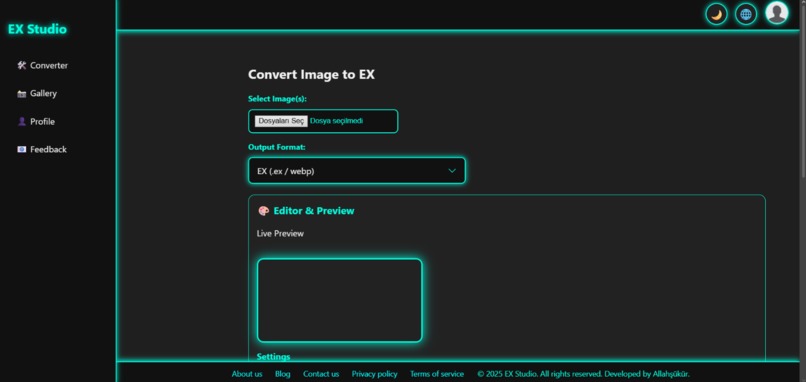
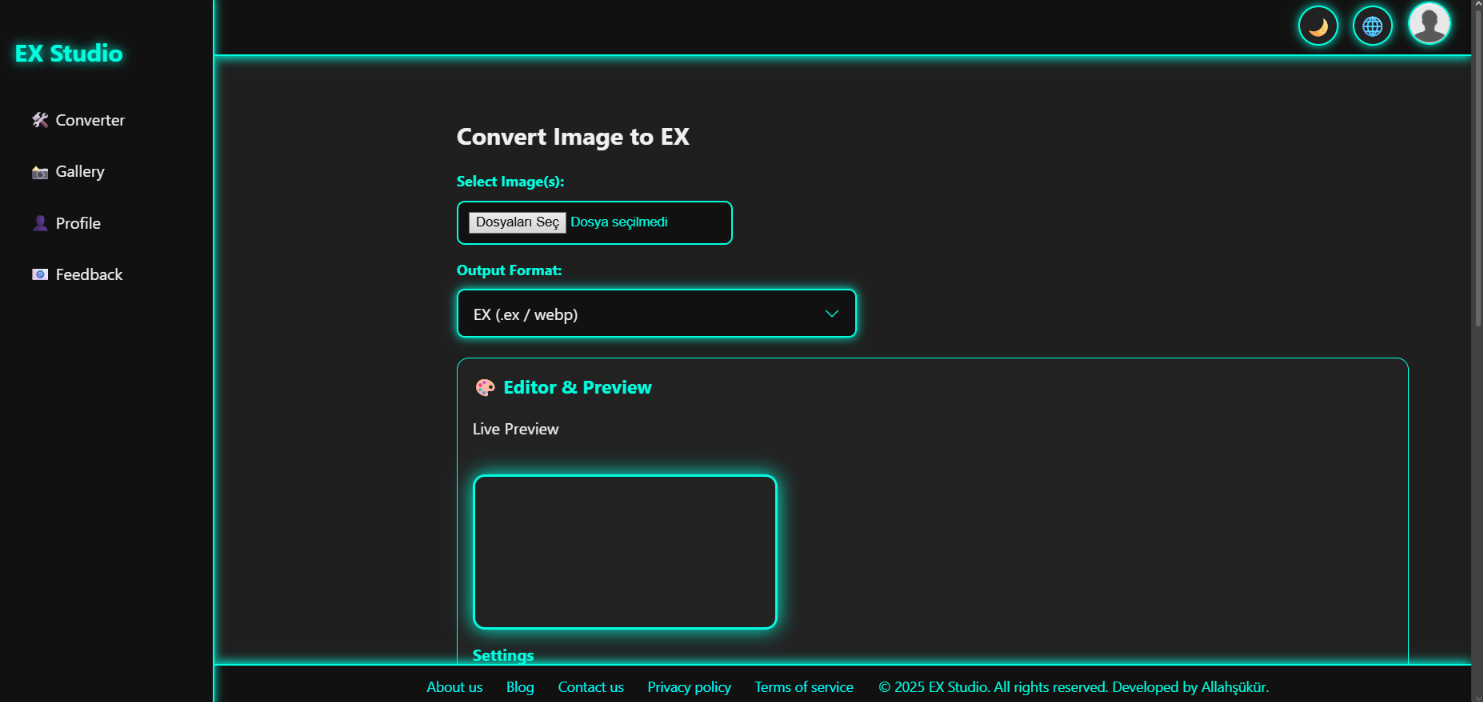
Ex studio converter page
-
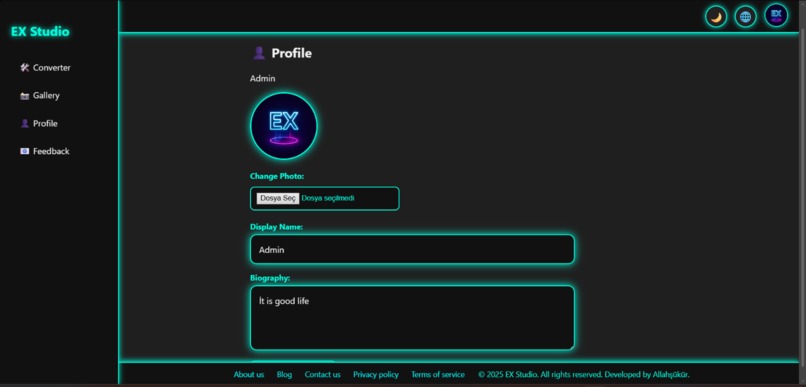
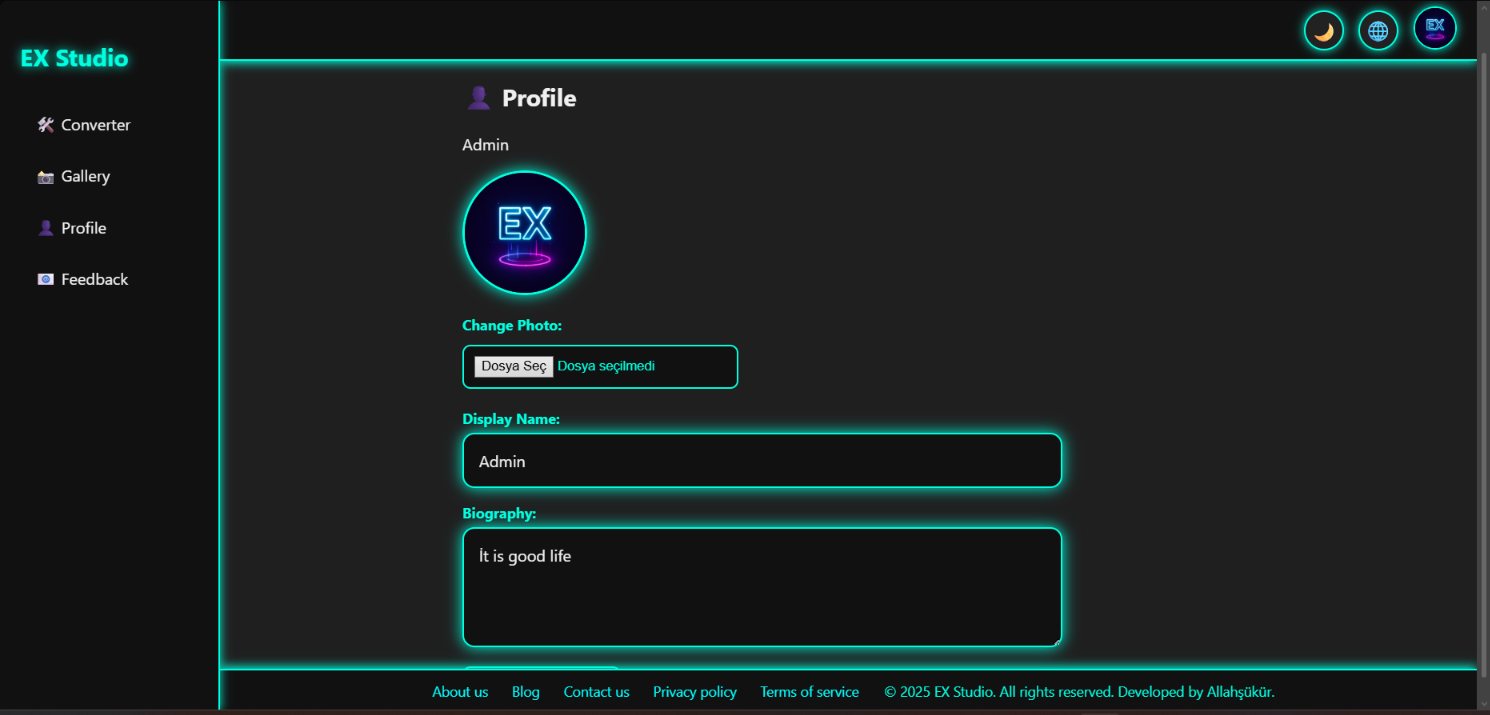
Ex studio profile page
-
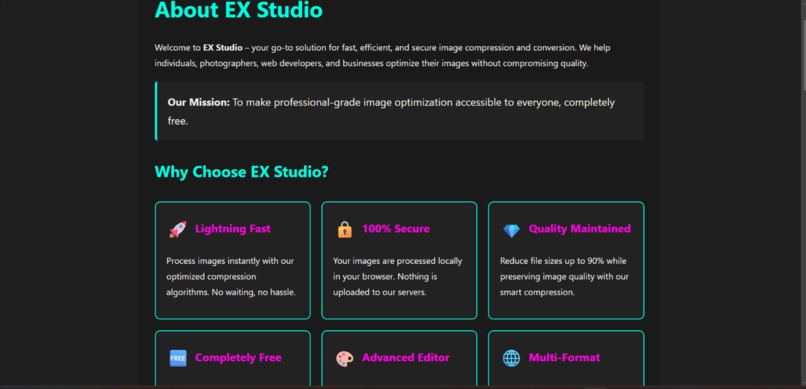
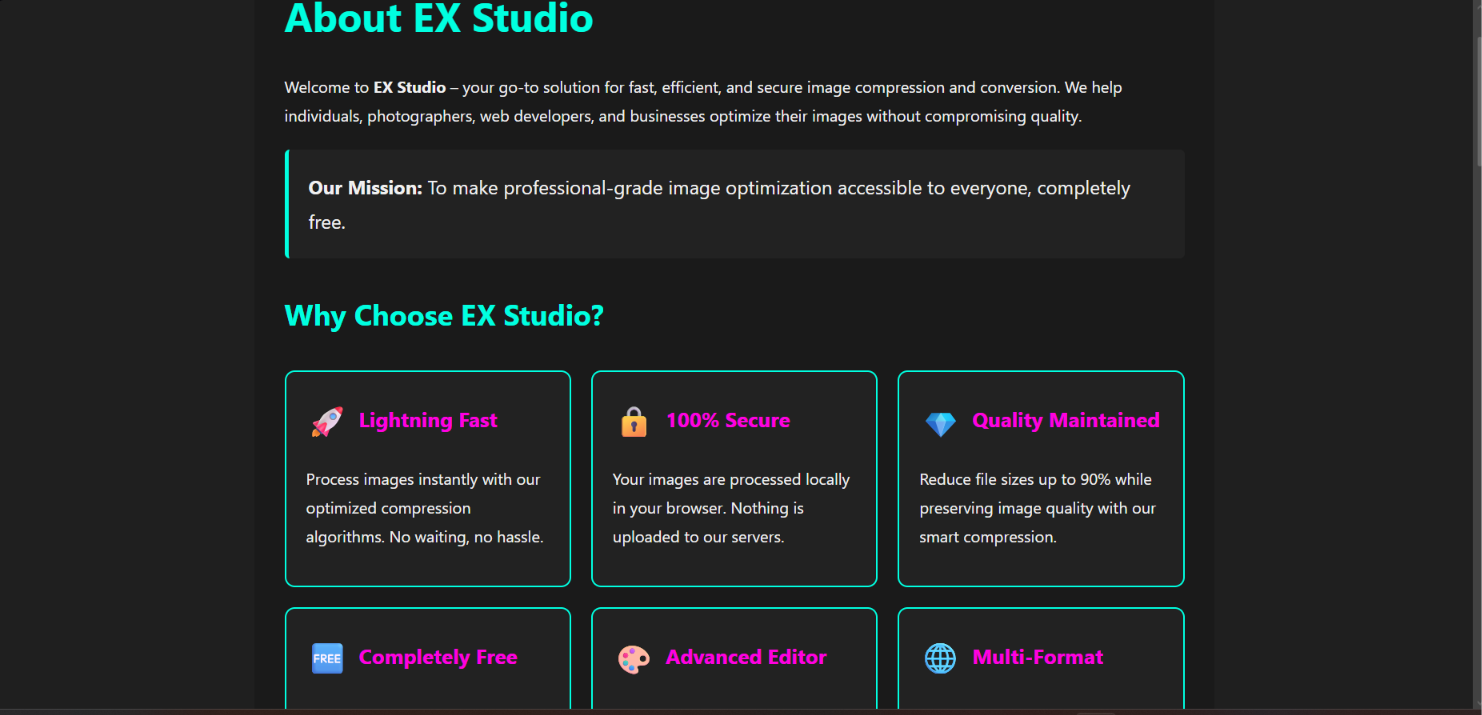
Ex studio about page
-

Ex blog
-
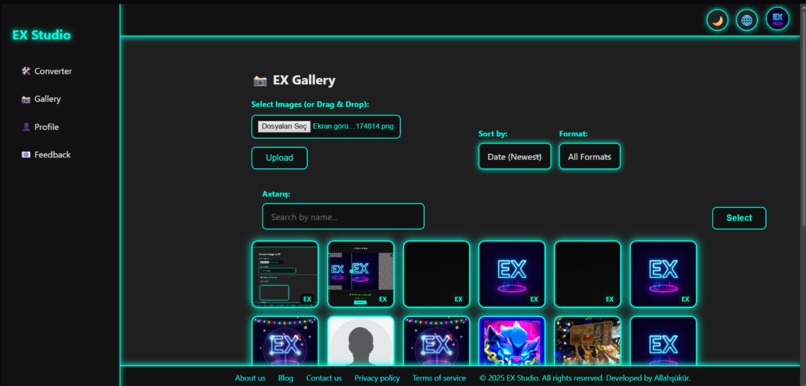
Ex Cloud Gallery
-
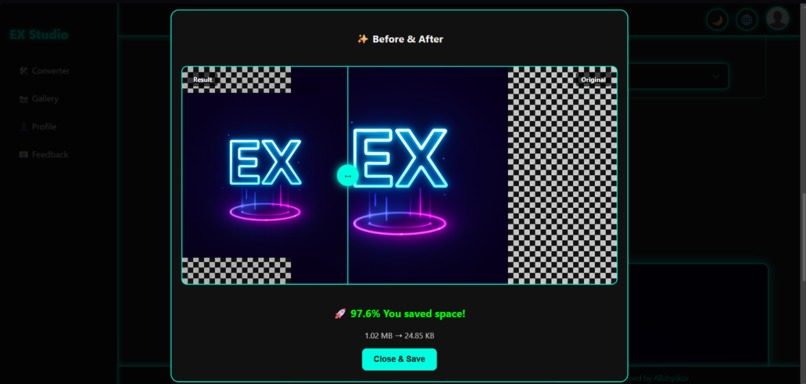
Ex studio Magic
-
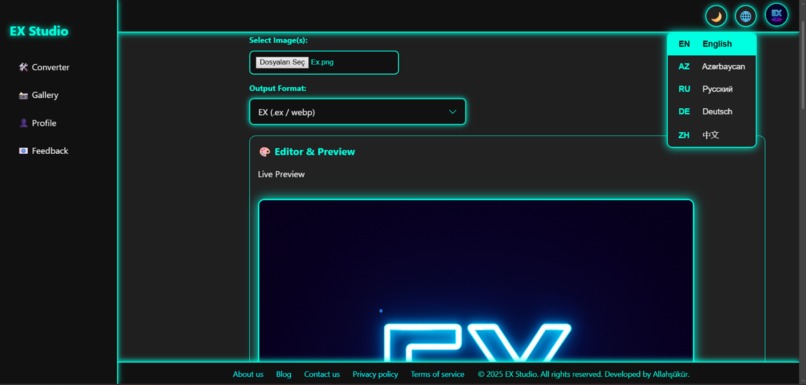
Ex studio in 5 languages
-
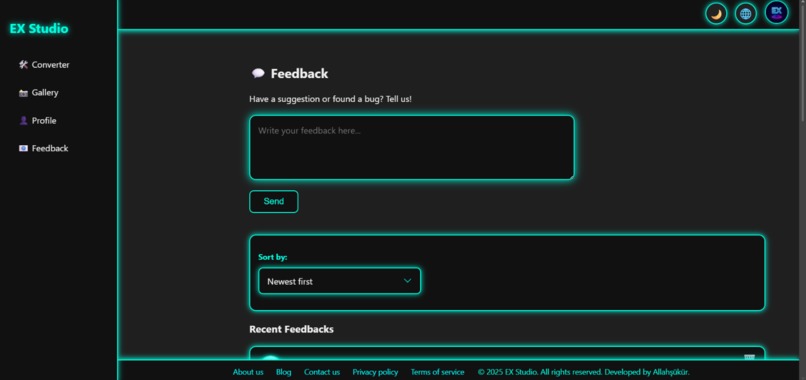
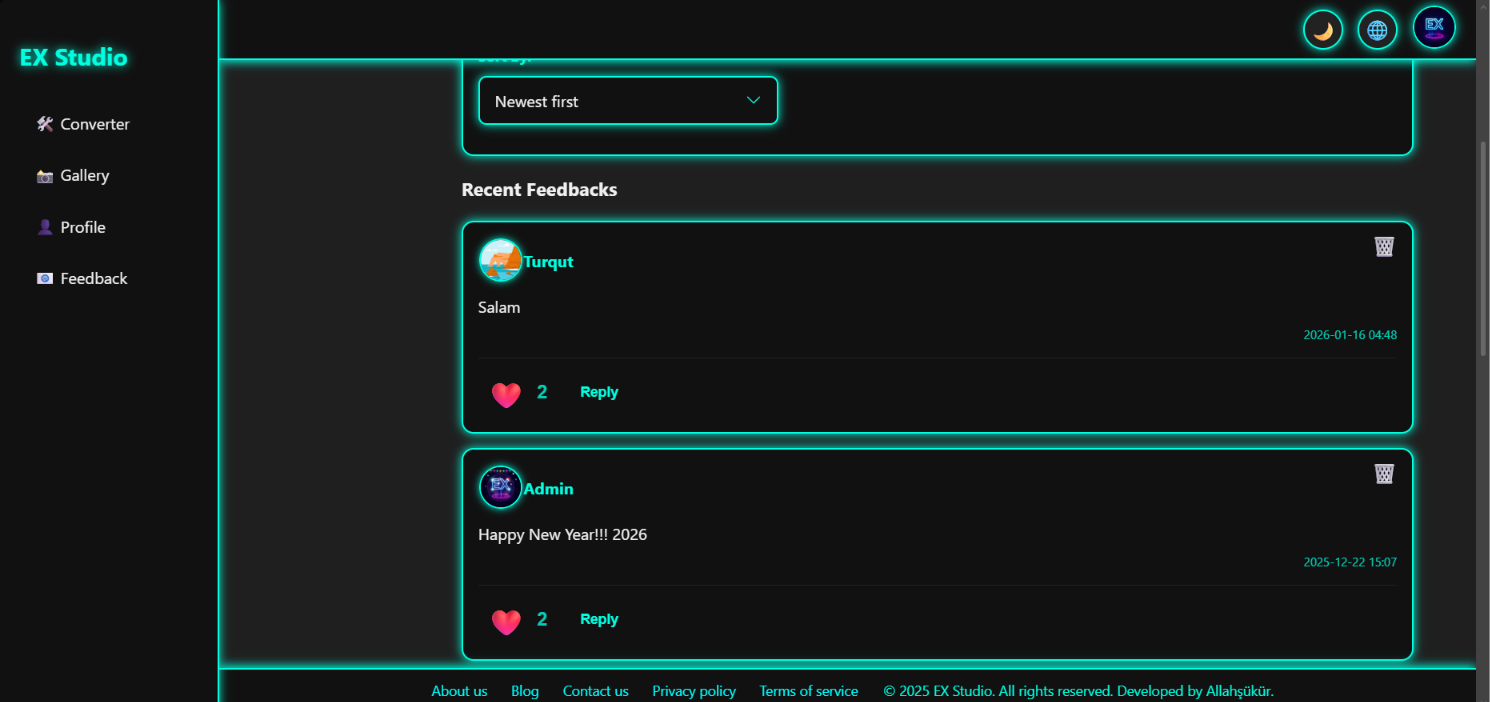
Ex studio feedback area
-
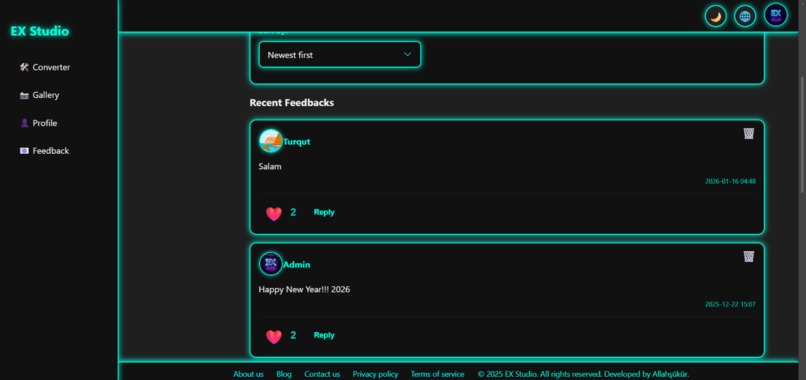
Ex studio admin panel
-

Ex studio privacy policy
-
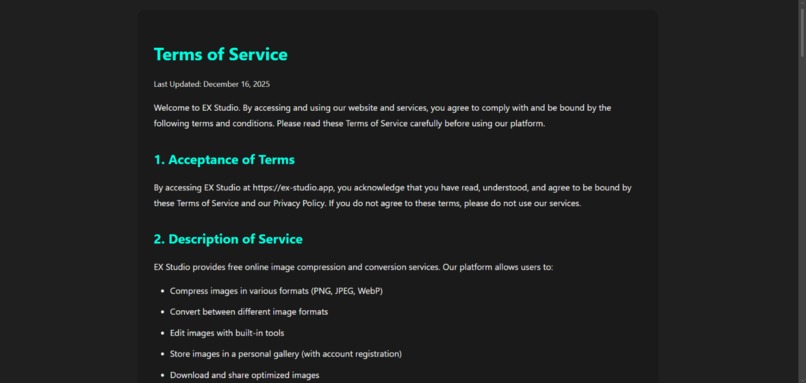
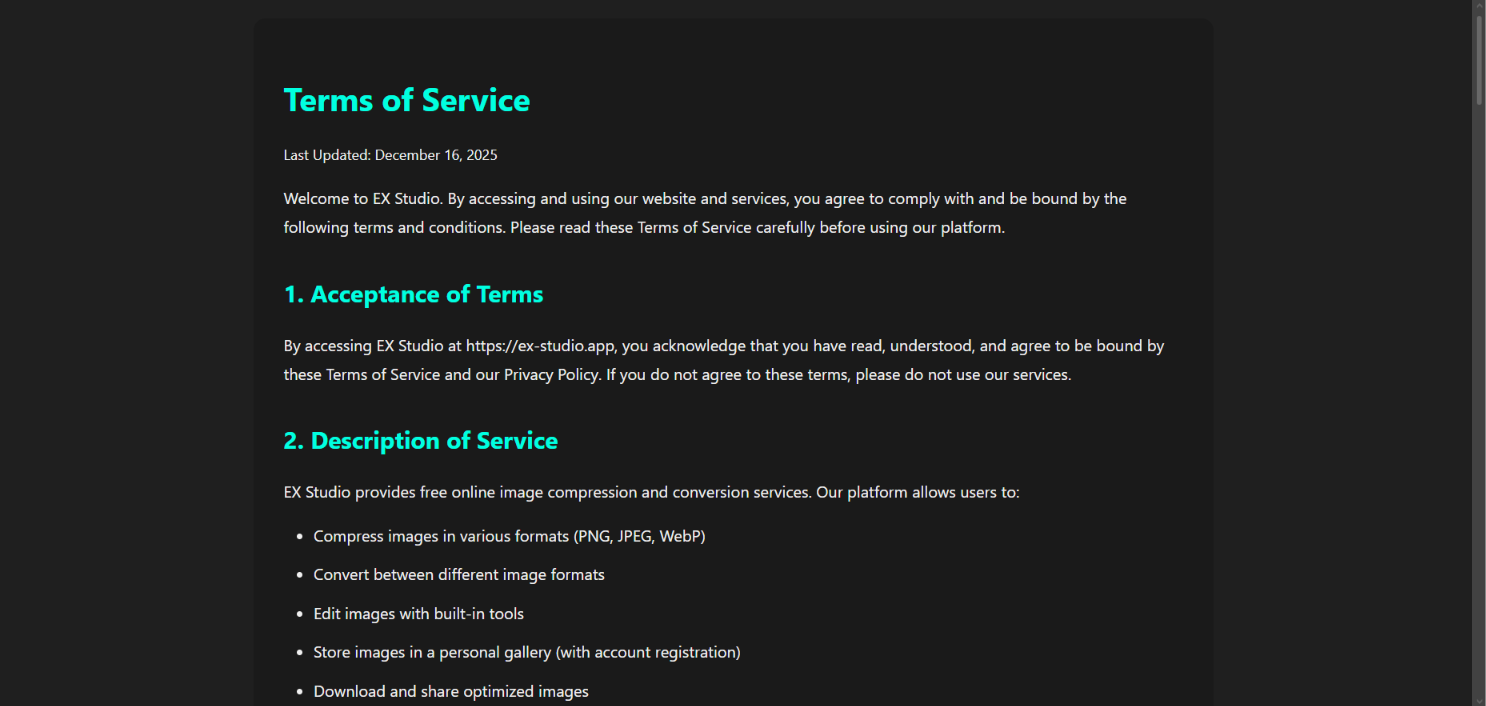
Ex studio terms of service

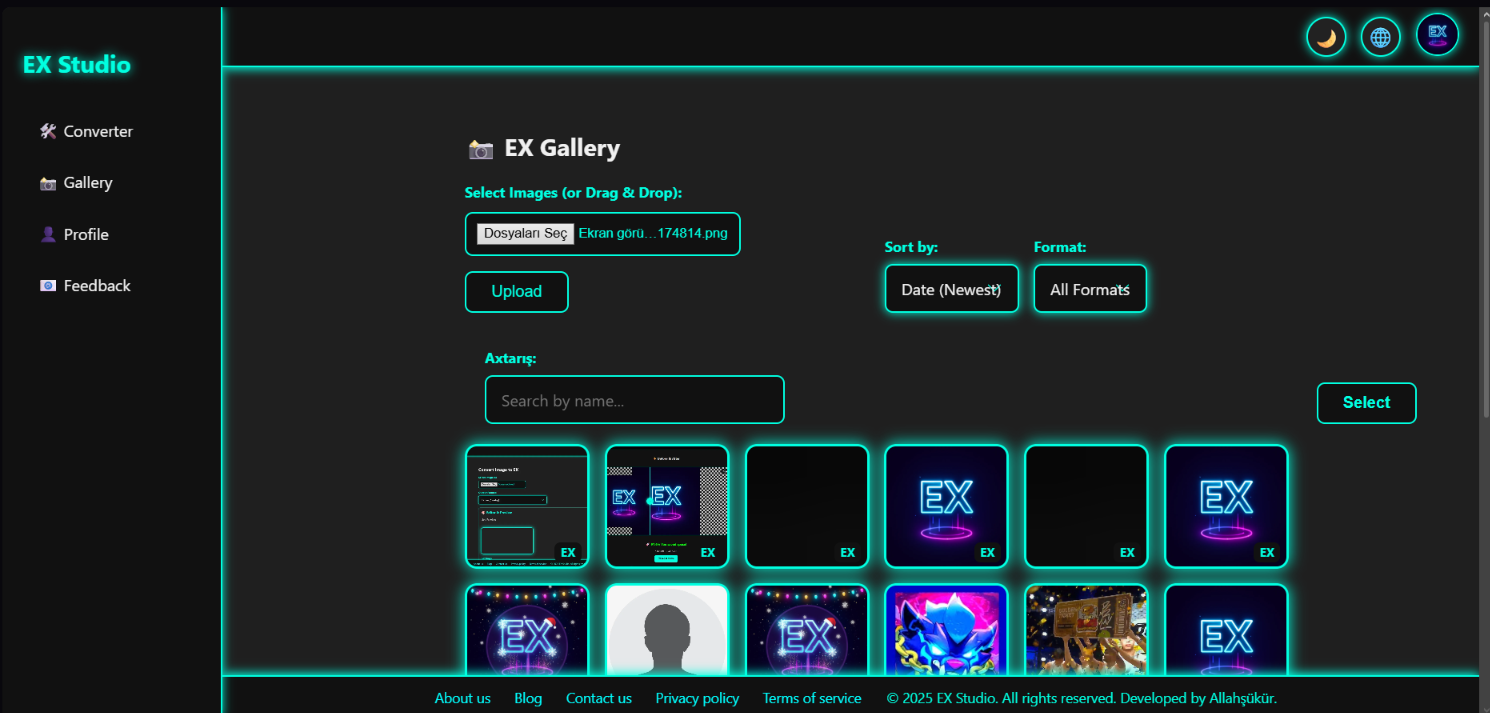
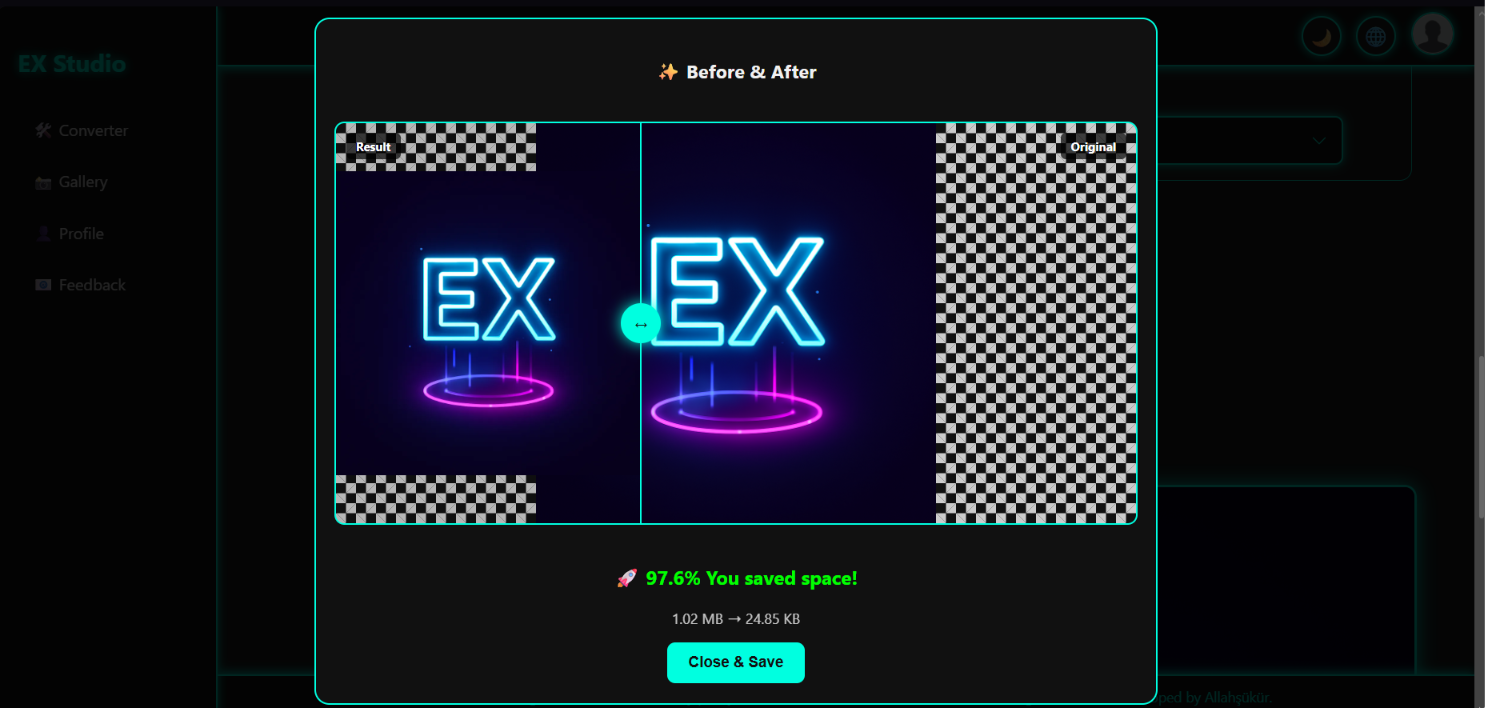
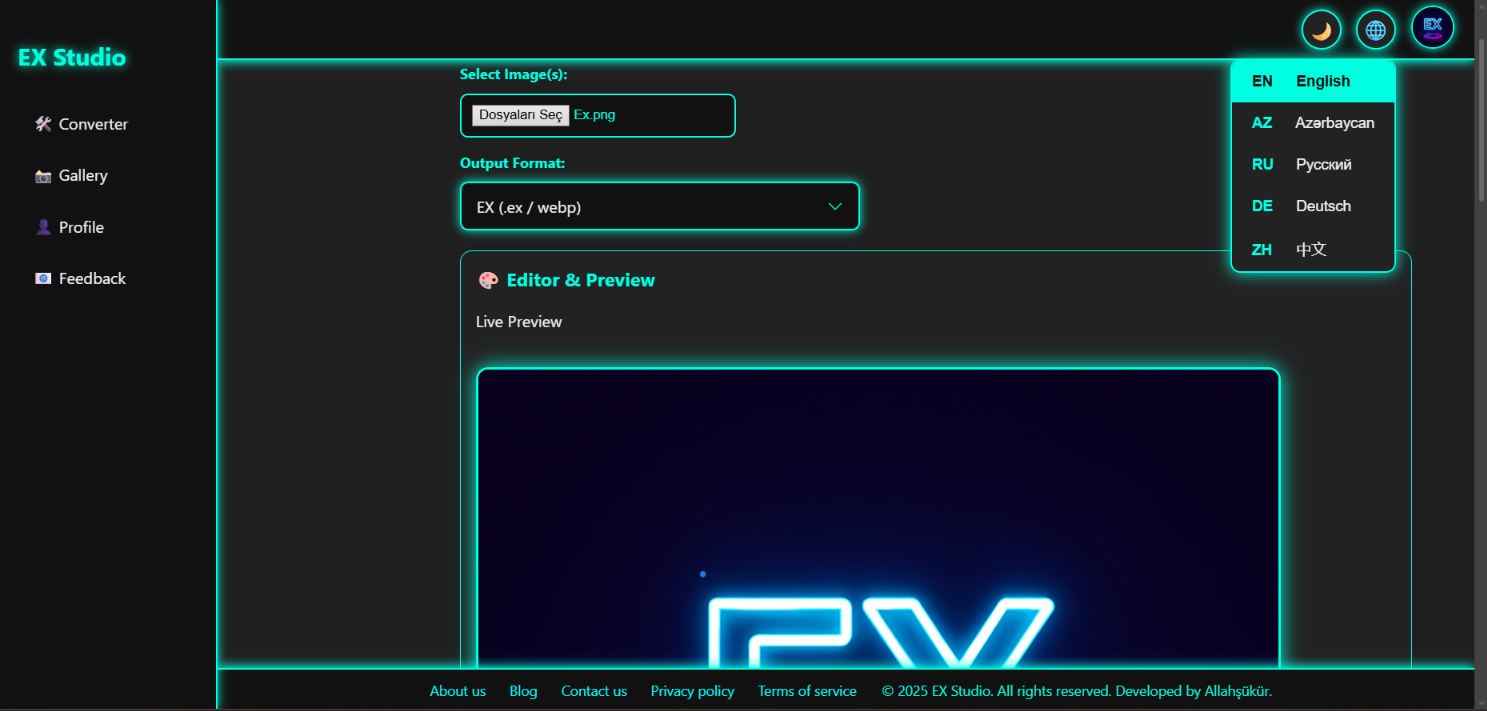
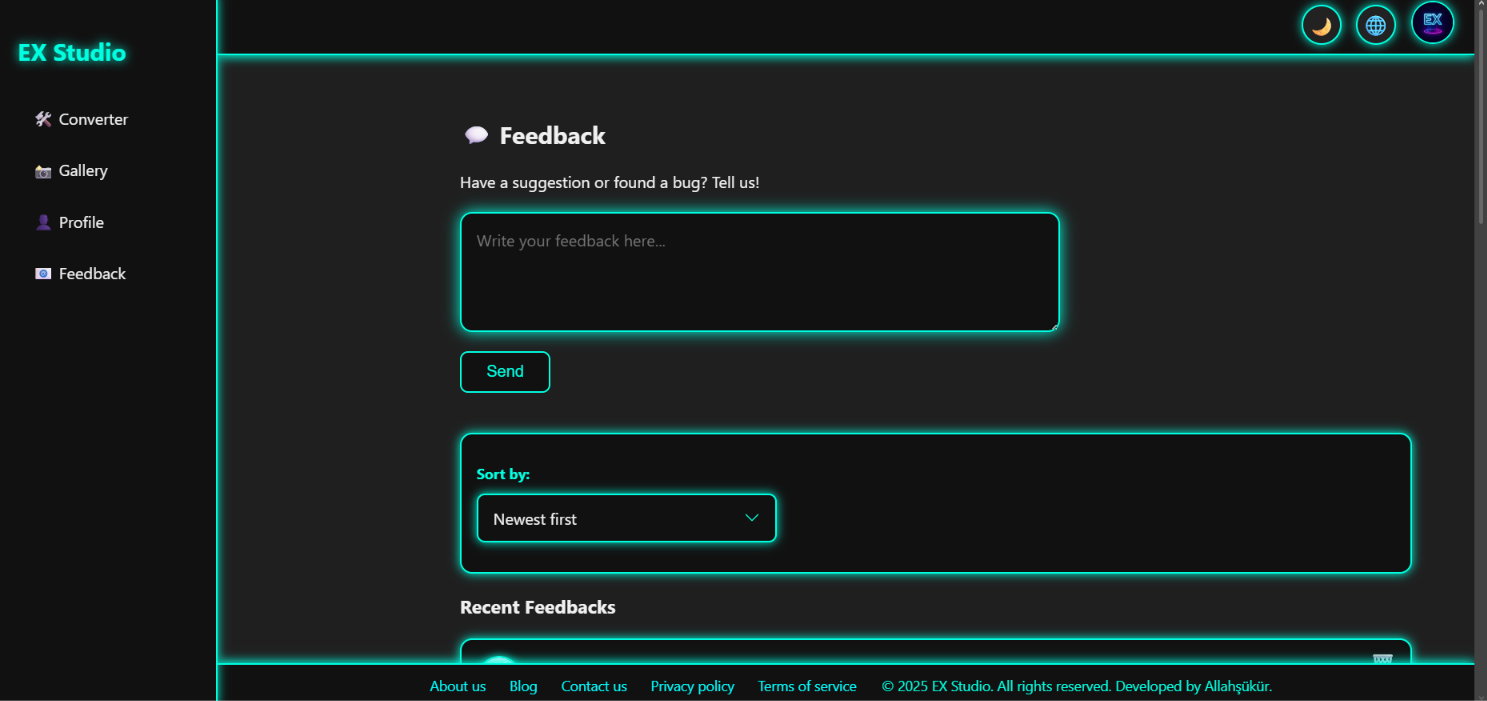

Ex studio - ex-studio.app
I started working on EX Studio because I noticed that image files can get surprisingly large, especially when you just want to upload or share a few pictures. I wanted to make something that could reduce the file size without making the whole process complicated.
EX Studio is a web app where you can upload an image, edit it, change its quality and size, add a watermark, and then export the result. I also added a gallery and profile system so it feels more like a real product instead of just an image converter.
One thing I wanted to focus on was making the interface simple. I didn't want users to have to go through lots of menus just to compress an image. You can see the image and the changes while you're working on it.
I built the project mainly with HTML, CSS and JavaScript. I also used Firebase for parts of the user and data system and made the website work as a PWA.
The hardest part for me was putting everything together without making the project confusing or slow. Image processing can also become difficult with larger files, so I spent a lot of time testing different images and improving the experience.
While building EX Studio, I learned a lot about JavaScript, image processing, responsive design, Firebase and building a project from the beginning instead of just making a small demo.
There are still a lot of things I want to improve. I want to add more formats and editing features, improve compression, and make the app even faster.
EX Studio is still a work in progress, but I wanted to build something that I would actually use myself.
Built With
- compression
- css
- design
- development
- firebase
- html
- image
- javascript
- processing
- progressive
- pwa
- responsive
- web


Log in or sign up for Devpost to join the conversation.