-
-
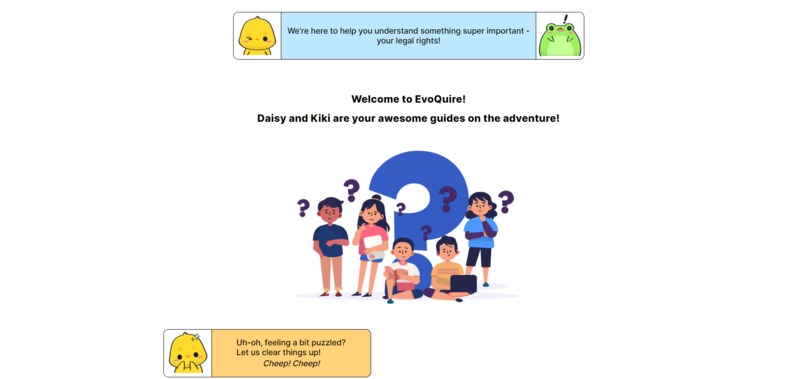
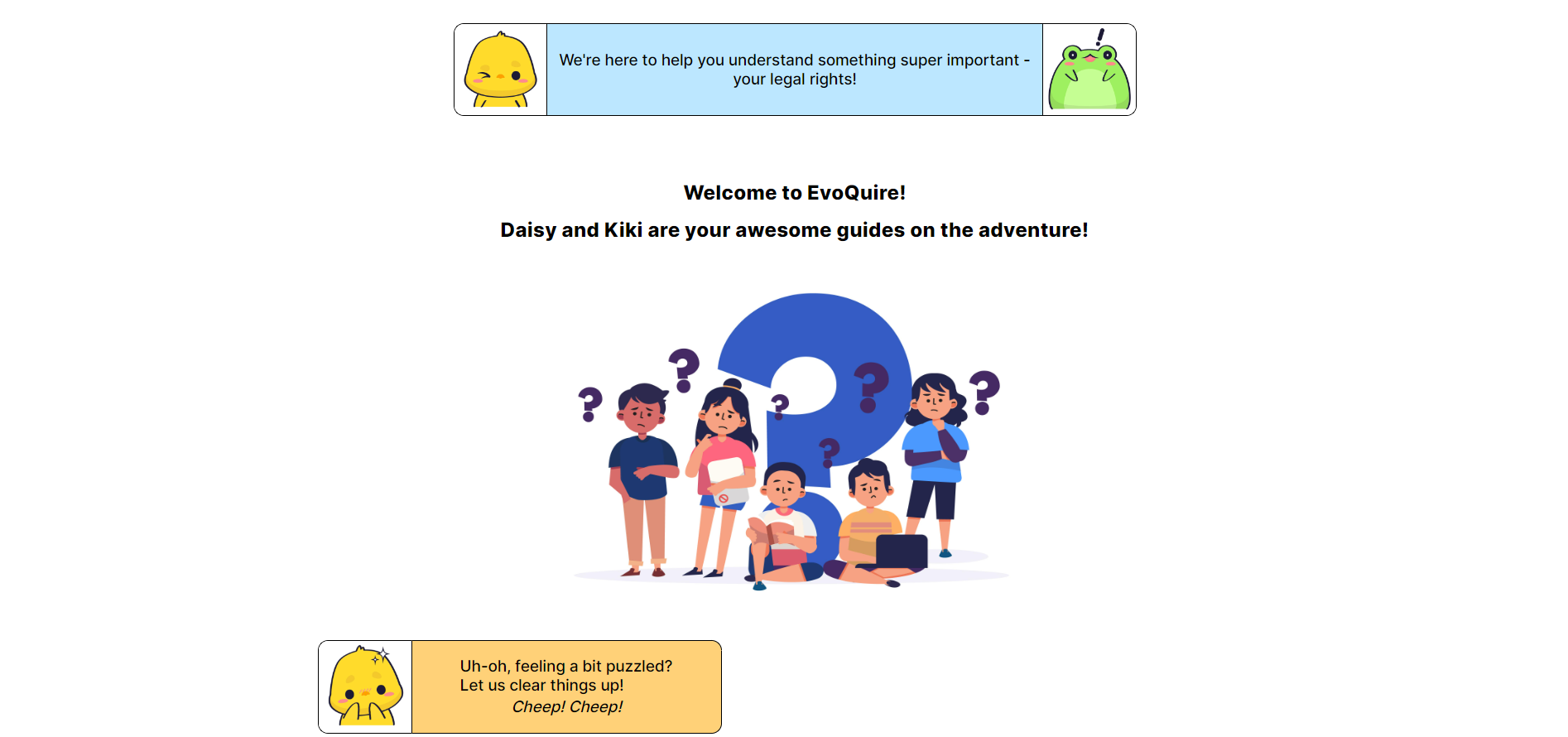
Landing Page
💭Inspiration :
- The inspiration for our project, EvoQuire, stems from a deep-rooted belief in the transformative power of knowledge. Witnessing the gaps in legal education for children, we were motivated to create a solution that empowers young minds with an understanding of their rights.
- The desire to bridge this educational divide and equip the next generation with essential legal insights served as the driving force behind EvoQuire.
- Inspired by the potential to foster responsible and informed citizens, we embarked on a journey to make legal concepts accessible, engaging, and relevant to children aged 10 to 15.
- Our project is guided by the vision of empowering young learners with the confidence to navigate the complexities of the legal world, ultimately contributing to a fair and just society.
💡What problem does the project solve?
- EvoQuire breaks down intricate legal concepts into kid-friendly explanations, making it easier for children to grasp their rights.
- Addressing the lack of age-appropriate legal education, EvoQuire provides an interactive platform tailored to children's needs.
- By educating children about their legal rights, EvoQuire empowers them to make informed decisions and navigate various situations confidently.
- EvoQuire serves as a bridge, helping parents and guardians facilitate discussions about legal rights effectively and strengthen family connections.
💀 Challenges we ran into:
- Designing the UI using Figma was challenging as it was our first experience.
- Utilizing a database with Google Sheets and using it as an API was also a challenging task, since we have never used a database before.
- Incorporating slanted divisions and designing dialogue boxes posed challenges in the frontend development
🔮 What's Next For Our Project:
- Making the site responsive
- Optimization and minor bug fixes
- Expand the database to contain more questions
- User authentication
📚 What We Learnt
- Educated ourselves about children rights in India.
- We learnt to use Figma to create multi-page web designs.
- Learnt about deploying API using Google Sheets and Google Apps Script and using async functions to use the data in the project.
🌊 Project Workflow:
- Idea conceptualization phase utilizing Google Sheets and Excel.
- UI Design using Figma.
- Established a Discord Server for swift communication and collaboration.
- Git and GitHub for collaborative project work.
- Developed an API to fetch data from Sheets using Google Apps Script.
- Hosted on GitHub Pages.
Built With
- api
- css3
- google-apps-script
- google-sheets
- html5
- javascript

Log in or sign up for Devpost to join the conversation.