-
Home
Developer Tools Web Application
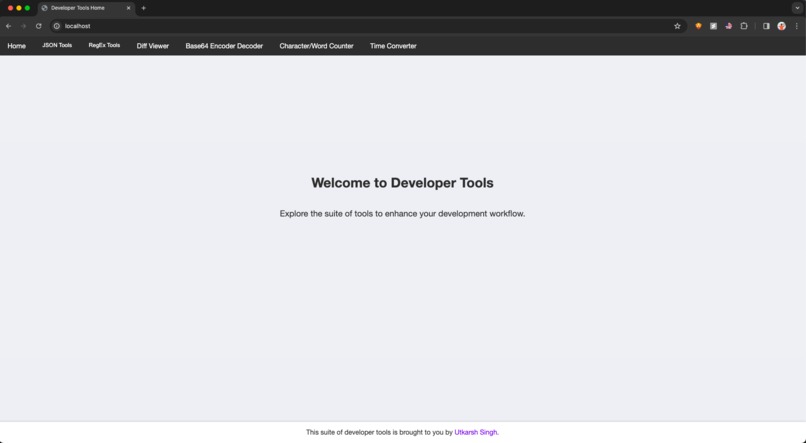
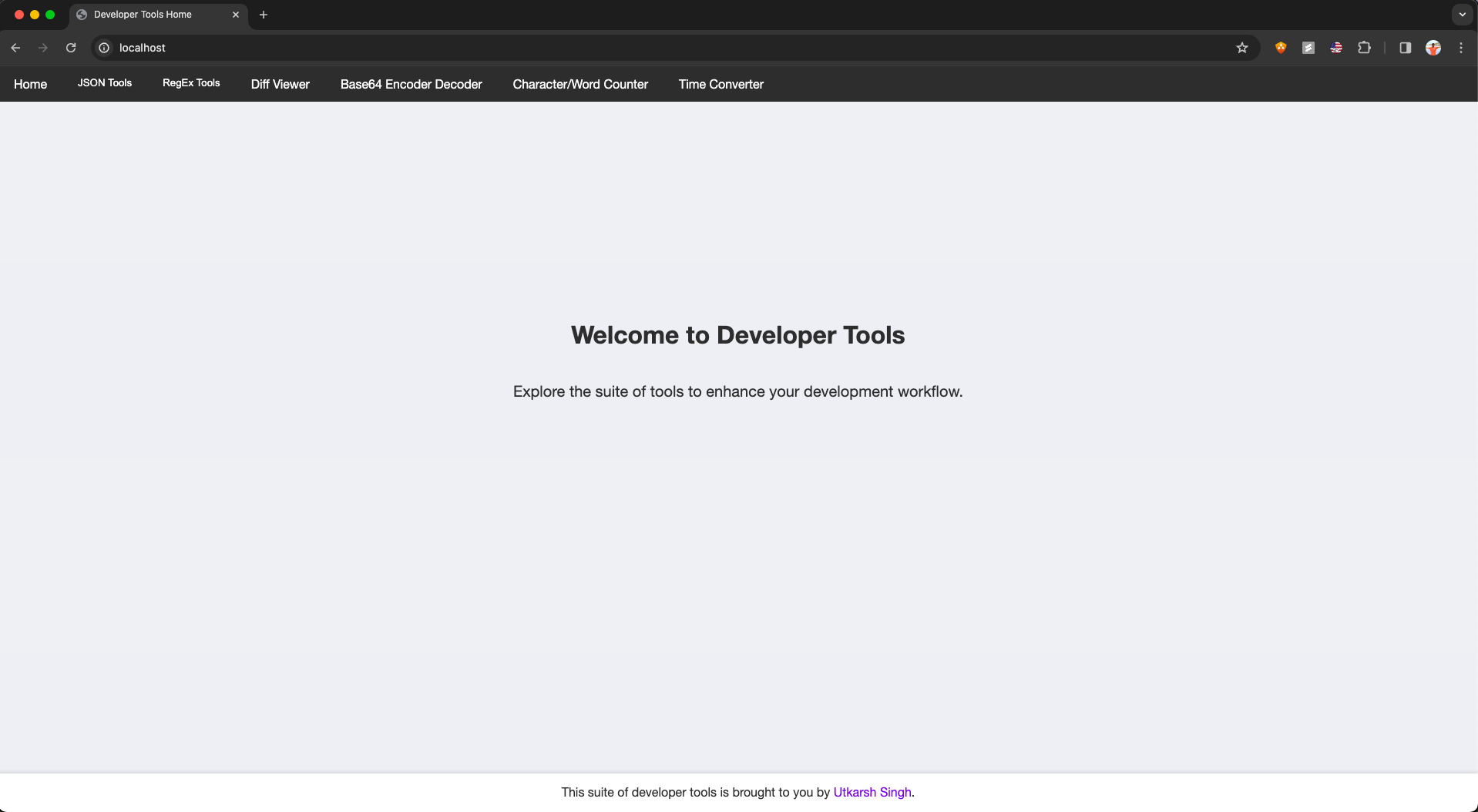
This is a Flask web application that provides various developer tools including a Diff Viewer, JSON Validator, Regex Checker, and Regex Generator.
Features
- Diff Viewer: Compare two blocks of text and visualize the differences.
- JSON TOOLS:
- JSON Validator: Validate JSON format and optionally validate against a JSON schema.
- JSON Schema generator: Generates a JSON schema based on JSON input.
- JSON sample data generator: Generates sample data for a provided JSON schema.
- JSON-String-JSON converter: Converts JSON object to string and vice-versa.
- JSON Parser: Beaufity and format JSON.
- RegEx TOOLS:
- Regex Checker: Validate strings against regular expressions.
- Regex Generator: Generate regular expressions for common patterns.
- Base64 Encoder Decoder: Convert text to/from using base64 encoding/decoding.
- Character/Word Counter: Count number of characters/words/lines in an input text. Also, works on text with custom delimiters.
- Time Converter: Convert timestamps from ISO/EPOCH to all versions you can think of and more.
Installation
Clone this repository:
git clone https://github.com/vib795/everyday-developer-tools.gitNavigate to the project directory:
cd developer-toolsInstall dependencies using pip:
pip install -r requirements.txt
Usage
Run the Flask application using the branch flask-app:
flask runOpen a web browser and navigate to http://localhost:5000.
Choose a tool from the navigation menu on the left.
Production Deployment with Docker, Gunicorn, and Nginx
Dockerized Approach
For deploying the application in a containerized environment with Docker, ensuring scalability and ease of deployment:
- Build and Deploy with Docker Compose:
Dev buildbash docker-compose -f docker-compose-dev.yml up --buildOR
Deployable buildbash docker-compose -f docker-compose.yml up --build
This command builds the Docker images and starts the containers as defined in the docker-compose.yml file.
- Running a Pre-Built Container:
bash
docker run -p 5000:5000 utkarshsingh/developer-tools-dev:latest
Making the Application HTTPS Compliant
To secure the application with HTTPS, follow these steps:
- Generate SSL/TLS Certificates:
For local testing, generate a self-signed SSL certificate:
bash
mkdir -p certs && cd certs
openssl req -x509 -nodes -days 365 -newkey rsa:2048 -keyout nginx-selfsigned.key -out nginx-selfsigned.crt
For production, obtain certificates from Let's Encrypt or another CA.
Configure Nginx for HTTPS: Update
nginx/nginx.confto include the SSL certificate and key, and configure Nginx to listen on HTTPS:server { listen 443 ssl; server_name localhost; # Update to your domain for production ssl_certificate /etc/ssl/certs/nginx-selfsigned.crt; ssl_certificate_key /etc/ssl/certs/nginx-selfsigned.key; # SSL configuration... location / { proxy_pass http://web:5000; # Proxy settings... } }Update docker-compose.yml to mount the certificates directory into the Nginx container.
To pull from GHCR:
docker pull ghcr.io/vib795/utkarshsingh/developer-tools-dev:latestTo pull from Docker hub (dev build):
docker pull utkarshsingh/developer-tools-dev:latestTo pull from Docker hub (deployable build):
docker pull utkarshsingh/developer-tools:latest
Why and How of Nginx and Gunicorn
- Nginx: Acts as a reverse proxy, handling client requests efficiently before passing them to Gunicorn. It's also responsible for SSL/TLS termination, providing HTTPS support.
- Gunicorn: A WSGI HTTP Server for serving Flask applications in production, offering a robust option to handle concurrent requests.
Redis for rate limiting
- We are using redis to rate limit the site to avoid DDoS or ReDoS attacks.
This is installed as part of the docker image but you can do it manually as well, if you are running the flask app manually.
- This installs redis on an ubuntu server and checks for its status.
bash sudo apt-get update && sudo apt-get install redis-server -y && sudo systemctl status redis - Check status of redis server:
bash
redis-cli ping
You should receivePONGback. - Install Redis python library
bash
pip install redis
- This installs redis on an ubuntu server and checks for its status.
This should set the app to be configured with redis and ready to use. Now you can run flask app.py and everything should work fine without docker intervention.
Contributing
Contributions are welcome! If you would like to contribute to this project, please follow these steps:
Fork the repository.
Create a new branch for your feature or bug fix:
git checkout -b feature-nameMake your changes and commit them:
git commit -m "Add feature-name"Push to your branch:
git push origin feature-nameSubmit a pull request.
Live demo
A live demo of the application can be viewed here

Log in or sign up for Devpost to join the conversation.