-
-
Logo Screen
-
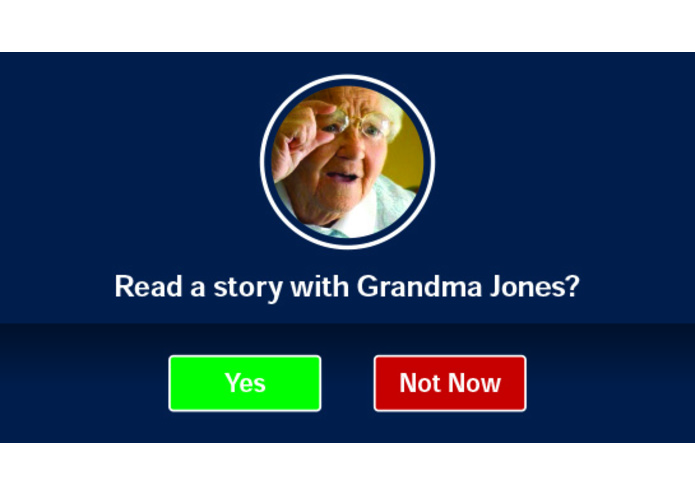
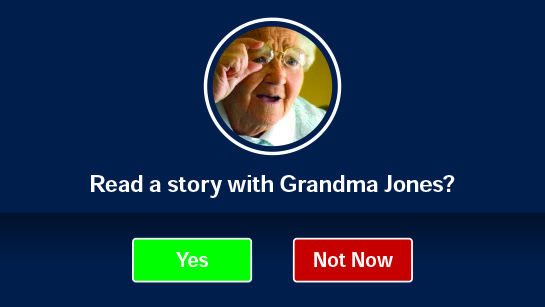
Random Reader
-
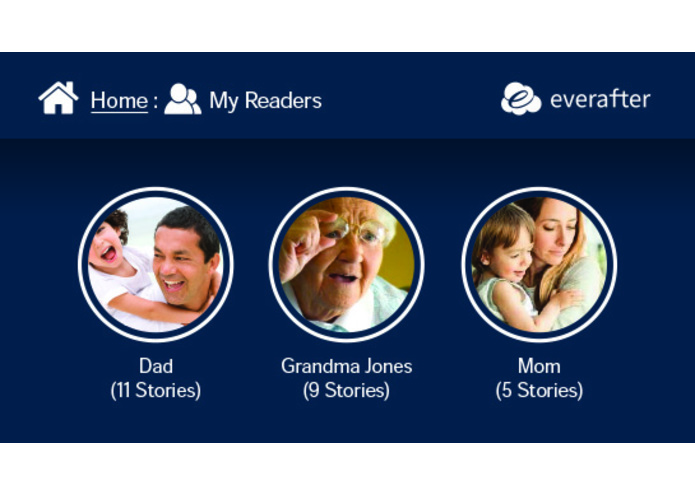
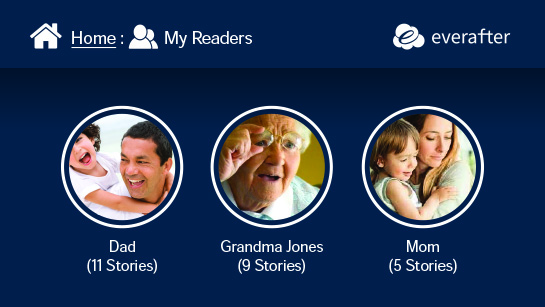
List All Readers
-
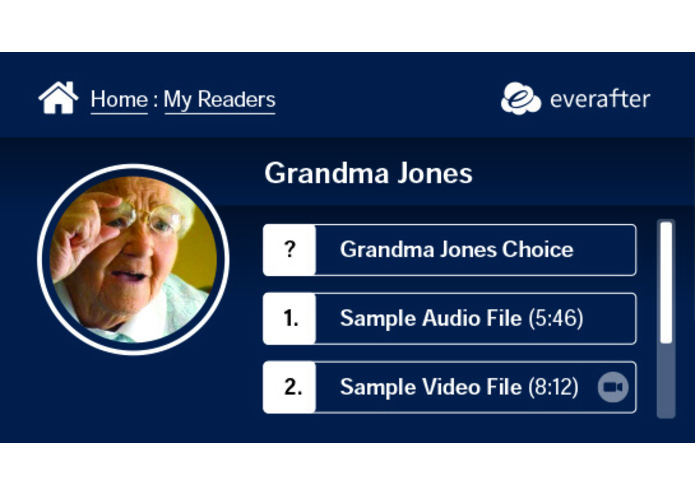
Reader Stories
-
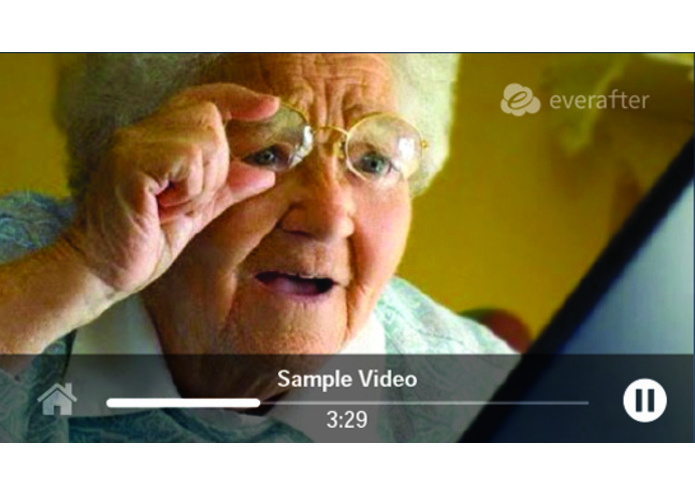
Sample Video
Inspiration:
My kids love it when I read them bedtime stories. They especially love it when other family members are in town and can read to them. Unfortunately, my family is spread across the country and these opportunities are few are far between. I wanted to design a platform that allows friends and family members to easily record stories in audio or video form and share them with my kids. Now my kids can lay in bed and, at any time, ask EverAfter to have Grandma read a bedtime story.
What it does:
While there are other applications that allow you to record and share multimedia, it is not easy to manage... especially for users on different platforms. EverAfter is agnostic - a universal platform works on Apple, Android, Windows, Mac, Linux - and it really shines on Amazon Echo devices - in particular, the new Amazon Echo Show devices.
To begin, visit link to create your account. Once created, you can login and begin recording short stories as either audio or video. Once recorded, you can share your recordings with other users on the EverAfter platform.
Users with Amazon Echo devices can enable the EverAfter Skill on their account and link it to their EverAfter account.
How we built it:
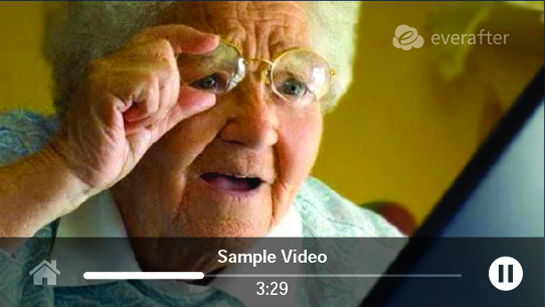
The skill EverAfter is built with the Alexa Python SDK and is 100% custom coded. In the beginning we hooked up the Alexa Account Linking feature, so that everyone will be able to customize their experience. We save all the persistence in an dynamo DB table. All APL documents are separated for a better separation between the working code and the view layer of the skill. We had a special eye on the Video feature. So every story we have available with a video, we will play the video, since we wanted to get the full potential of Alexa Devices with a display.
Challenges we ran into:
It was a challenge for keeping in sync with the Audio Player Interface because we decided to simulate the reading of a book. So every page is an audio file on itself. This made it hard to keep the persistence when a user wanted to stop and then resume at the next start. Since the APL feature is/was still in beta it was a hard time testing it. Al tough we used the authoring tool a lot, there are always differences between the tool, the dev console and the actual device.
Accomplishments that we’re proud of:
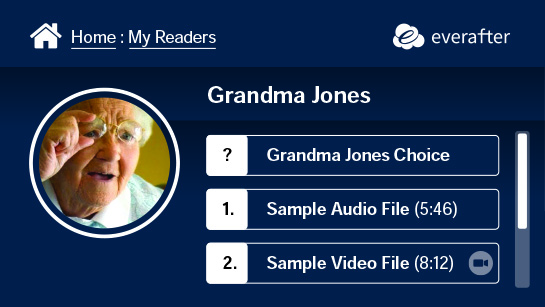
We are very proud to present a very clear and structured Display presentation using the APL since we wanted to boost the usability of the skill. you can see any kind of stories or reader right at your screen and will be able to control also via touch. So voice first and then get over to touch if you want to. We are using over 10 different APL documents which are custom rendered for each user at run-time for a very pleasant experience.
What we learned:
Building for the new Alexa APL is a very exciting task. You have so many new opportunities and possibilities coming with this language. But you better do your planning and mock-ups before, because otherwise it can get a bit frustrating when trying to lay out everything. In the end we can say building EverAfter was a great experience and we hope that everyone will enjoy this skill.
What's next for EverAfter:
This began as a personal project - however, I believe it has the potential to enrich the lives of other families around the world.


Log in or sign up for Devpost to join the conversation.