Inspiration
Our inspiration comes from the numerous events each of our team members has been to, at which it's common for event planners to create an app for their event. These apps often are lacking in aspects of communication between event-goers, as well as communication between the planners and/or supervisors themselves. They are often left with no value after the event's completion and are deleted. However, the most important problem is simply that these apps aren't as fun to use as we realized they could be. Our goals were to give event managers tighter control over staff and attendees, help organizers better communicate during events, and give attendees various features such as chats, maps, shared photos, and feed to improve their event experience. We feel our application will ease the stress off of event managers, keep attendees informed, and improve overall event experiences with great social features.
How it works
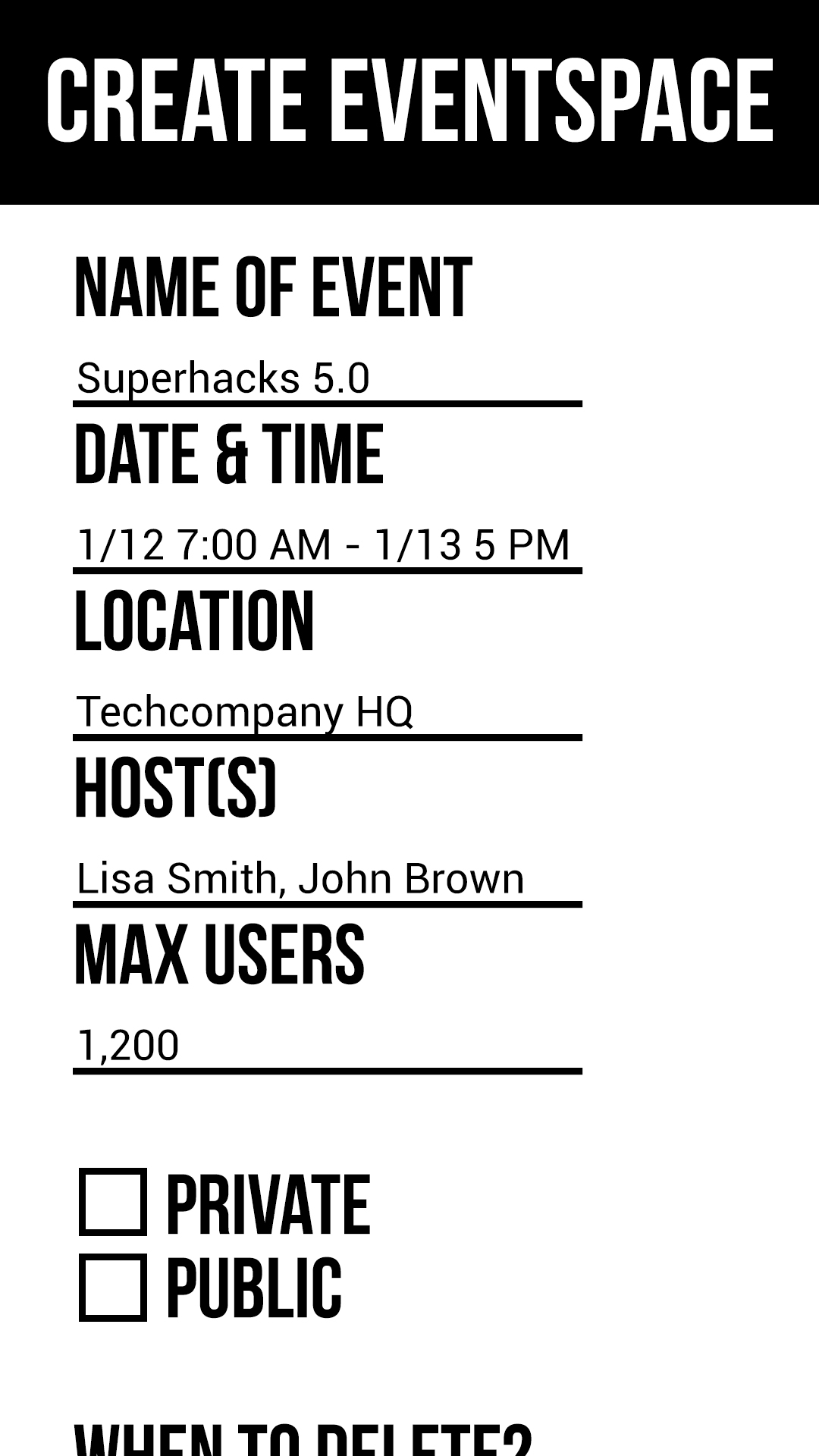
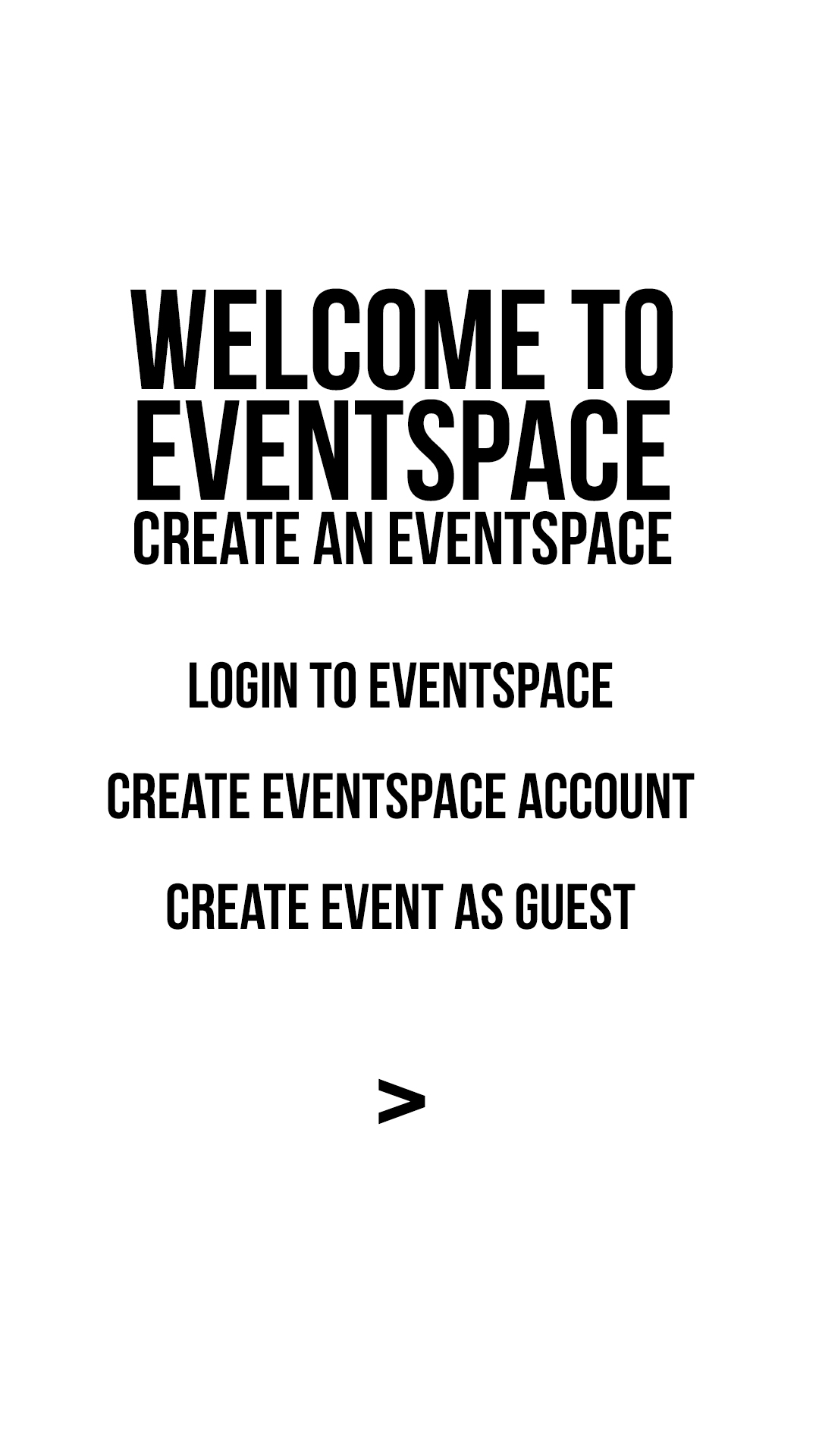
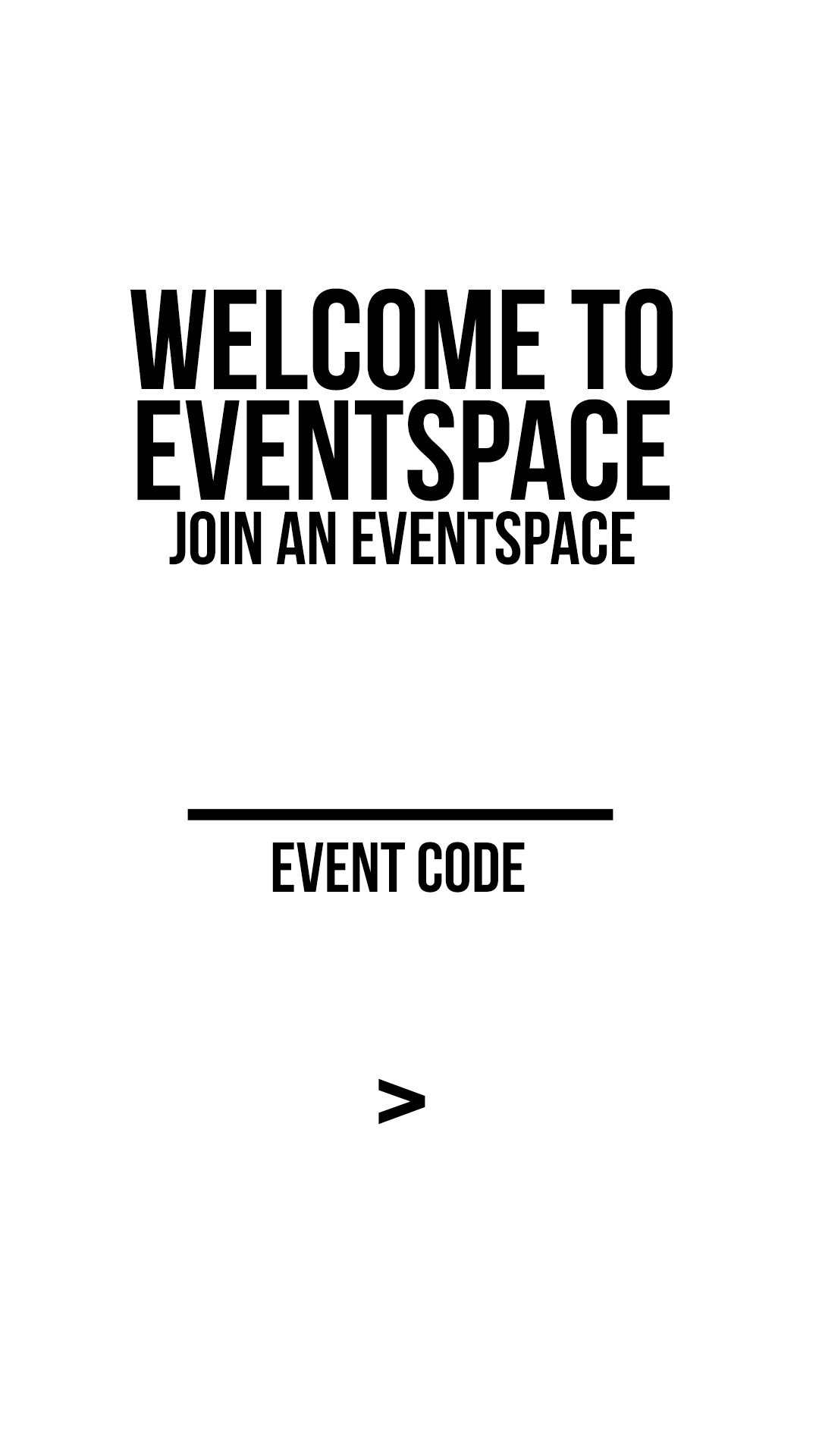
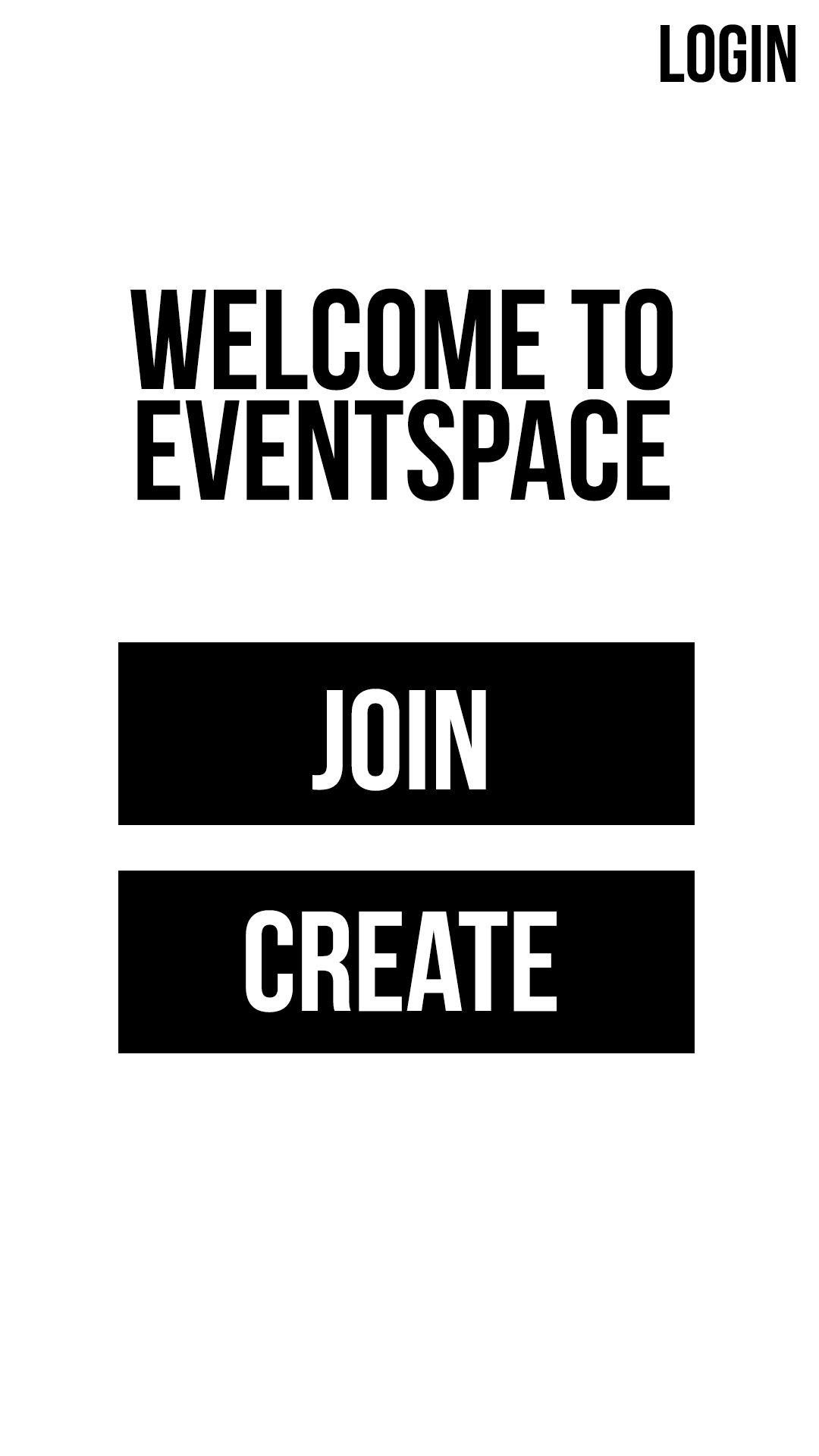
Enter EventSpace, a revolutionary Android app that is a universal home for any and all events. Individuals can view their upcoming events on a My Events screen. Event planners create a temporary social network for their event, and event-goers simply download the app and enter the event code given to them to join the event. Once in the event page, they have access to a variety of tools.
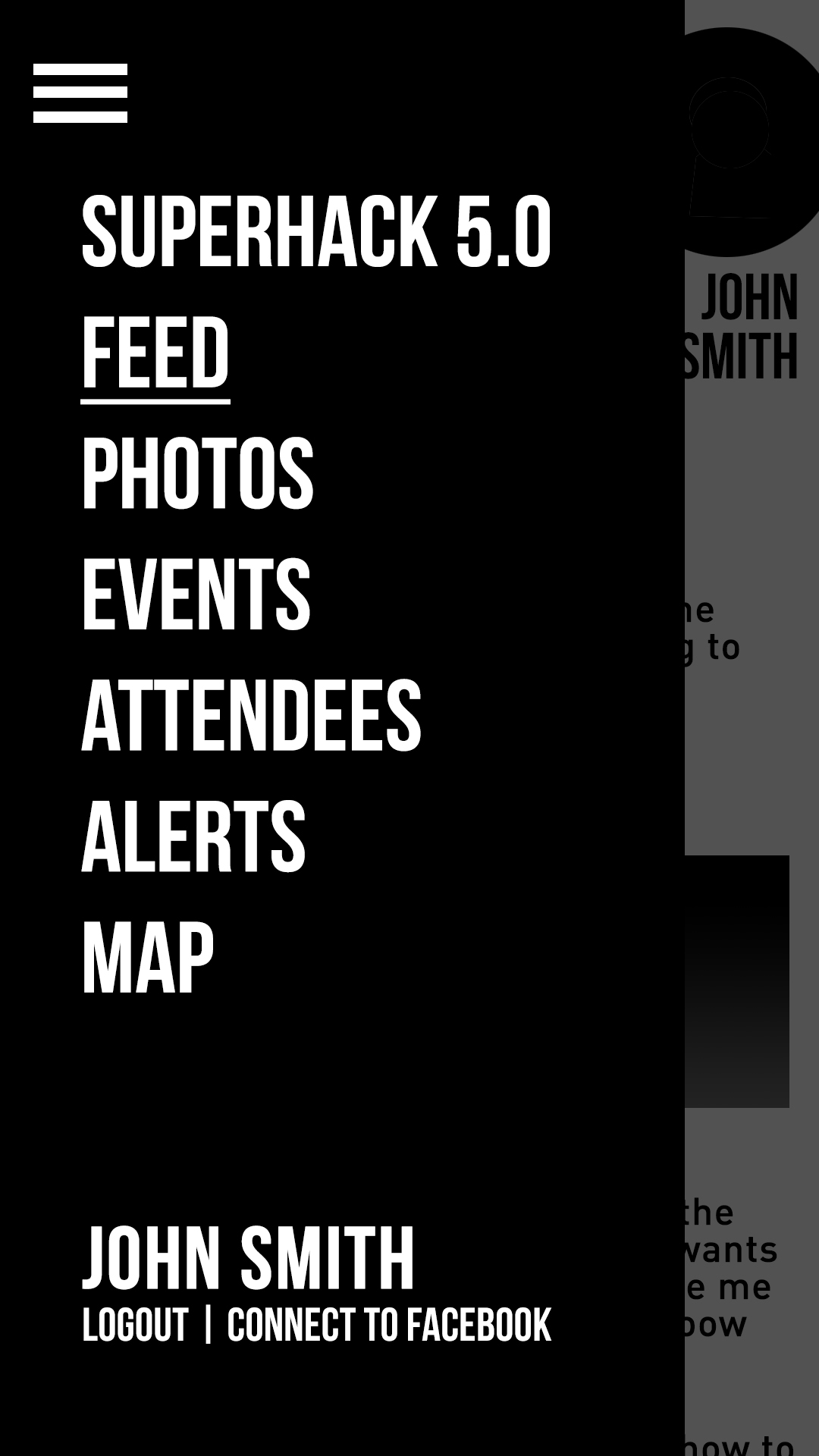
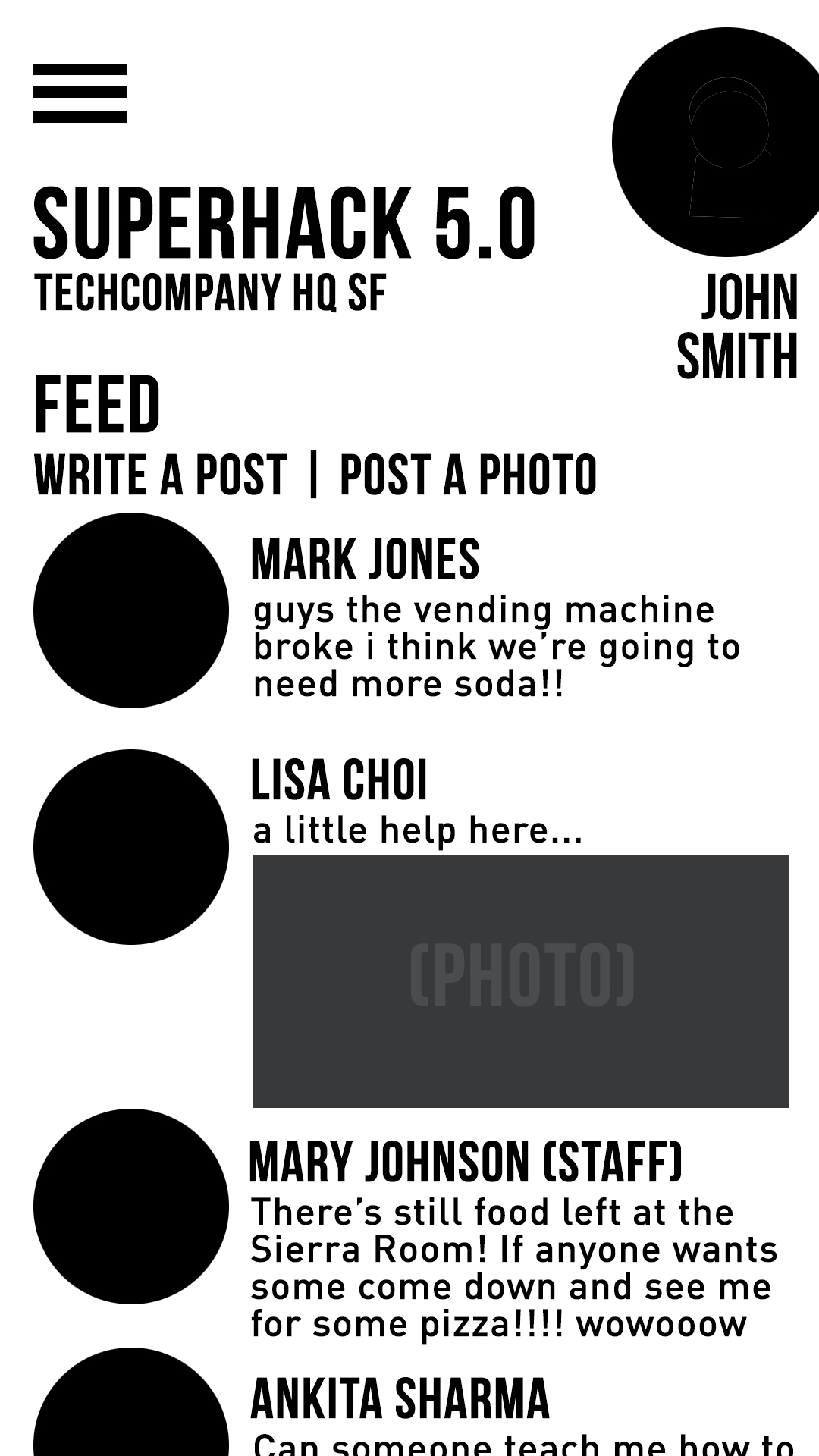
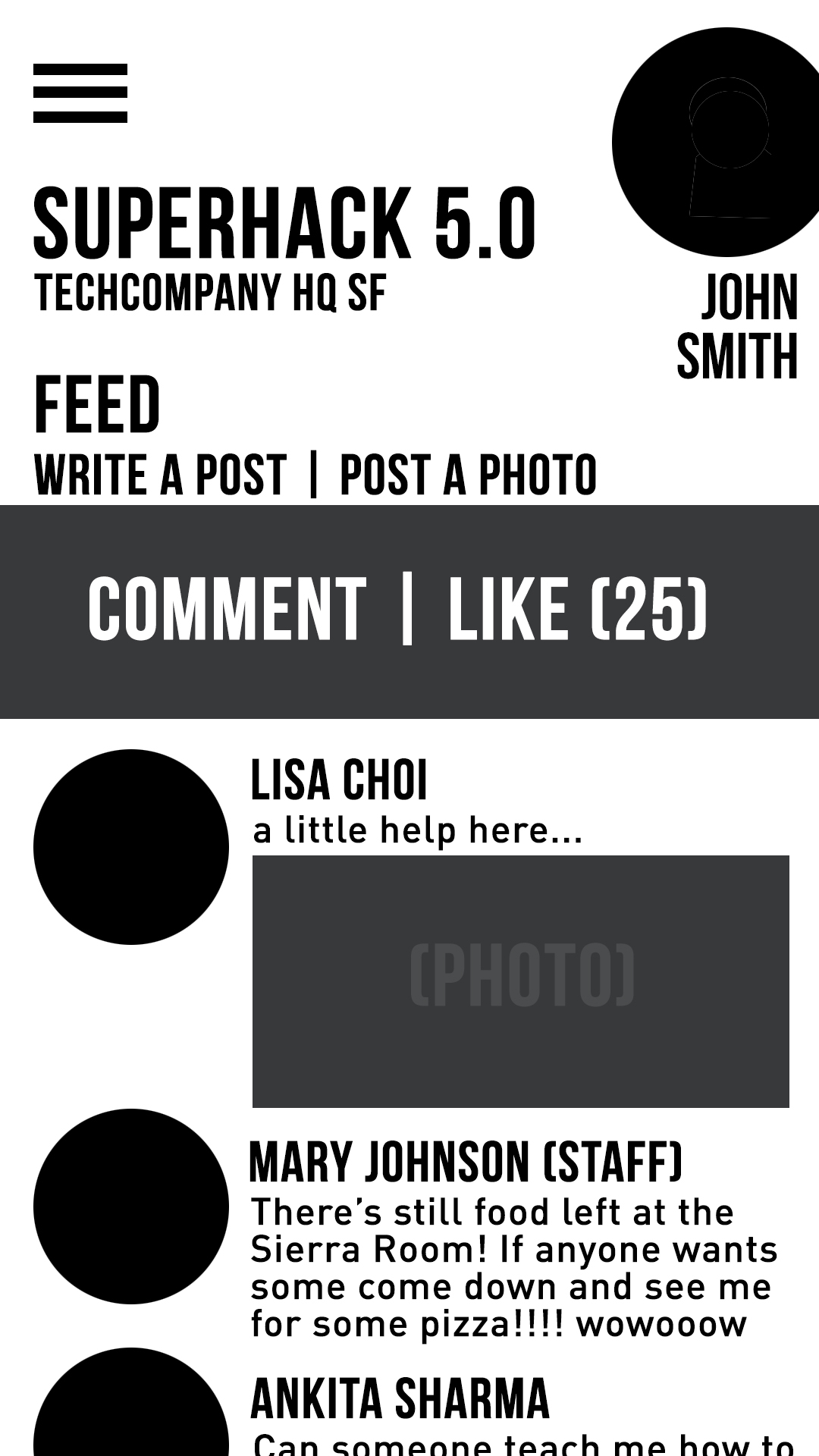
- The Feed section allows anyone (coordinators or company) to post photos and messages for others to like and/or comment on.
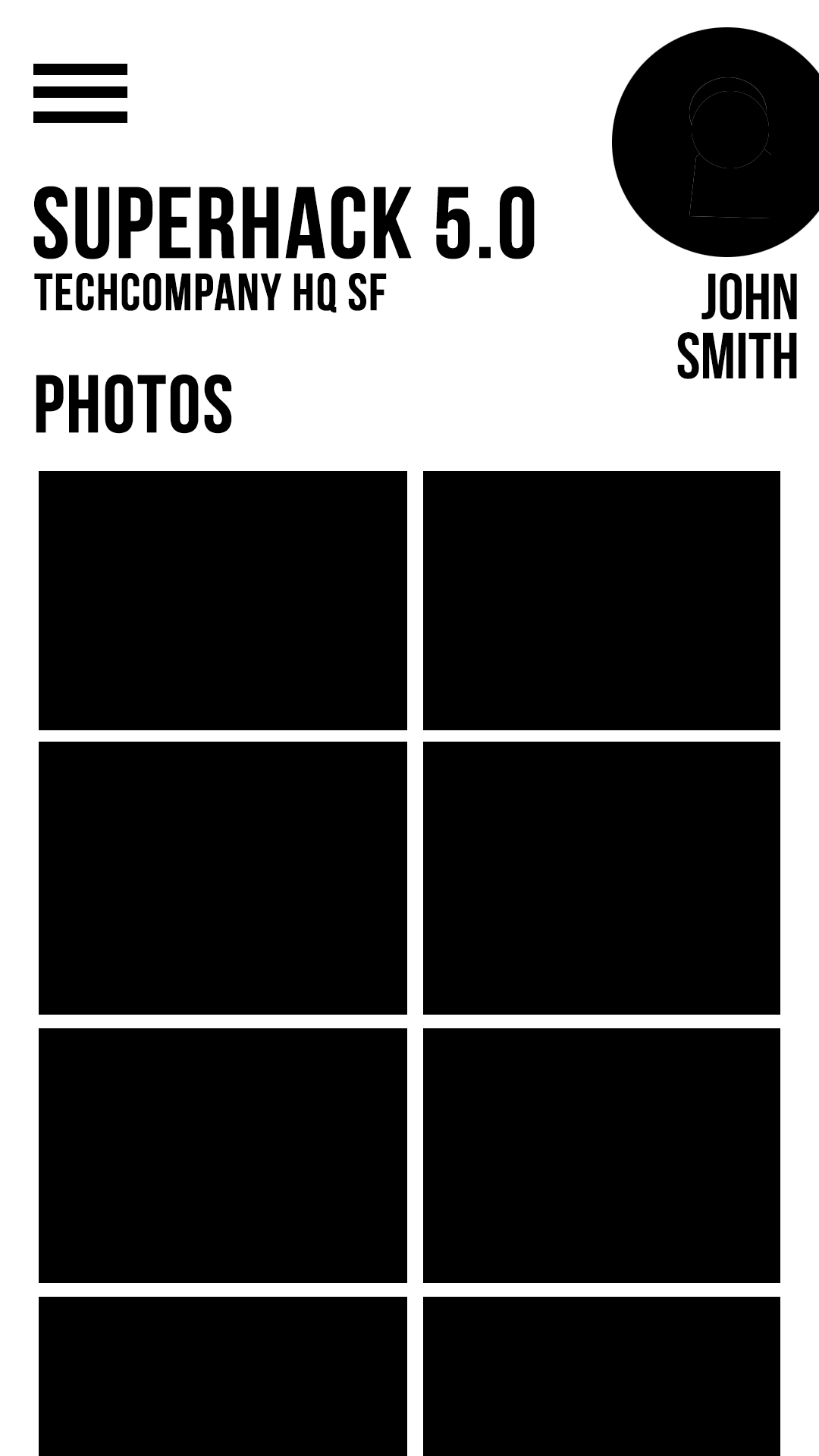
- The Photos section compiles photos uploaded from people at the event for all to view.
- Alerts allows planners to quickly reach their attendees with important info using push notifications.
- Attendees provides a comprehensive list of those attending plus staff members and their contact information. Staff members can be directly chatted to in this screen.
- Messaging keeps people connected throughout the event with a chat room. Additionally, staff members have access to the private staff messaging area which allows staff members to communicate and ping certain people if they are needed.
- Maps offers attendees a map of the venue and optional maps for other locations of interest or directions. These features are all configurable by the event creator(s) in the app and on the web dashboard (they can be disabled and enabled to suit different types of events.)
When an event is created, a "temporary social network" is established, and the event coordinator(s) can distribute their unique code for attendees. (This can be even given in the form of a randomly generated secured link when users RVSP or purchase tickets on an external service, per a partnership). During the event, event-goers, whether at a concert, seminar, tournament, or hackathon, will be able to access the app features on their phones and laptops. During this time, attendees can post on the feed (photos or text) to spark discussion or questions, chat in the group chat, and get important info about scheduling. Finally, at the end of the event, the coordinator(s) have the option to allow attendees to save previous photos and access the network after the event to encourage networking. For example, if you met someone new, you could open up their profile in the app. (NFC could be implemented so attendees can simply tap phones to share profile information).
Challenges we ran into
Our team being a beginner team, we struggled with our attempts to code and implement such a large idea on Android Studio, which none of us had used before. We spent a majority of our time attempting to understand the basic premises, and with help from mentors, friends, and the Internet, we managed to code the front-end of our project. Because of this, though, we weren't able to finish coding as much of the app as we had wanted.
Accomplishments that we're proud of
Even while being beginners, we are all extremely proud of being able to create the output of this app in just 24 hours. Our first breakthrough came when we managed to successfully code the Navigation Drawer, which allows access to all the windows in our app. We also succeeded in coding buttons which, when tapped, would direct the users to a new screen. While the concept is simple and commonplace, we hadn't realized how difficult it was to code.
What we learned
We undeniably learned a huge amount in this short period of time, as every part of our code is a display of something we had to learn from nothing. Specifically, we taught ourselves how the parts of our code in Java and in xml had to compliment each other to make our programs work. We learned how to create new activities, use res to add photos, use the concept of buttons to link users to different pages on click, how to edit strings, and how to populate listview, among various other things.
What's next for EventSpace
As we were unable to finish coding EventSpace, there is much more to expect ahead. We want to use
Built With
- android
- android-studio
- beginner
- photoshop

Log in or sign up for Devpost to join the conversation.