-
-
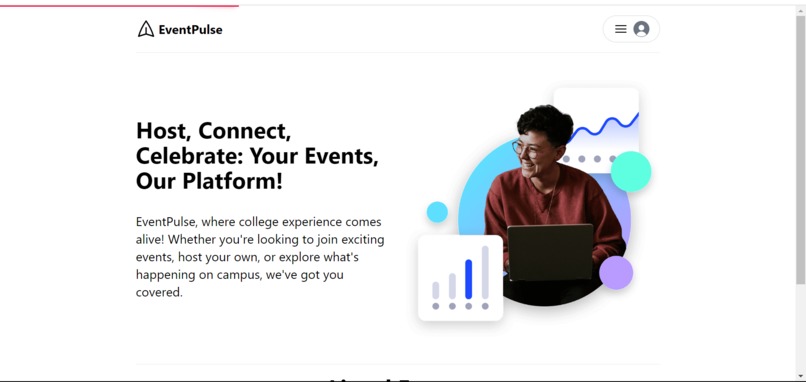
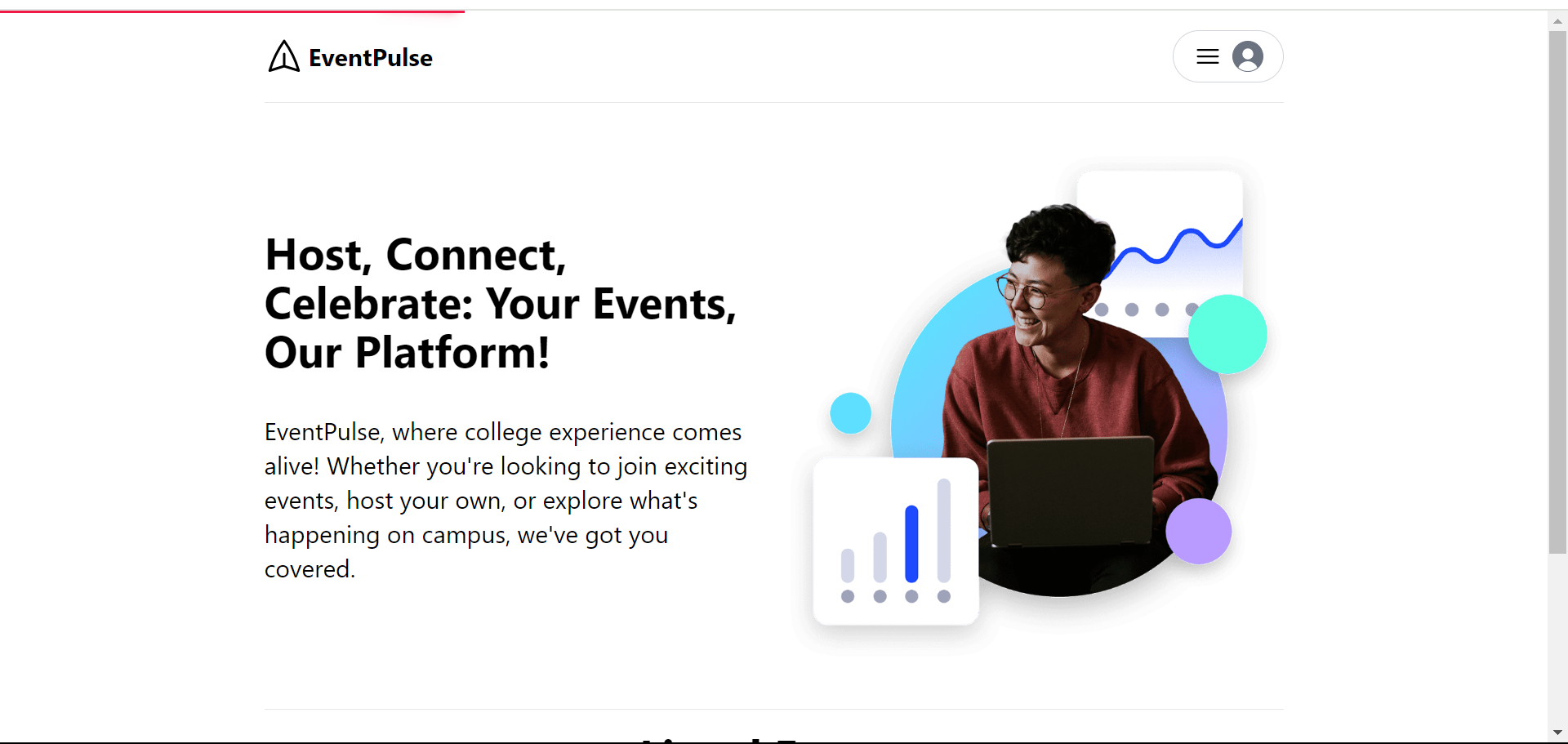
Home Page
-
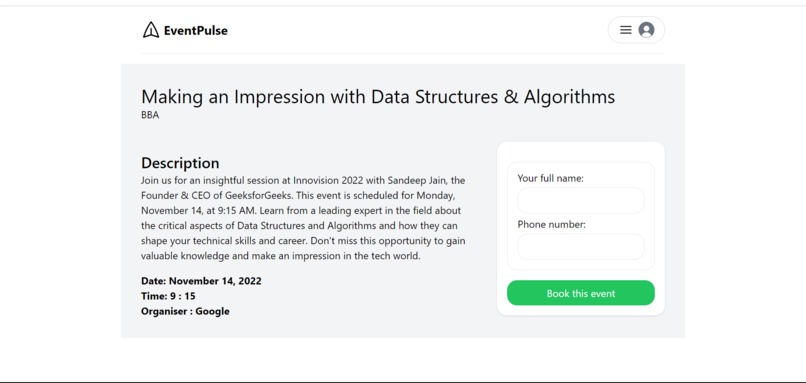
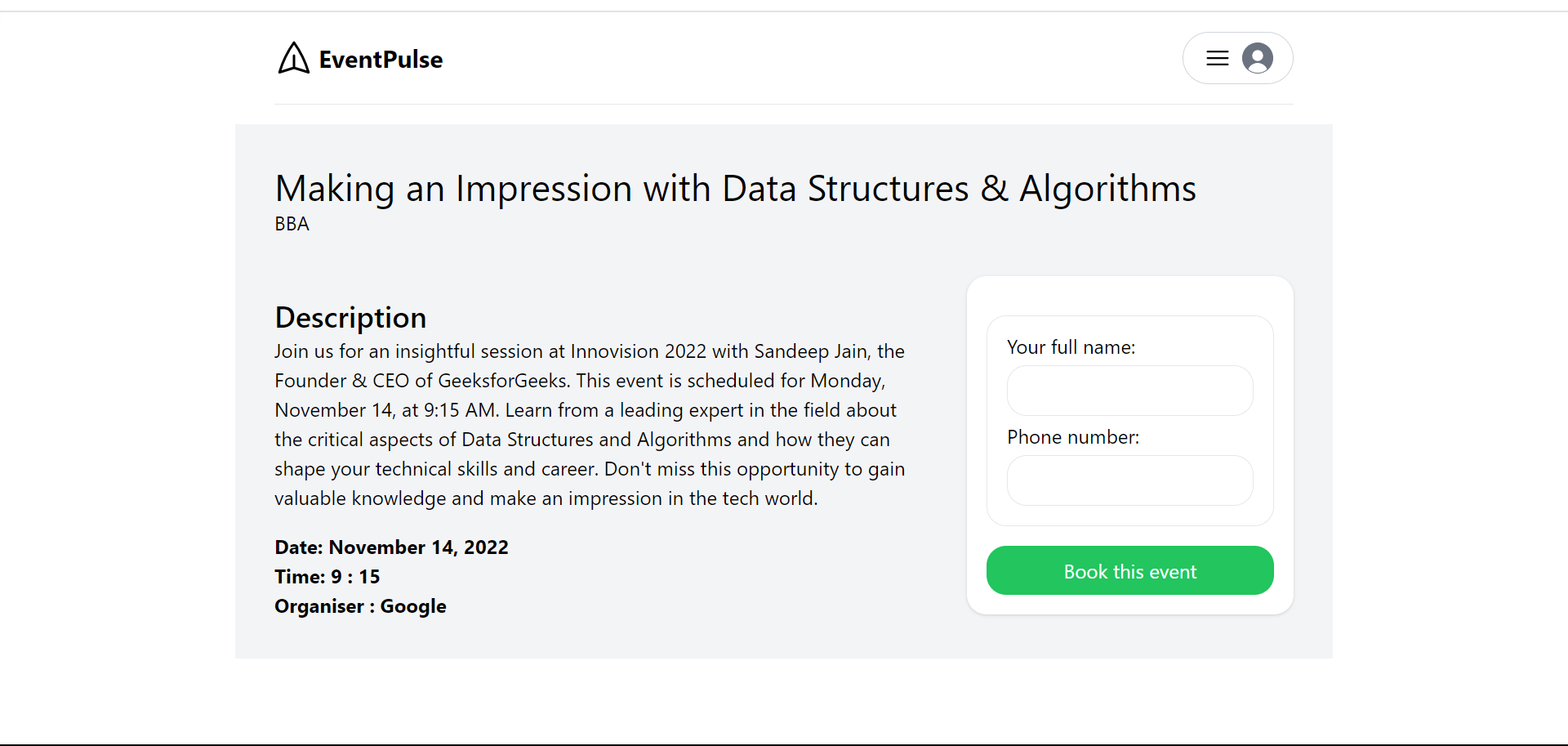
Booking Page
-
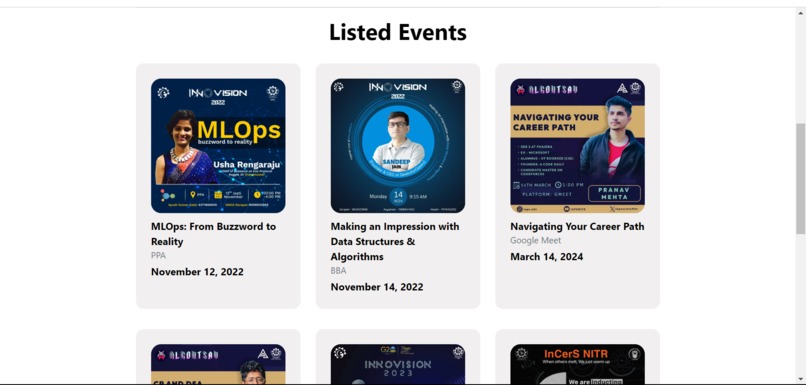
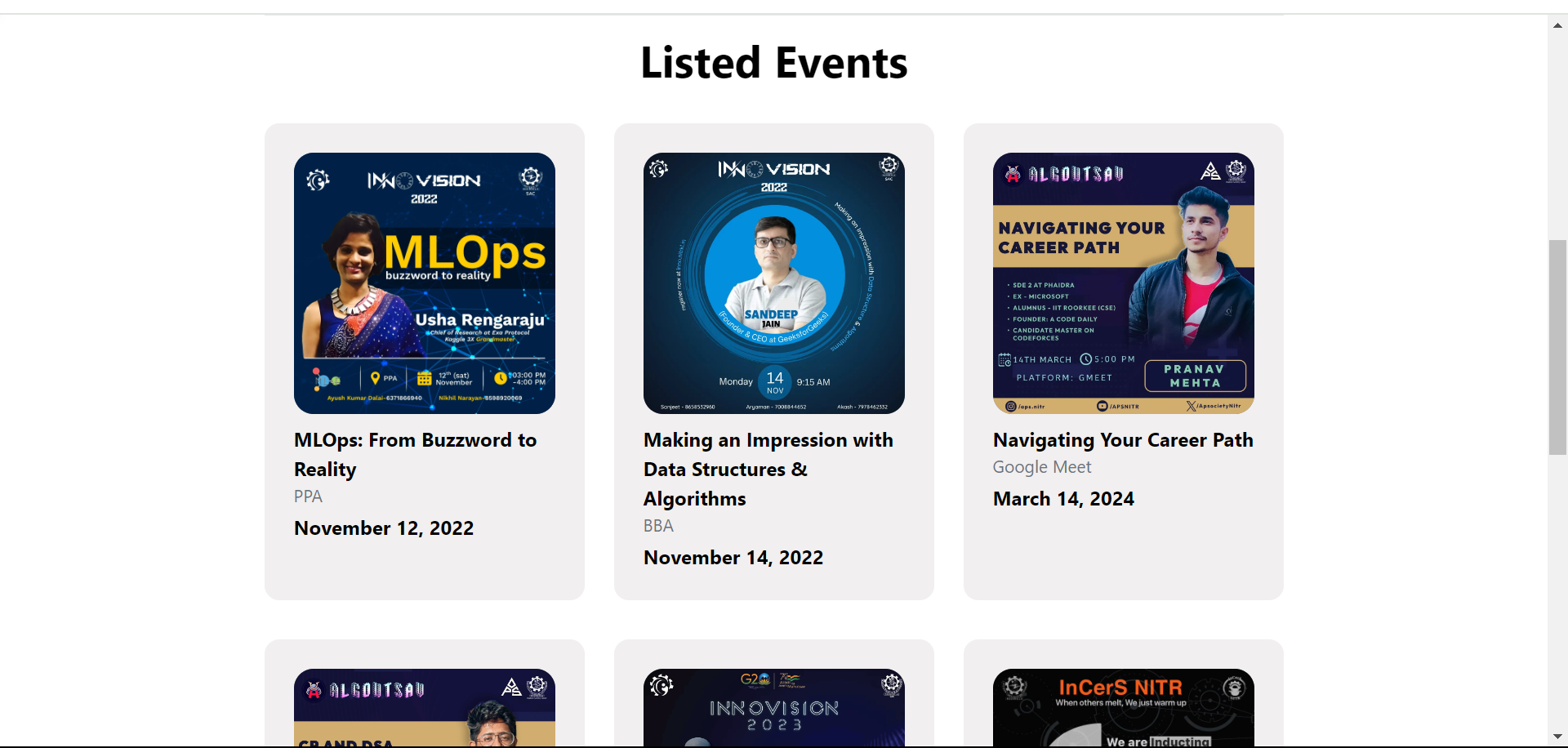
List Page
Inspiration
The inspiration for EventPulse came from my personal experience as a college student. Managing and attending events on campus often felt chaotic and disorganized. I noticed a significant gap in how information was communicated and how events were managed. This inspired me to create a platform that could streamline the entire process, making it more efficient and enjoyable for everyone involved.
What it does
EventPulse is a comprehensive platform designed to streamline the management and participation in college events. It provides a user-friendly interface for students to discover and register for events, while offering powerful tools for event organizers to plan, promote, and manage their events efficiently. With secure authentication, role-based access control, and scalable infrastructure, EventPulse ensures a seamless and reliable experience for all users, transforming the way college events are organized and attended.
How we built it
Research: I started by researching existing event management platforms and identifying their strengths and weaknesses. User Feedback: Conducting surveys and interviews with students and event organizers helped me understand their pain points and requirements. Wireframing: I created wireframes and prototypes to visualize the layout and functionality of the platform.
Development Frontend Development:
- Used React to build a dynamic and responsive user interface.
- Integrated Tailwind CSS for consistent and visually appealing design elements.
Backend Development:
- Developed a RESTful API using Express.js.
- Implemented MongoDB as the database to store user data and event details.
Authentication and Authorization:
- Implemented user authentication using JWT (JSON Web Tokens) for secure login and registration.
Deployment:
- Deployed the application on a cloud platform for scalability and reliability.
Testing and Iteration
- Beta Testing: Released a beta version to a small group of users for feedback.
- Bug Fixing: Addressed issues and bugs reported by beta testers.
- Continuous Improvement: Iteratively improved the platform based on user feedback and performance metrics.
Challenges we ran into
- Balancing User Needs: Creating a platform that caters to both students and event organizers requires careful planning and balancing of features.
- Scalability: Ensuring the platform could handle a large number of users and events without performance issues was a significant challenge.
- Security: Ensuring the security of user data and preventing unauthorized access was a top priority, necessitating robust security measures and regular audits.
Accomplishments that we're proud of
Building EventPulse was a challenging yet incredibly rewarding experience. It allowed me to address a real-world problem and create a solution that could benefit my peers and future students. The journey taught me valuable technical and project management skills, and I am excited to see how EventPulse will evolve and continue to improve college event management in the future.
What we learned
- User Experience Design: Understanding the needs of students and event organizers was crucial. I learned how to create a user-friendly interface that caters to both groups.
- Web Development Technologies: I deepened my knowledge of HTML, CSS, JavaScript, and popular frameworks such as React and Node.js.
- Backend Development: Building a robust backend with Express.js and MongoDB to handle user data, event information, and real-time updates.
- Project Management: Coordinating the different aspects of the project, from planning and design to implementation and testing, was a significant learning experience.
What's next for EventPulse
- Personalized Recommendations: Implementing machine learning algorithms to suggest events based on user interests, past attendance, and engagement.
- Advanced Search Filters: Adding more filter options such as date, location, event type, and popularity to help users find events that match their preferences.
- Interactive Features: Introducing features like live polls, Q&A sessions, and feedback forms to increase attendee participation during events.
- Social Integration: Allowing users to share events on social media platforms and invite friends directly from EventPulse.

Log in or sign up for Devpost to join the conversation.