-
-
website
Website
Inspiration
In the wake of COVID-19, small businesses have been struggling to get back up to speed, with many unfortunately going out of business. Locals have traditionally hosted festivals to inject activity back into their businesses. However, with many of these festivals having been canceled throughout COVID-19, it has been difficult for them to regain traction. Just within the last few weeks, many of our friends have mentioned that they would have gone to the Taste of Danforth Festival or Toronto Chinatown Festival if they had known they were happening. With hopes of supporting local economies and small businesses, our team decided to create Event Horizon, an event aggregator to bring attention to local festivals and celebrations that may not have the budget for strong marketing.
What it does
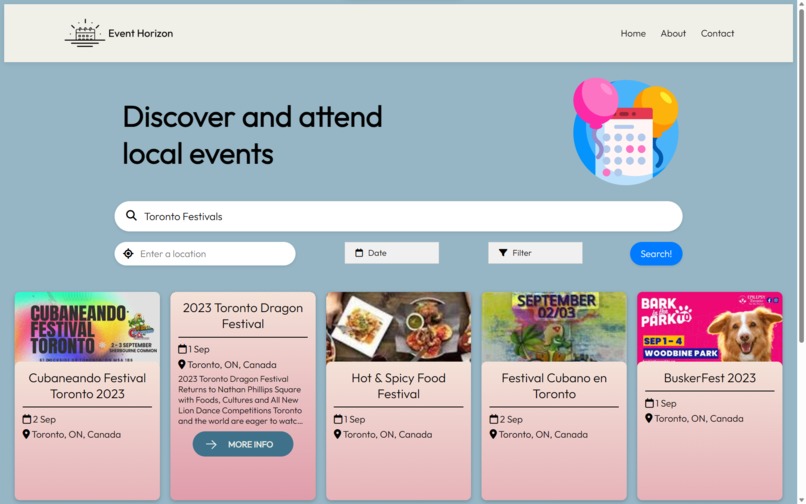
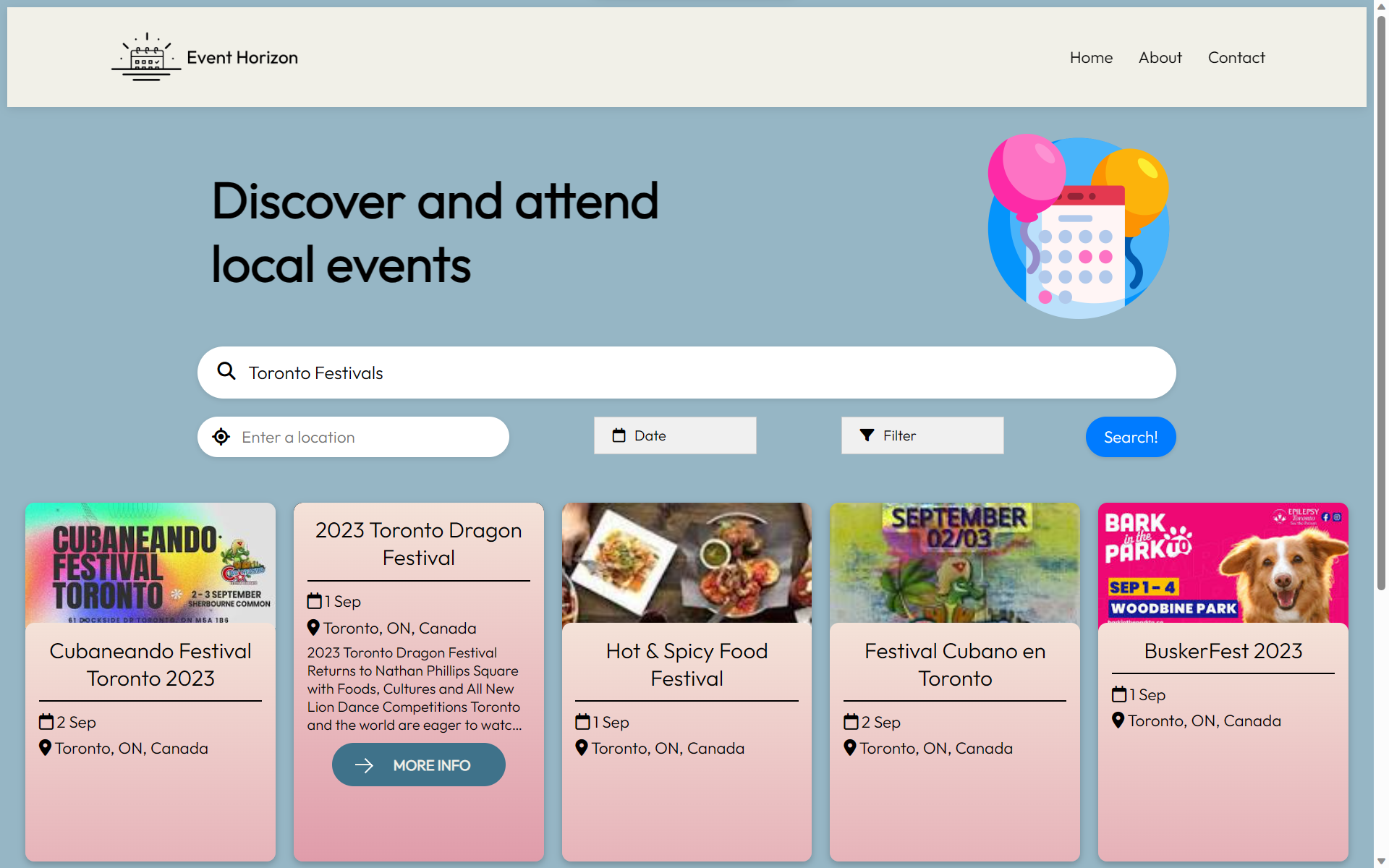
Event Horizon collects events through a custom-made API and filters them based on your preferences (search terms, locations, date/time, category). The output is an interactive and informative page of events in the form of cards, each of which contains the event's name, location, date, and thumbnail. By clicking on a card, you can see additional details such as the event description, exact date/time, venue location and rating, ticket information, and event website. Additional features:
- Add an event to your calendar with one click
- Mobile-friendly design
Installation
Requirements:
- System: Python (3.9)
- Packages: Beautiful Soup (4.12.2), dateparser (1.1.8), Flask (2.2.5), Requests (2.31.0)
Instructions:
- Clone the repository
- Set up Python venv
- Install required dependencies
- Set up
config.jsonwith valid API keys - Run
python flask_app.pyand navigate to the specified page
How we built it
Event Horizon is a web application developed using the Flask framework, with a custom CSS/jQuery front-end design for a smoother and quicker user experience. The front end was first drafted and then designed in Figma before being implemented.
To set the foundations of our project, we built our own internal Events API by parsing Google search results. Then, we implemented IP-based location identification with the IP Geolocation API to narrow down search results and added website features for date and filter selection.
Finally, we investigated and added a bunch of additional features for improved user experience, like integration with calendars, directions/maps information, etc.
Challenges we ran into
- Learning to use Figma, designing the website, and converting it to code
- The team is pretty new to web design, so designing the entire website was quite a challenge; in particular, creating smooth CSS/JS animations for cards and modals
- Since we're all beginner hackers, settling on an interesting idea to start with was quite difficult as well
- Searching for a suitable free API, finding none available, and then figuring out how to parse Google results
- Figuring out how to geolocate users and how to use that as a search parameter (UULE)
What we learned and accomplishments that we're proud of
- Learning to outline and prototype in Figma
- Creating clean transitions and animations in CSS for event cards and modals
- Making our own internal events API by parsing Google searches, and displaying that data in an easily understandable and accessible method
- Adaptable structure for many different event types, from concerts to conferences
- Figuring out the structure of UULE location parameters and Google Calendar links
What's next for EventHorizon
- Suggesting similar events
- Improving the website UI/UX
- Include a map for routes to the venue and display venue location
- Sort listed events by certain parameters (length, date, cost, proximity, etc.)
- Button for "more events" to return more than 10 events
Built With
- beautiful-soup
- css3
- dateparser
- figma
- flask
- html
- javascript
- python
- requests
- website


Log in or sign up for Devpost to join the conversation.