-
-
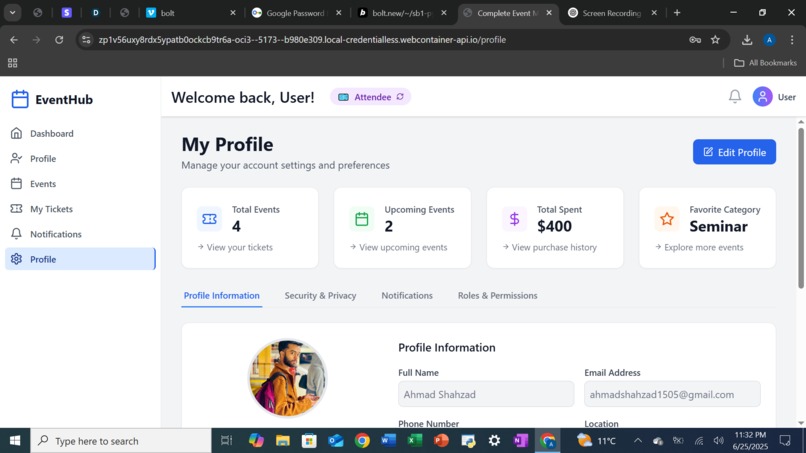
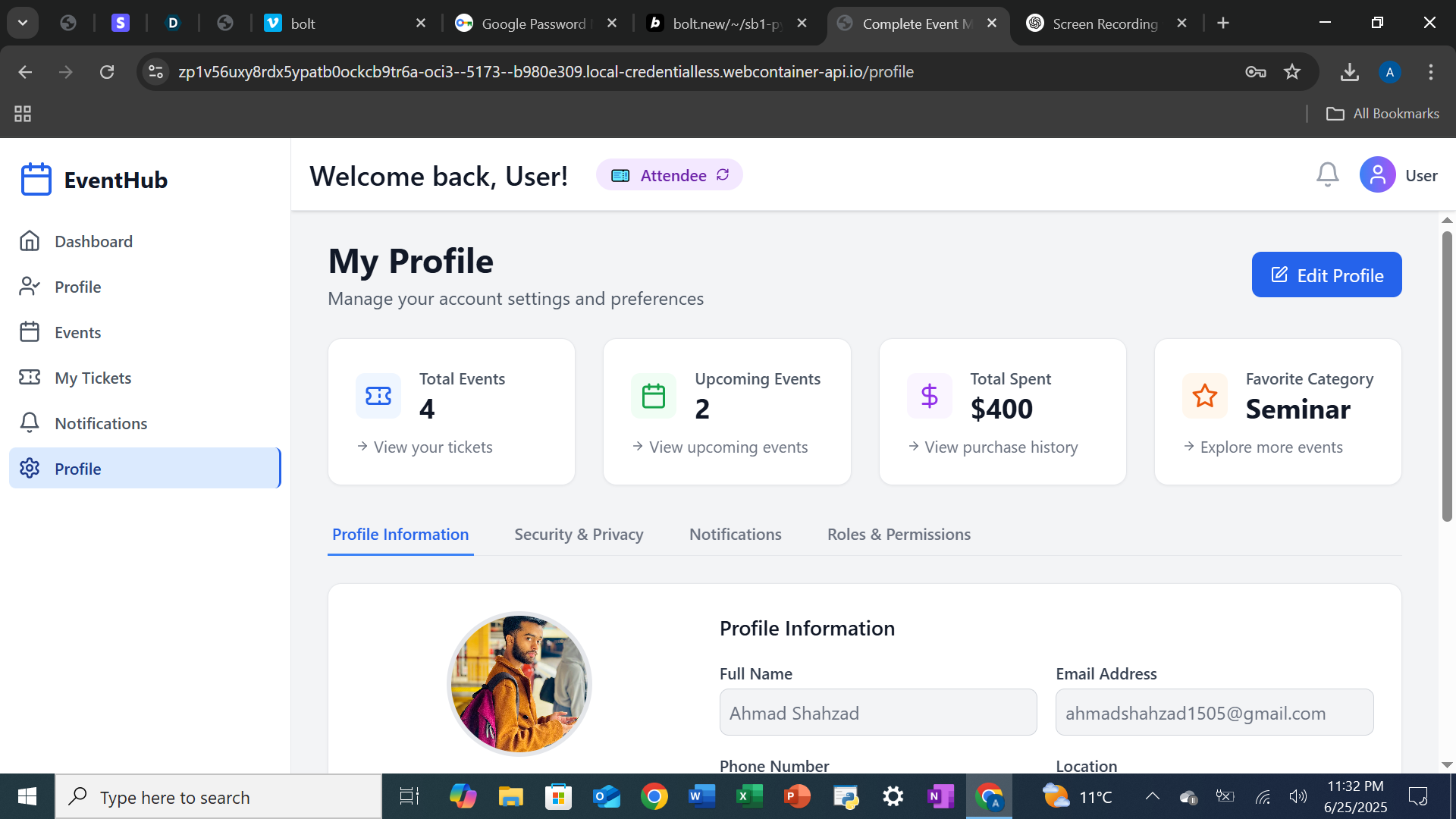
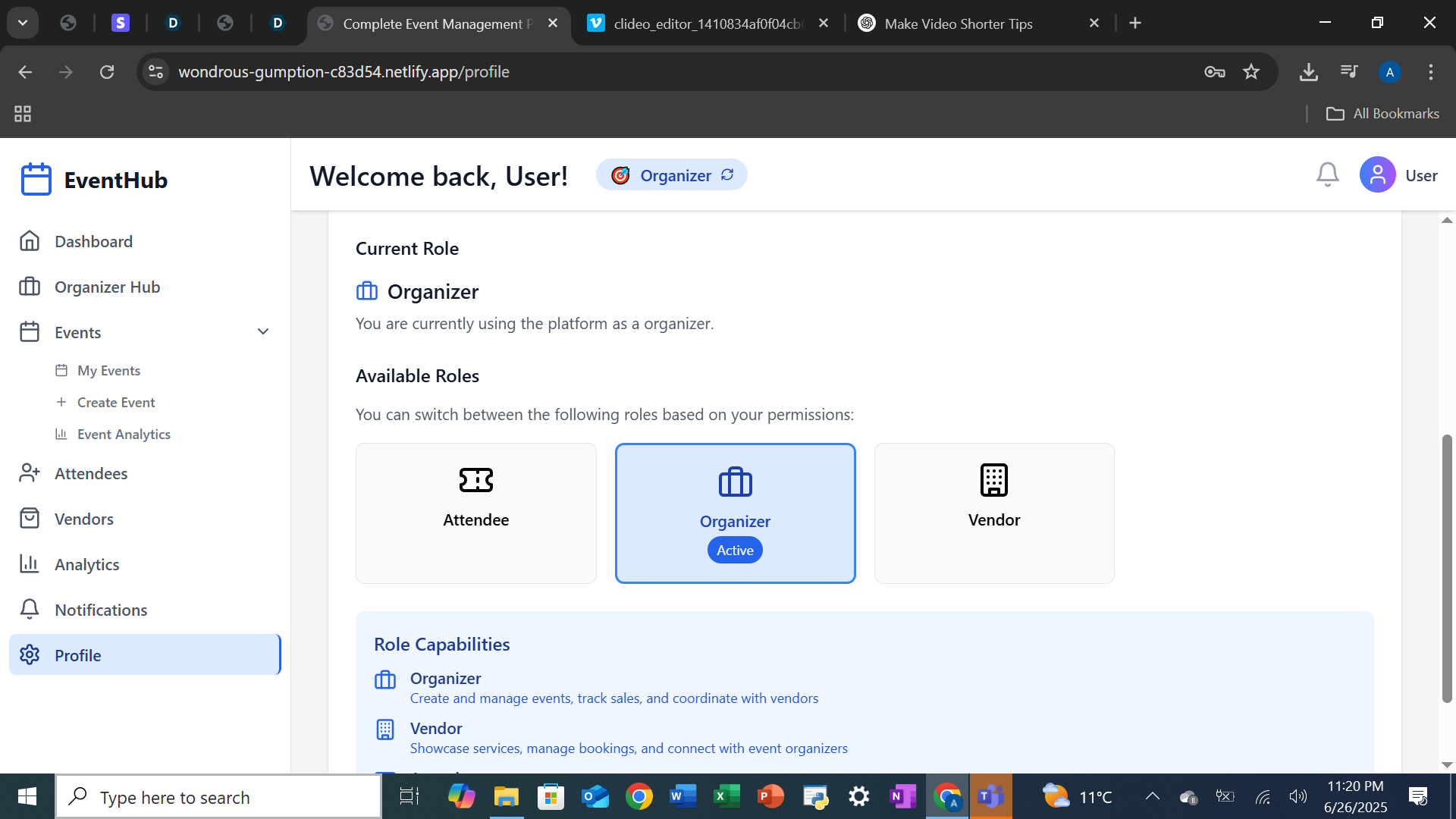
Profile Page
-
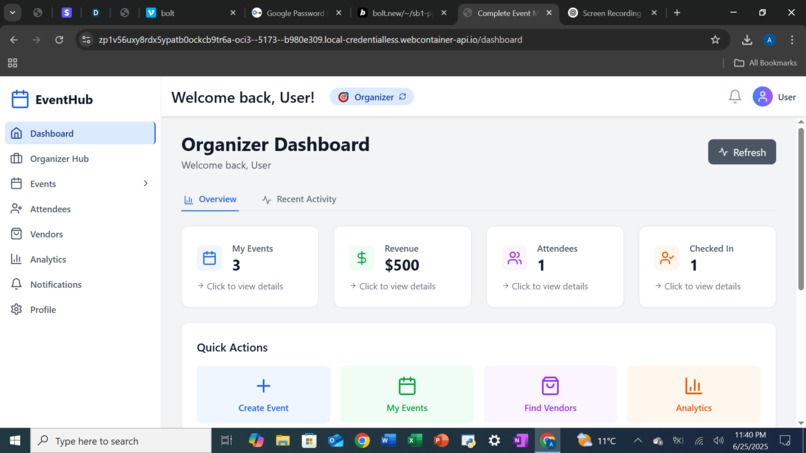
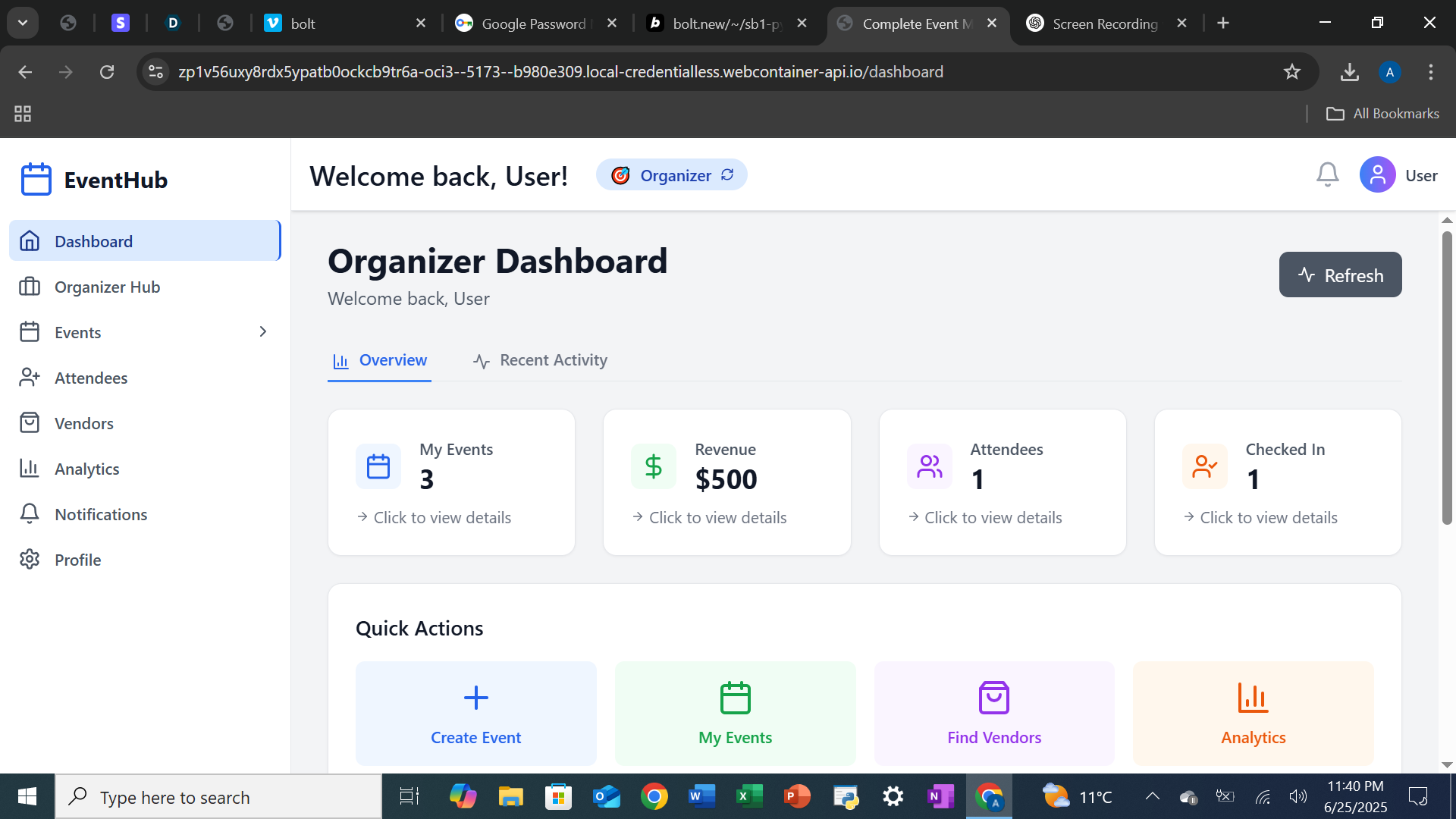
Organizer Dashboard Page
-
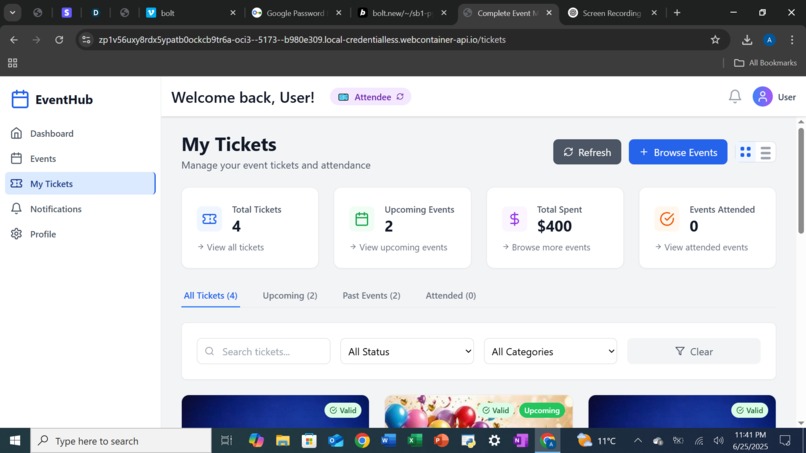
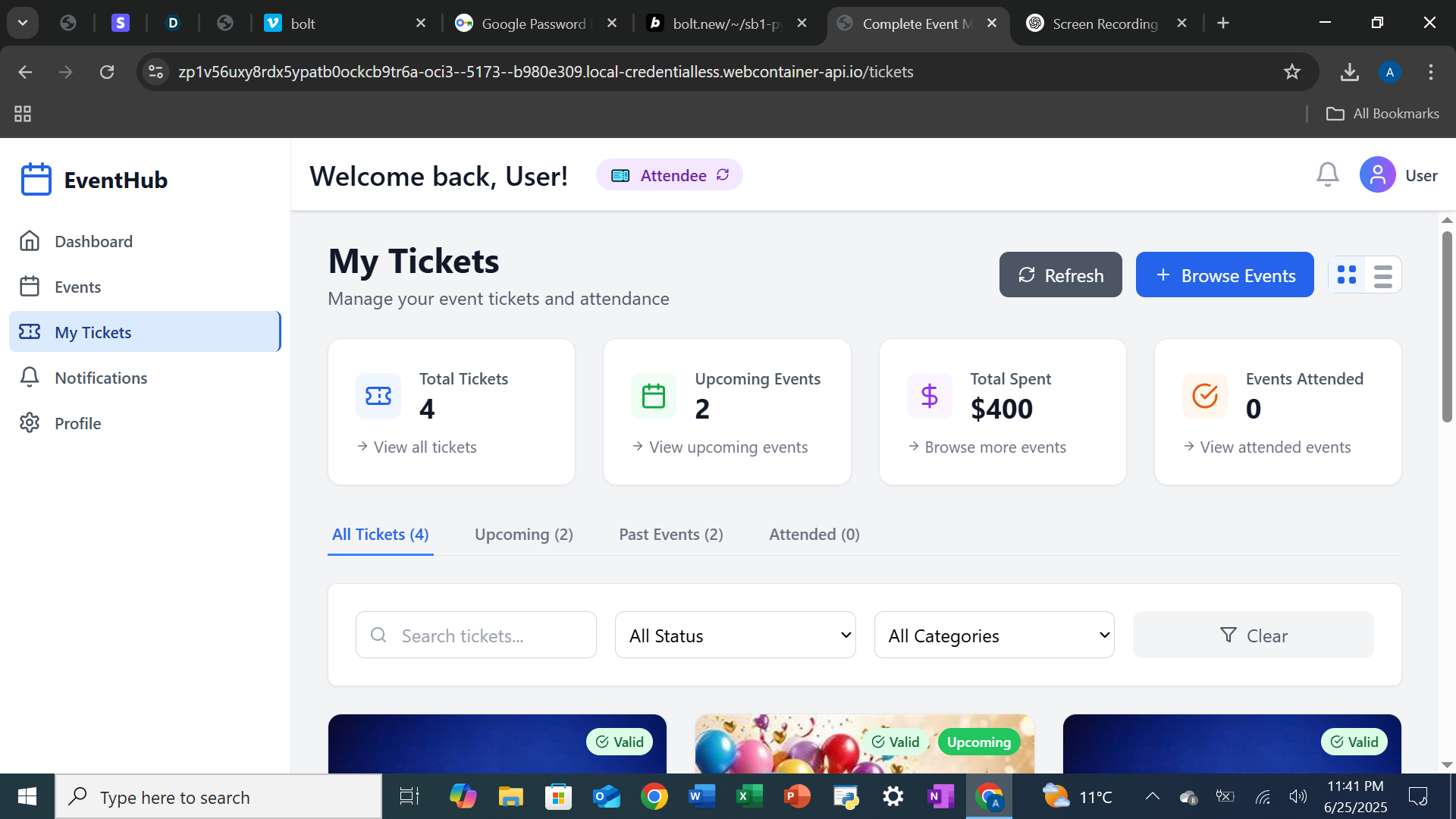
My Tickets Page
-
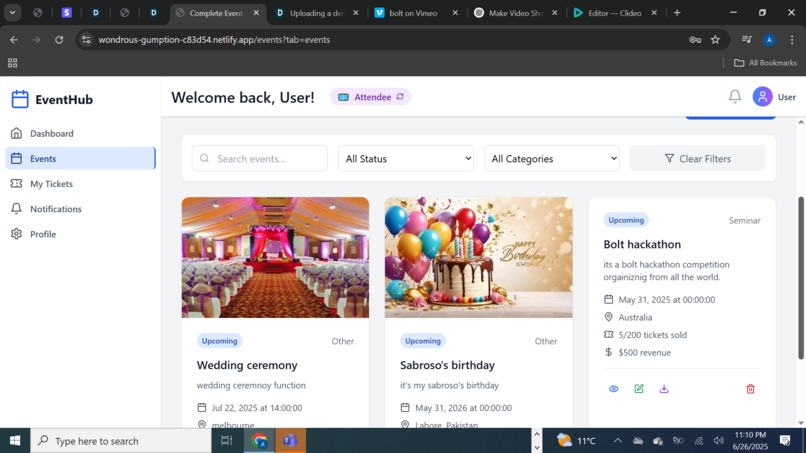
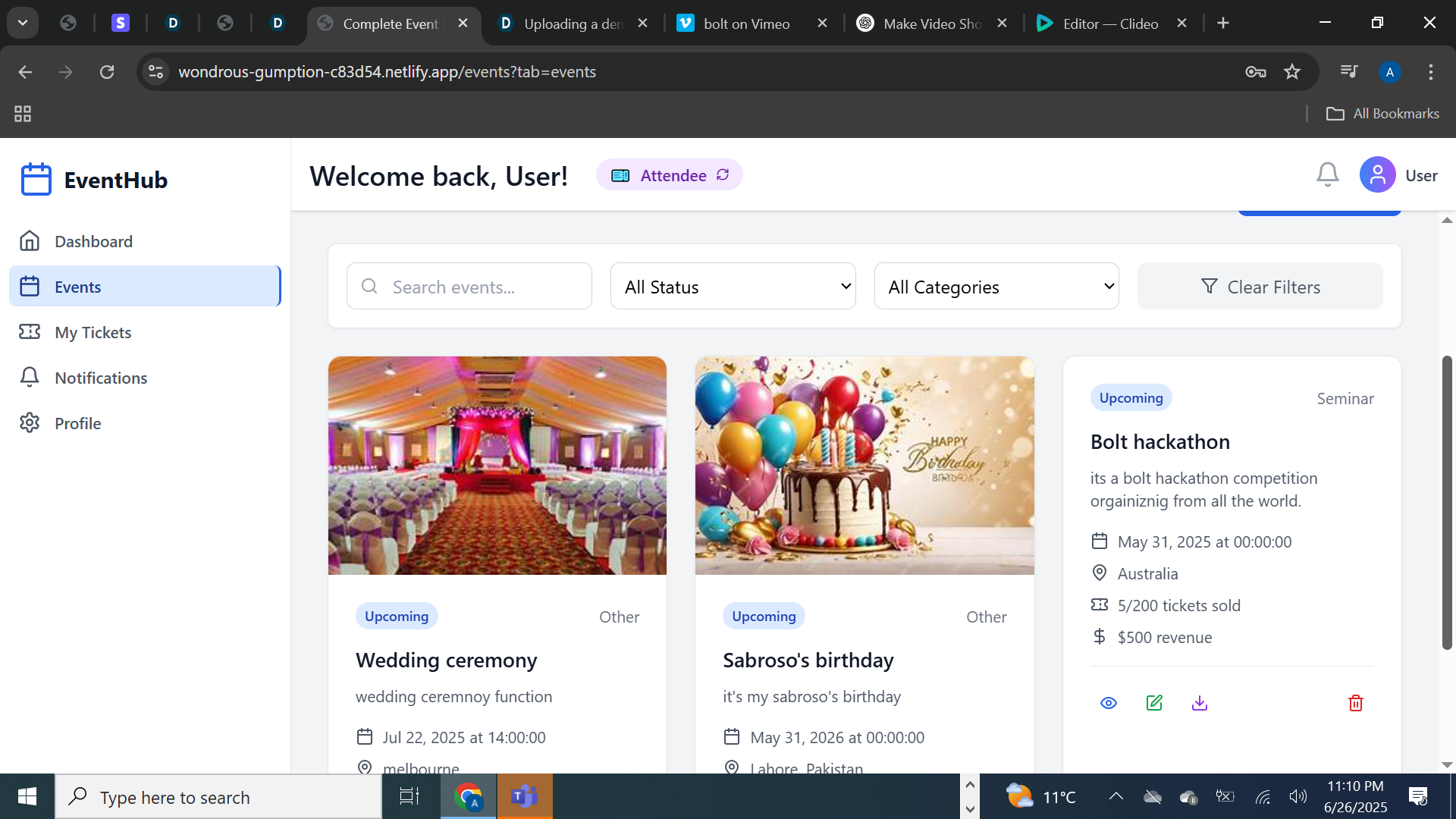
Events
-
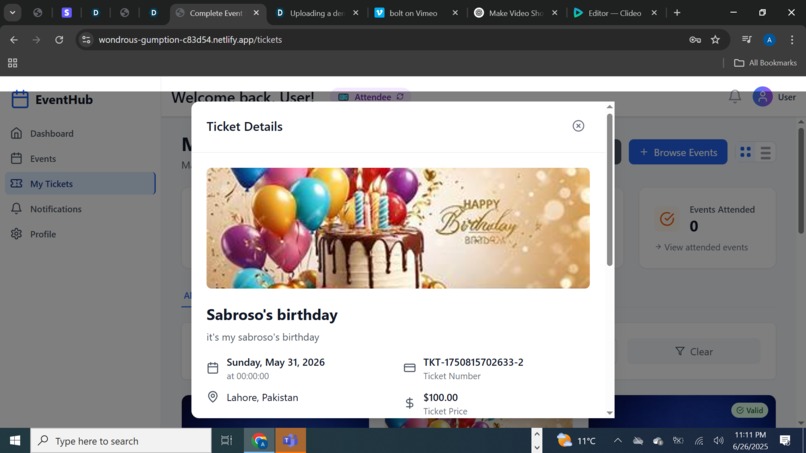
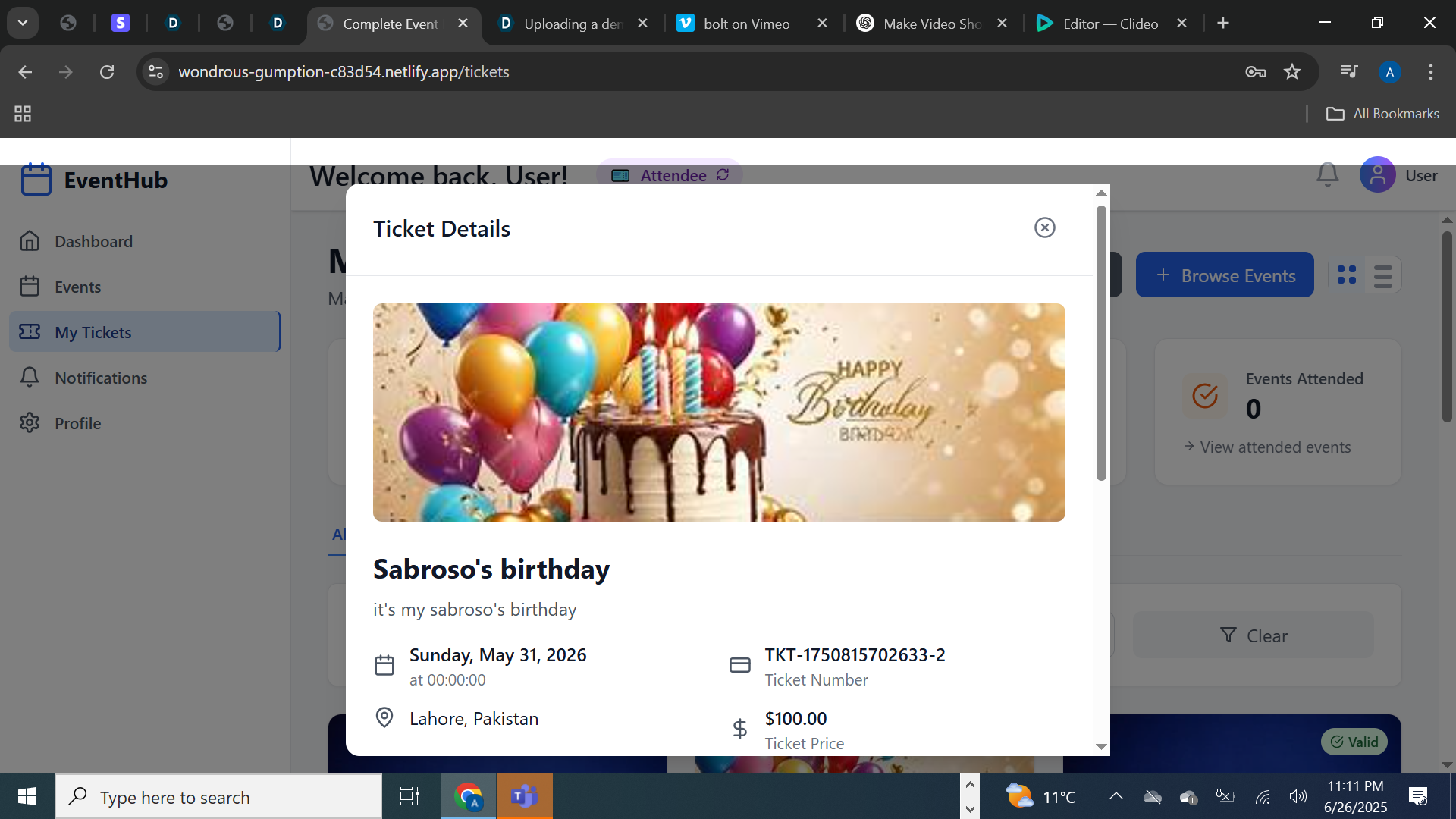
Tickets detail
-
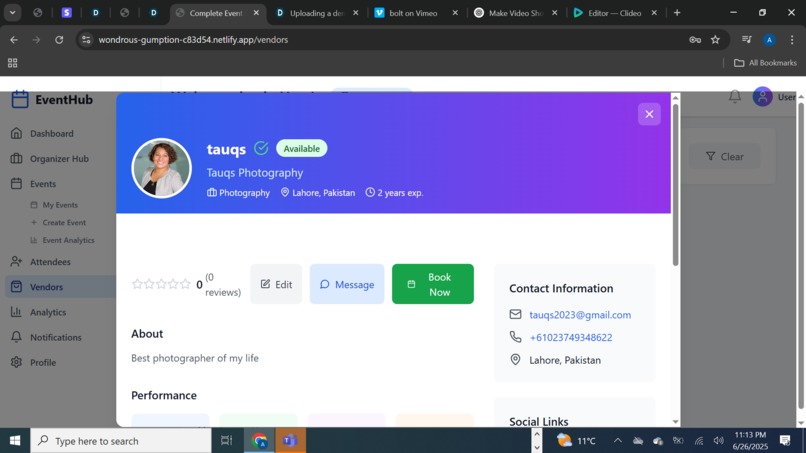
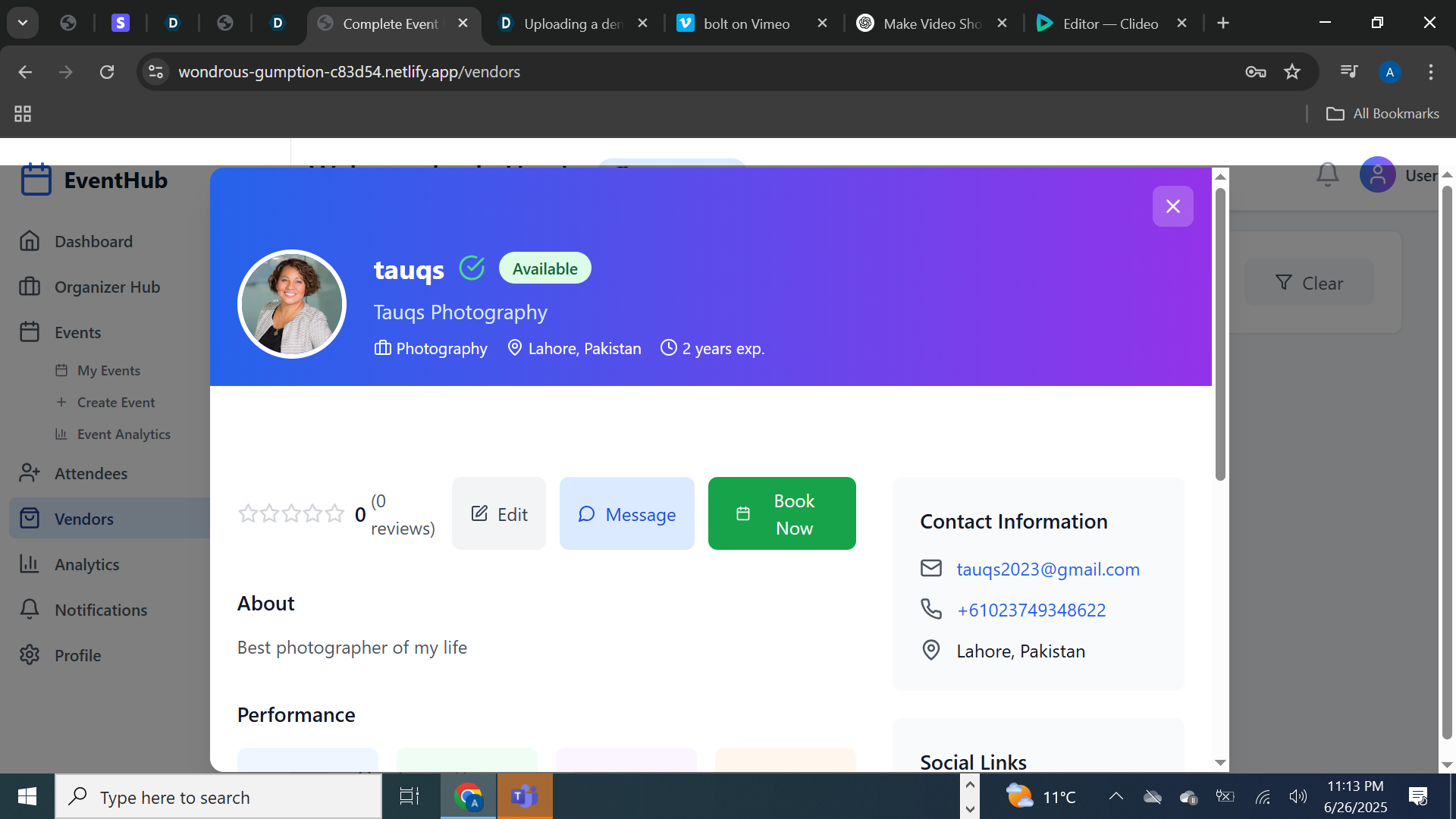
Vendor Booking Detail
-
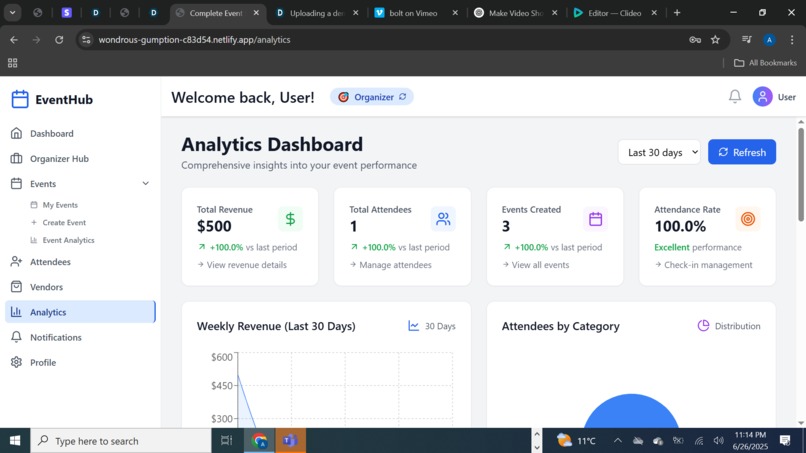
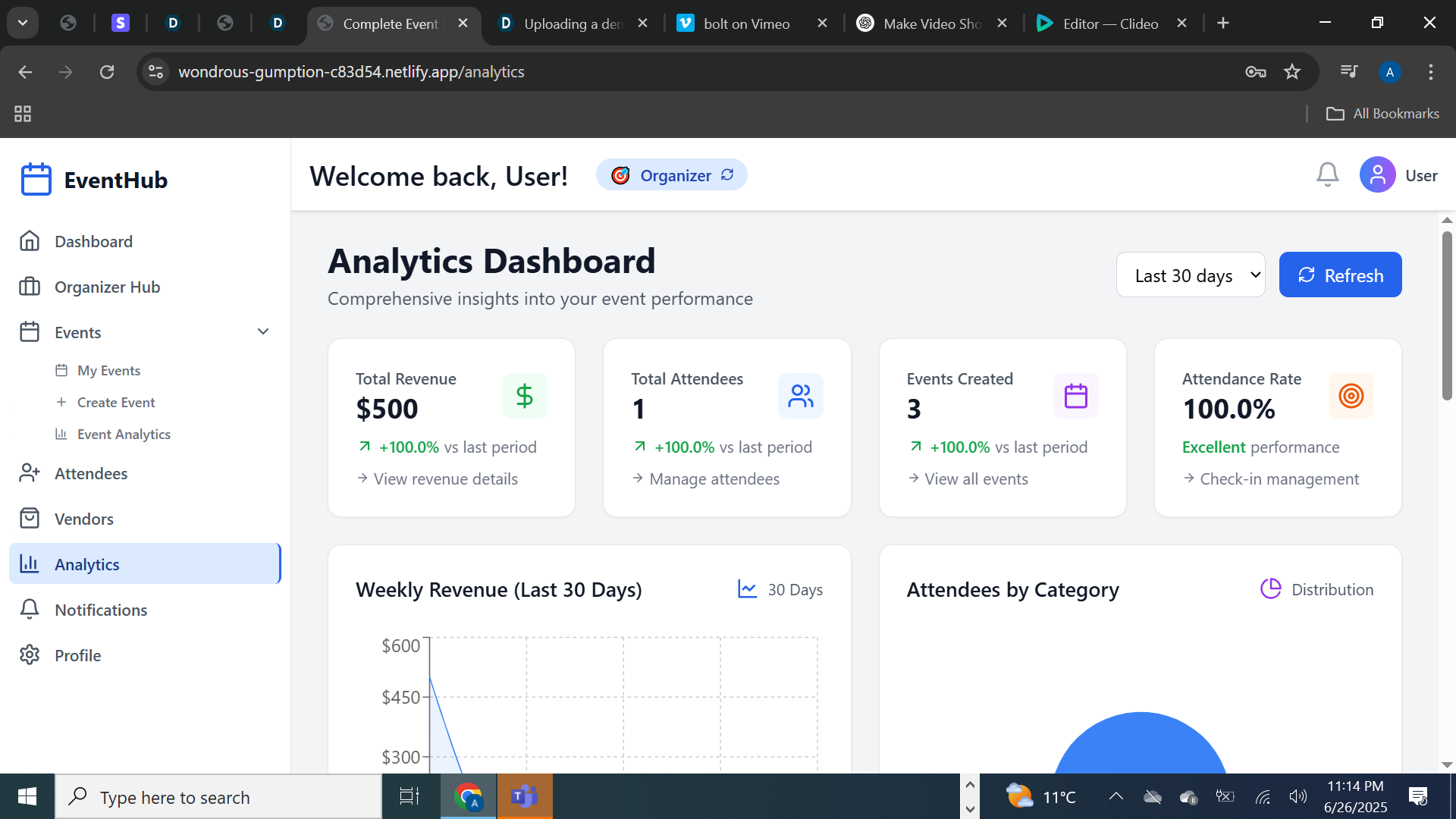
Analytics Dashboard
-
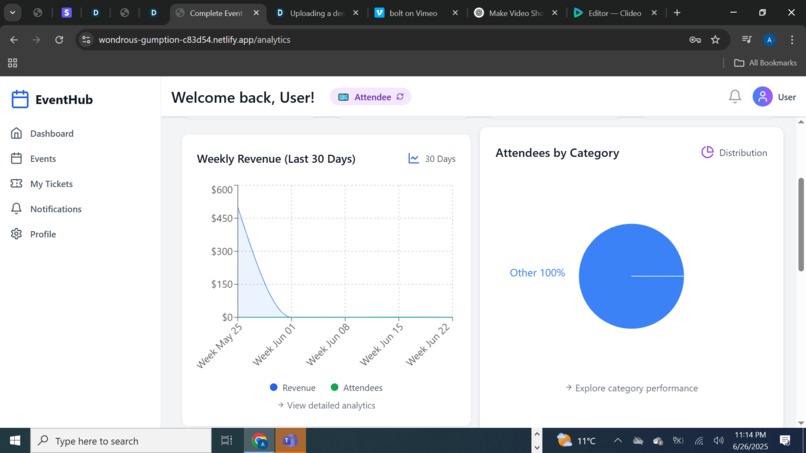
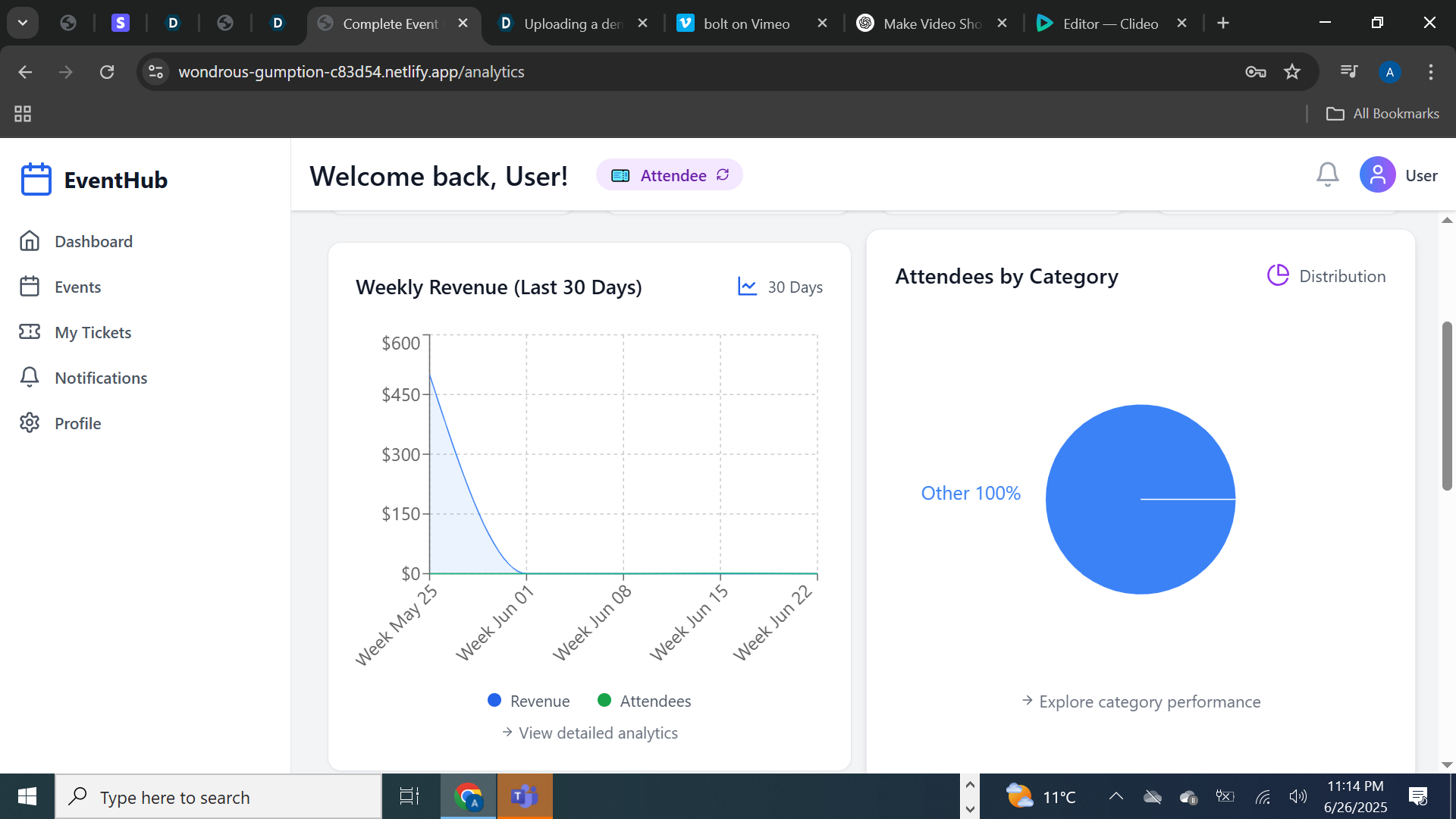
Revenue Graph
-
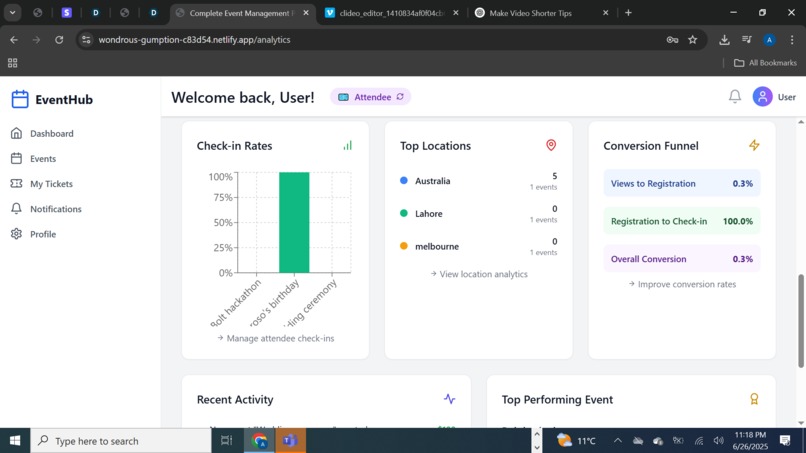
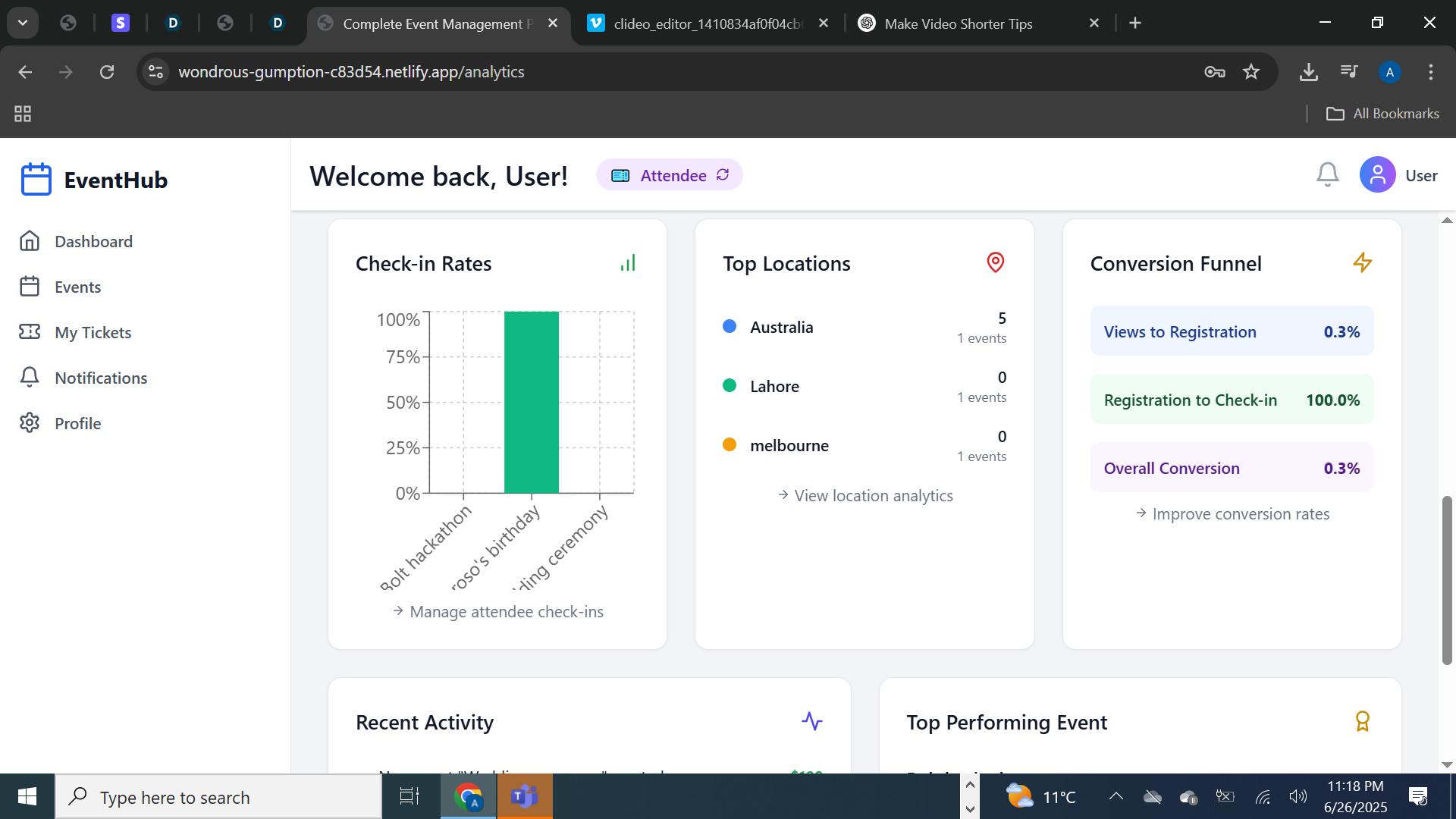
Analytics Dahboard details
-
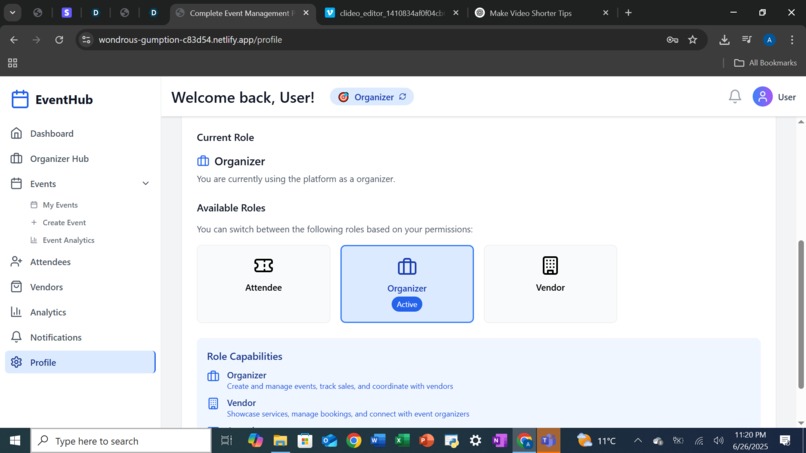
Roles and Permissions
-
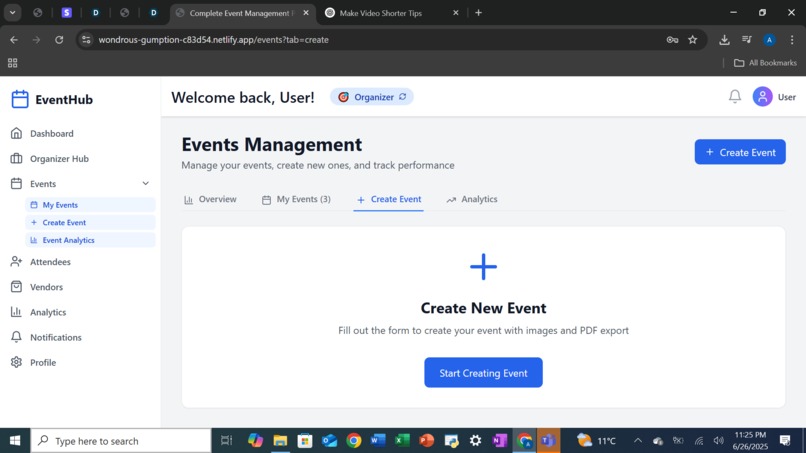
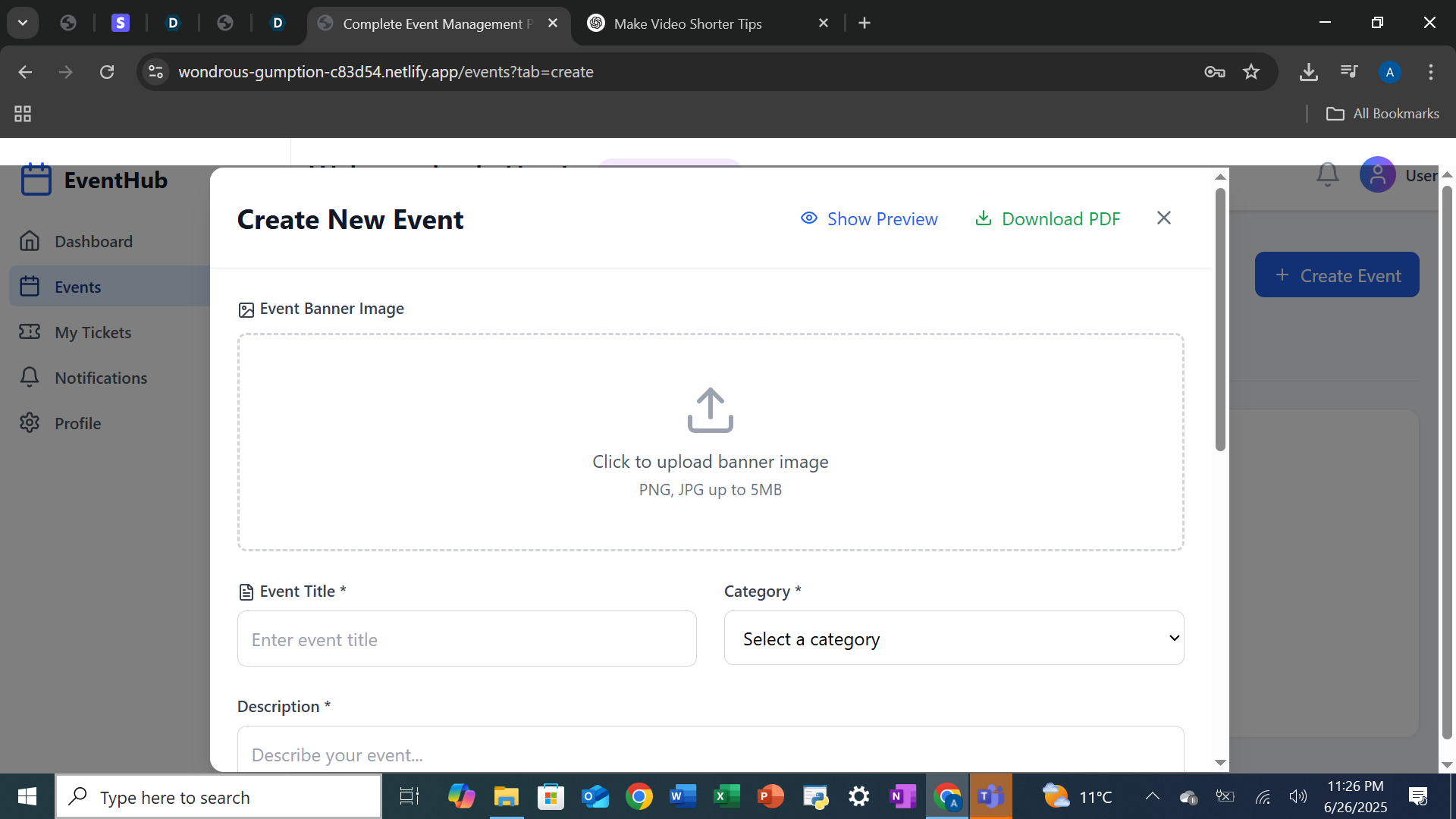
Create New Event
-
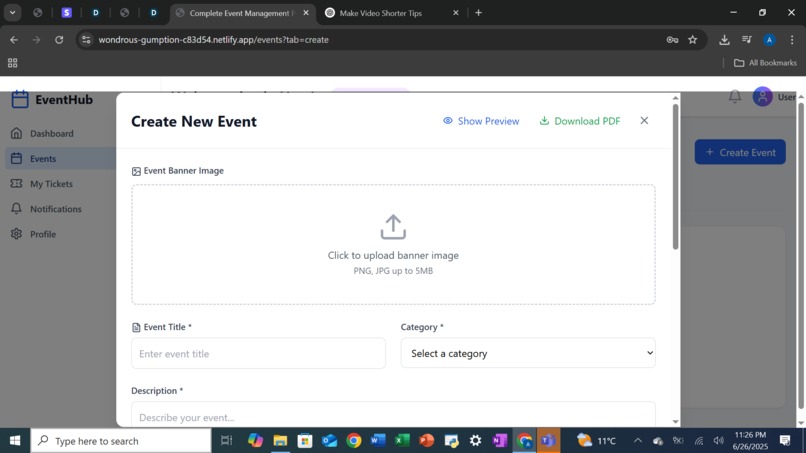
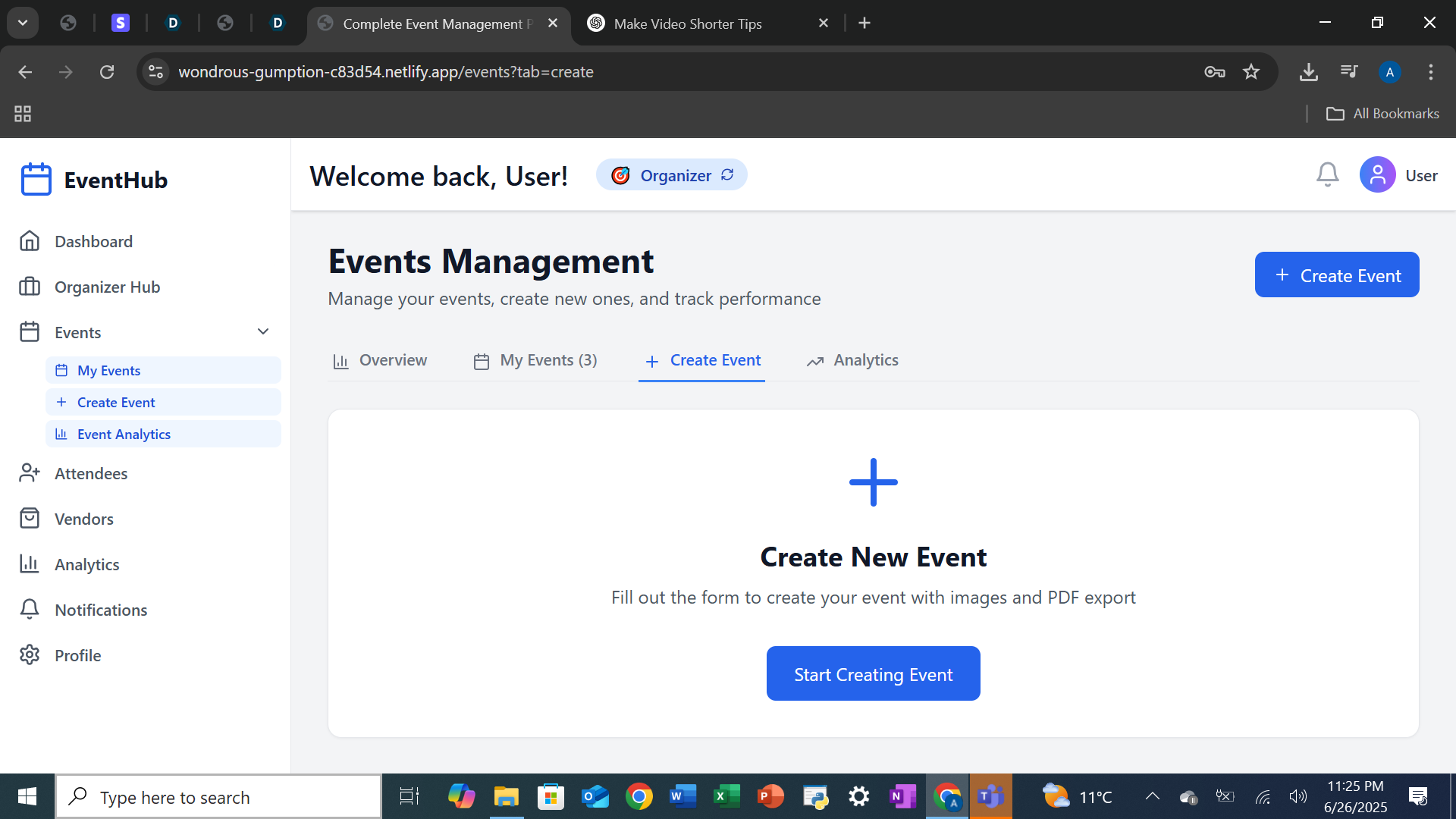
start creating event
-
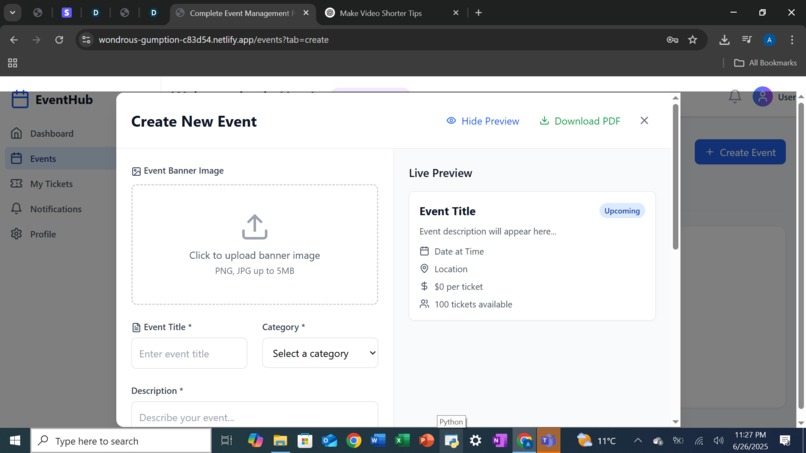
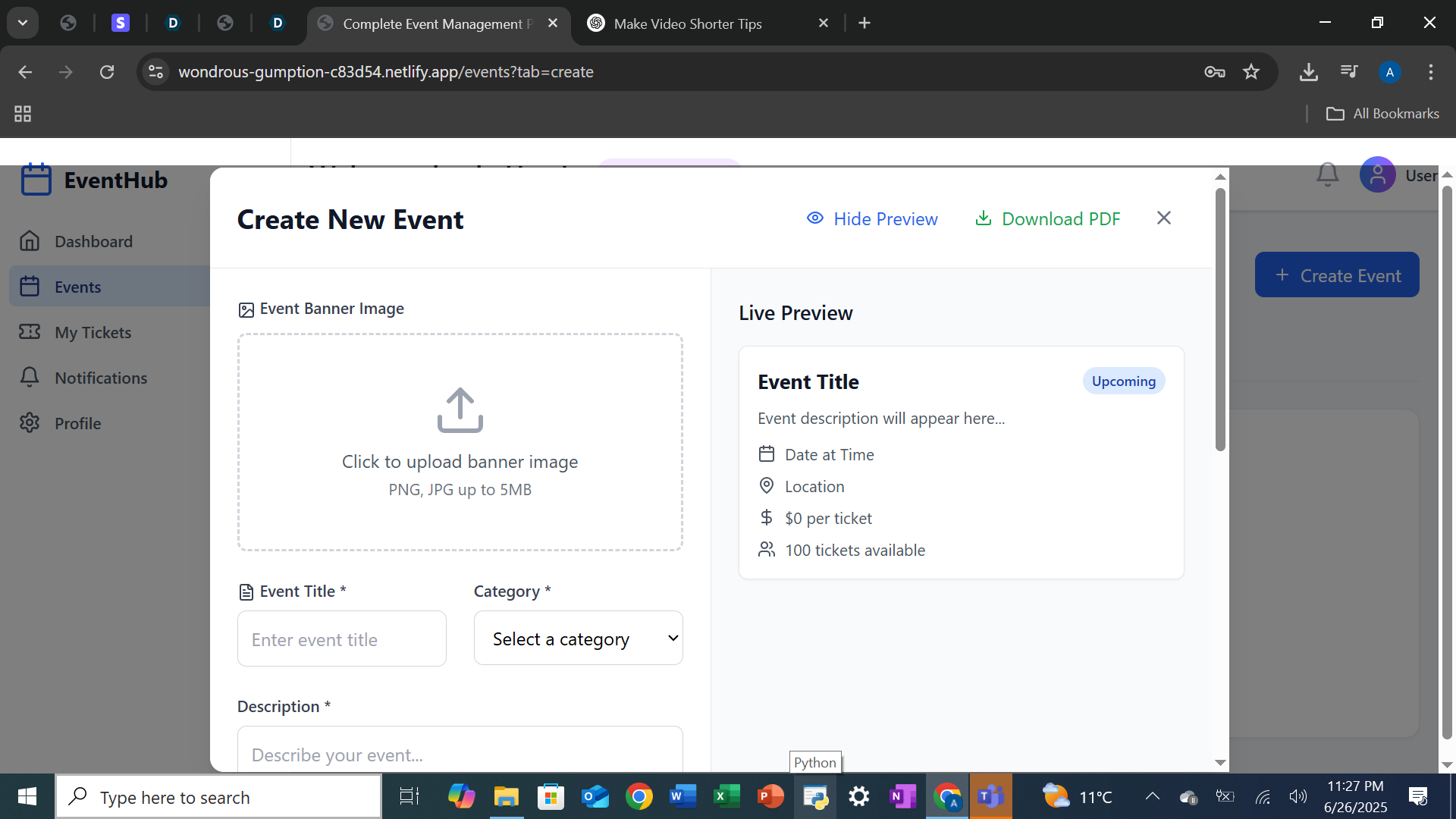
Preview of Event Creation
-
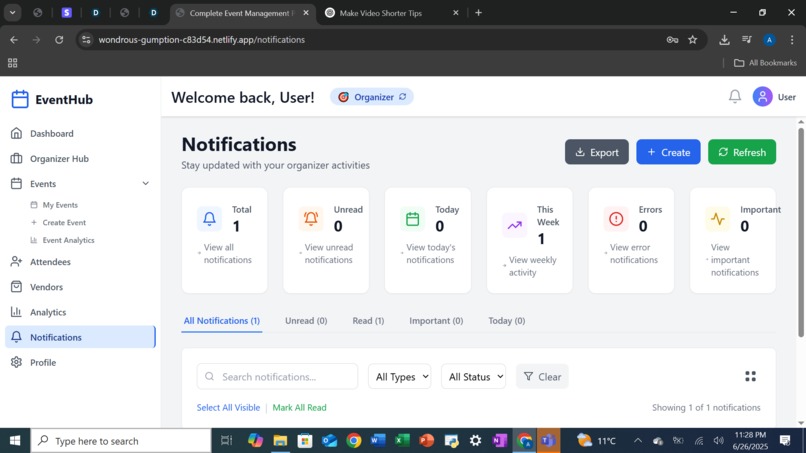
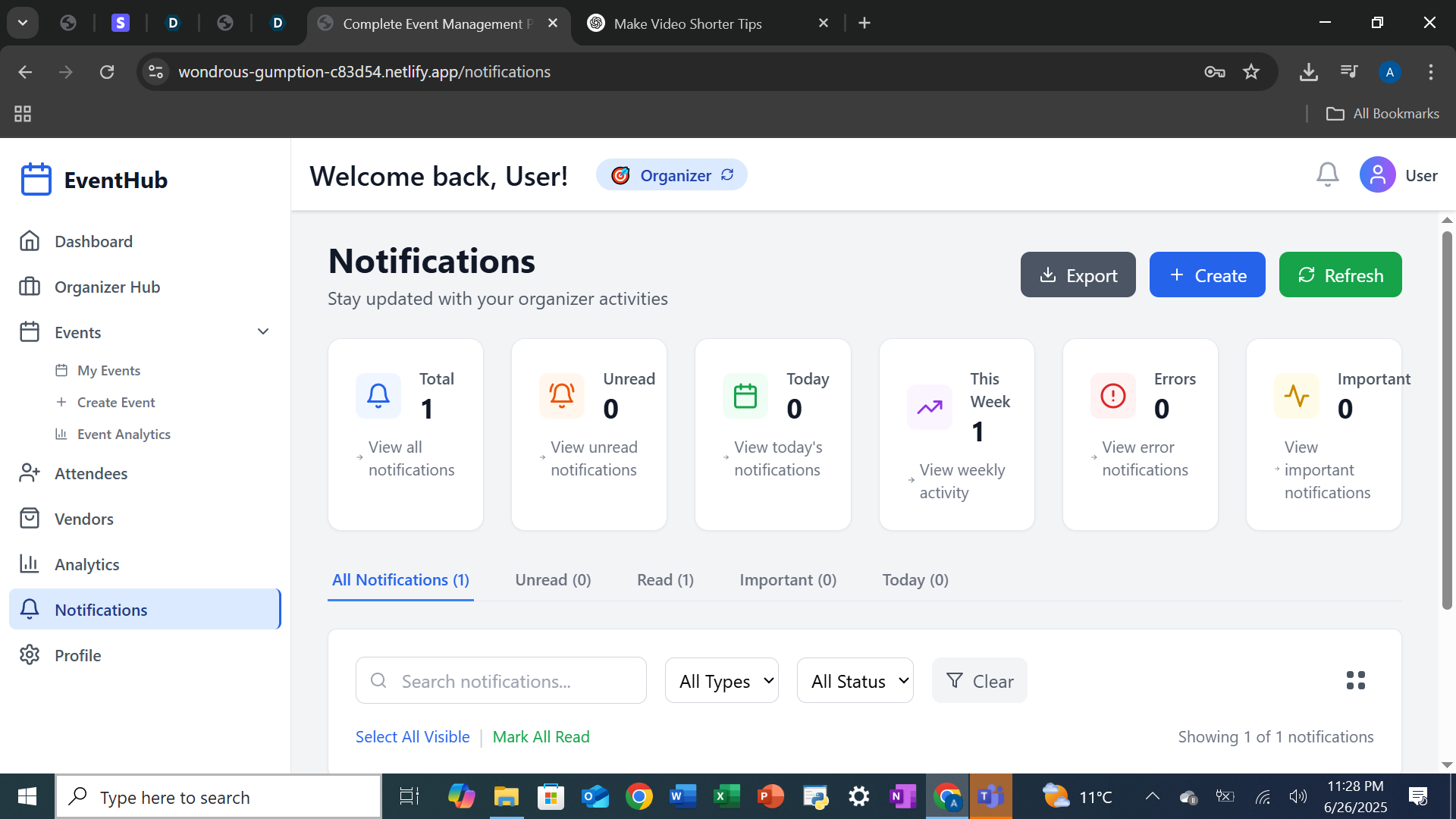
Notification Page
-
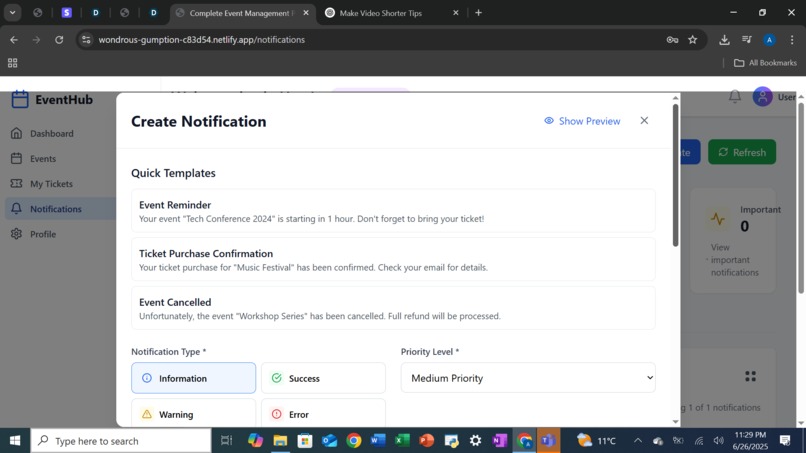
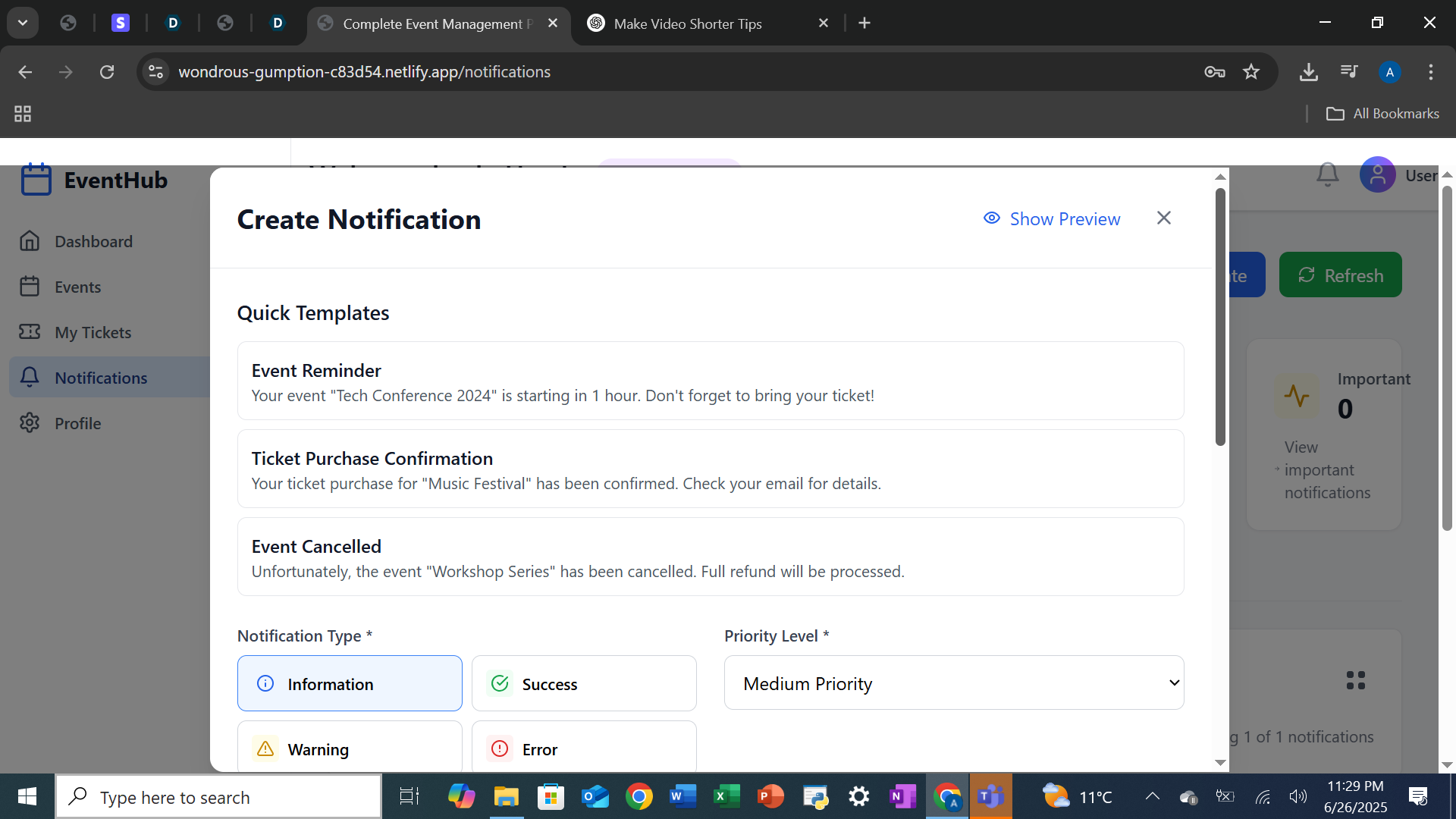
Notification creation
Inspiration
The inspiration behind this Event Management App came from observing how chaotic and time-consuming event planning can be — from coordinating vendors and managing attendees to tracking schedules and last-minute changes. I wanted to create a centralized platform that simplifies event organization for individuals, businesses, and communities alike.
What it does
The Event Management App is an all-in-one platform that helps users plan, organize, and manage events with ease. It allows organizers to create events, manage attendees, coordinate with vendors, track performance metrics, send notifications, and even generate downloadable tickets. With real-time updates and an intuitive dashboard, it simplifies event planning for individuals and businesses alike.
How we built it
We built the Event Management App using the following stack:
- Frontend: React, TypeScript, and Tailwind CSS for a modern, responsive UI
- Backend: Supabase for authentication, database management, and storage
- Charts & Visualization: Recharts for creating interactive graphs and analytics
- AI Integration: Bolt.ai to streamline development of intelligent modules
- PDF Ticketing: Used libraries to generate and download event tickets
The architecture was designed to support modular growth, with separate components for events, users, analytics, vendors, and settings.
Challenges we ran into
- Ensuring real-time updates across multiple modules
- Implementing role-based access for admins, organizers, and attendees
- Managing file uploads and downloads using Supabase Storage
- Syncing backend data with frontend visualizations dynamically
- Creating a smooth user experience while handling edge cases (e.g., missing data, user roles)
Accomplishments that we're proud of
- Developed a fully functional multi-role event management system
- Integrated an analytics dashboard with real-time metrics
- Enabled PDF ticket downloads and image storage
- Created a responsive, clean, and user-friendly interface
- Achieved a modular design that's scalable and easy to maintain
What we learned
- How to integrate and manage Supabase Auth and Storage effectively
- Best practices in React component design and TypeScript typing
- Techniques to visualize dynamic data using Recharts
- Real-world handling of asynchronous data and role-based routing
- How to approach full-stack development from planning to deployment ## What's next for Event Management App
- Adding support for online payments and ticket purchases
- Mobile app version for on-the-go event management
- AI-based recommendations for vendors and event planning
- Live chat or messaging for attendees and organizers
- More advanced analytics (heatmaps, engagement scores, satisfaction ratings)
- Admin panel for platform-wide monitoring and control

Log in or sign up for Devpost to join the conversation.