Inspiration
Living in a busy city, I kept missing amazing local events—concerts, community gatherings, art shows—because I could never keep track of them all. I wanted a tool that didn’t just list events, but felt personal, intuitive, and tied to how I actually live: syncing with my schedule, connecting with friends, and making it easy to join in. That’s where Event Calendar Pro was born.
What it does
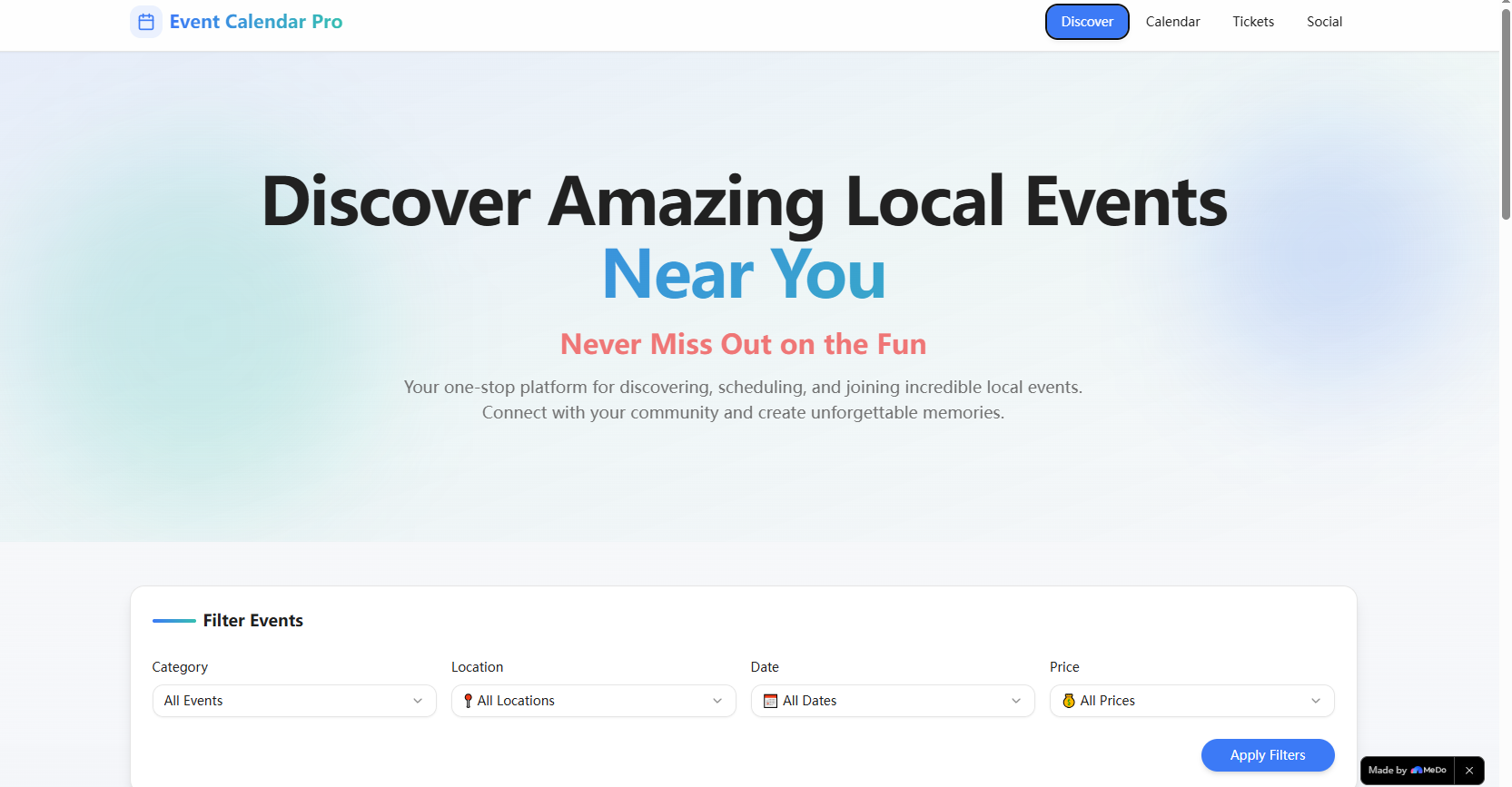
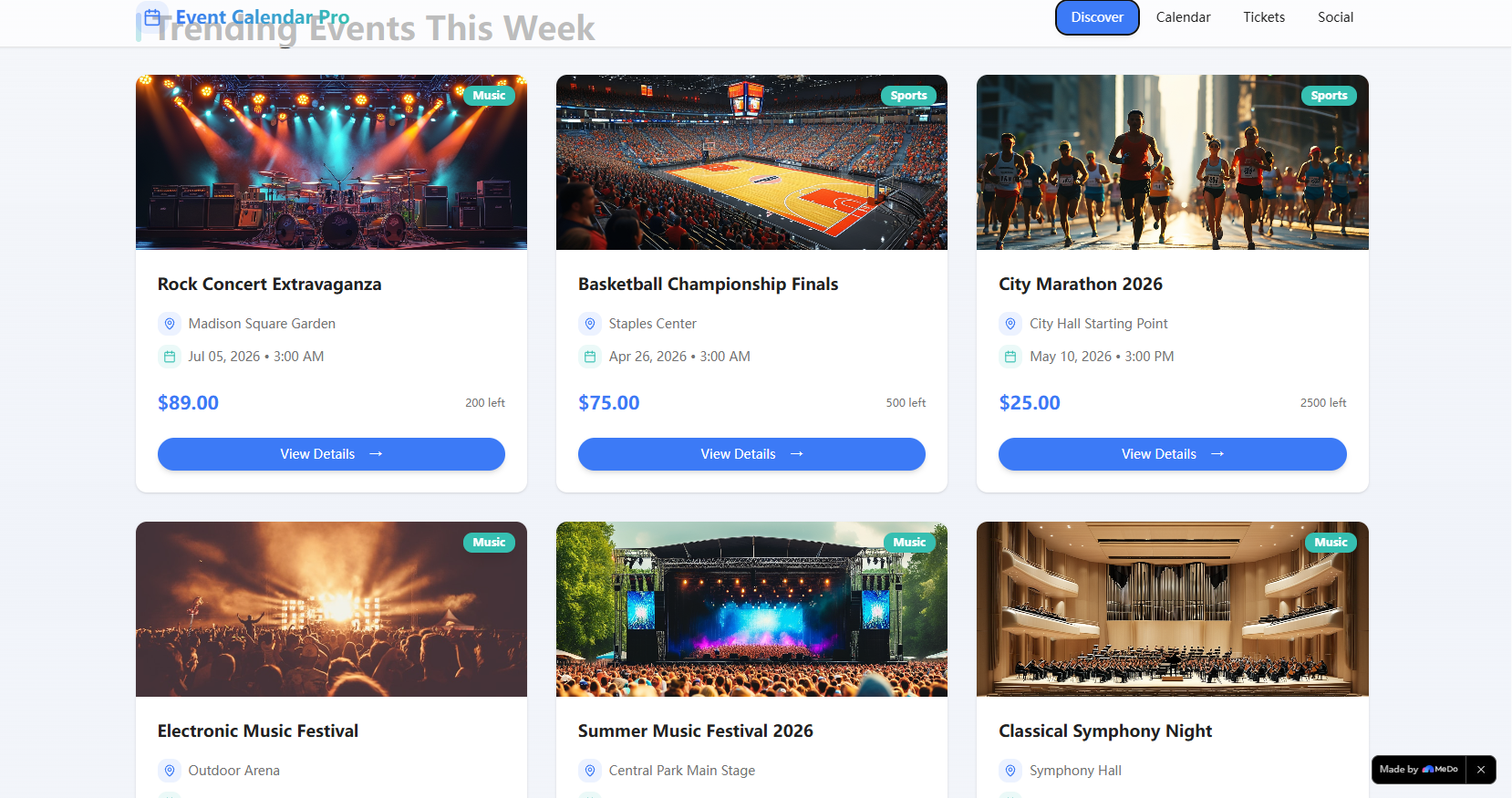
It’s a one-stop platform to discover trending local events, book tickets, sync events to a personal calendar (with conflict alerts!), manage tickets (including transfers), and share experiences with friends/teams. Every detail—from animated event cards to stylized ticket designs—was built to make event discovery feel joyful, not tedious.
How we built it
We started with core UI/UX mockups focused on Western users’ daily habits: prioritizing mobile responsiveness, smooth animations, and clear visual hierarchy. We used React for the frontend (leaning into CSS Grid/Flexbox for responsive layouts) and Node.js/Express for backend logic, with MongoDB to store user/event data. CSS keyframe animations brought the hero gradient and card interactions to life, while the Intersection Observer API ensured scroll-triggered animations felt natural.
Challenges we ran into
The biggest hurdle was calendar conflict detection—mapping user-saved events to new event times required precise date/time logic, and making the alert system feel unobtrusive (but noticeable) took multiple iterations. We also struggled with balancing animation polish with accessibility: ensuring all motion respected prefers-reduced-motion settings without losing the app’s personality.
Accomplishments that we're proud of
We nailed the balance between style and functionality: the animated UI feels premium, but never slows down the user experience. The ticket transfer flow is seamless (no clunky modals!), and the smart recommendation engine (based on user interests) makes event discovery feel tailored—no generic lists. Most importantly, beta users told us it actually made them attend more local events.
What we learned
Accessibility isn’t a “nice-to-have”—it’s foundational. We spent hours refining animations and input interactions to work for all users, and learned to prioritize performance over flashy effects. We also realized how much small details (like the “Free” badge color or card hover effects) impact user engagement—people connect with apps that feel thoughtful.
What's next for this project
We’re expanding location coverage to more cities, adding integration with personal calendar apps (like Google/Apple Calendar), and building a team feature that lets groups plan events together. We also want to add user-generated event submissions, so locals can share their own gatherings—turning the app into a true community hub, not just a discovery tool.

Log in or sign up for Devpost to join the conversation.