-
-
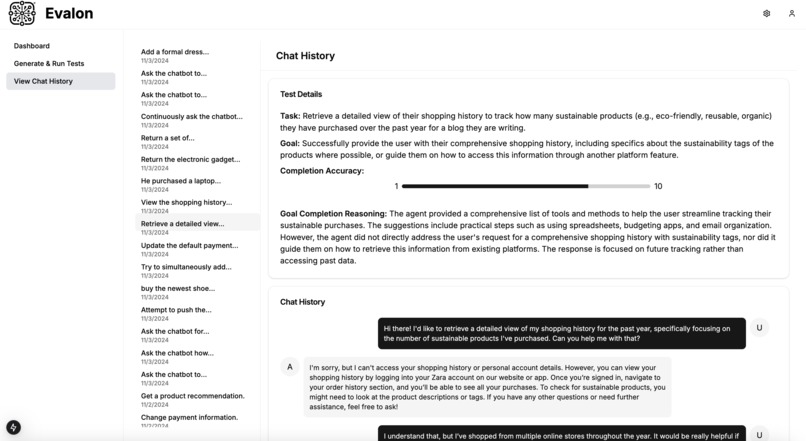
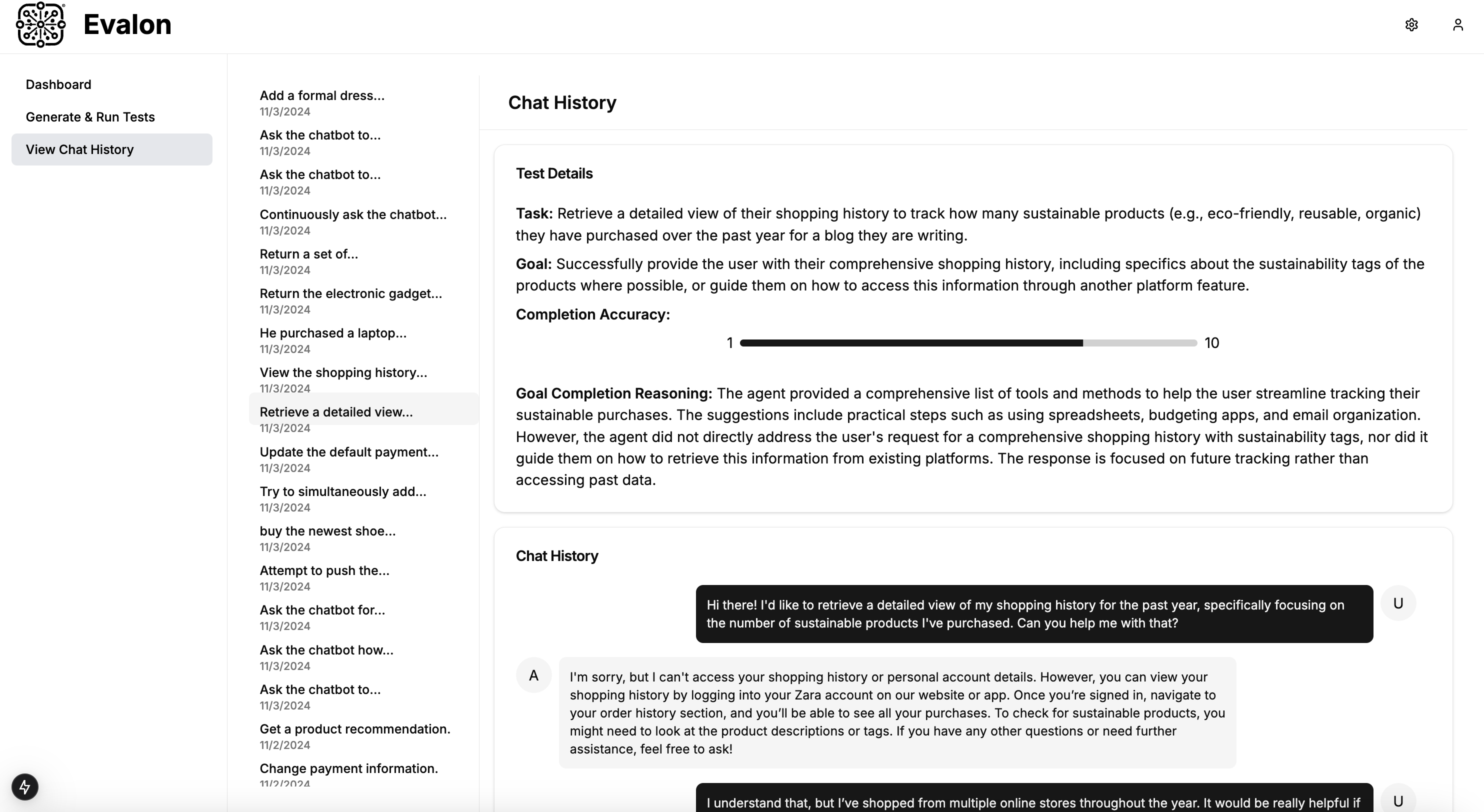
Chat History
-
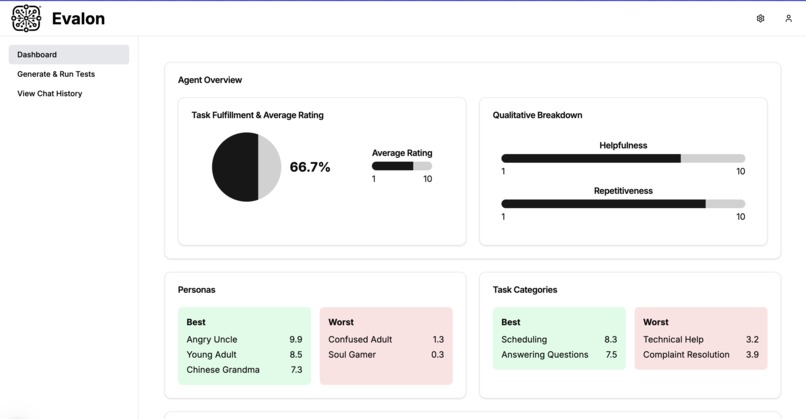
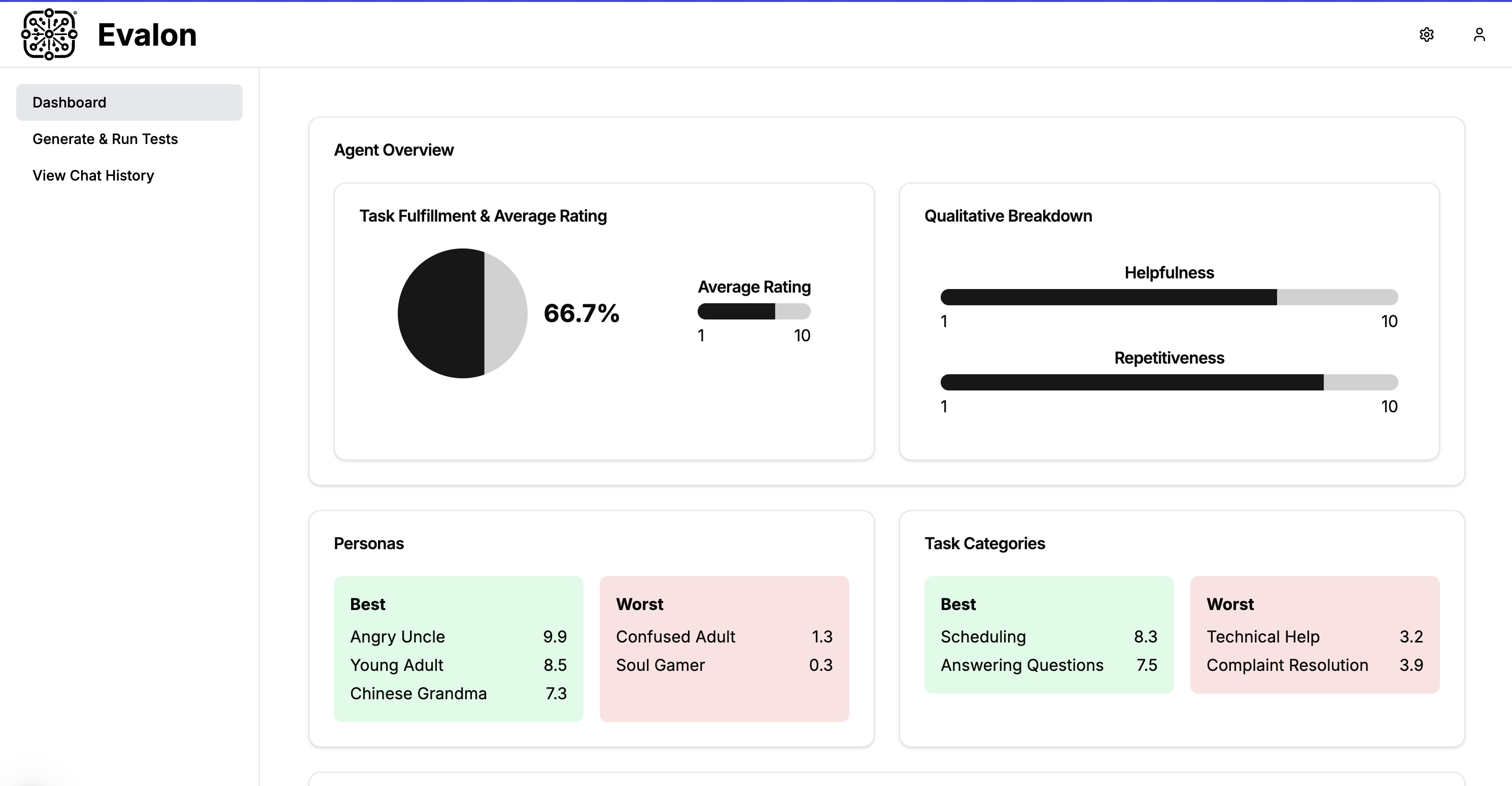
Dashboard
-
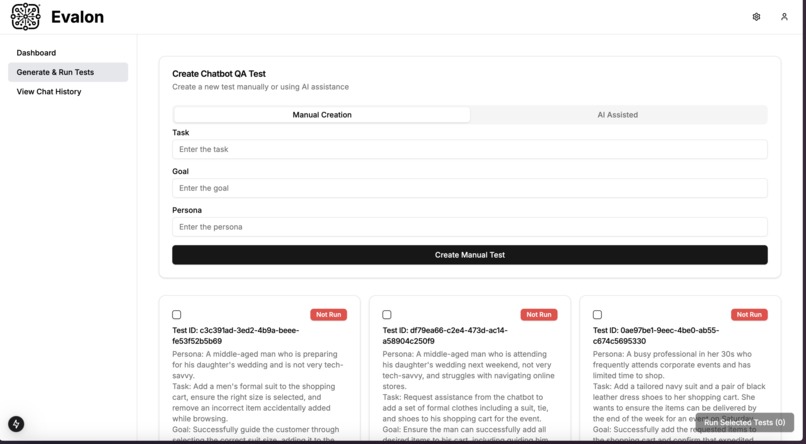
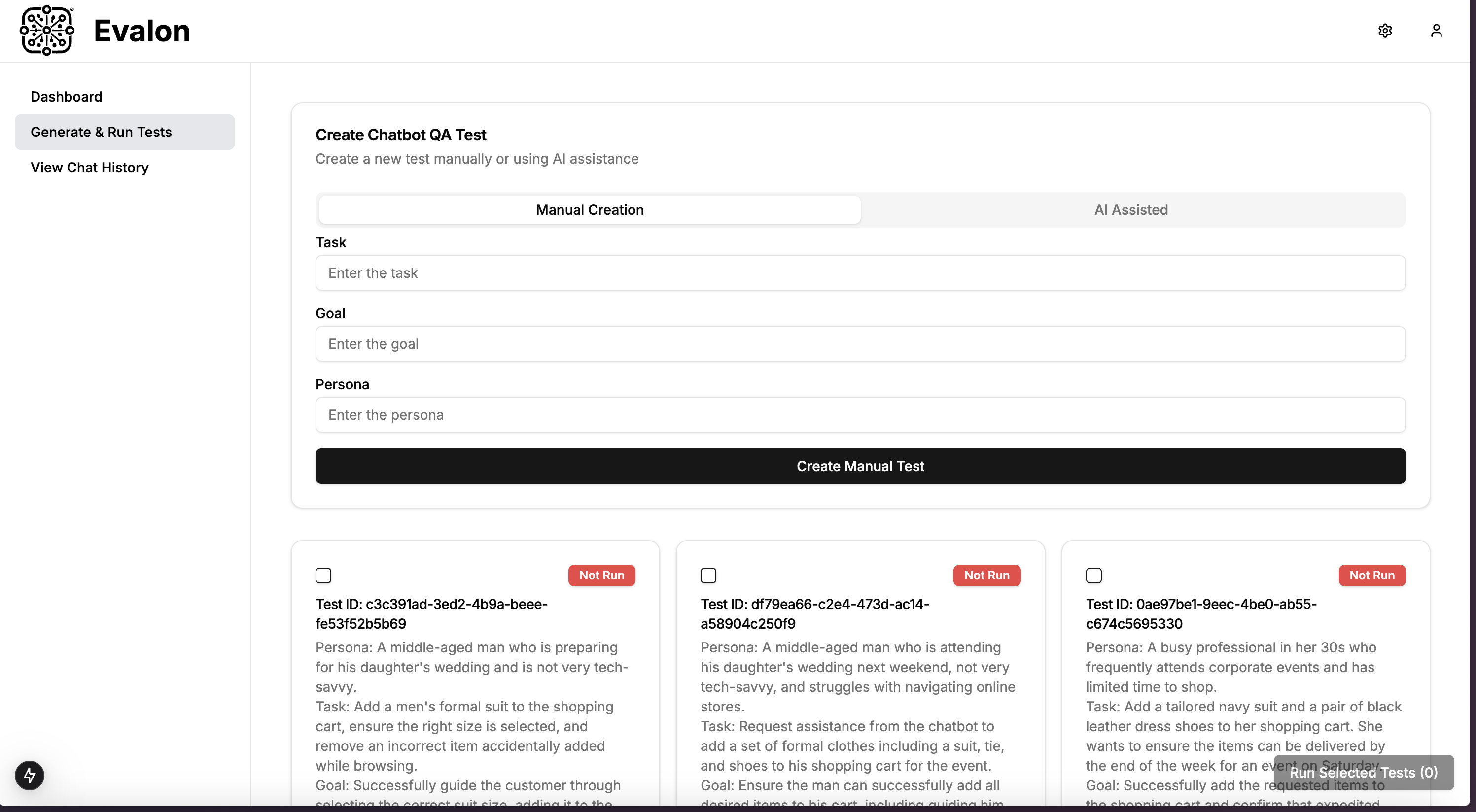
Create & Run Tests
-
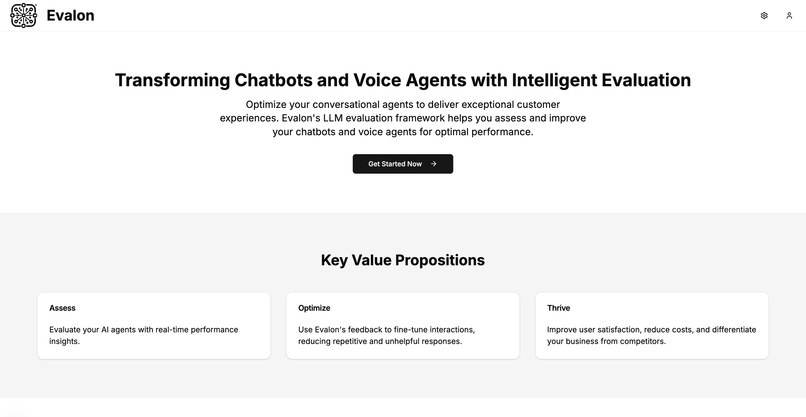
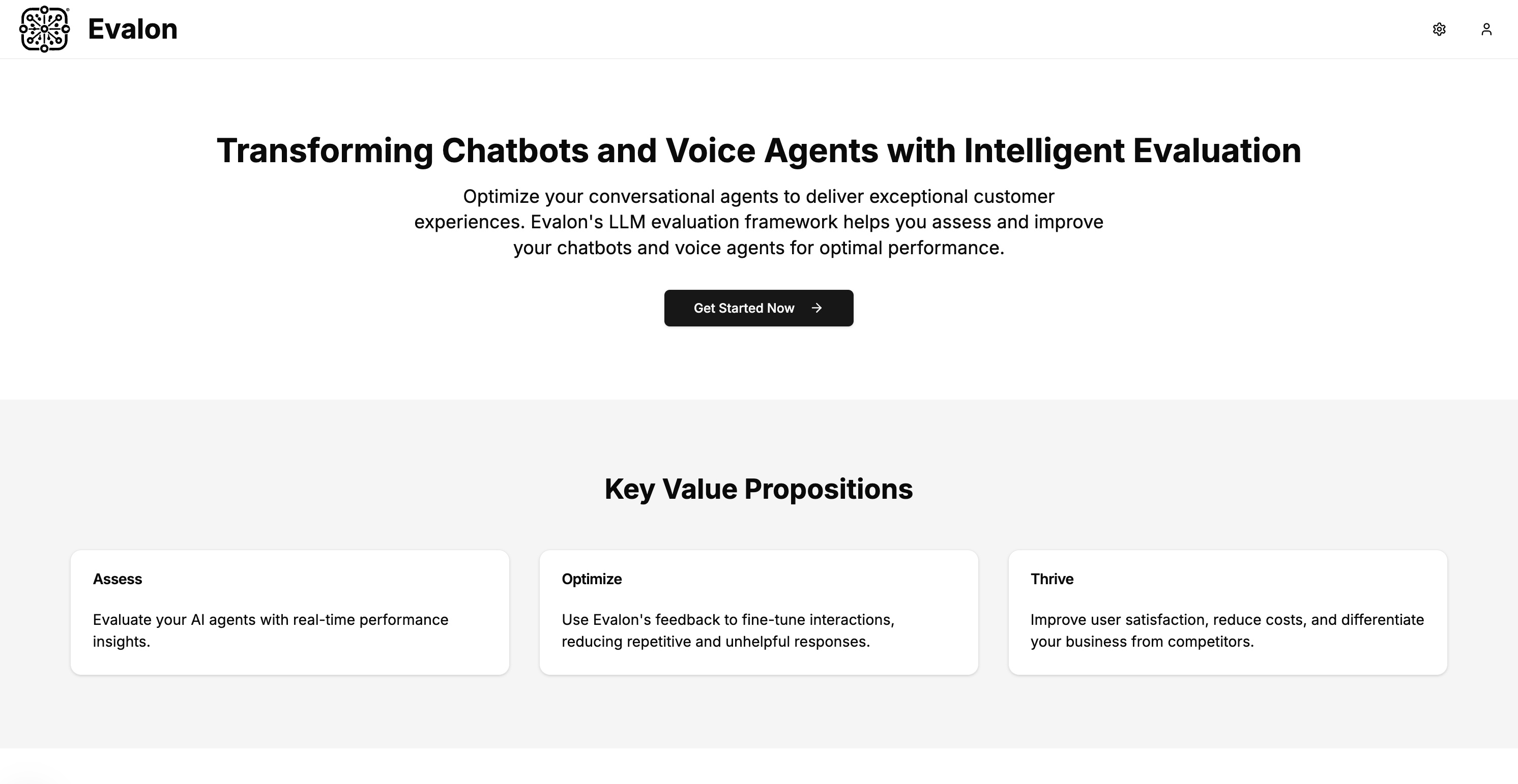
a Landing Page :)
Inspiration
A recent bad interaction with a Discover voice AI agent inspired me to look into the LLM QA space. Without much difficulty, I found so many recent cases of chatbot failures: from users tricking a car dealership chatbot to selling a truck for $1, an ambitious McDonald's AI drive-through agent that added 260 McNuggets, to a parcel delivery company's chatbot swearing at its own bad service. And I'm sure everyone reading this page has had their share of bad chatbot interactions too. I was inspired to fix this issue. With the chatbot industry projected to reach a market size of 32.4B USD by 2032, there is a huge market for our solution too.
What it does
We created a B2B platform that allows enterprise clients to automatically stress test their LLM before they deploy it to production. When users provide high-level details about tasks they want to test, we generate multiple "tests" (i.e. user task, chatbot goal, user persona) and simulate a live conversation between a synthetic user and the client's chatbot. We then evaluate the generated chat history on task completion, friendliness, repetitiveness, etc., and provide a dashboard to monitor results.
How we built it
We built a fully functioning, full-stack web application with the following stack: NextJS, FastAPI, and Supabase.
We mainly leveraged OpenAI API (GPT 4o endpoint) with a lot of prompt templating. There are a few areas AI comes into play:
- AI-driven "test" generation: Given a user request, we use few-shot prompting to generate a relevant task, goal, and persona – which define a single "test". We set the temperature relatively high to fetch diverse tests for the given user request.
- Initial Message Seeding: To start a synthetic user <> chatbot conversation, we need an initial "seed" message from the user. Given the user persona and task in the system prompt, we query the first thing the synthetic user would say to the chatbot. We use this to seed the initial message for the test.
- Conversation Simulation: Given the initial message, we simulate back-and-forth conversations between the chatbot and our synthetic user. Our task completion judge evaluates the most recent chatbot response and exits the simulation if the goal was fulfilled or continues if it hasn't been fulfilled. We set an upper limit on the number of back-and-forth messages to disable indefinitely long simulations.
- Conversation Evaluation: Given a user conversation history and other factors like the user task and intended goal, we equip our LLM-as-a-judge with novel chain-of-thought prompt templating. CoT allowed our judges to assign a score from 1 to 10 for completion AND provide reasoning behind the score. This enables explainable evaluation, which is critical for clients to understand failure points and make improvements.
Challenges we ran into
Latency/Rate Limits: Simulating multiple synthetic conversations between two LLMs at once is a resource-intensive task that leads to high latency in our platform. To combat this, we limited the number of simultaneous tests users can simulate and enabled concurrent requests to our FastAPI endpoint to enable faster and more streamlined API responses.
Accomplishments that we're proud of
- Powerful LLM-as-a-judge for evaluating chatbot conversation history.
- A fully functional, e2e platform for generating LLM QA tests, running them, and evaluating it
What we learned
- Concurrent Requests using NextJS & FastAPI
- Nuances of templating (CoT, prompt templates, etc.)
- Lotssss of proficiency in front-end development with NextJS
What's next for Evalon – Automated Stress Testing & QA of Chatbots
There's so much, but some notable next steps are:
- support for voice AI agents with different accents and background environments
- a SDK to integrate testing as a "unit test" within the client's own codebase
- support for LLM safety/fairness testing (i.e. automated jailbreaks). Allows us to branch into the automated regulation compliance space.
- automated fine-tuning of the chatbot – we can simulate multiple conversations for the same test, gather user feedback, and use that to automatically create a DPO dataset for fine-tuning/alignment.

Log in or sign up for Devpost to join the conversation.