-
-
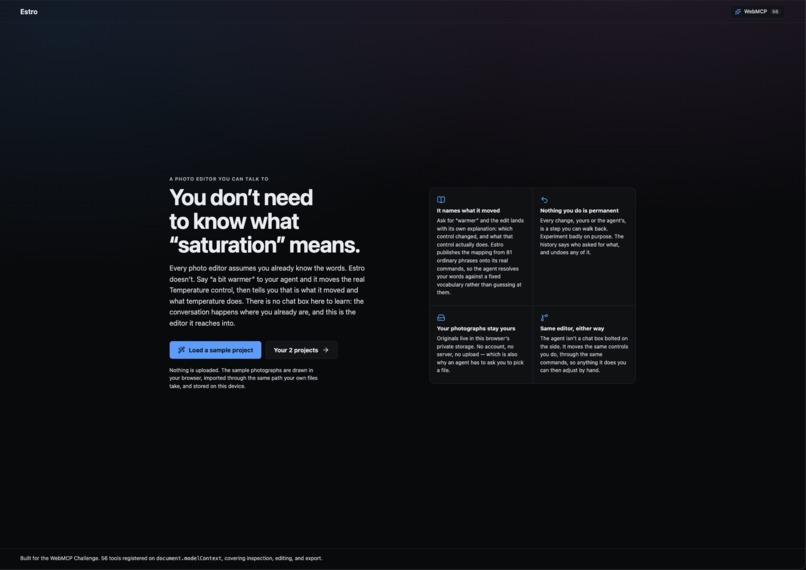
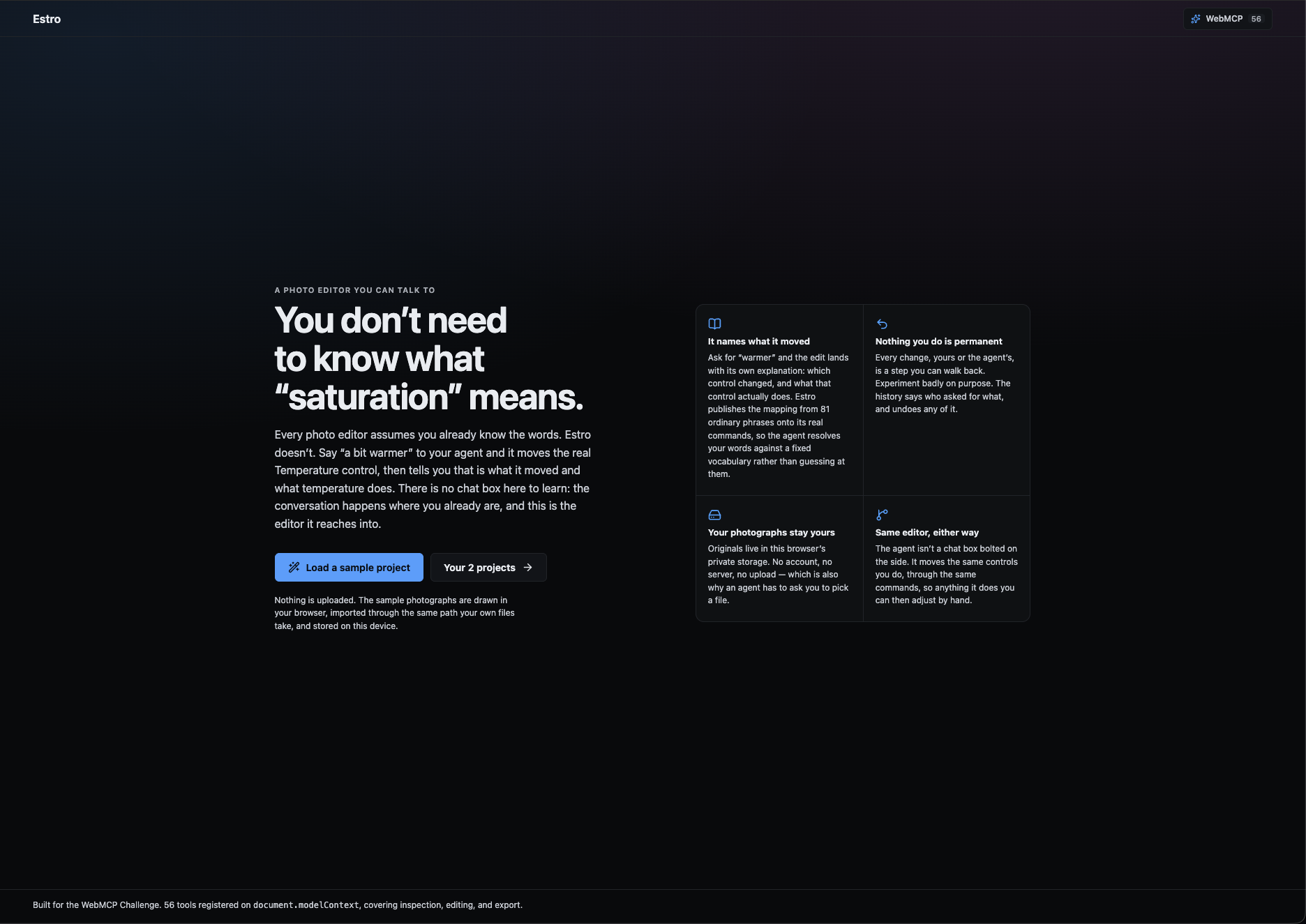
Landing Page
-
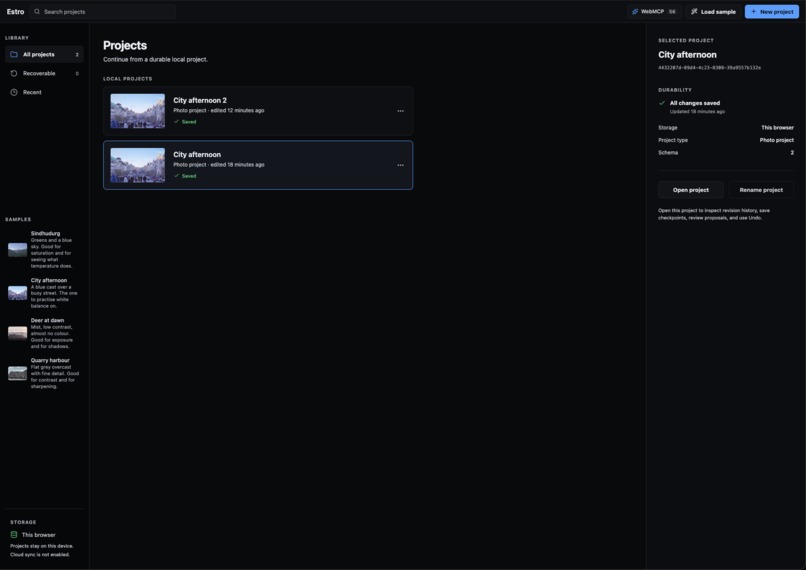
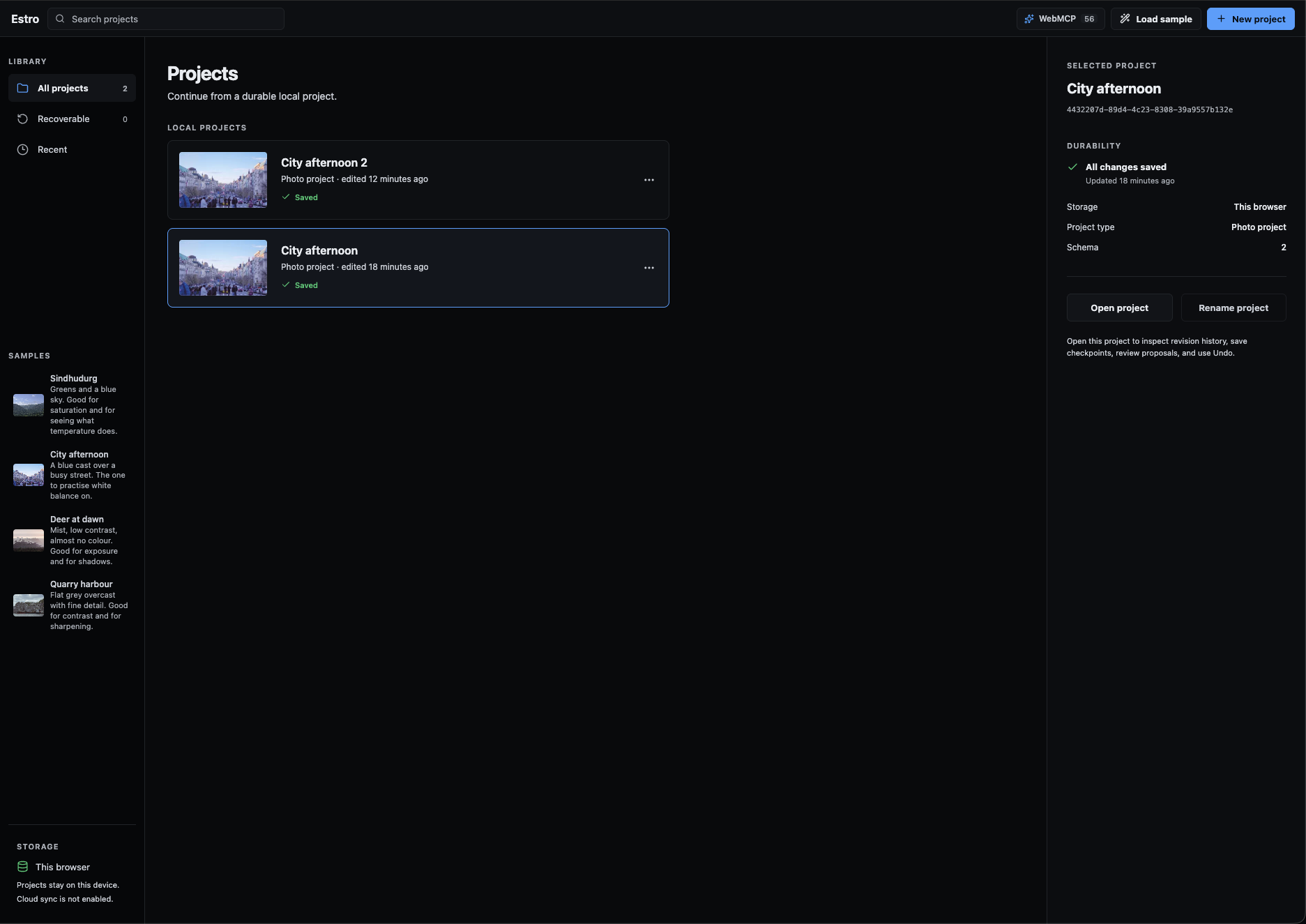
Projects Page
-
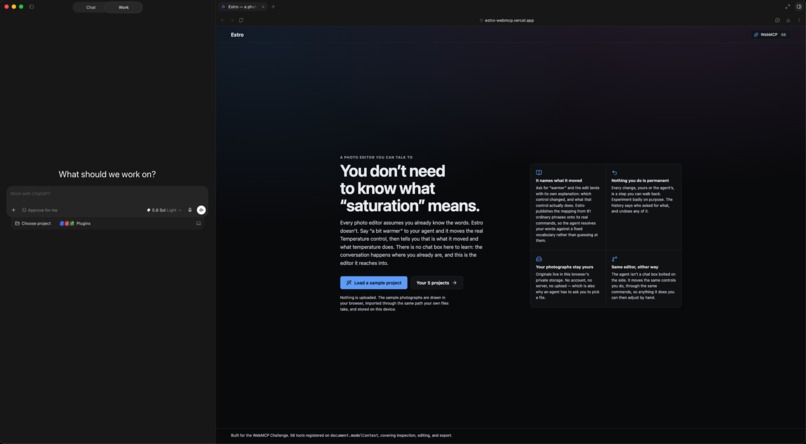
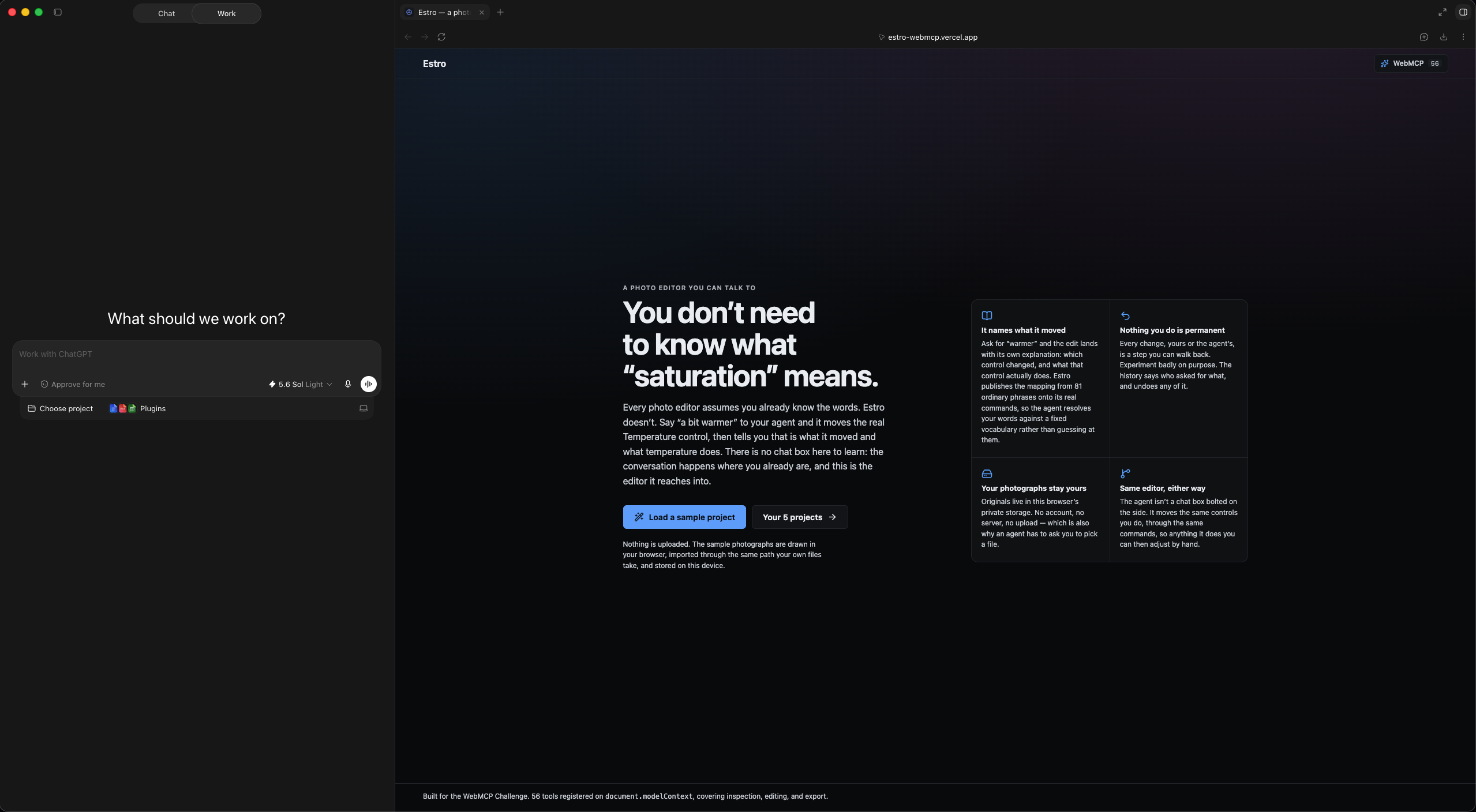
ChatGPT Browser Window with Estro
-
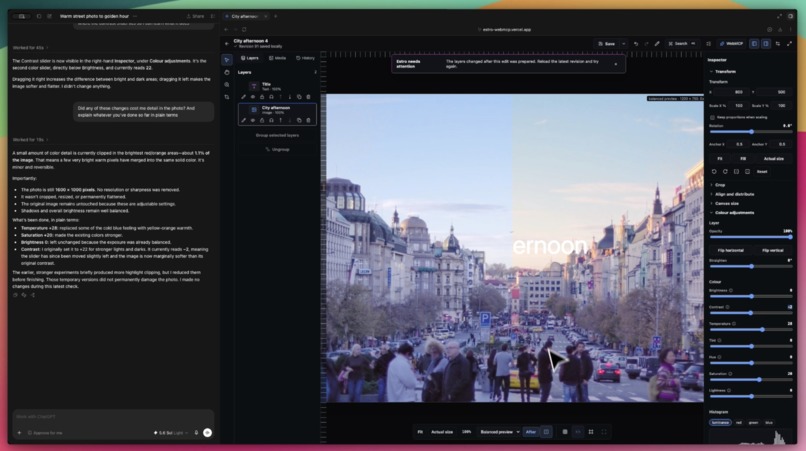
Before vs After
-
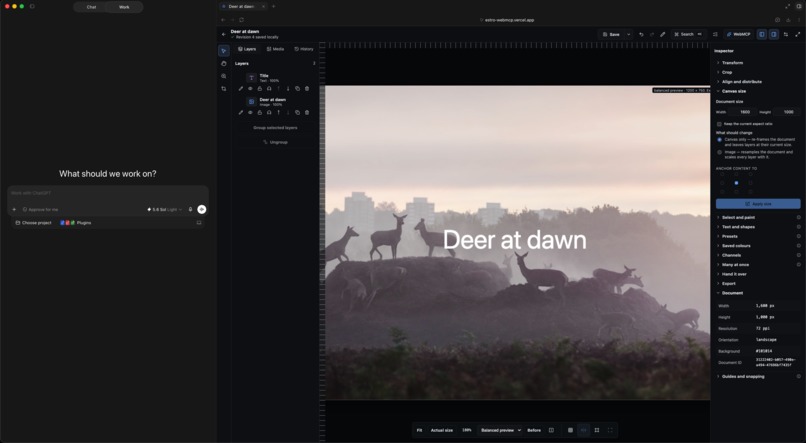
Project Open within Estro
Inspiration
Everyone has a friend who takes the same photo on the same phone and it comes out like a poster. When you finally ask how, they send you a recipe: exposure +0.95, tint -18, an S-curve, blacks +52. You understood the word "photo."
Every editor puts Saturation, Temperature and Tint in front of you and assumes you already know what they mean. Most people don't, so they never touch them, and the picture stays as it came off the phone. That's the gap Estro is for. The sliders were never the problem. The words were.
WebMCP fits this problem unusually well because the thing a beginner needs isn't a smarter filter, it's someone beside them who can move the control, say the word out loud, and explain it in one sentence. An agent driving the real editor through the same commands a person uses can do exactly that, and the person keeps the Undo button.
What it does
Estro is a photo editor that runs entirely in the browser and registers 56 tools with document.modelContext. Open it in ChatGPT's browser or Chrome with WebMCP enabled, and the agent next to the page can use the editor the way you would.
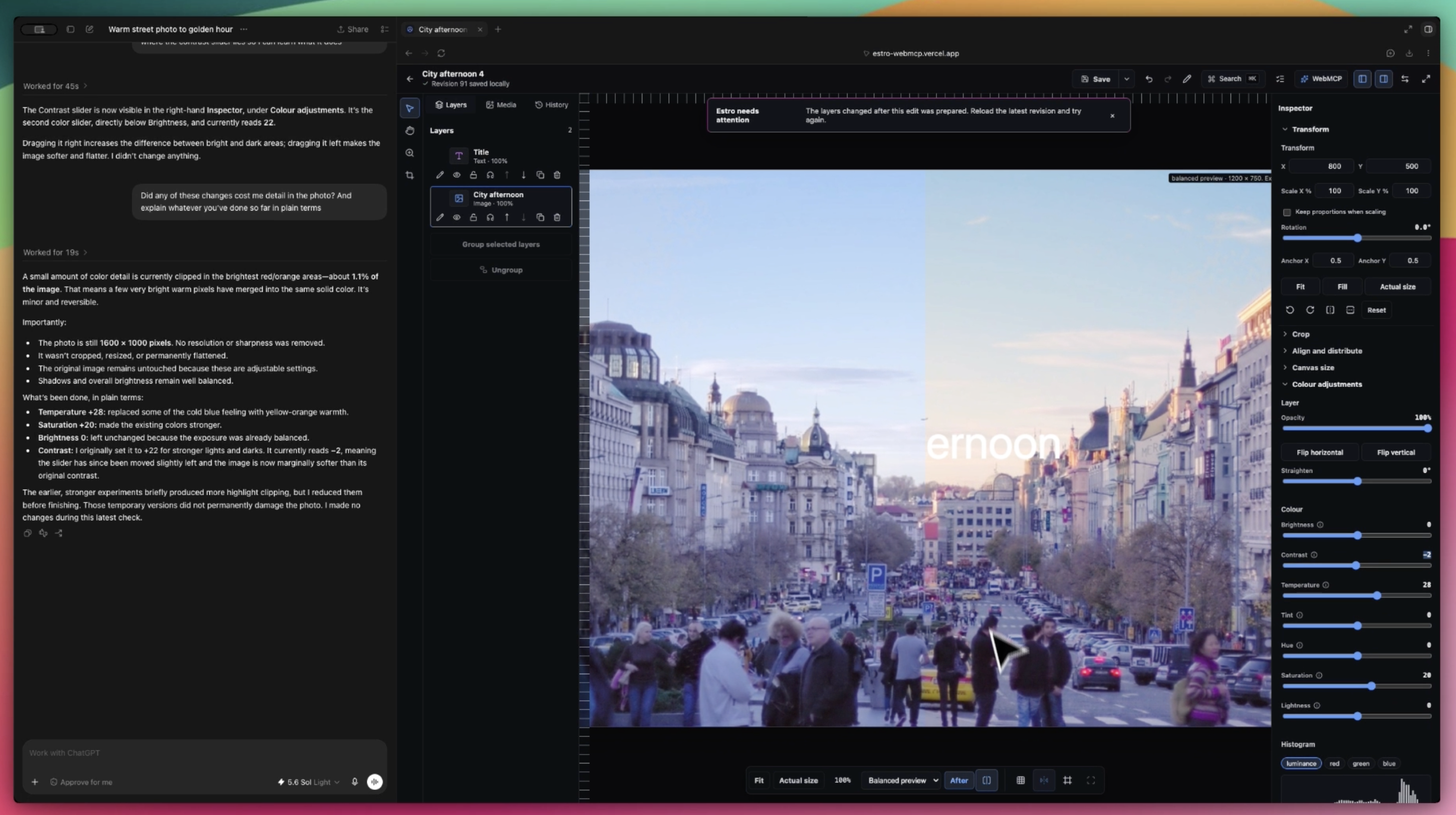
Hand it your friend's recipe and it works through the steps. Every edit lands as a card in the interface naming the control, the value, a plain-language explanation of what that word means, and an Undo button for that one step. Mine and the agent's edits sit in one History, so I can undo its saturation without undoing my crop, and it can see what I did.
Where Estro doesn't have a control the recipe names, the agent has nowhere to hide it. There is no Dehaze tool, so it has to say so and tell you what it used instead. Ask it where the contrast slider is and it points at the real control without touching it, so you can drag it yourself. Ask for a before-and-after and it puts the canvas in split view. Ask it to match your other three photos from that evening to this one and each project gets its own Undo, because each keeps its own history.
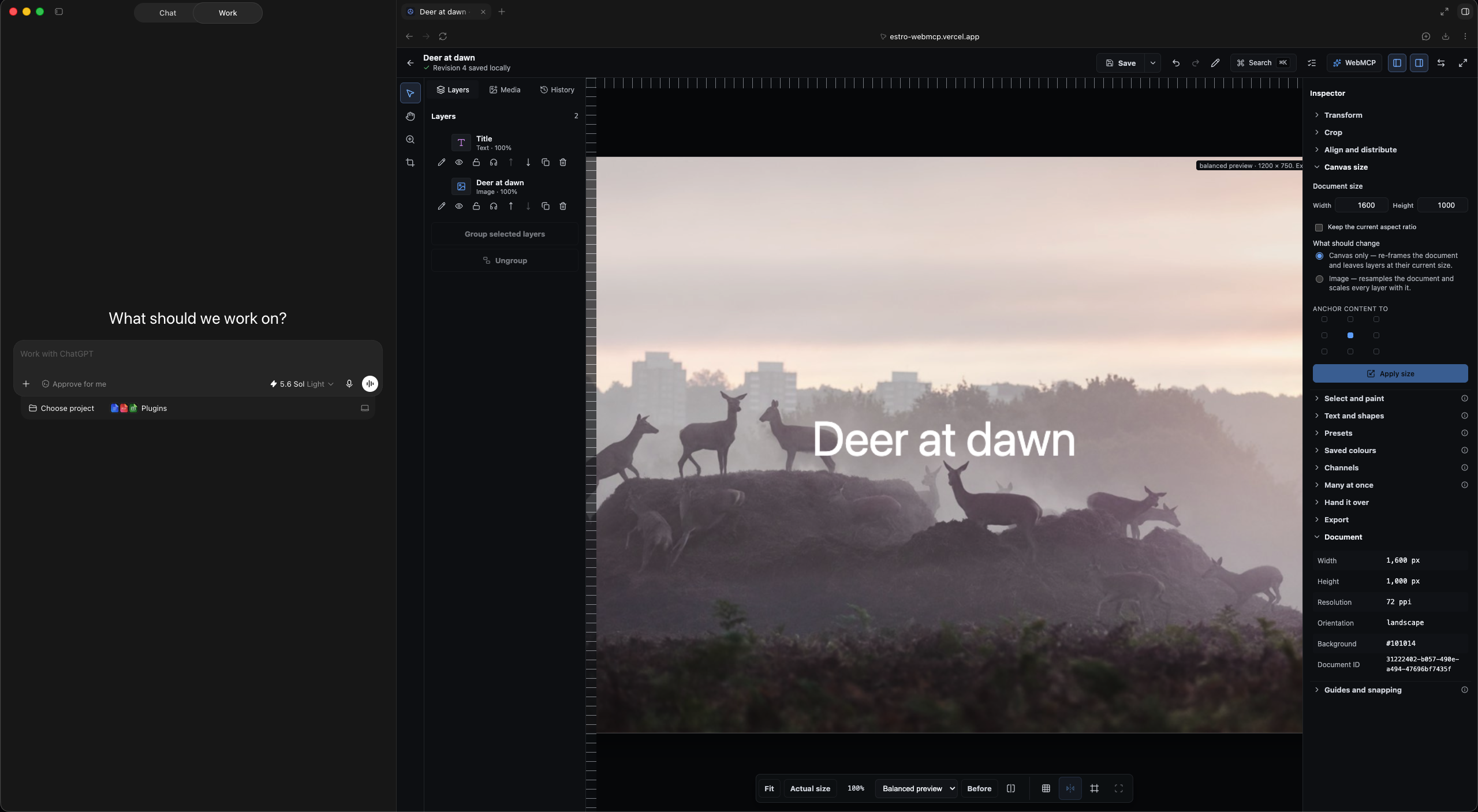
Underneath, it's a real non-destructive editor: layers, groups, crop, transform, masks, curves, levels, colour balance, selective colour, vibrance, sharpen, blur, grain, lens correction, presets, batch export, and a live per-channel histogram that names which channel is clipping. Nothing is uploaded. There is no server and no account.
How we built it
React, TypeScript and Vite on the front. Dexie over IndexedDB for project history, the origin private file system for original photos, a dedicated worker for thumbnails, resampling, histograms and hashing, and Canvas compositing on the main thread with a 256 MB LRU cache for derived previews. Zod validates every command at the boundary.
WebMCP was treated as an architectural layer, not a feature. The interface and the tools call the same validated domain commands, the same history, and the same transaction path, so a dragged slider and an agent's apply_color_adjustment produce identical history entries. Tools register at module load, before first paint, via document.modelContext.registerTool().
Every result is a JSON envelope carrying ok, the previous and resulting revision IDs, a transactionId, an undoToken, affectedIds, warnings, and a plain-language summary. Colour and layer commands also return an explanation of the term in ordinary words, so an agent can pass it straight back to someone who didn't know it. Every mutation accepts an optional expectedRevisionId and is refused with HISTORY_CONFLICT if the project moved on, checked immediately before the commit. Read-only tools carry readOnlyHint, destructive ones destructiveHint, and anything that can return user-authored text carries untrustedContentHint. Errors carry a code, a fieldPath, a recoverySuggestion, and whether the project was preserved.
The agent side is never invisible. Every tool call surfaces a card in the Activity Center, every committed revision carries its Undo, and History distinguishes the person's edits from the agent's.
Challenges we ran into
An agent cannot open a file. Browsers grant file access only from a user gesture. Rather than fake it, the tool focuses the Import control, reports whether an editor was open to receive that focus, and says why. A manage_project operation draws a three-frame sample scene and imports it through the same path a real file takes, so an agent arriving at an empty browser still has something to edit.
Import had to be atomic across two stores. A project revision in IndexedDB and original bytes in OPFS can't share a transaction. A persisted intent record moves through prepared, committed, and deleted, and startup recovery finishes or undoes whatever a crash left, so History can never point at a file that isn't there.
Adjustments bled. Brightening a rotated cut-out was brightening the background behind it, because the adjustment read a padded rectangle off the shared canvas. Each adjusted layer now renders alone on an isolated surface and is composited afterwards.
WebMCP can't be tested in jsdom. 940 unit tests cover the domain, commands and persistence, but tool discovery only exists in a real WebMCP-capable browser over HTTPS, so every registration check was manual.
Cutting video. Estro started as a photo and video editor. Ten days in, the video half doubled the surface and carried the least-verified code. It was removed, not hidden: roughly 12,500 lines, 14 tools, five panels, and one LGPL dependency. One thing done properly beats two things done partly.
Accomplishments that we're proud of
The person never loses control. Every agent action is a real, named, individually undoable edit in the same History as their own, and the explanation of the word travels with it.
The honesty holds under pressure. Out-of-range values are clamped and the clamp is reported. Unavailable formats are disabled with a reason. A stale revision is refused rather than silently overwritten. There's no path by which the agent can do something to your photo that you can't see and can't reverse.
Fifty-six tools, one command system, zero servers.
What we learned
Describing side effects in the tool description matters more than clever schemas. When a tool said exactly what it would change and what it would return, the model called it correctly first time. When it didn't, the model guessed.
Returning an explanation from the tool, rather than trusting the model to write one, was the right call. The product's whole promise is that the word arrives attached to the effect. That only holds if the explanation comes from the same place the effect did.
And the most useful tool in the set turned out to be one that changes nothing: the one that points at a control and explains it. Teaching isn't editing on someone's behalf. It's showing them where the thing is.
What's next for Estro
Local model support so the explanations can be spoken aloud for people who'd rather listen than read. Voice as an input, for the same reason. Bringing back a narrower video treatment once the photo side has been used by real people for a while. And a proper accessibility pass with screen-reader users, because a photo editor that explains itself in plain words should also work for people who can't see the slider it's explaining.
Built With
- canvas
- css
- dexie
- docker
- indexeddb
- opfs
- react
- react-router
- typescript
- vercel
- vite
- vitest
- web-workers
- webmcp
- zod


Log in or sign up for Devpost to join the conversation.