-
-
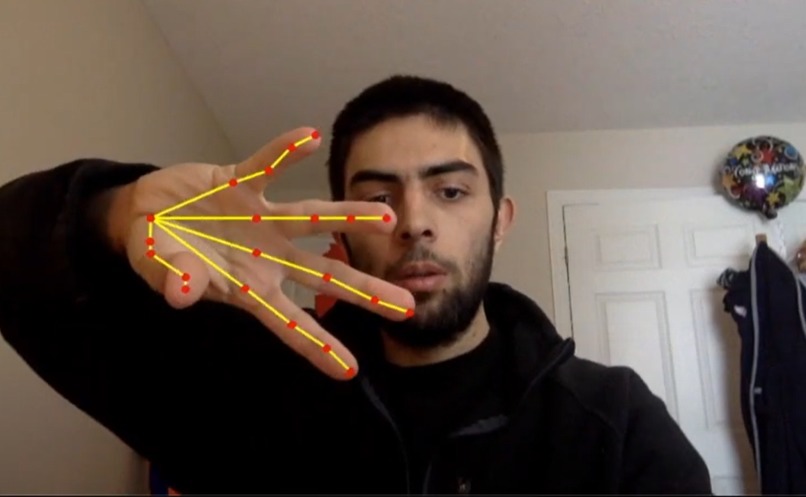
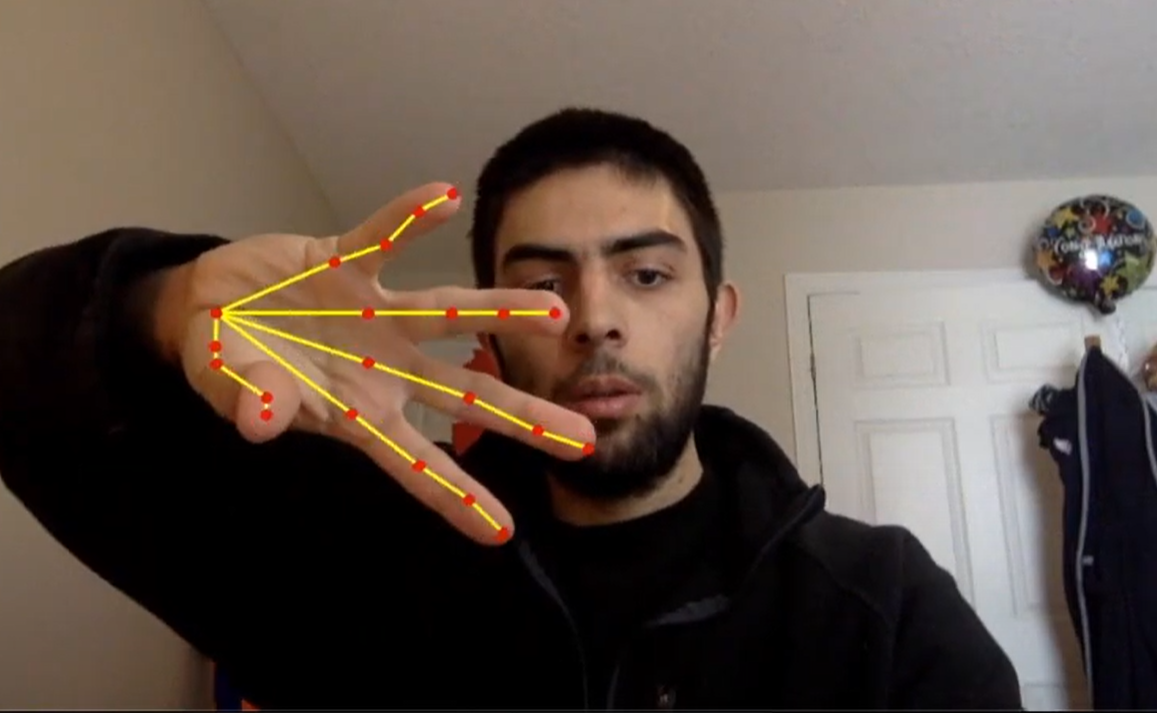
Open Pose hand gesture controls
-
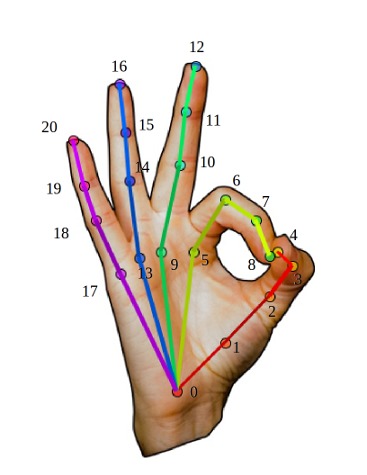
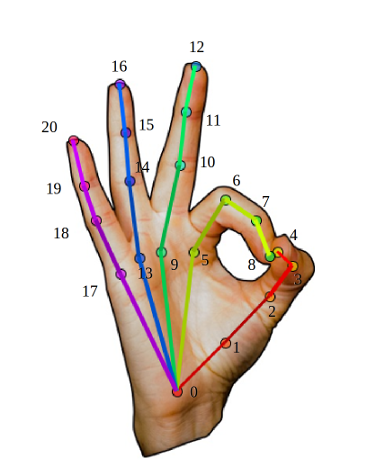
OpenPose Caffe Models for hand detection
-
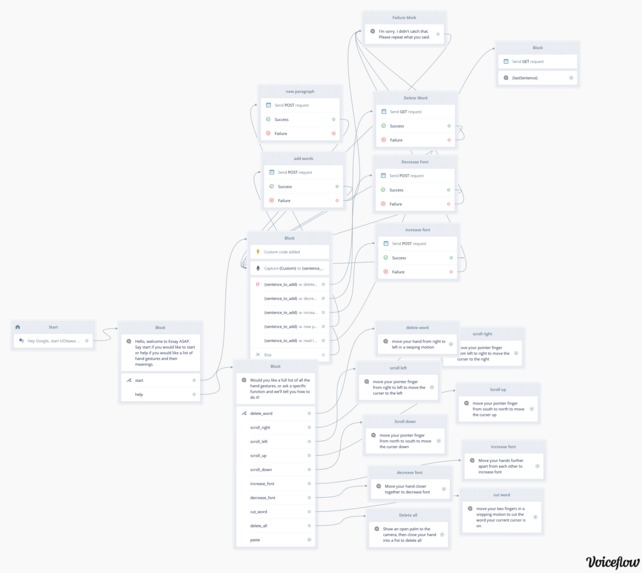
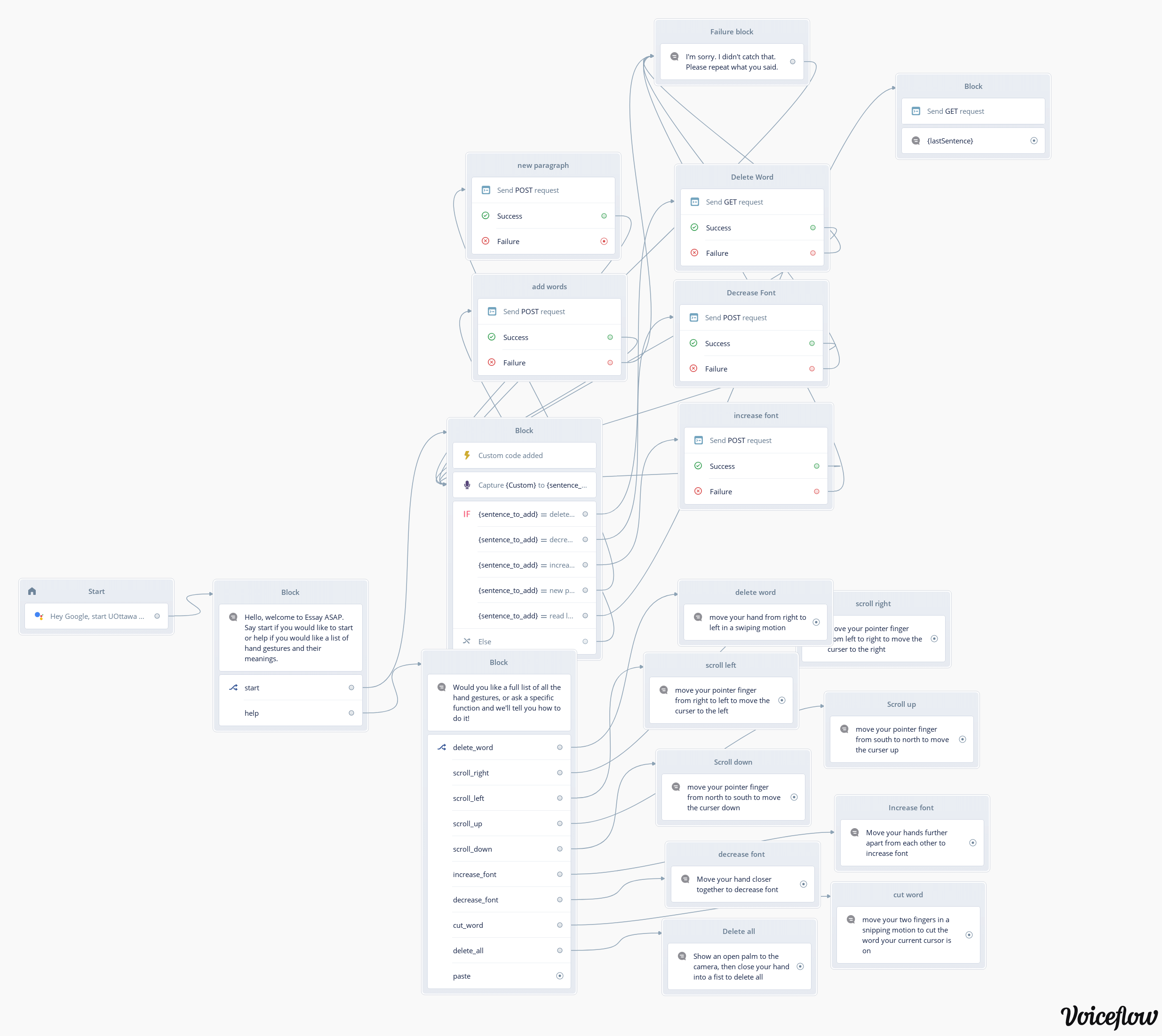
Voiceflow diagram
-
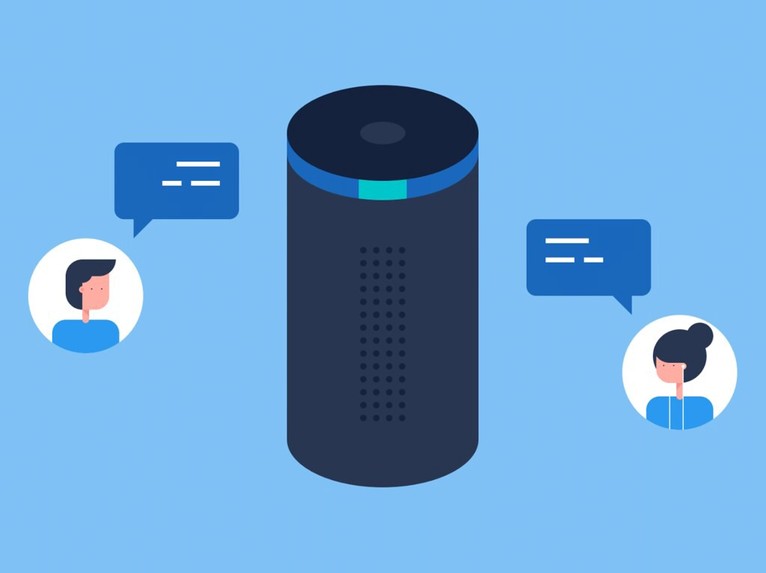
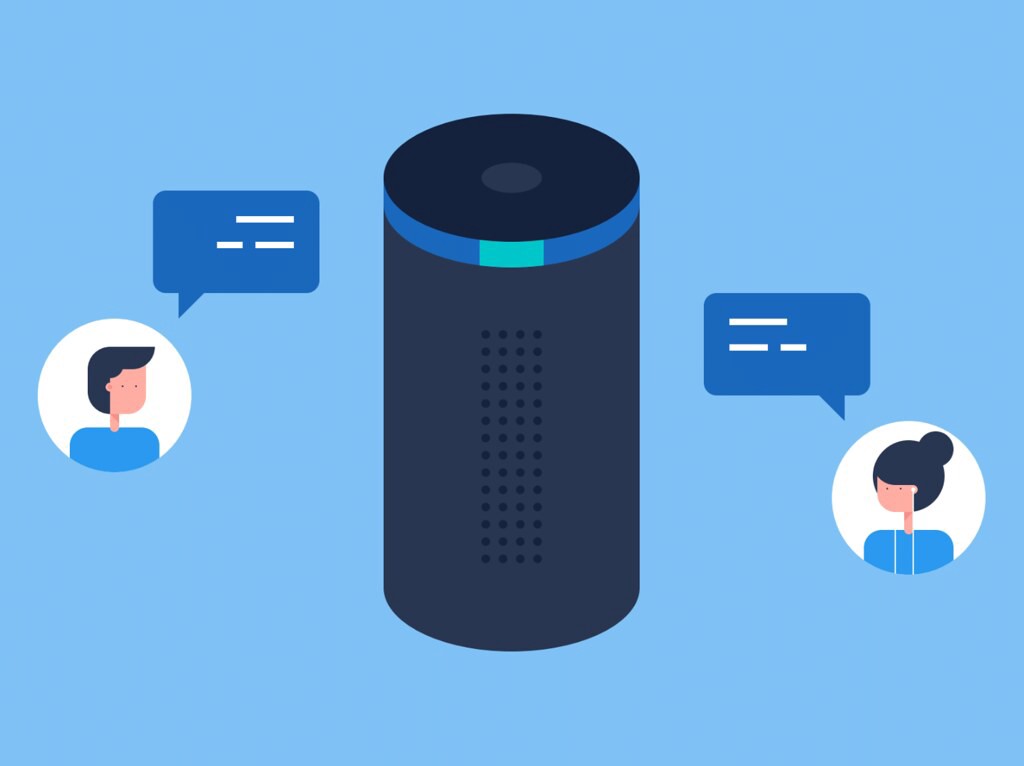
Voiceflow allows Alexa and Google Home to be used with Essay ASAP
Inspiration
We wanted to make a more flexible experience for students who have to write essays and assignments. Not only are 20-page reports tedious, students may also suffer extreme hand cramps from typing for too long, which may increase stress levels. We wanted to provide students a different (and fun) means for writing essays and reports, contrasting from the banality of typing. With Essay ASAP, students can now stand up and walk around while writing an essay, reducing stress, hand cramps, and eye strain.
What it does
Essay ASAP allows students to insert text into a Google Docs through speech and allows them to control certain functionalities without the use of a keyboard or a mouse. For example, users can increase and decrease fonts, and delete words through voice commands or hand gestures. Essay ASAP can also read back sentences or the whole doc, allowing students to be able to write without the need for a screen. Students can now stand up and write, walk and write, and have fun with the hand gesture controls.
How we built it
We used Voiceflow to capture the users' dialogue and used Firebase cloud functions along with Google Docs API to push the sentences into the Google Doc. We used OpenCV and OpenPose Caffe Models for hand detection.
Challenges we ran into
Some challenges we faced were with integrating Open Pose Hand Keypoint detection Machine Learning Caffe model. We also struggled with meeting some performance specifications in the hand pose estimations.
Accomplishments that we're proud of
We learned and innovated a new way to complete a task that has been done the same for the past 150+ years (since the first typewriter in 1868). We learned to think outside the box and solve a problem that many students have while integrating two solutions for a versatile and customizable experience.
What's next for Essay ASAP
We want to increase the amount of functionality for Essay ASAP, including allowing users to be able to insert pictures, switching between tabs to allow them to research, and a more versatile way to navigate through the document.
Built With
- firebase
- google-cloud
- opencv
- openpose
- python
- voiceflow


Log in or sign up for Devpost to join the conversation.