-
-
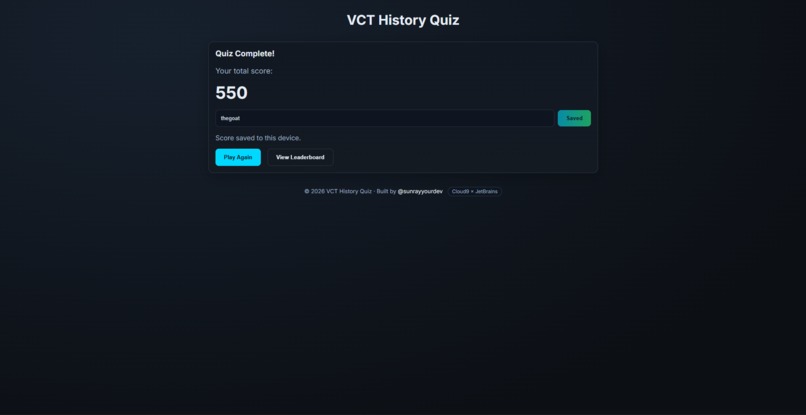
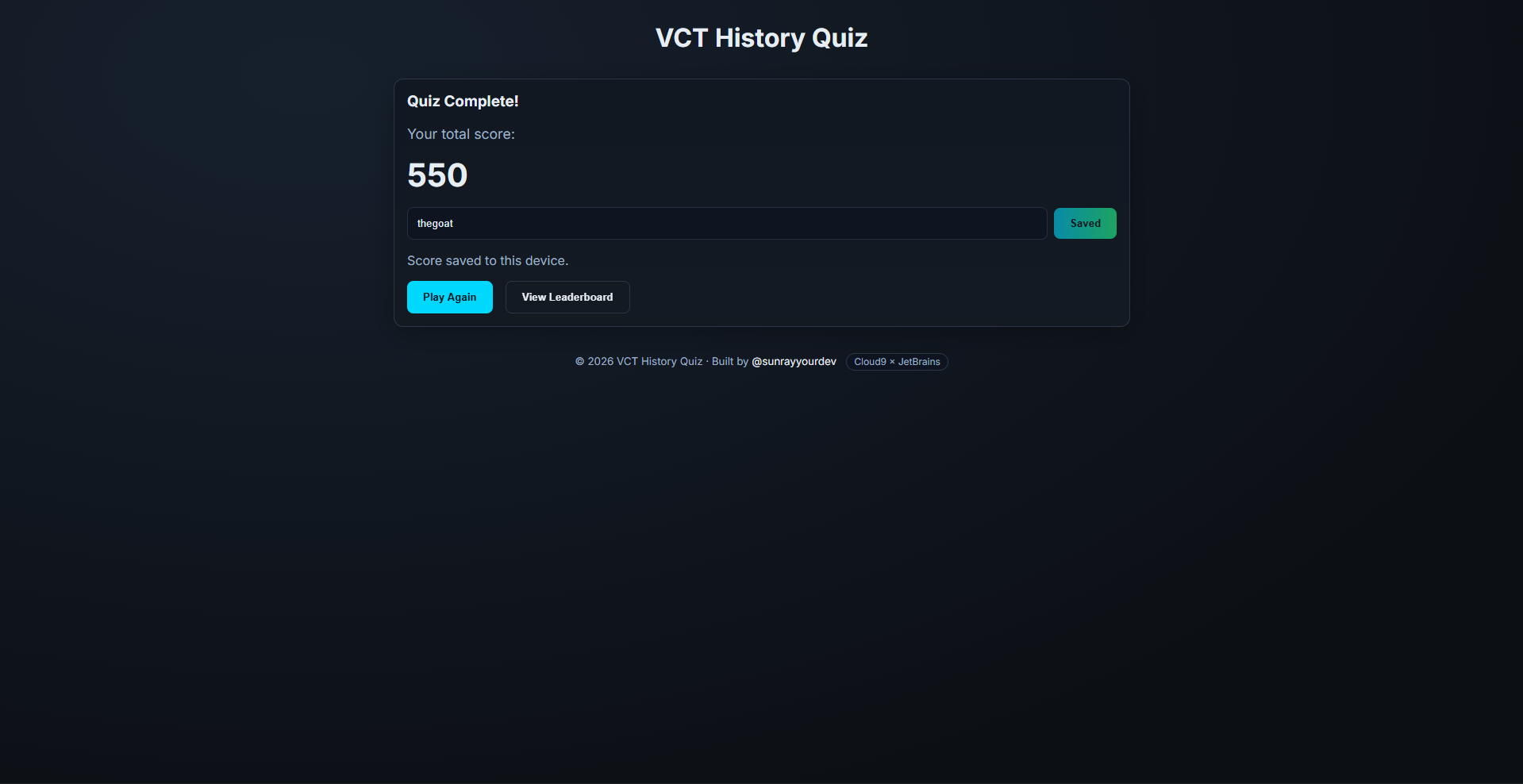
Result Page
-
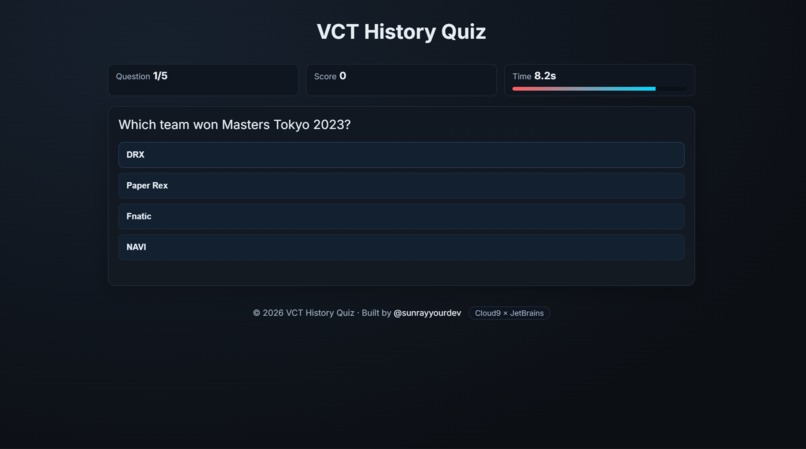
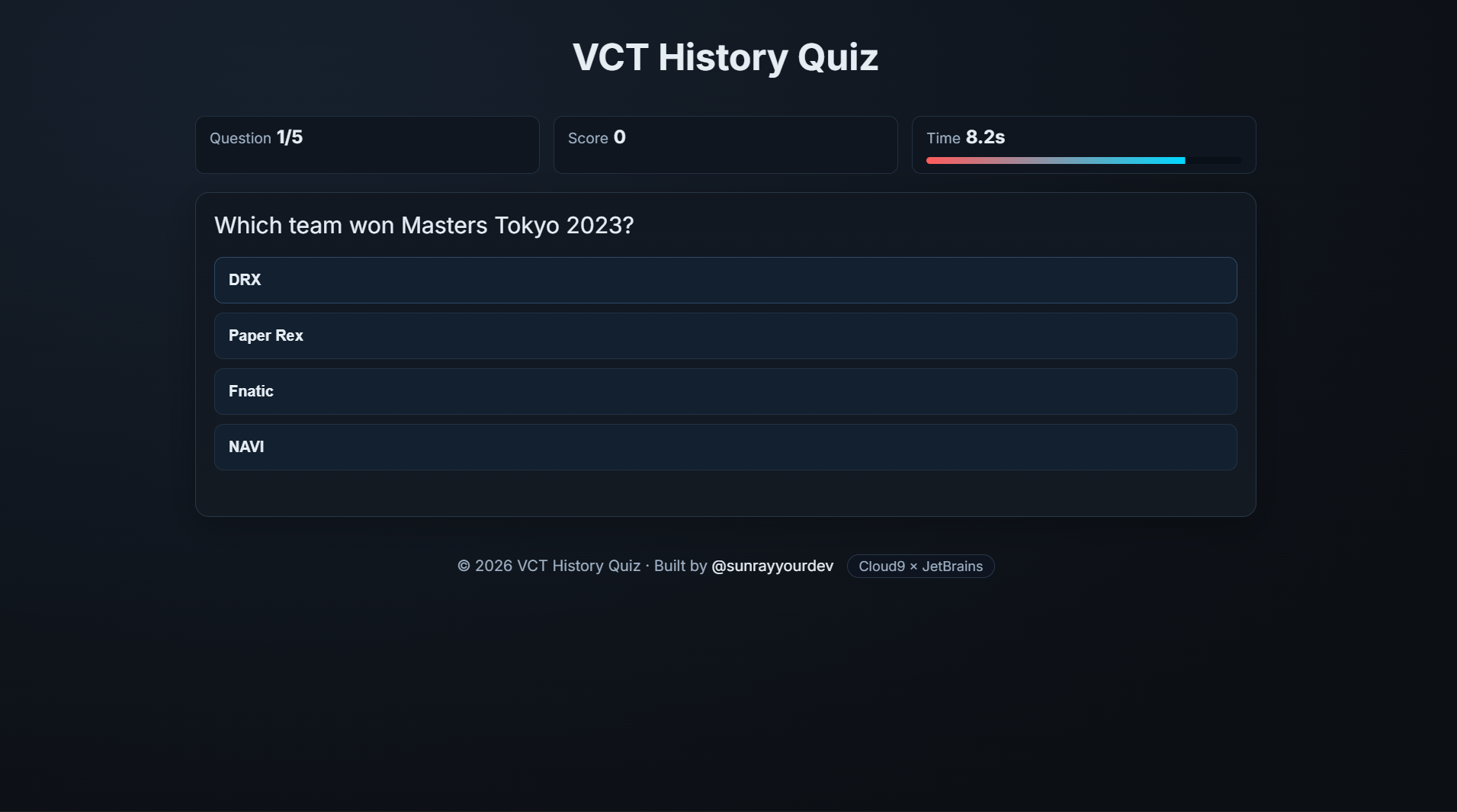
Quiz Page
-
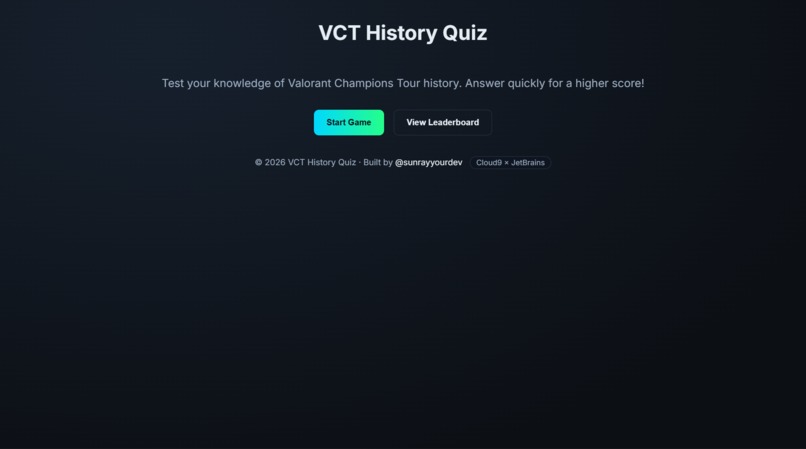
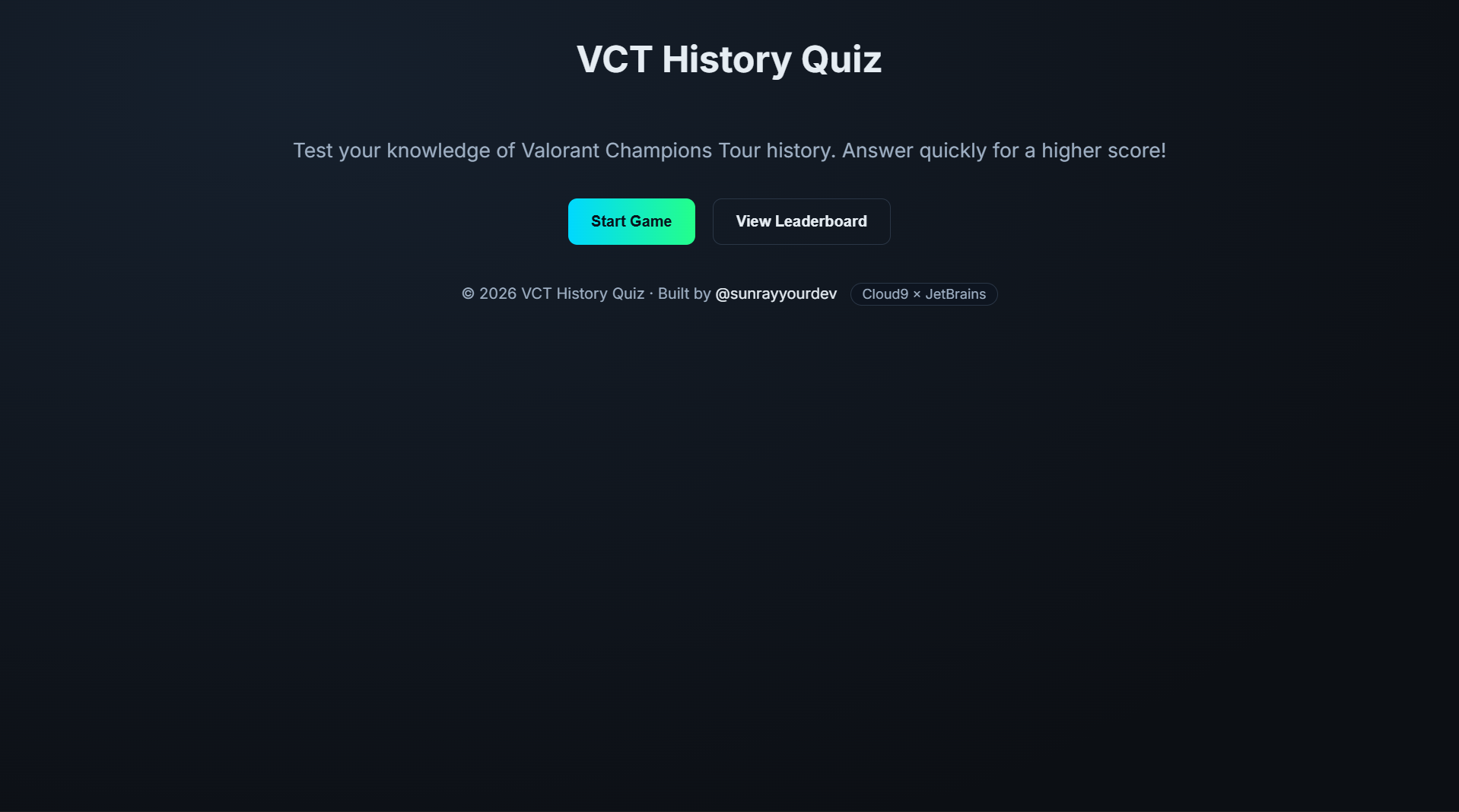
Landing Page
-
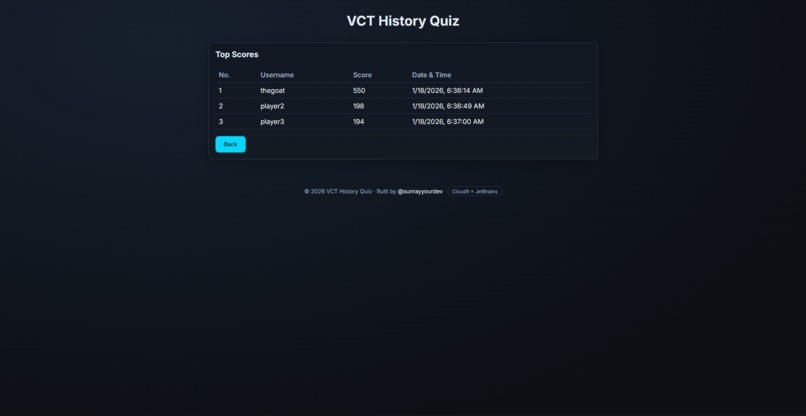
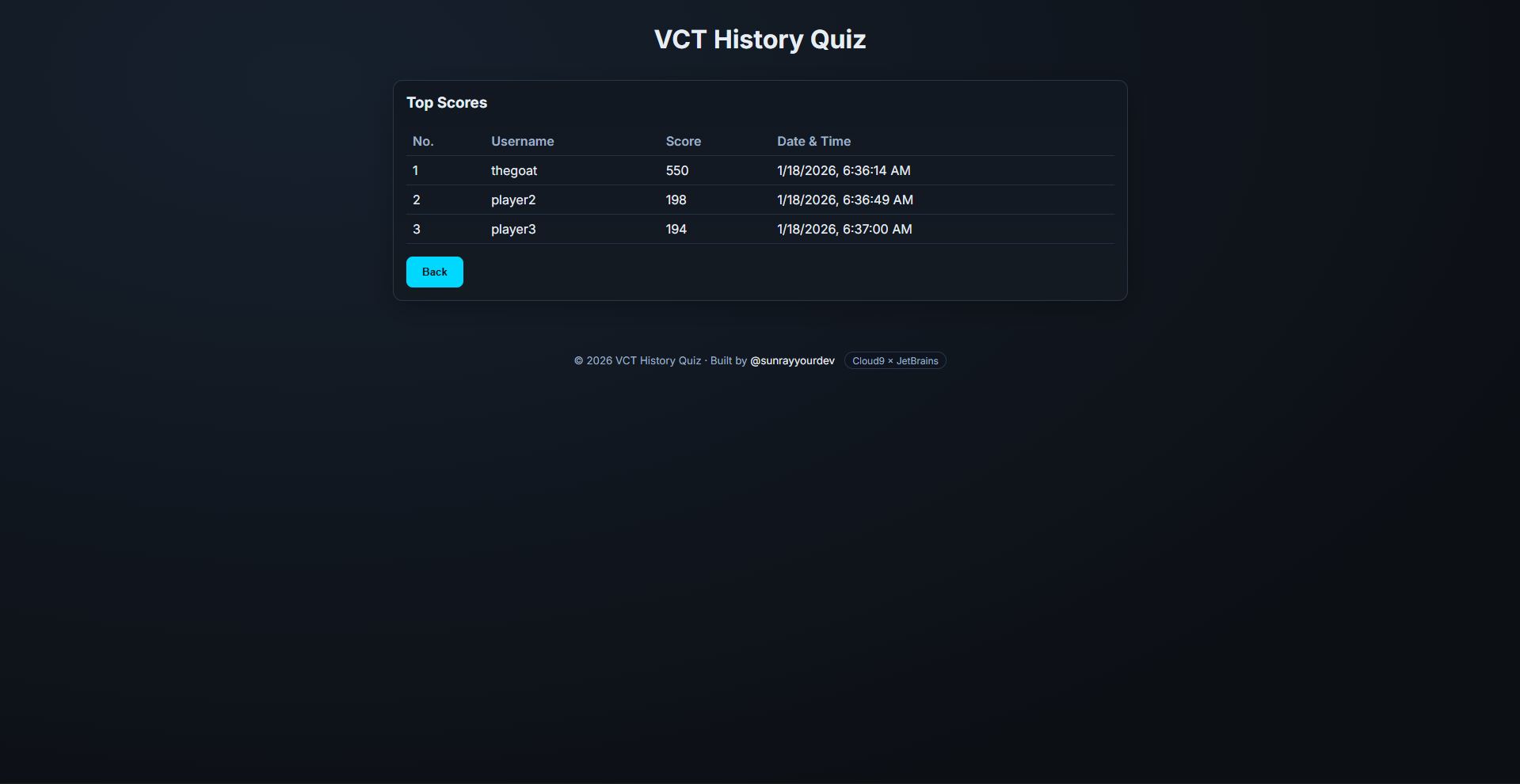
Leaderboard Page
Inspiration
Live esports booths need quick, low-friction interactions that feel competitive and fun. VCT History Quiz turns Valorant lore into a fast, timed challenge that anyone can jump into. Built for the Cloud9 × JetBrains event, the focus is kiosk-friendly play, instant feedback, and a simple leaderboard that spectators can follow.
What it does
- Timed VCT trivia rounds; faster correct answers earn more points.
- Shuffled choice ordering per question to prevent guess bias.
- Local leaderboard stored in the browser, trimmed and ranked.
- Cross‑tab live updates: a leaderboard tab refreshes instantly when another tab saves a score.
- Kiosk‑ready UX: one save per quiz attempt, clear results, quick replay.
How we built it
- Vanilla HTML/CSS/JS for speed and portability.
- Questions in JSON; scoring tuned per difficulty and time remaining.
- LocalStorage for persistence; tie-breaking via an insertion sequence counter.
- BroadcastChannel + storage events for live cross‑tab refreshes.
- Accessibility: semantic markup, ARIA live regions, keyboard shortcuts (1–4).
- CI to GitHub Pages (excluding tests) for simple deploys.
Challenges we ran into
- Preventing duplicate saves without hurting UX; solved with
attemptIdidempotency and disabling the save button post‑submission. - Shuffling choices while keeping
answerIndexvalid; solved by shuffling indices and mapping clicks back to the original index. - Ensuring the background gradient looks continuous on tall pages.
- Keeping the leaderboard always current without a manual refresh.
Accomplishments we’re proud of
- Stable choice shuffling that preserves correctness.
- Instant cross‑tab leaderboard refresh with no backend.
- Clean, kiosk‑friendly flow: save once, replay fast, minimal friction.
- Lightweight codebase that’s easy to run anywhere and brand for events.
What we learned
- Local‑first architecture is fast and reliable for single‑device booths.
BroadcastChanneland storage events provide robust live updates across tabs.- Small UX touches (disable/re‑enable, clear empty states) matter in fast demos.
- Simple CI keeps deployments consistent and stress‑free during events.
What’s next
- Optional cloud sync (e.g., Supabase) for multi‑day persistence and remote viewing.
- Minimal admin overlay: export/import scores, clear leaderboard, tweak timer and question count.
- Multi‑screen mode: dedicated display tab for the leaderboard with auto‑refresh.
- Content tooling: question CRUD, categories, difficulty mixes, and richer question types.

Log in or sign up for Devpost to join the conversation.