
Inspiration
As High School Students, we have all seen firsthand the difficulties ESL Students, or students learning English as a second language, had to go through. Usually, in a typical school setting though, ESL students had many peers or adults to help them through these difficulties, yet, due to COVID-19, they do not have access to any in-person help at all. Our team realized how difficult it must be for teachers to communicate with their students and how difficult it must be for ESL Students to understand what they are learning. That is why we came up with Enline, a simple-to-use online cloud platform that allows teachers to record videos and fully translate them into their students' preferred languages. This unique website will optimize learning for ESL students and allow them to learn English comfortably, even amid a pandemic.
What it does
We developed a unique cloud platform hosted on our web-app. The user submits a video or audio file in the form of a .flac file and that file is then uploaded to our server. The file is read, put in a google bucket, and then transcribed using the cloud translation Google API. The translated video is then returned to the user in a text format.
How we built it
Design: Figma, Canva. We prototyped our website using Figma. We created our logo and presentation using Canva
Front End - We used HTML, CSS, and JavaScript to create the interface. Our website prompts the user to input an audio file to convert into a transcription (at the moment only accepting .flac) as well as their primary language/what language they want it to convert to. After pressing the transcribe button, a link appears on the textbox underneath, and when they click it, they will go to another page with the transcription.
Back End - We used Python as the sole language and also implemented 2 Google Cloud APIs: Speech-to-Text and Translate. The code takes an audio file and makes a transcript out of that. The transcript, in the form of a string, is then translated into the language of the user’s choice and a link with that translation is sent to the website, where the user can access it.
Virtual Machine (VM) - To make the entire project accessible, we decided to use a virtual machine (the Google Cloud Computing Machine). However, we were not able to upload all of our code in time, but we have parts of our front end on there already.
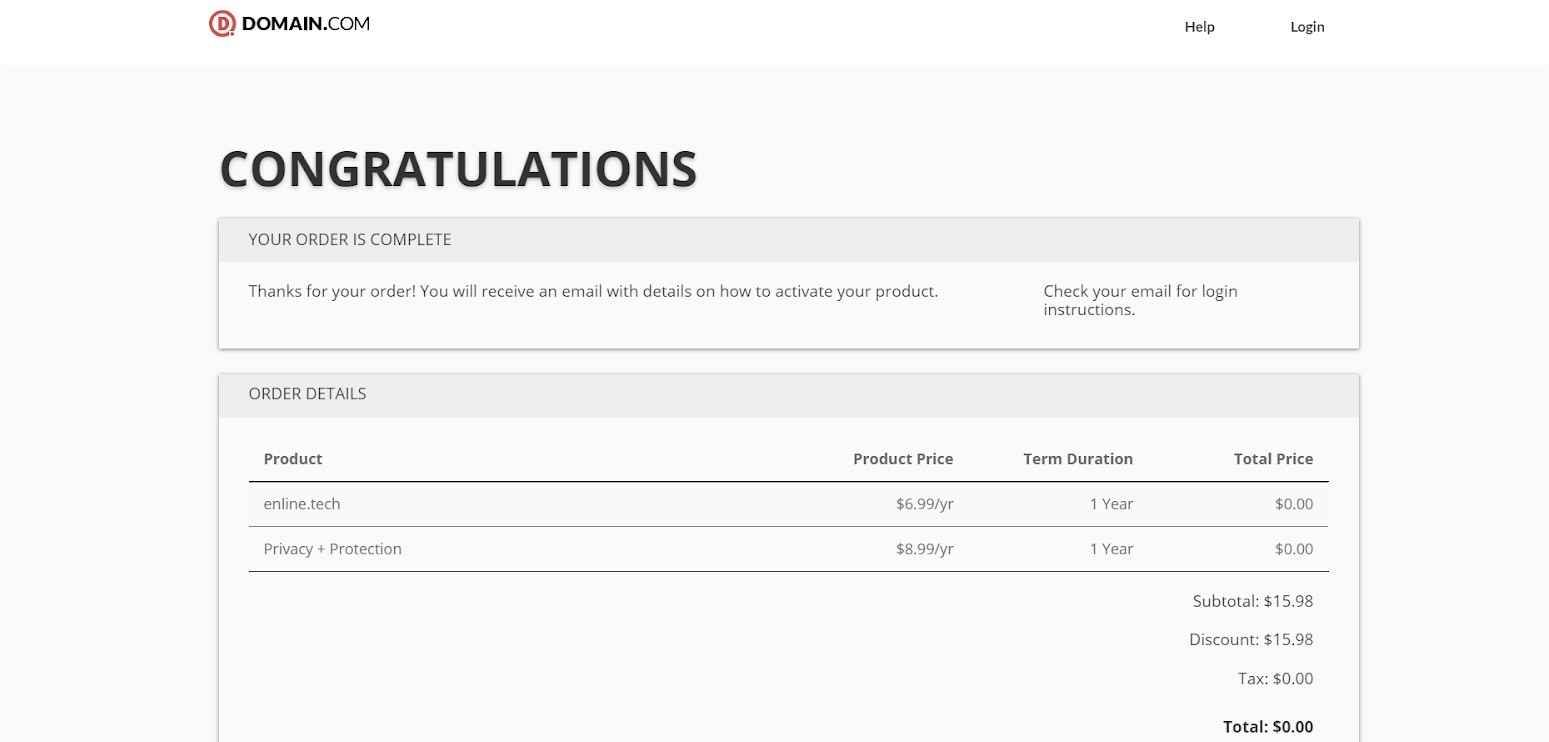
Domain - We used domain.com for as our domain (enline.tech). We were not able to connect our VM to the domain in time, but we did set up the domain.
Challenges we ran into
We had a difficult time setting up the virtual machine: We had never set up a virtual machine prior to this hackathon, so this entire experience was completely new and very challenging. One major problem we were having was that the VM would not connect to our correct directory (it was staying at the default directory). After spending some time researching and reaching out for help from the mentors, we were finally able to create a functioning VM. However, we did not have much time to upload all of our code, so our VM only contains parts of our front end code.
Google Cloud API: We had a bit of difficulty writing the code to implement the APIs, as well as actually making sense of the code once it was implemented. Another issue we had was making the audio files usable by the code, as they had to be in a specific location with specific settings.
Connecting the front end to the back end: We were completely lost when it came to connecting the front end to the back end (we did not know where to start). We all have minimal experience in coding, and even though we found resources online that had some sort of explanation, we were having a hard time understanding exactly what they were saying. We reached out for help from a mentor, and they explained to us how we could use Flask and APIs to connect our python code to our front end! We were able to make our python code into an API, and we were able to achieve the result we wanted. However, we ran out of time and were not able to implement this into our VM, we created the demo onto our teammate’s local host.
Dropdown Box/ File upload: We were having a hard time adding a drop down menu and a file upload into our webpage. Therefore, we found resources online, on how to implement a fully functional dropdown menu and a drag and drop file upload
Accomplishments that we're proud of
We are proud that we have a fully functioning product.
We are proud that we created a product that could benefit so many students in our community.
We were extremely excited that we were able to implement the APIs from Google into our product.
We are proud that we were able to make a website that looked very cohesive overall (and we were satisfied with how it looks).
What we learned
We learned how to create a VM.
We learned how to use Flask to connect Python code to an HTML website.
We continued to expand our knowledge on APIs and how to implement them.
We learned different components to add into our HTML pages (like drop down menus and file uploads).
What's next for ESL Learner
Real-time video conference
Expand the number of languages that the audio file can be translated into.
We would like to have the entire project onto our VM so that we can make it more accessible to everyone.
We would like to make a feature where the student is able to get that transcript emailed to their email address so they can keep it for reference for a longer period of time.
Built With
- cloud-computing-engine-by-google
- cloud-speech-to-text-api
- cloud-translation-google-api
- css
- domain.com
- html
- javascript
- python
- virtual-machine


Log in or sign up for Devpost to join the conversation.